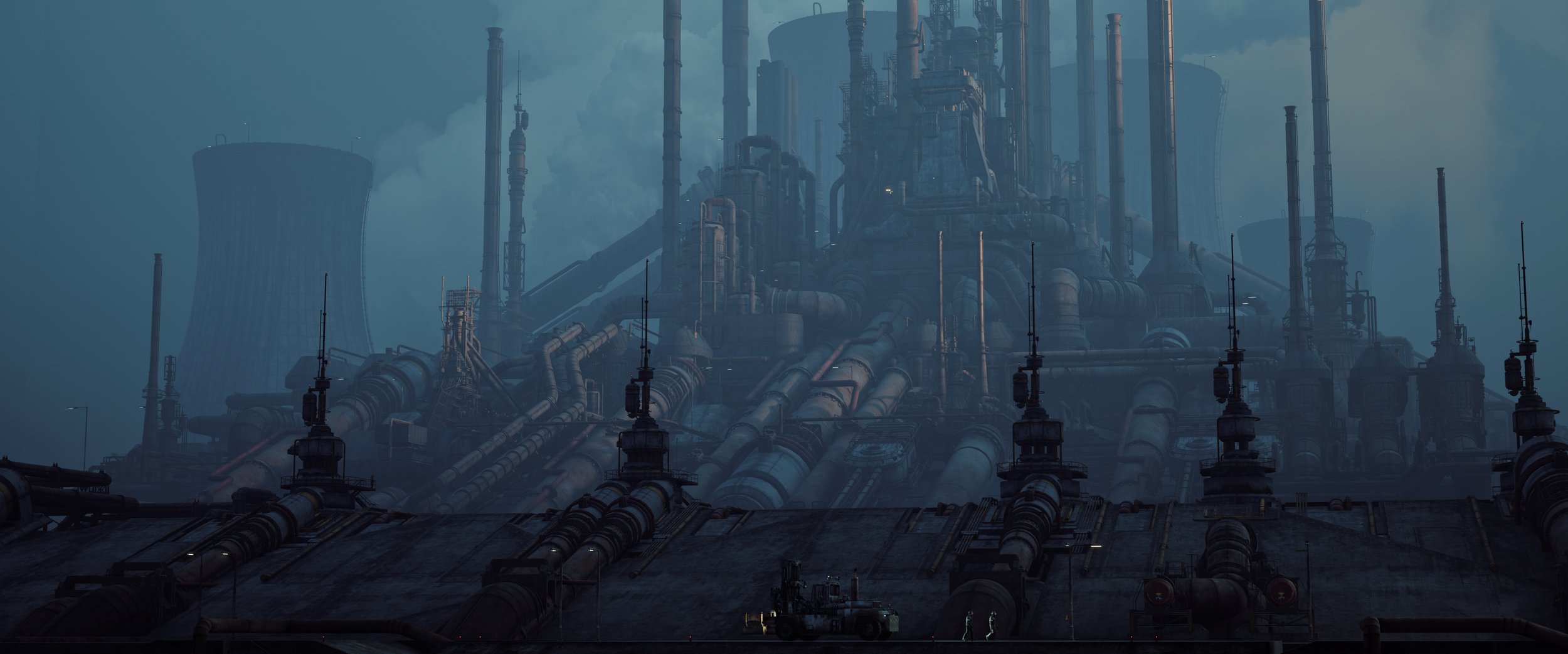
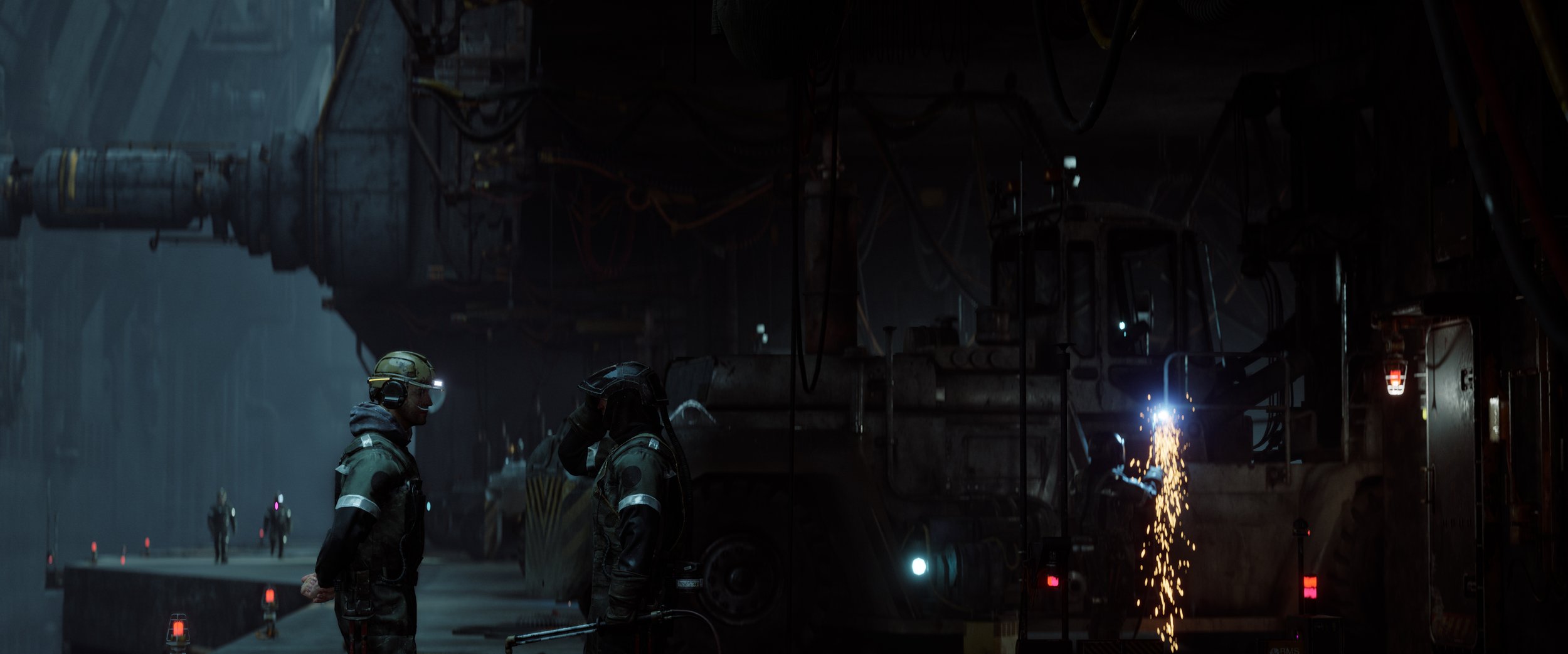
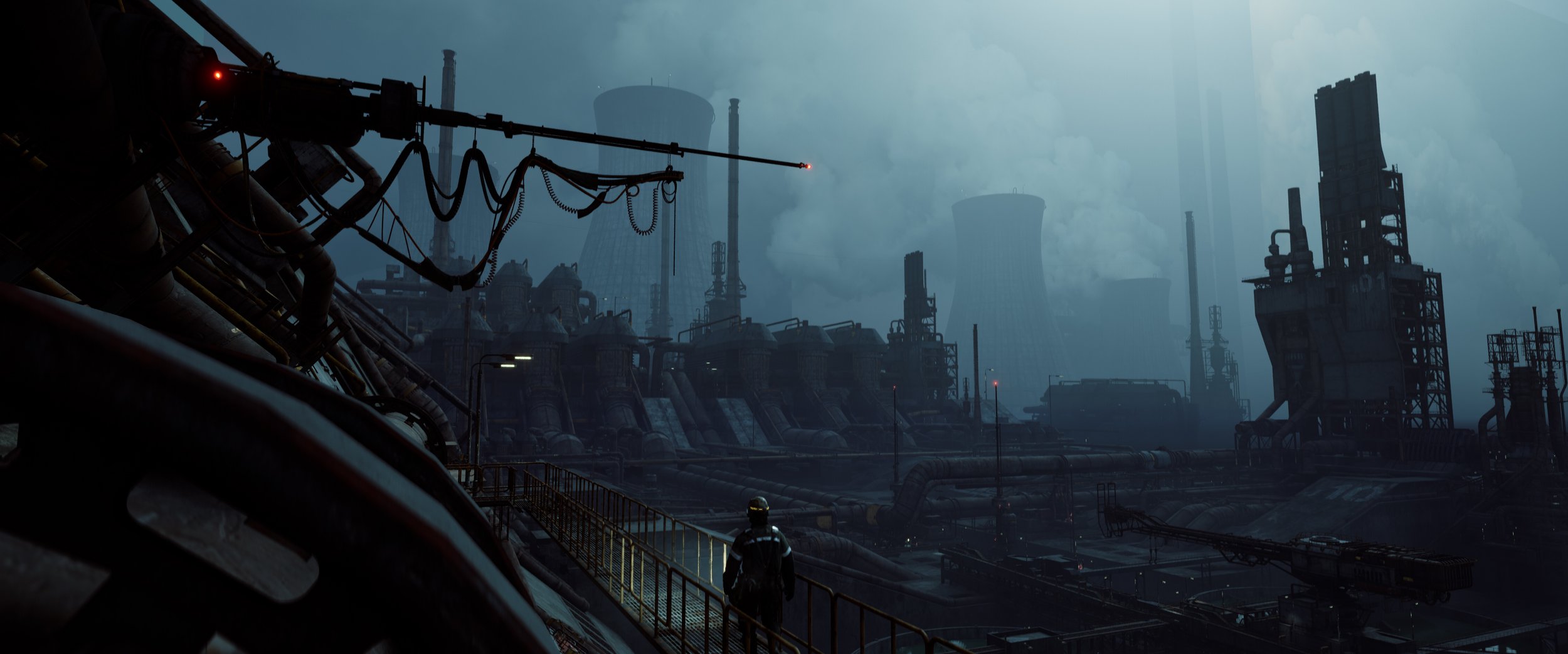
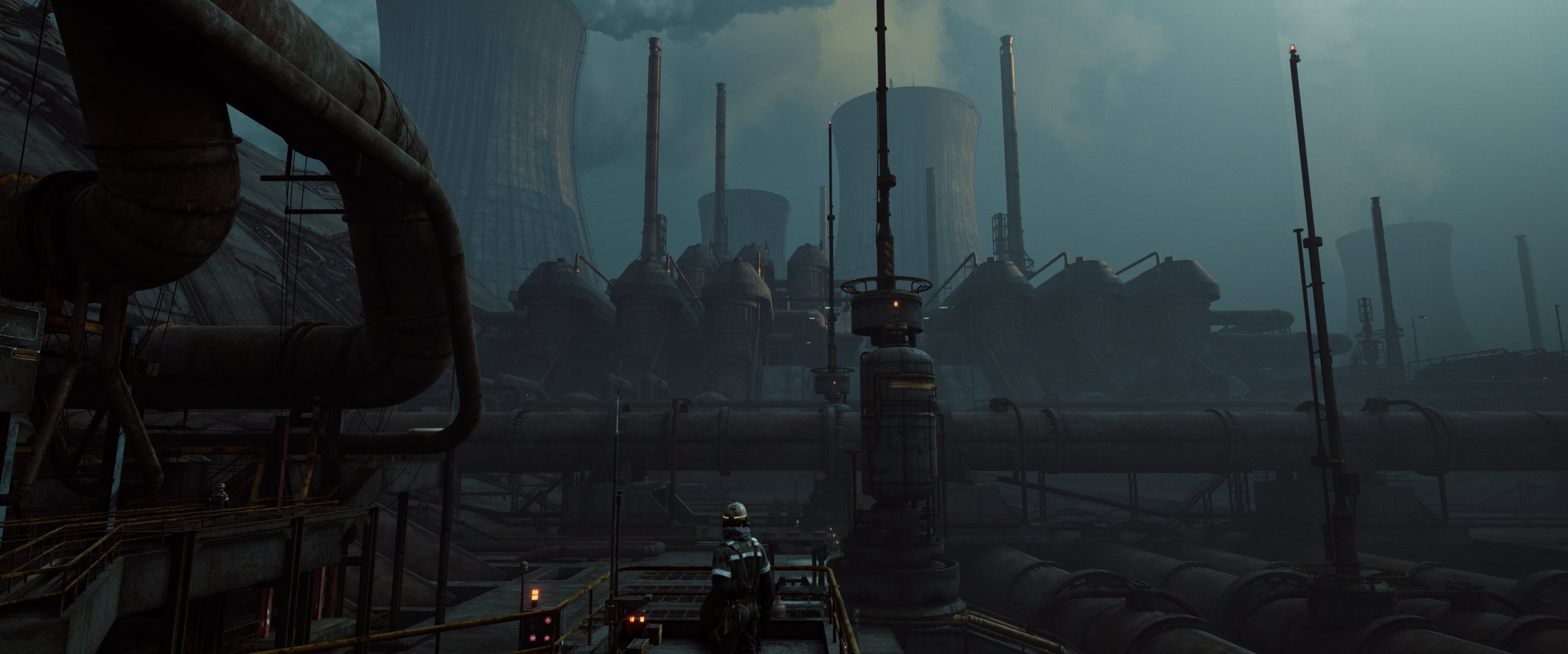
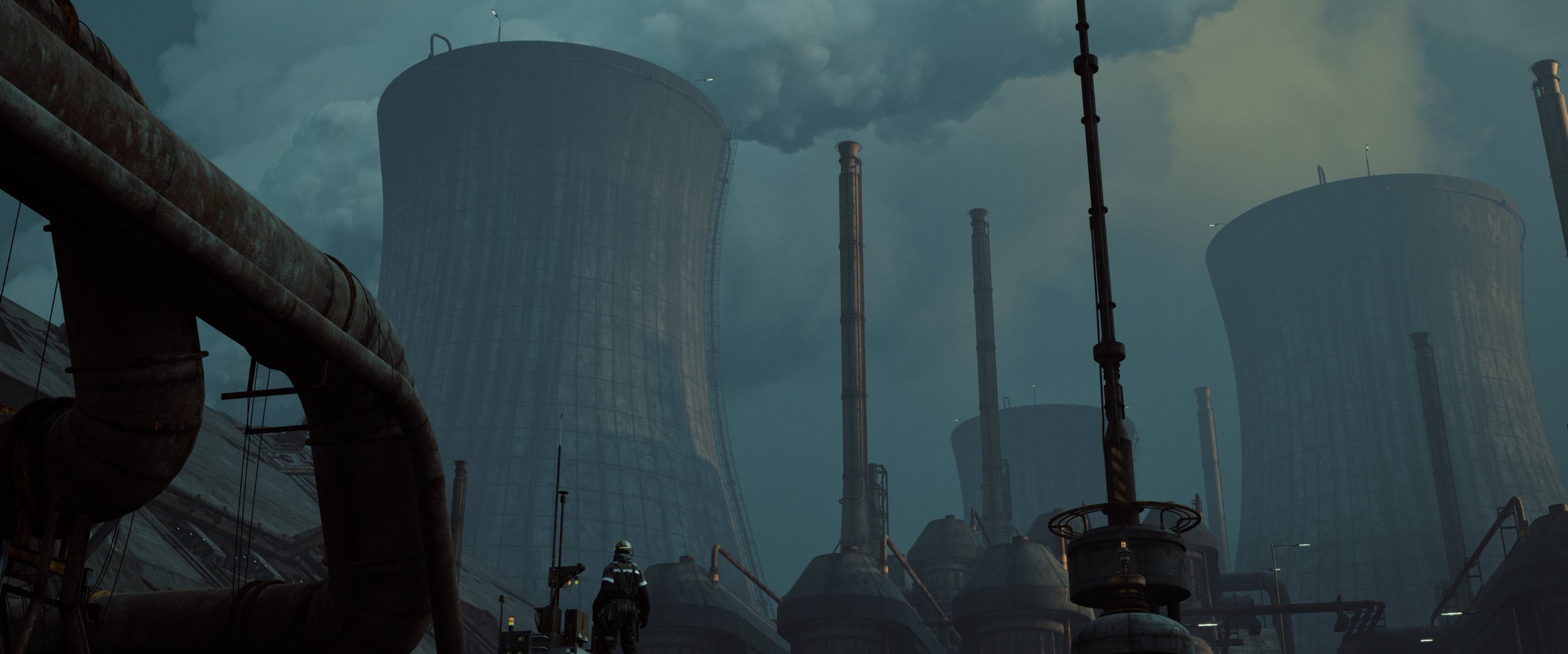
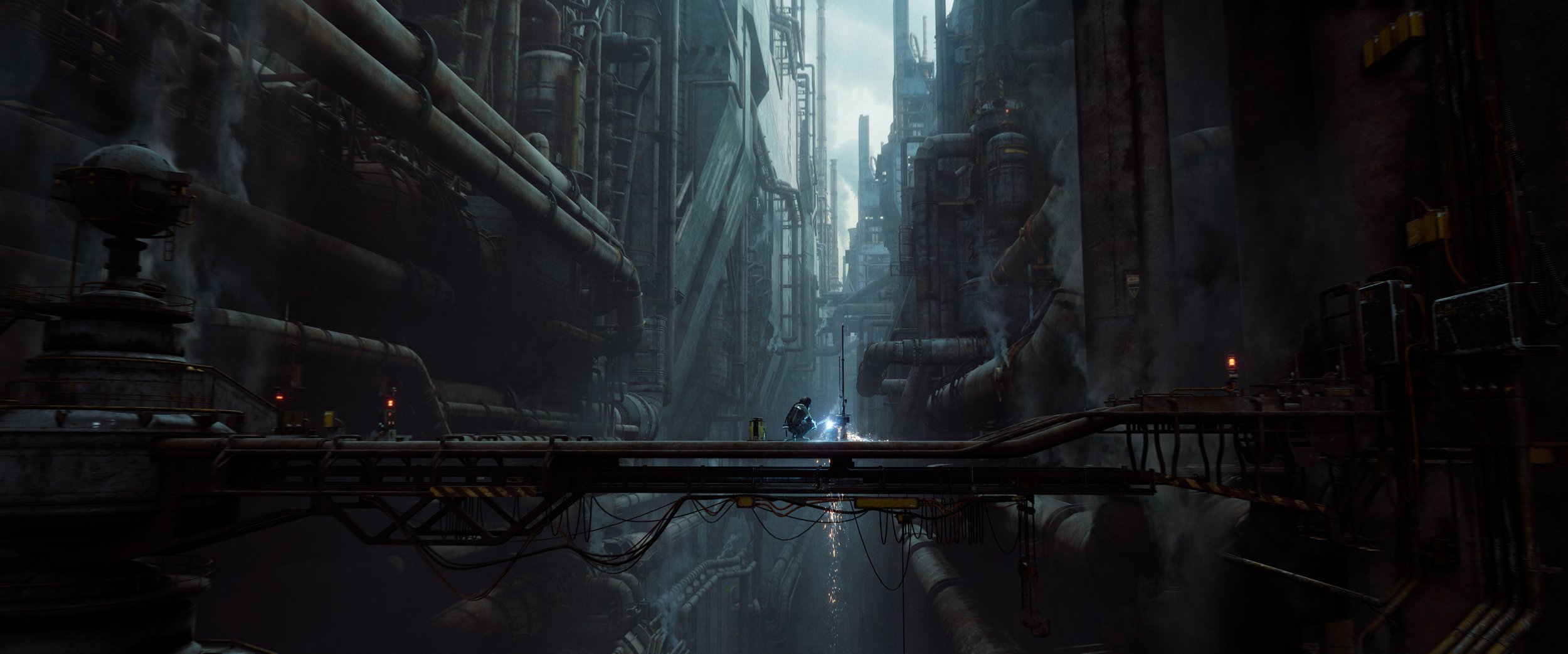
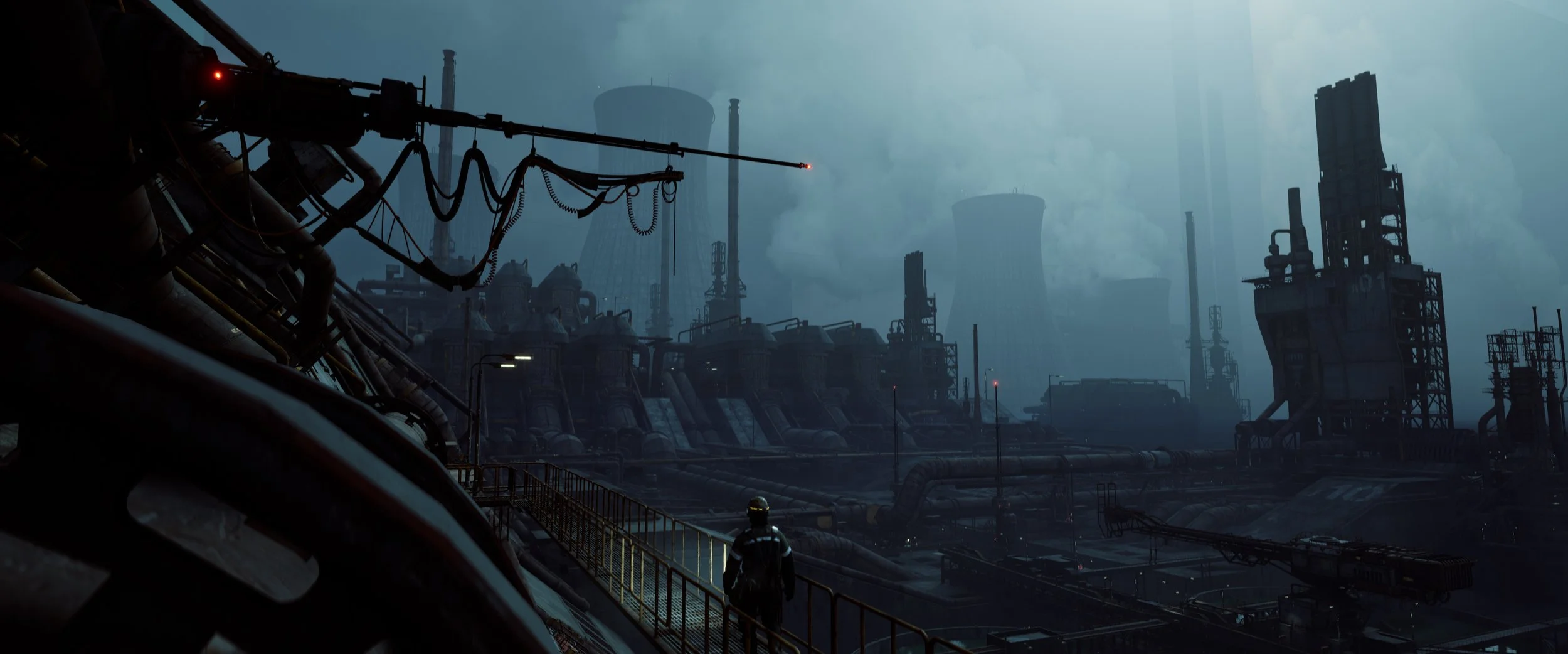
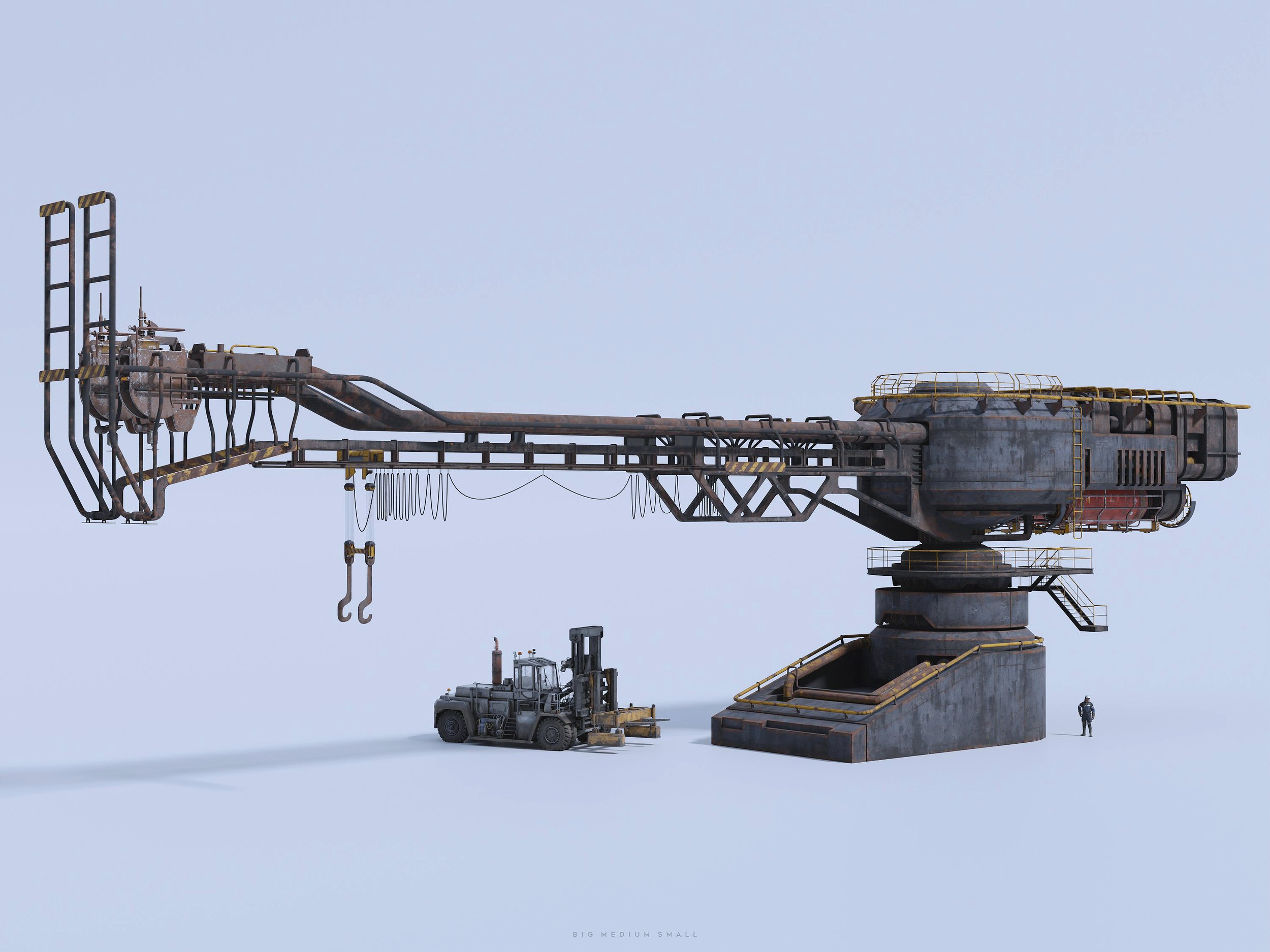
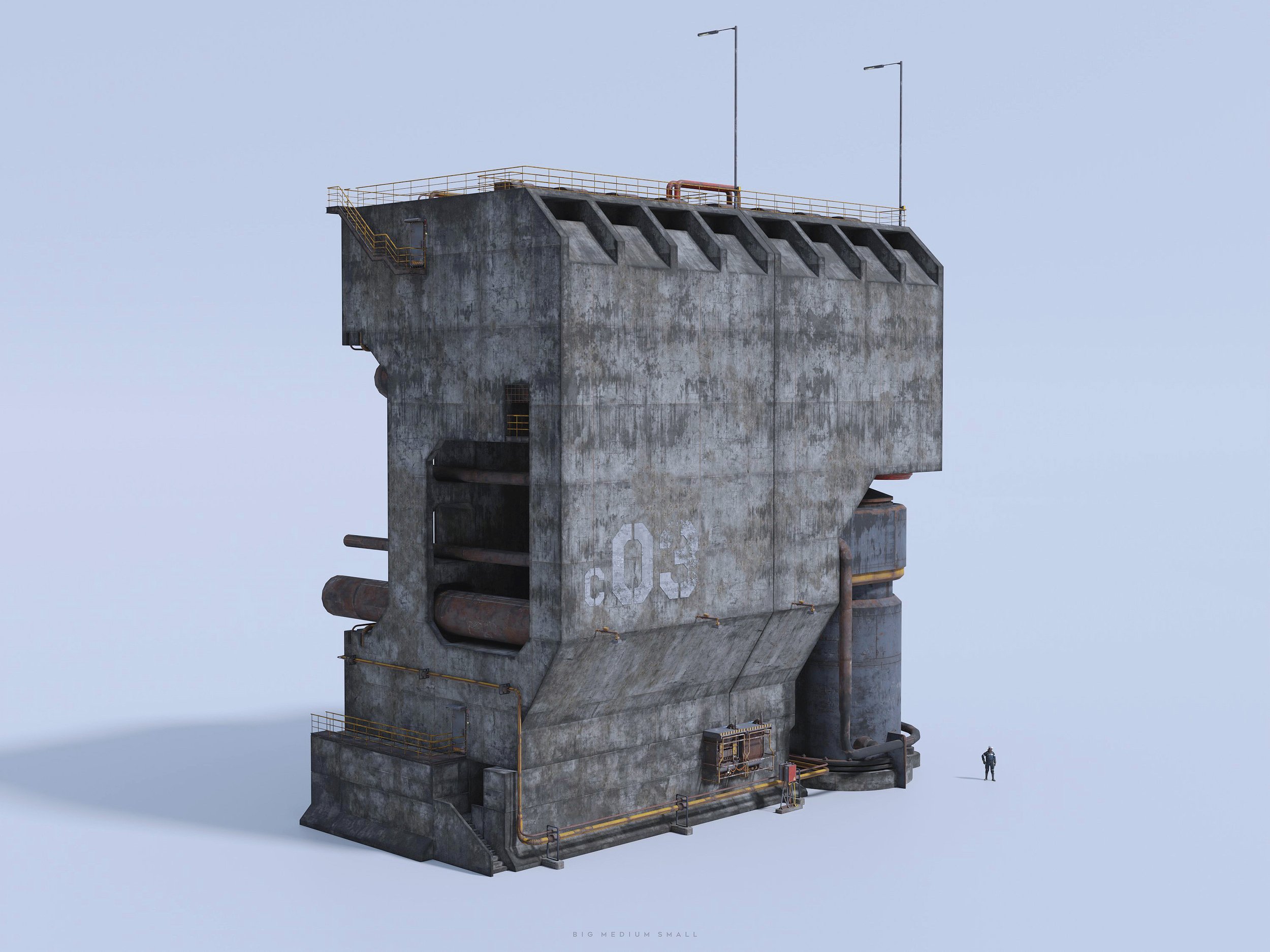
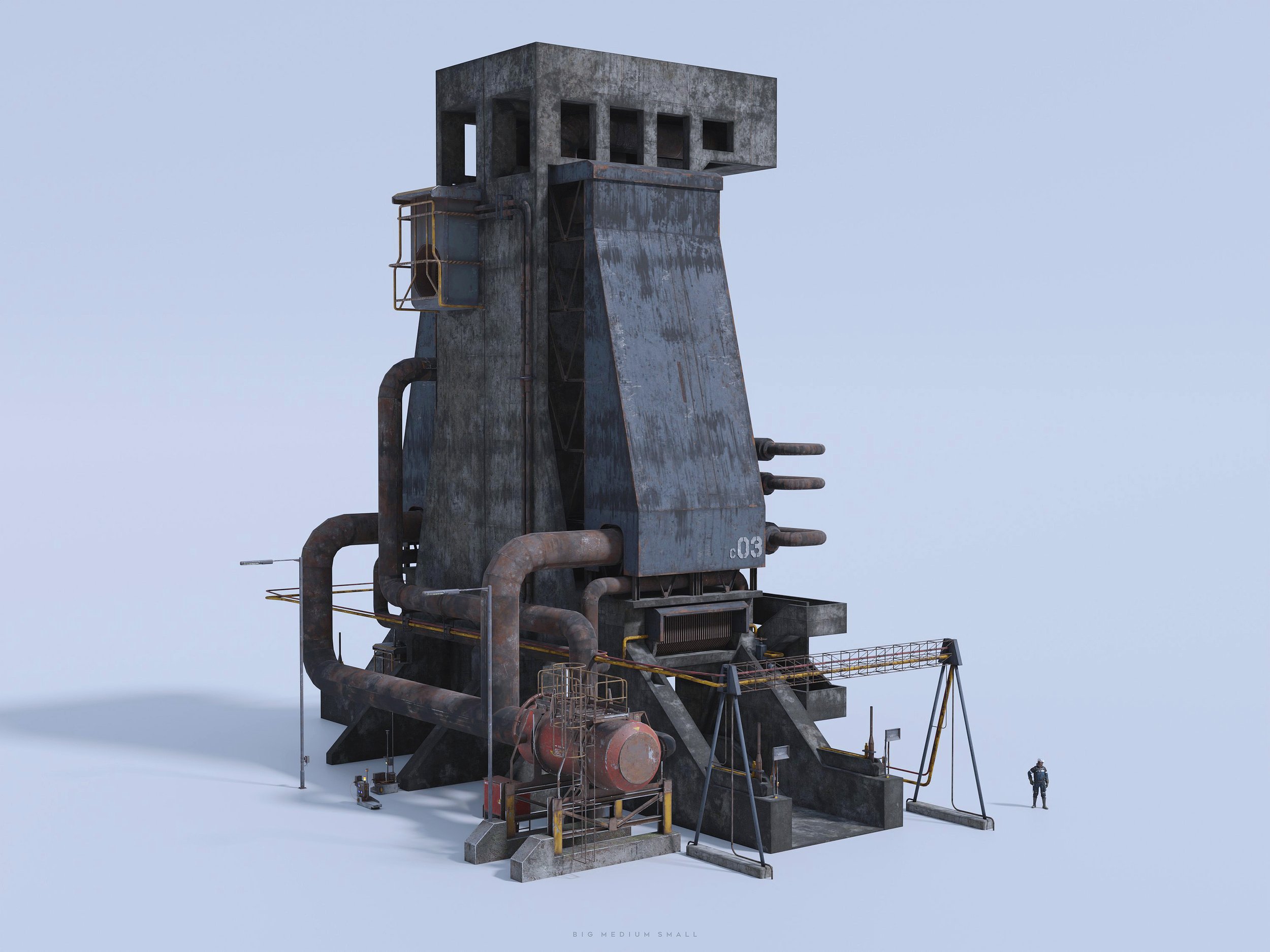
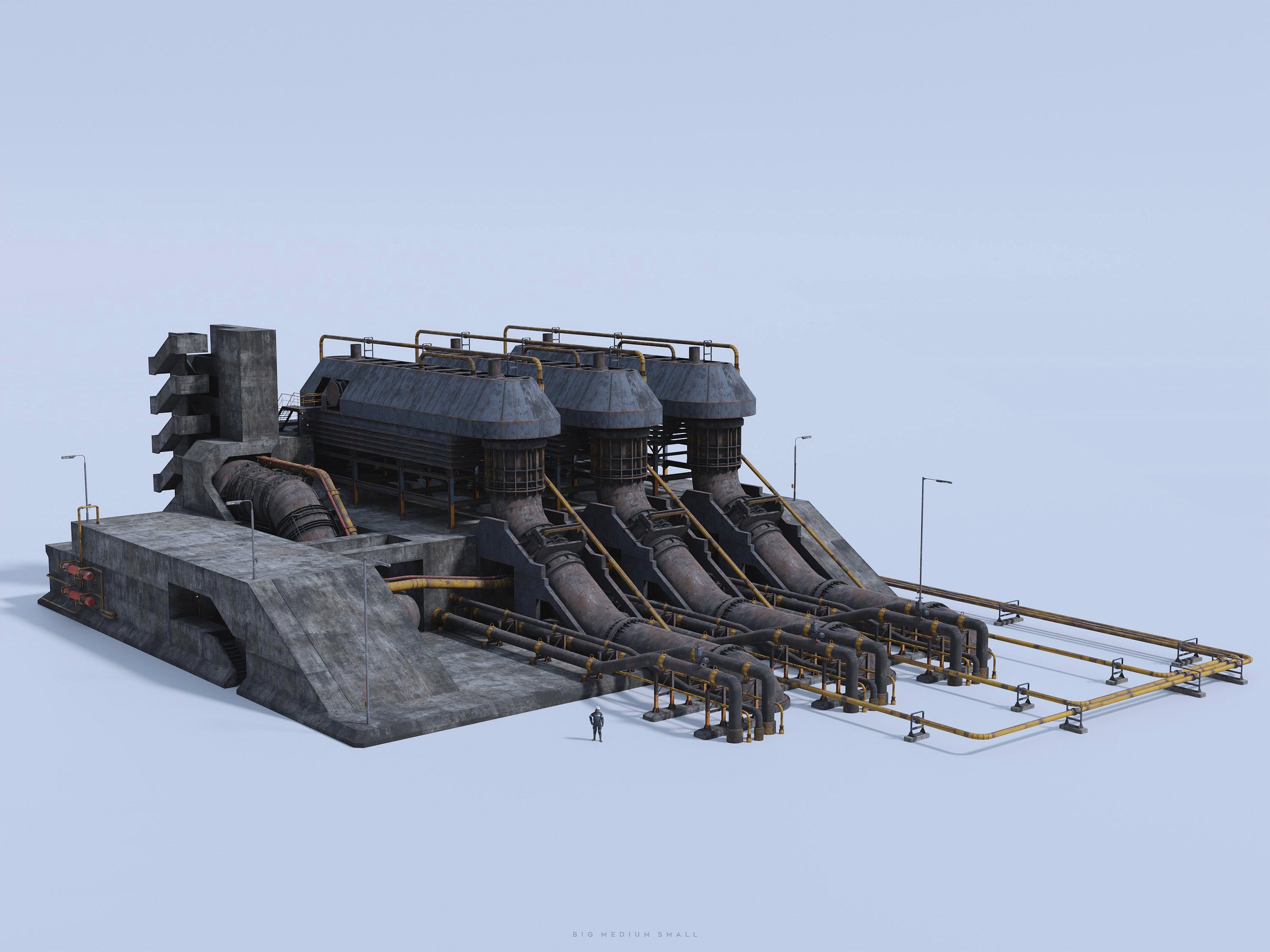
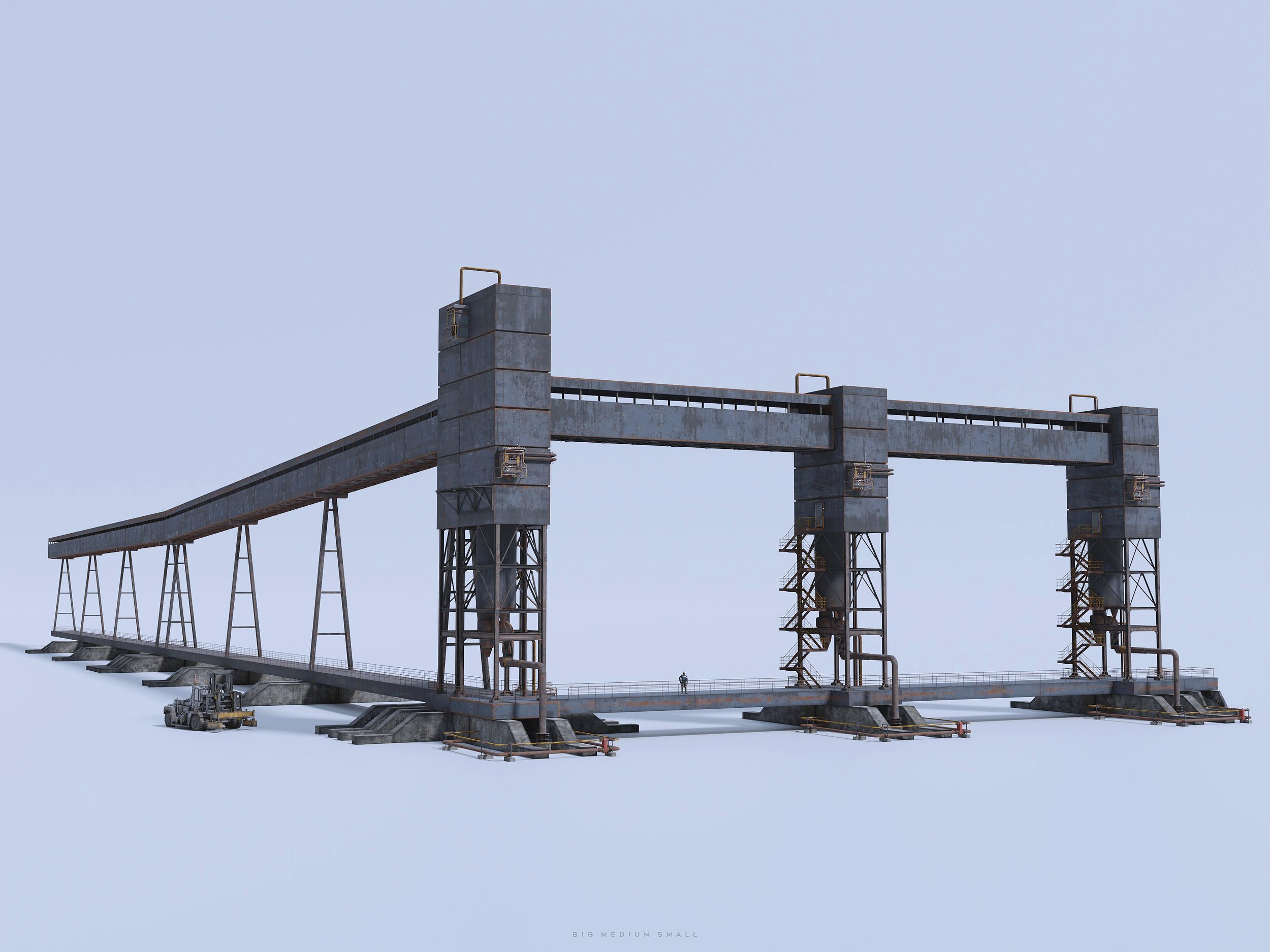
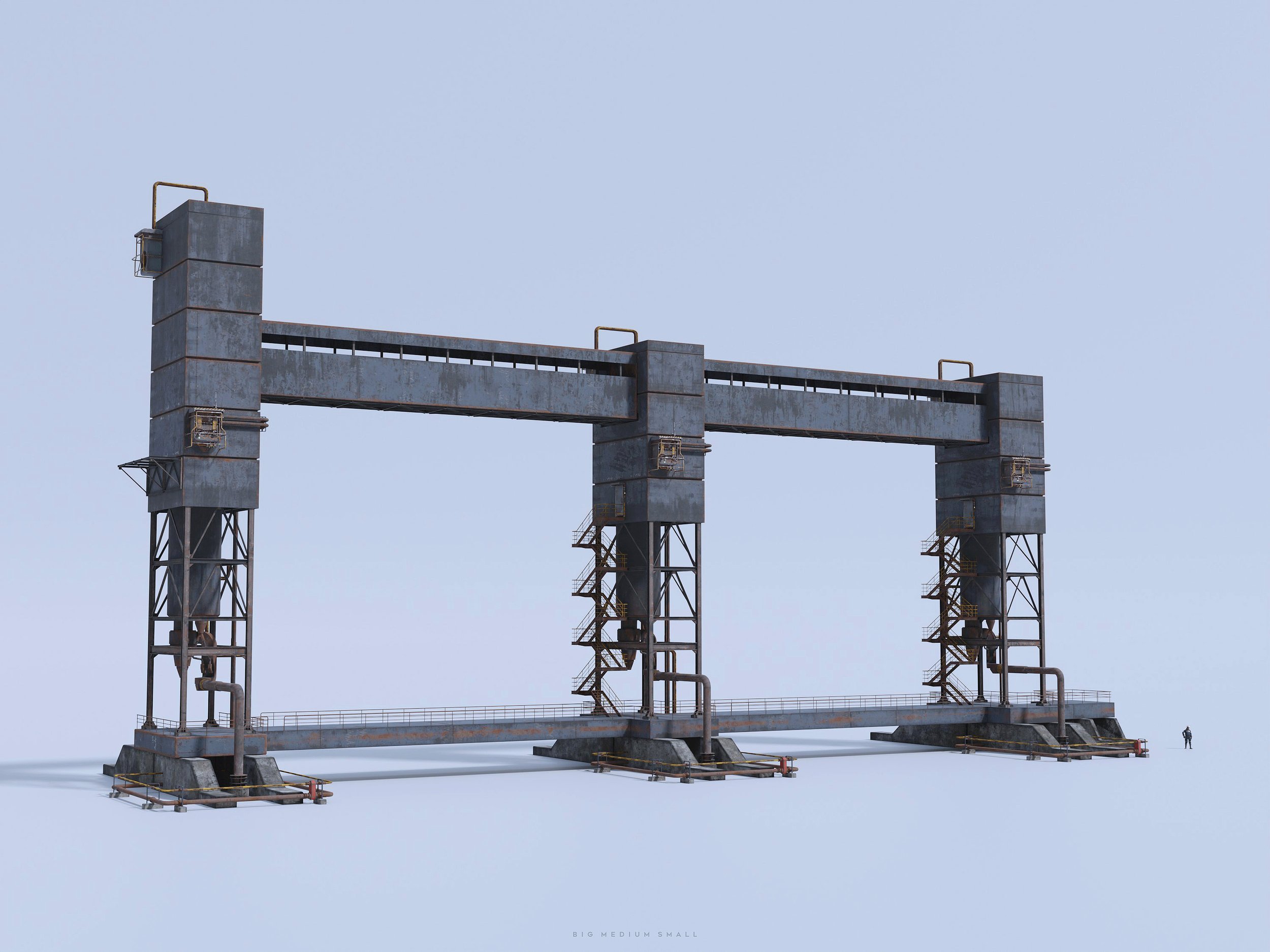
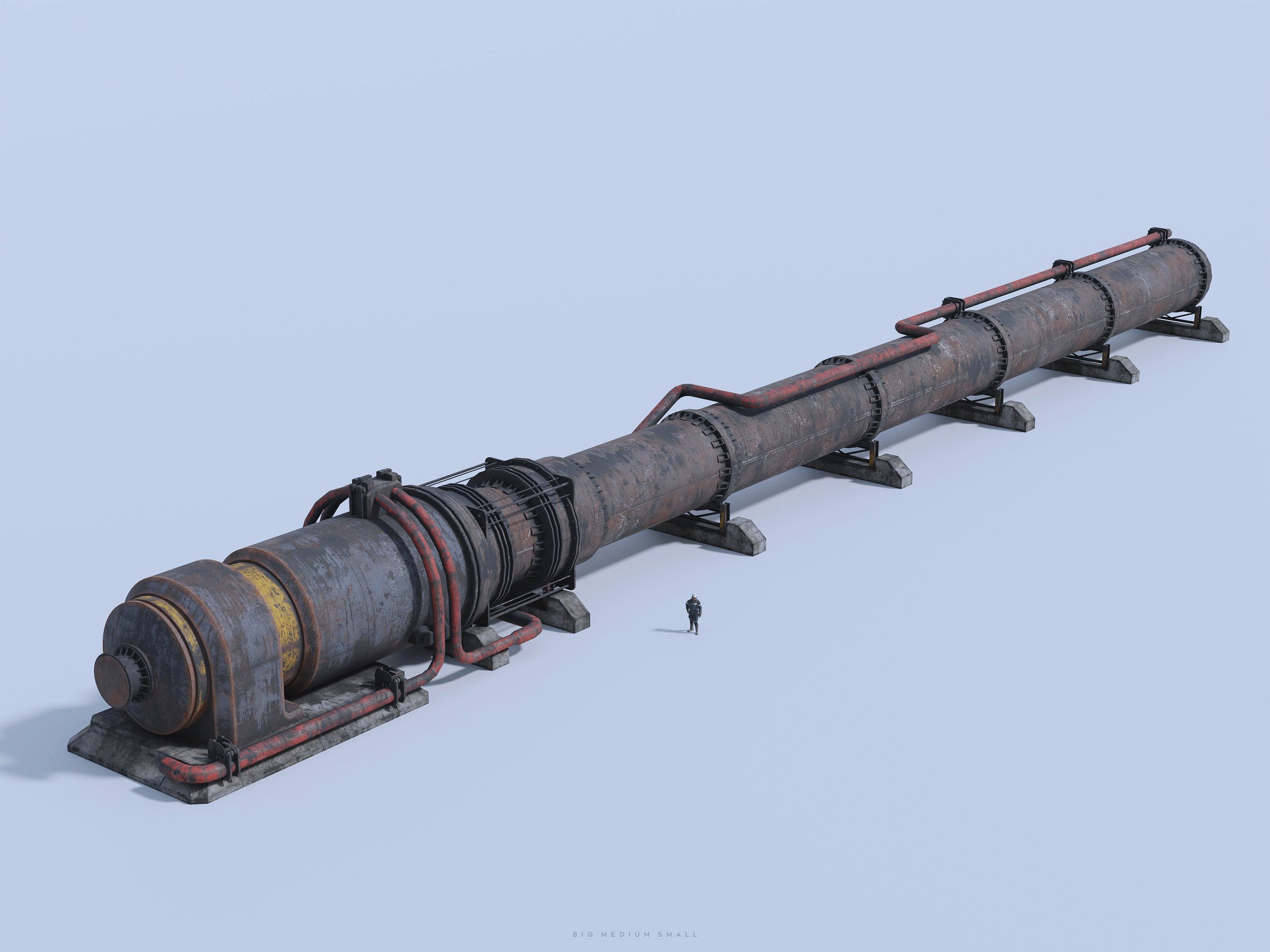
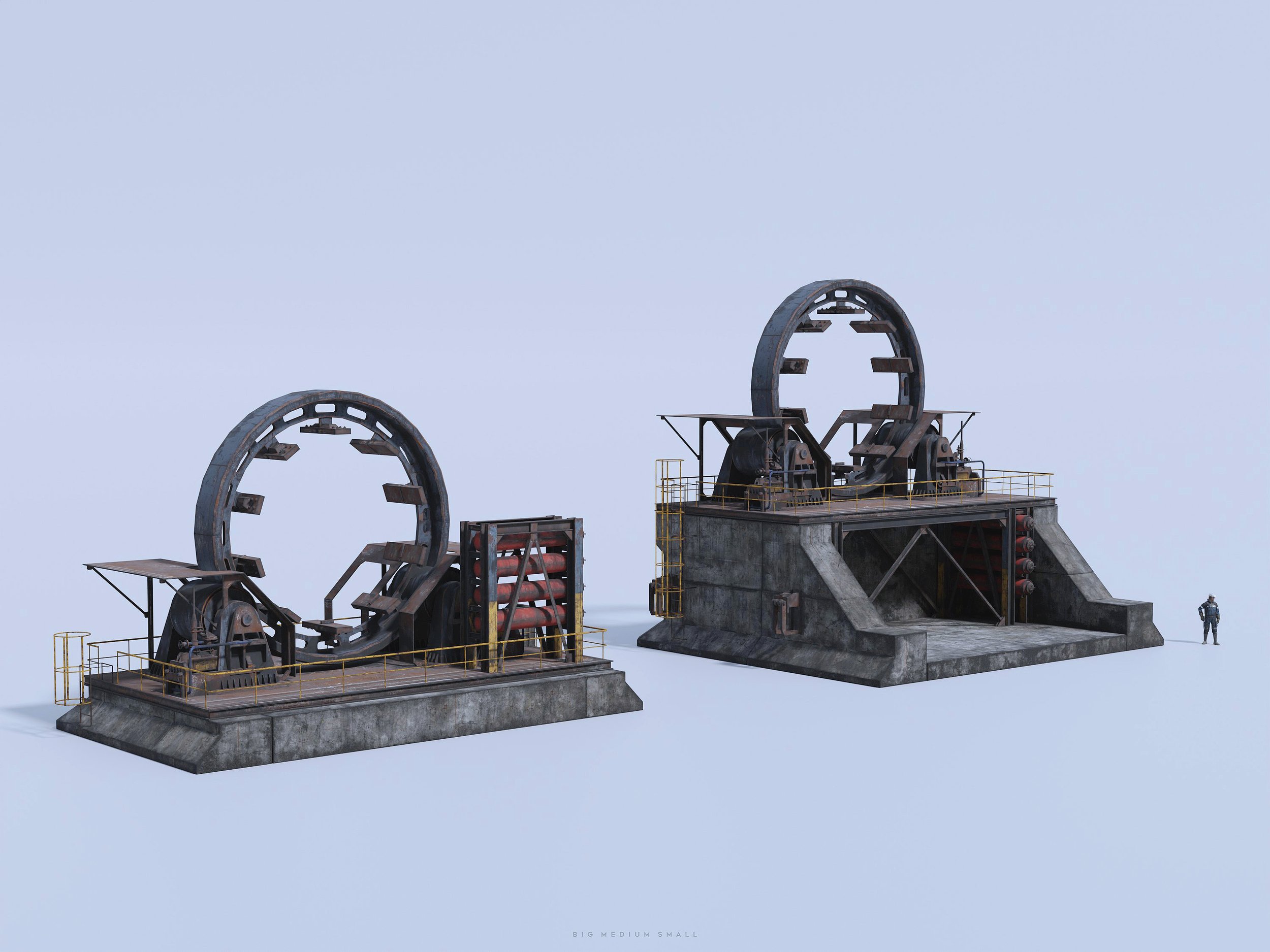
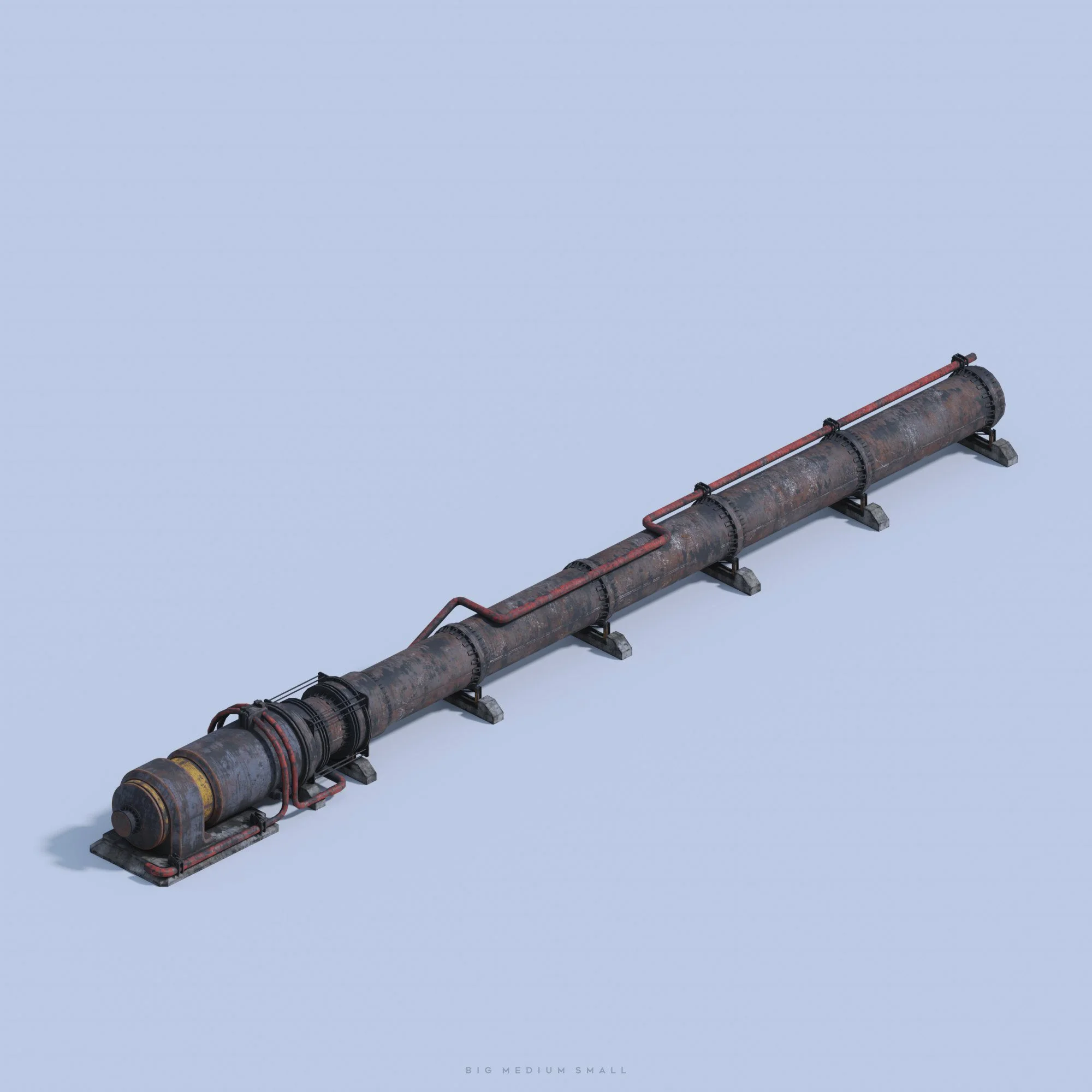
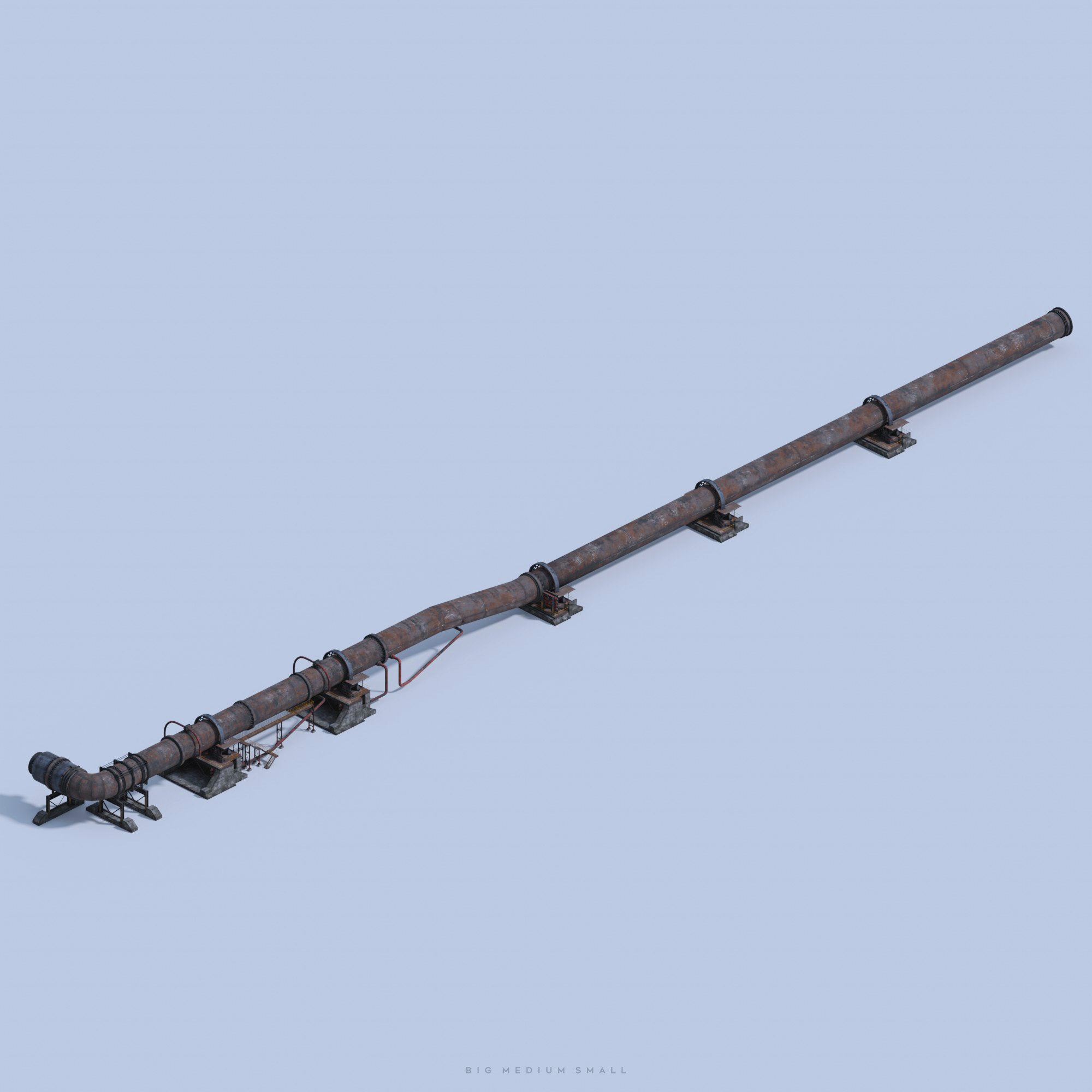
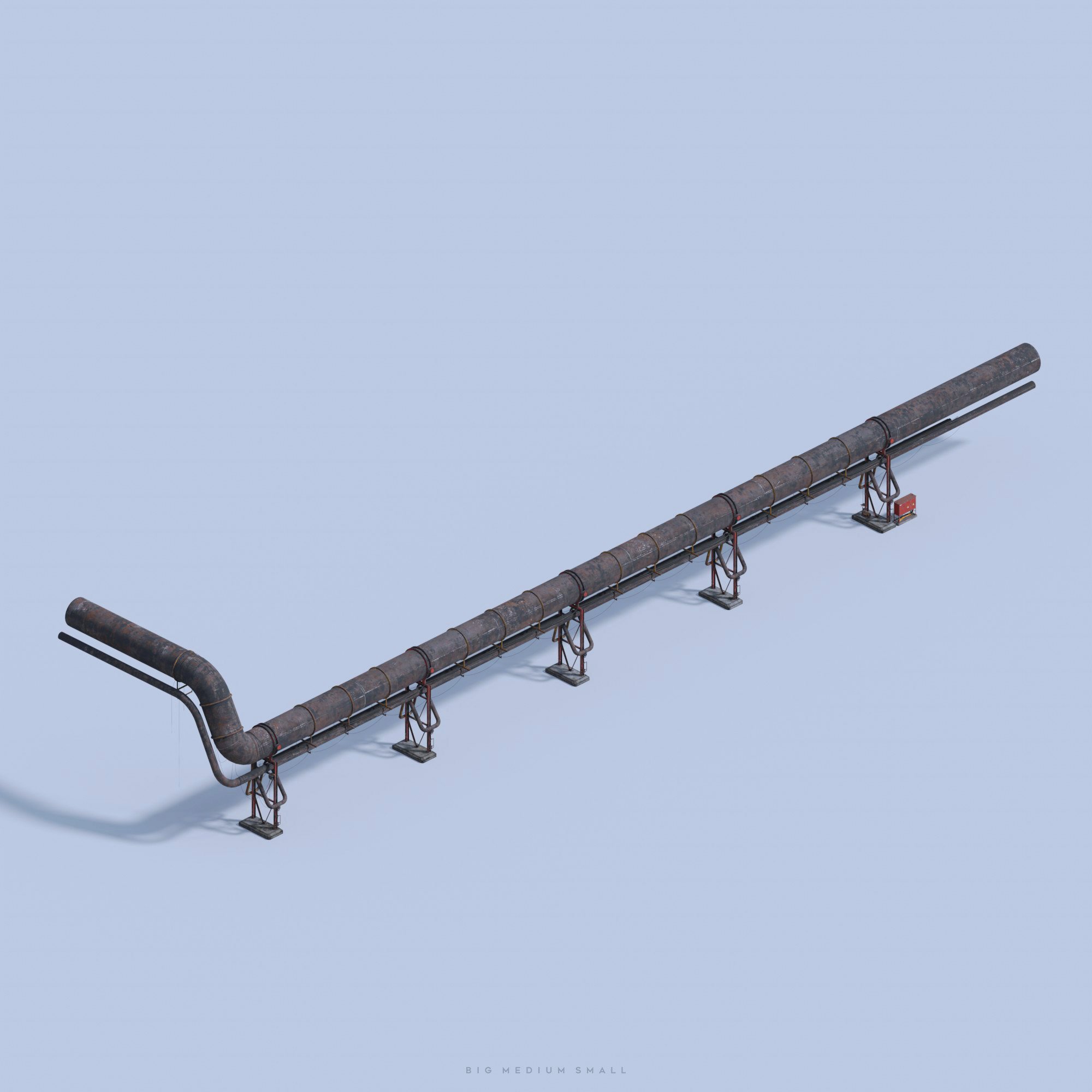
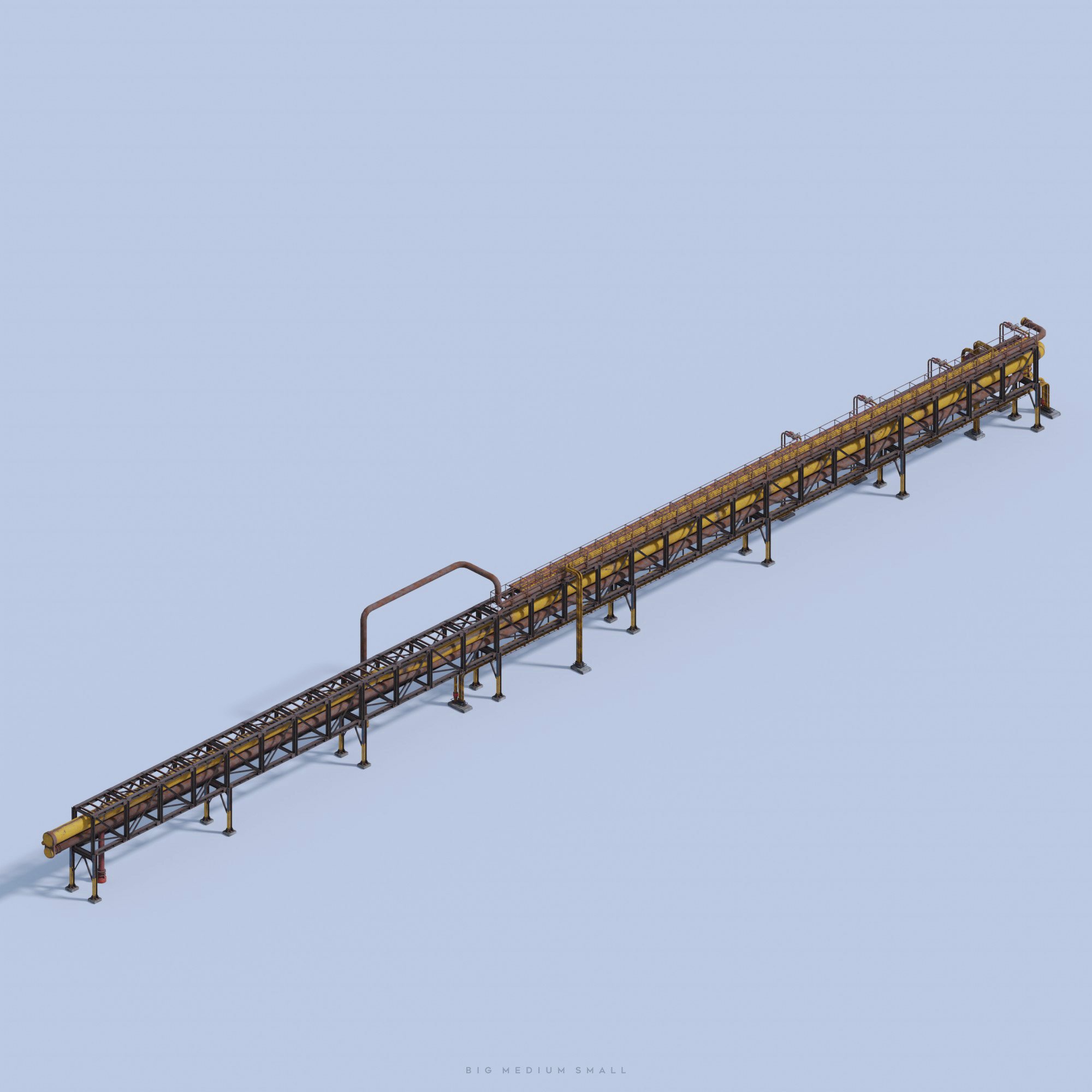
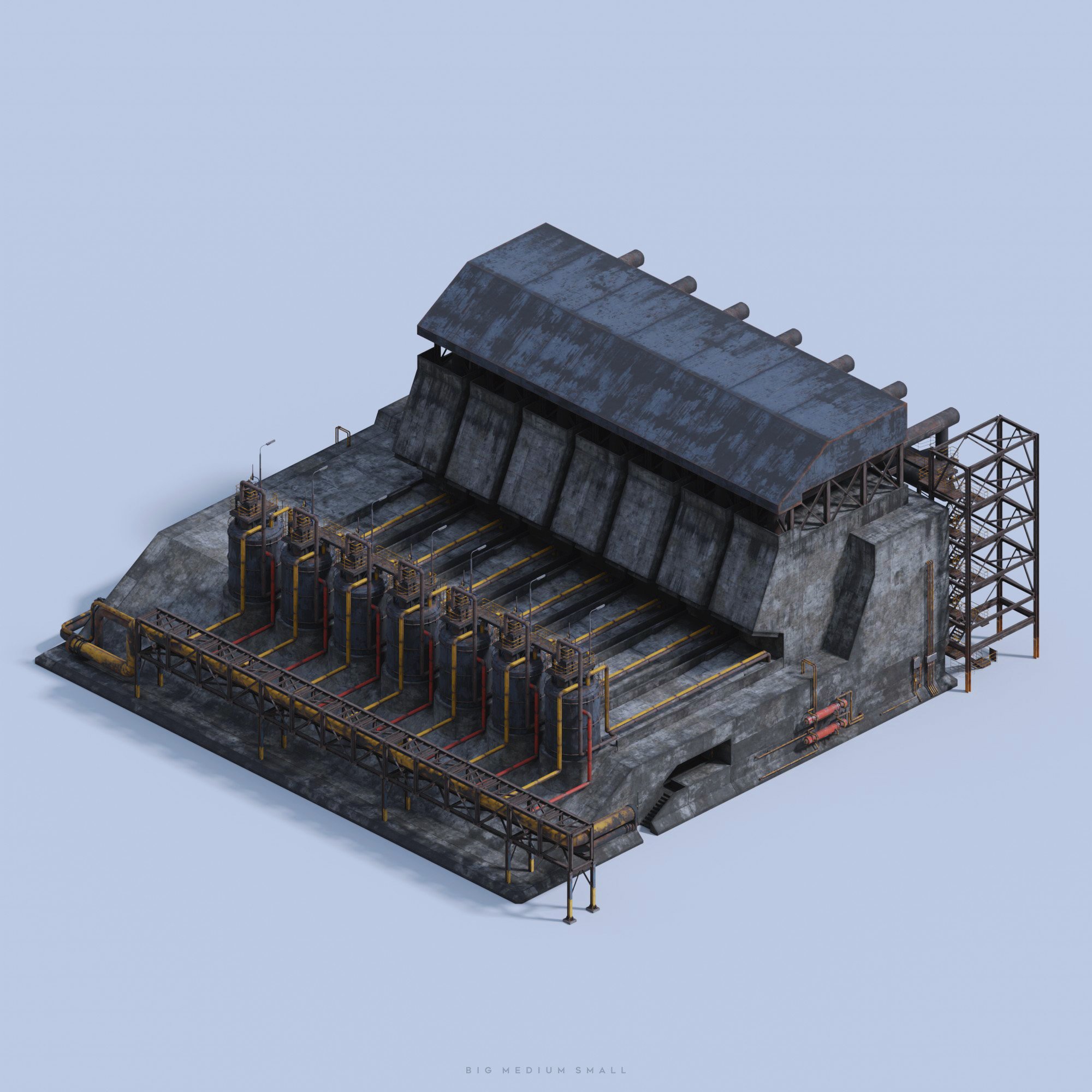
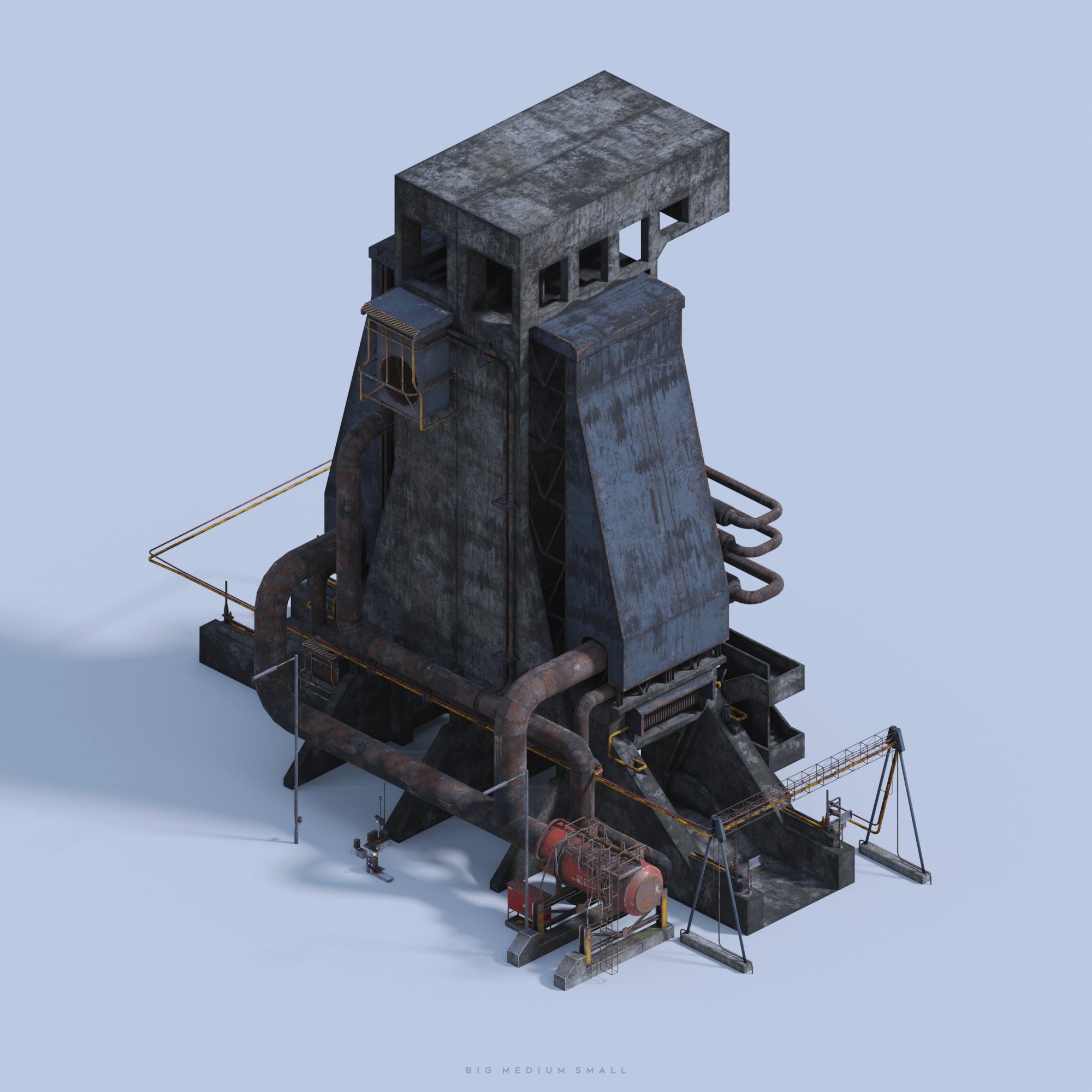
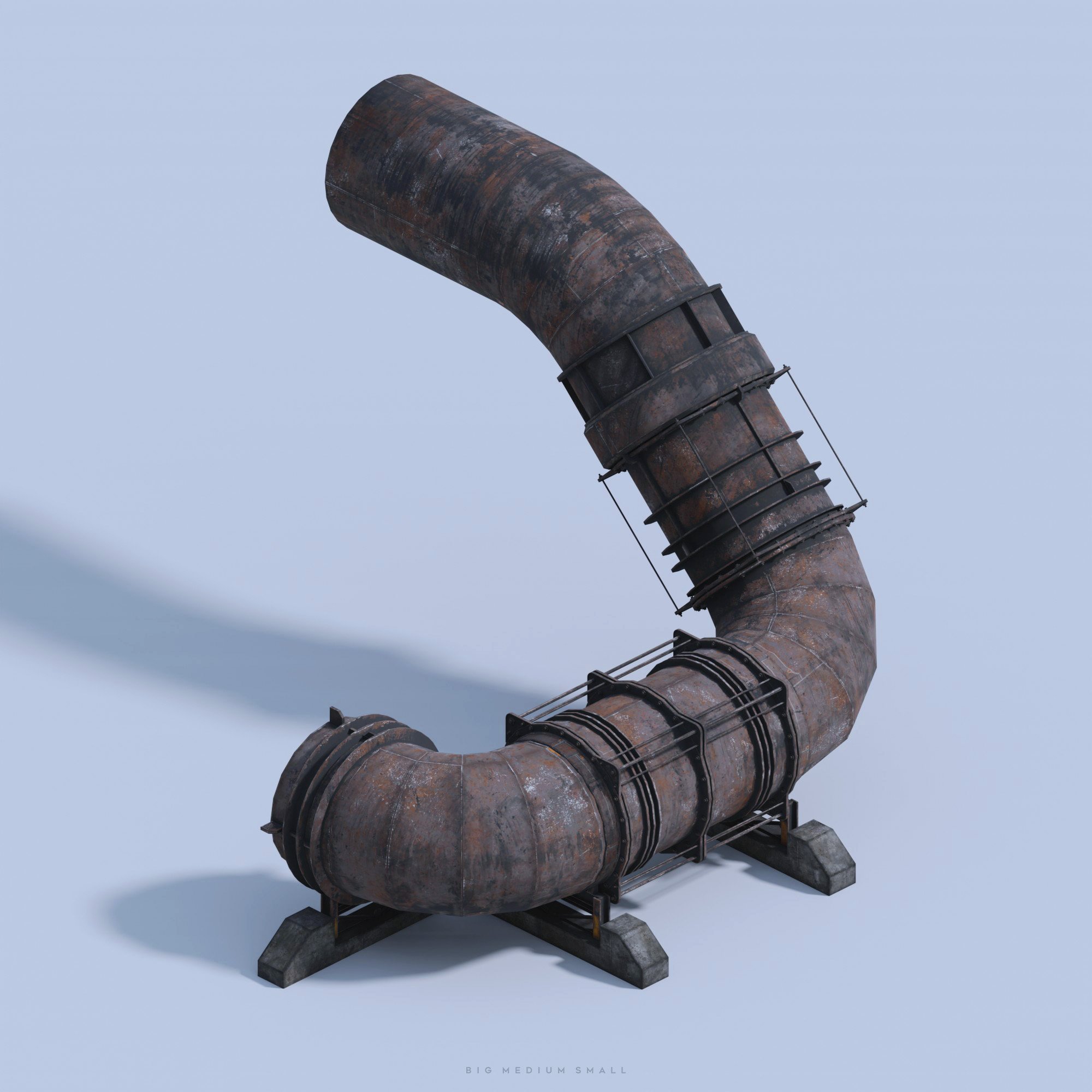
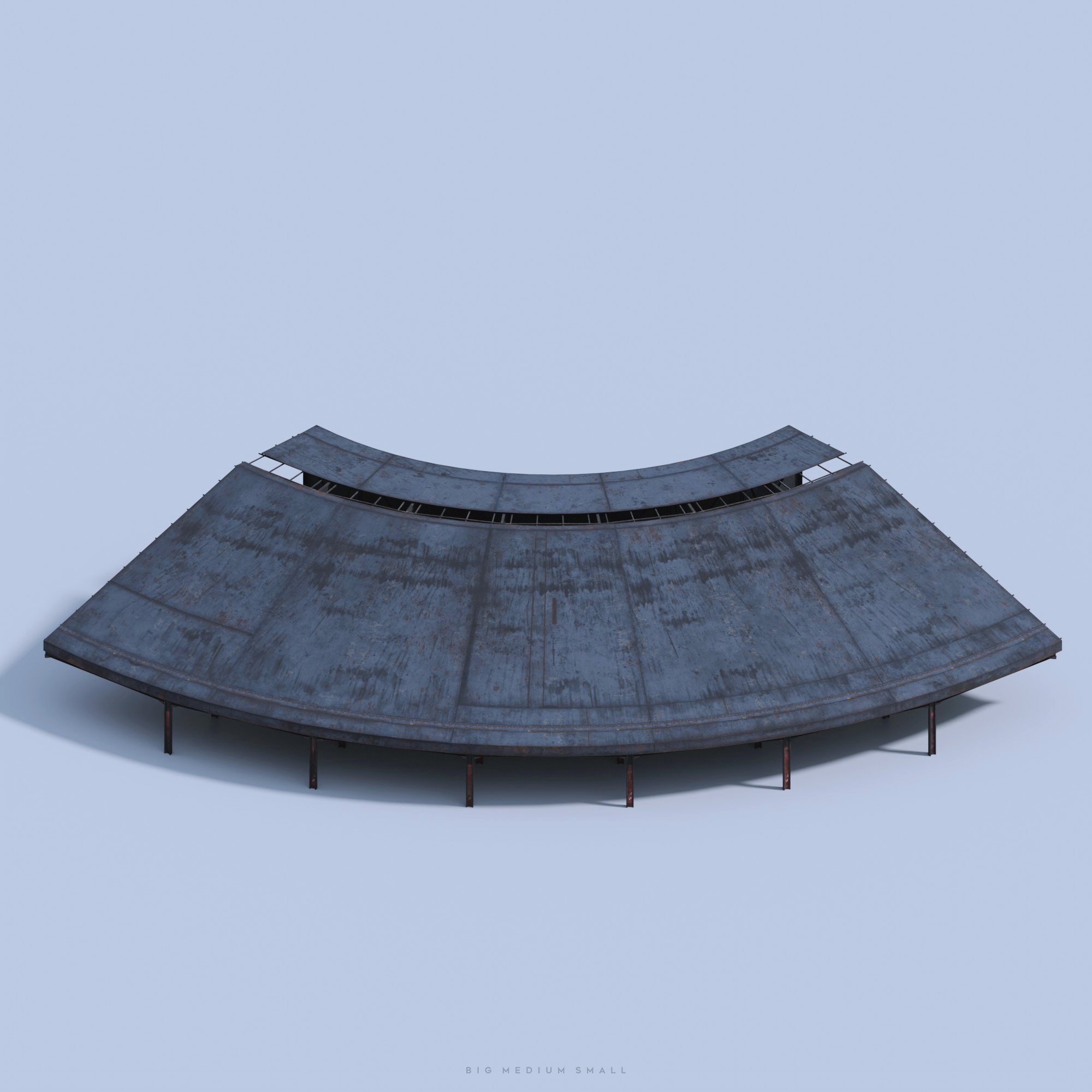
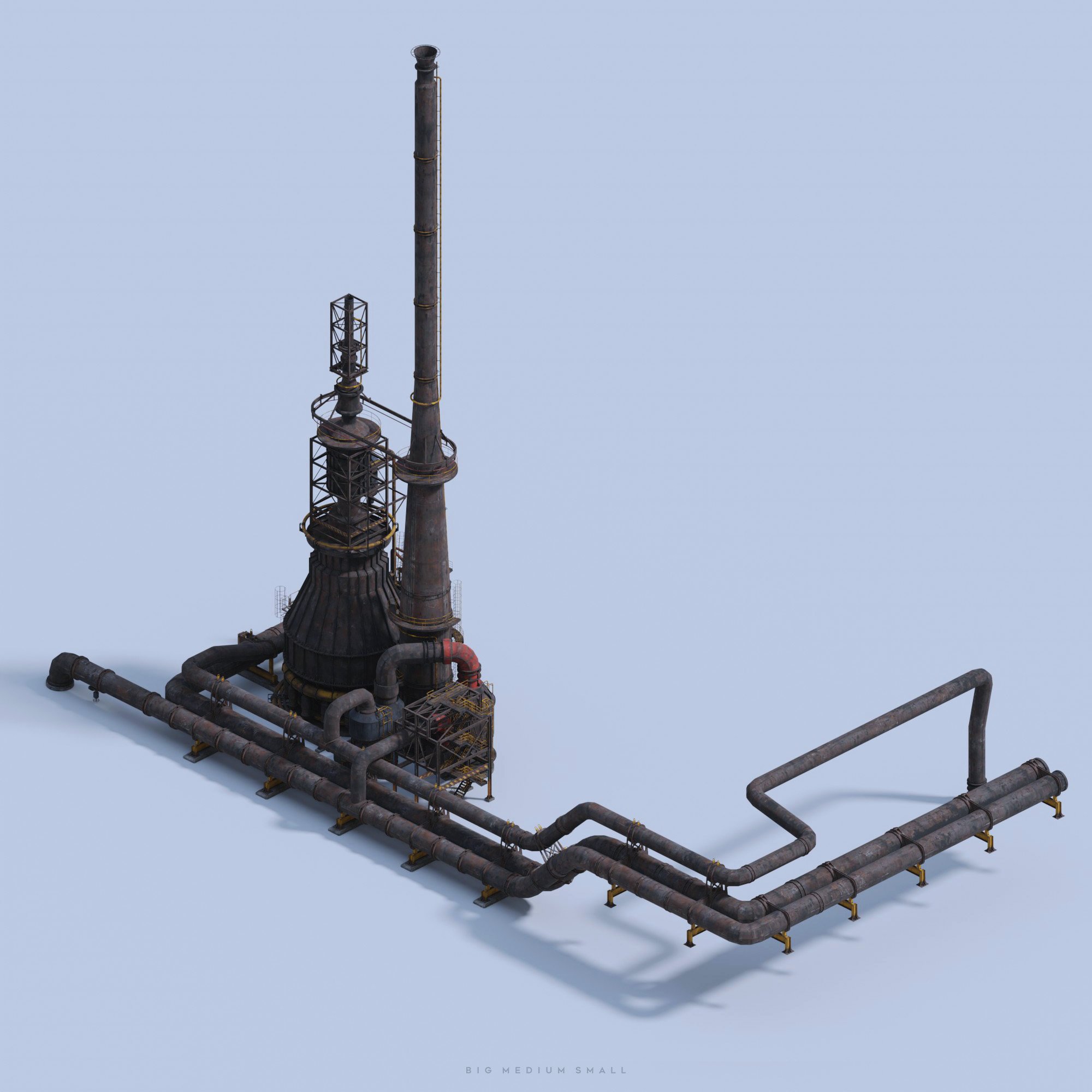
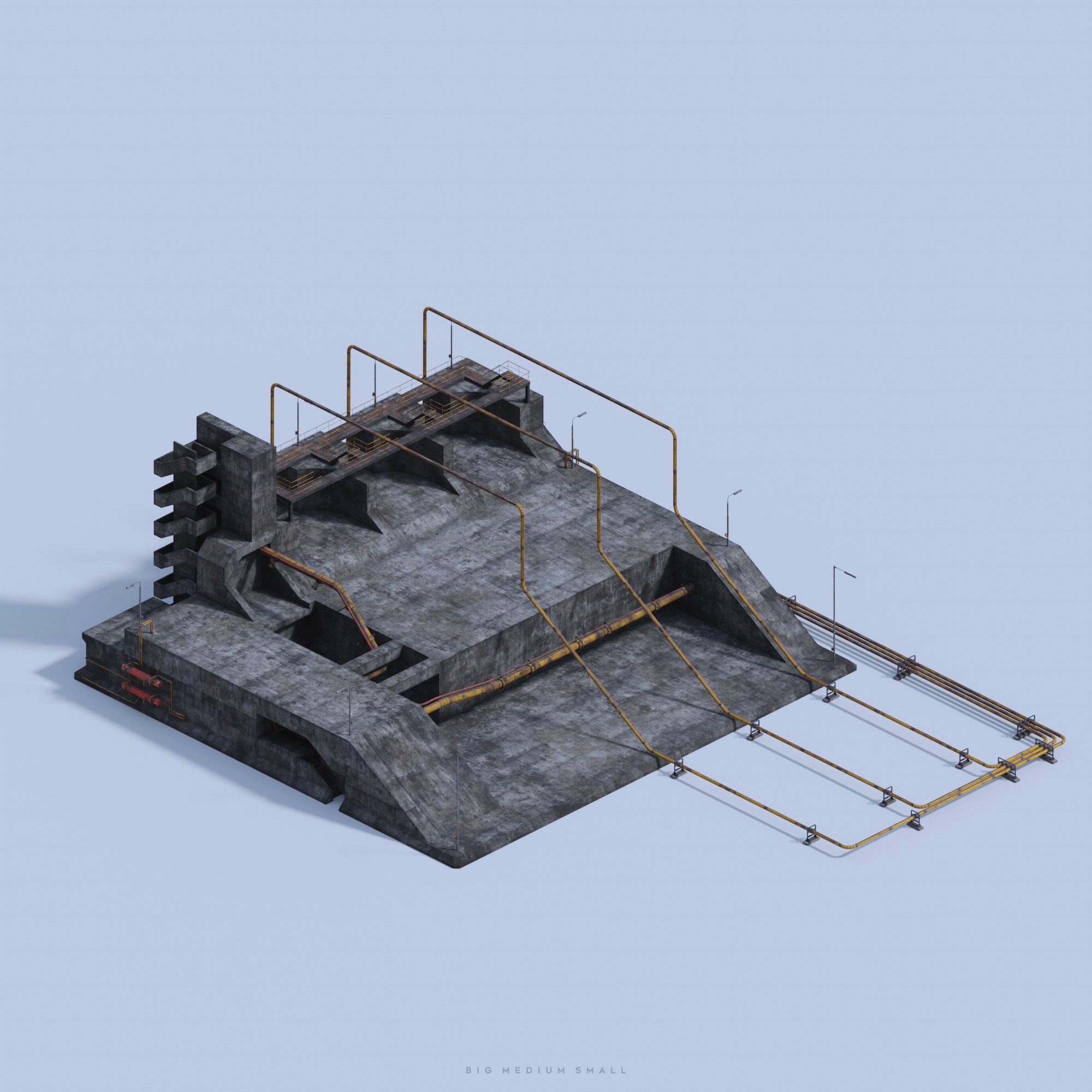
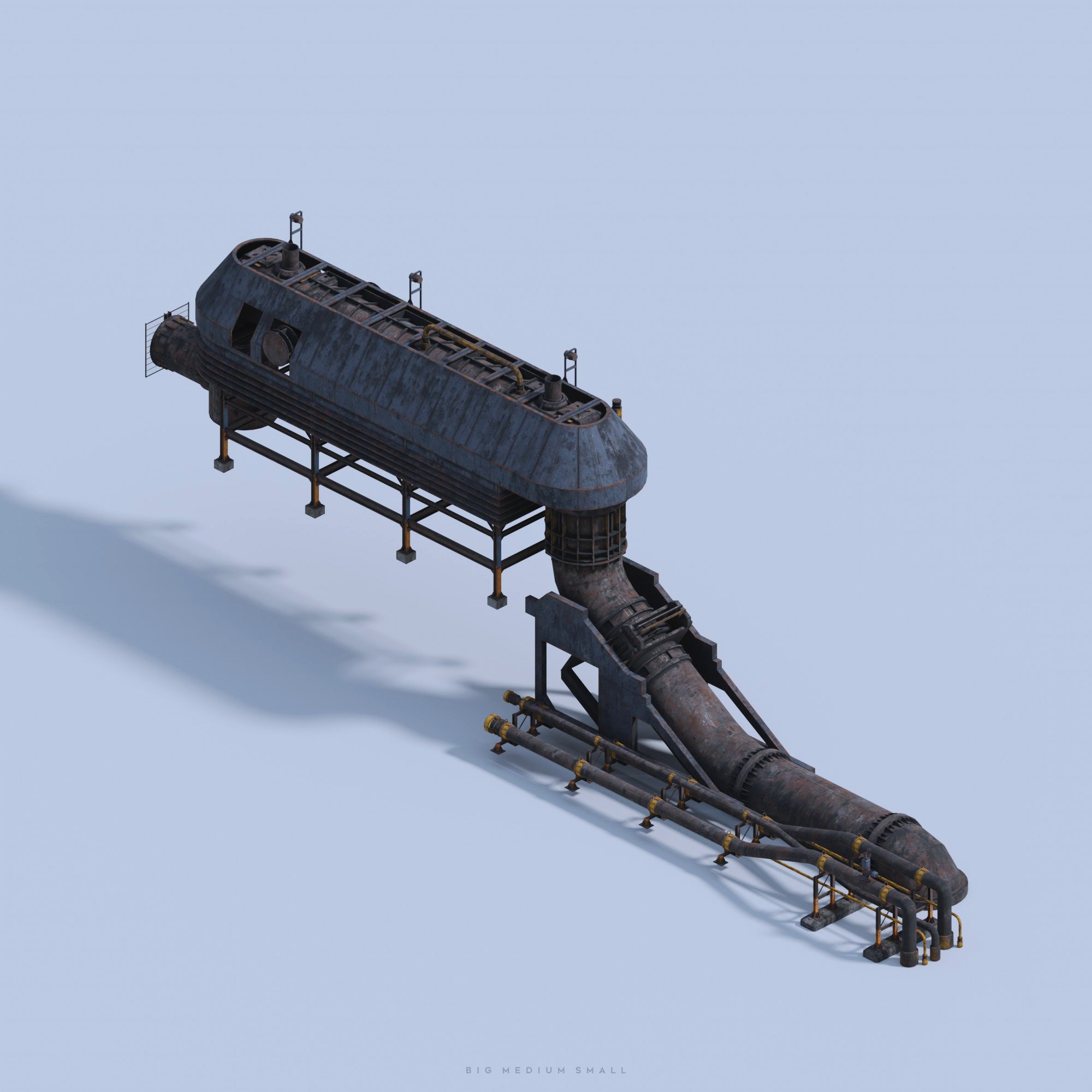
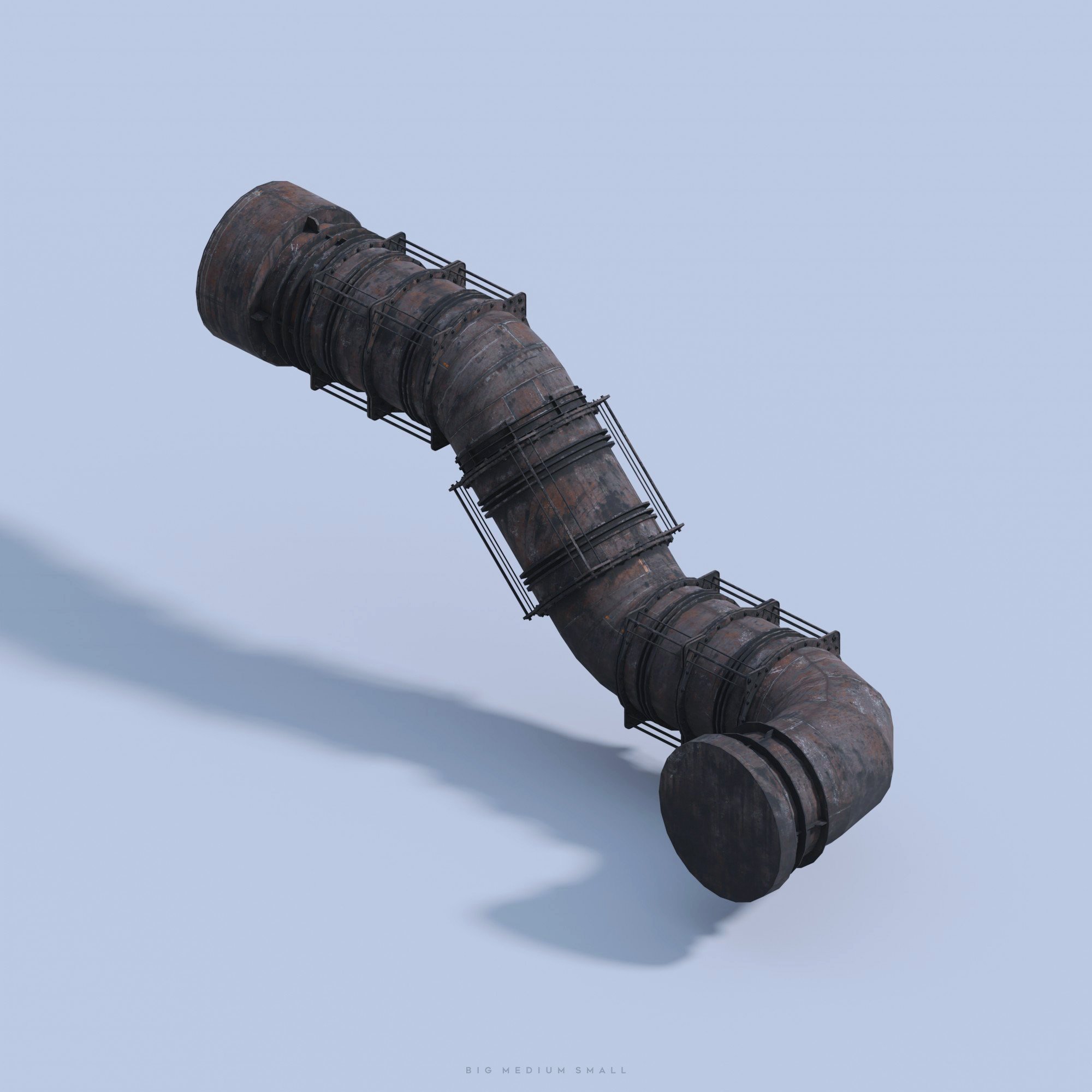
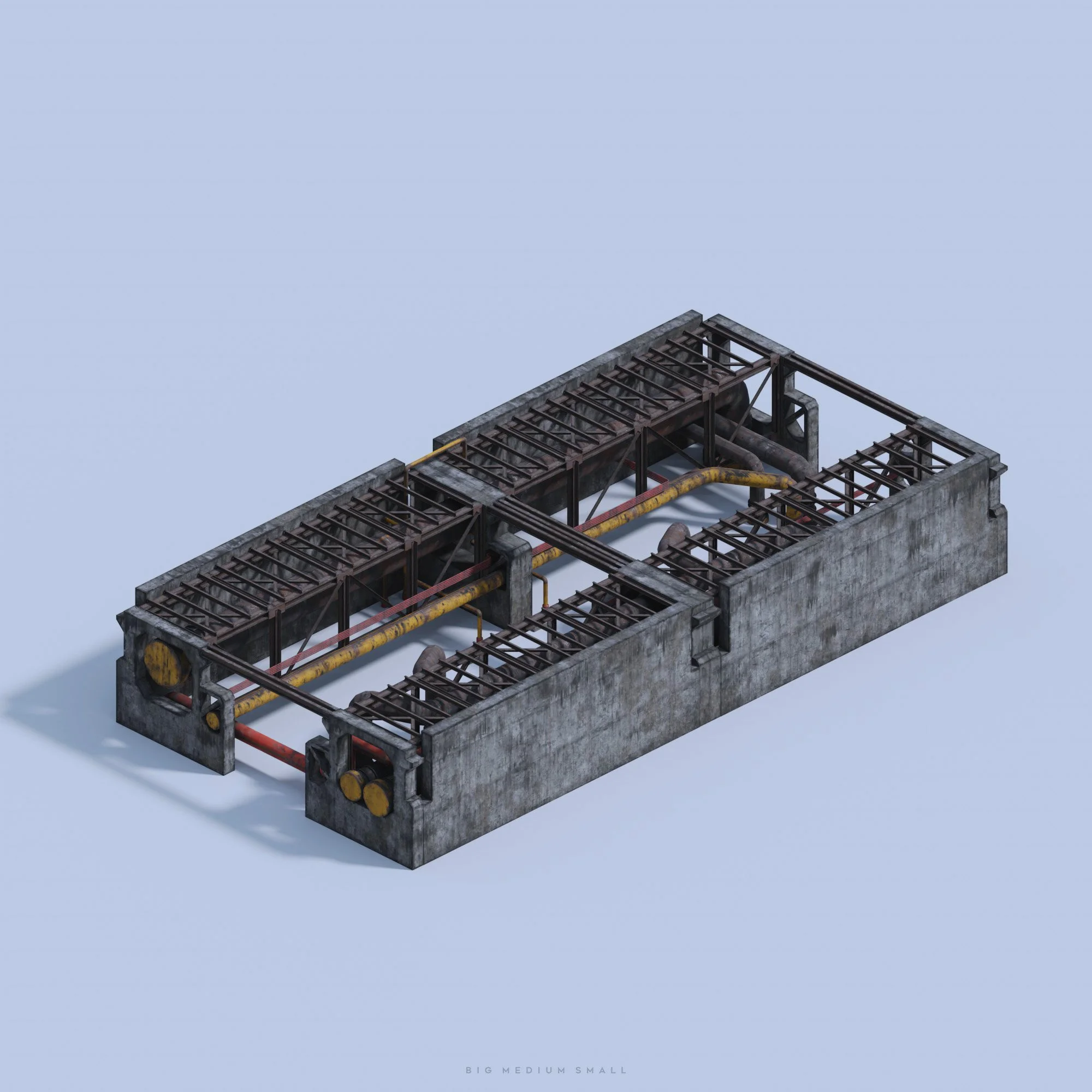
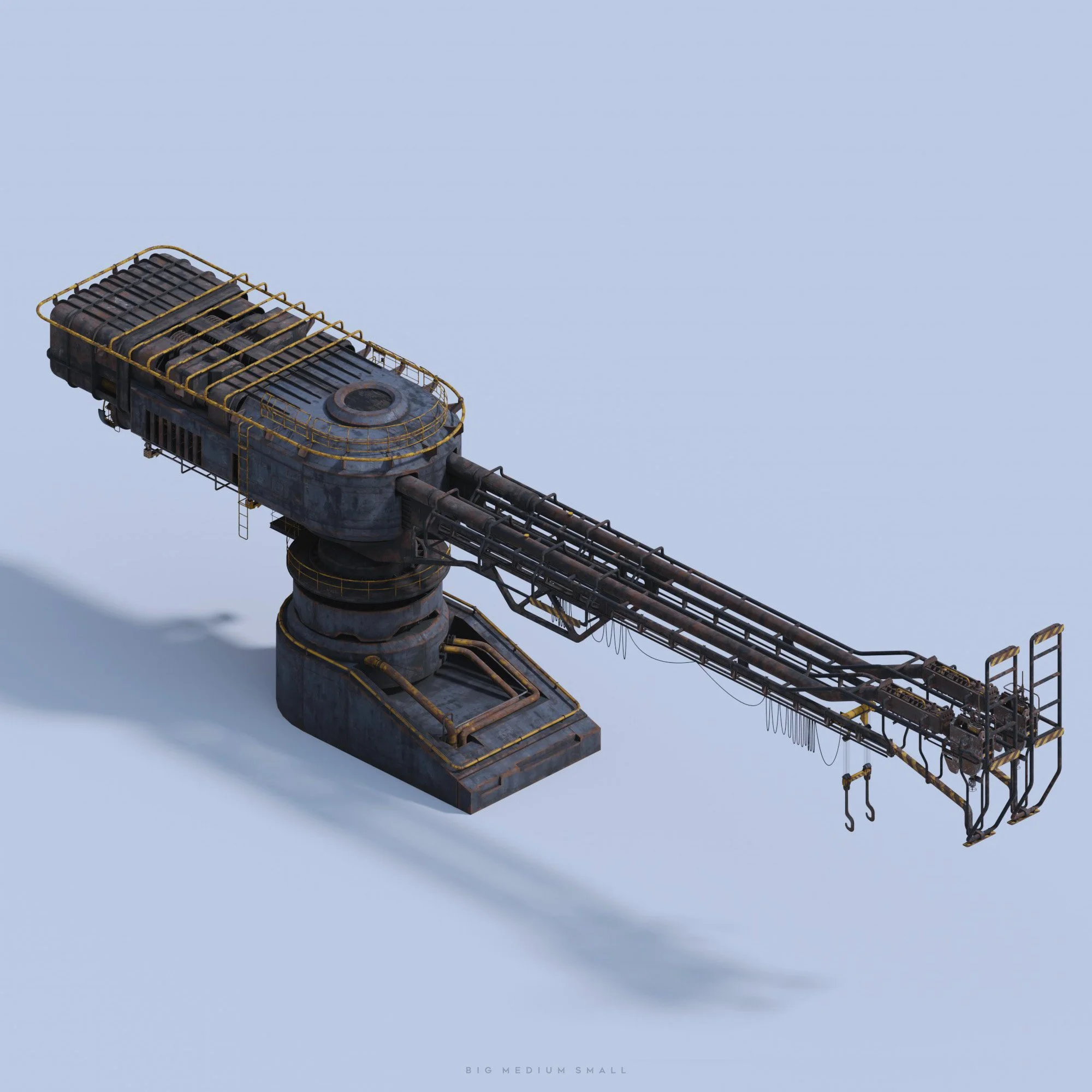
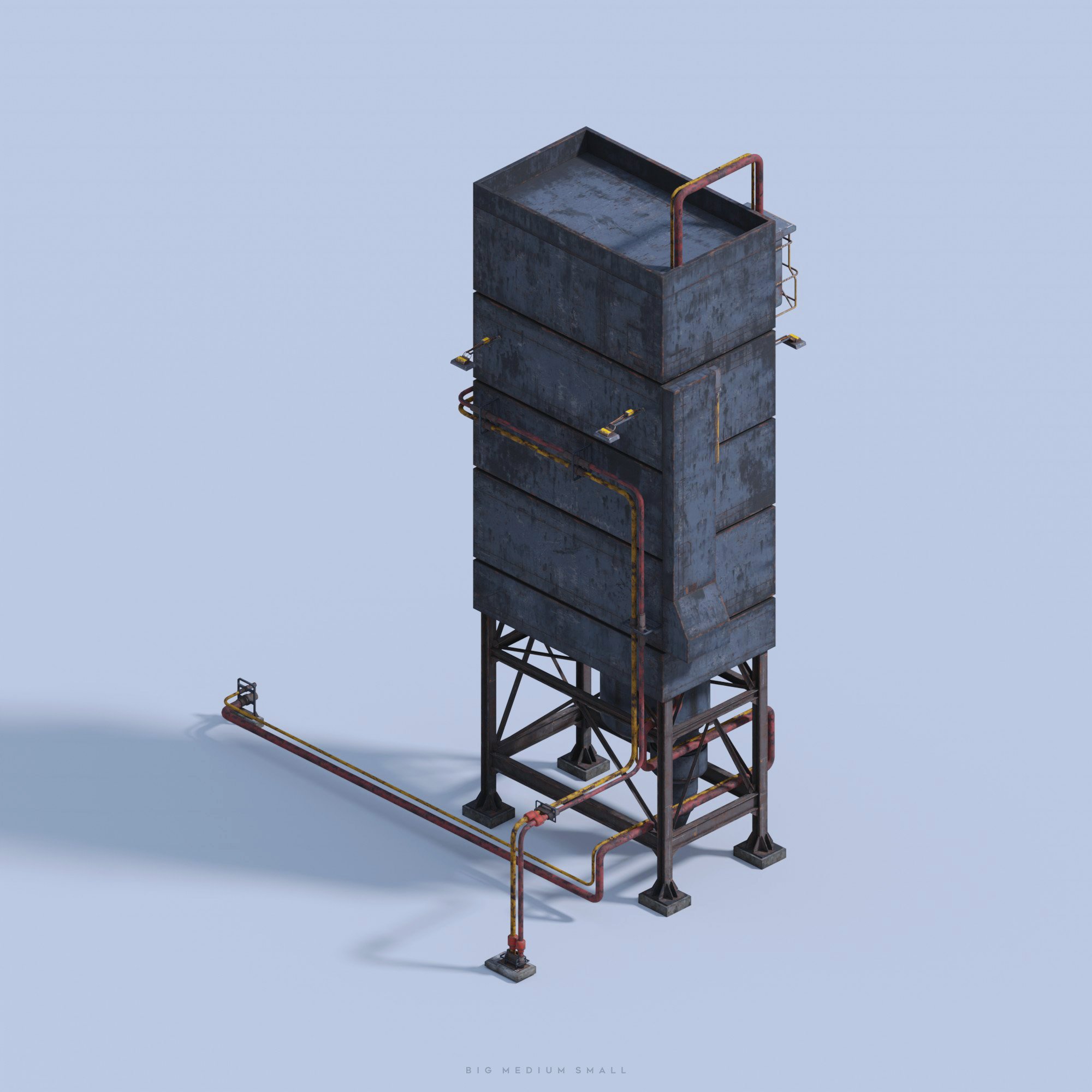
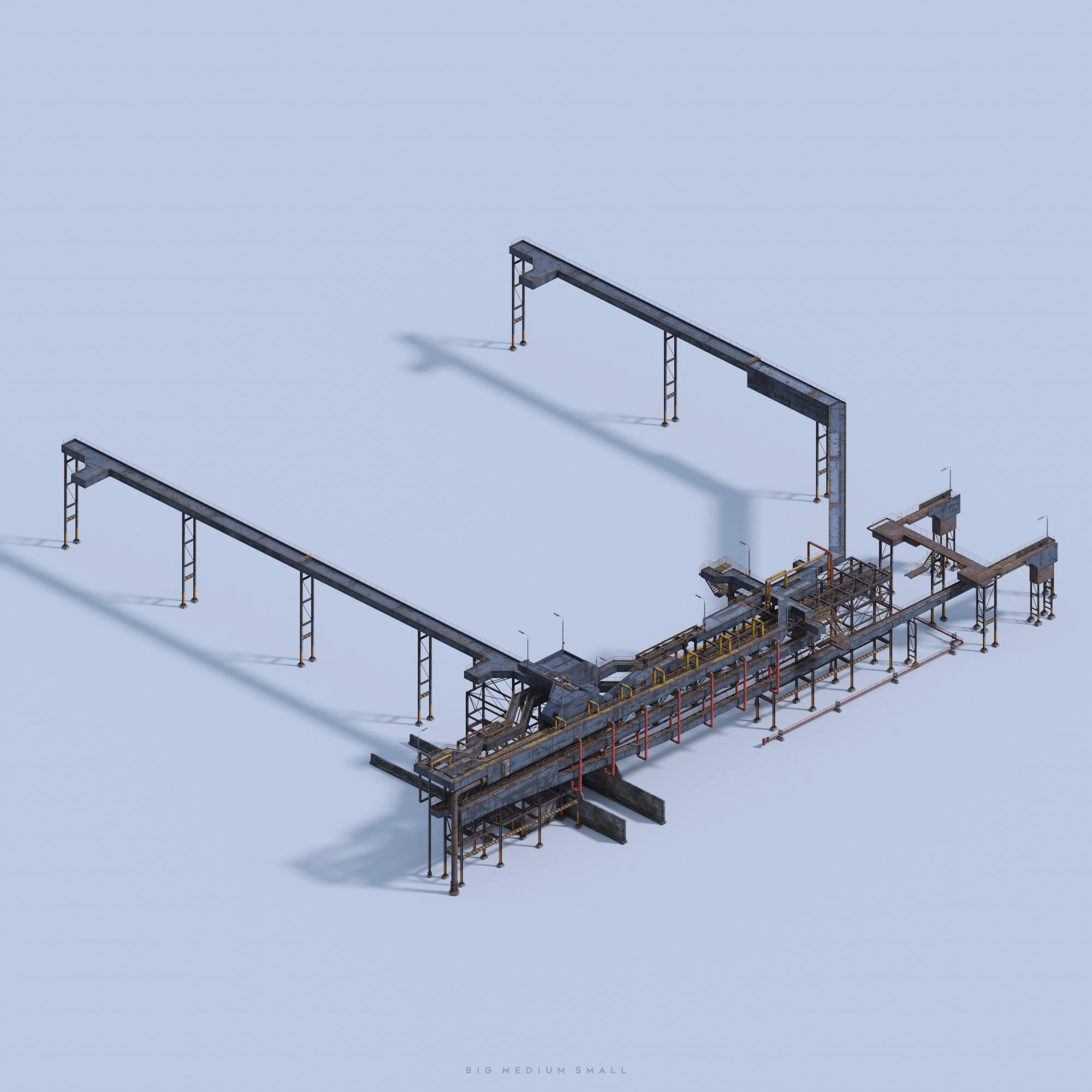
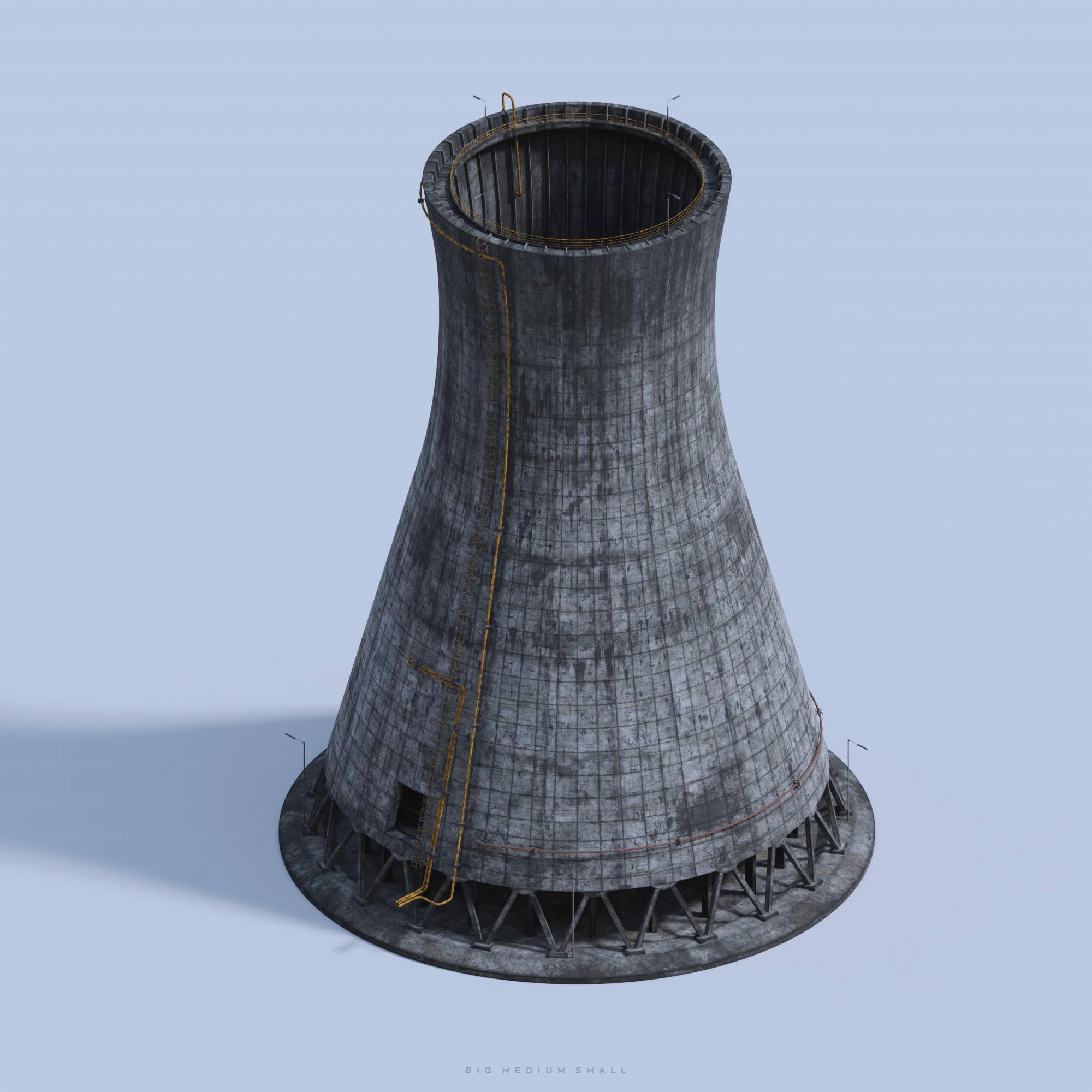
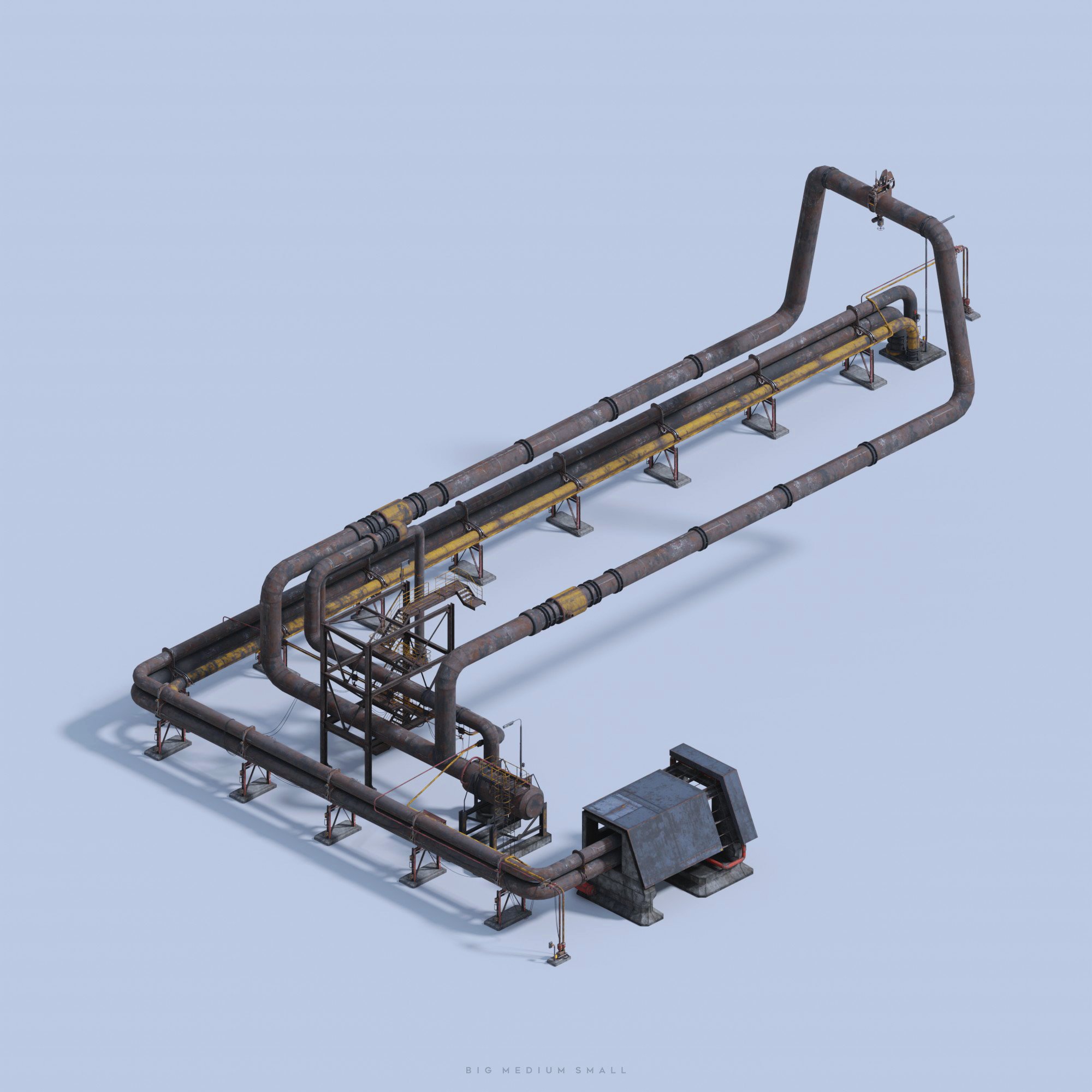
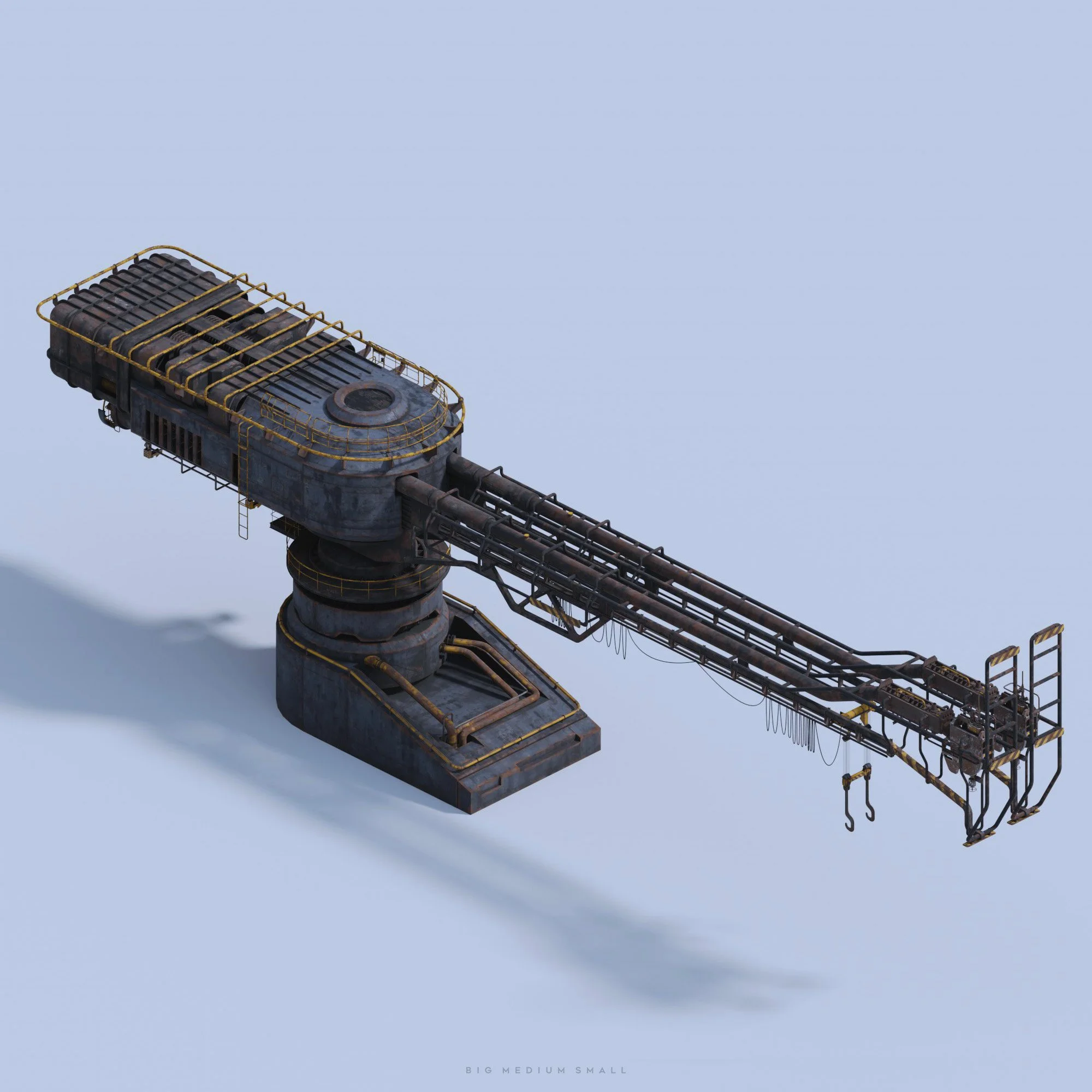
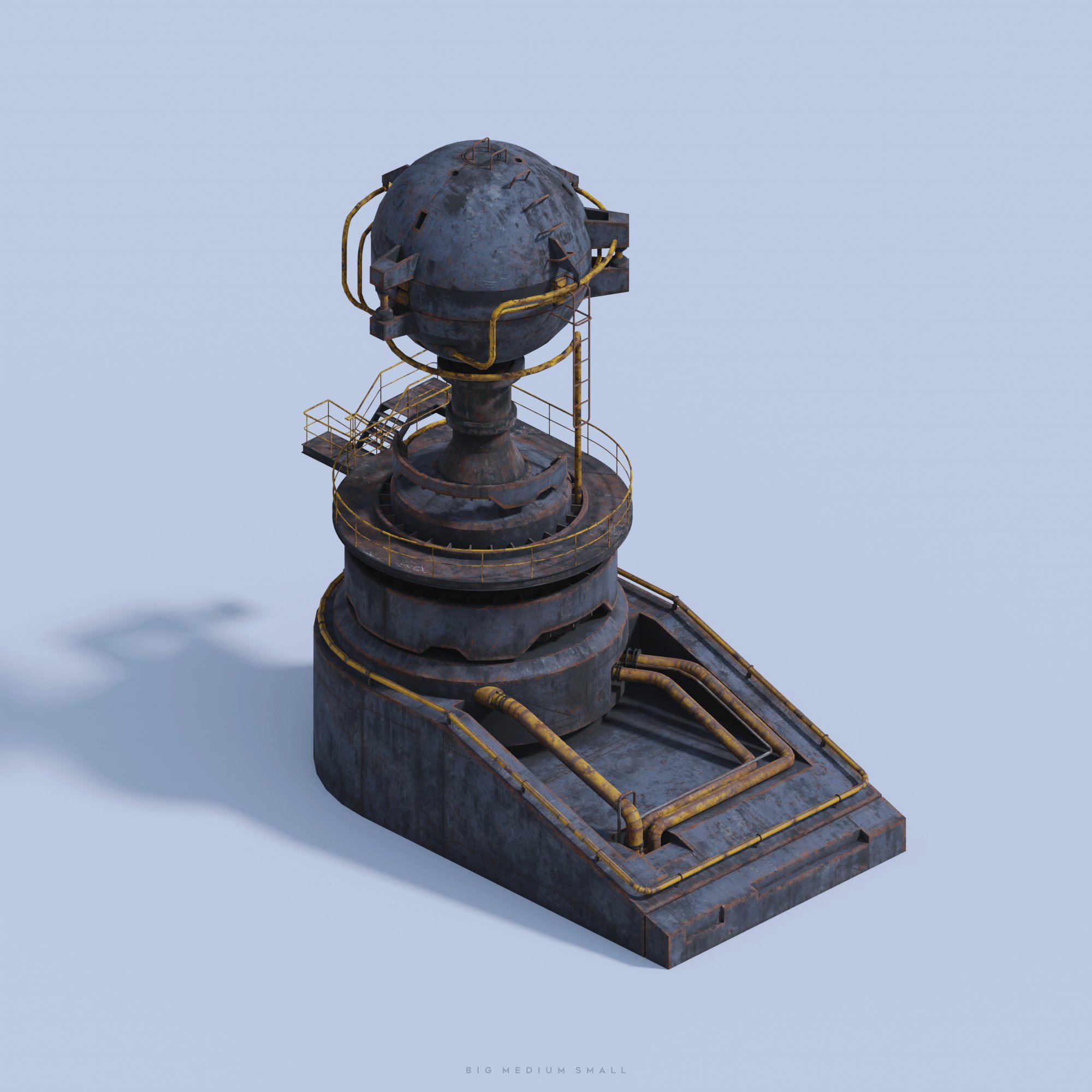
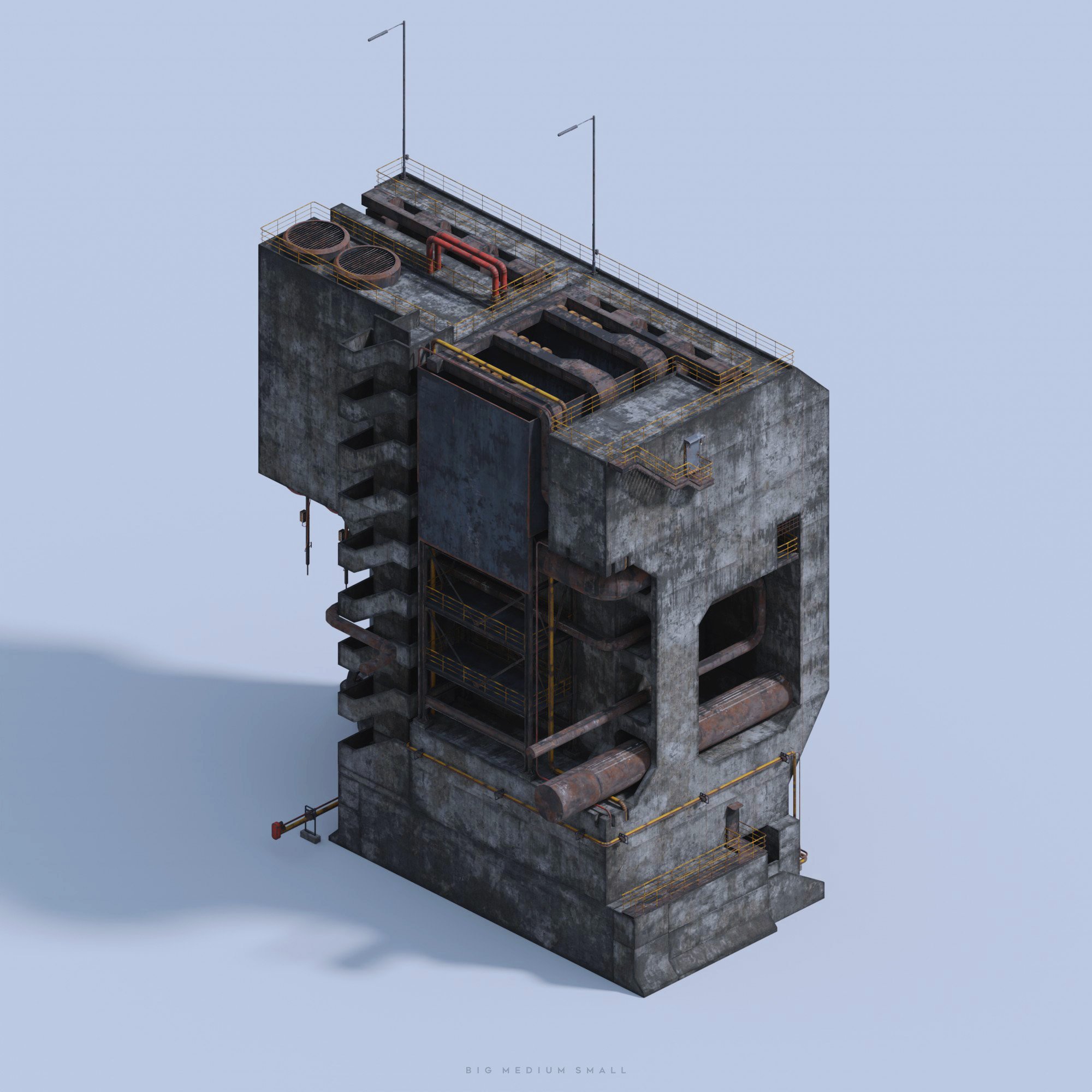
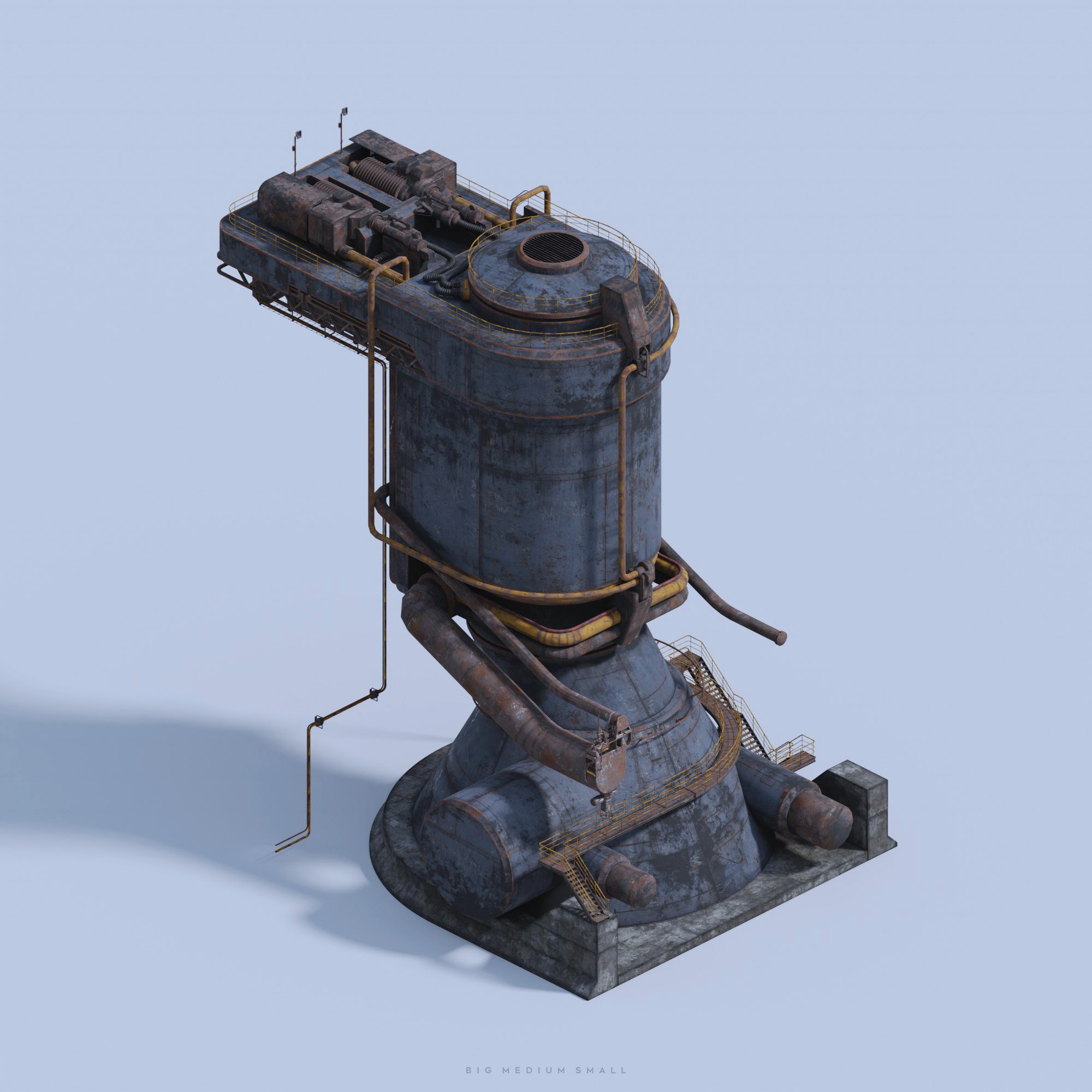
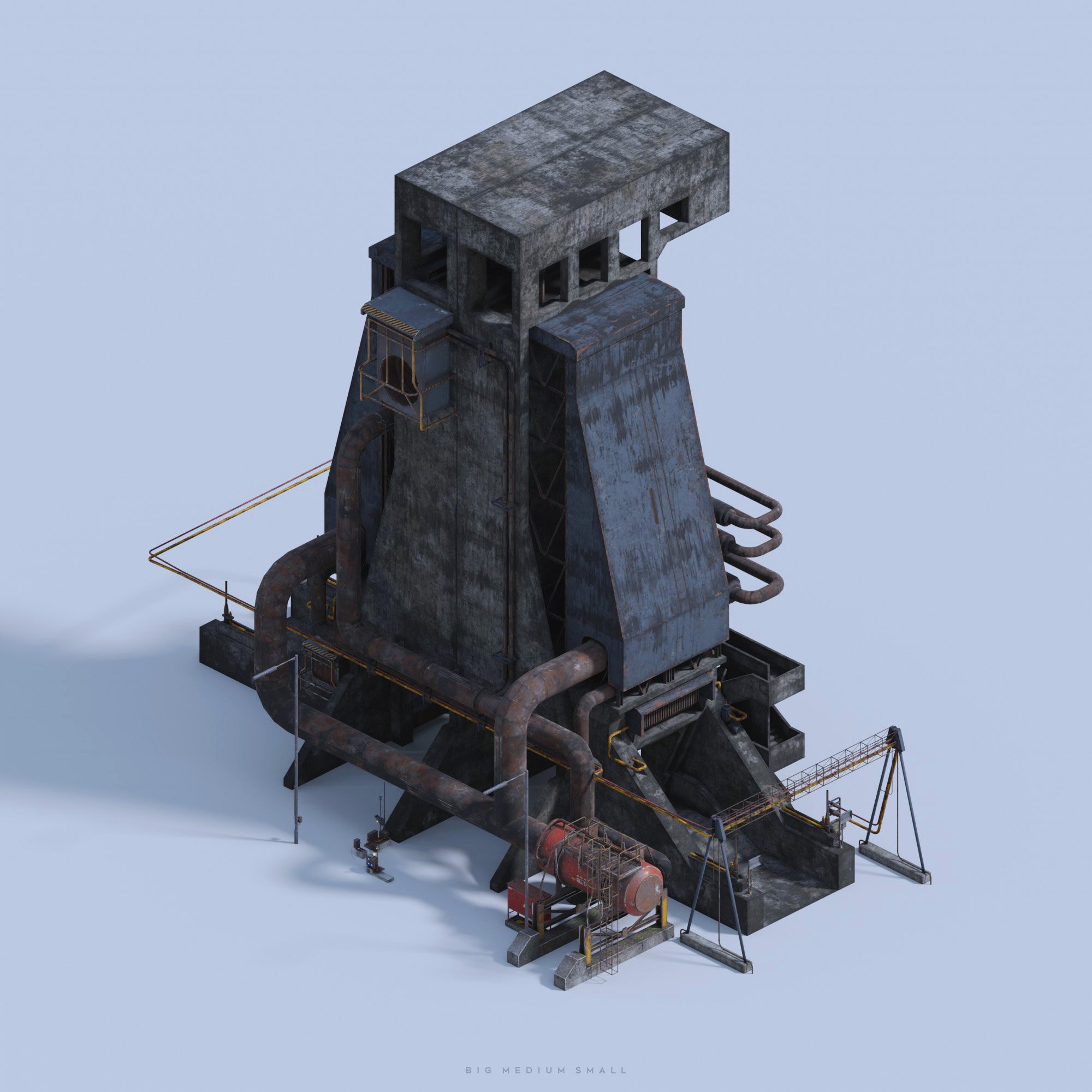
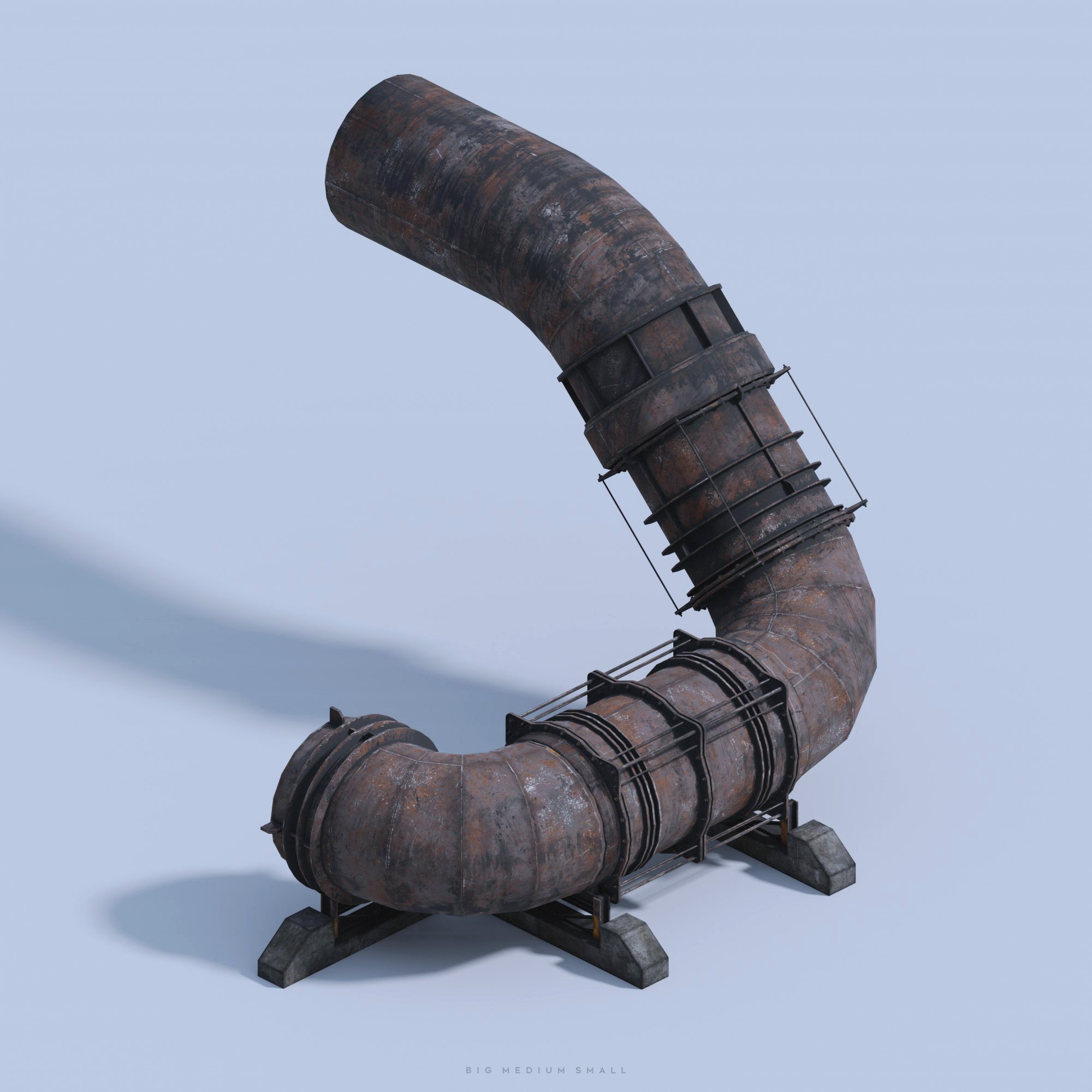
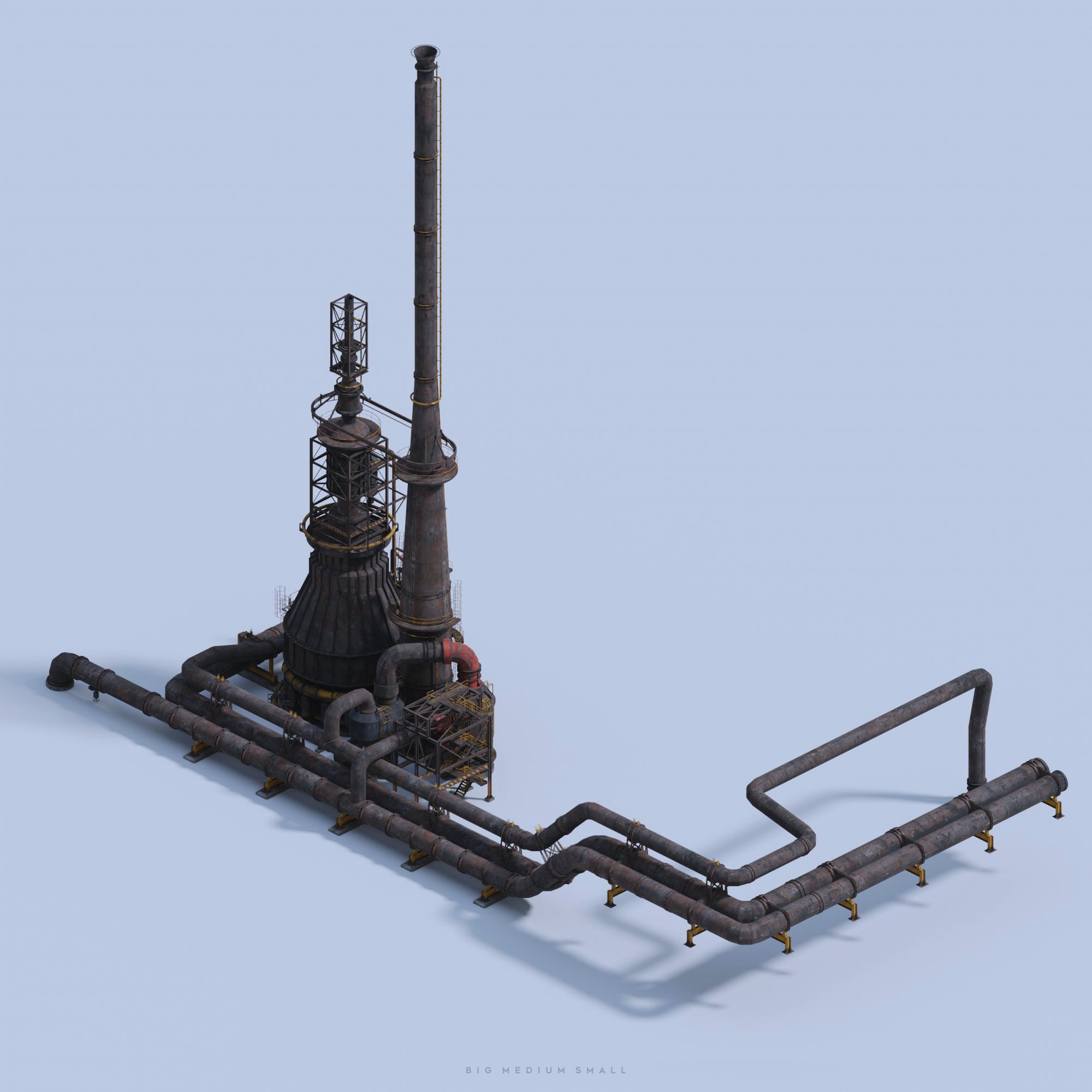
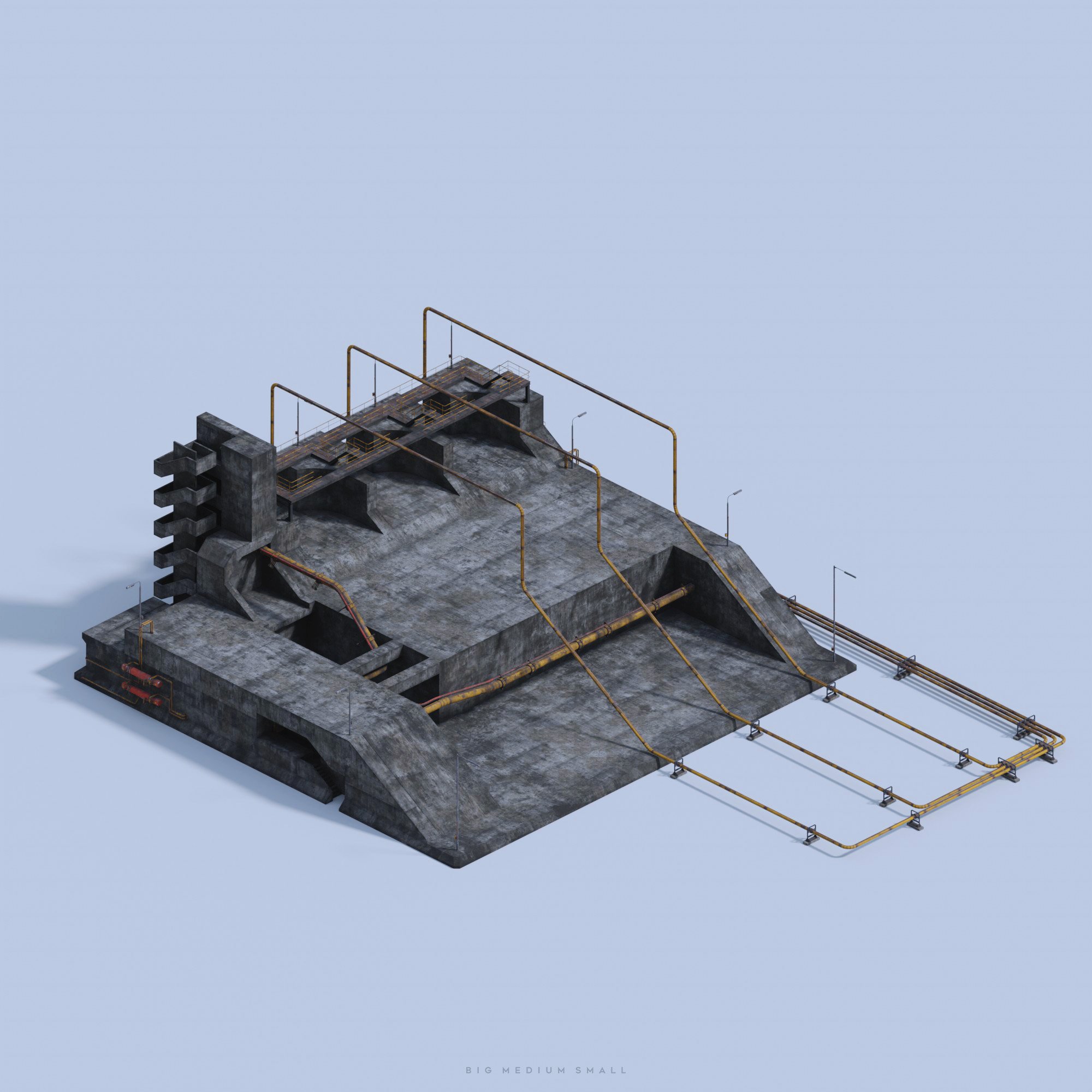
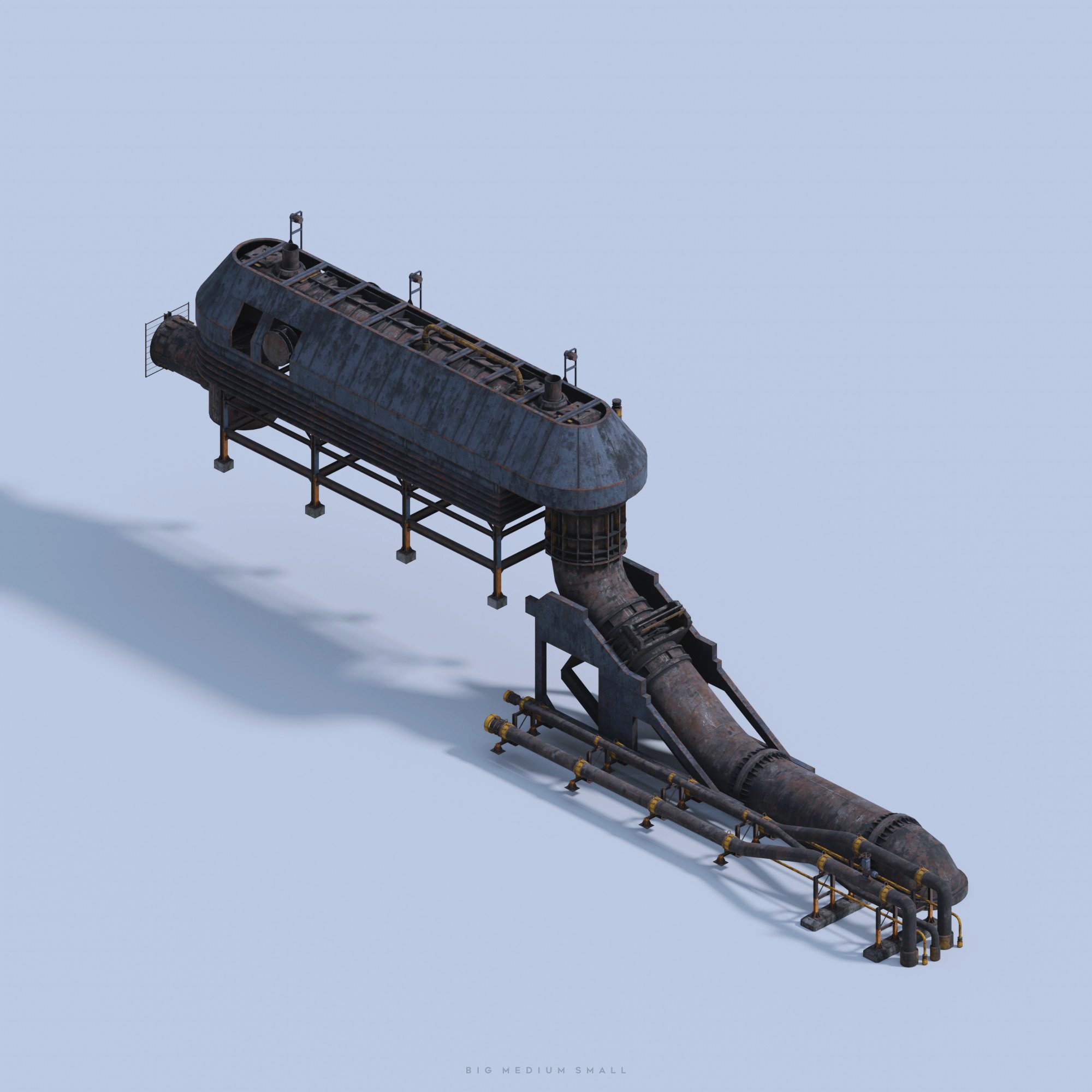
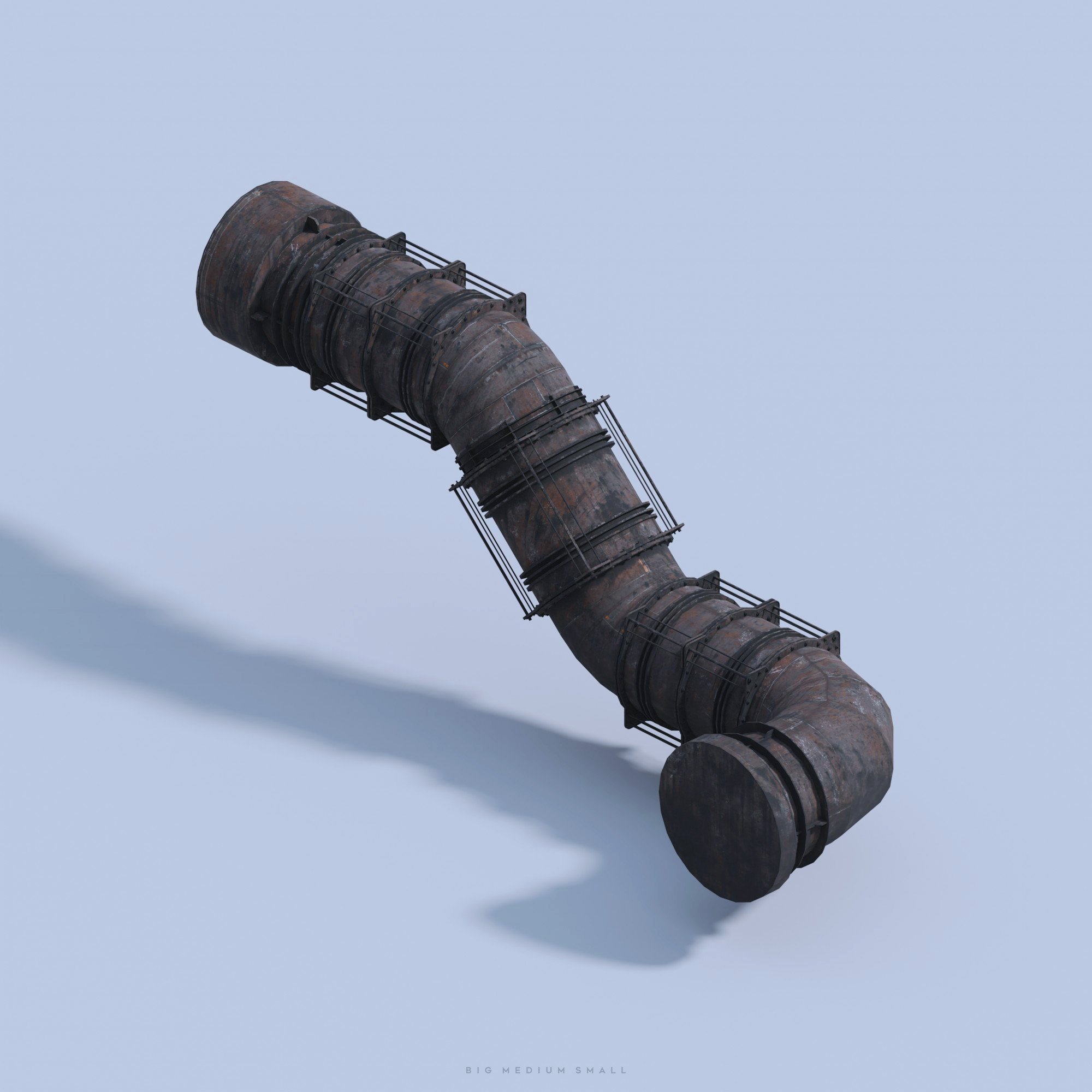
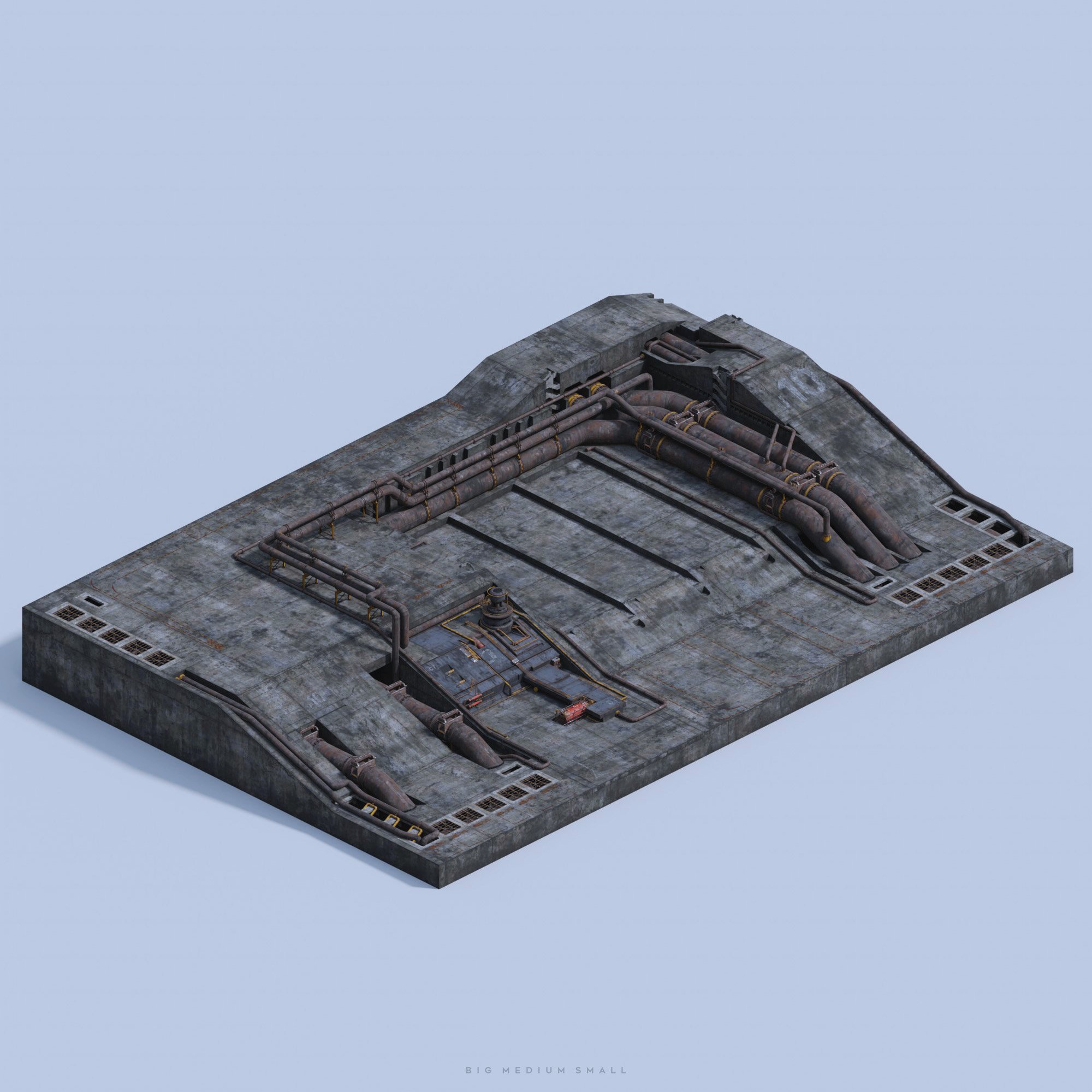
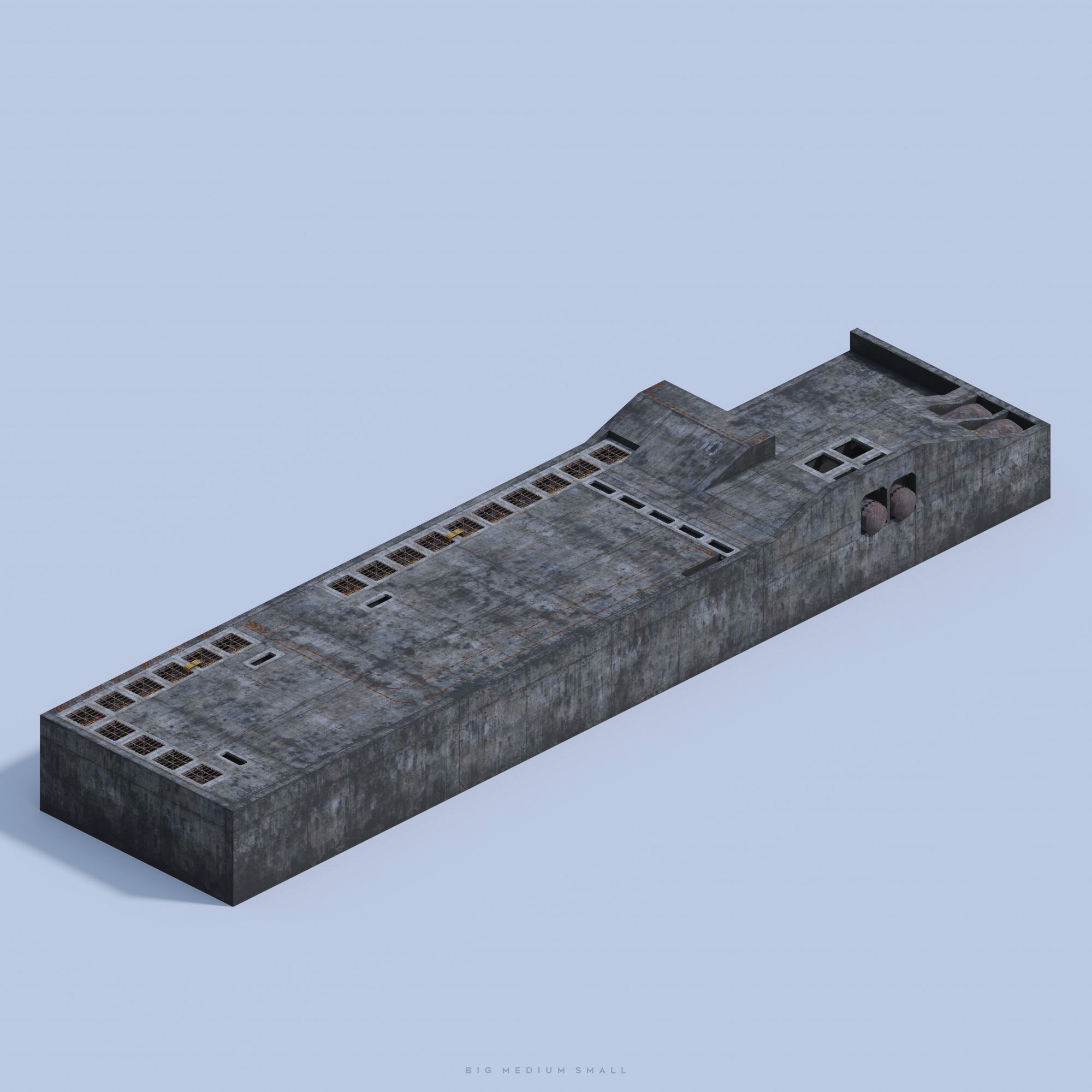
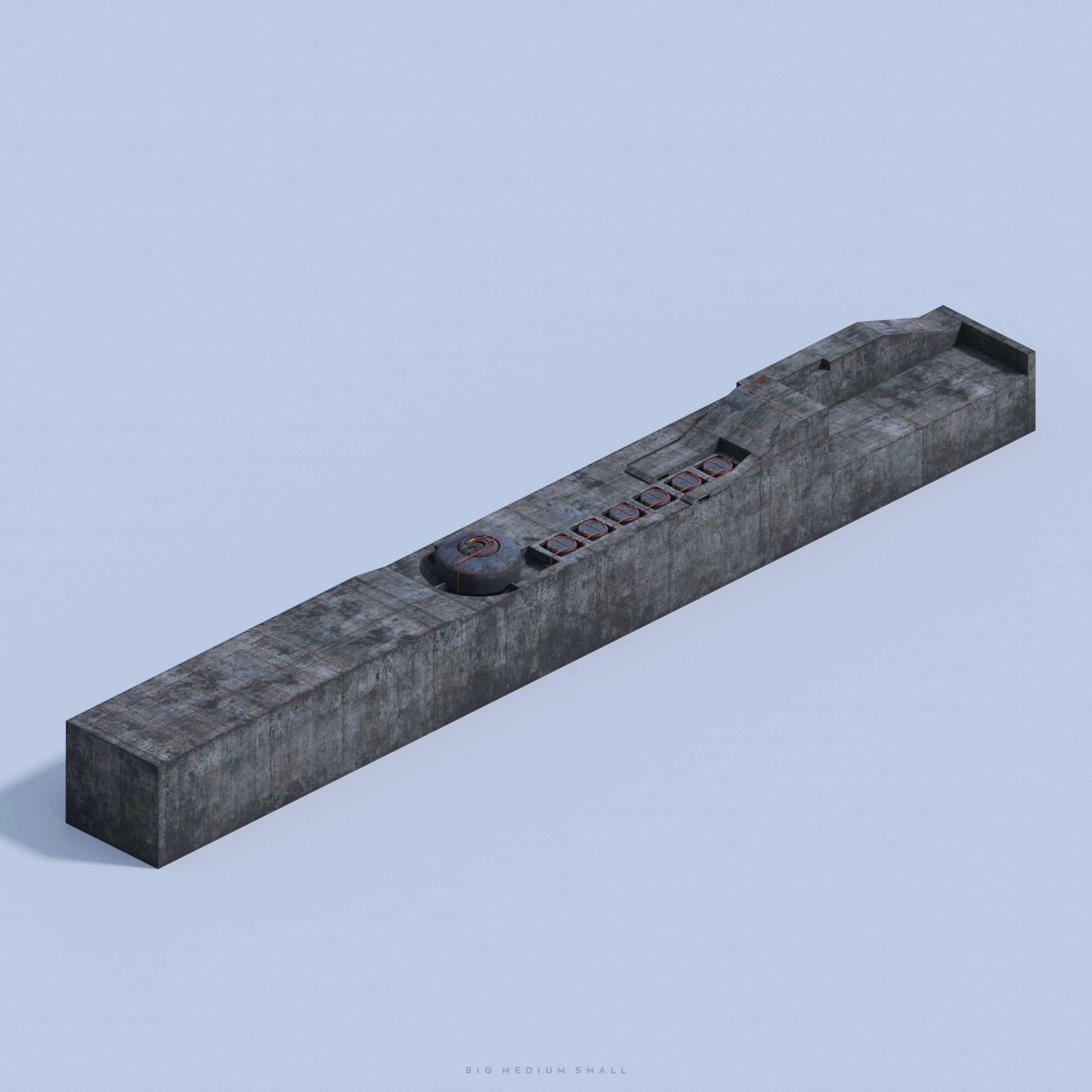
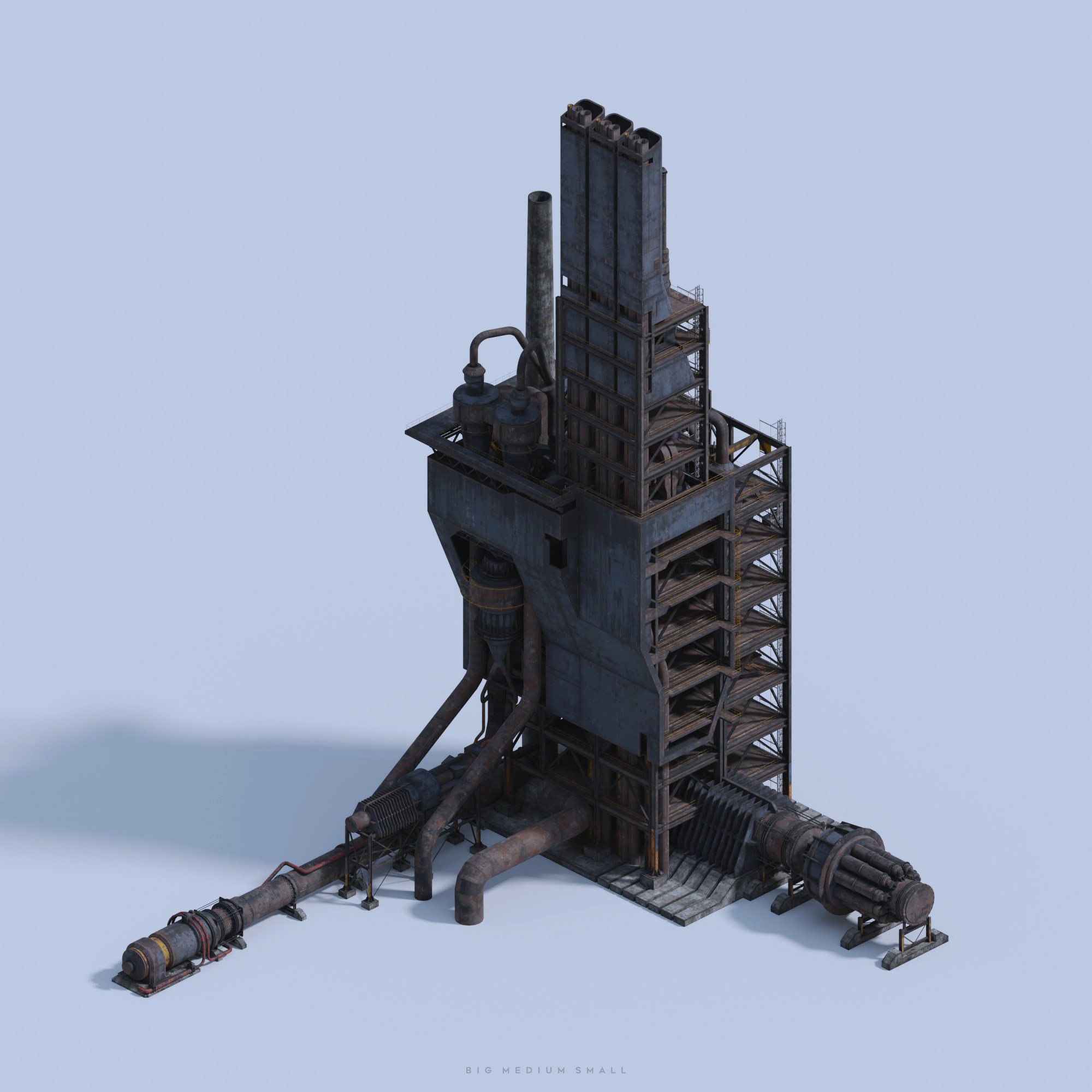
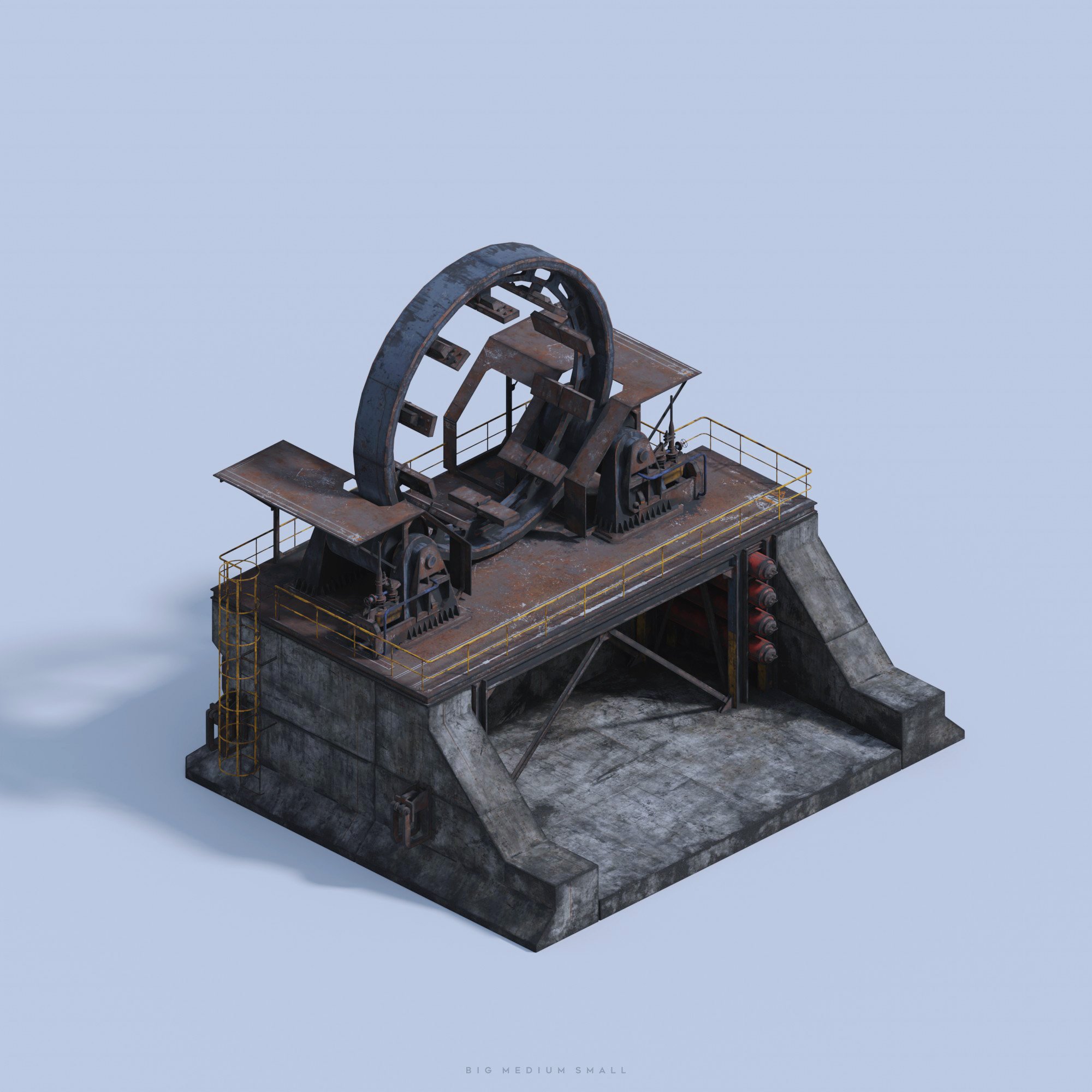
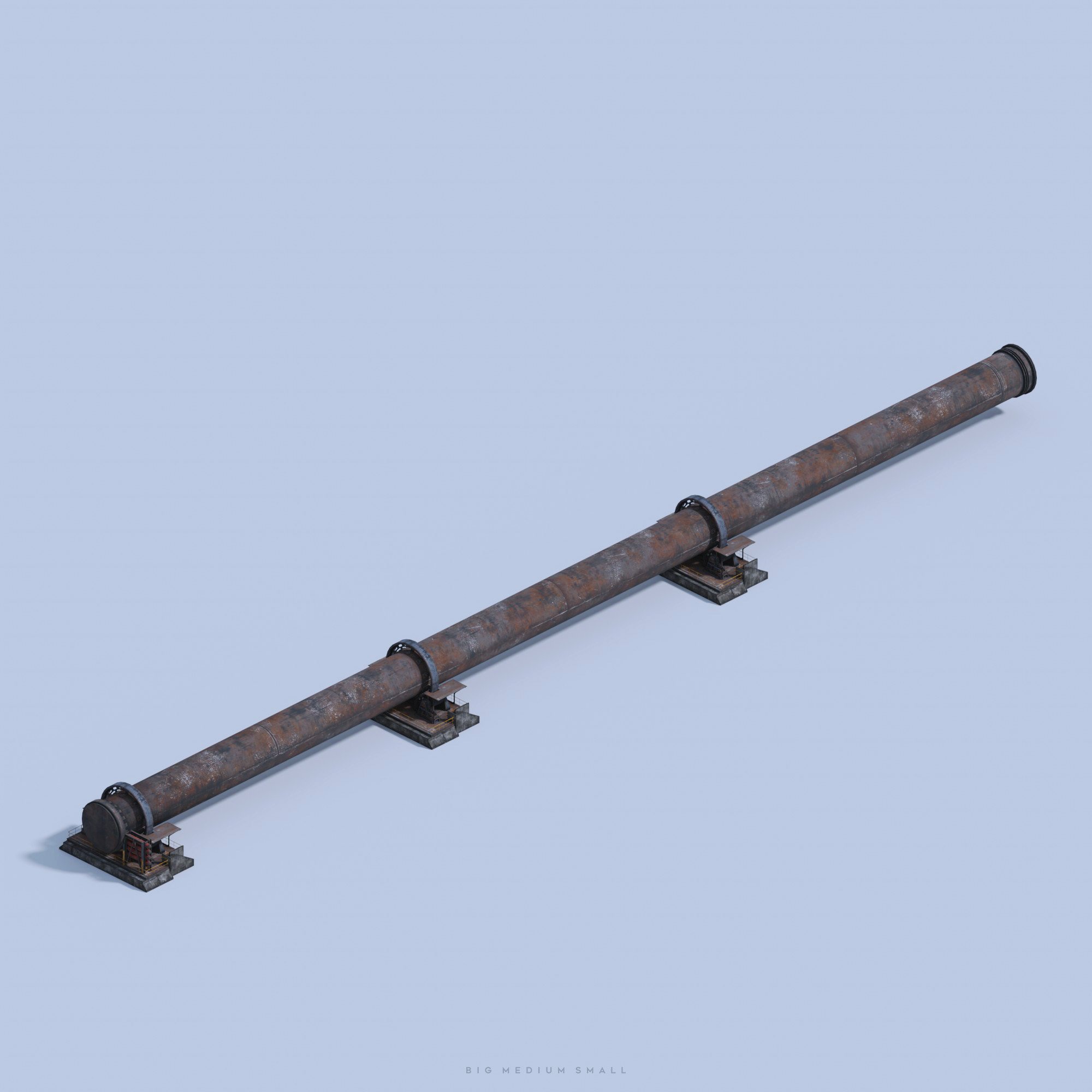
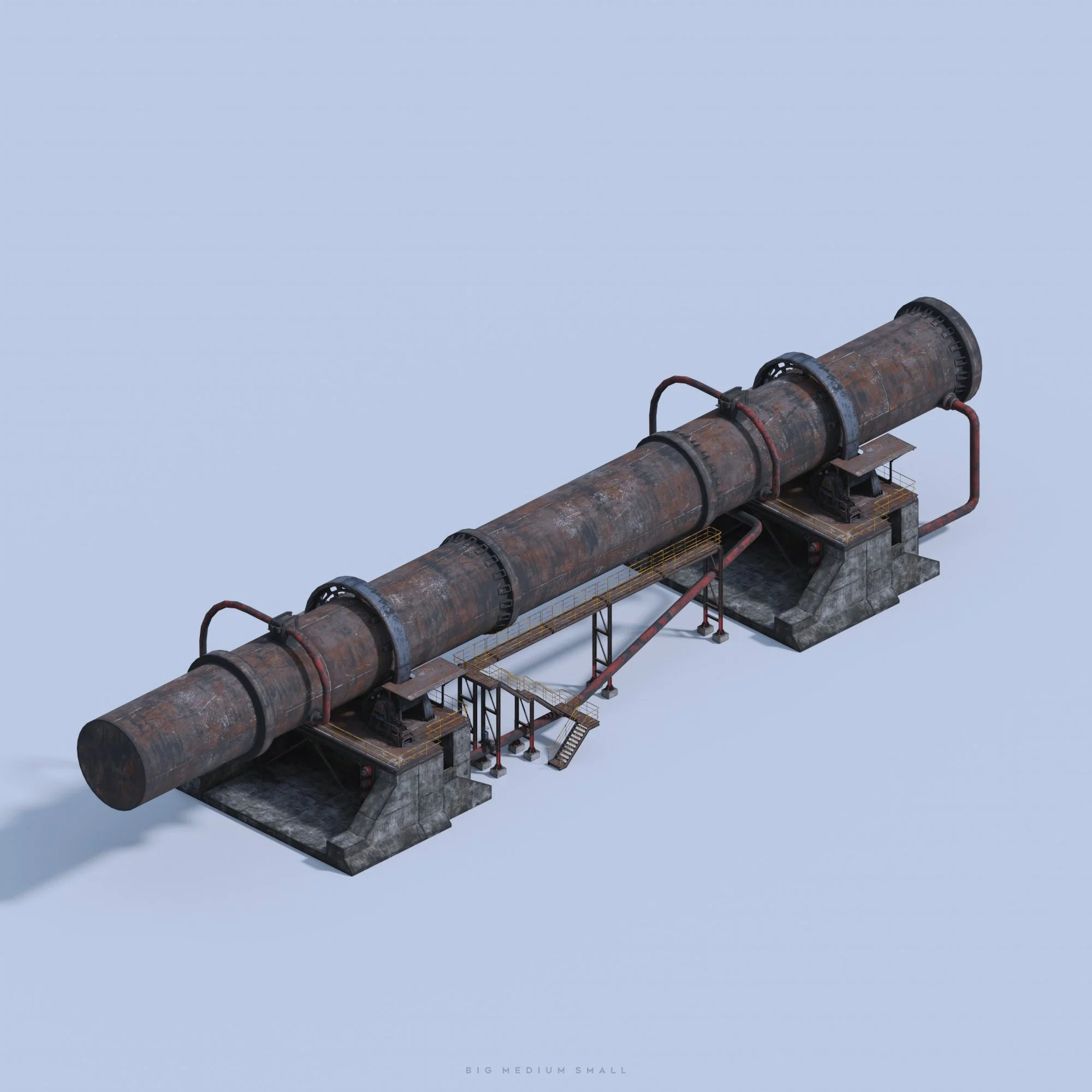
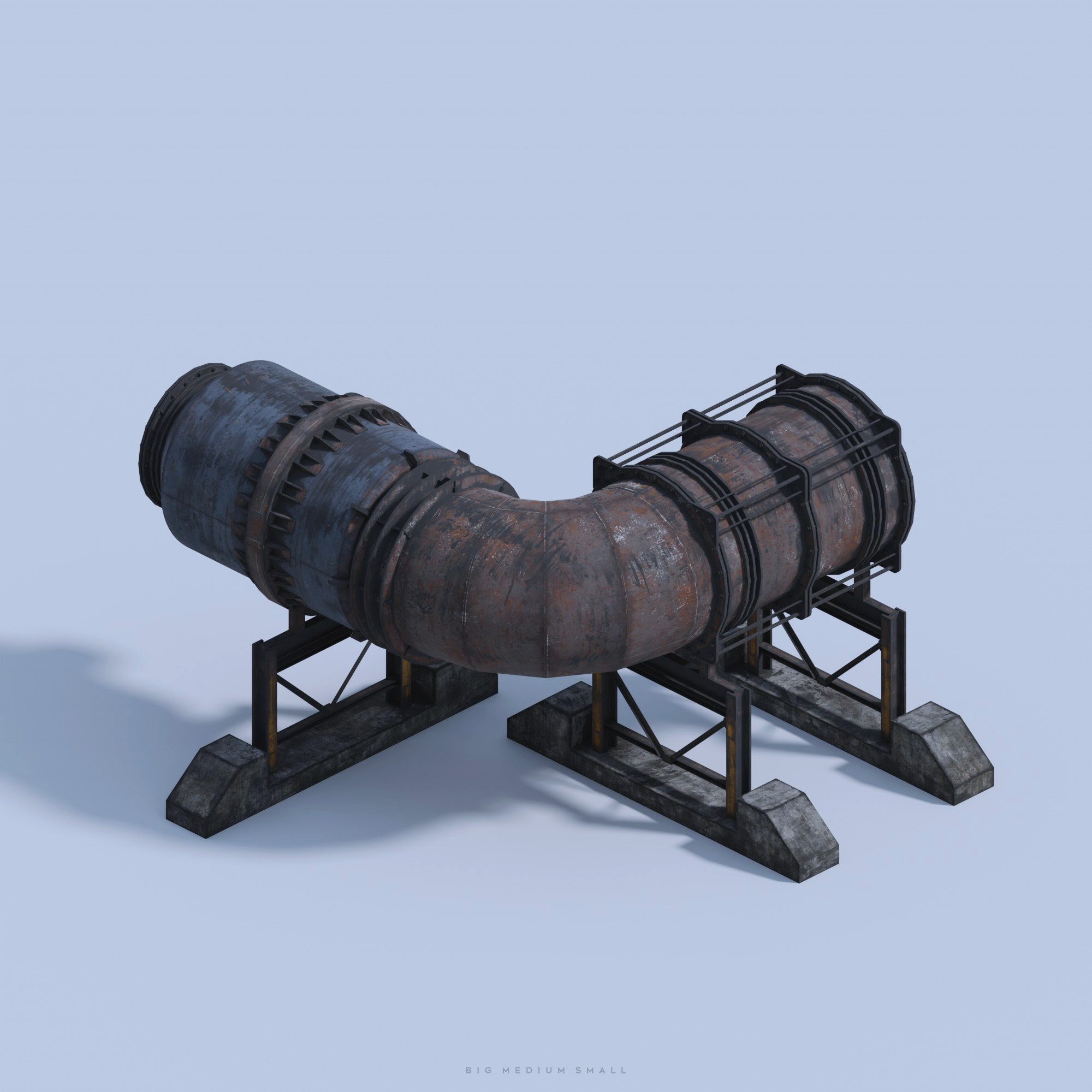
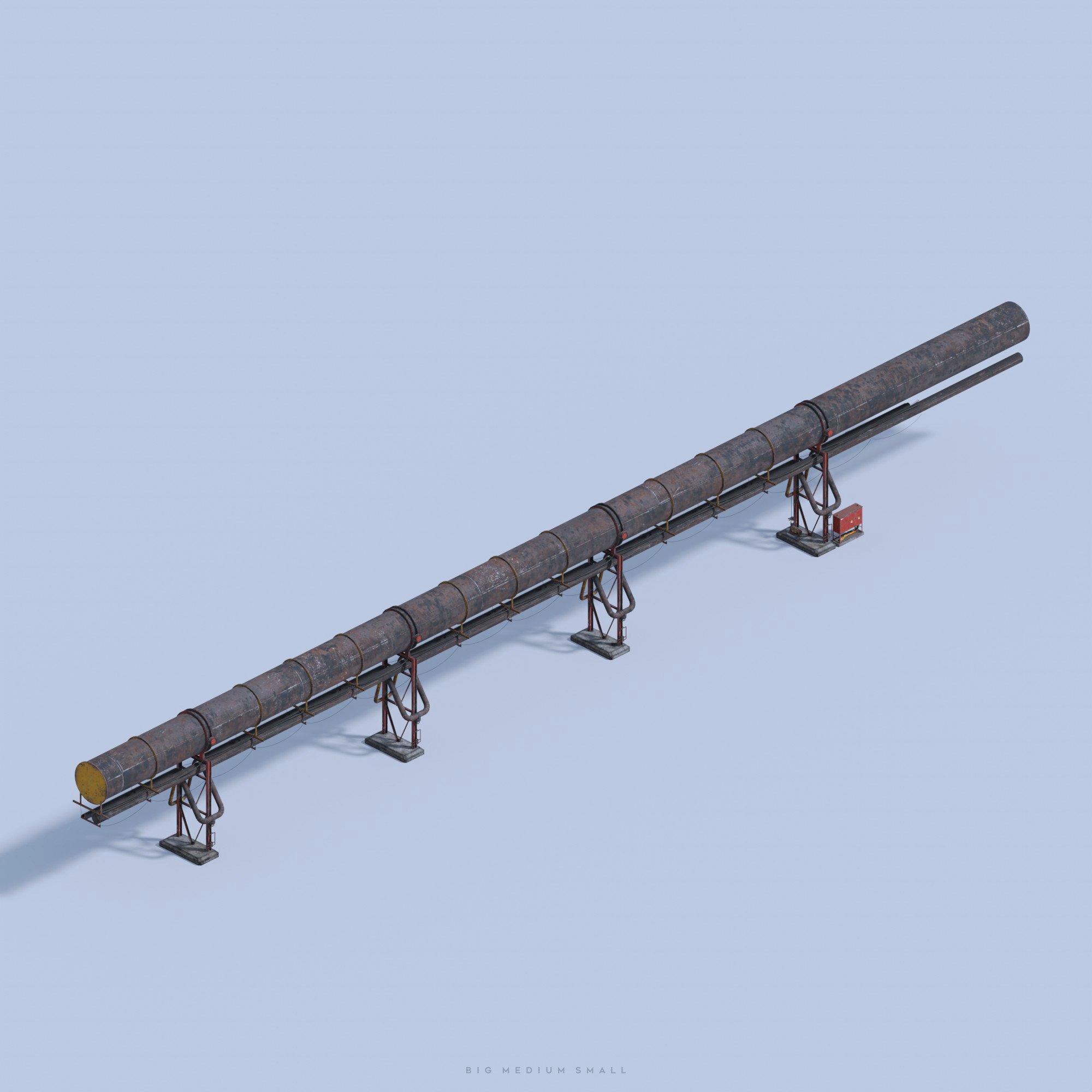
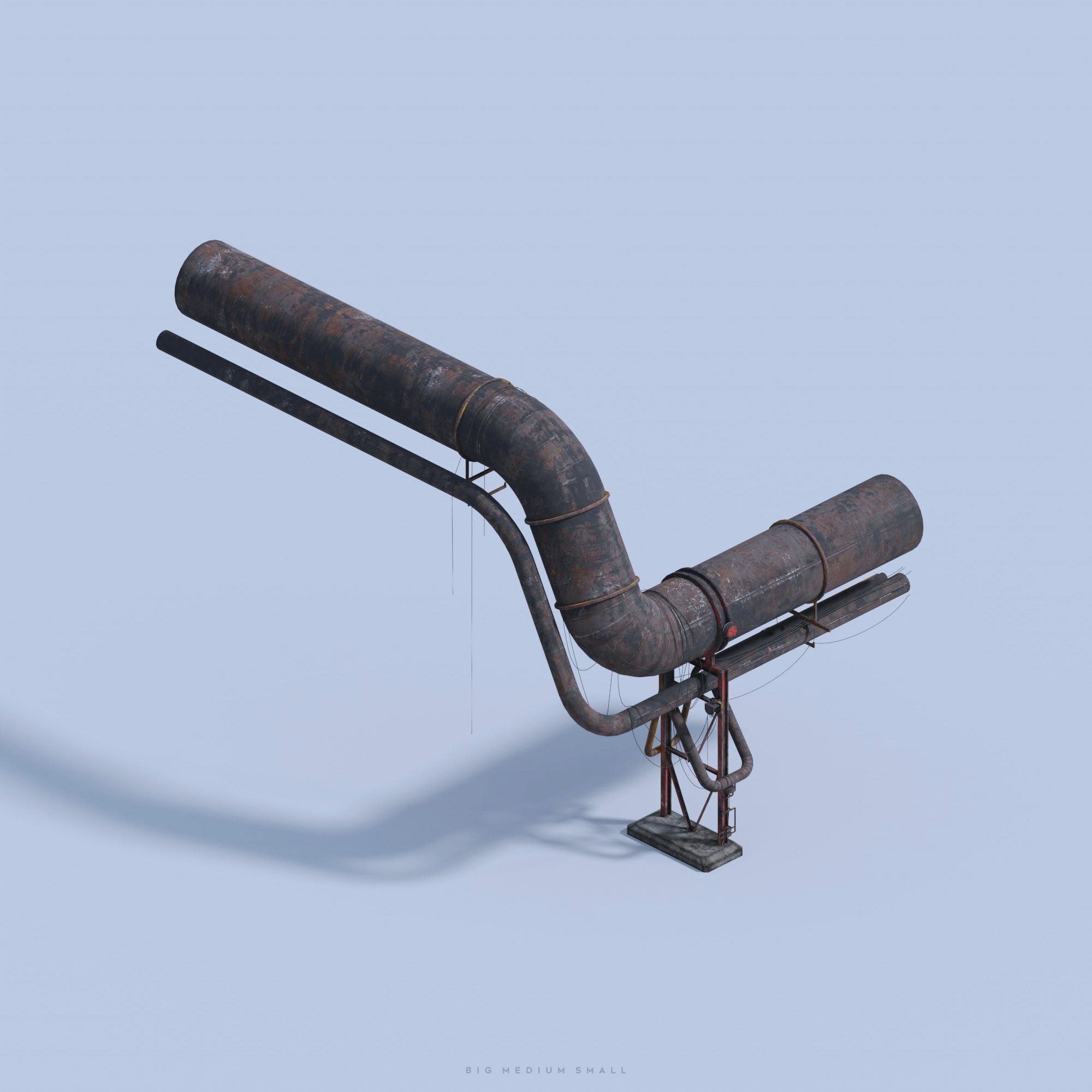
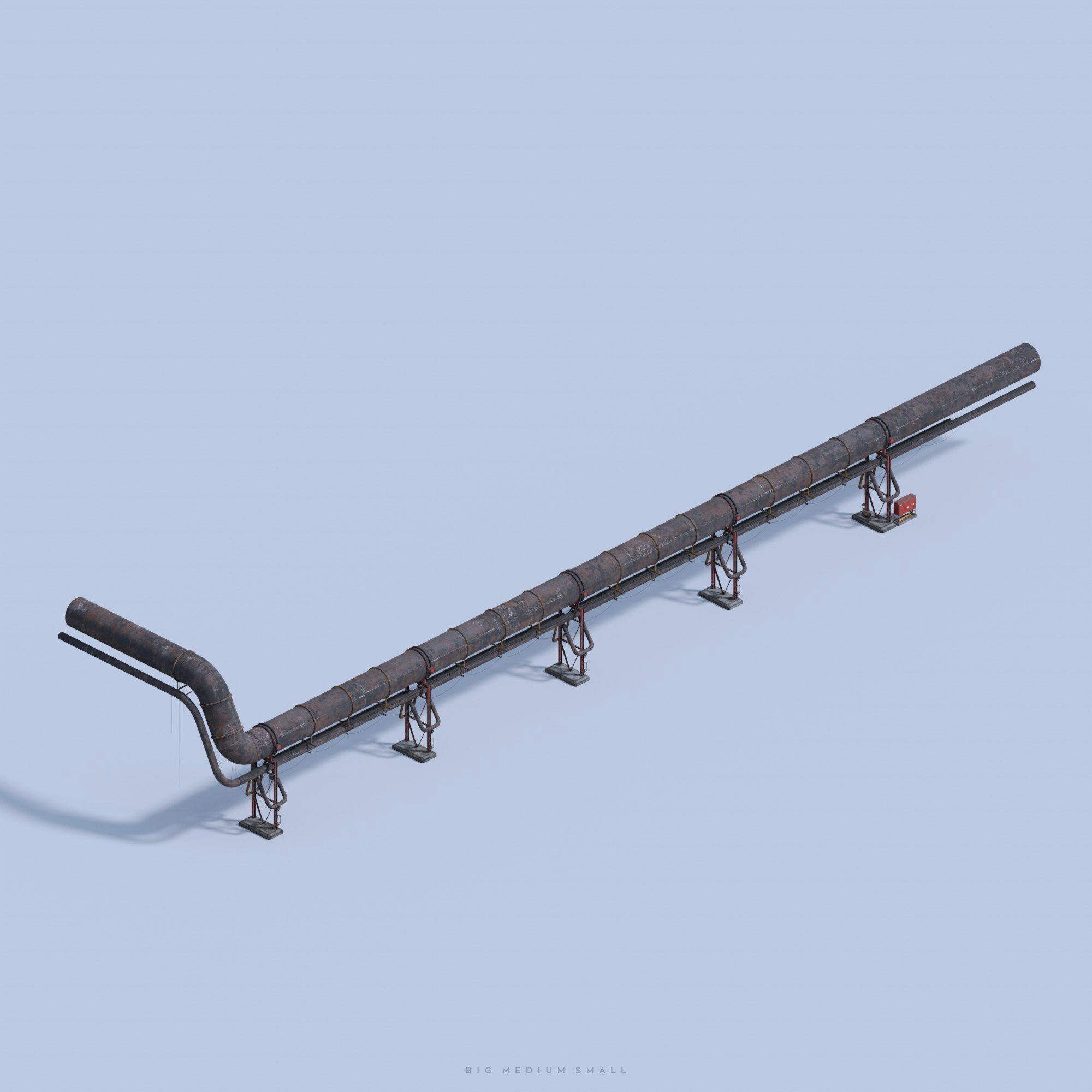
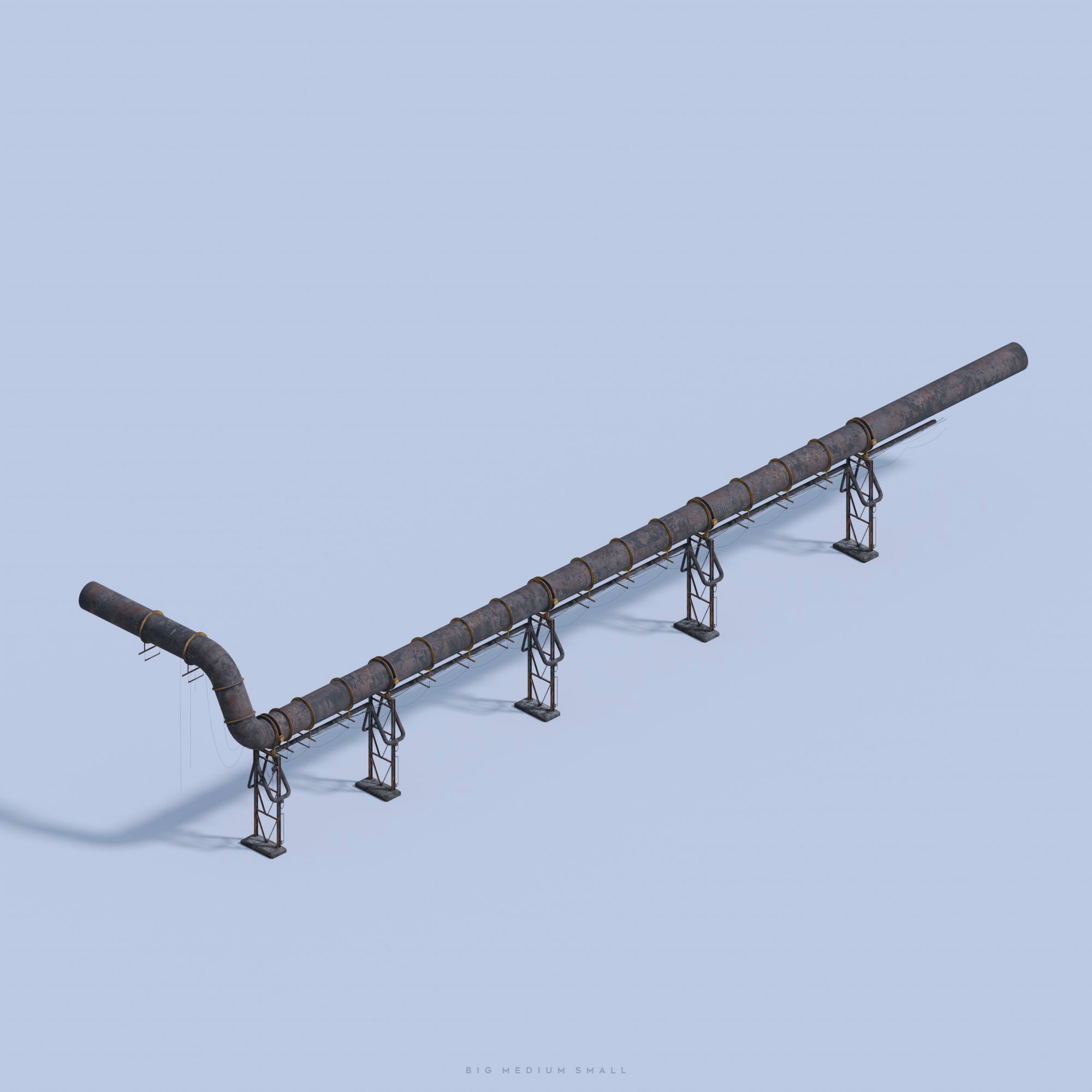
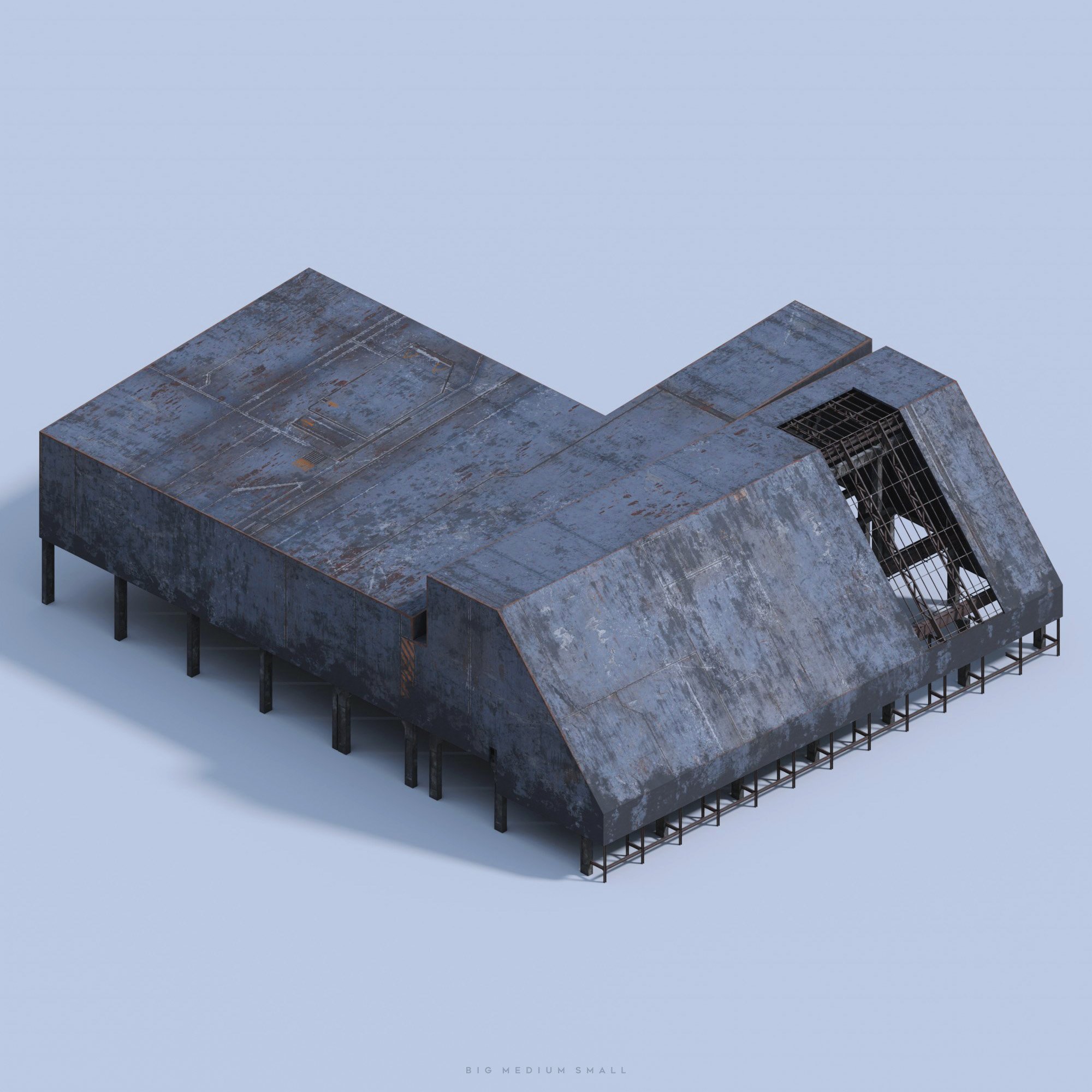
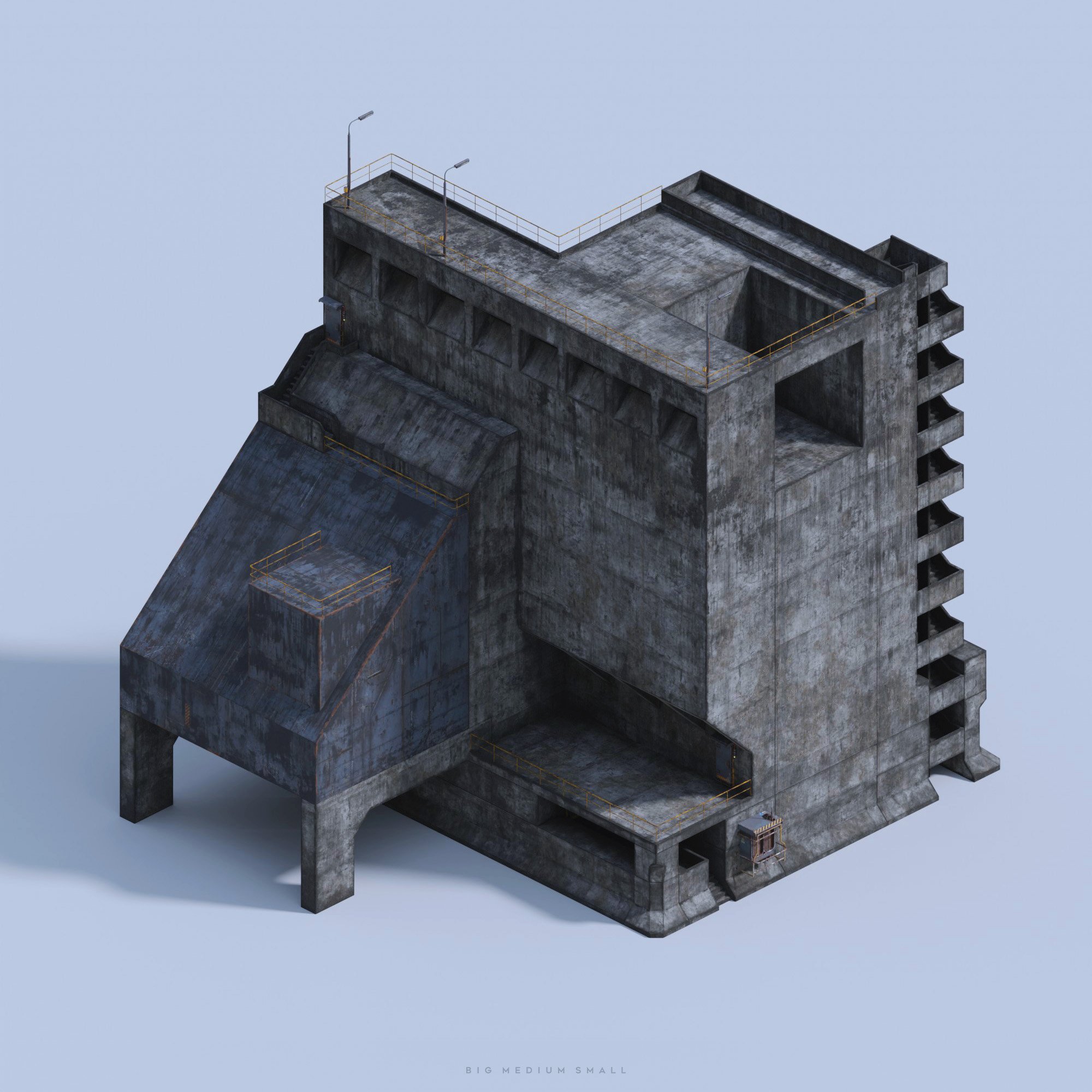
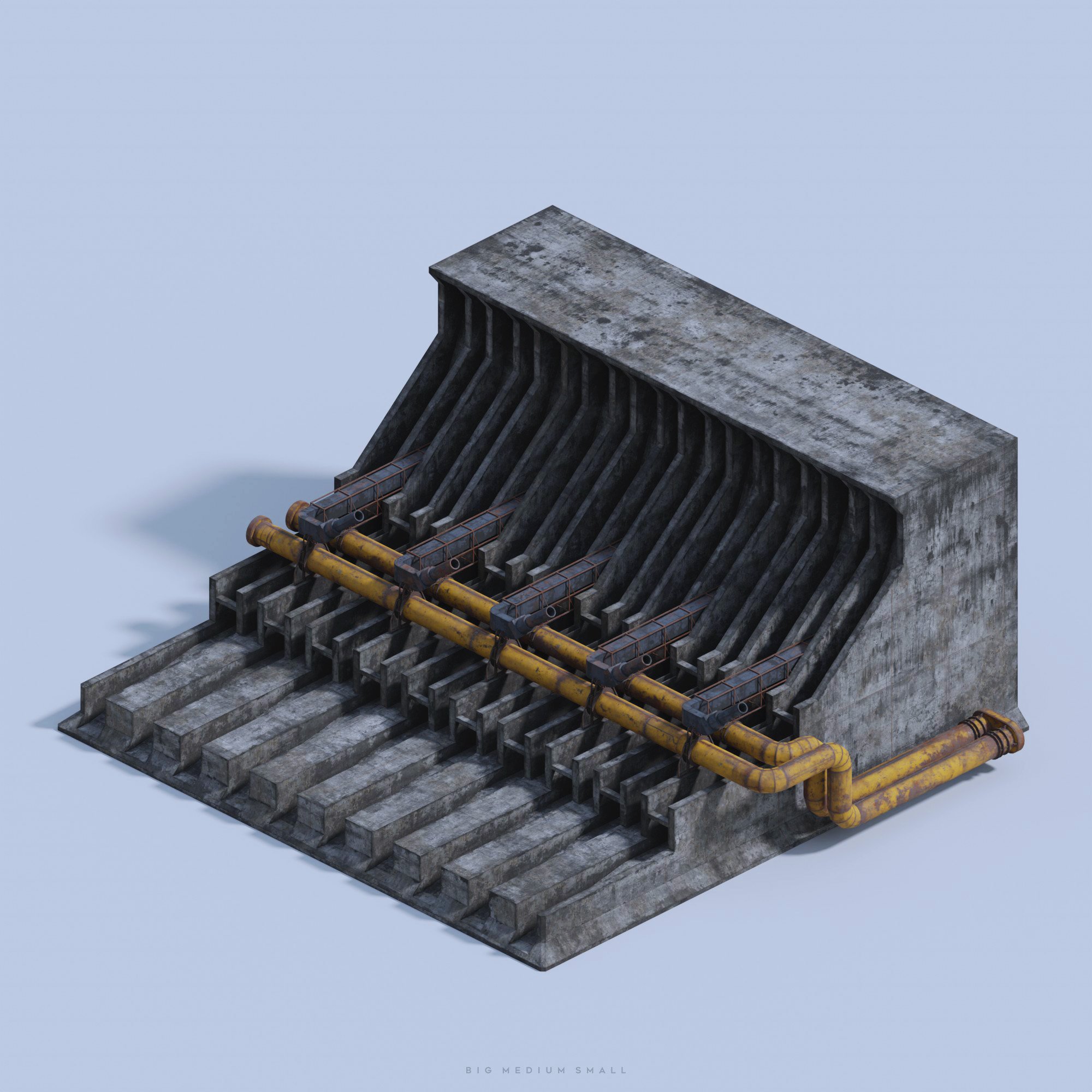
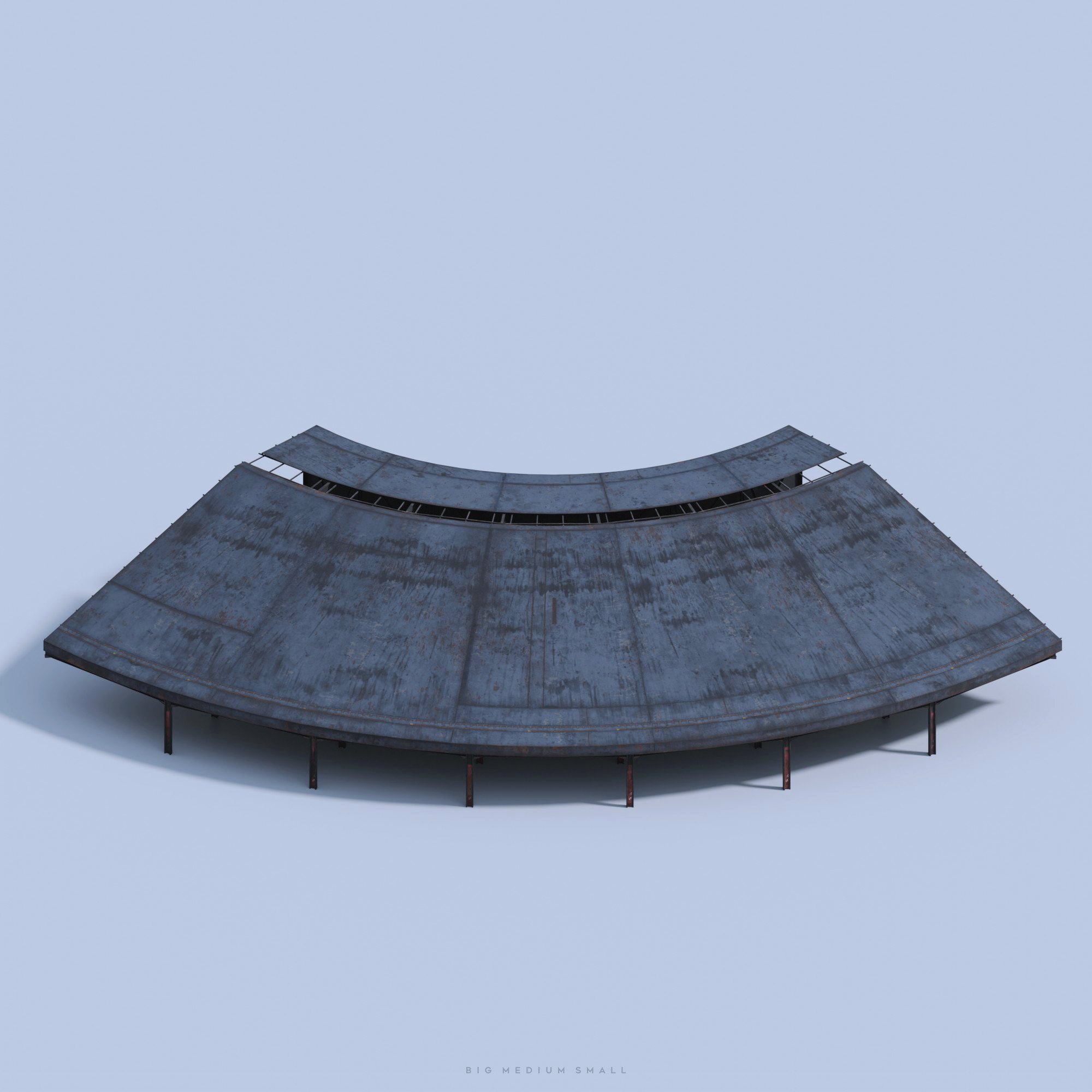
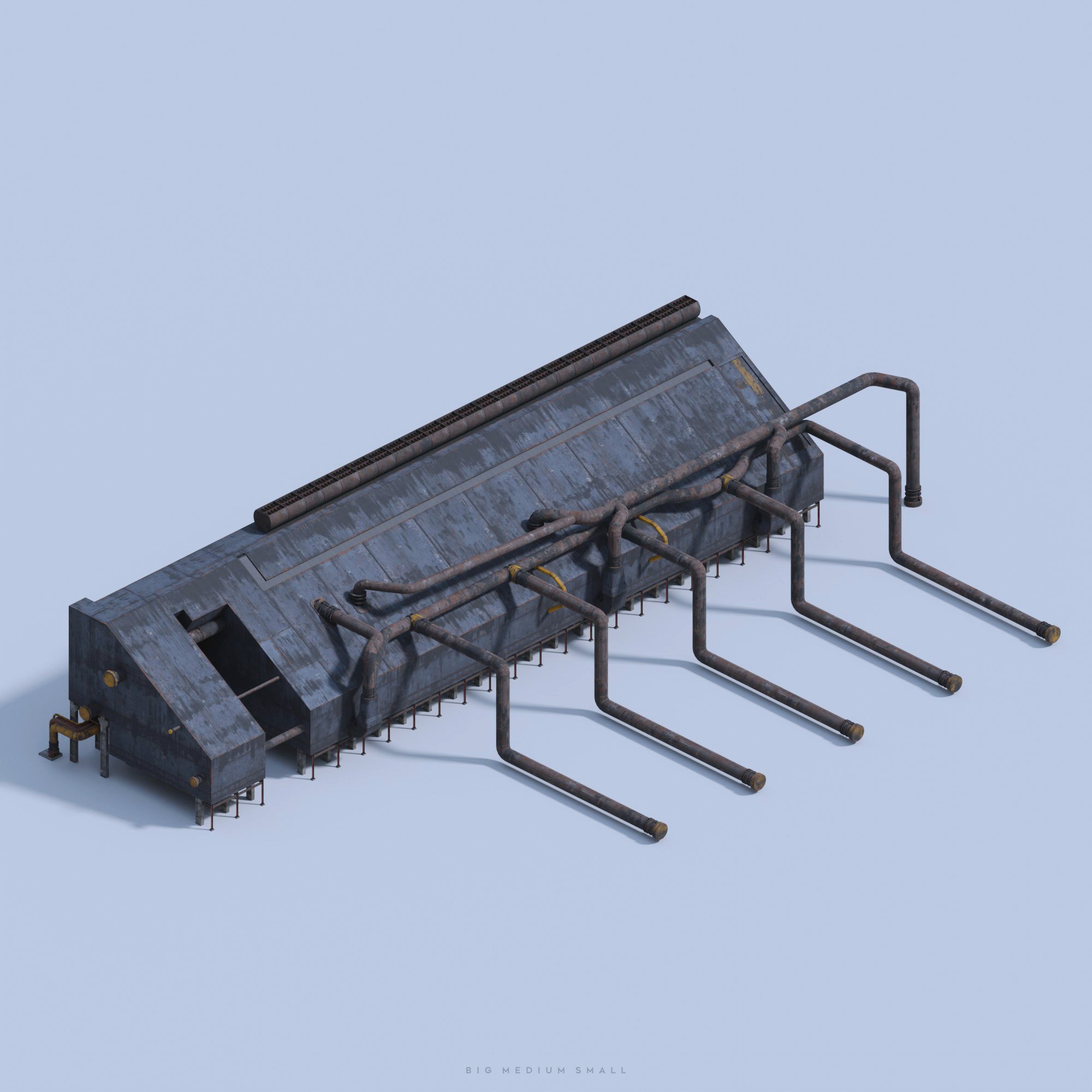
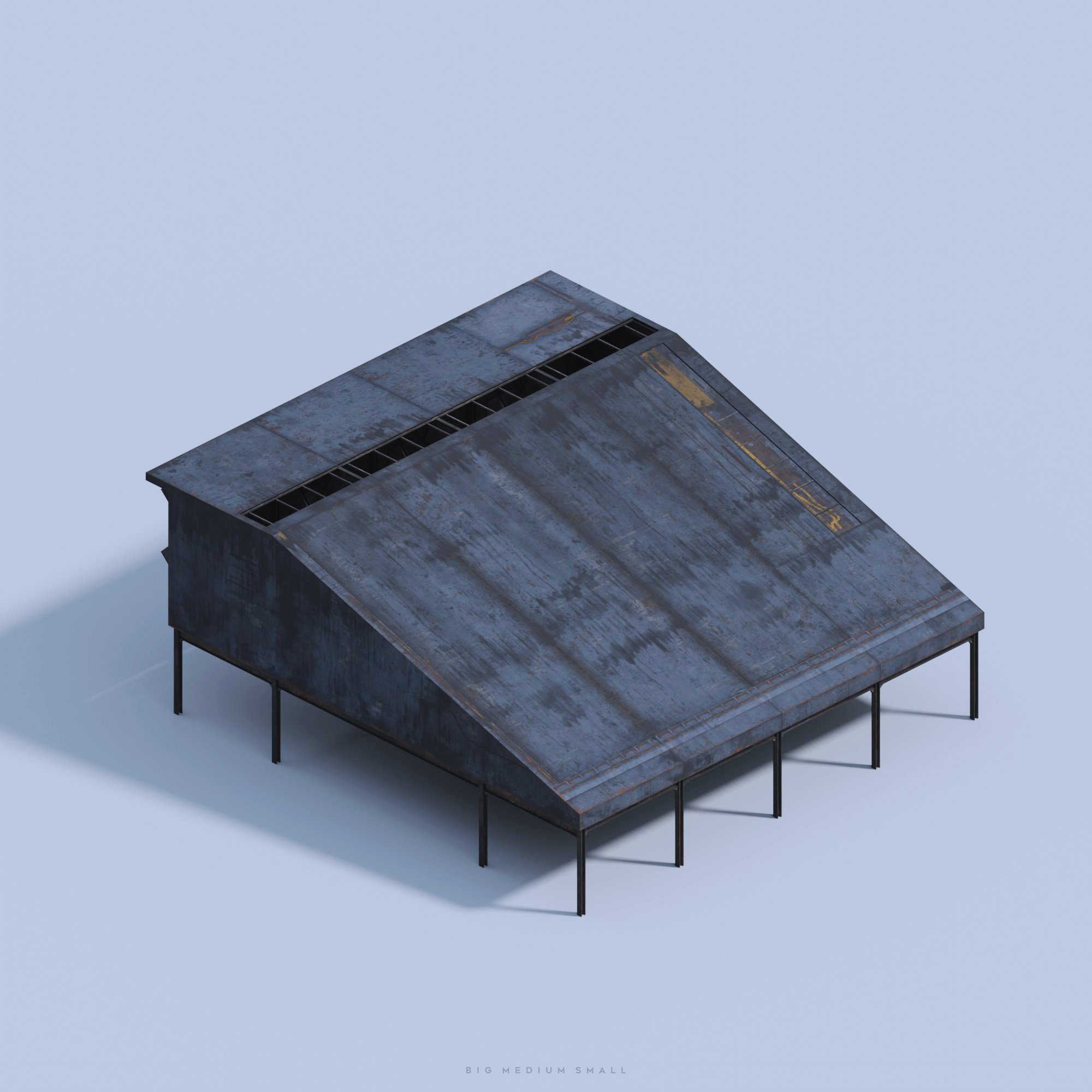
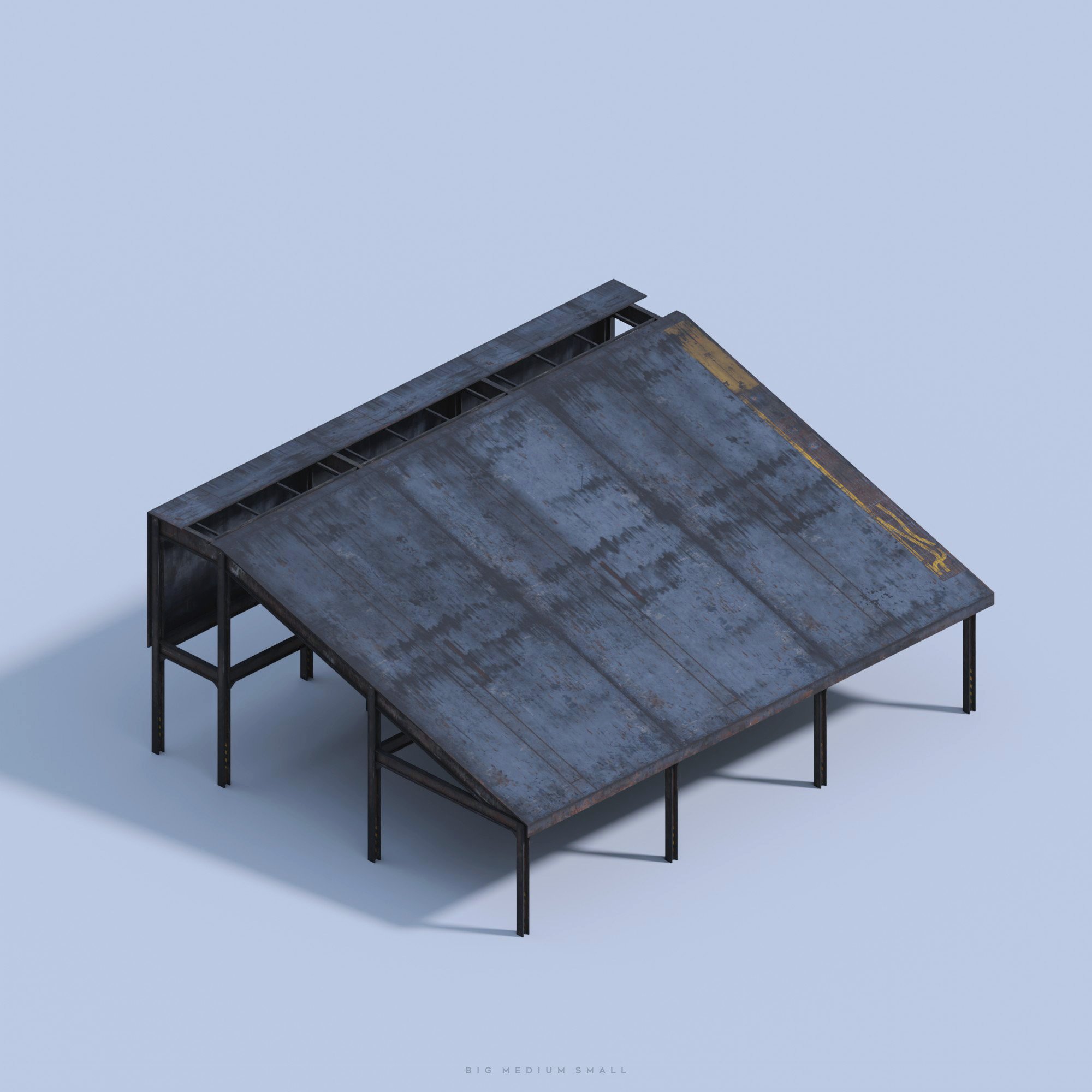
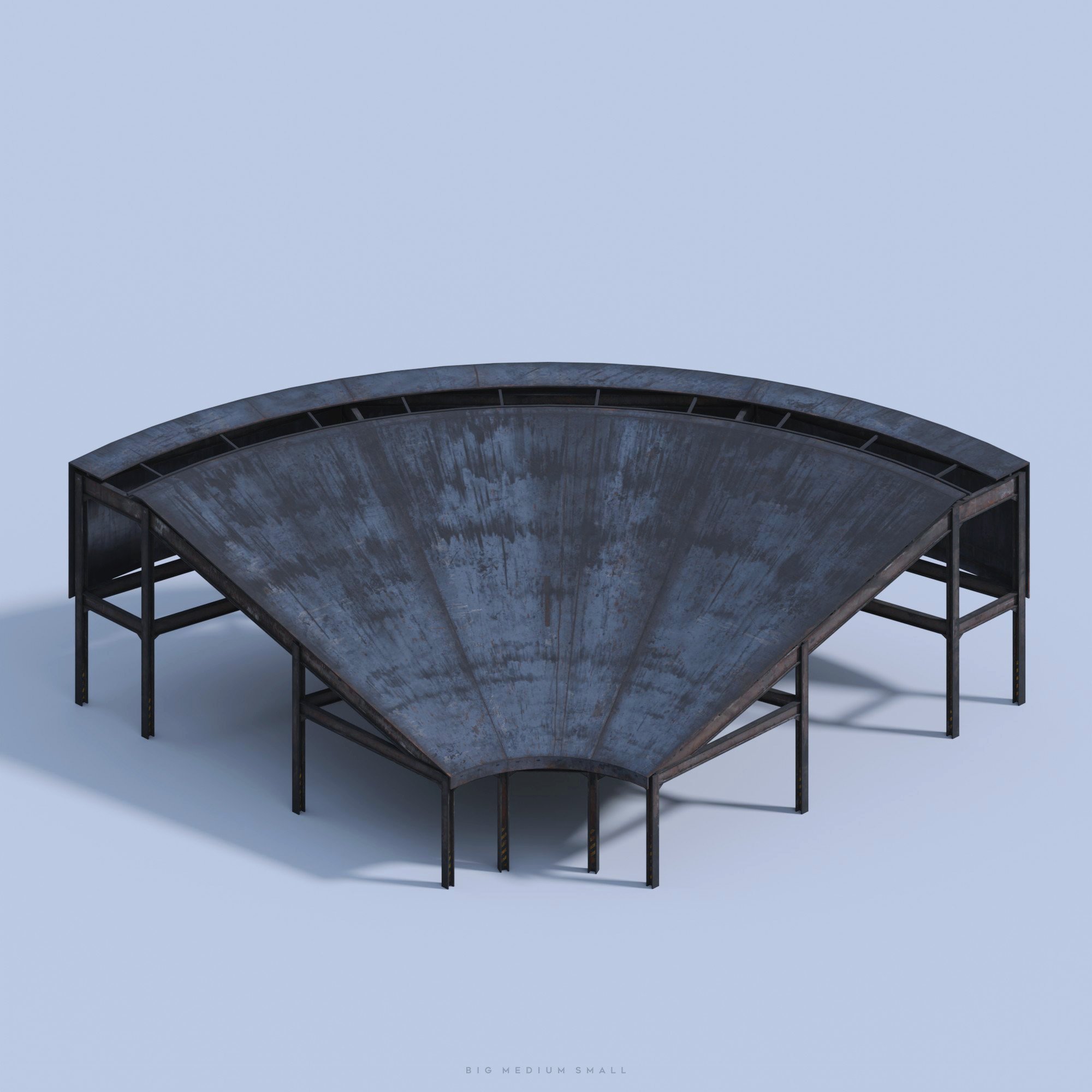
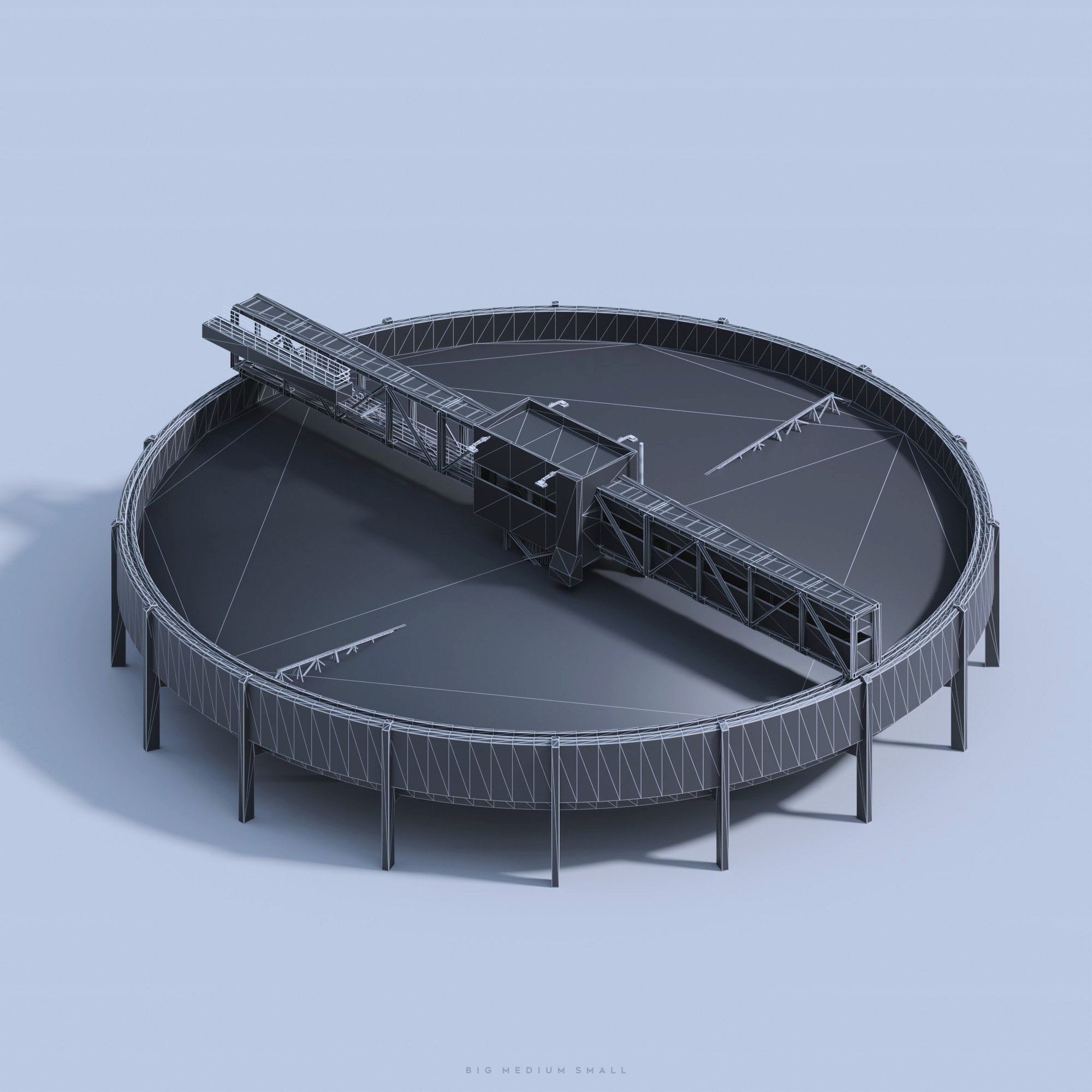
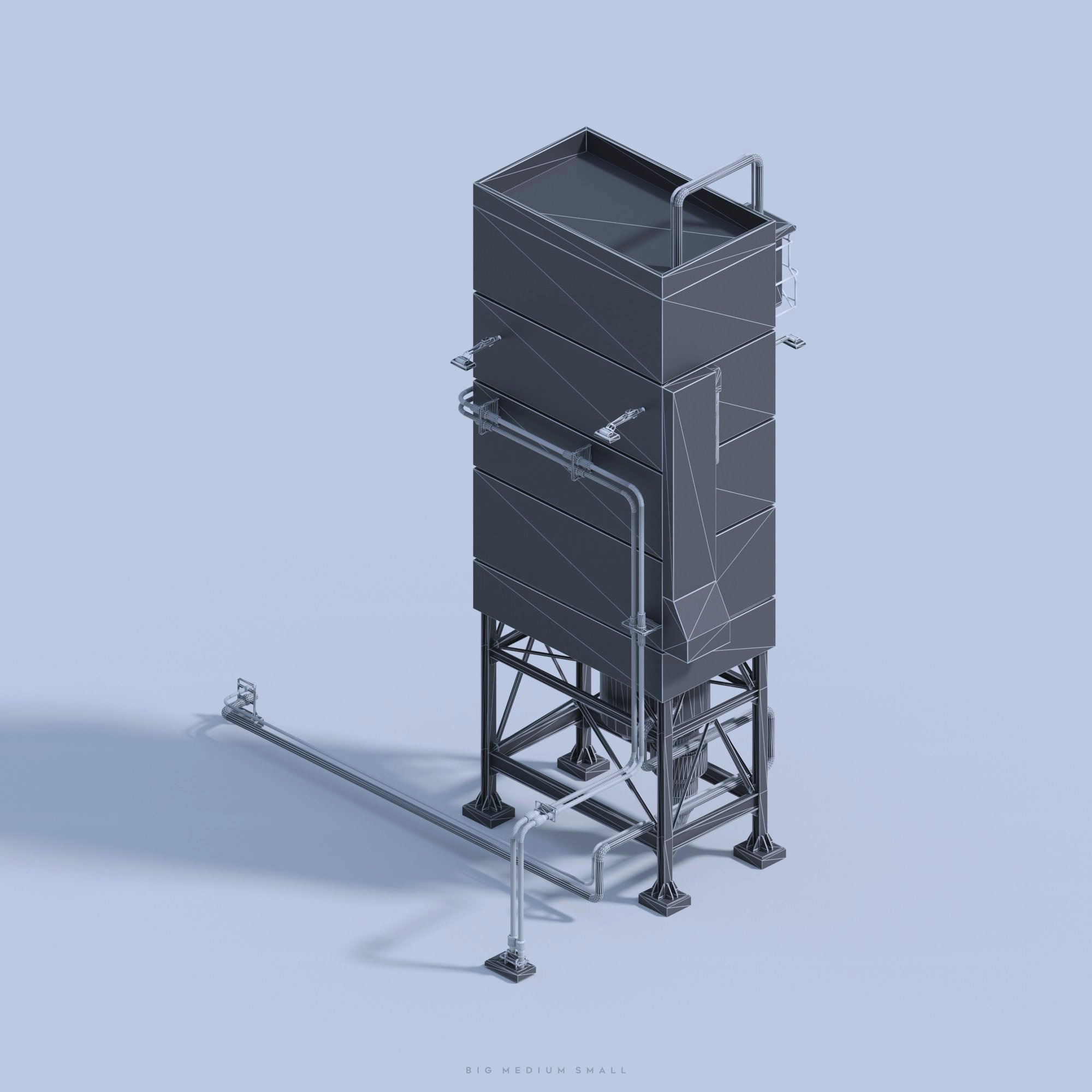
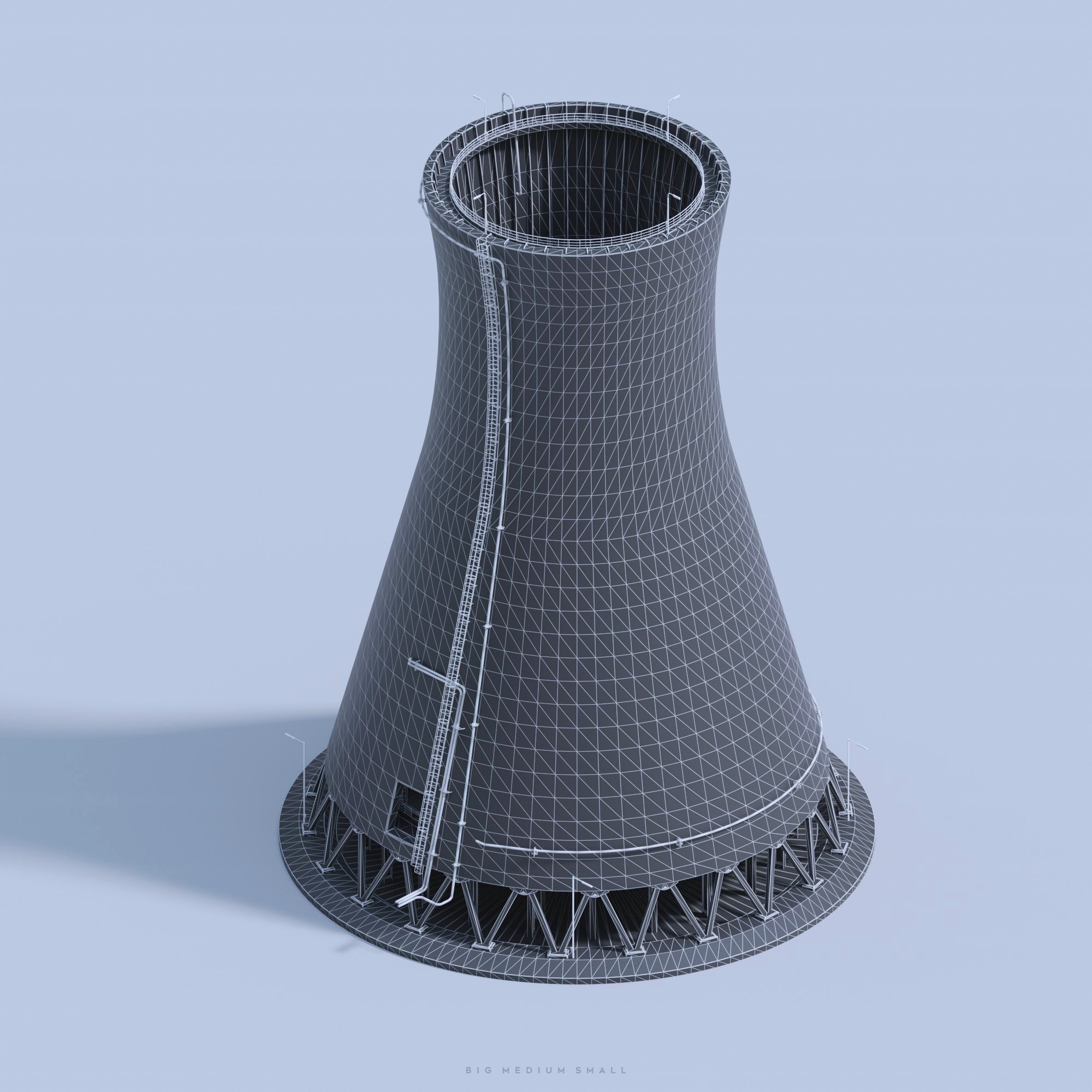
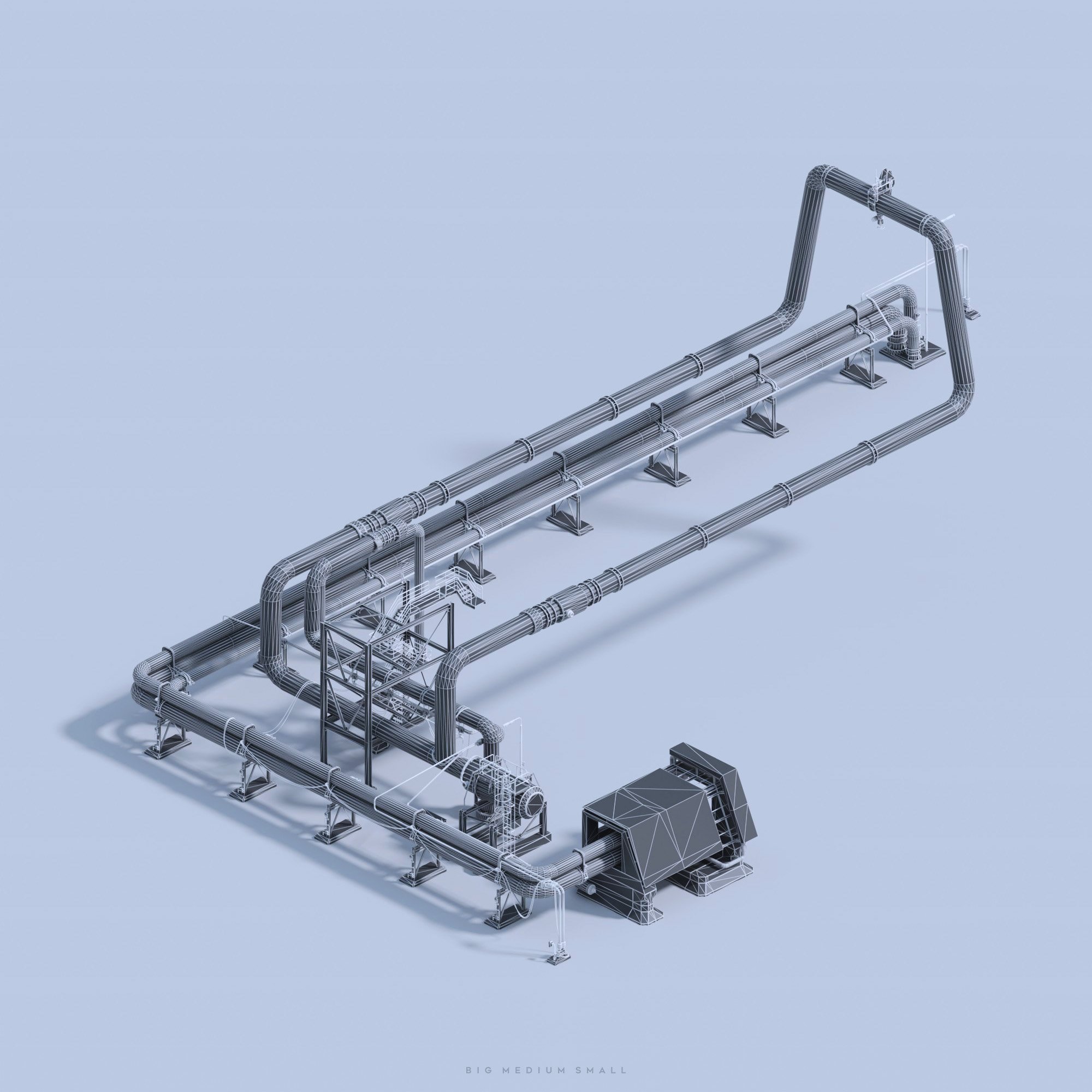
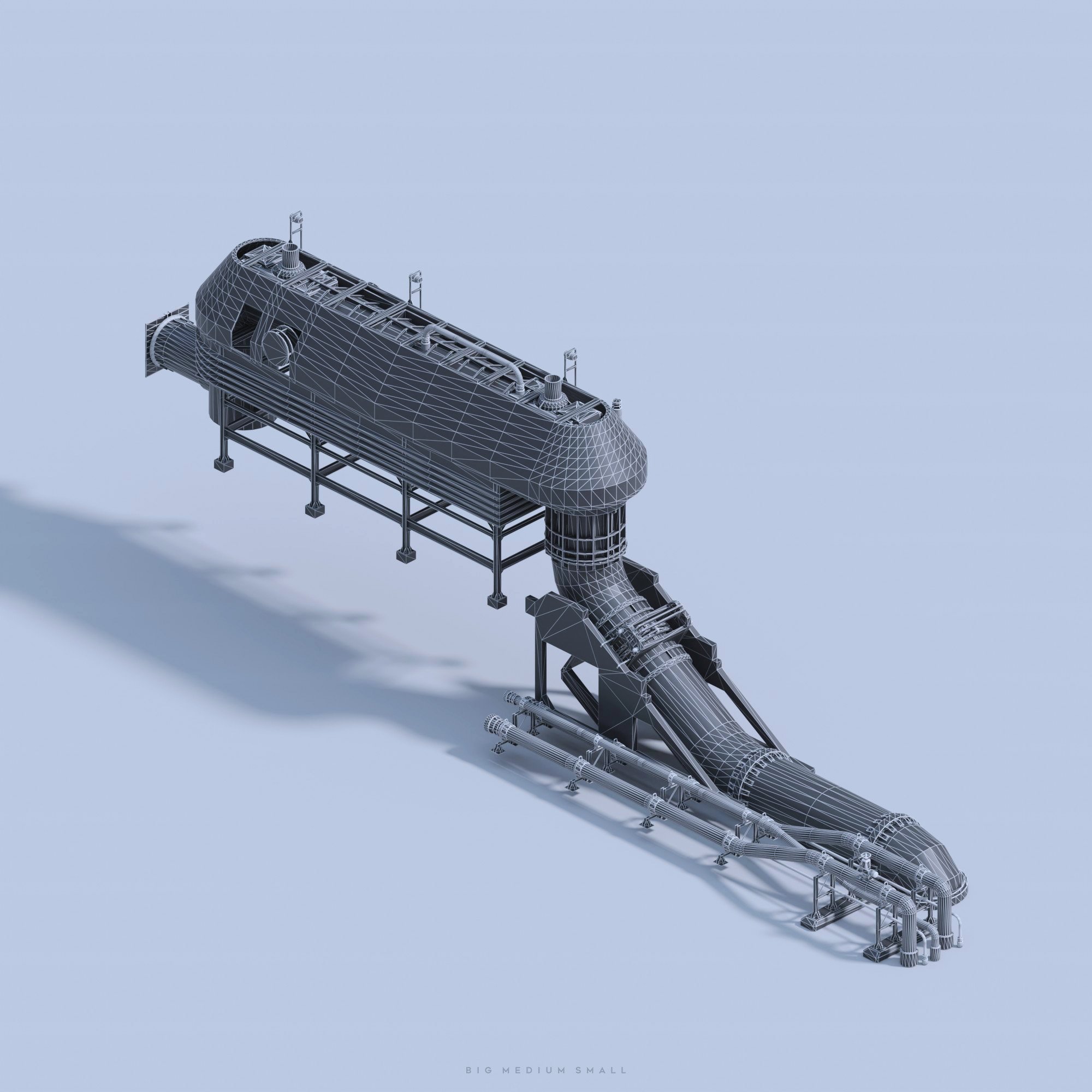
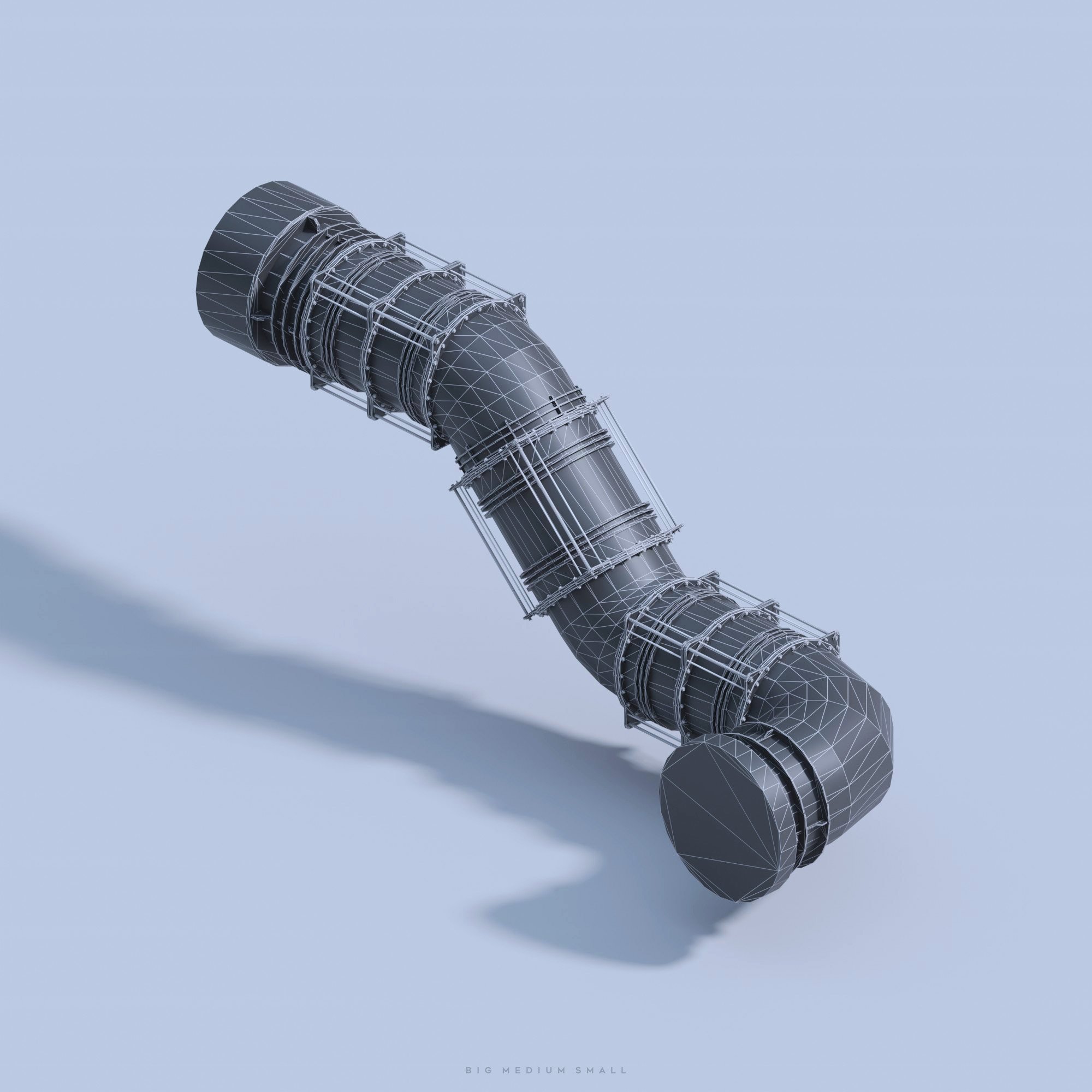
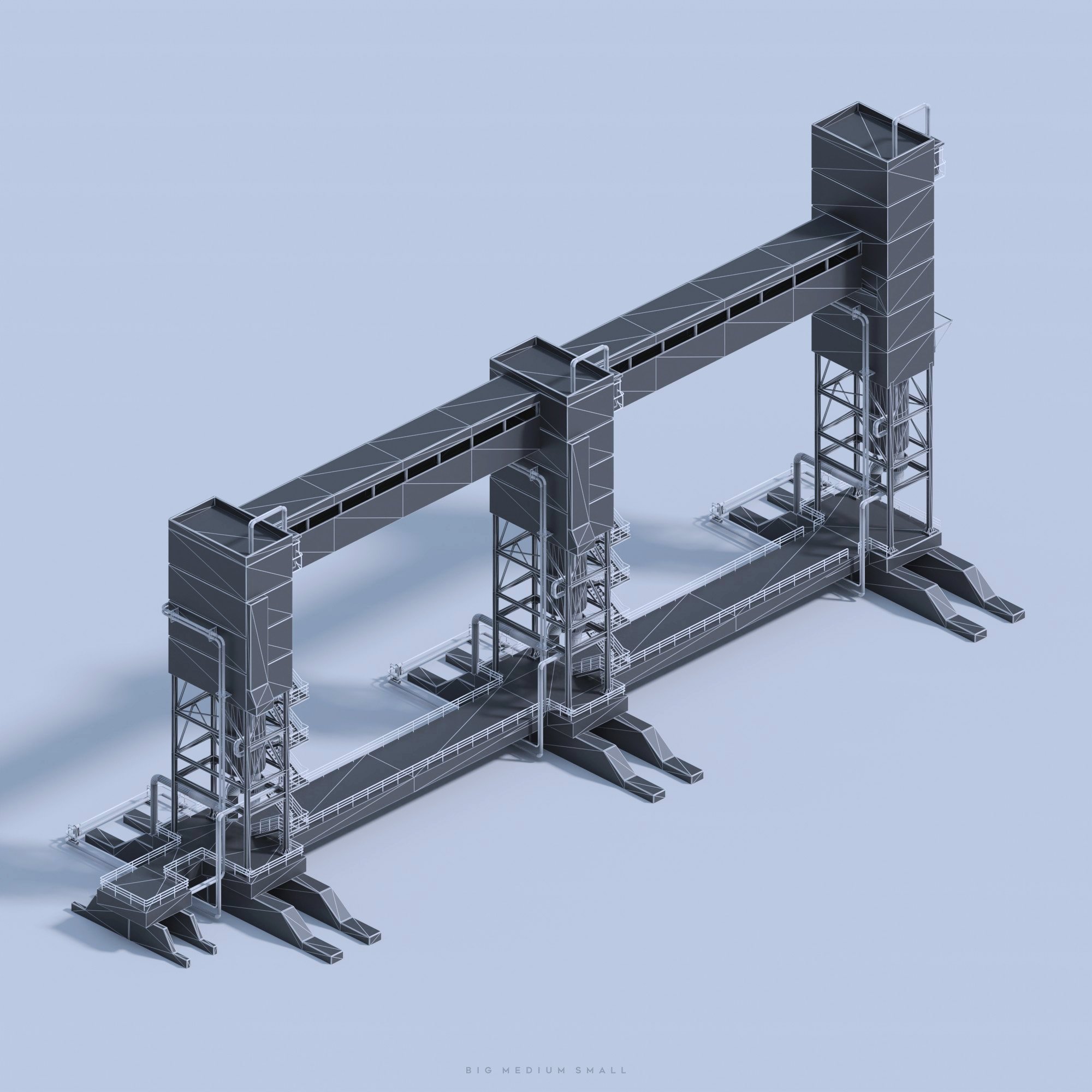
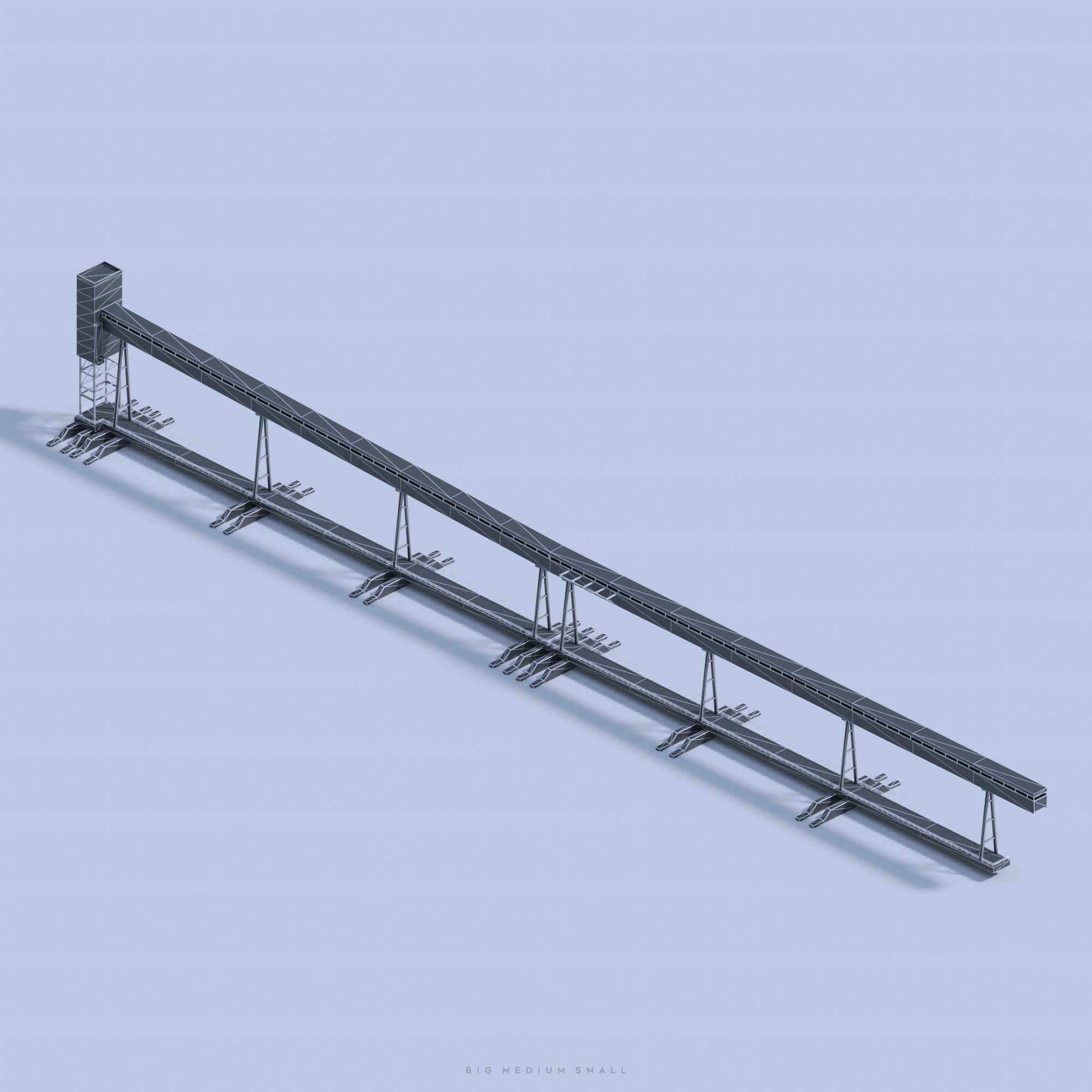
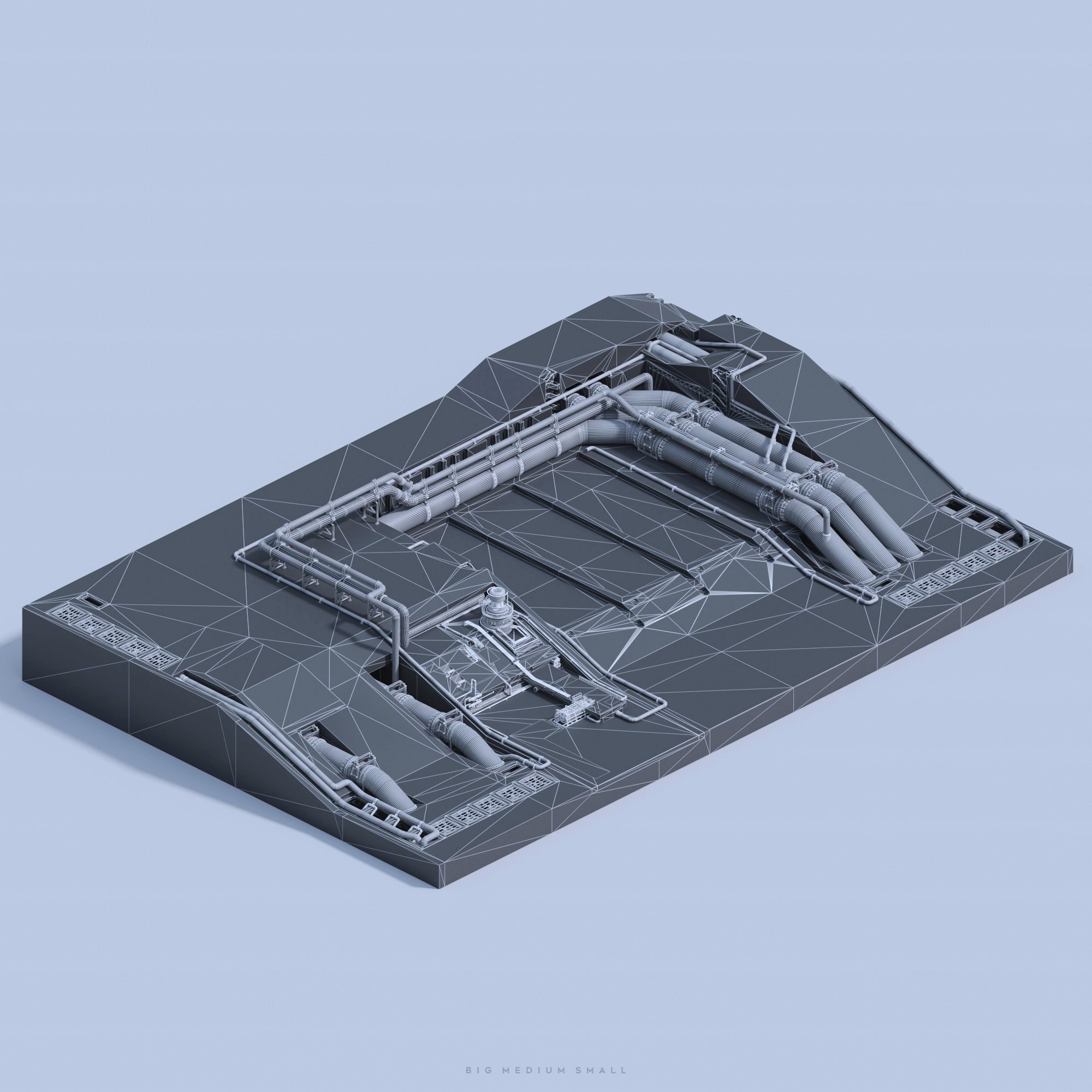
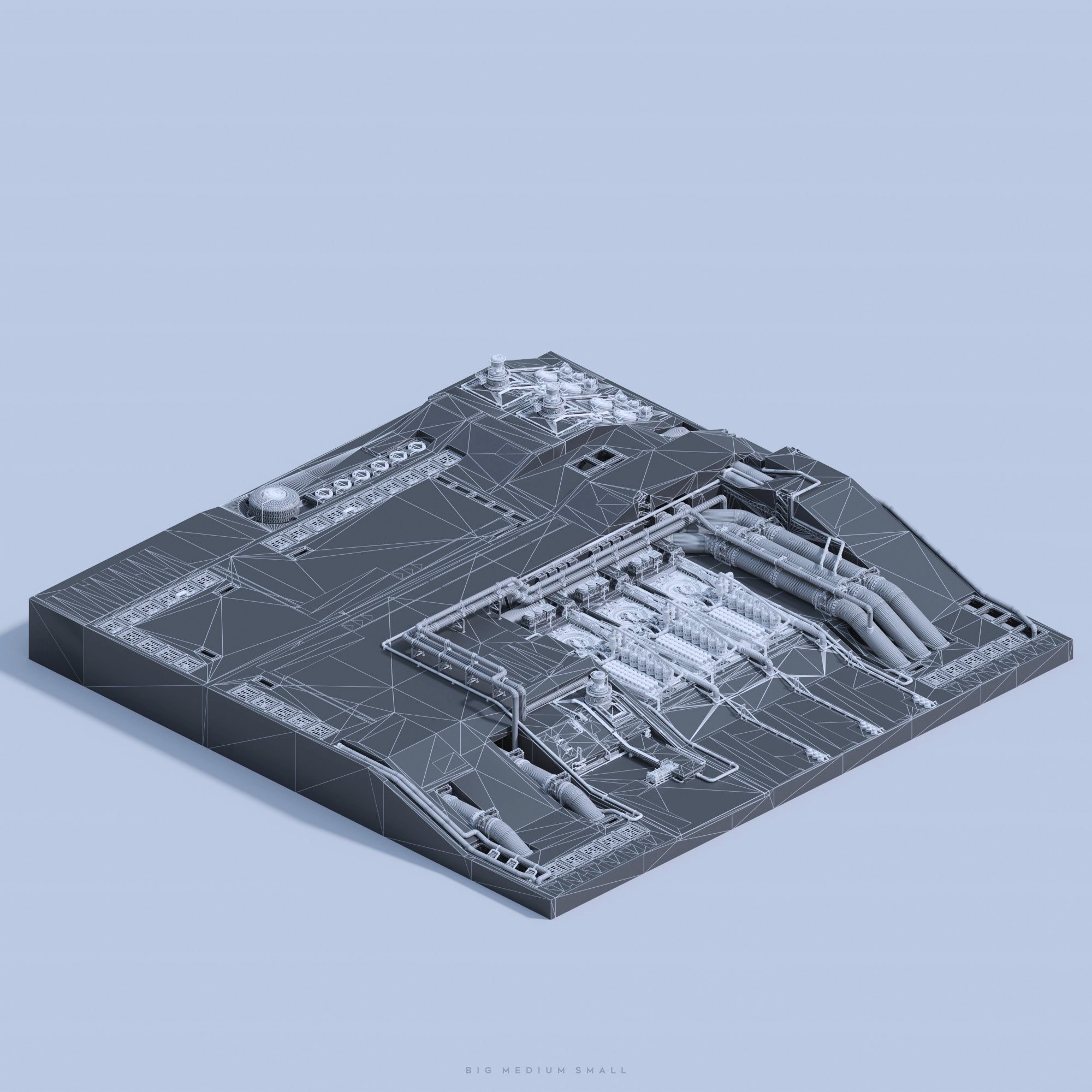
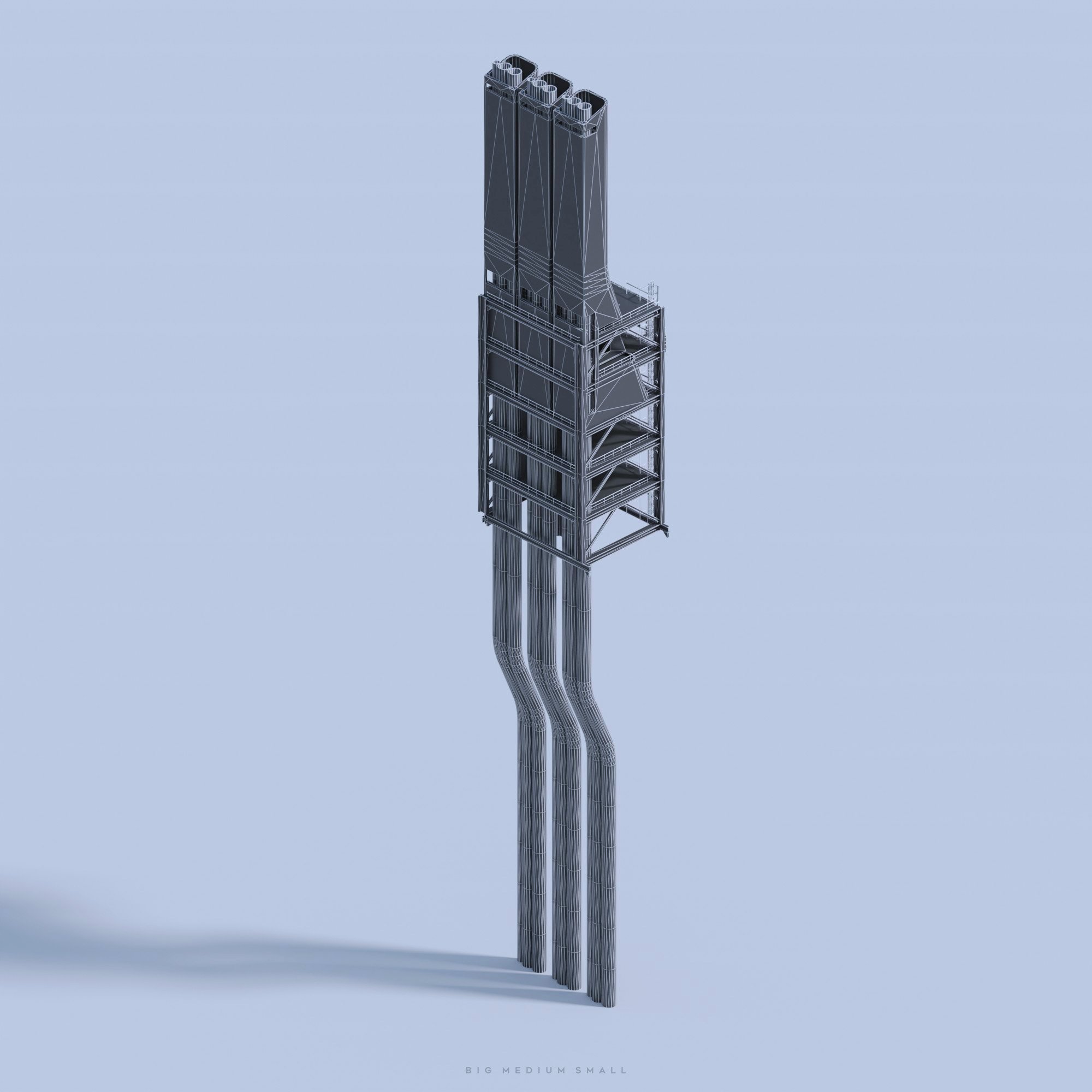
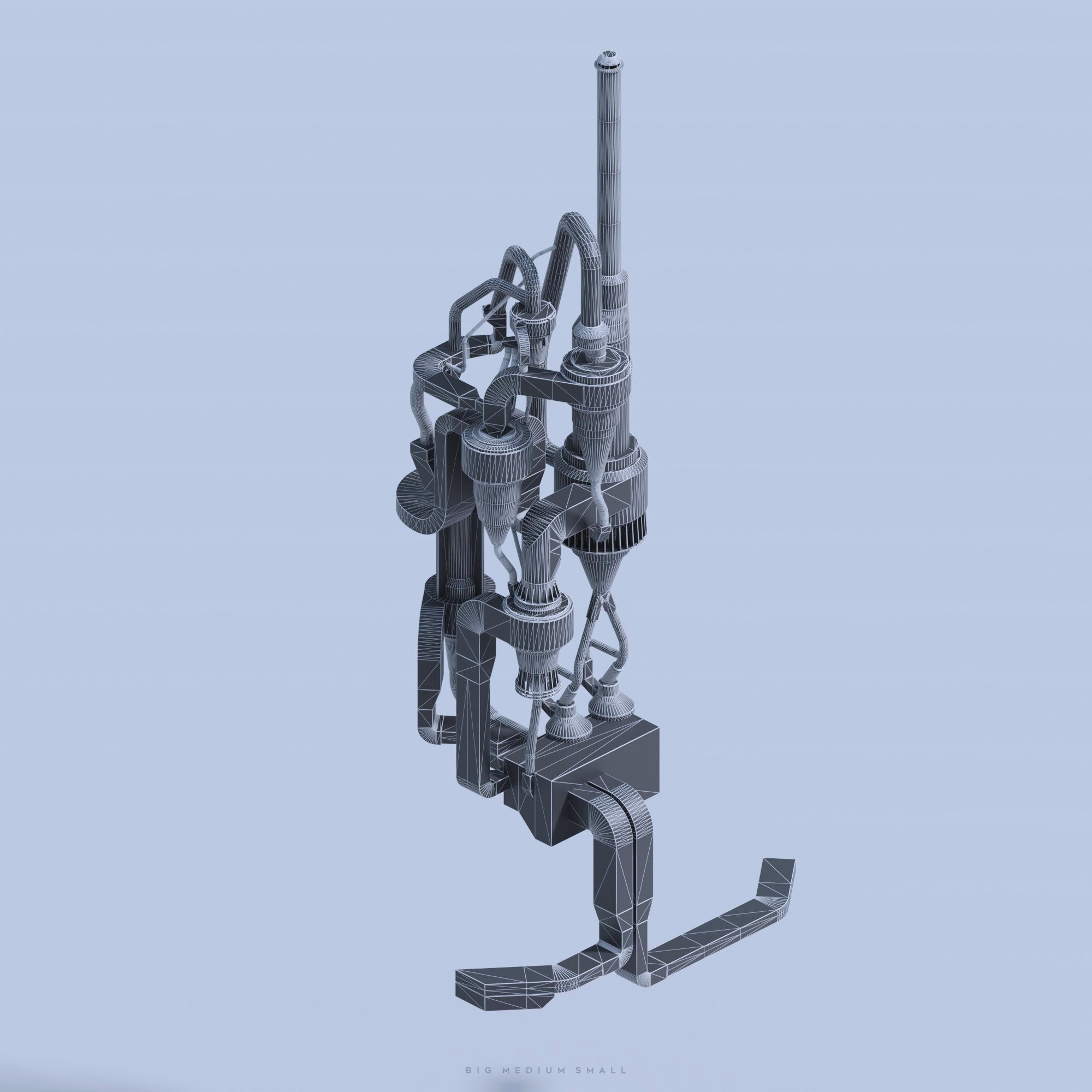
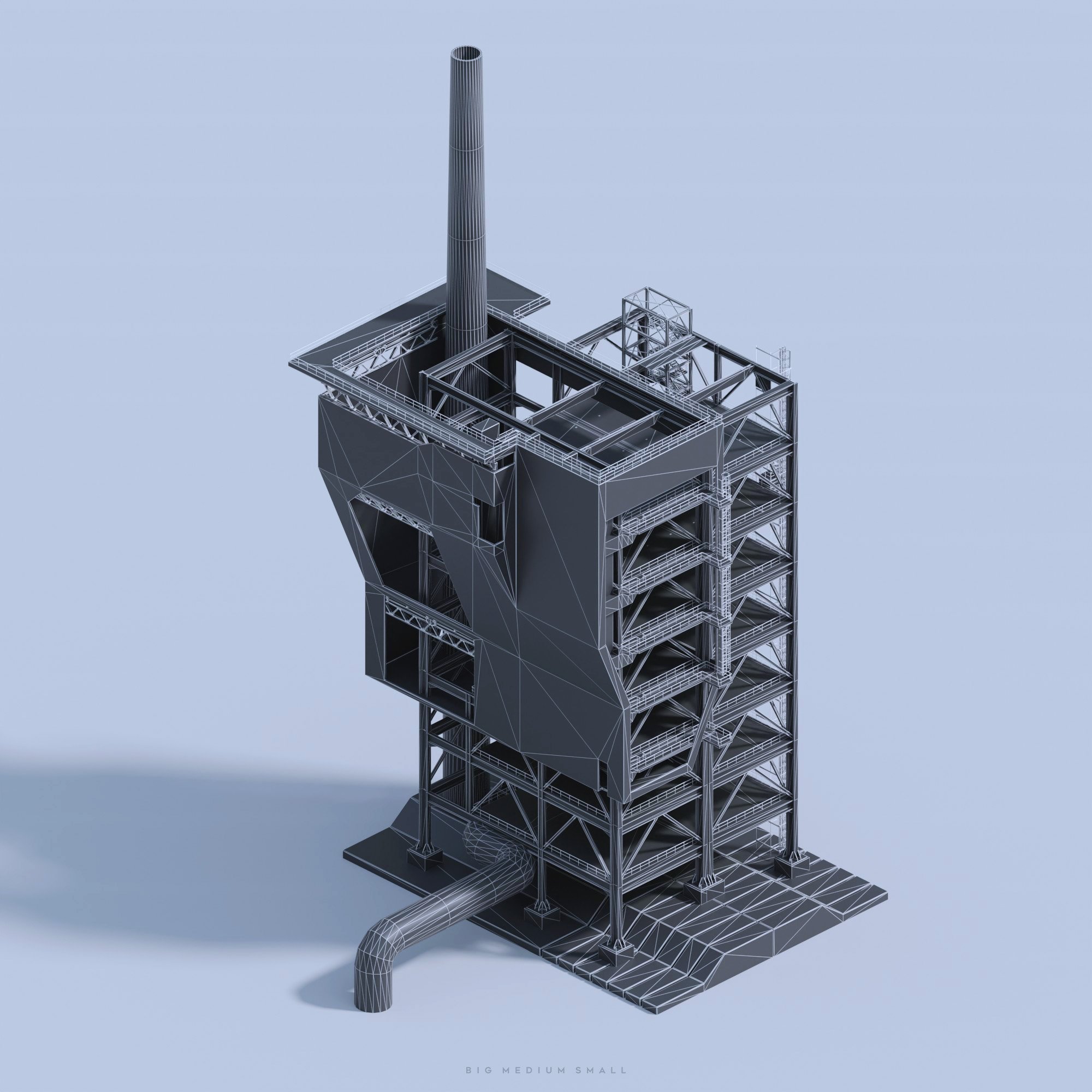
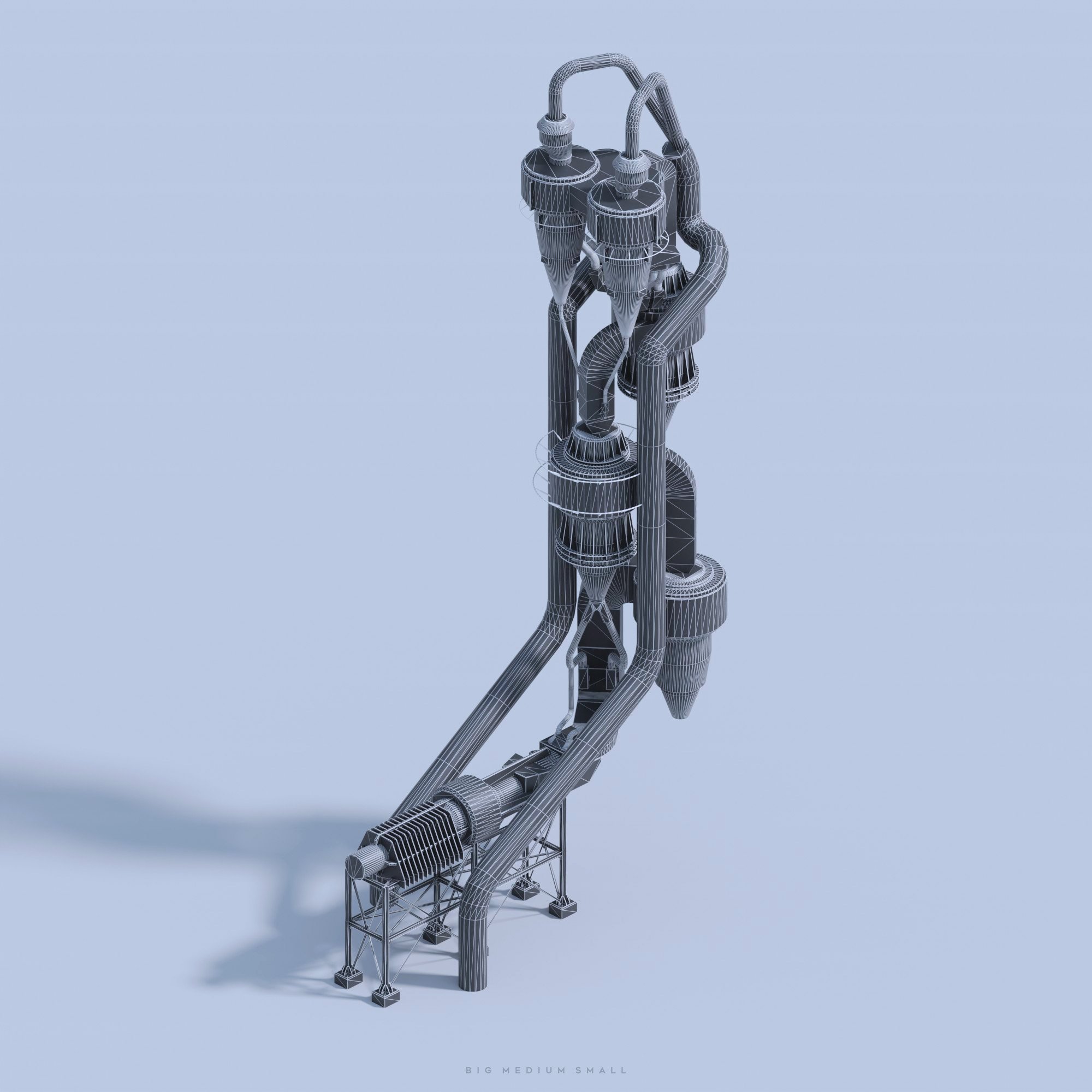
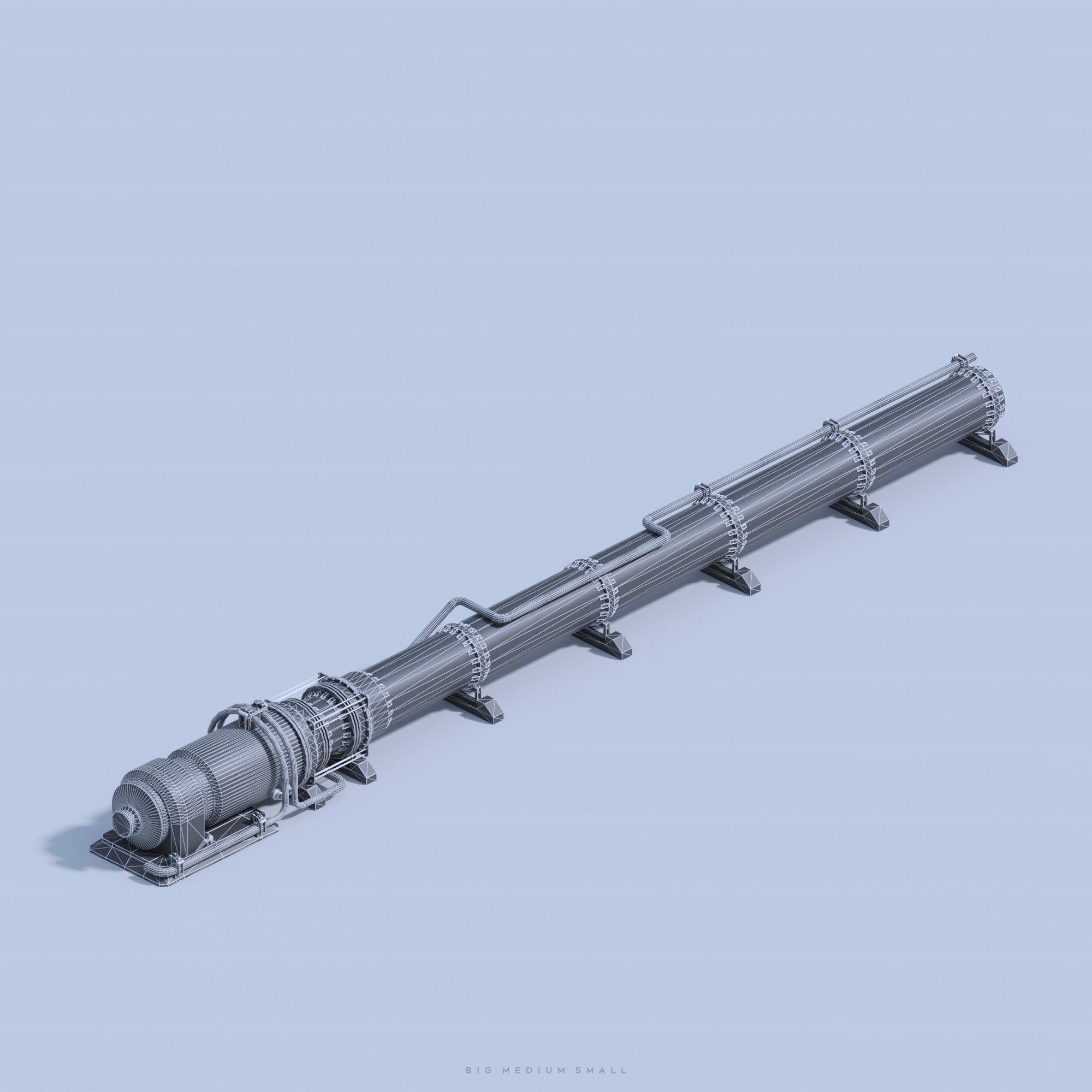
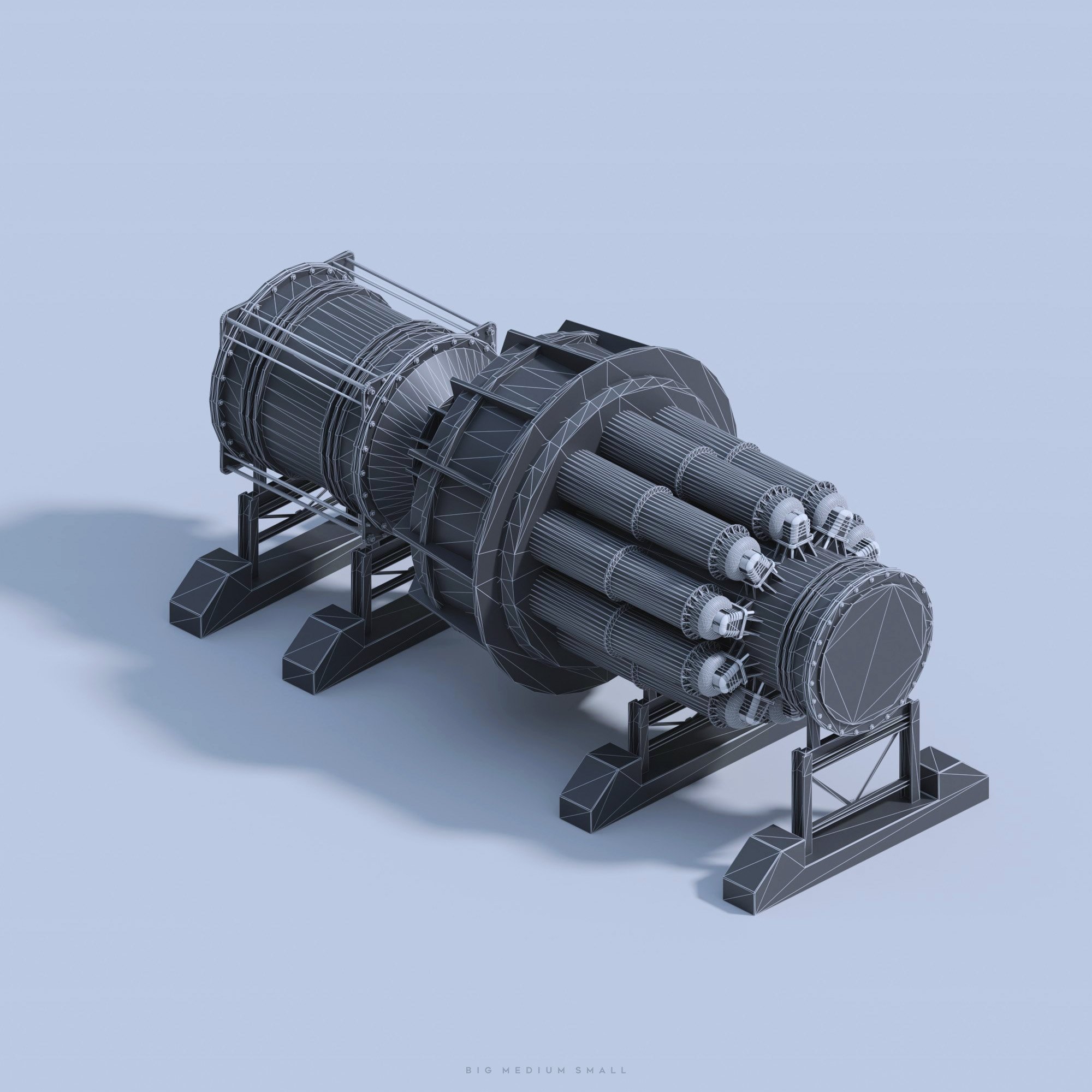
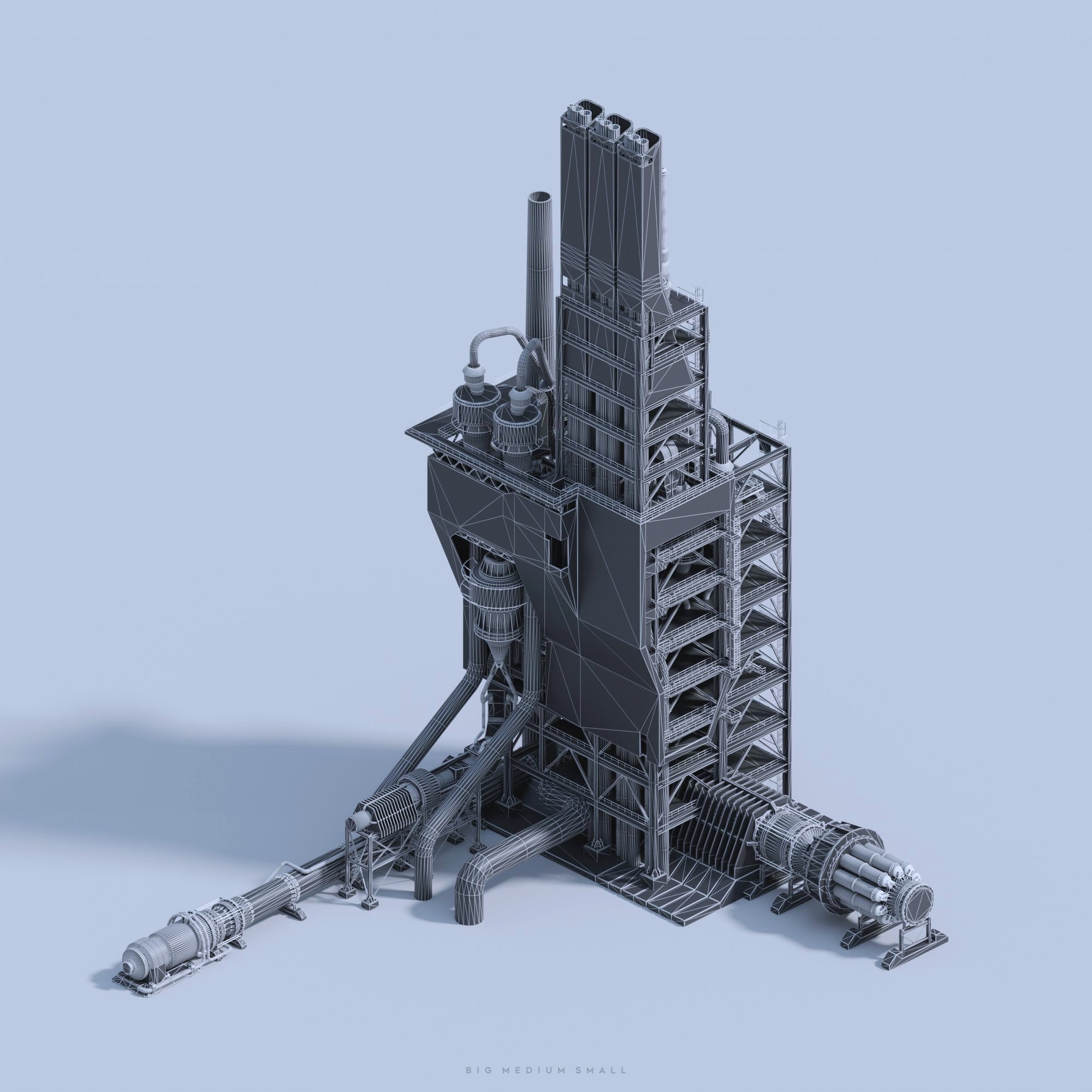
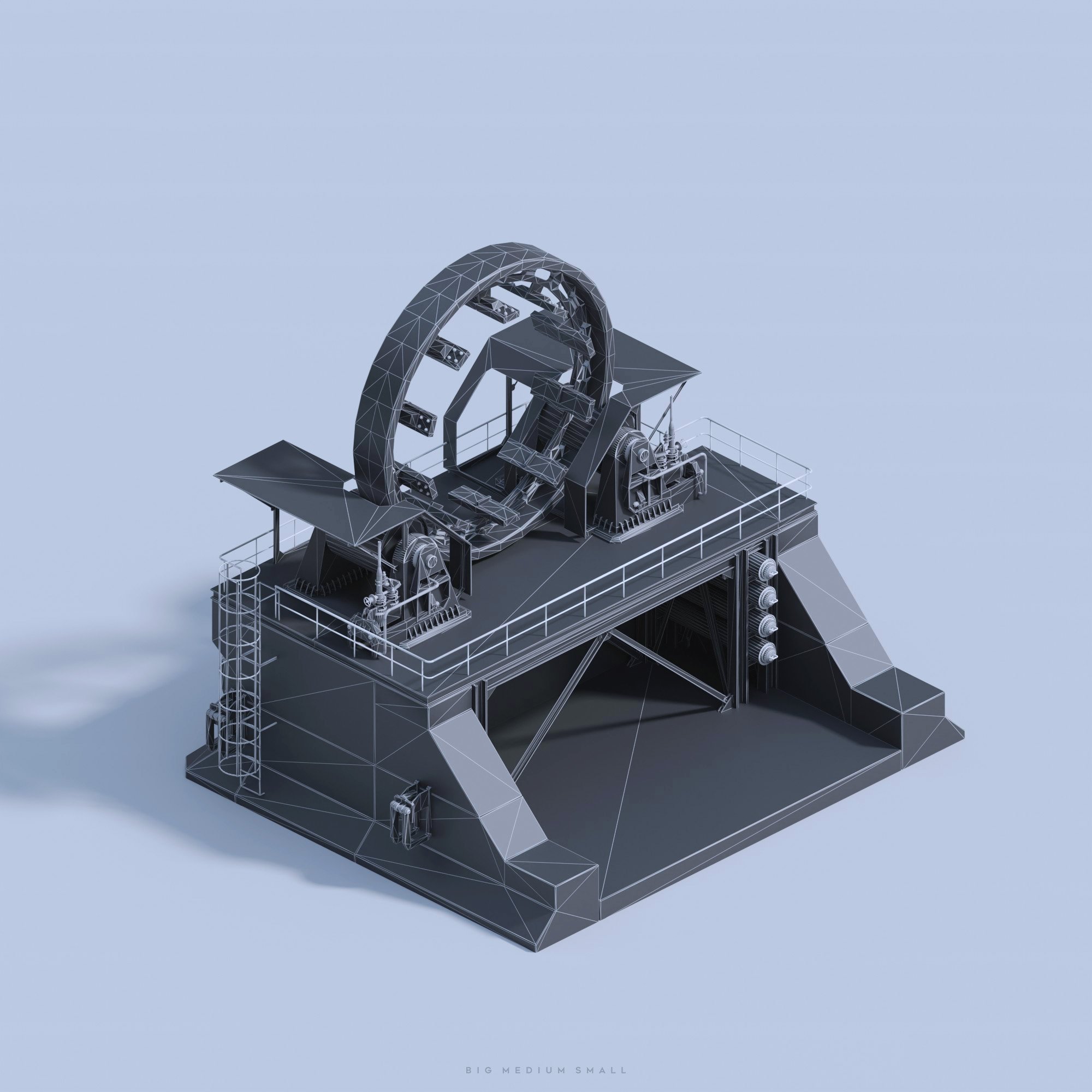
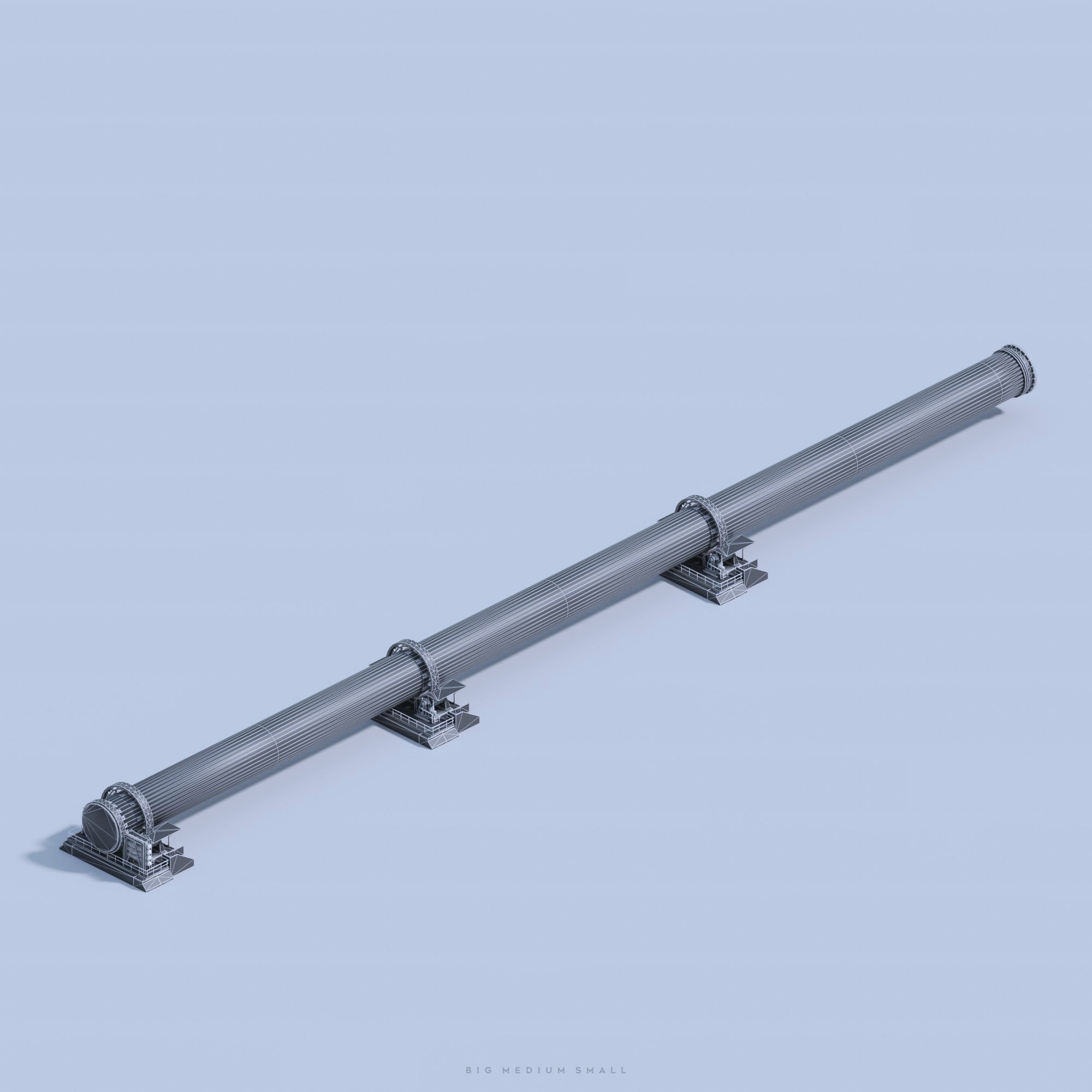
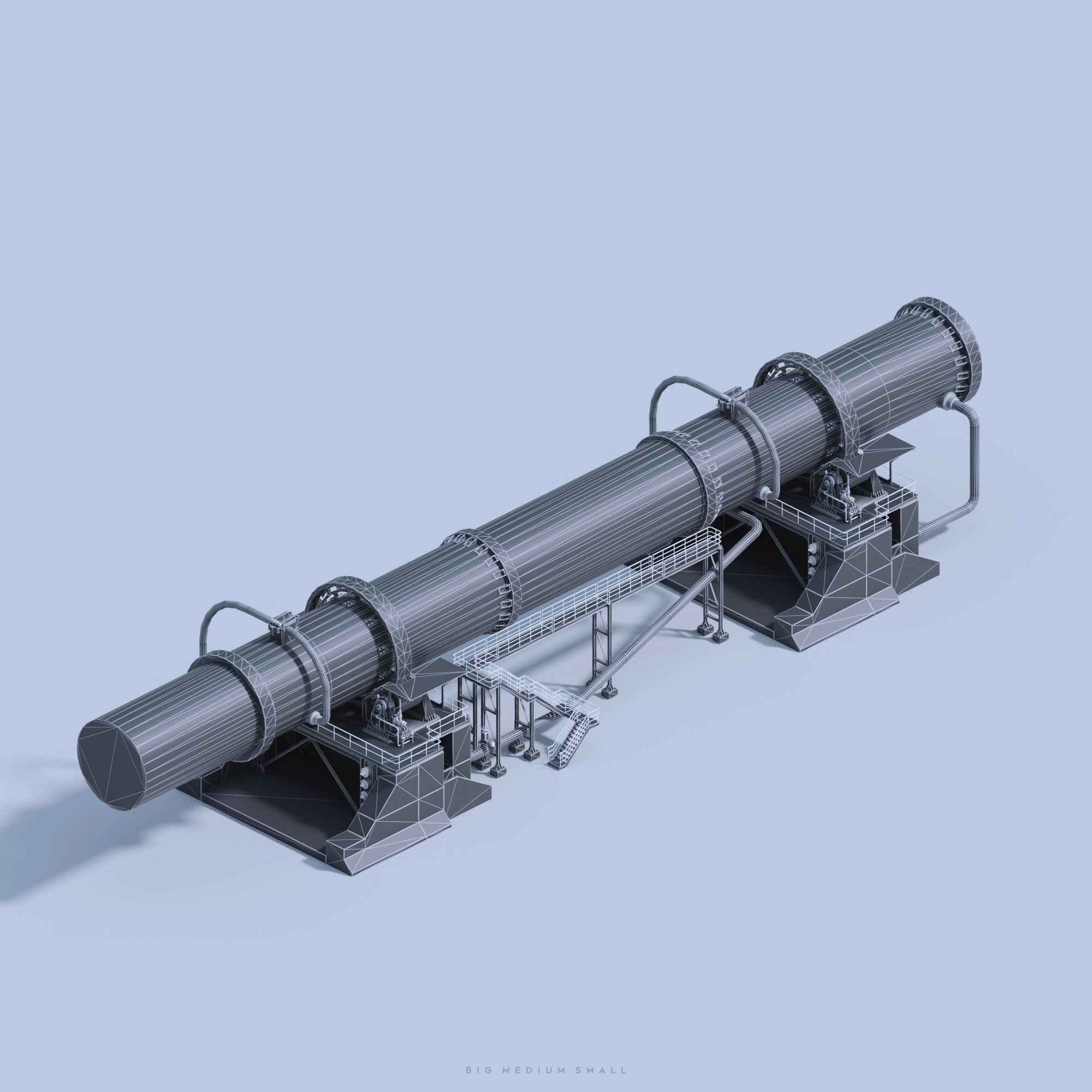
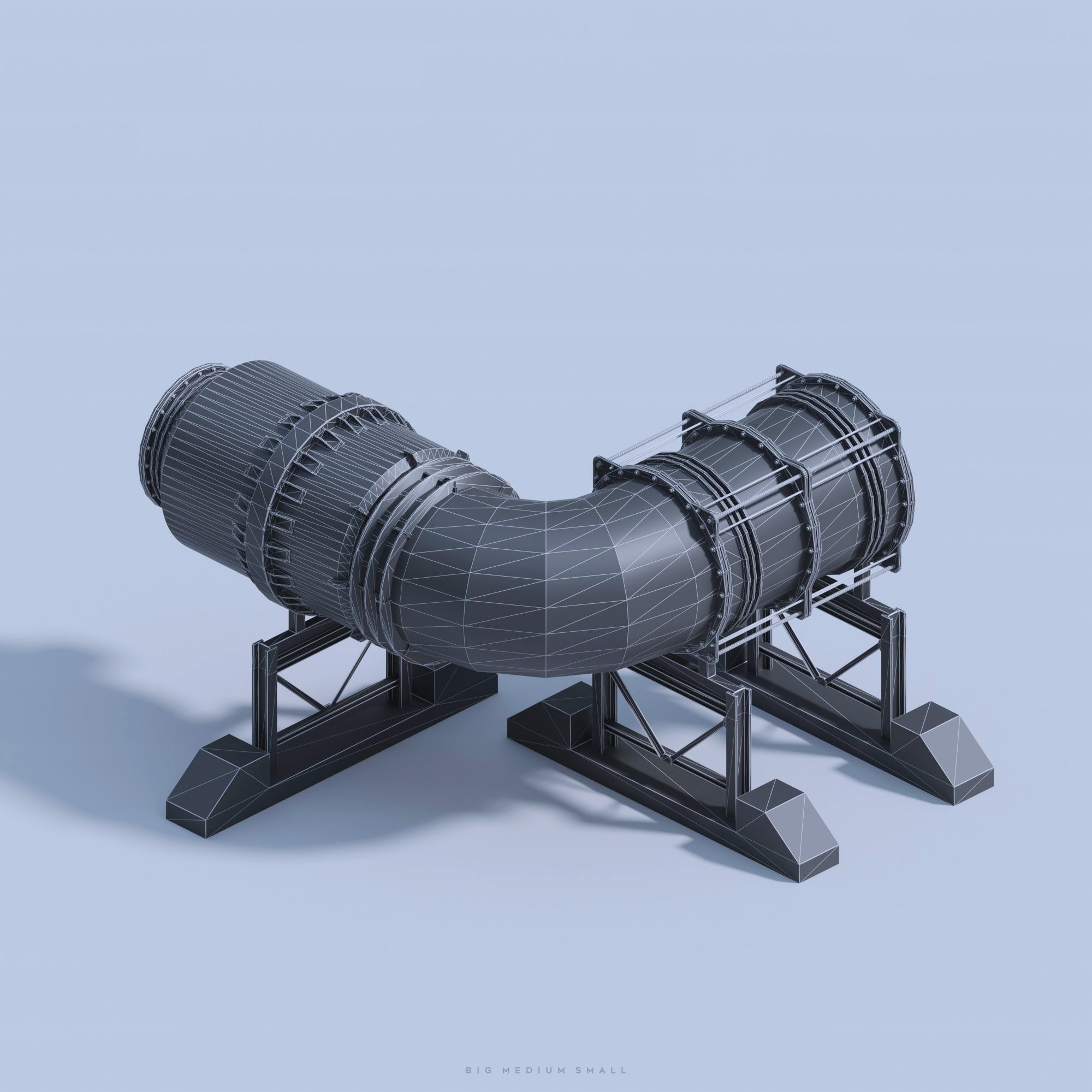
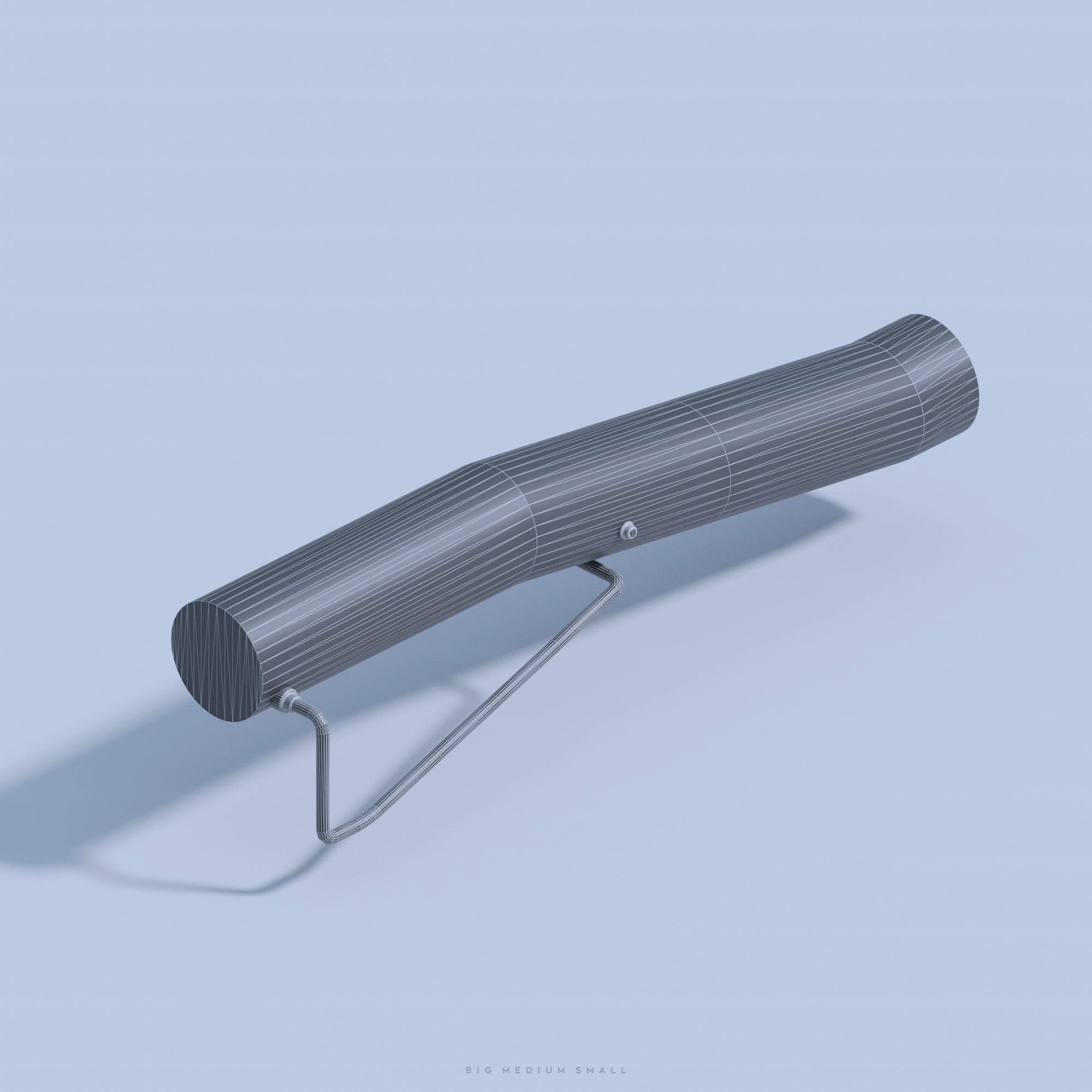
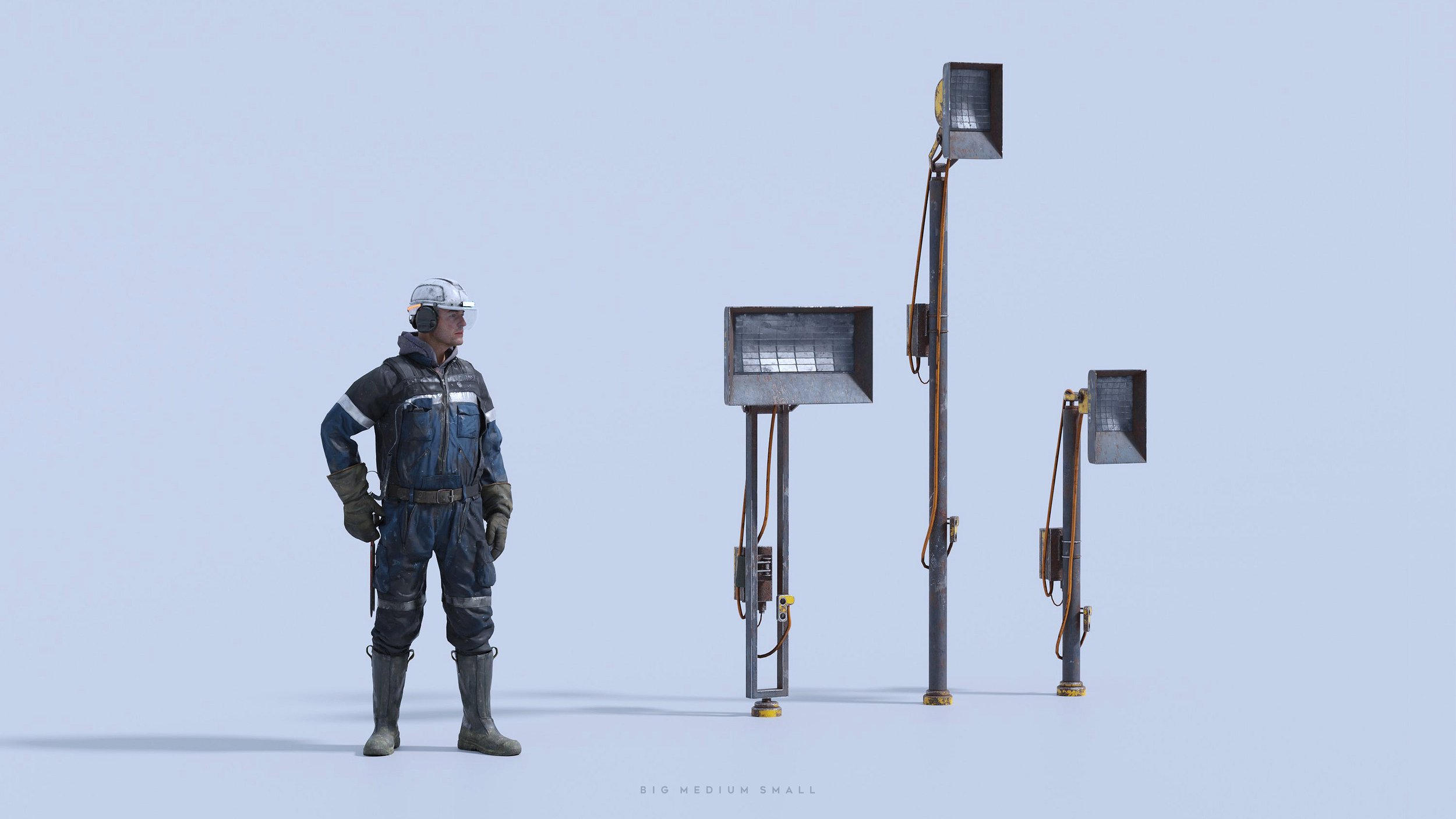
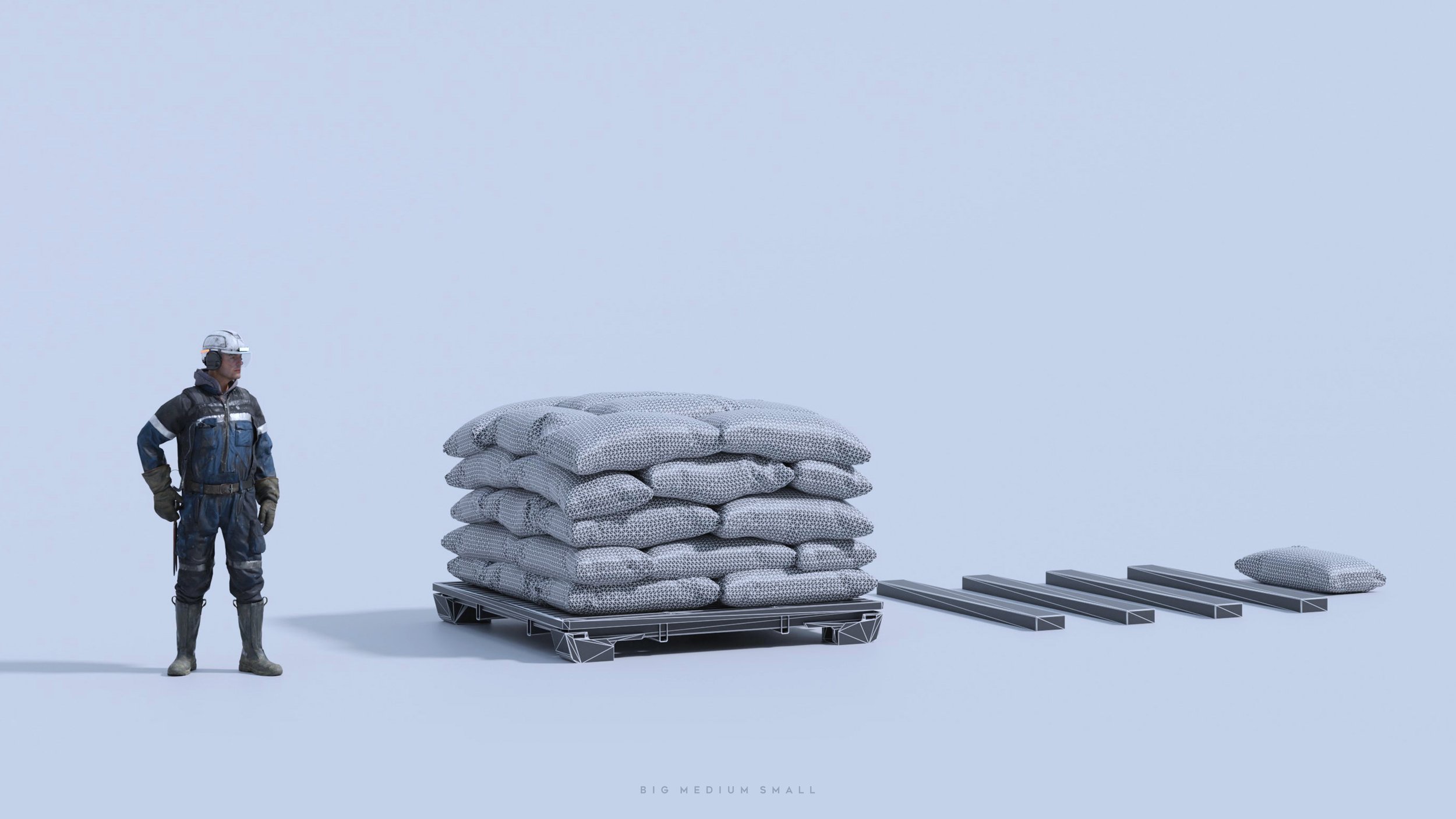
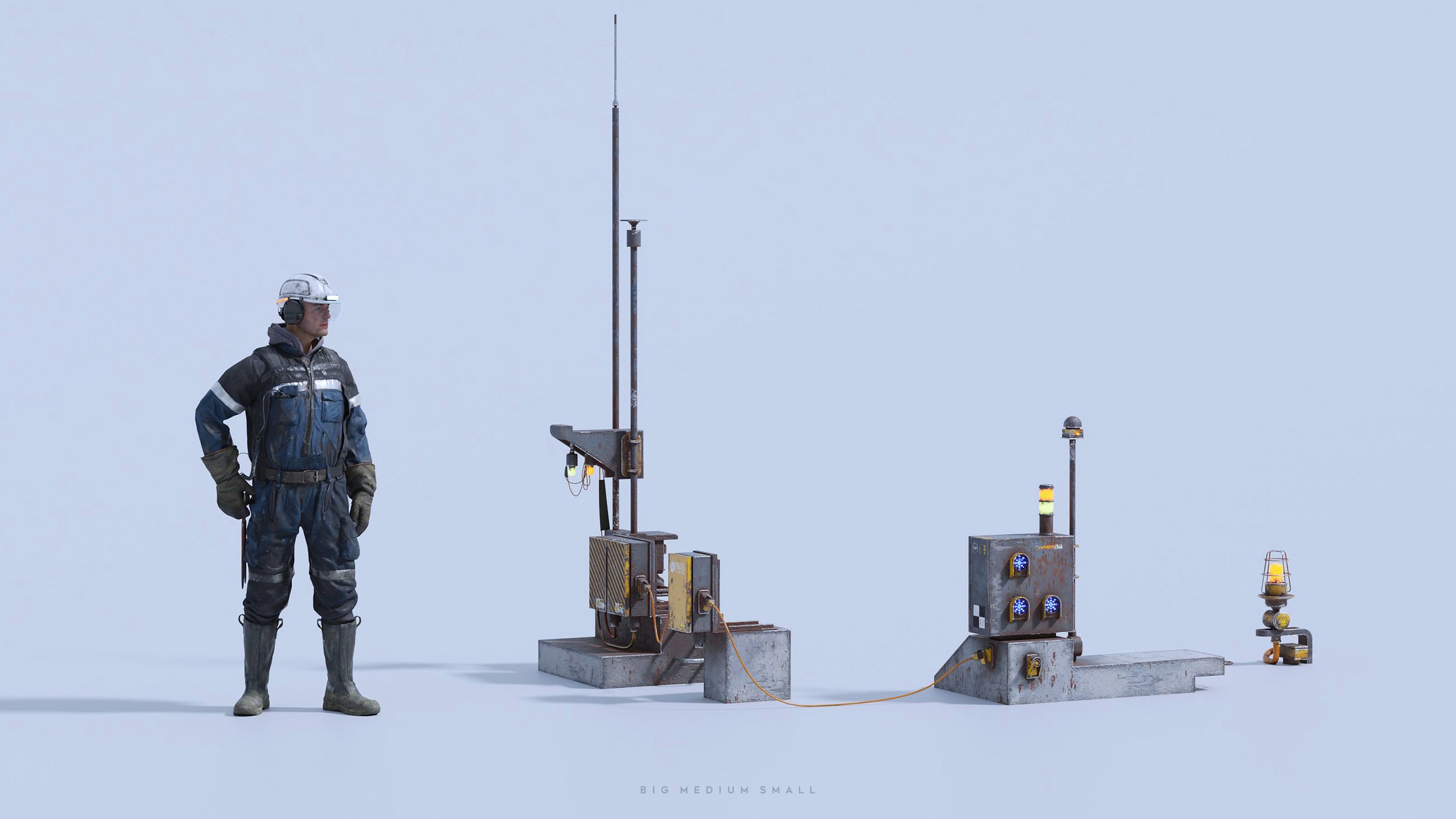
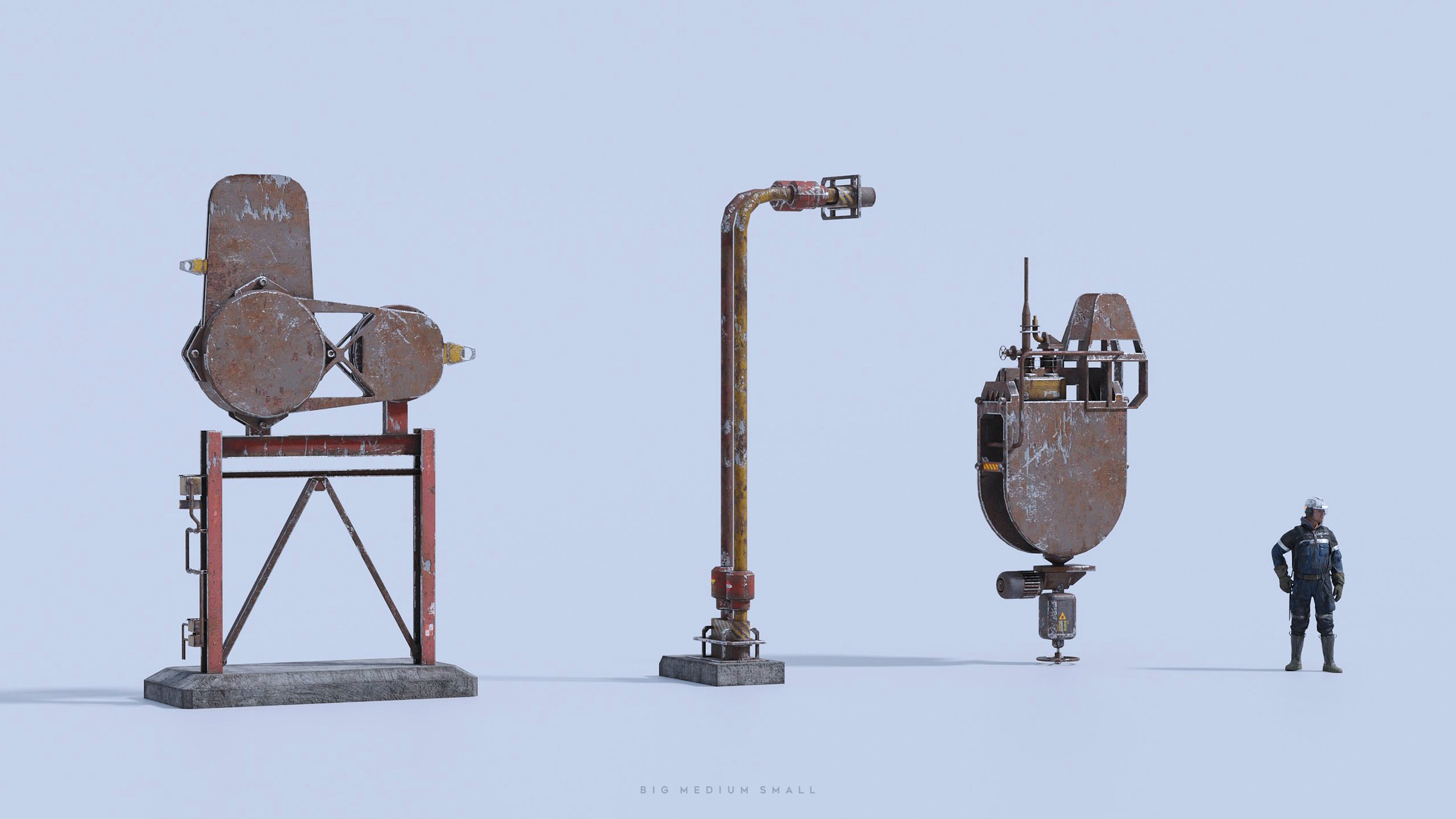
Start your own industrial adventure now!
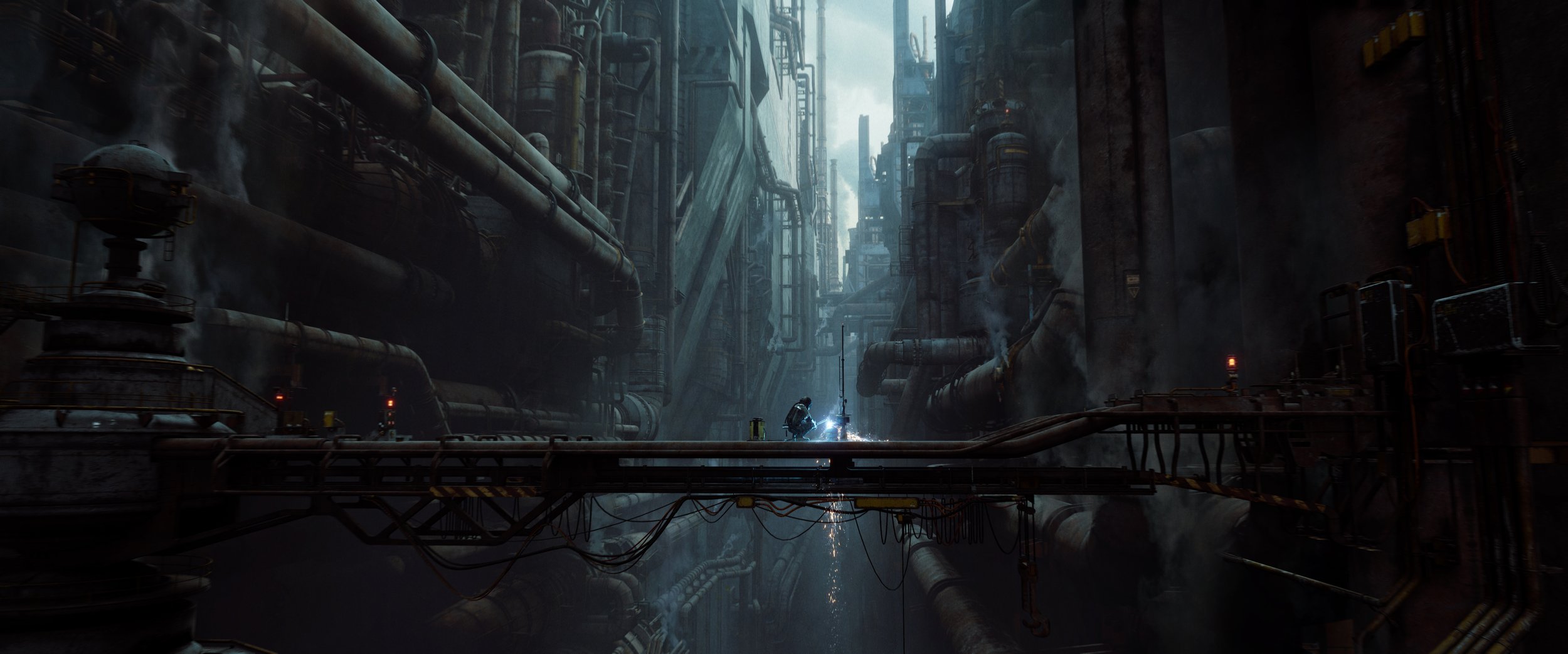
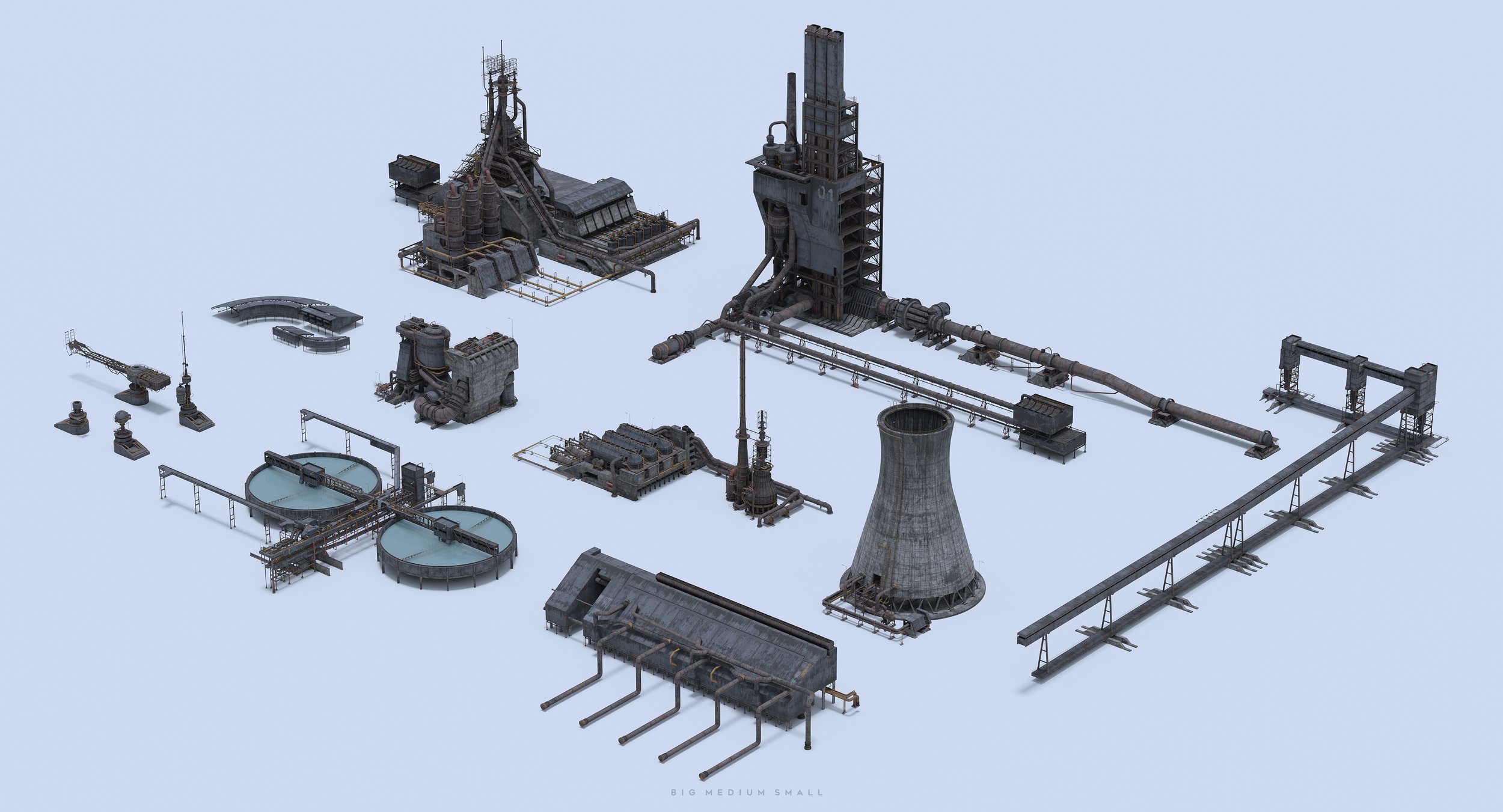
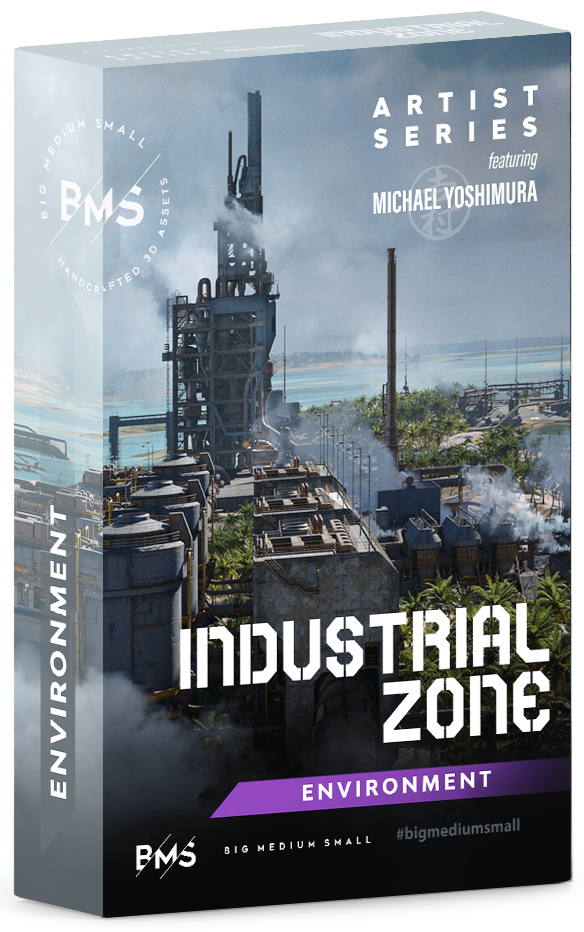
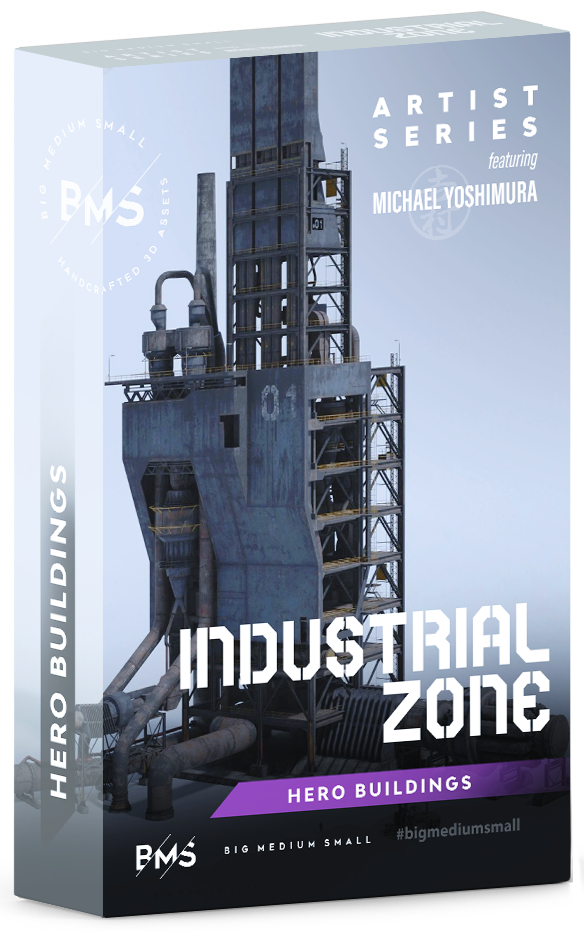
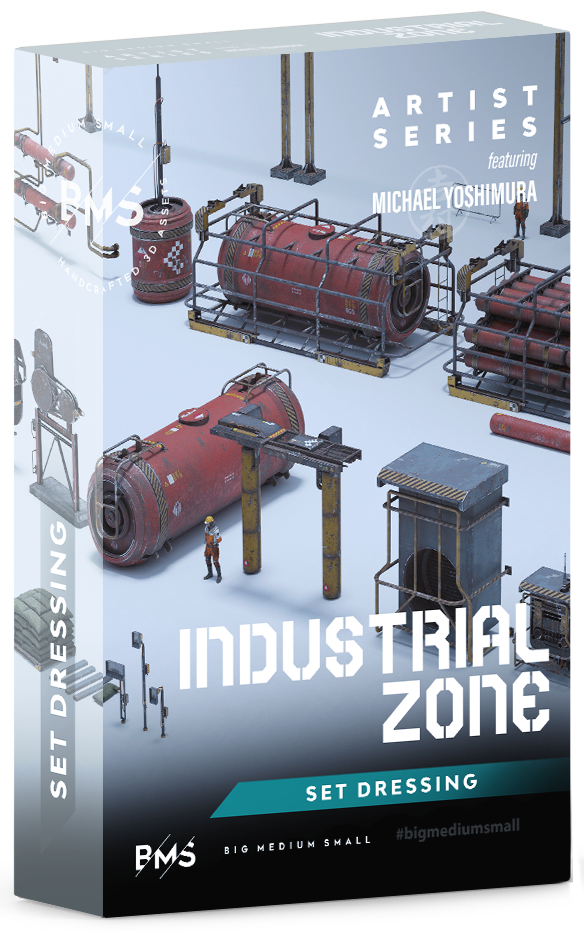
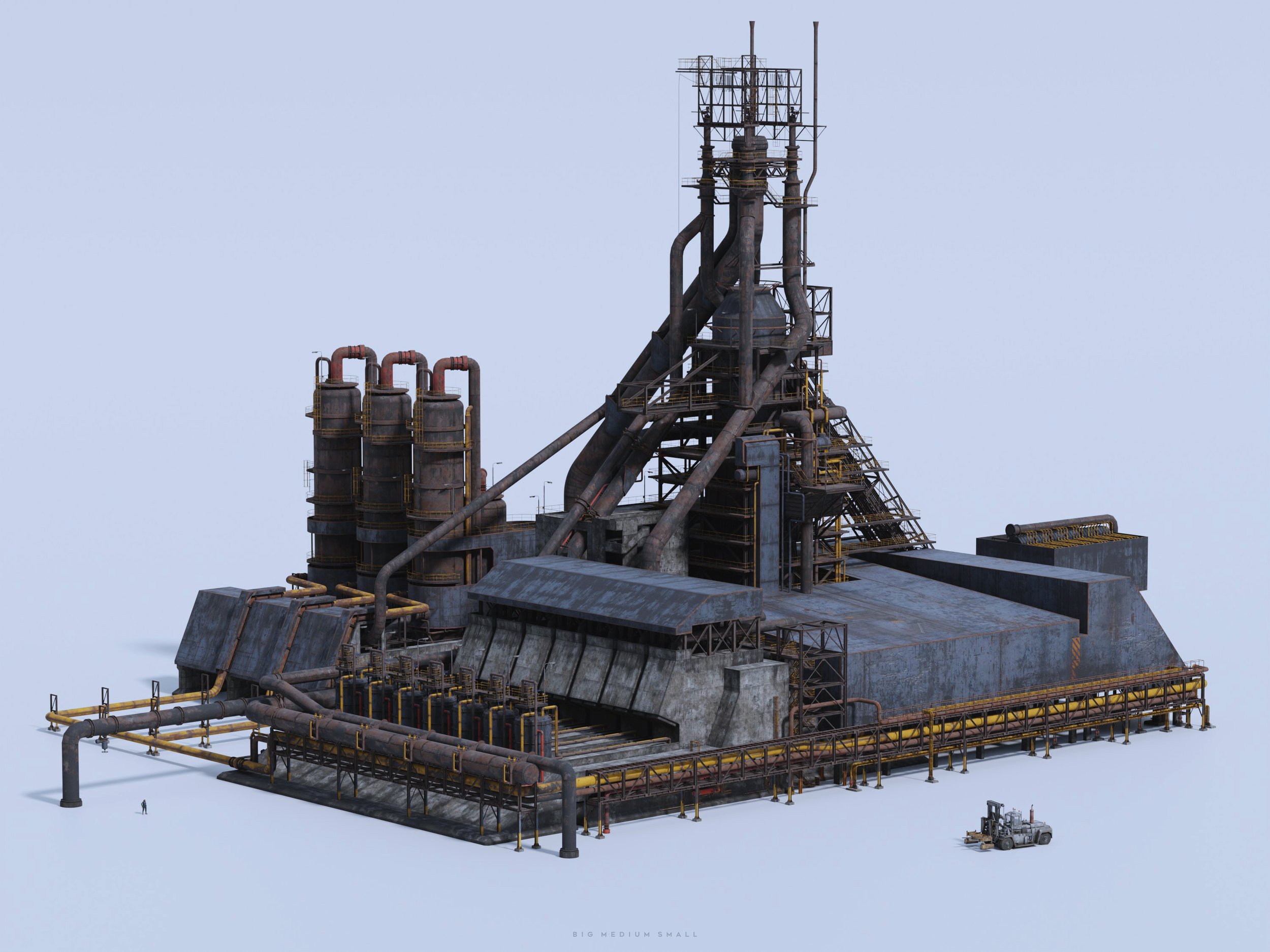
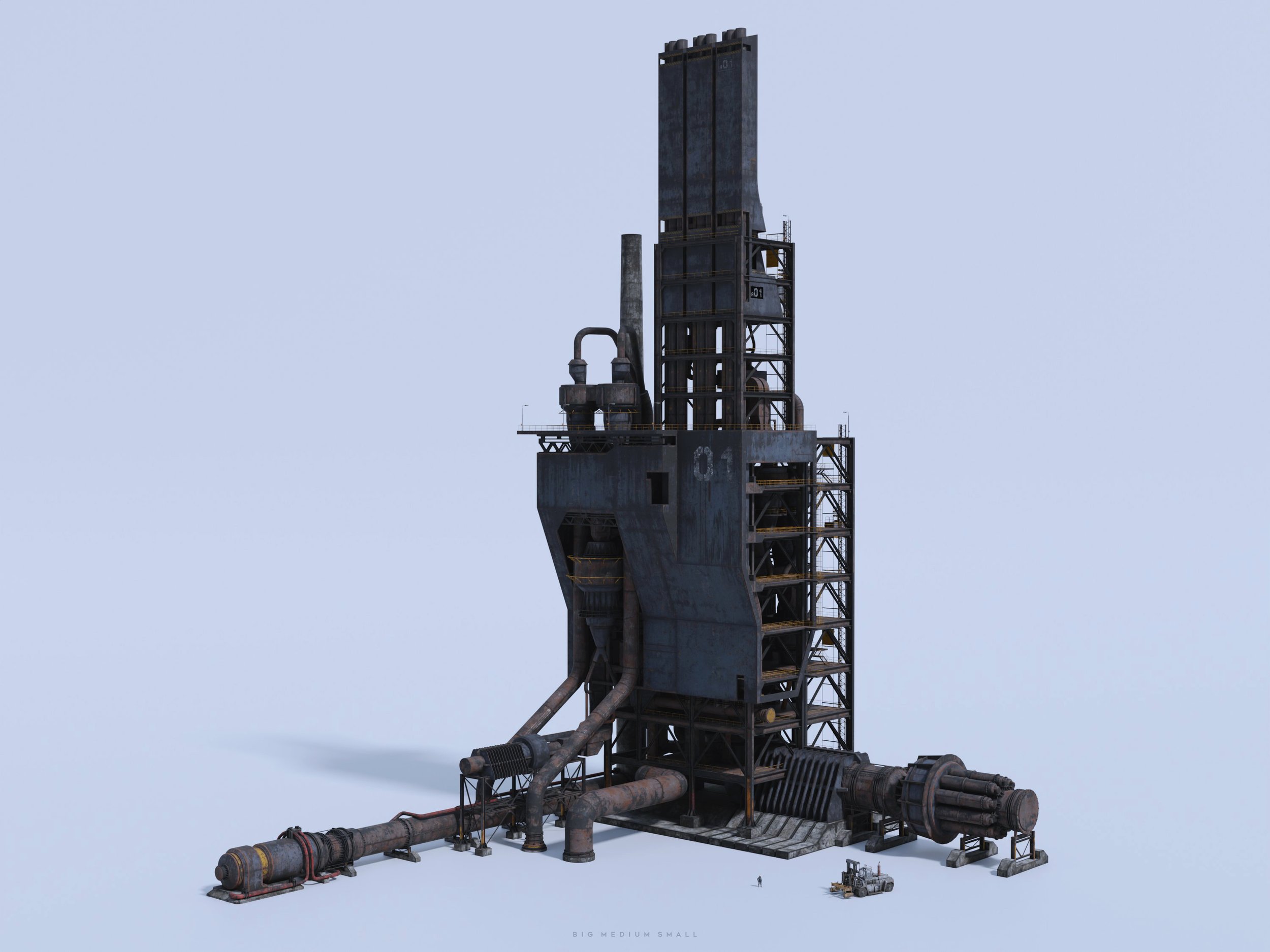
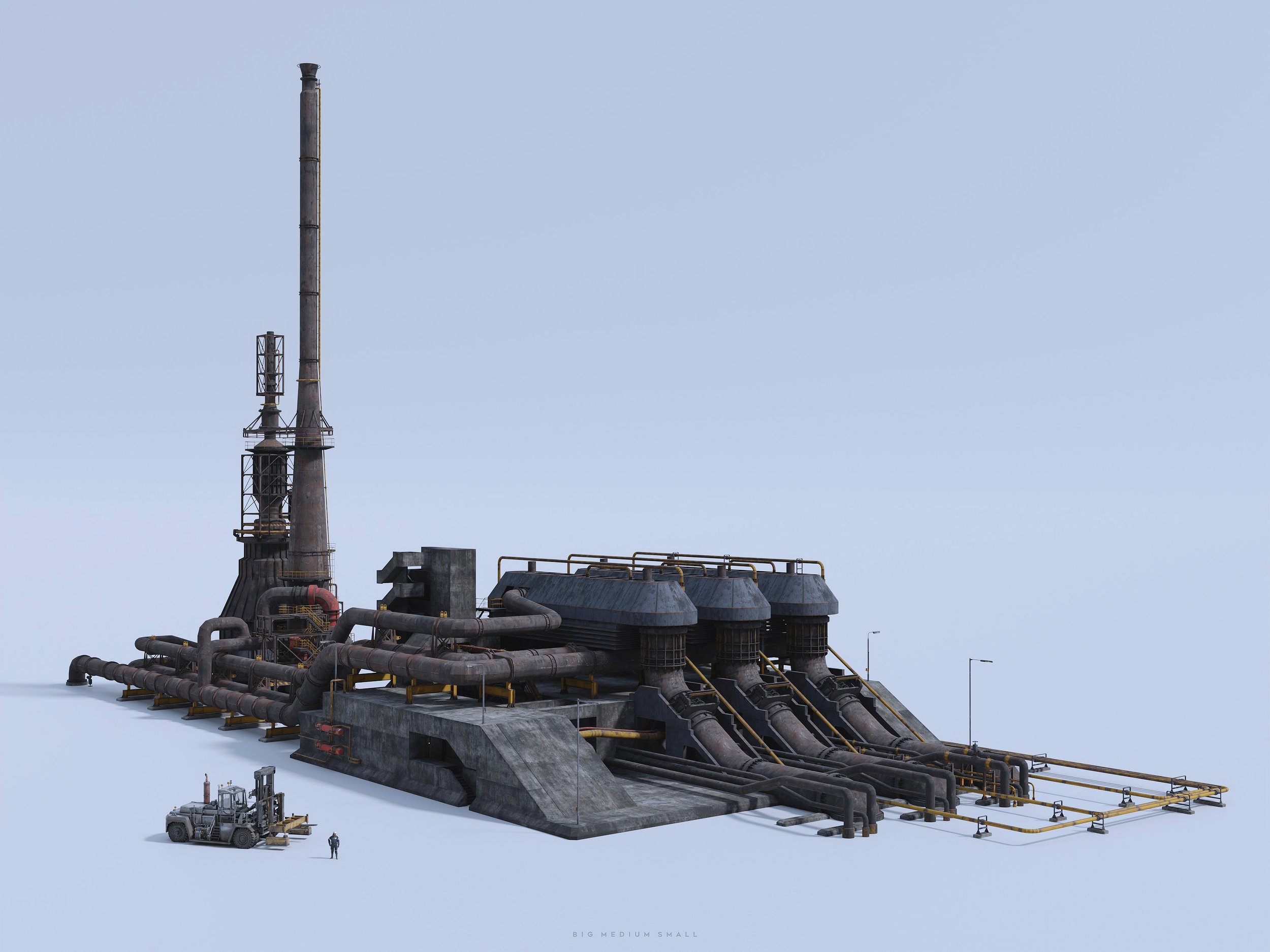
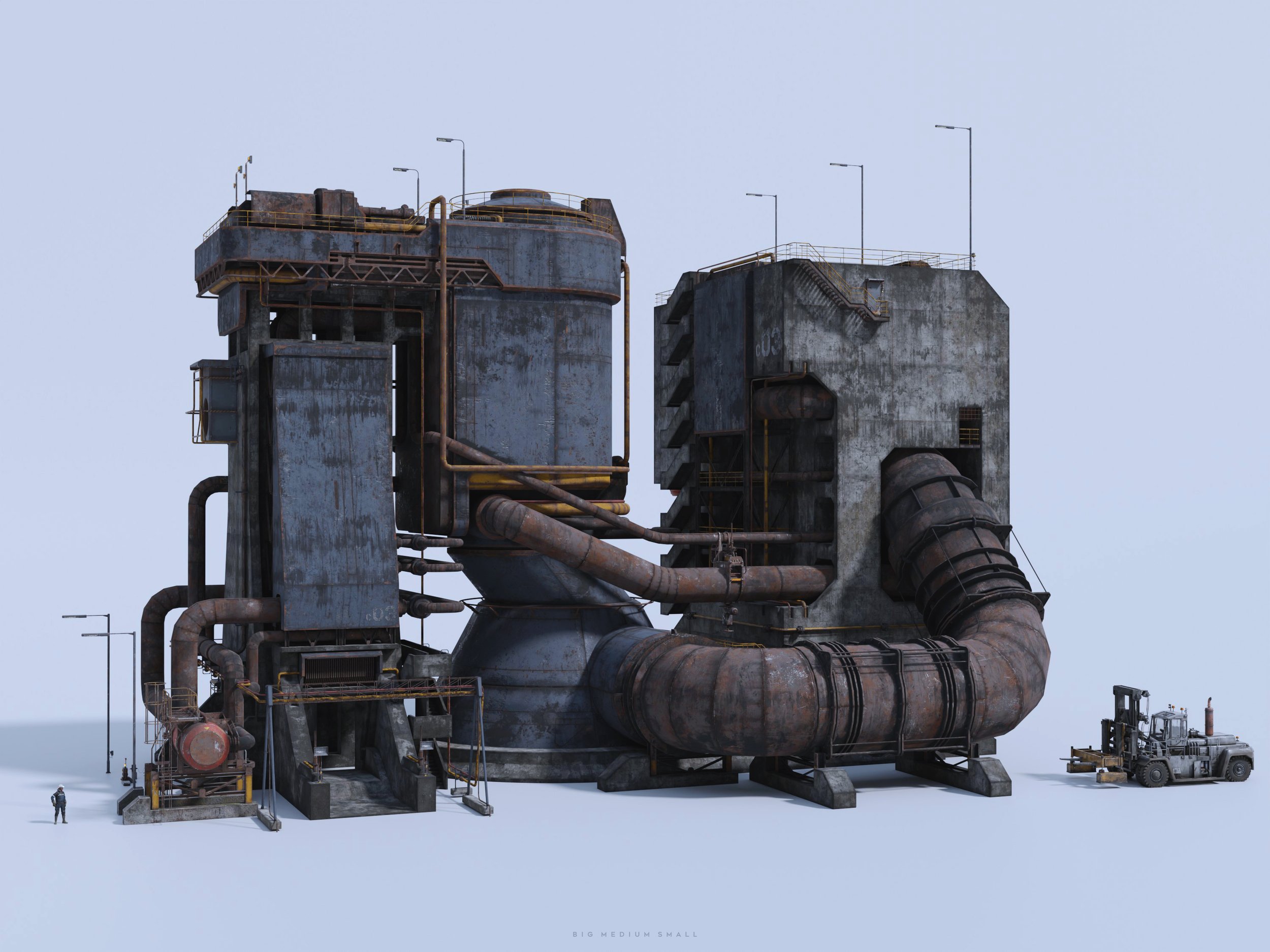
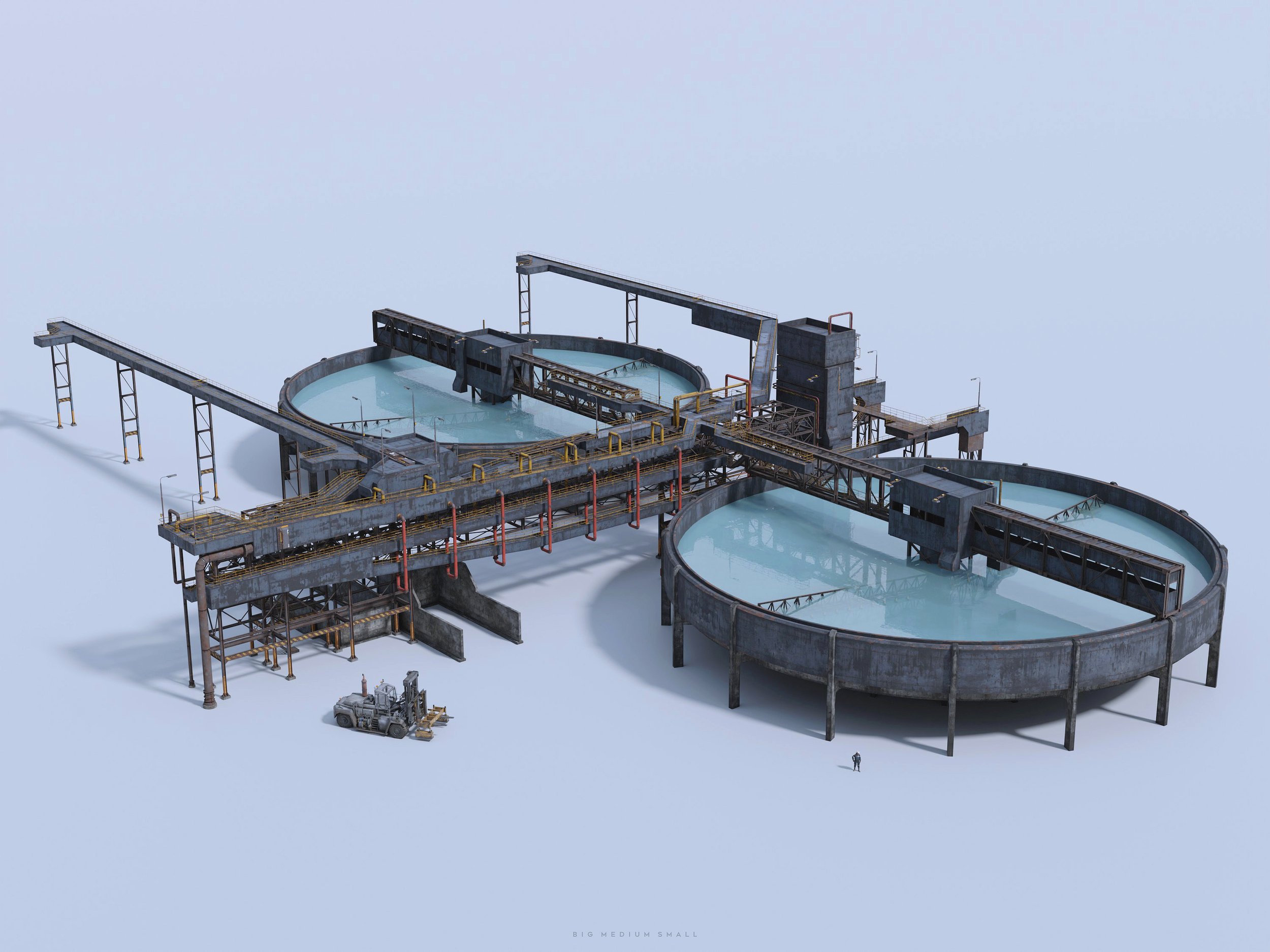
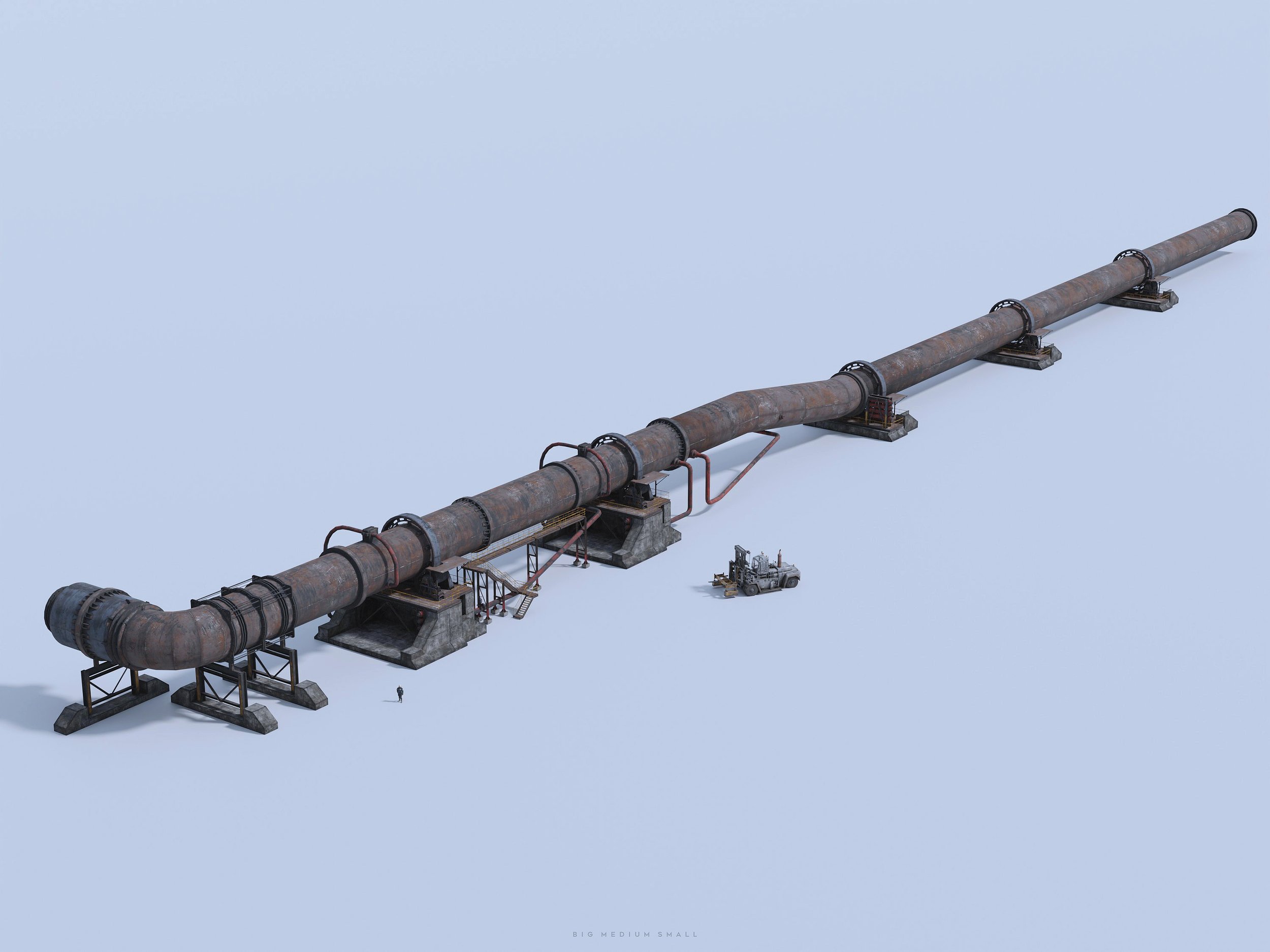
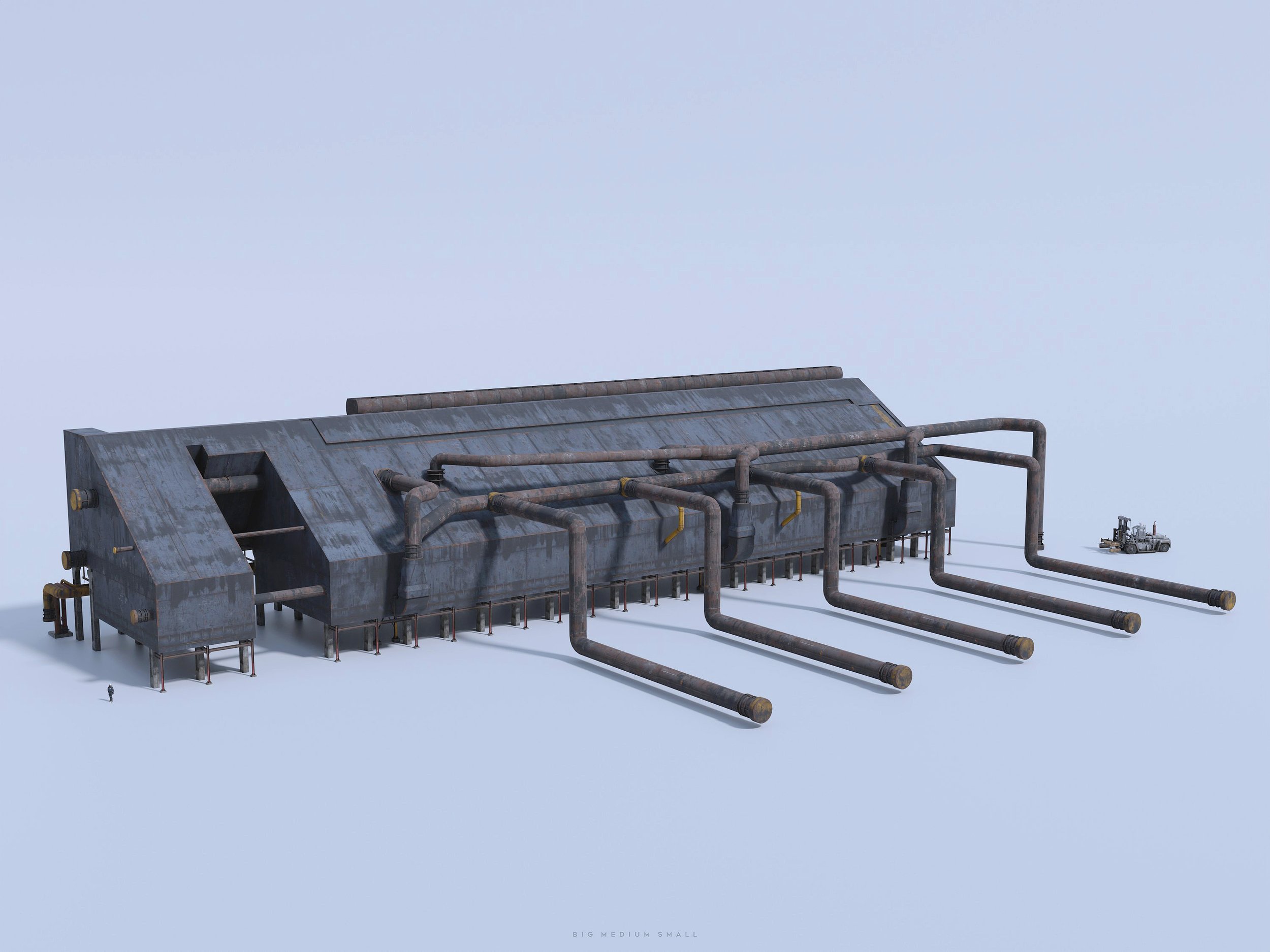
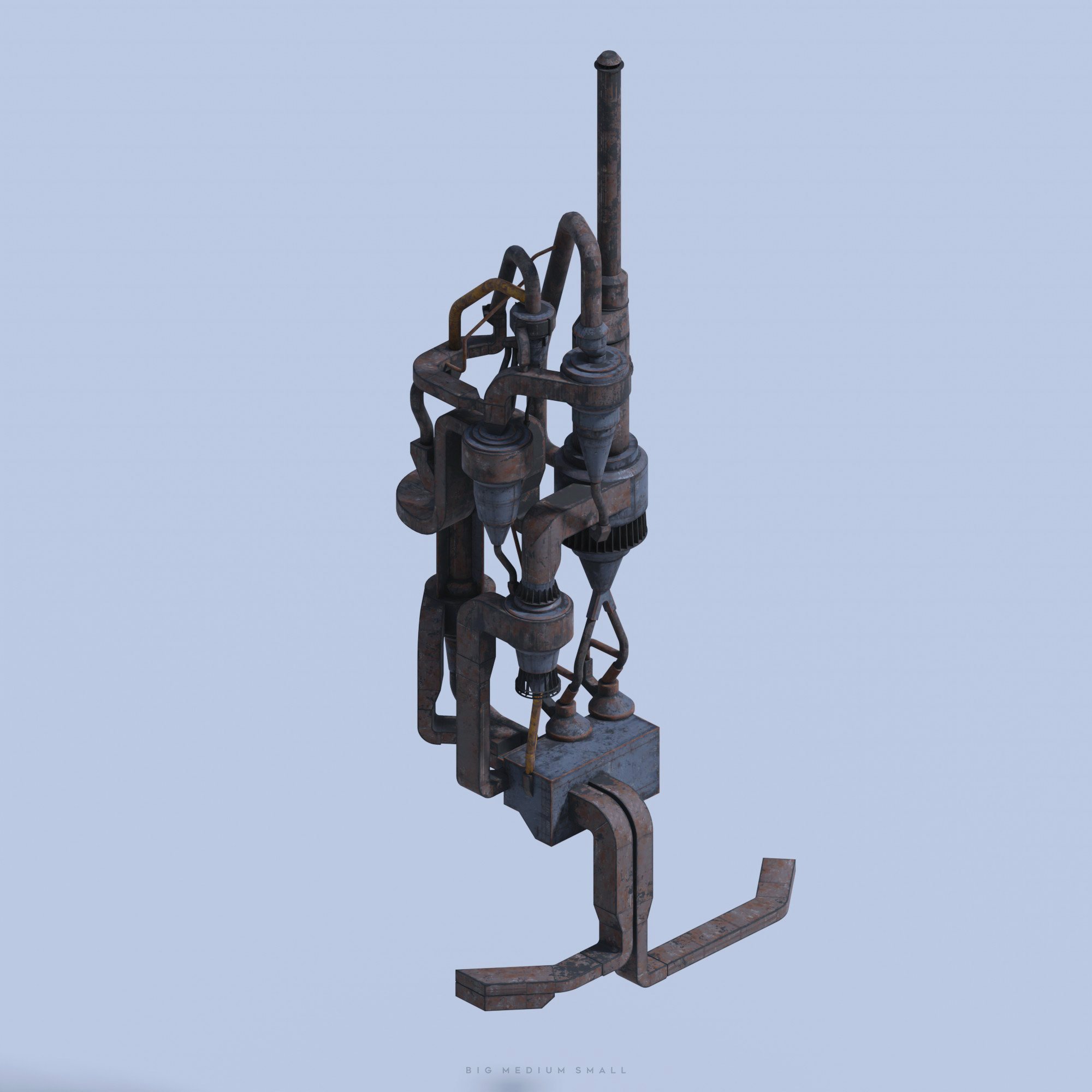
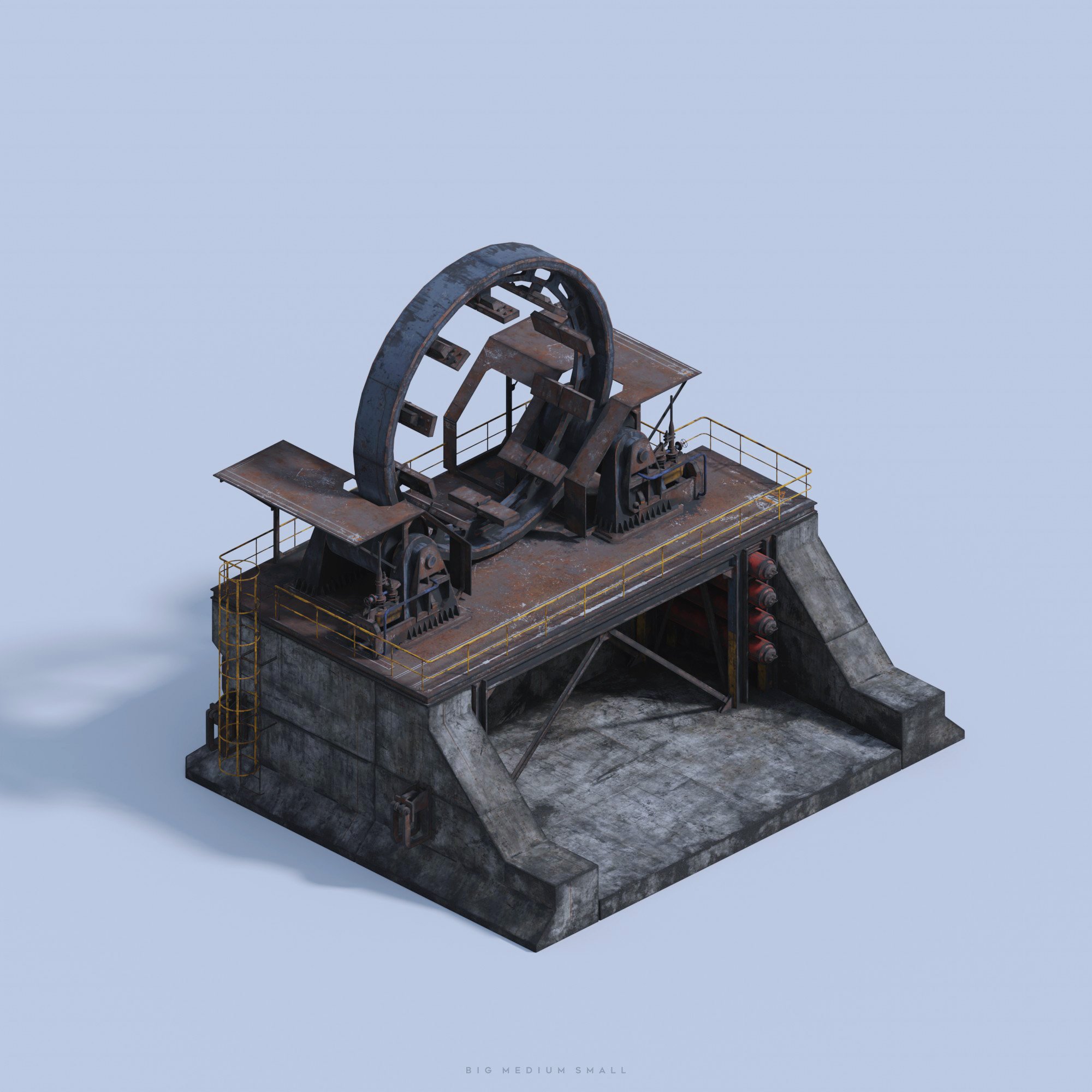
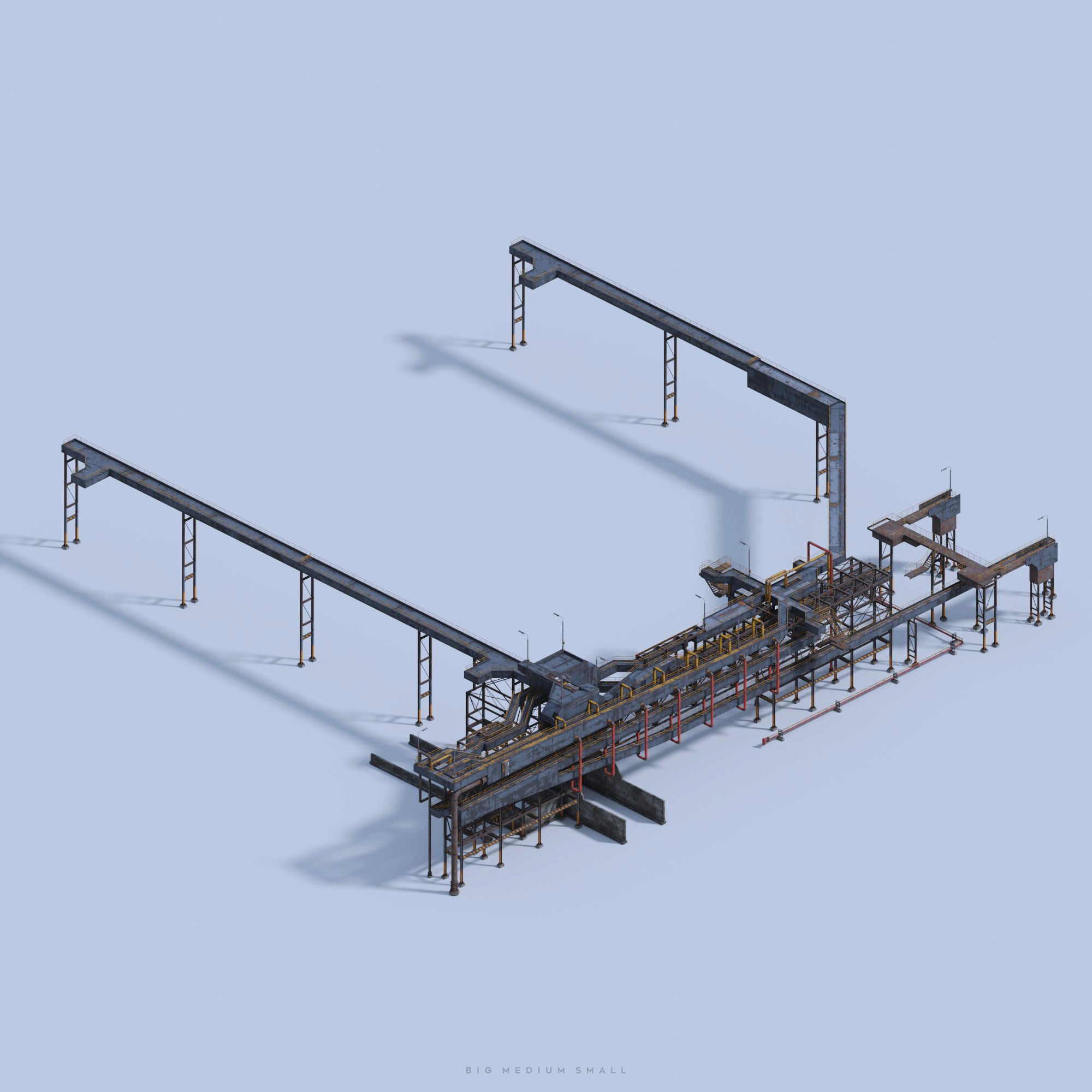
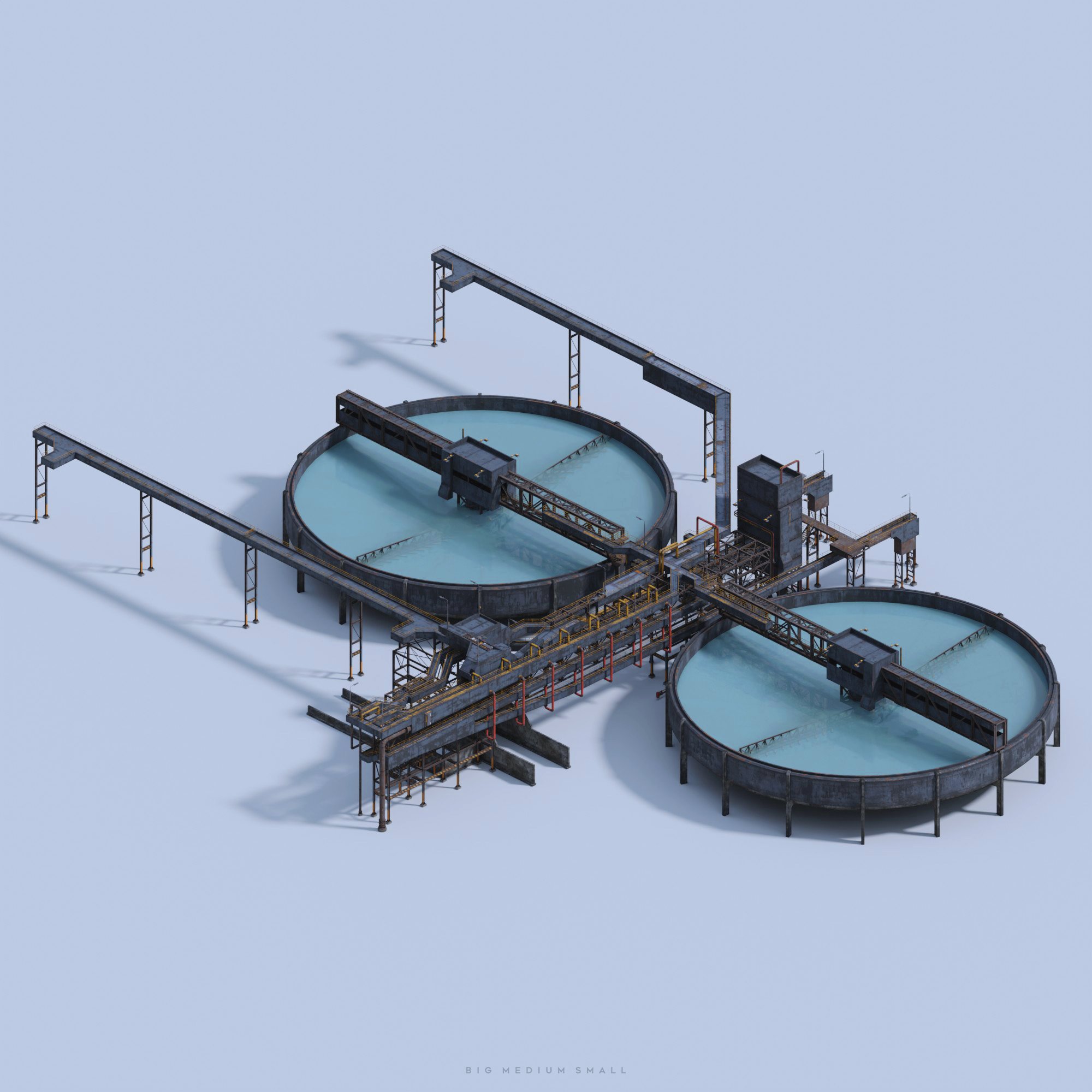
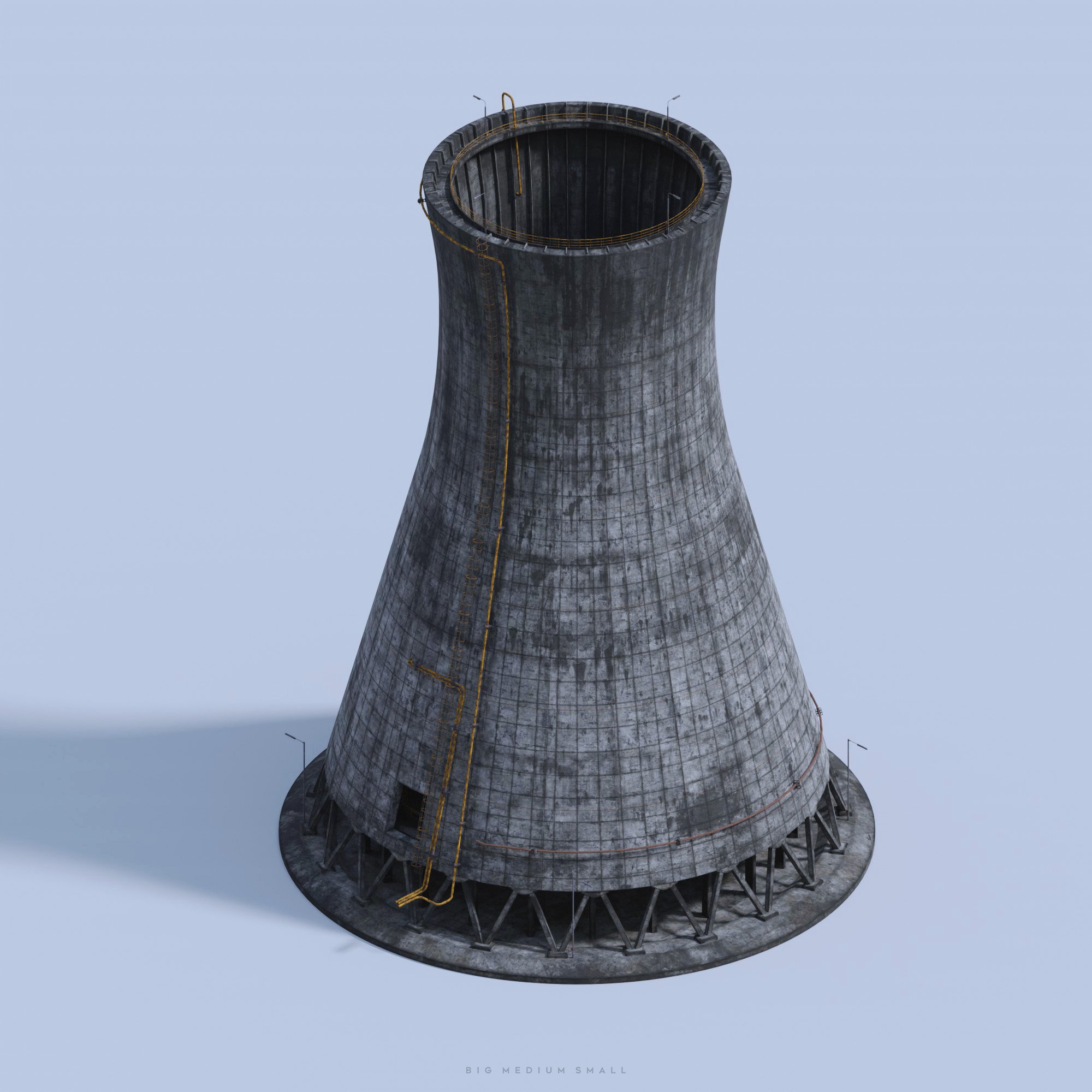
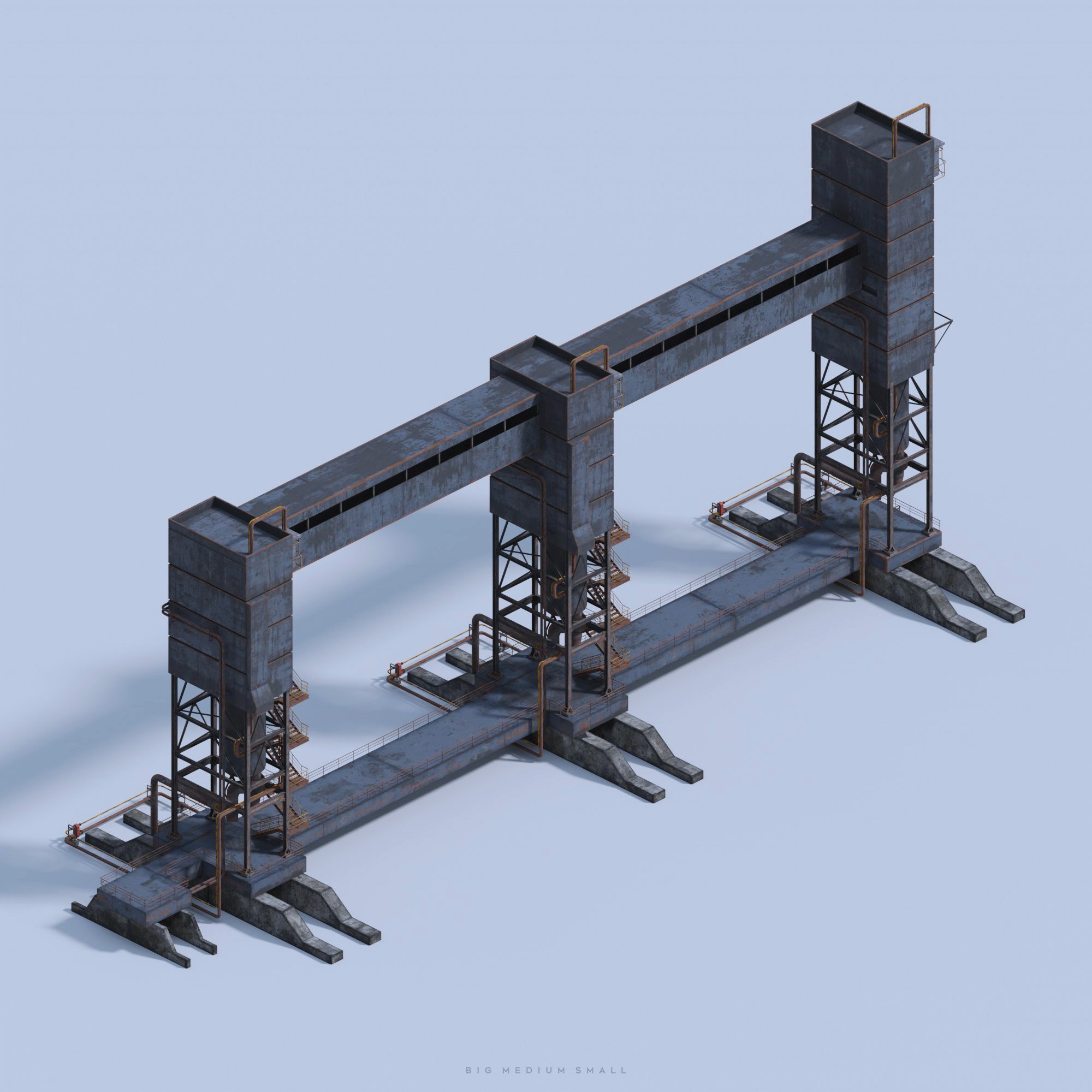
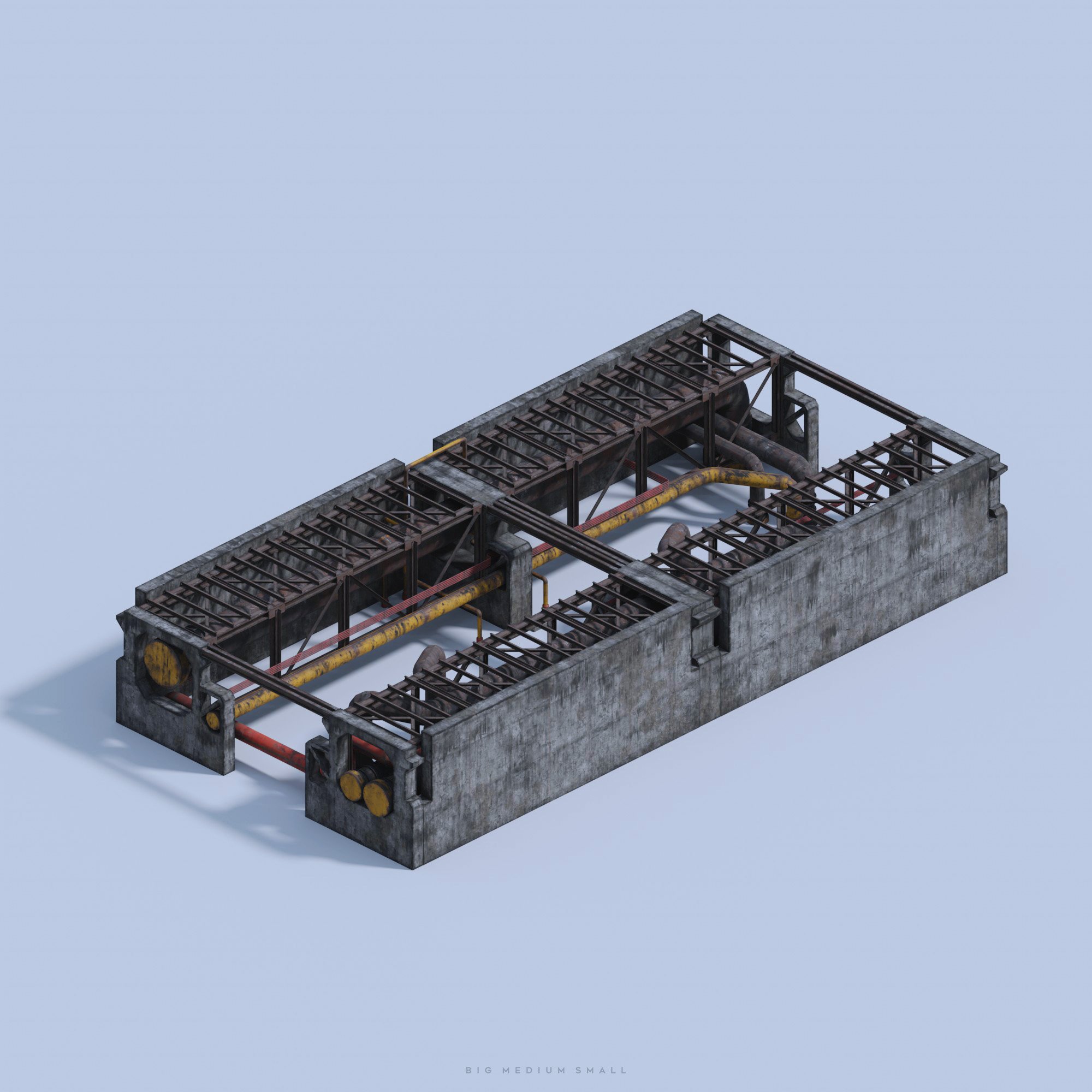
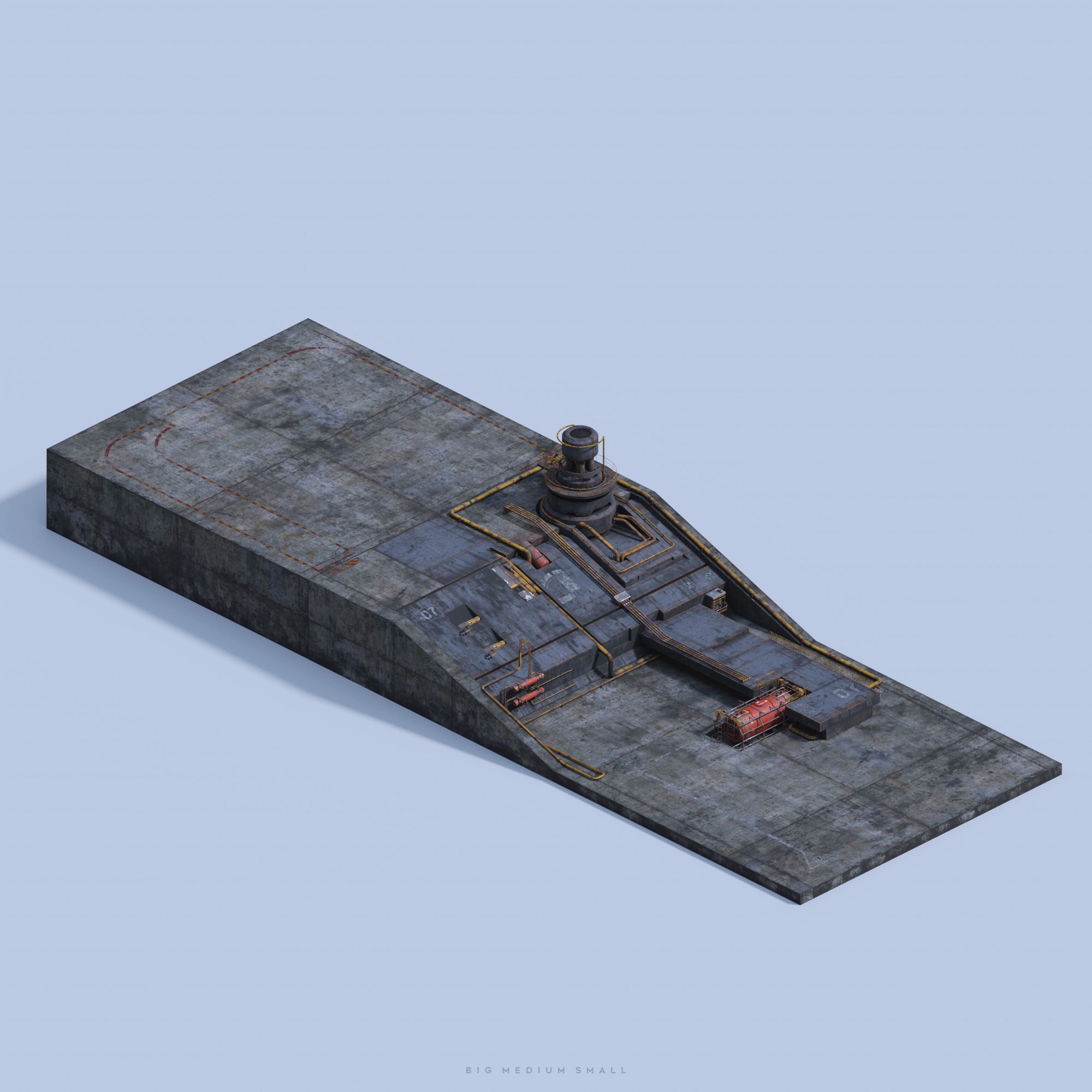
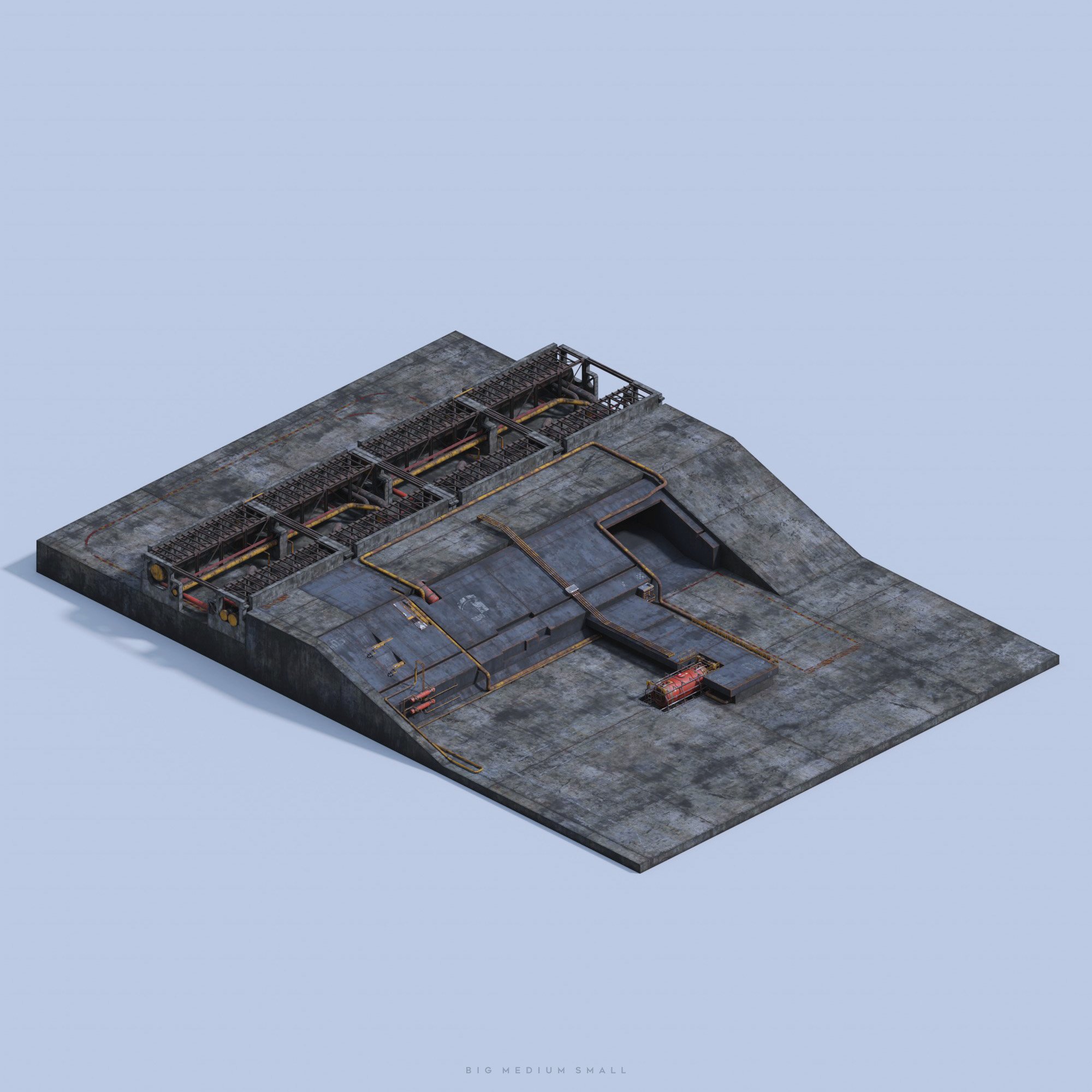
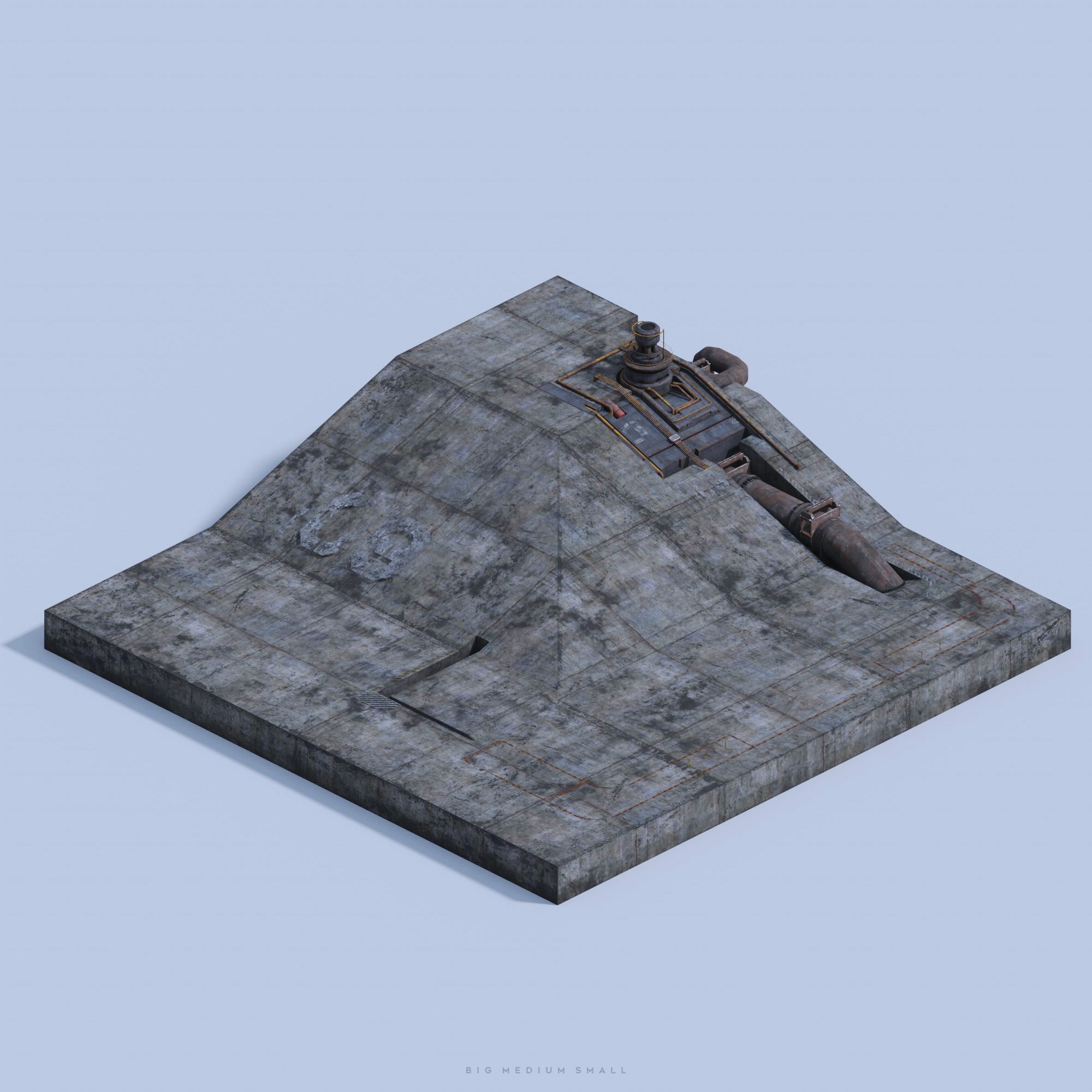
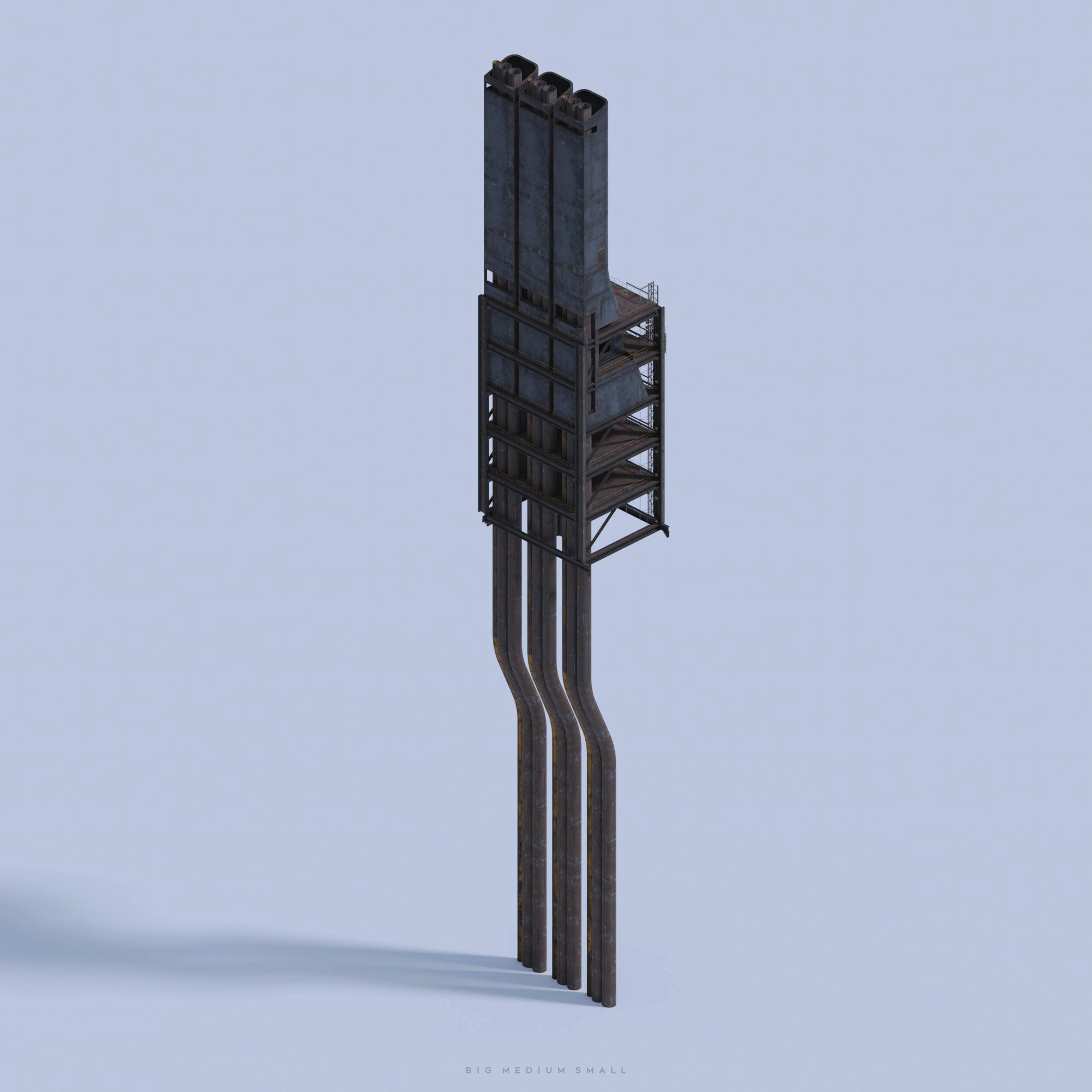
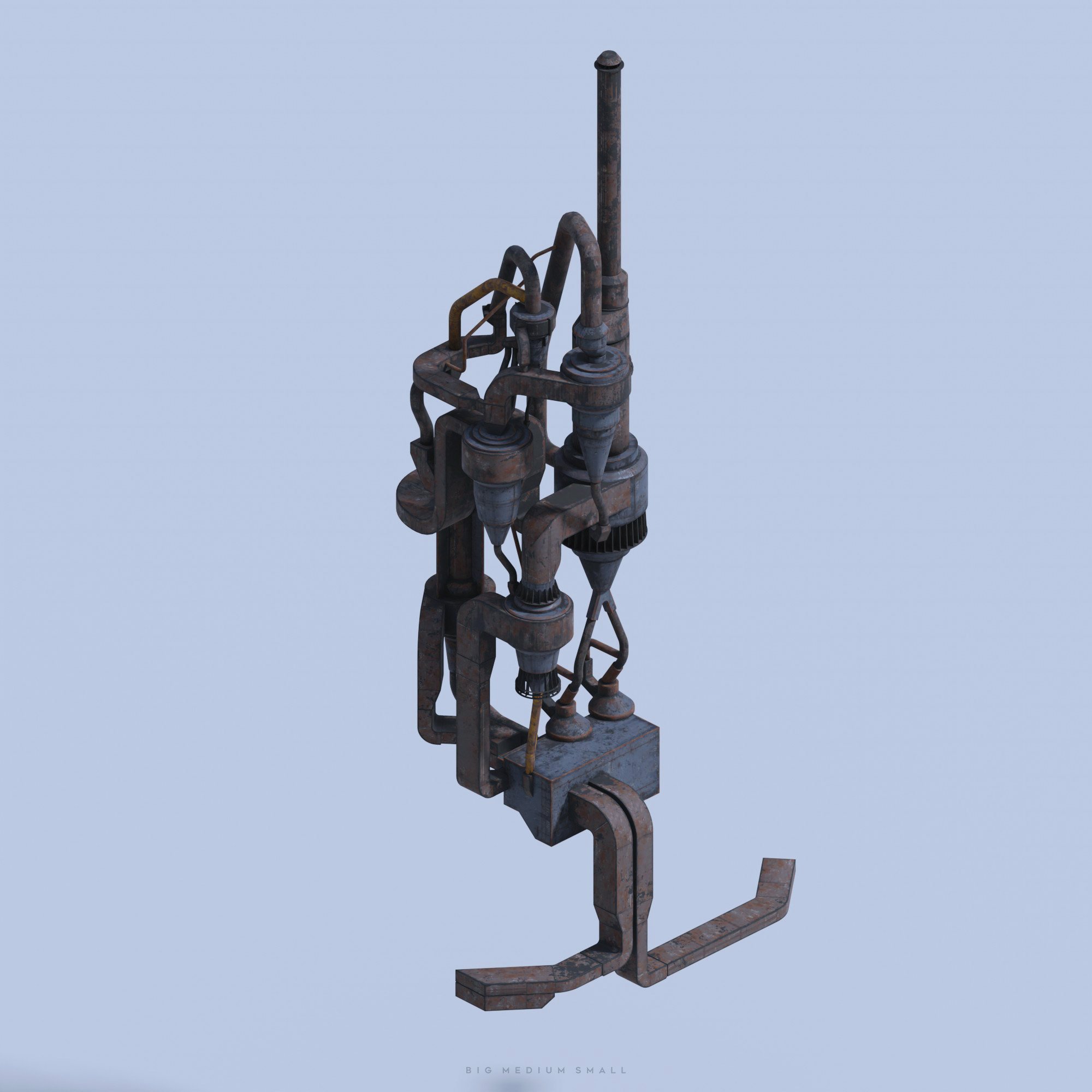
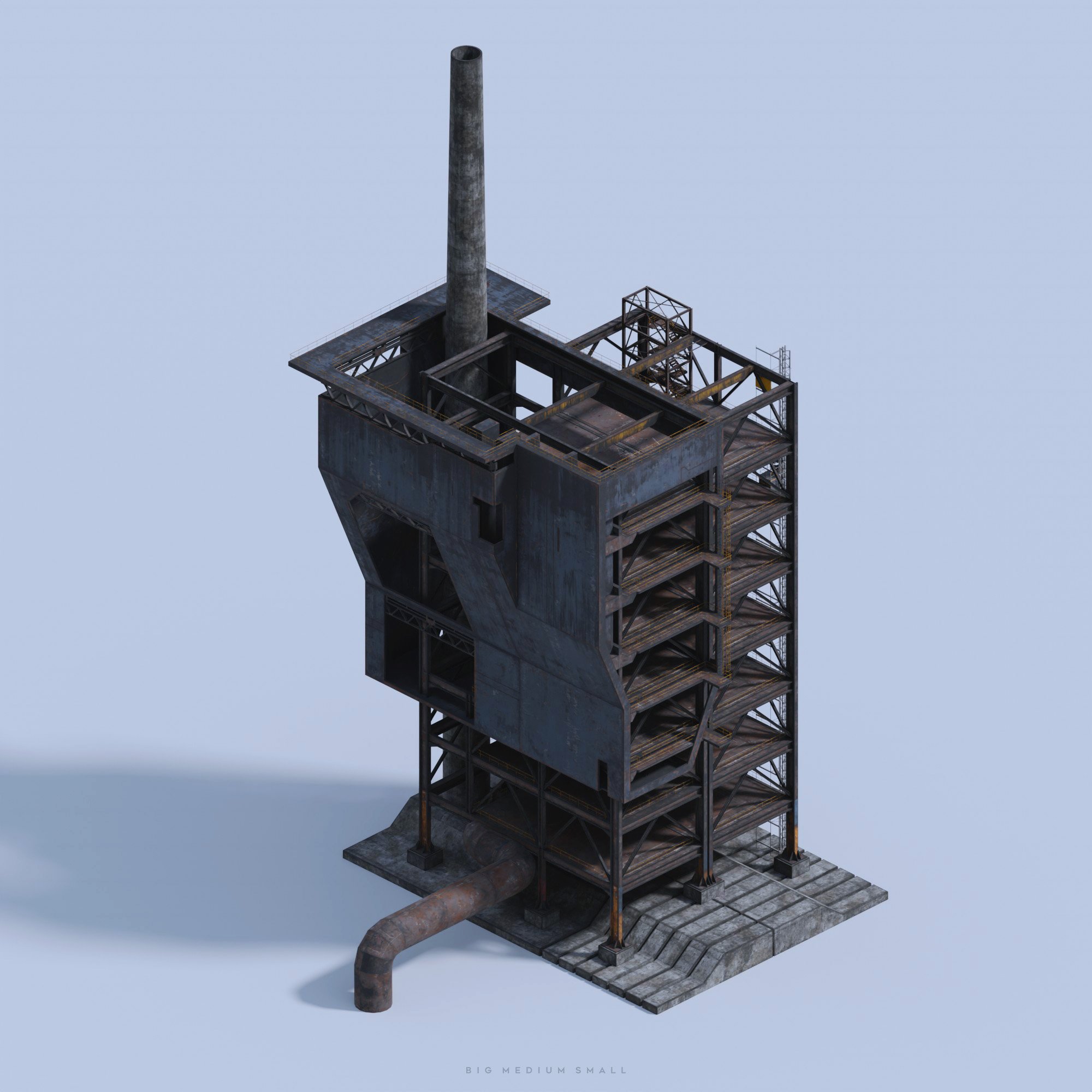
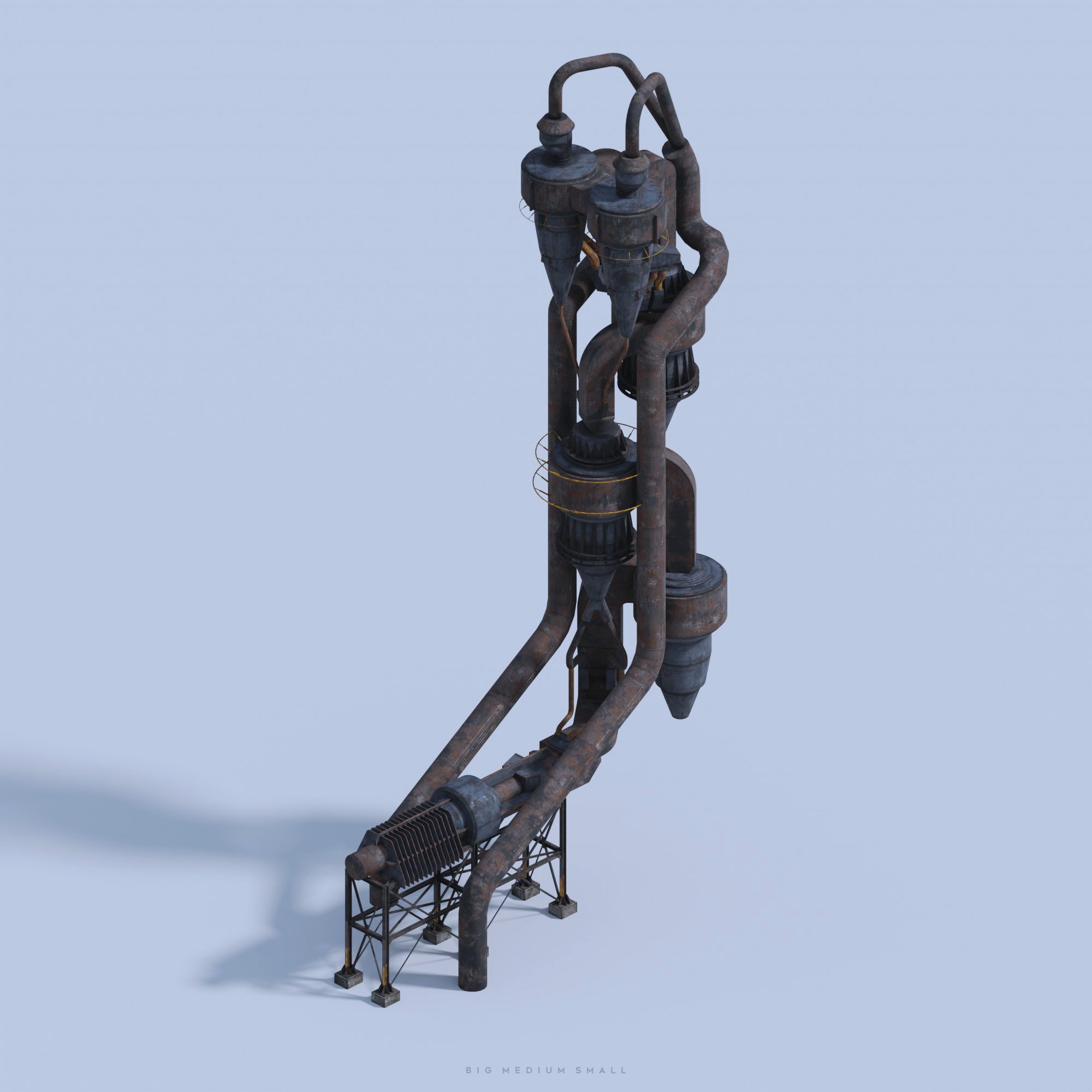
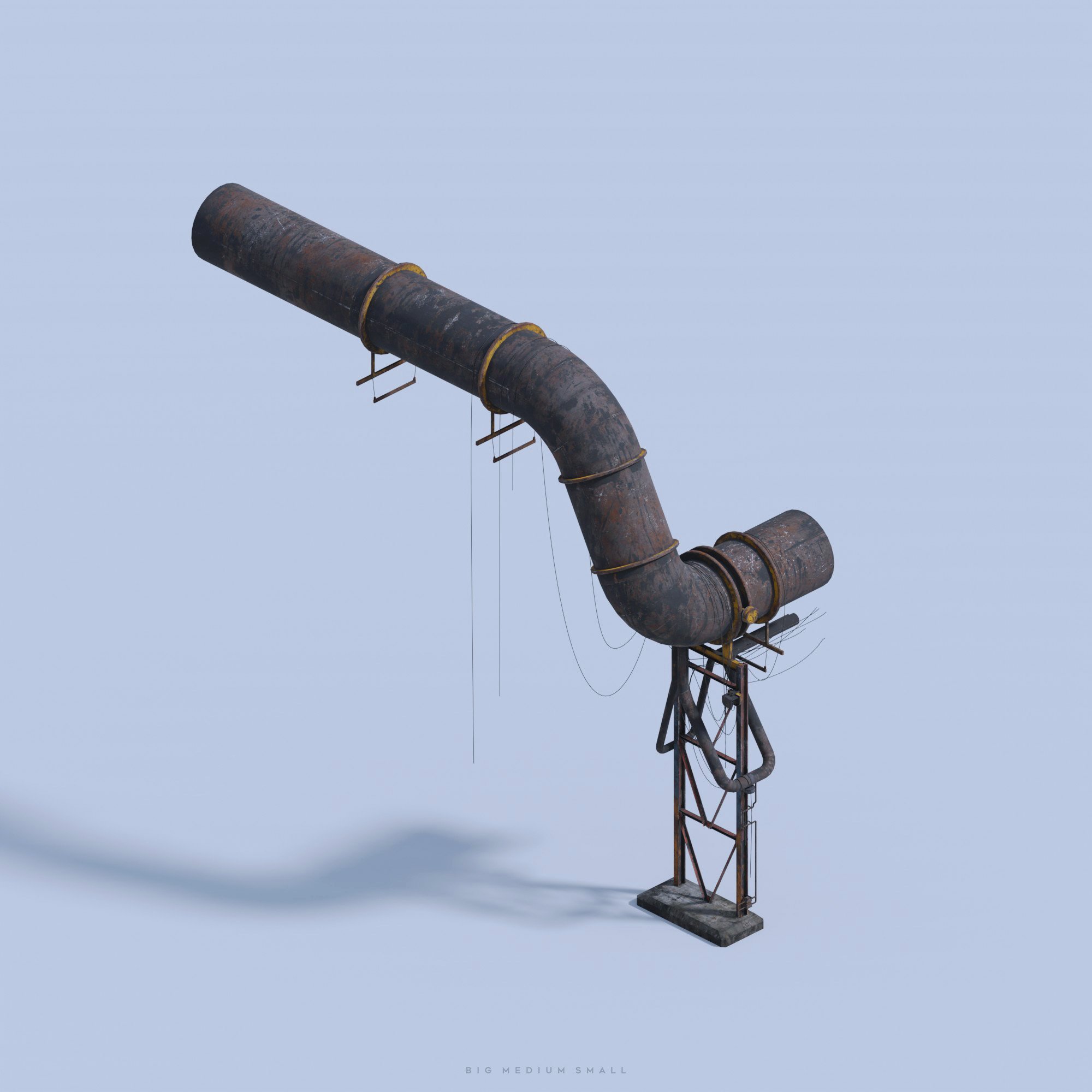
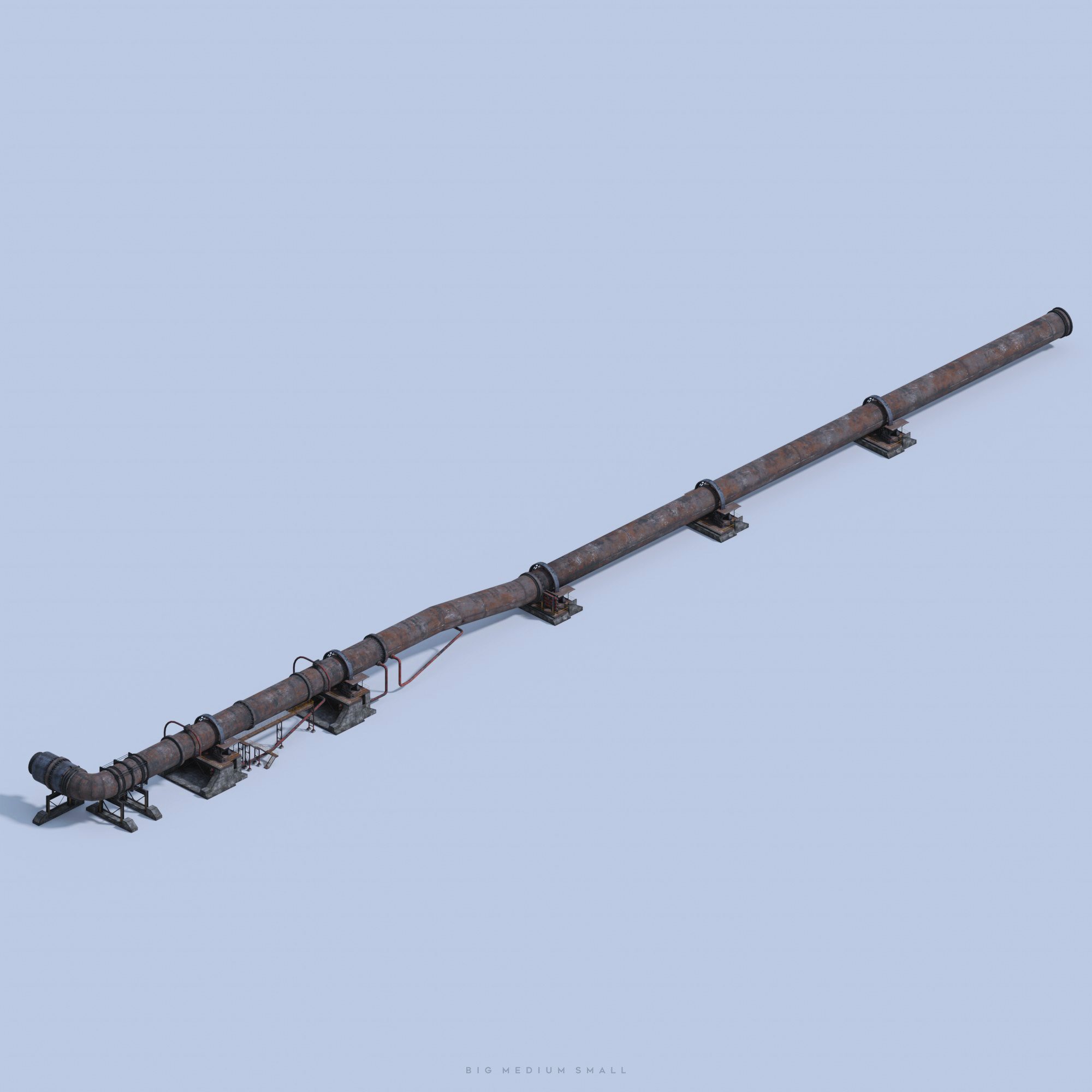
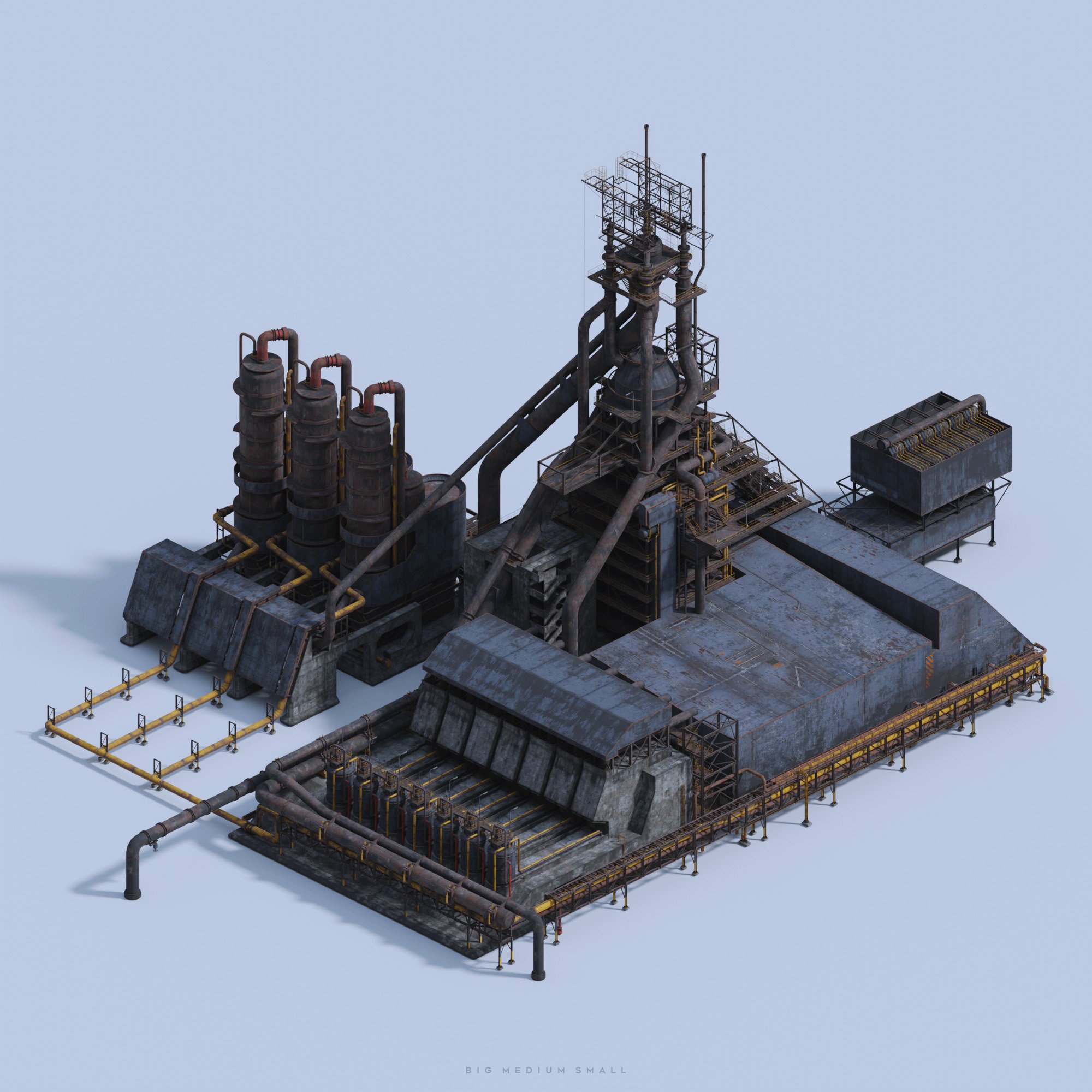
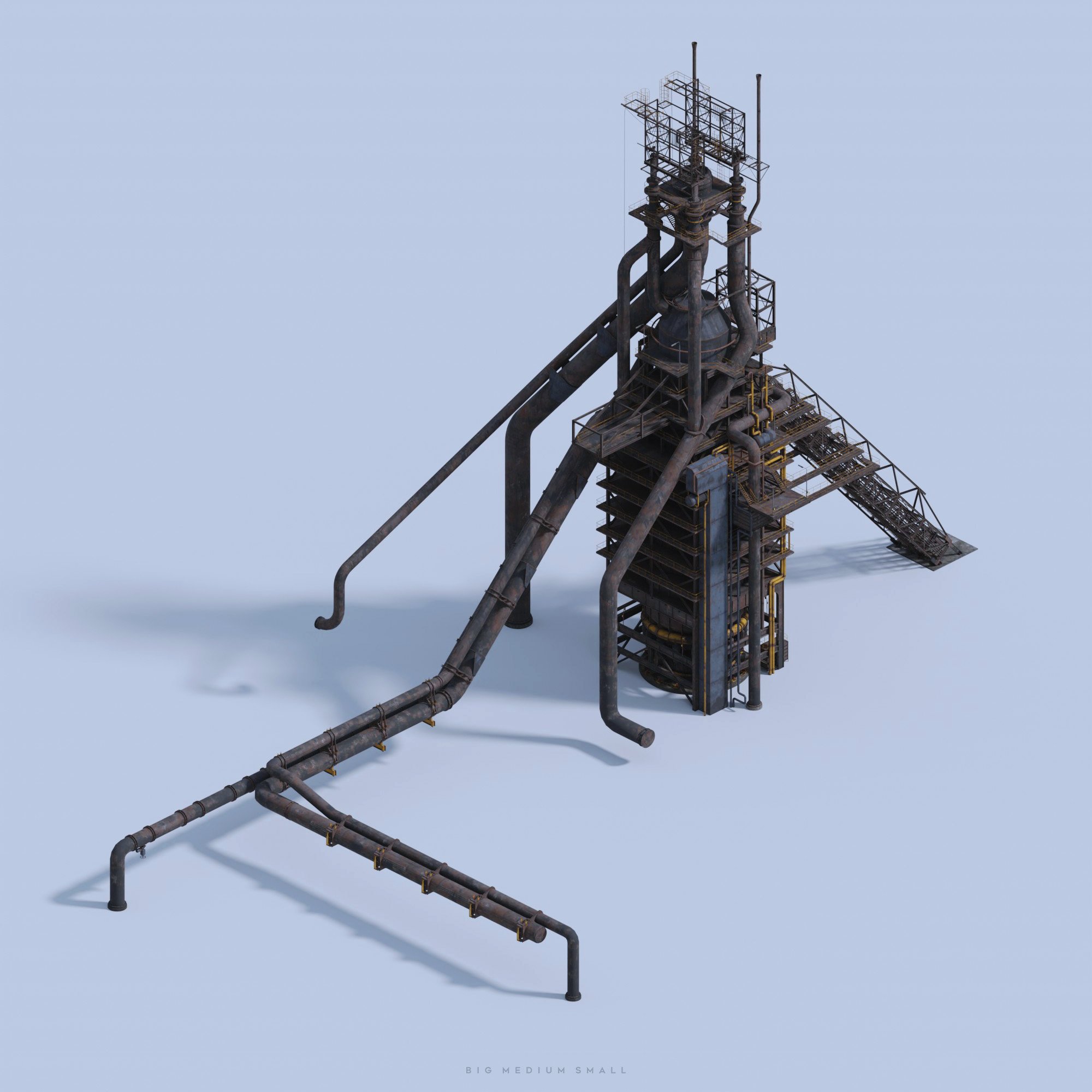
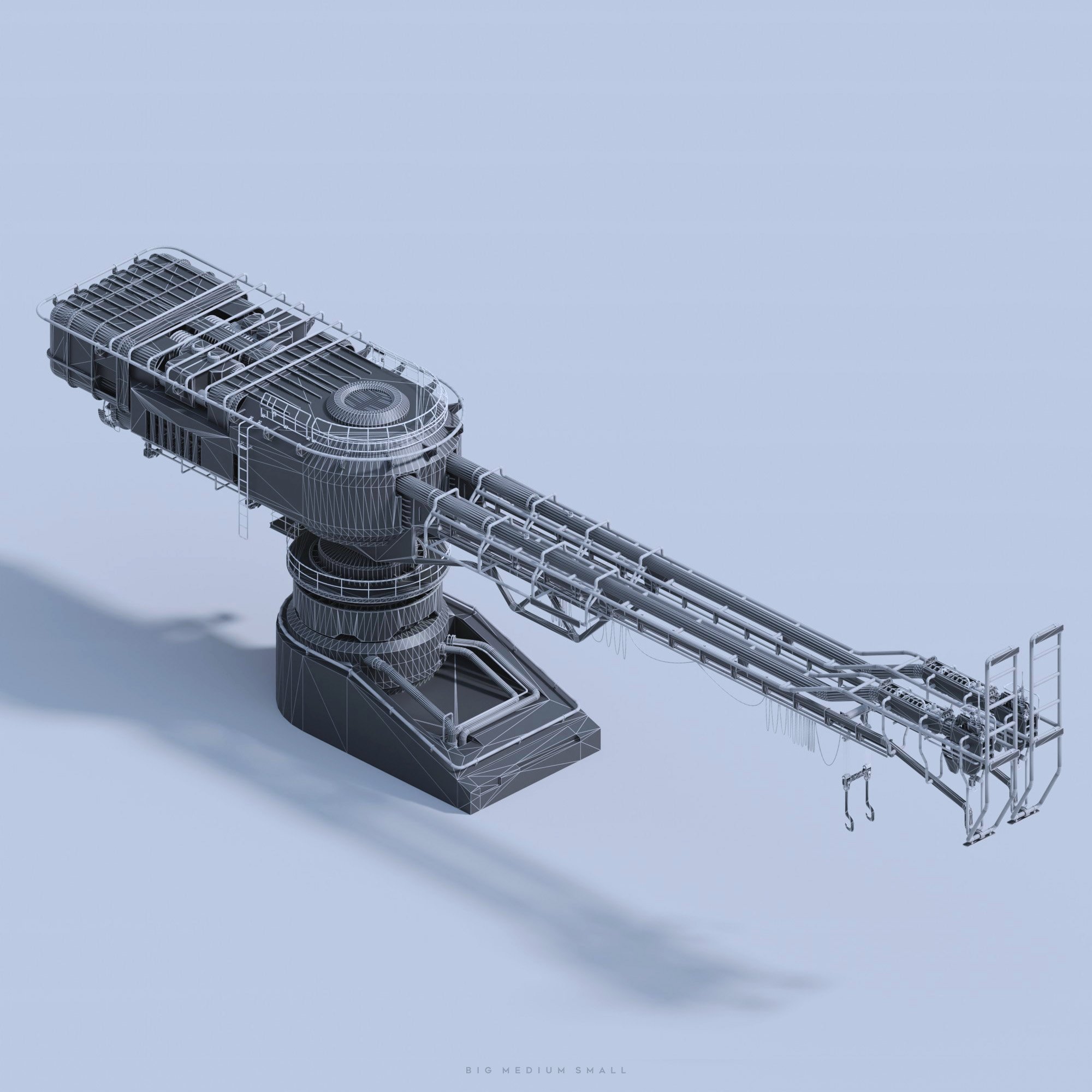
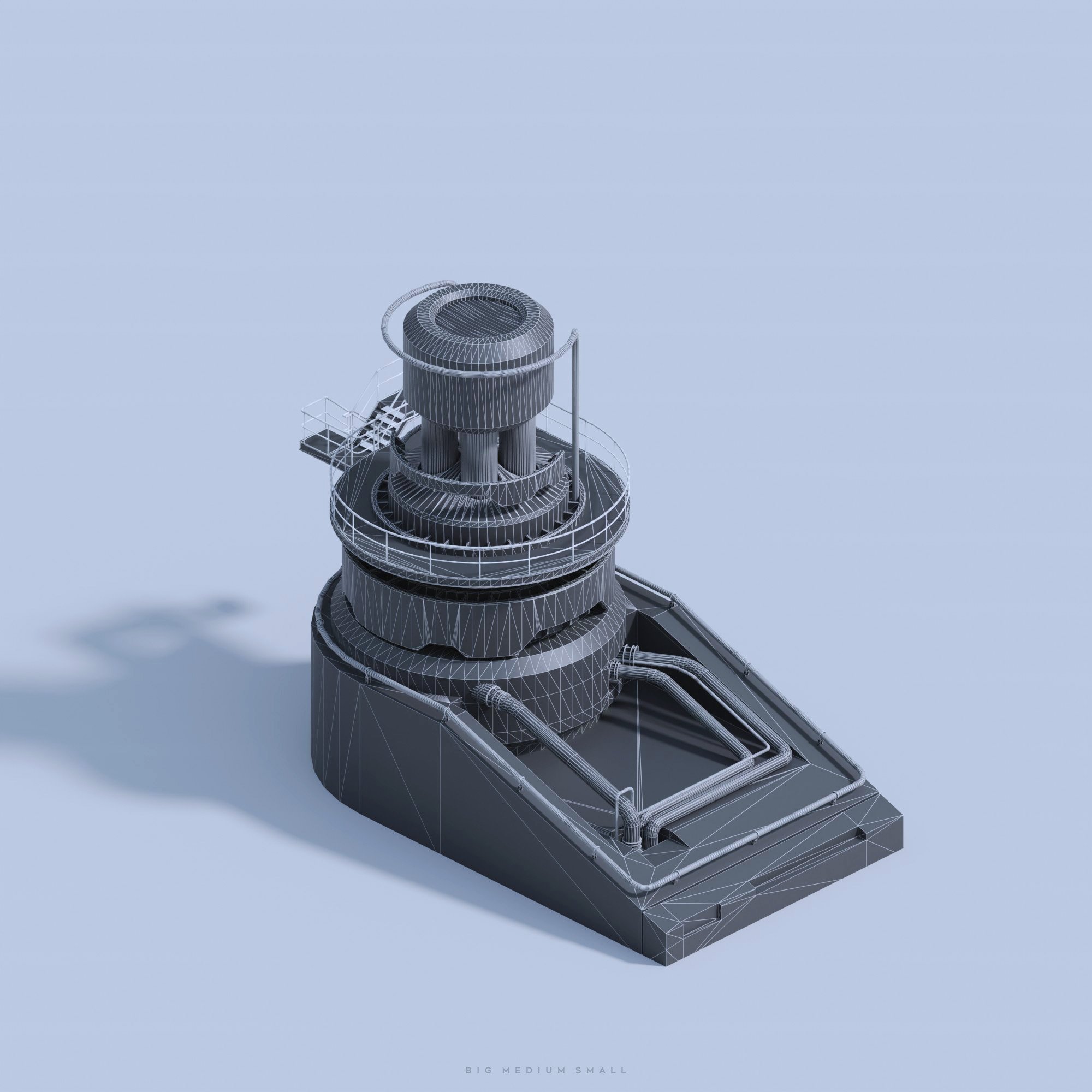
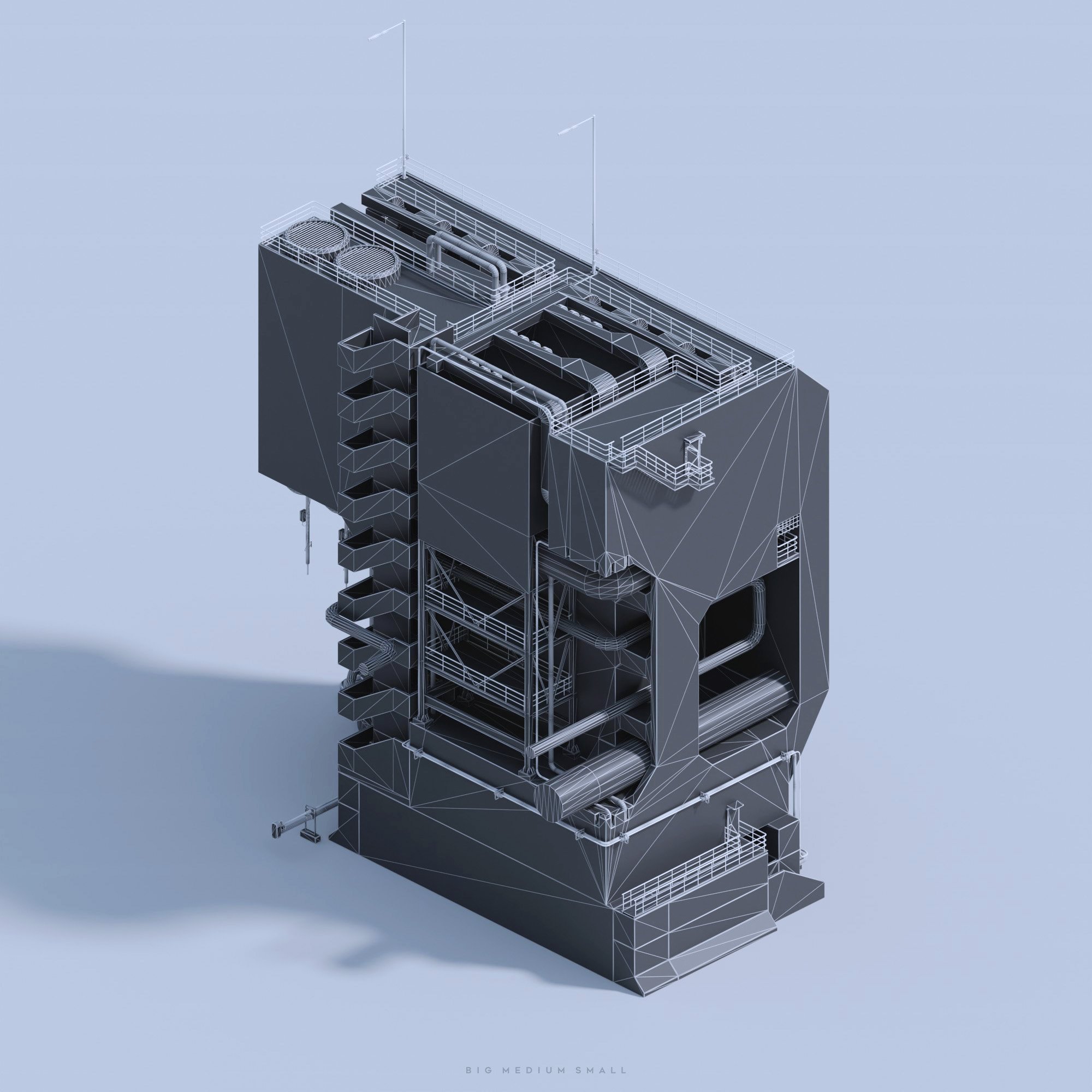
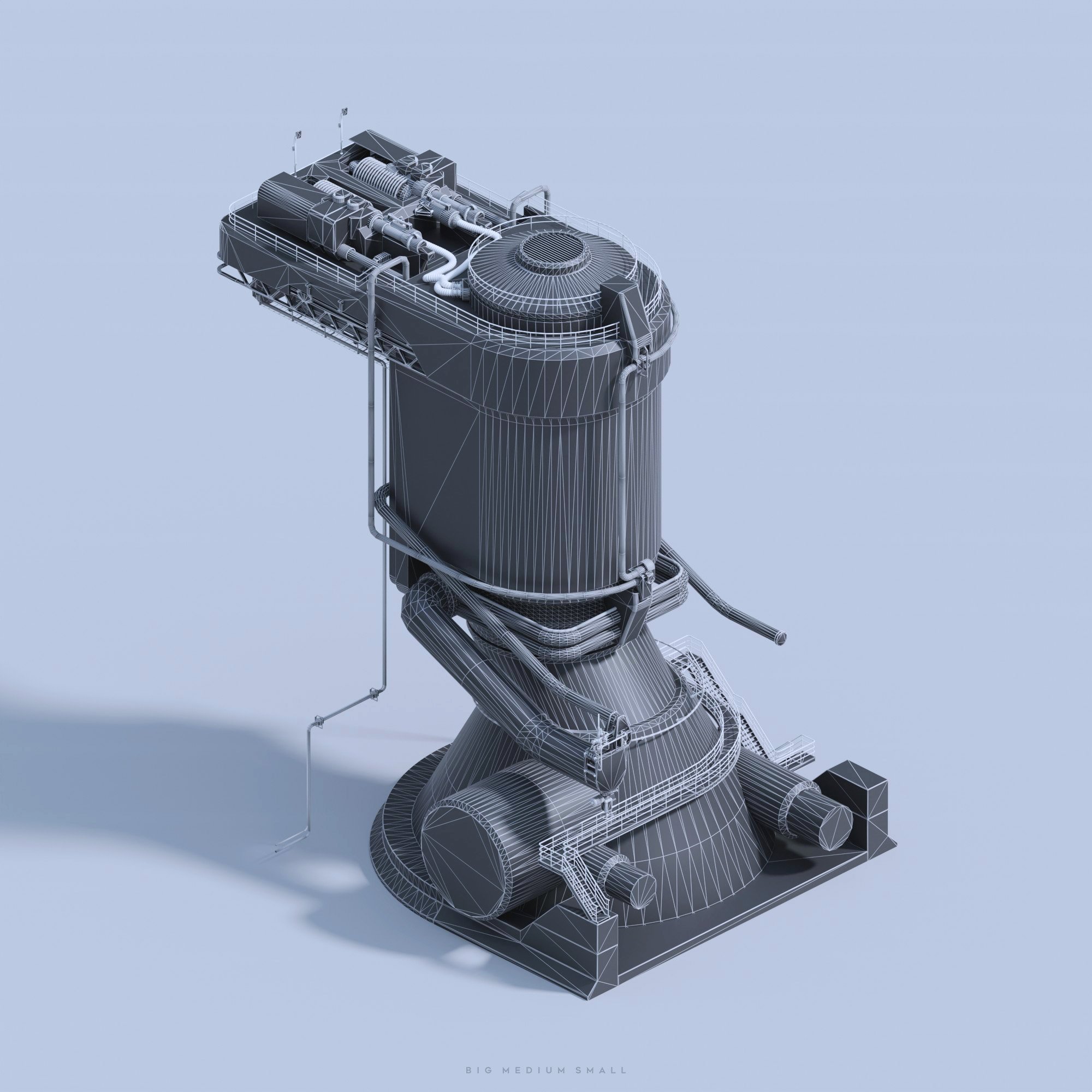
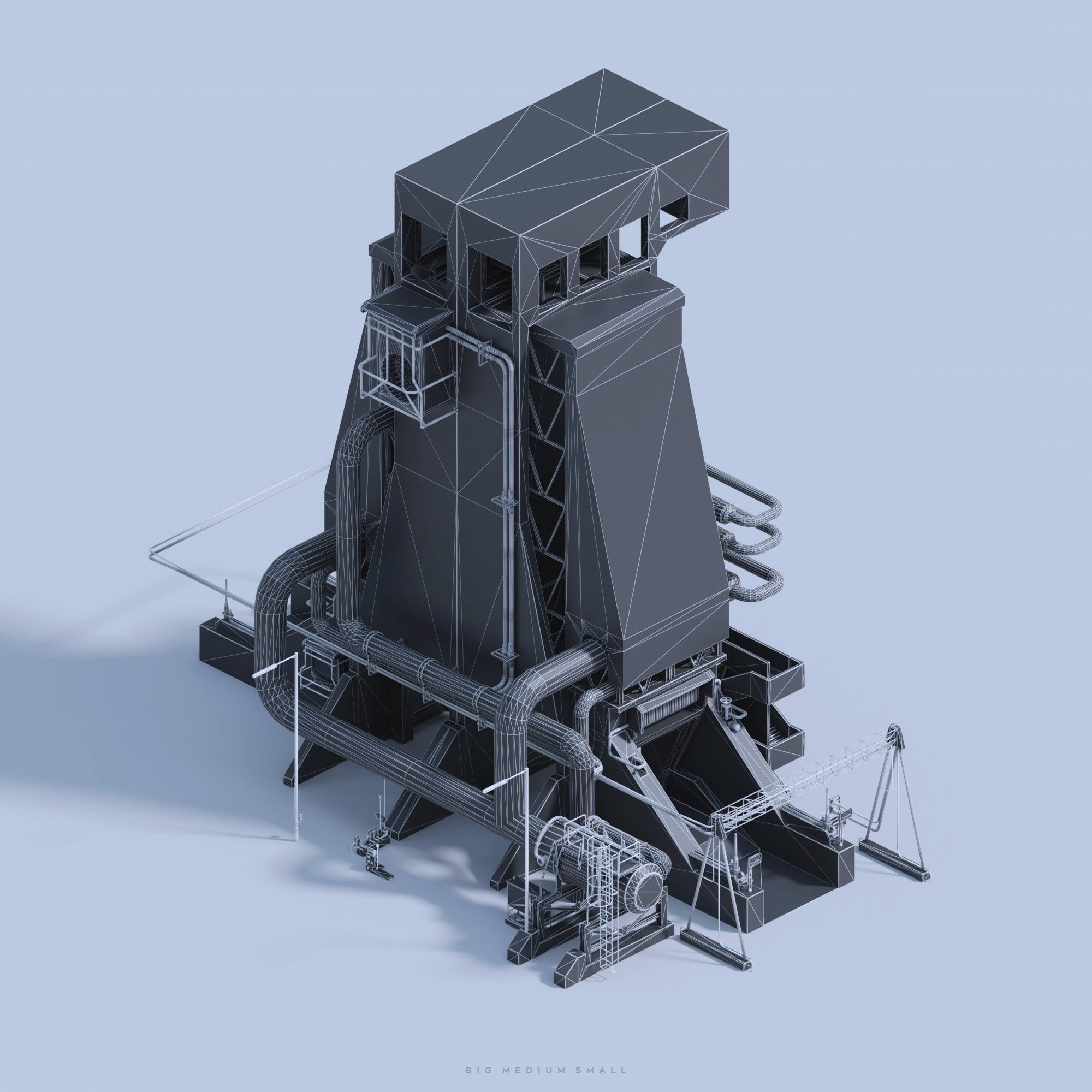
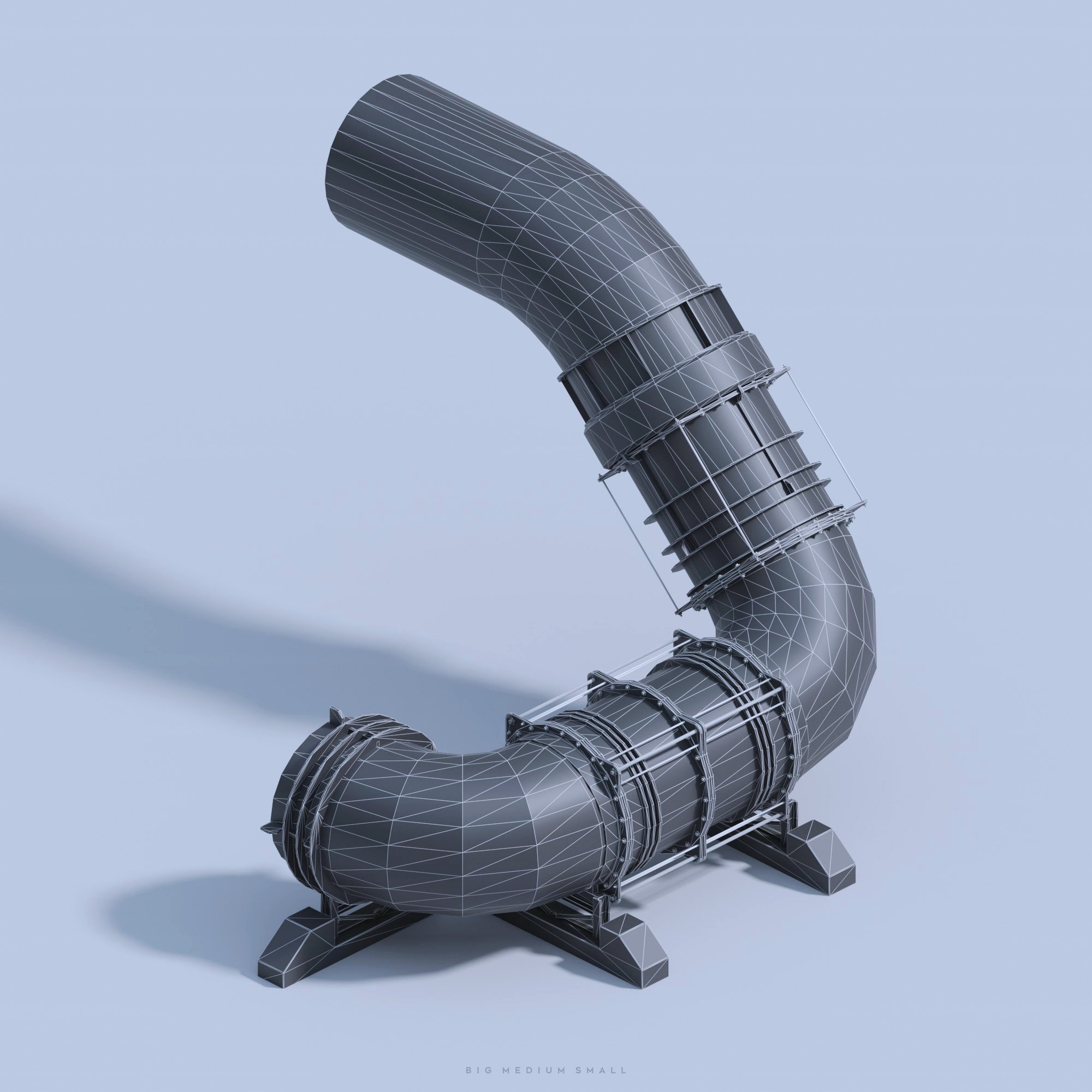
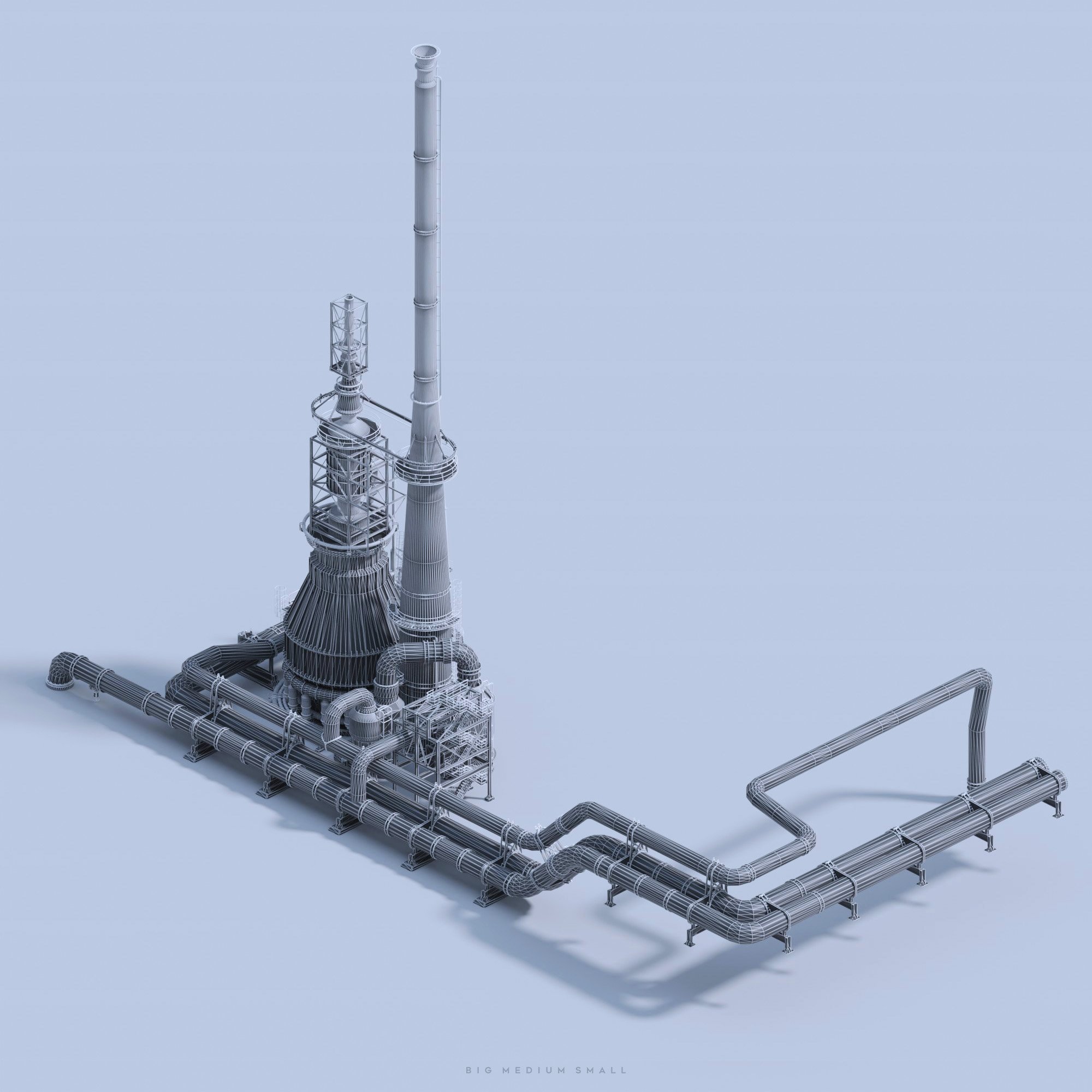
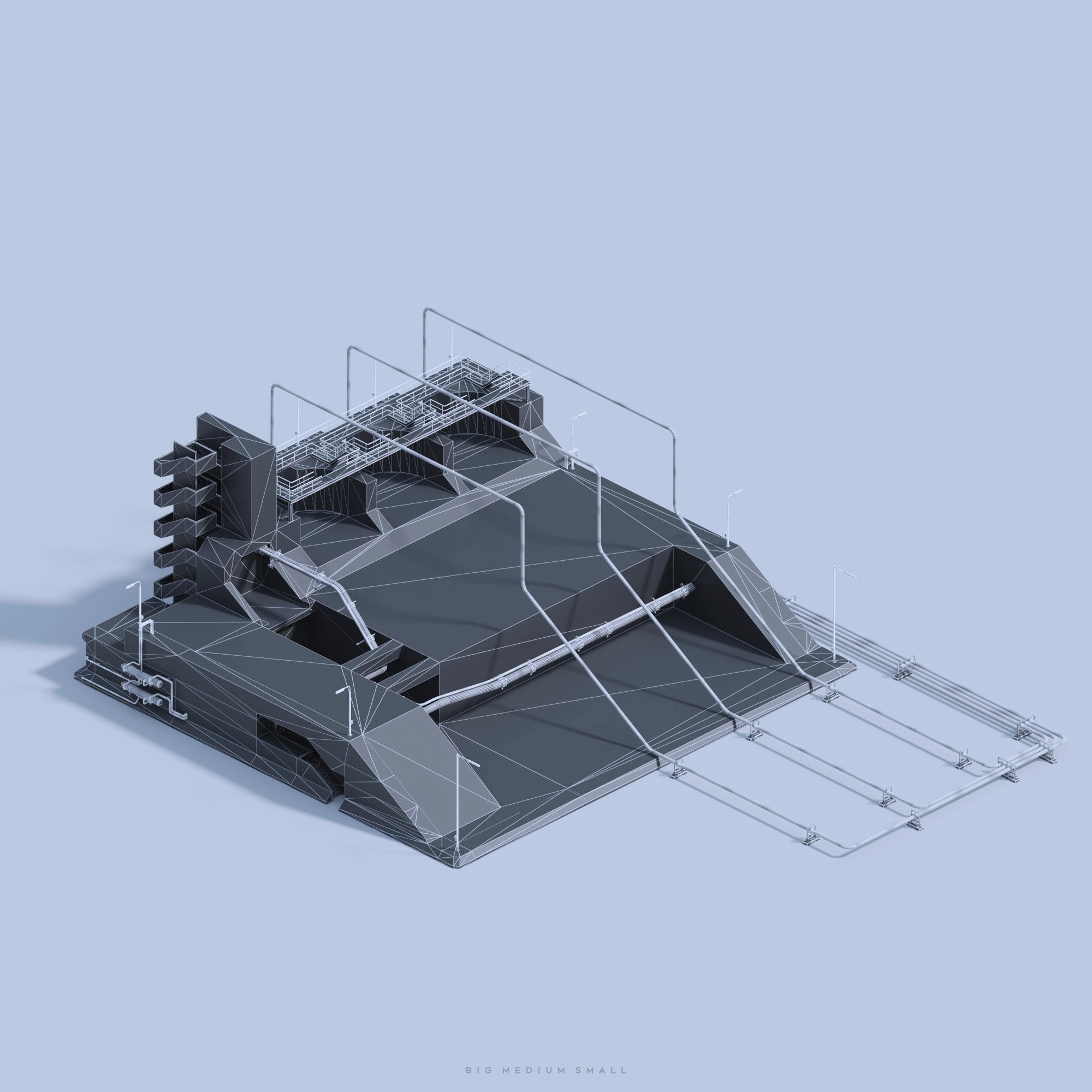
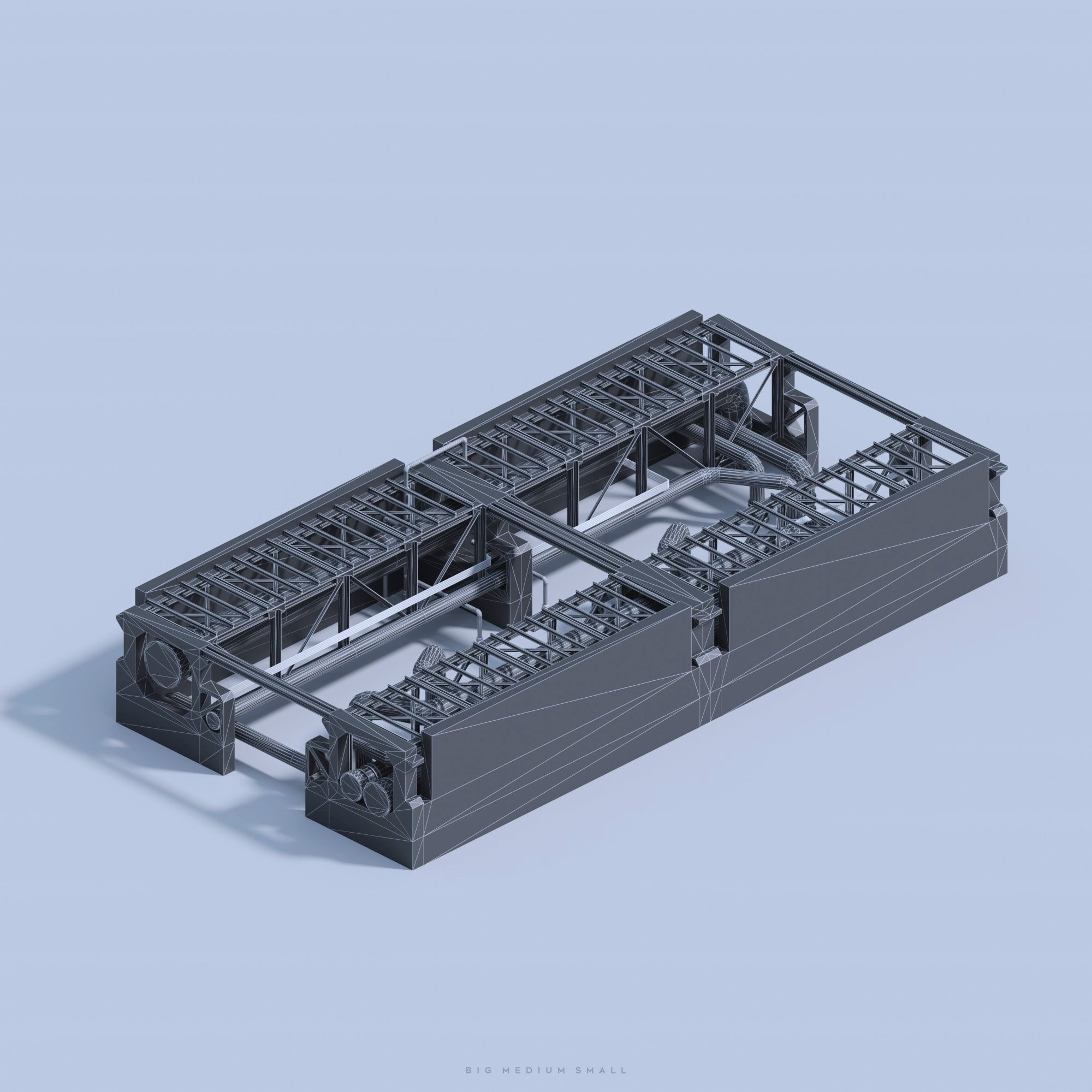
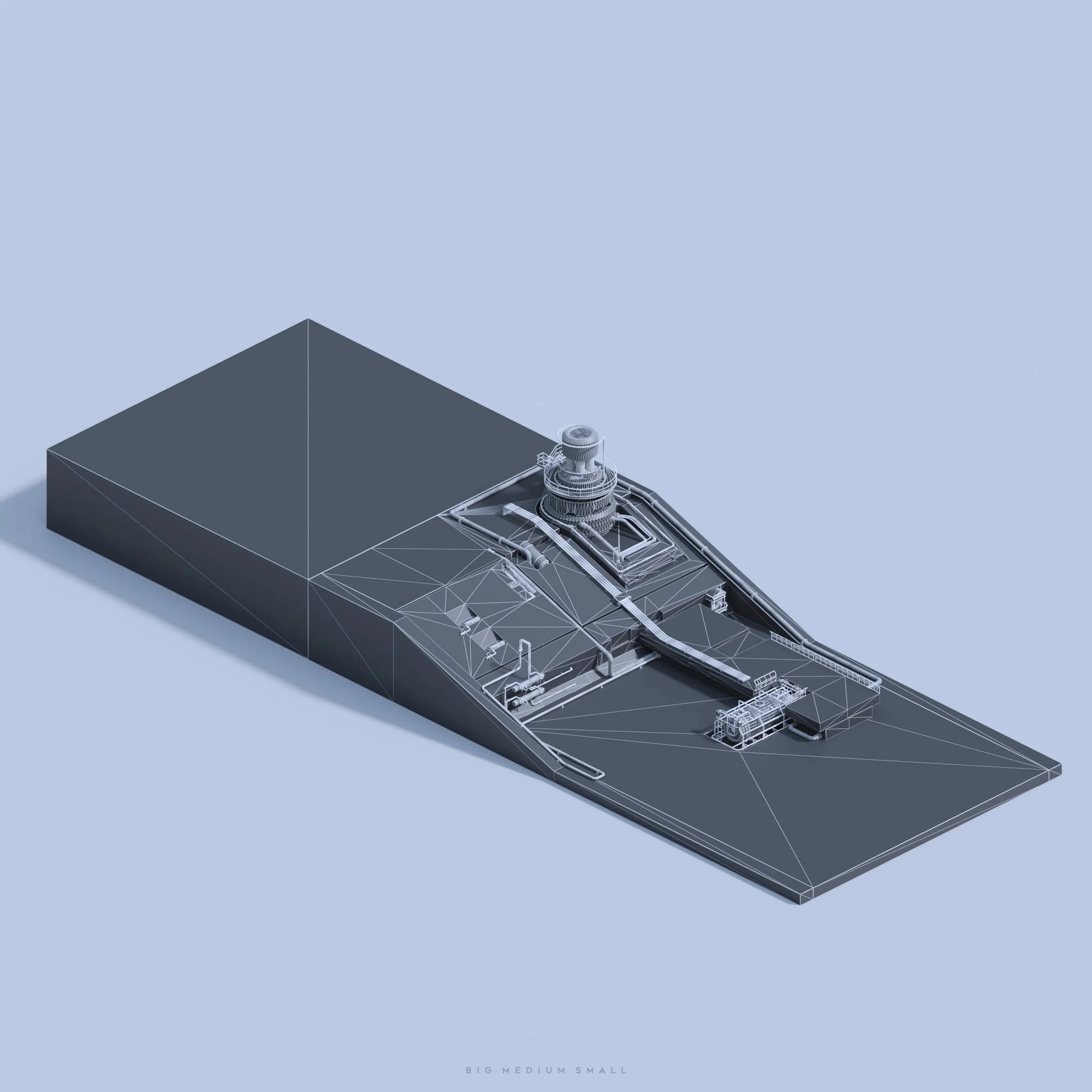
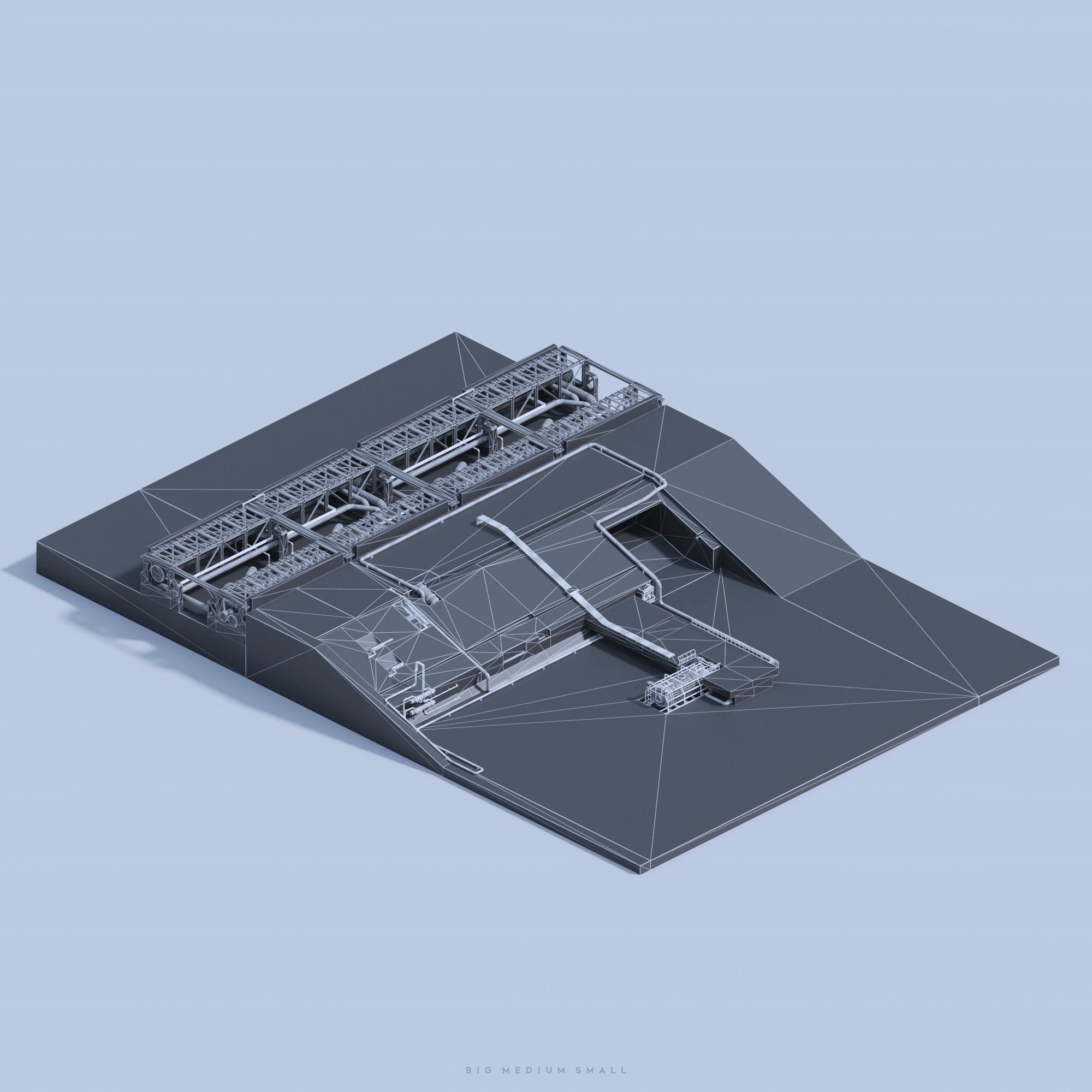
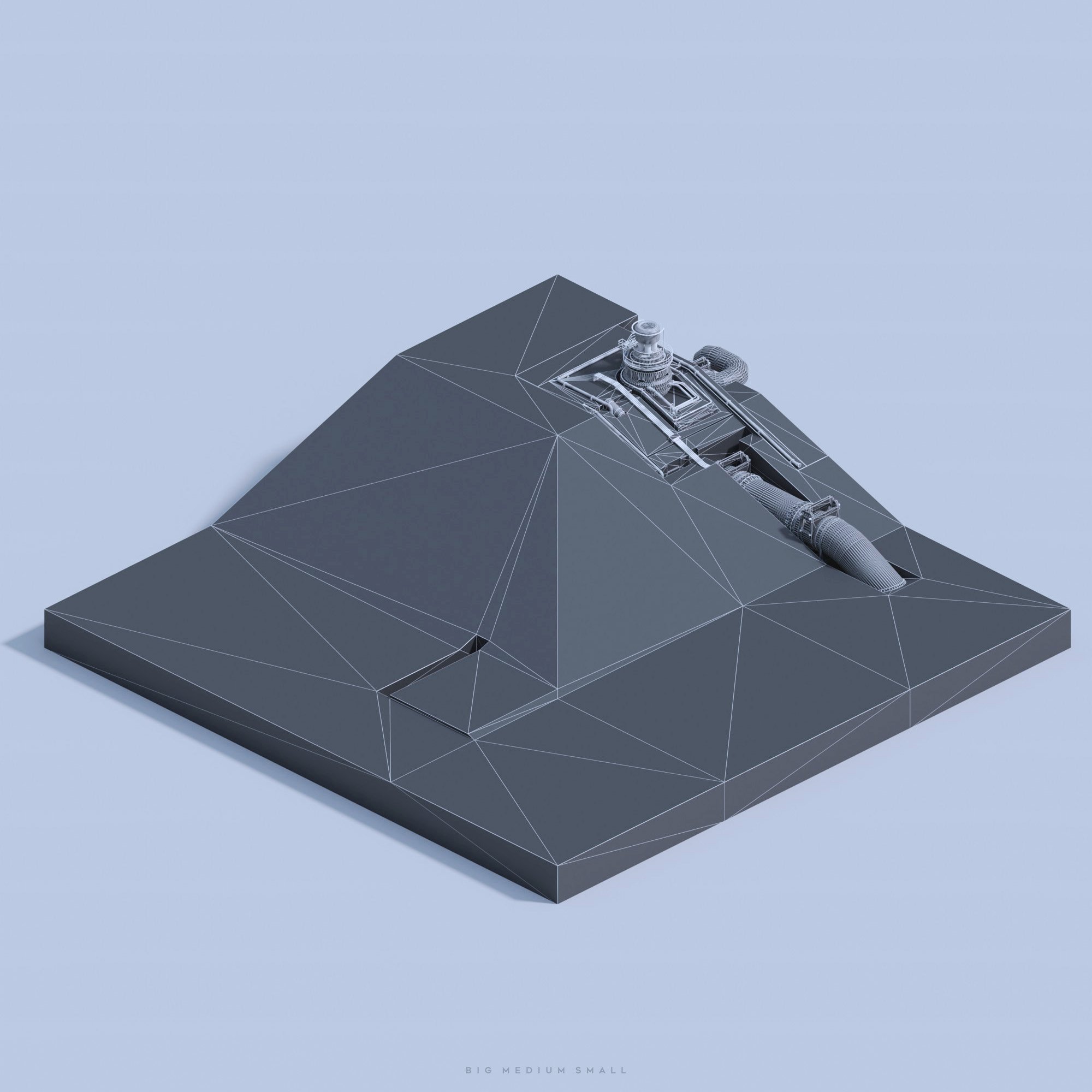
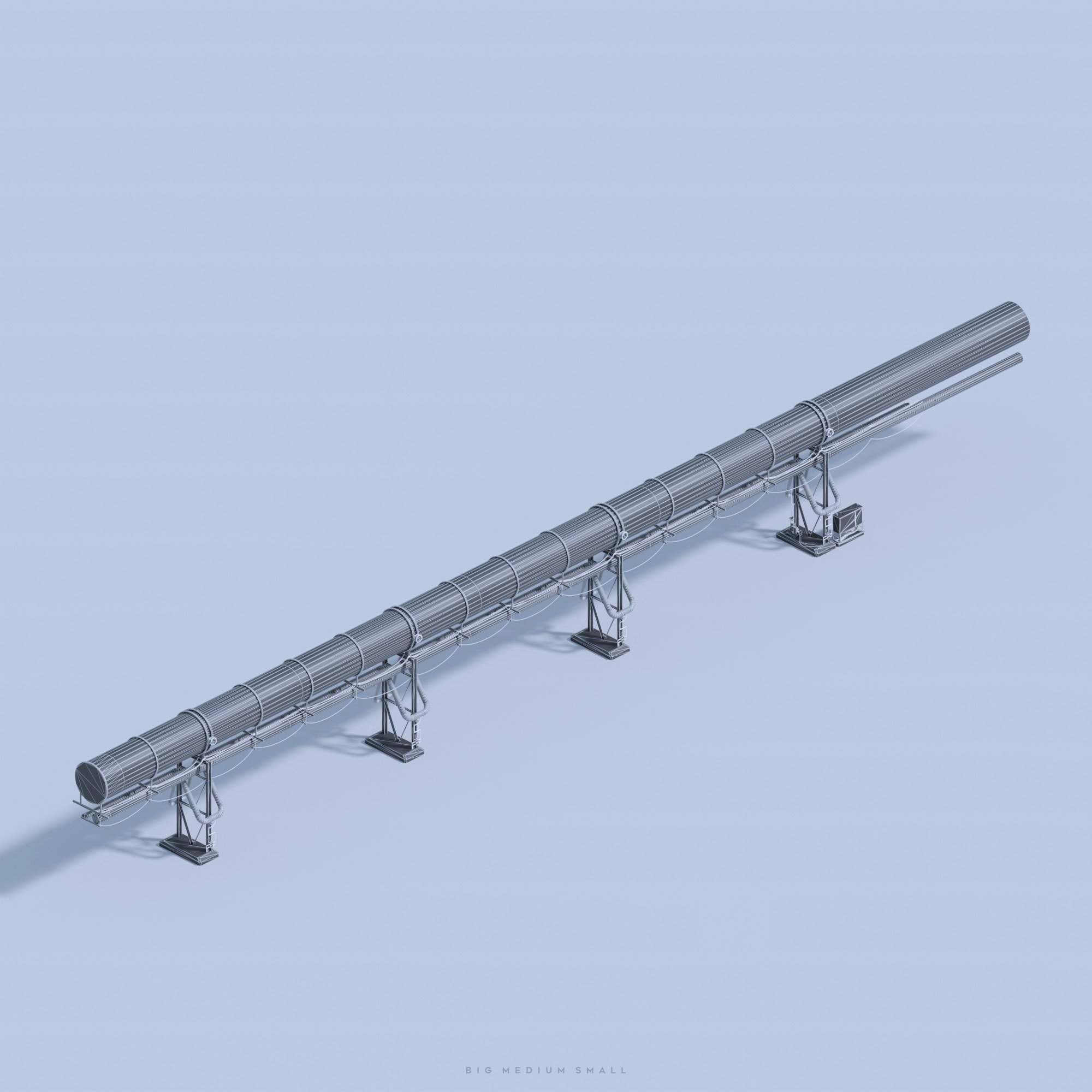
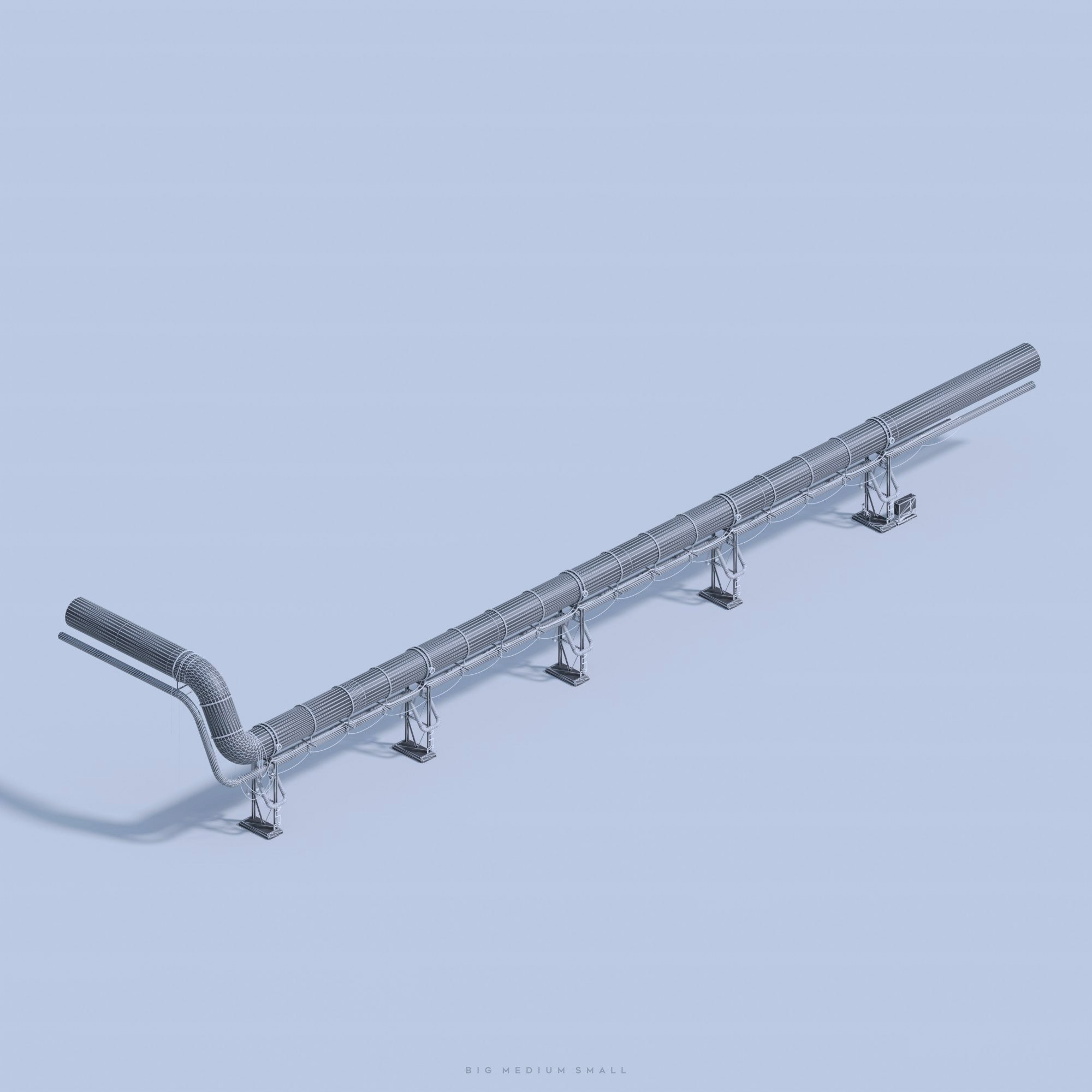
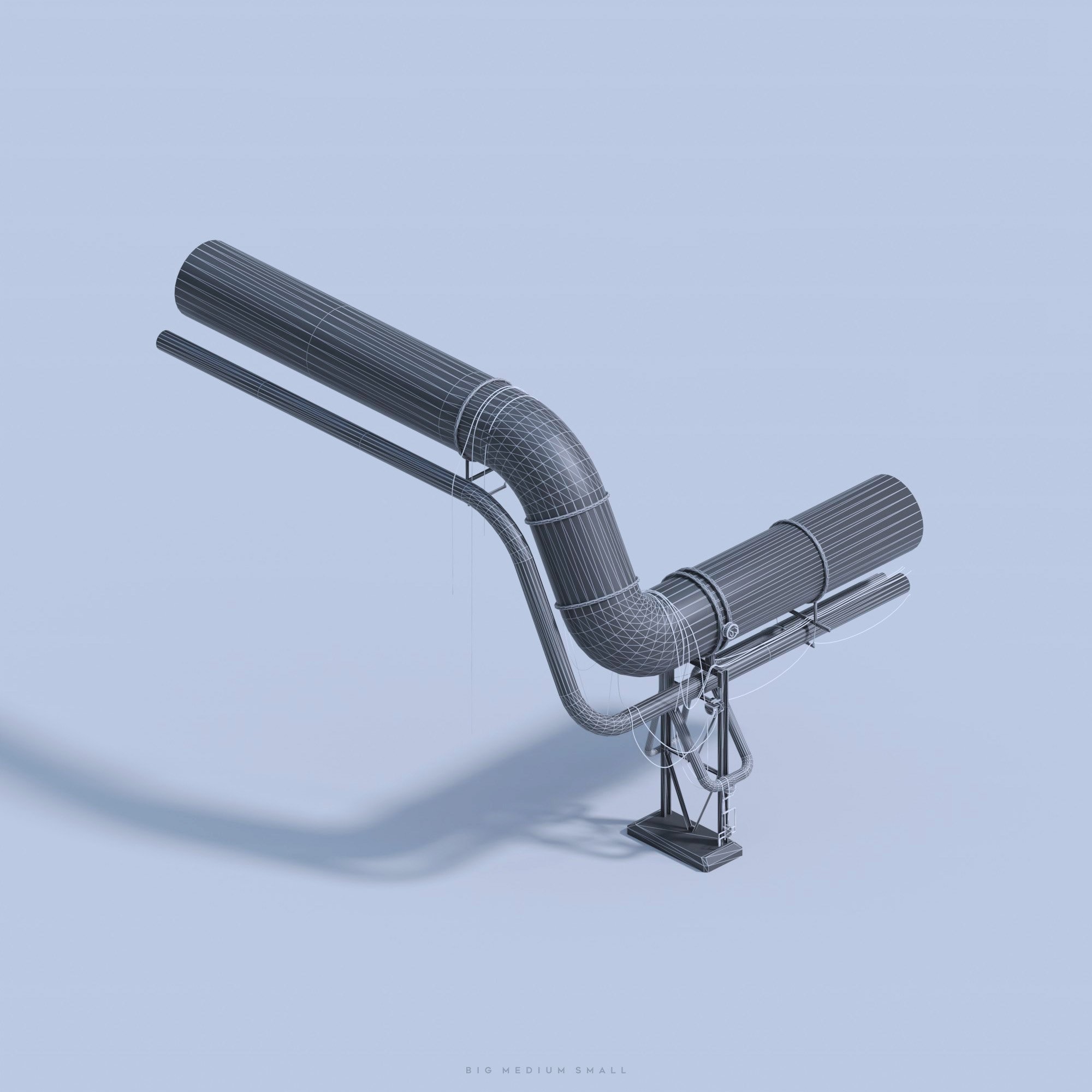
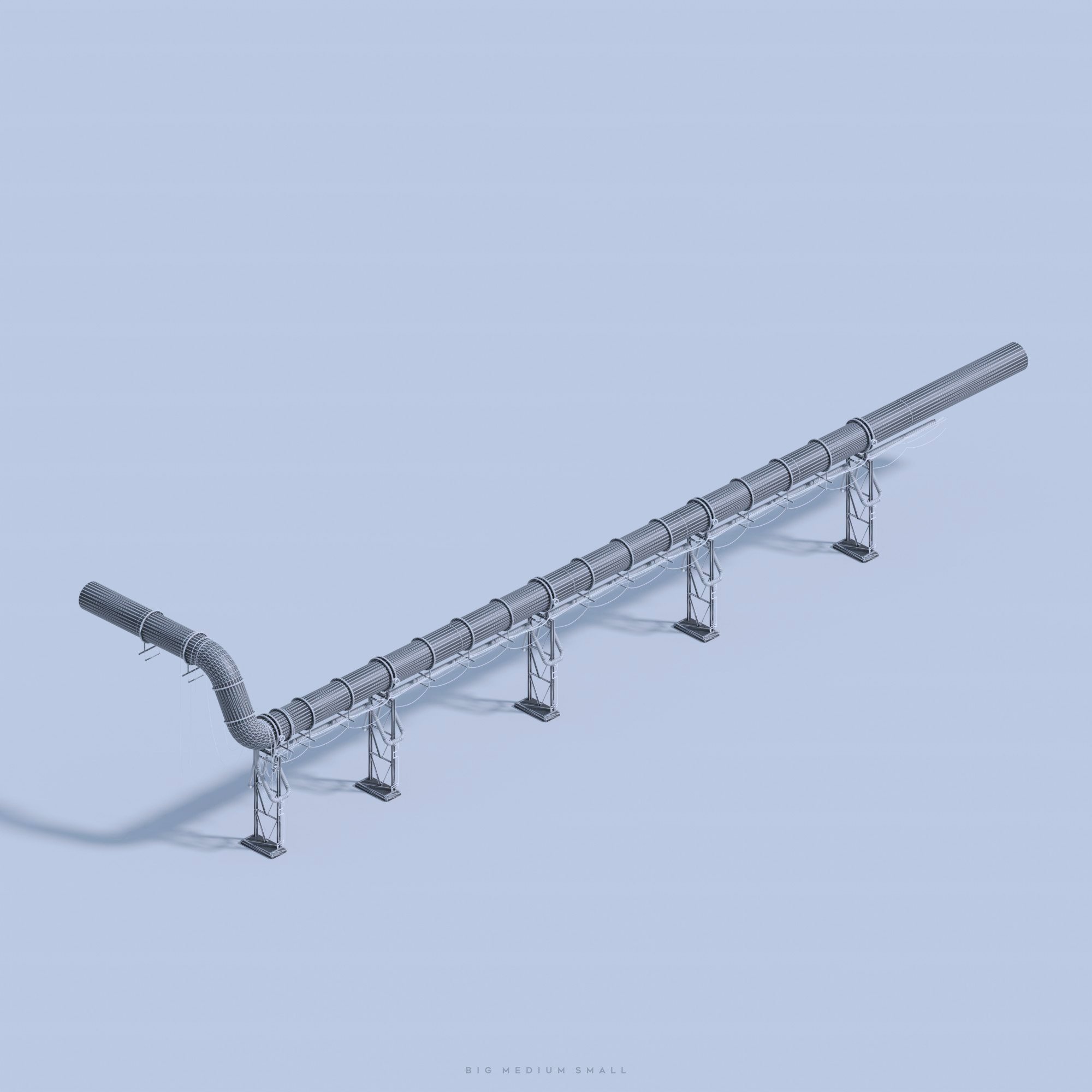
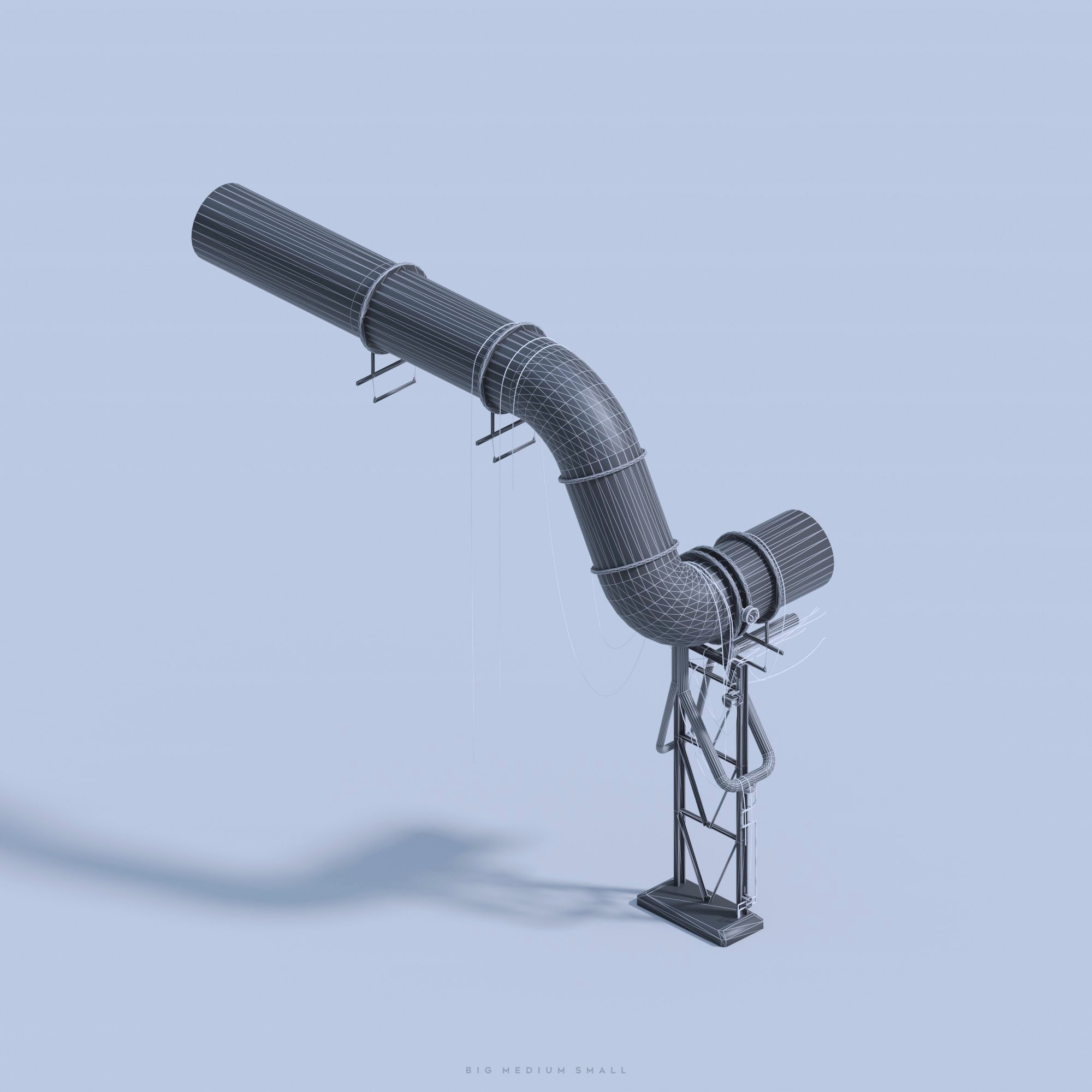
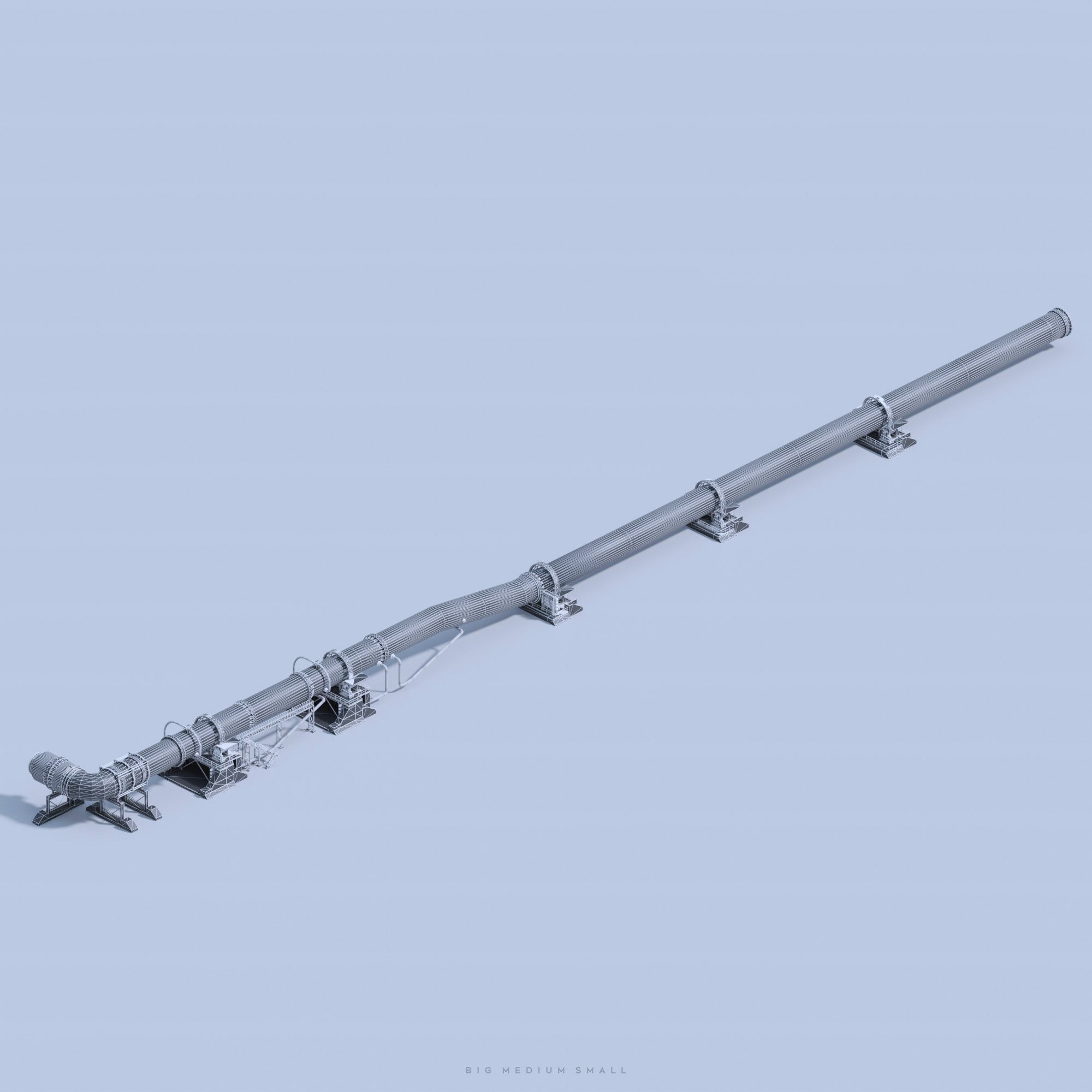
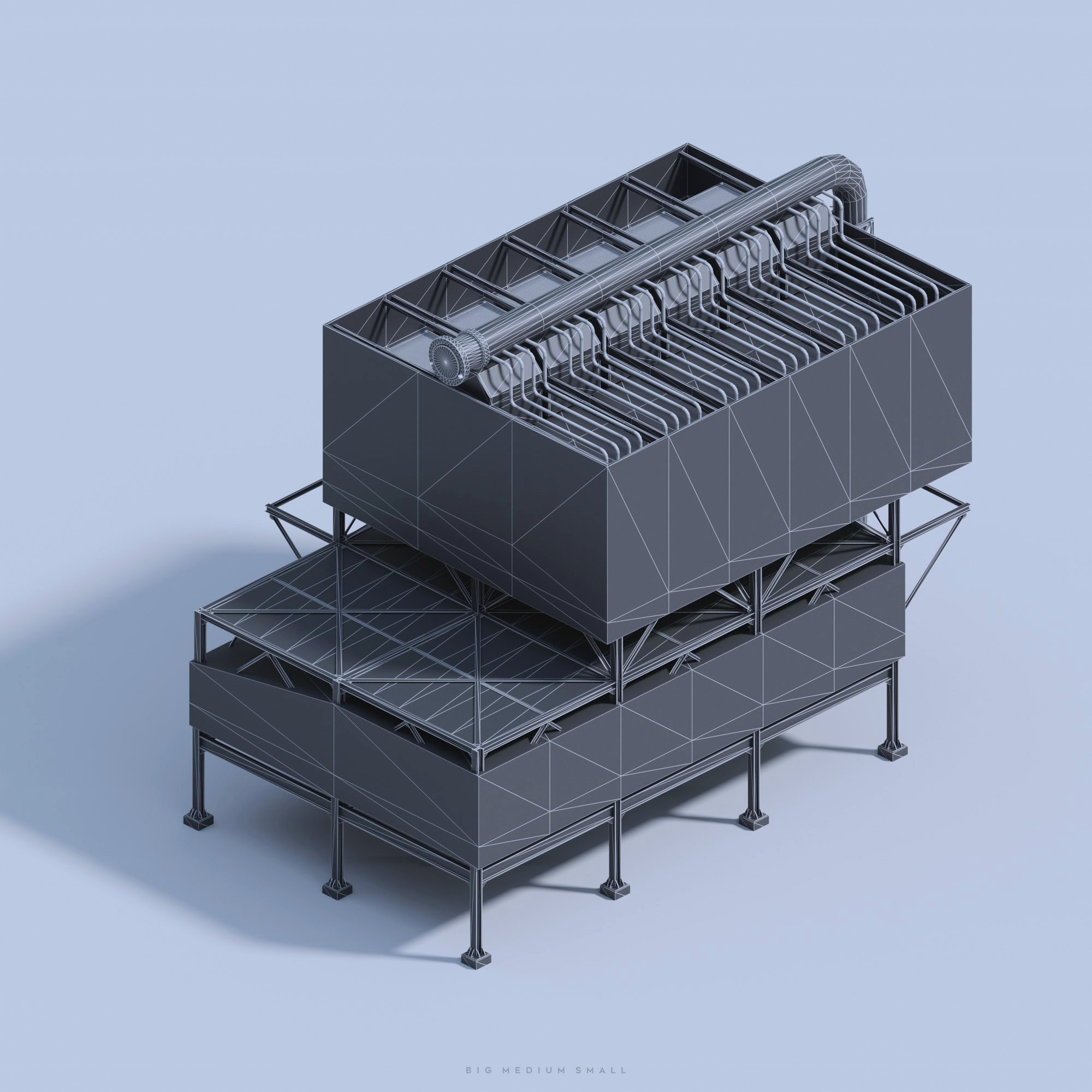
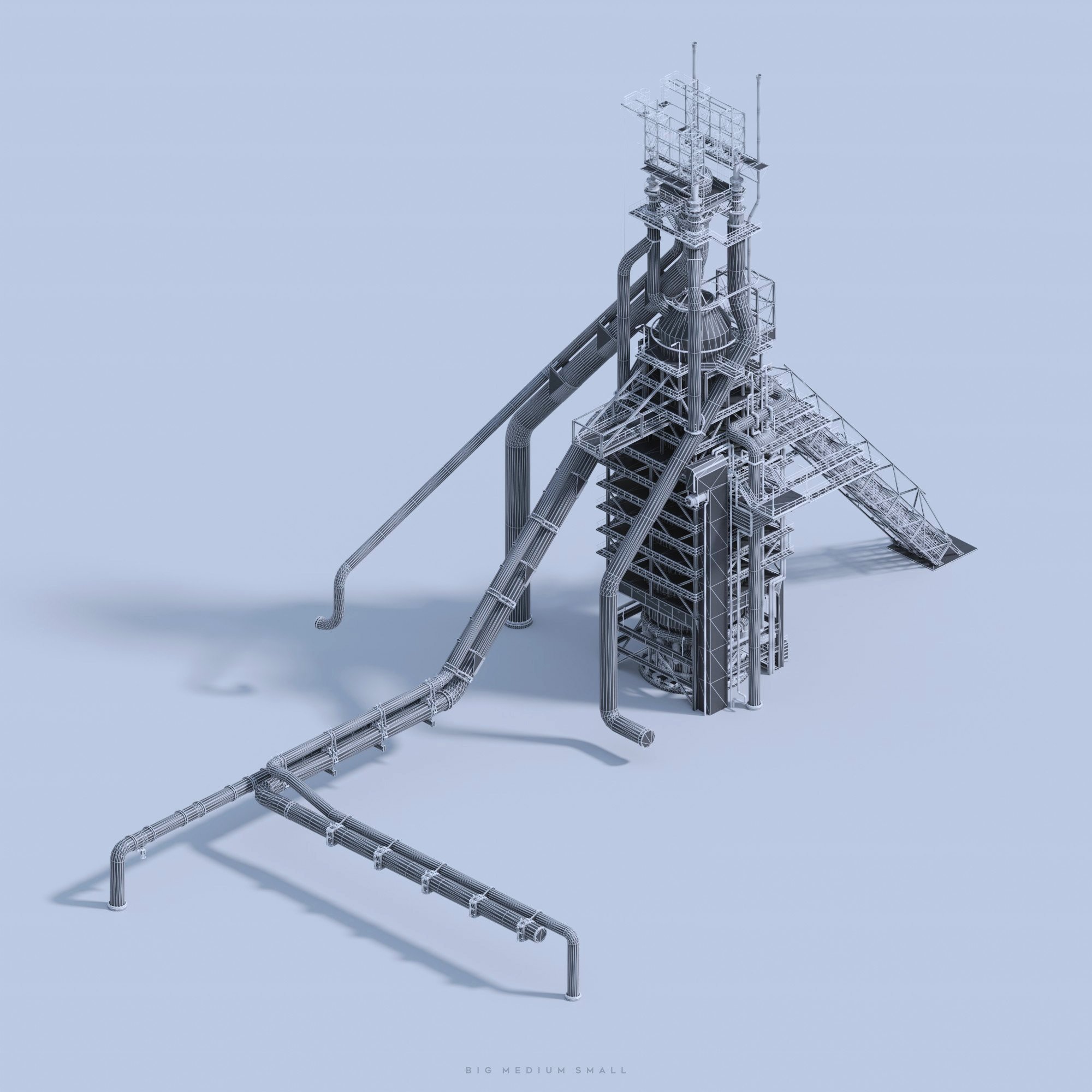
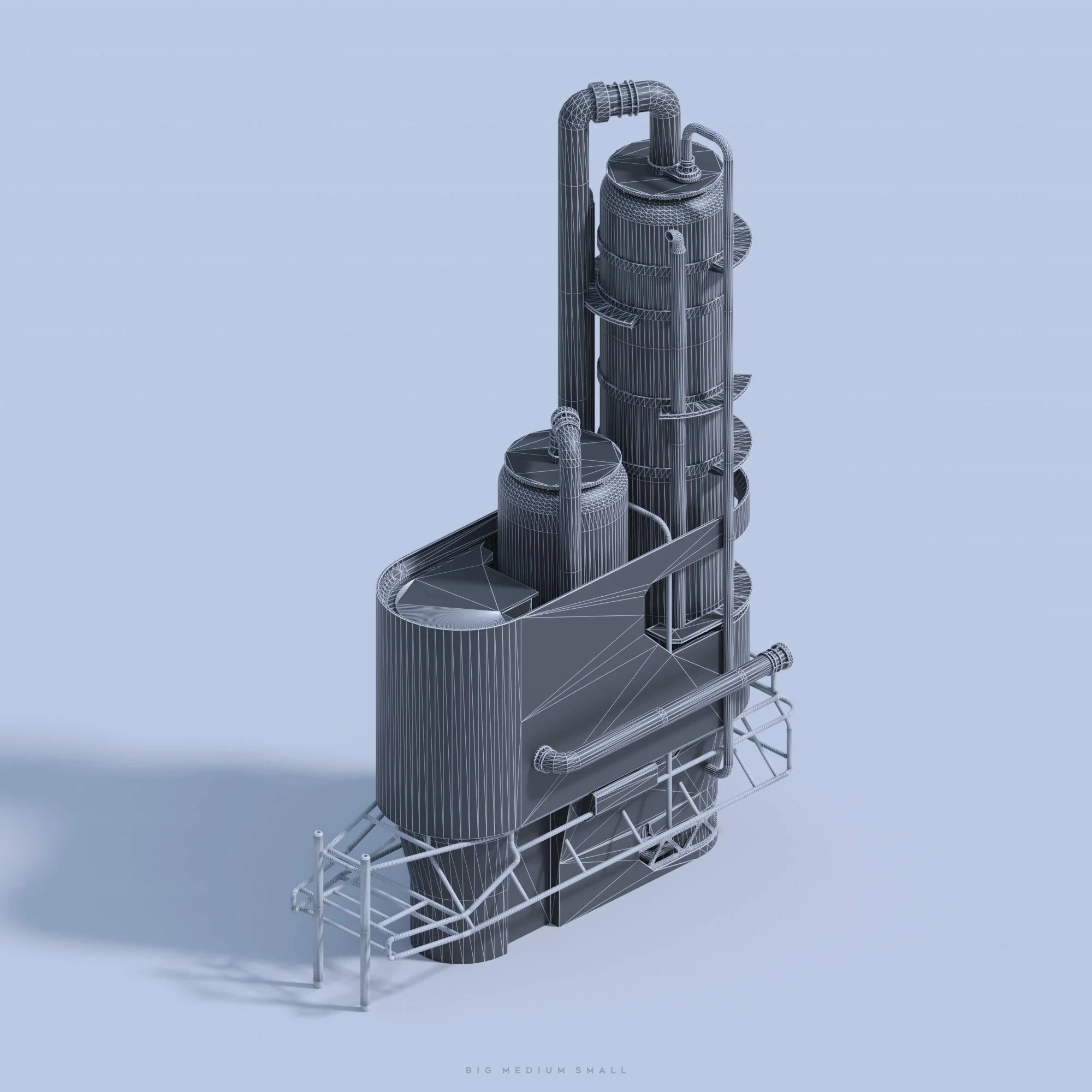
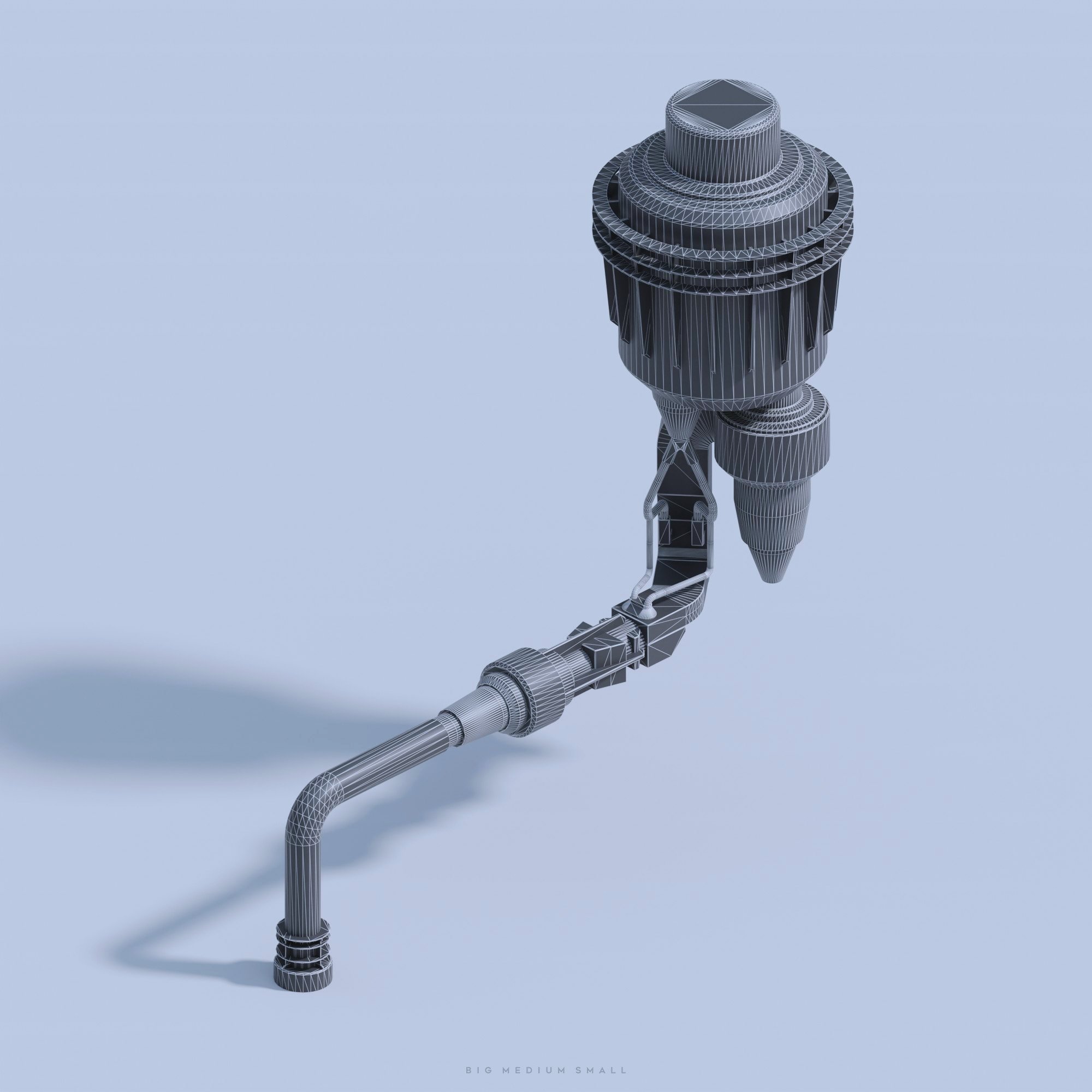
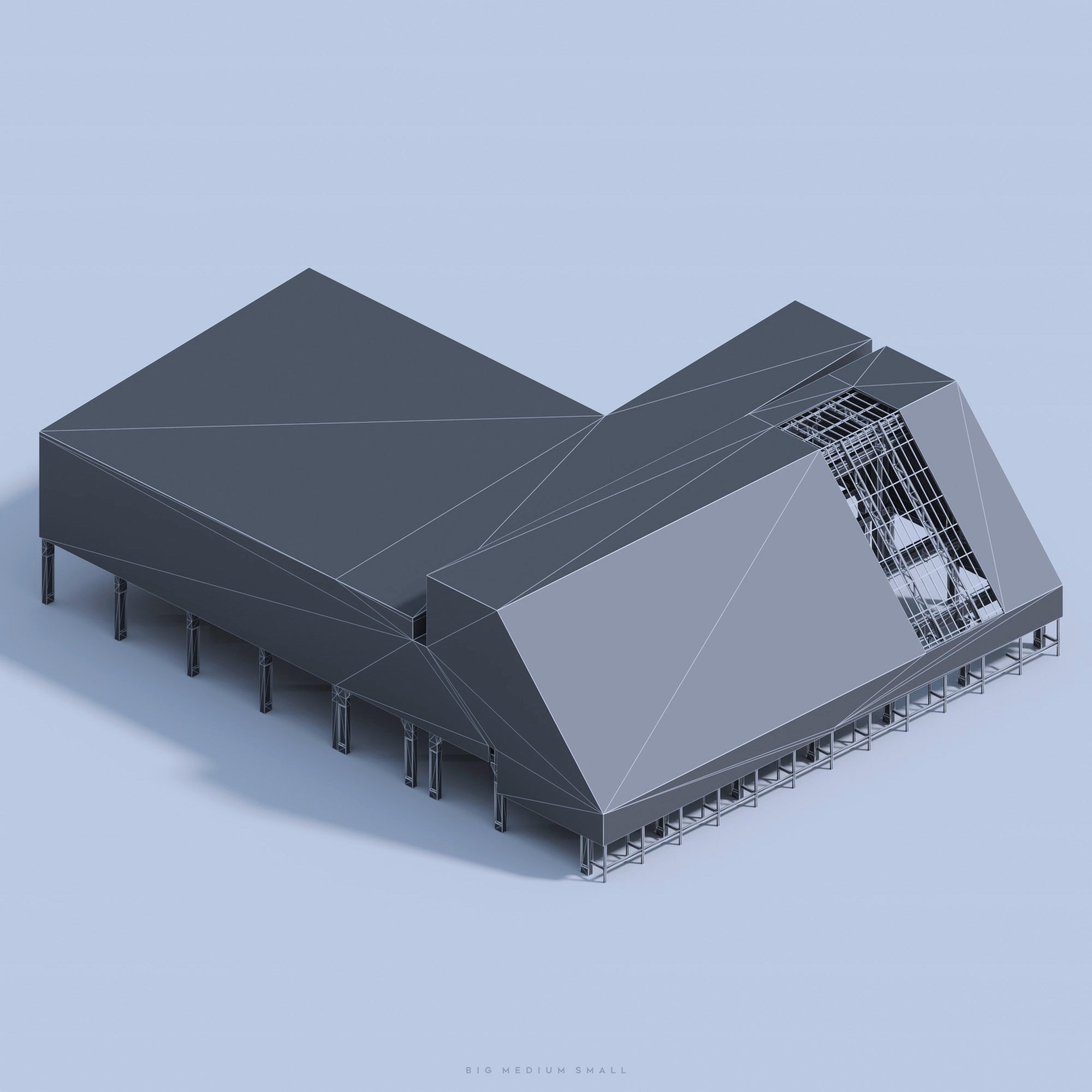
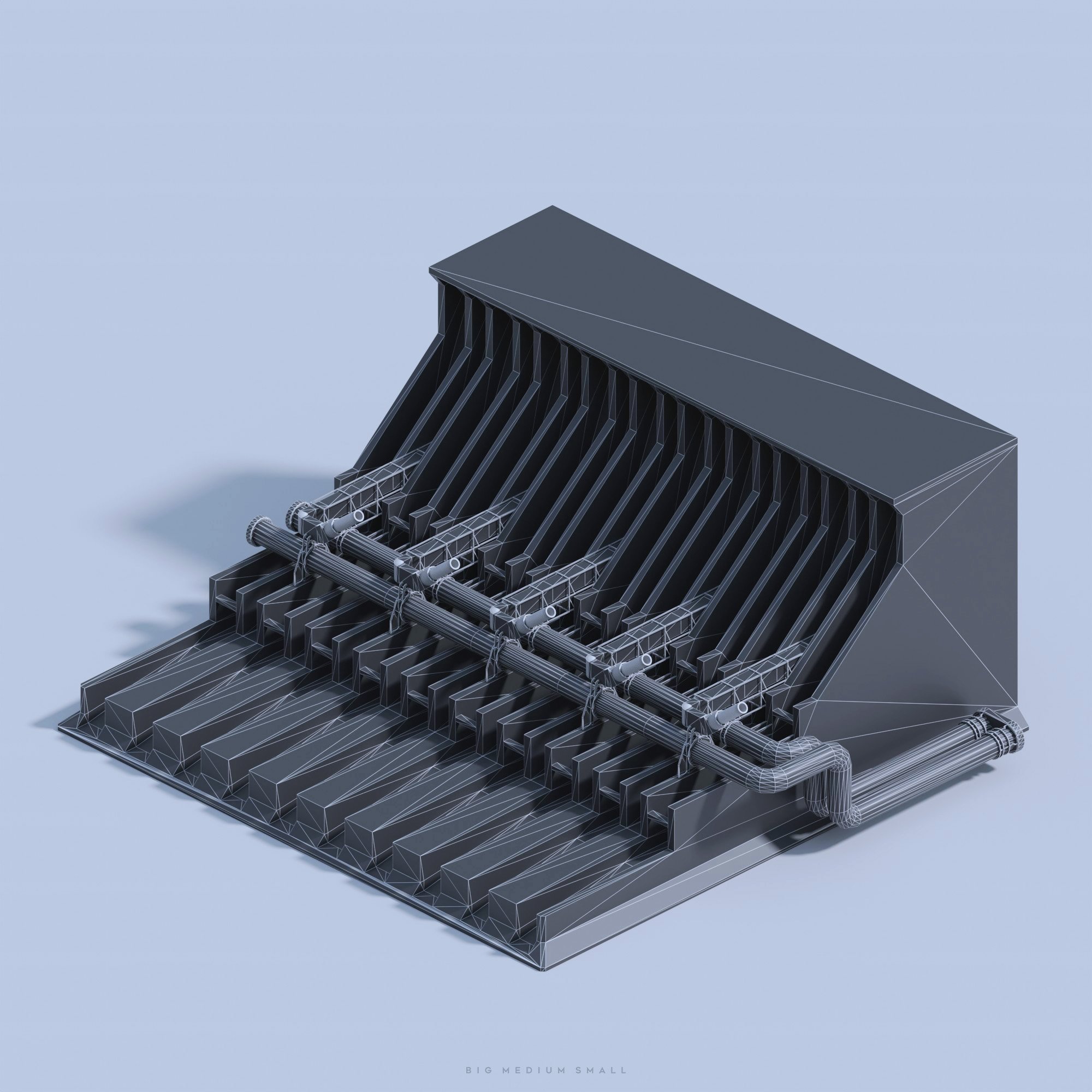
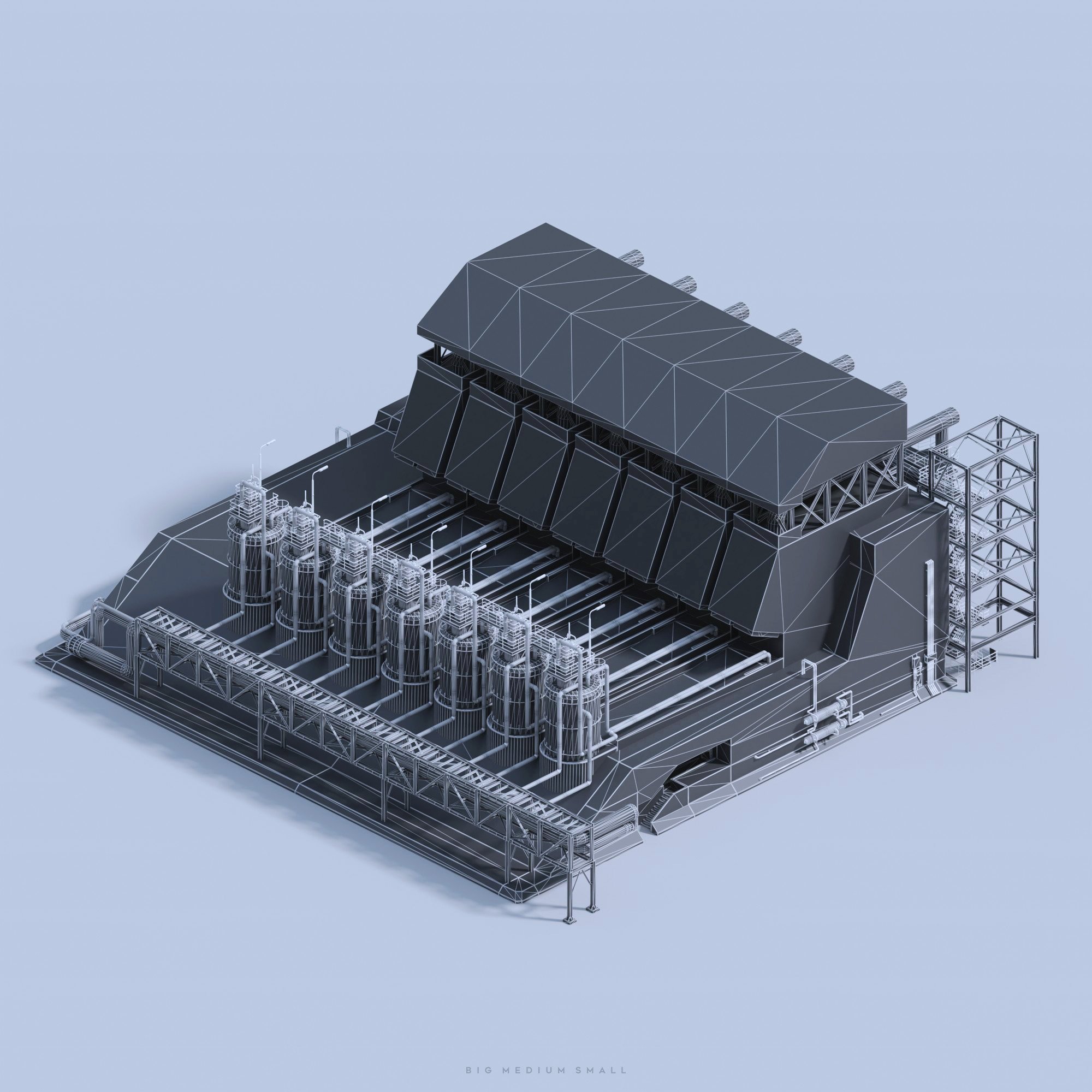
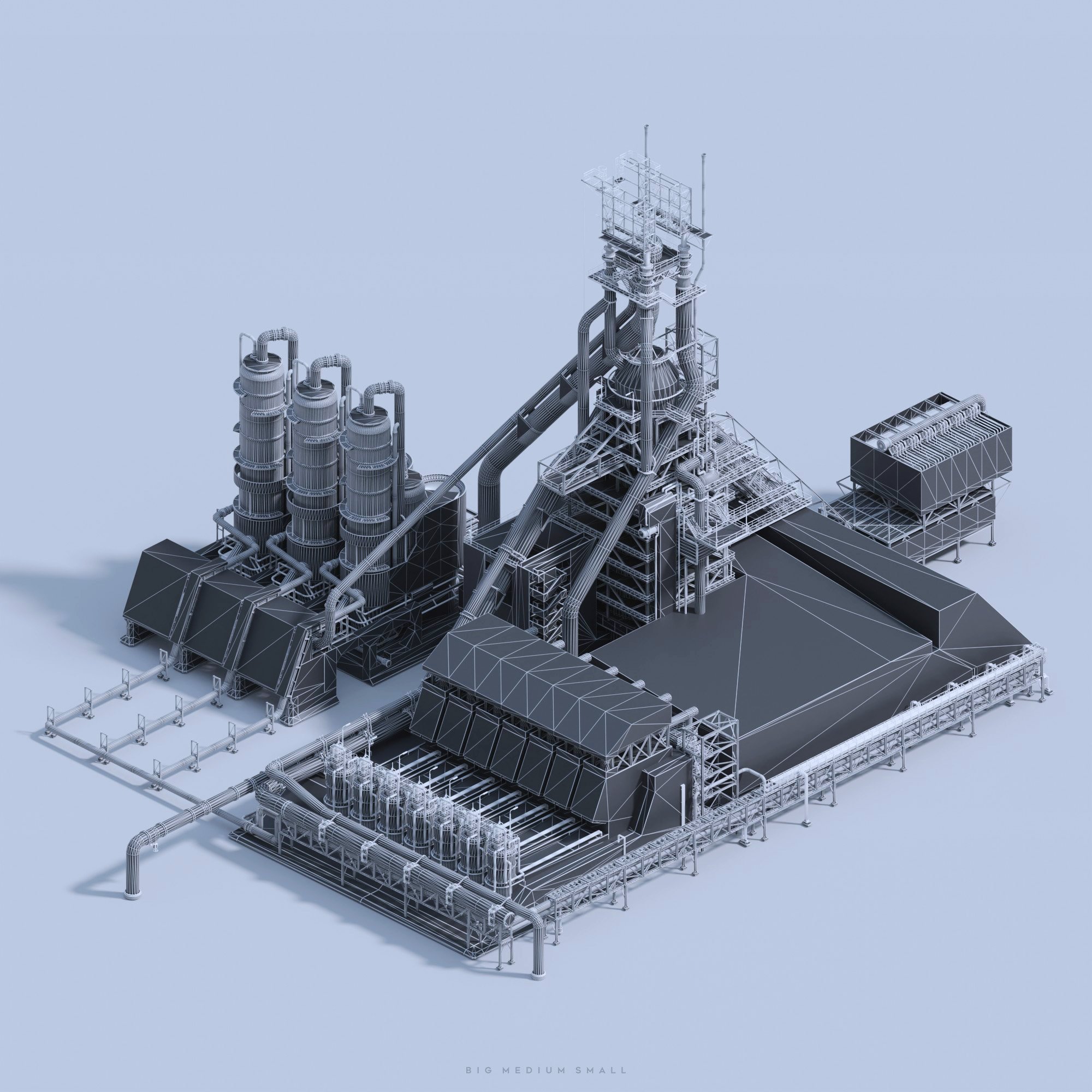
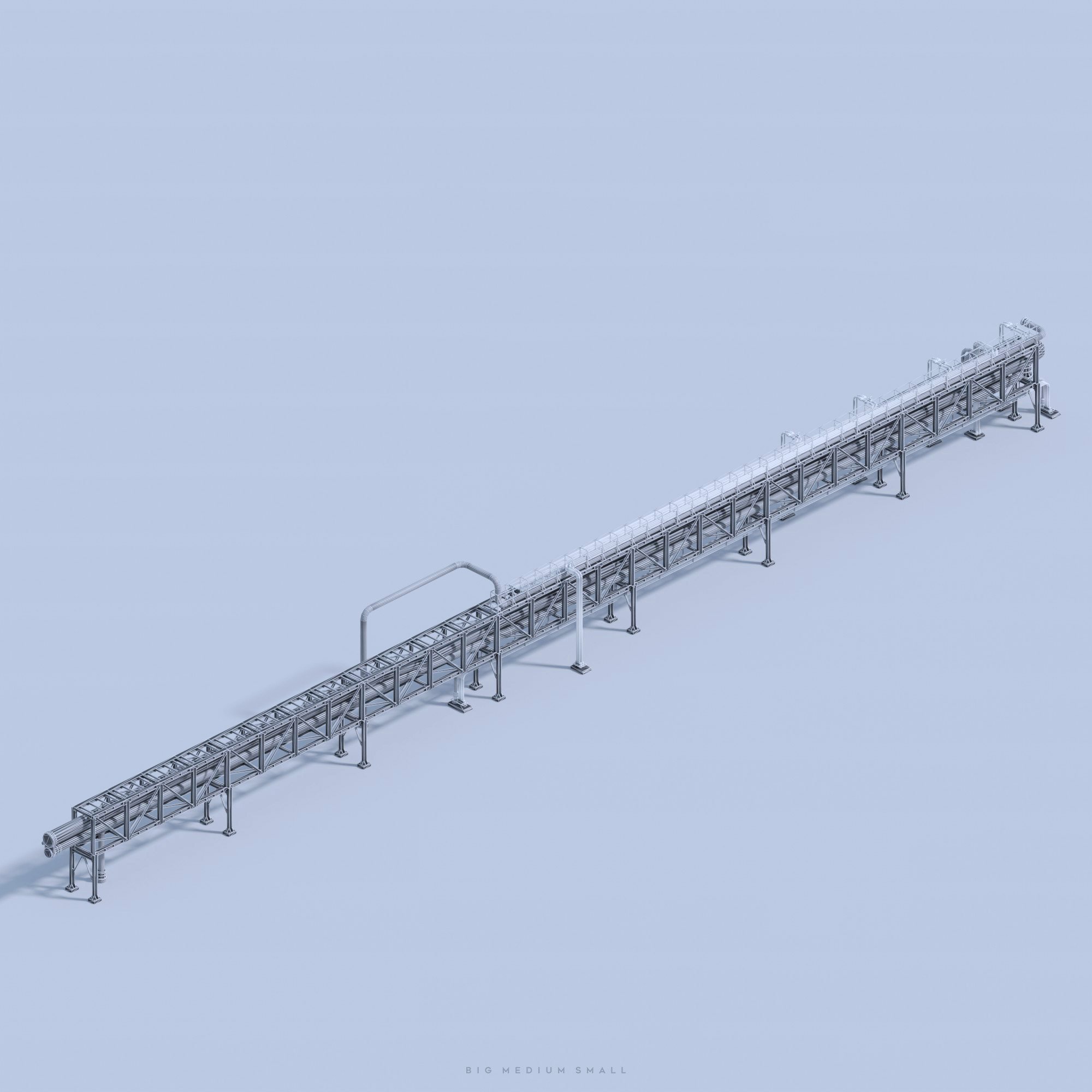
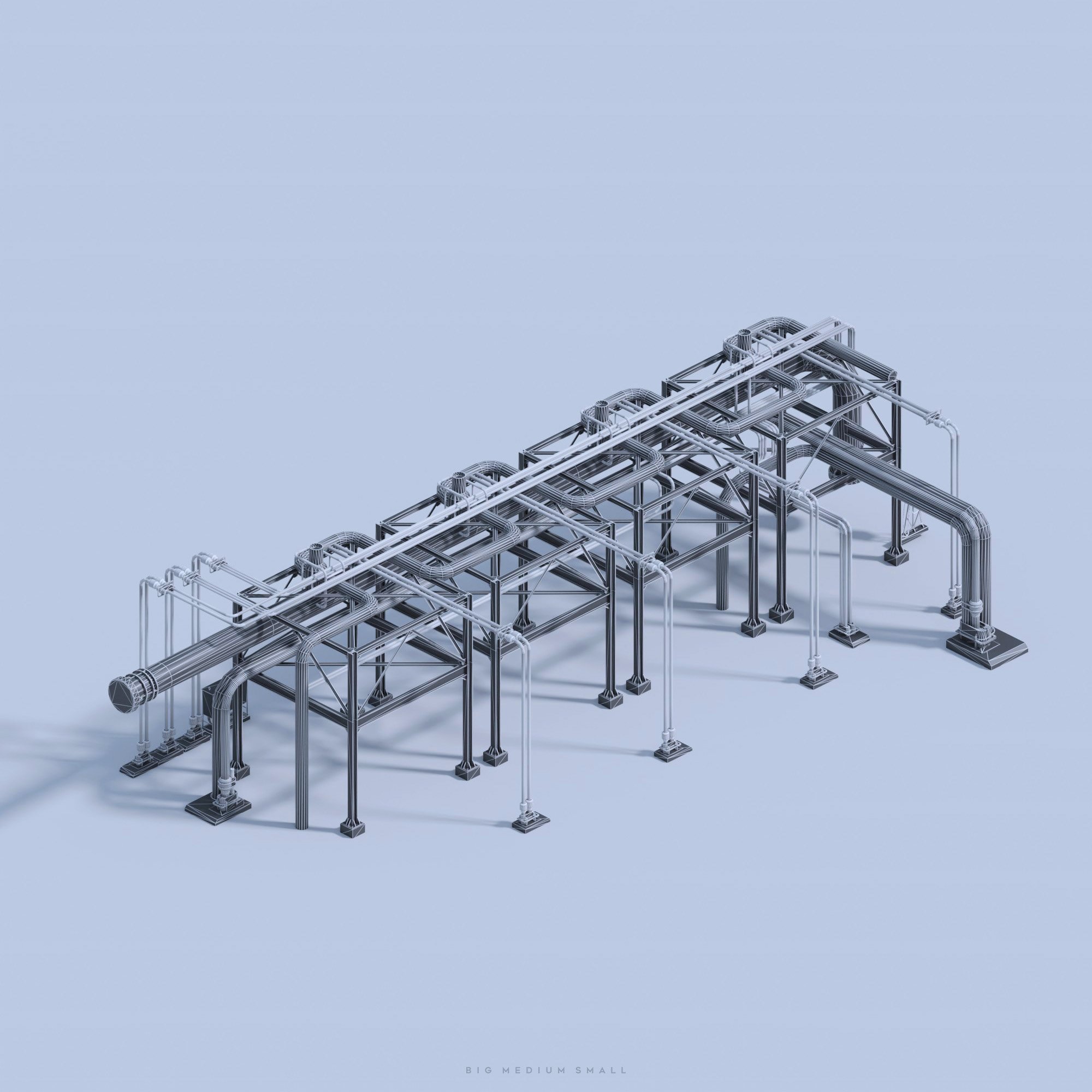
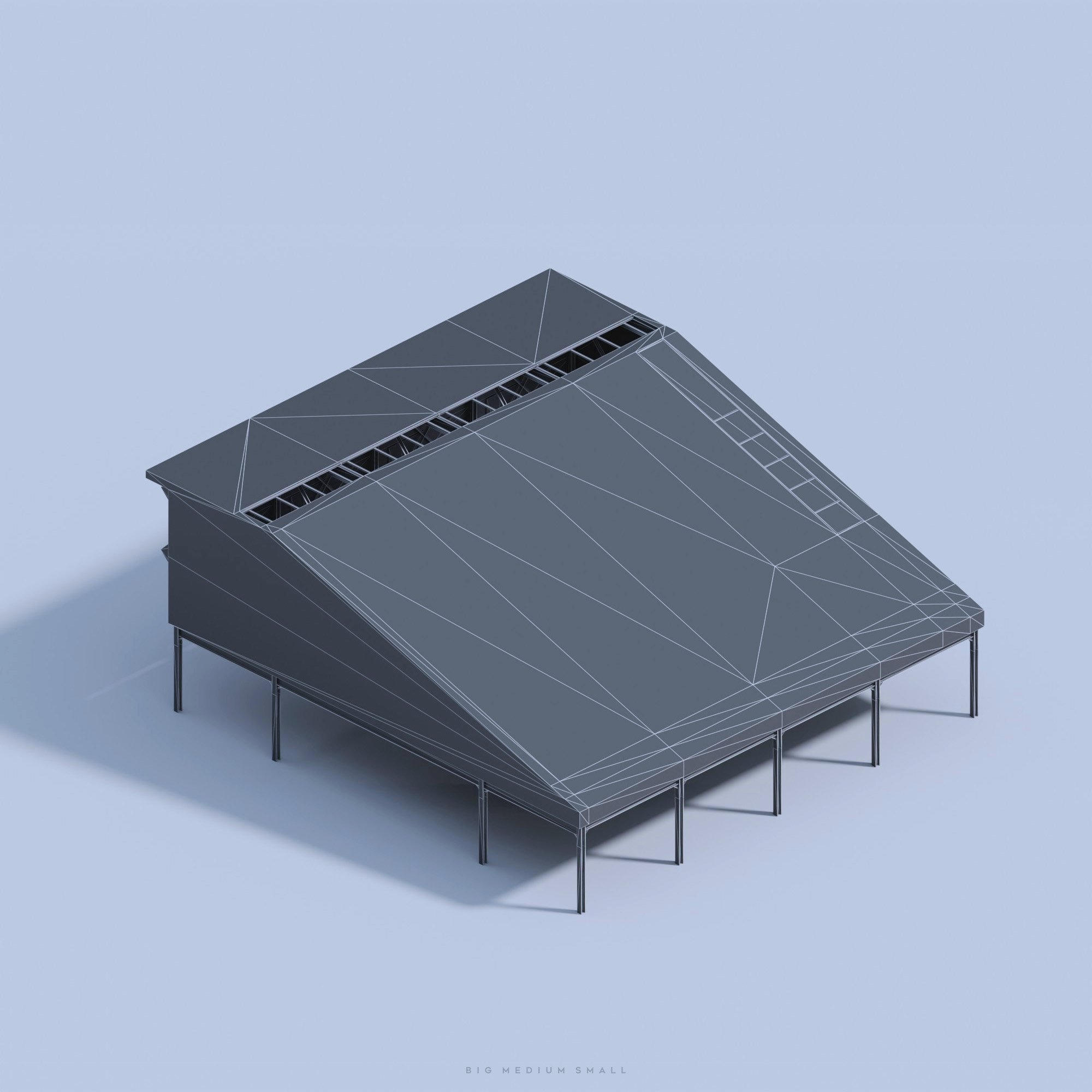
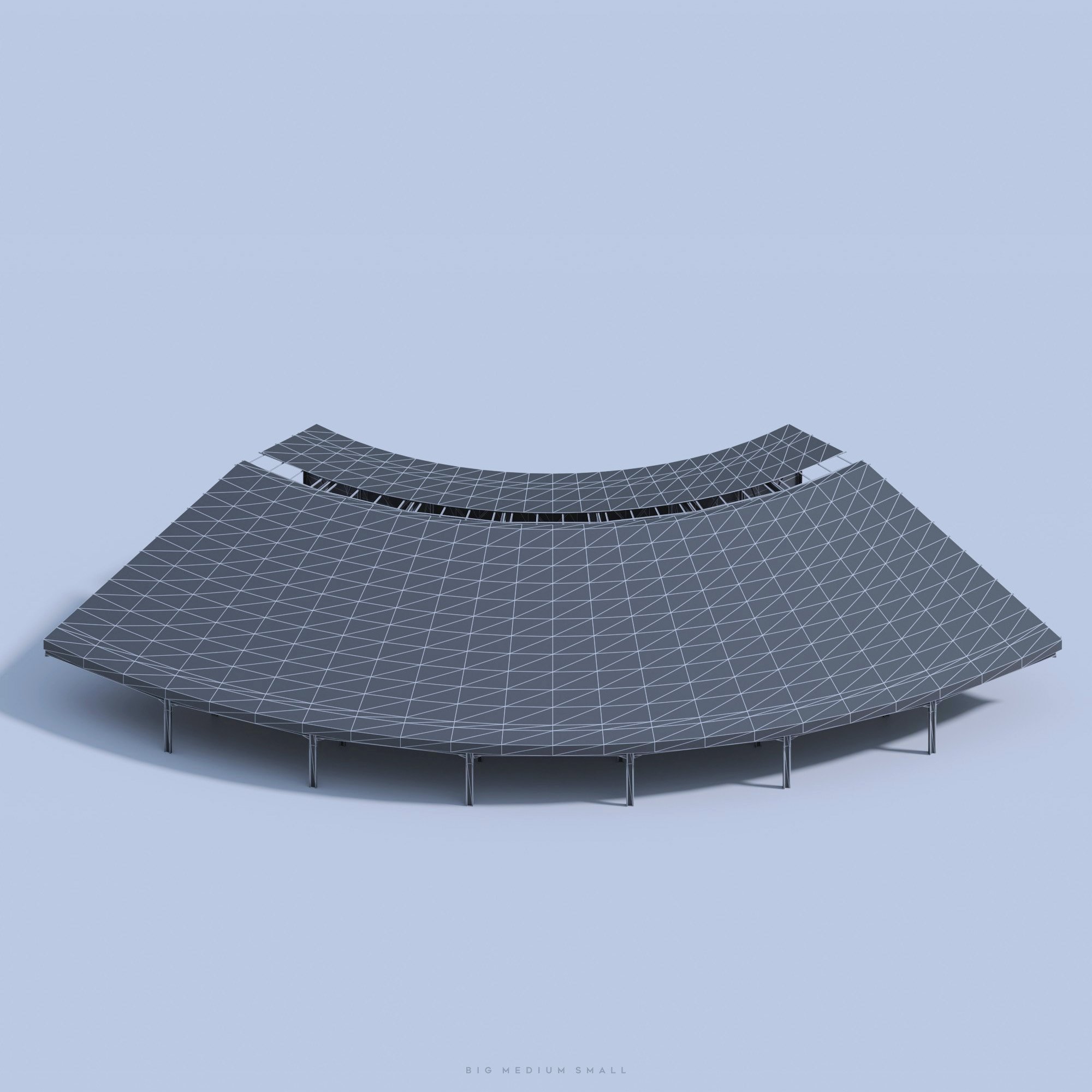
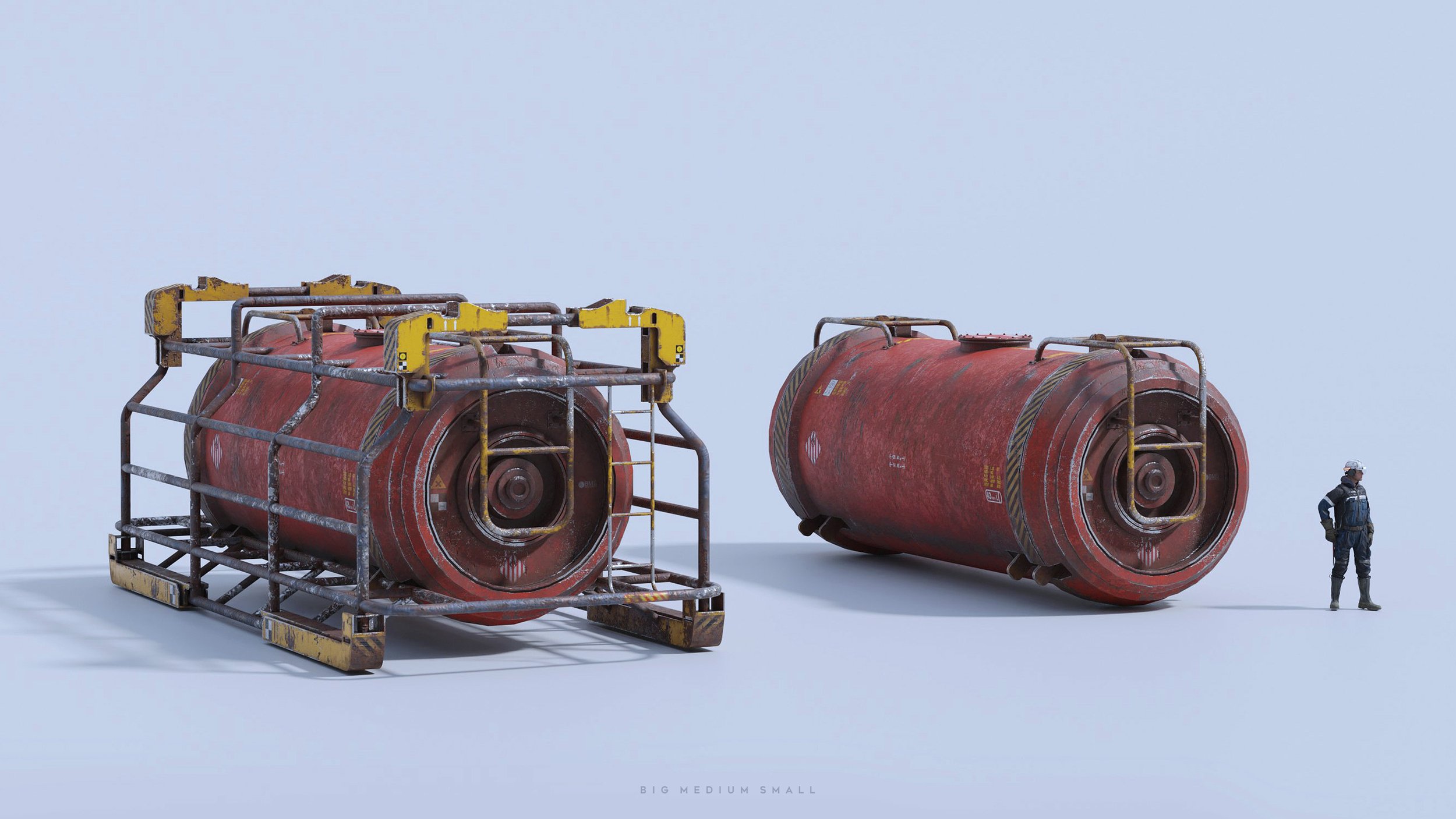
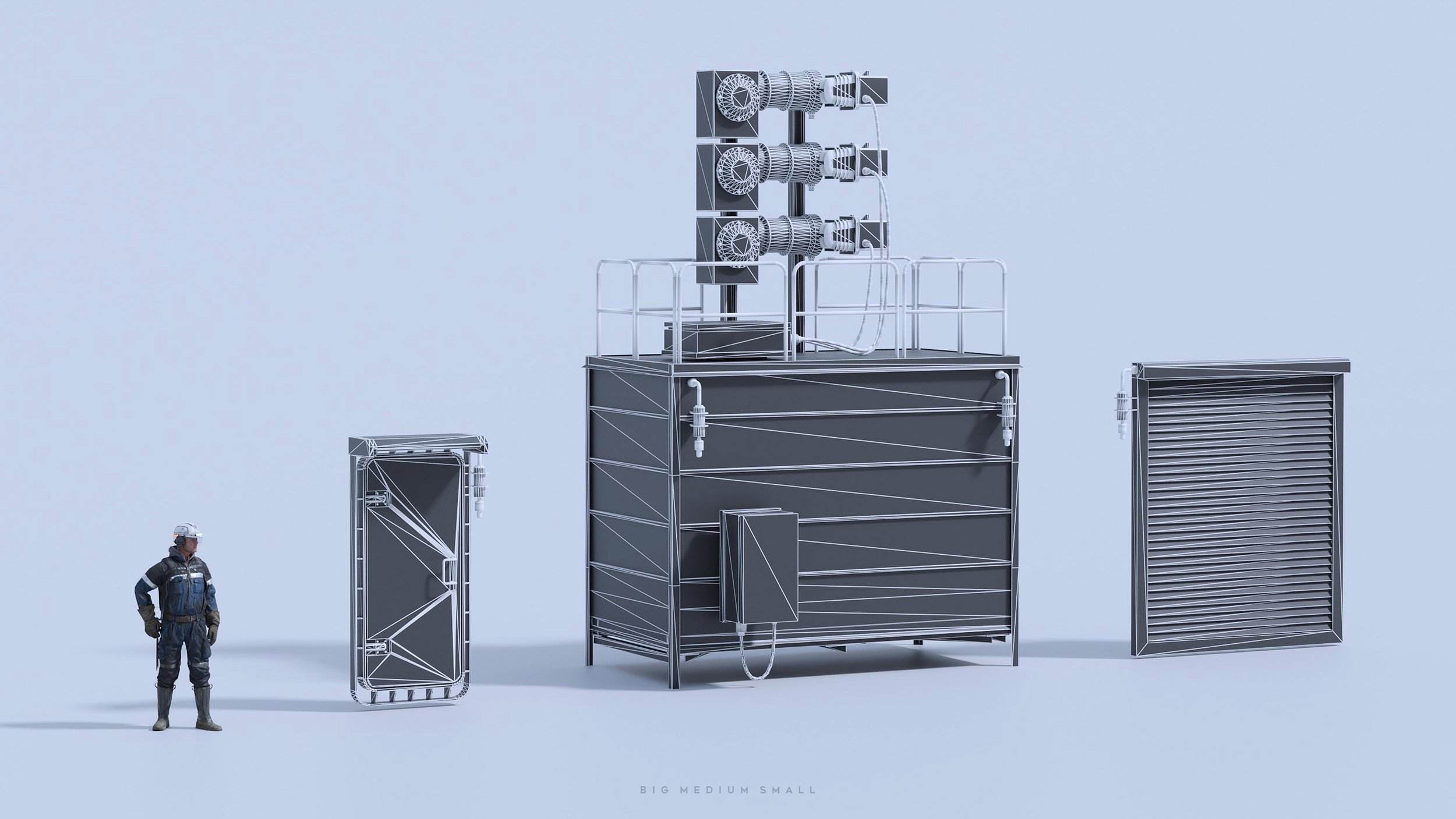
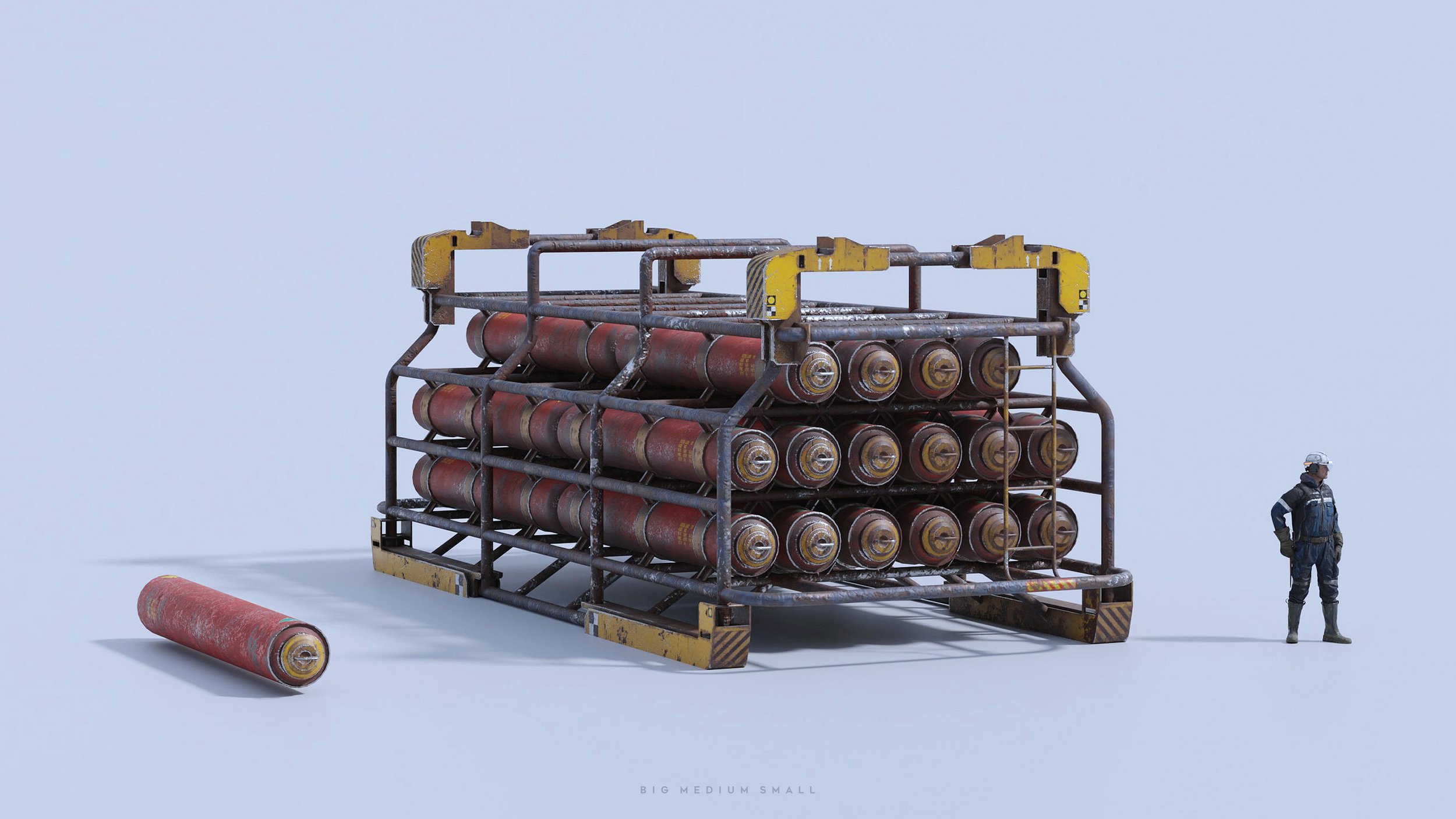
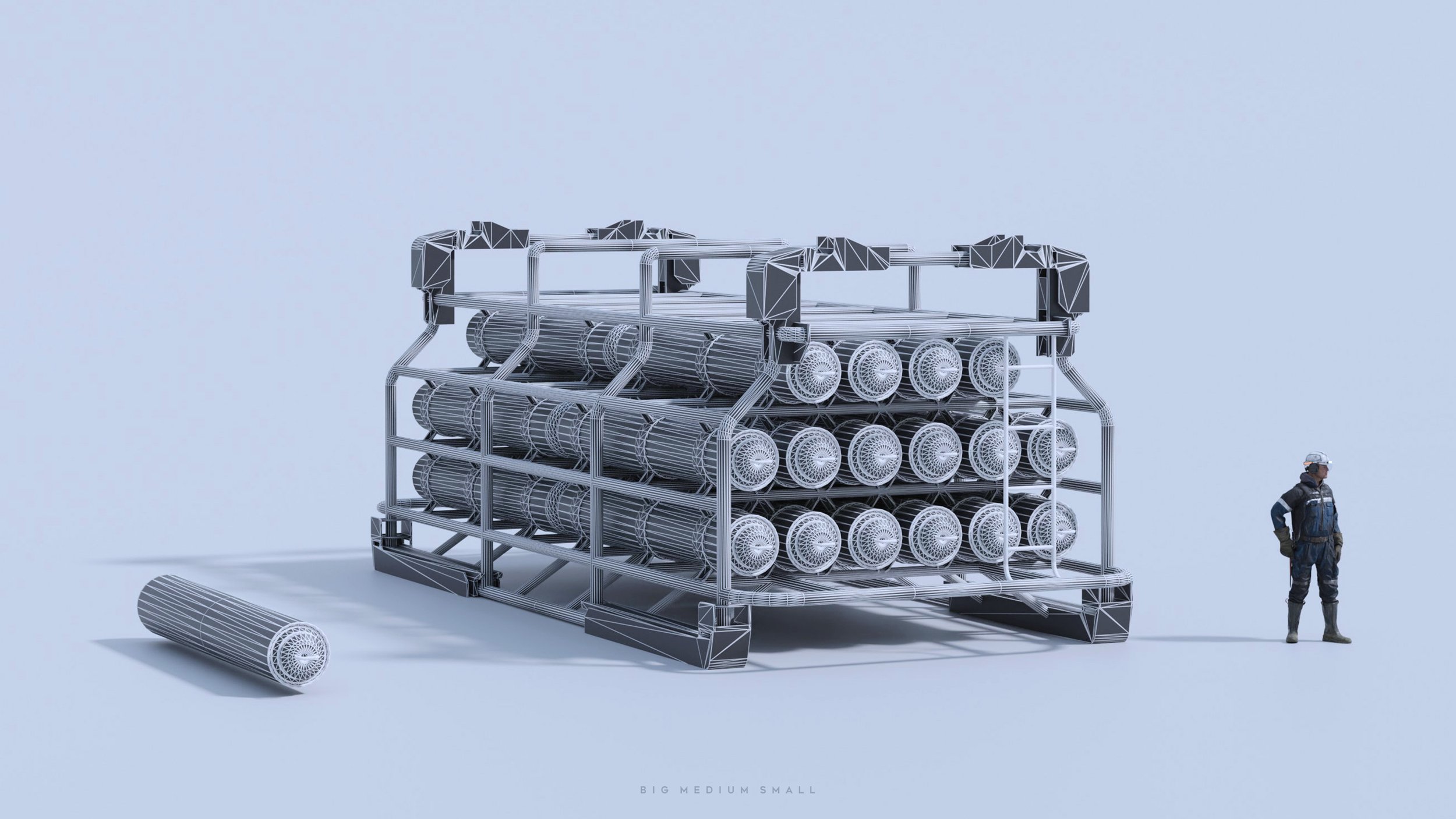
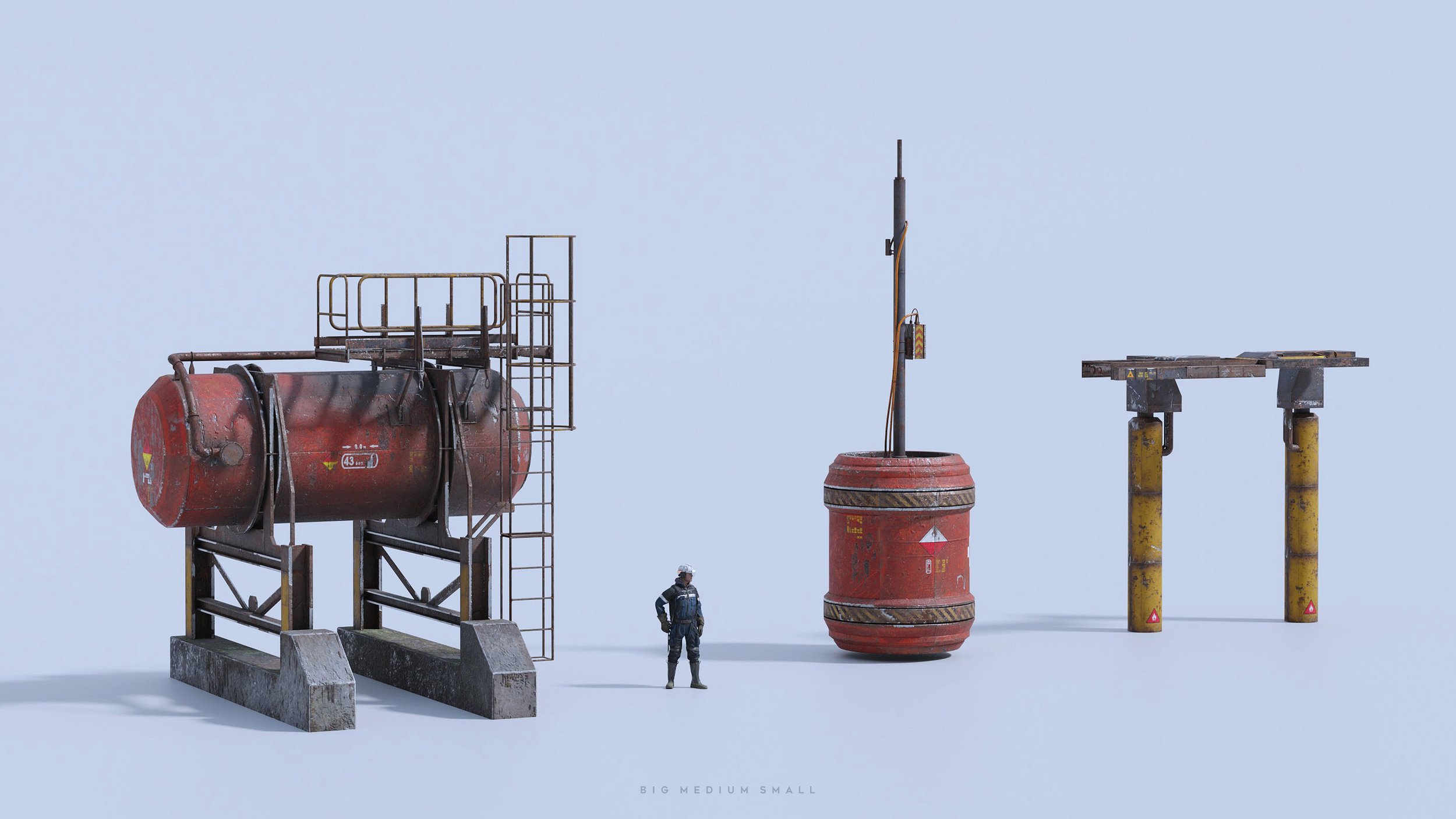
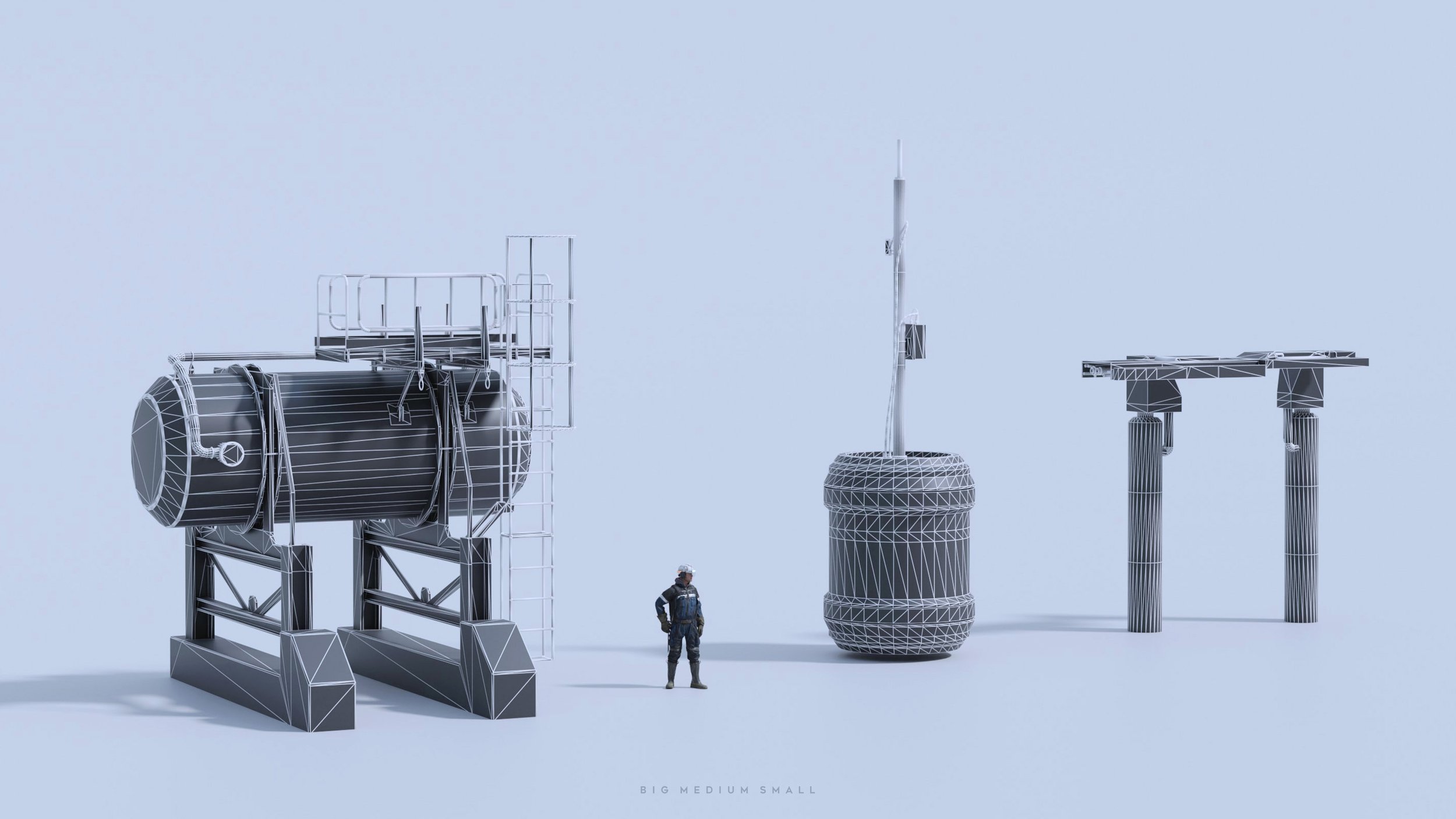
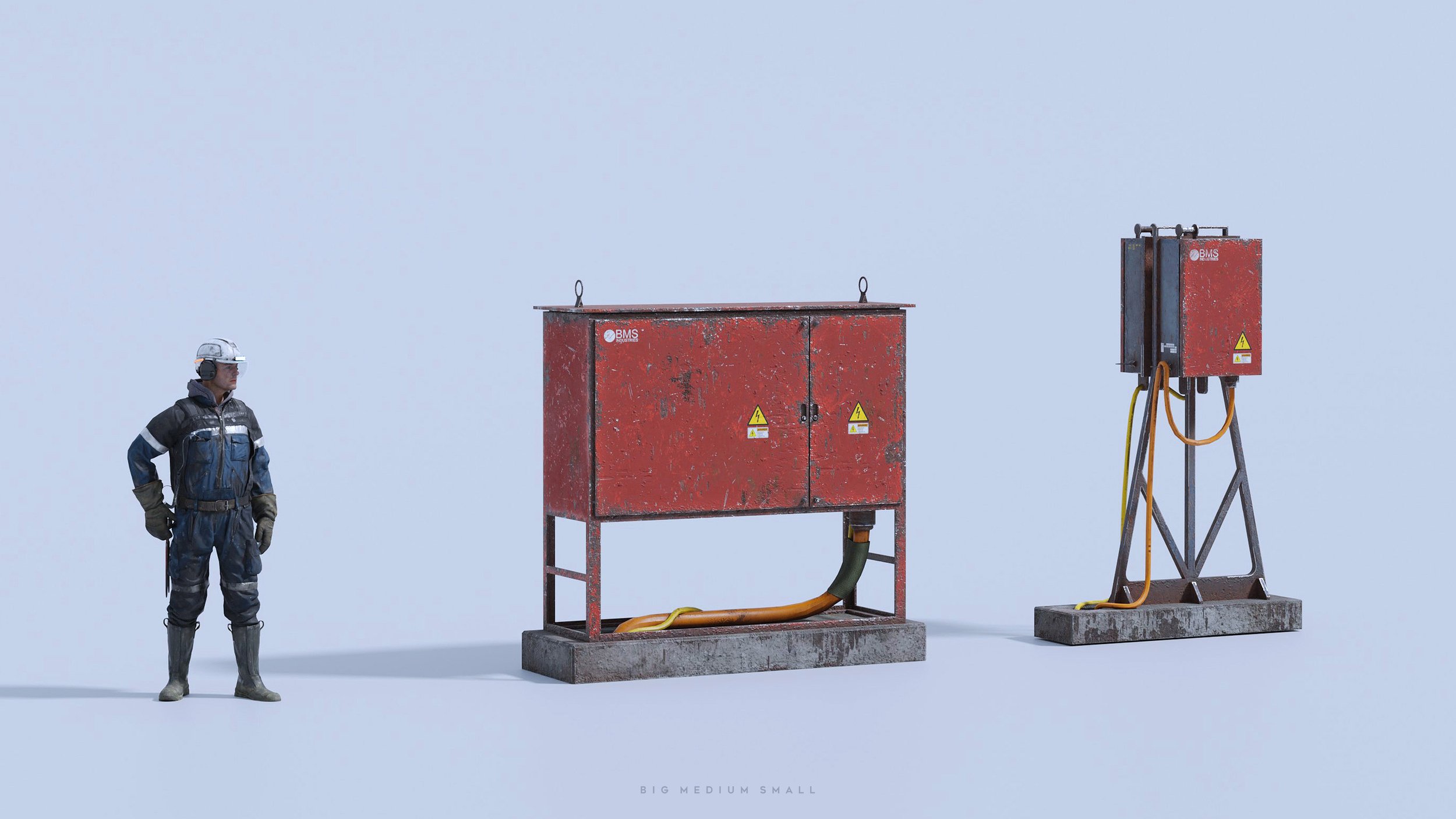
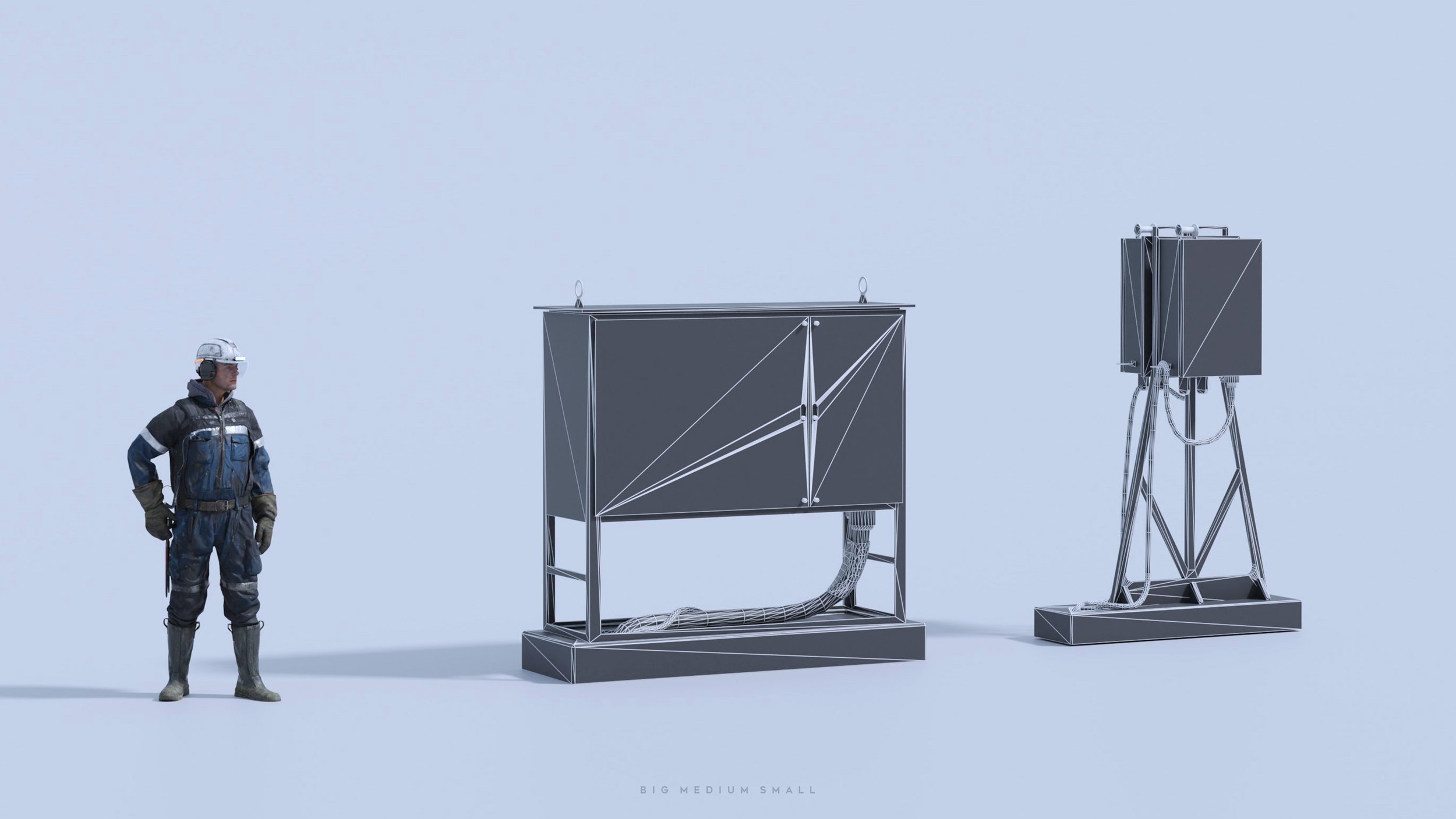
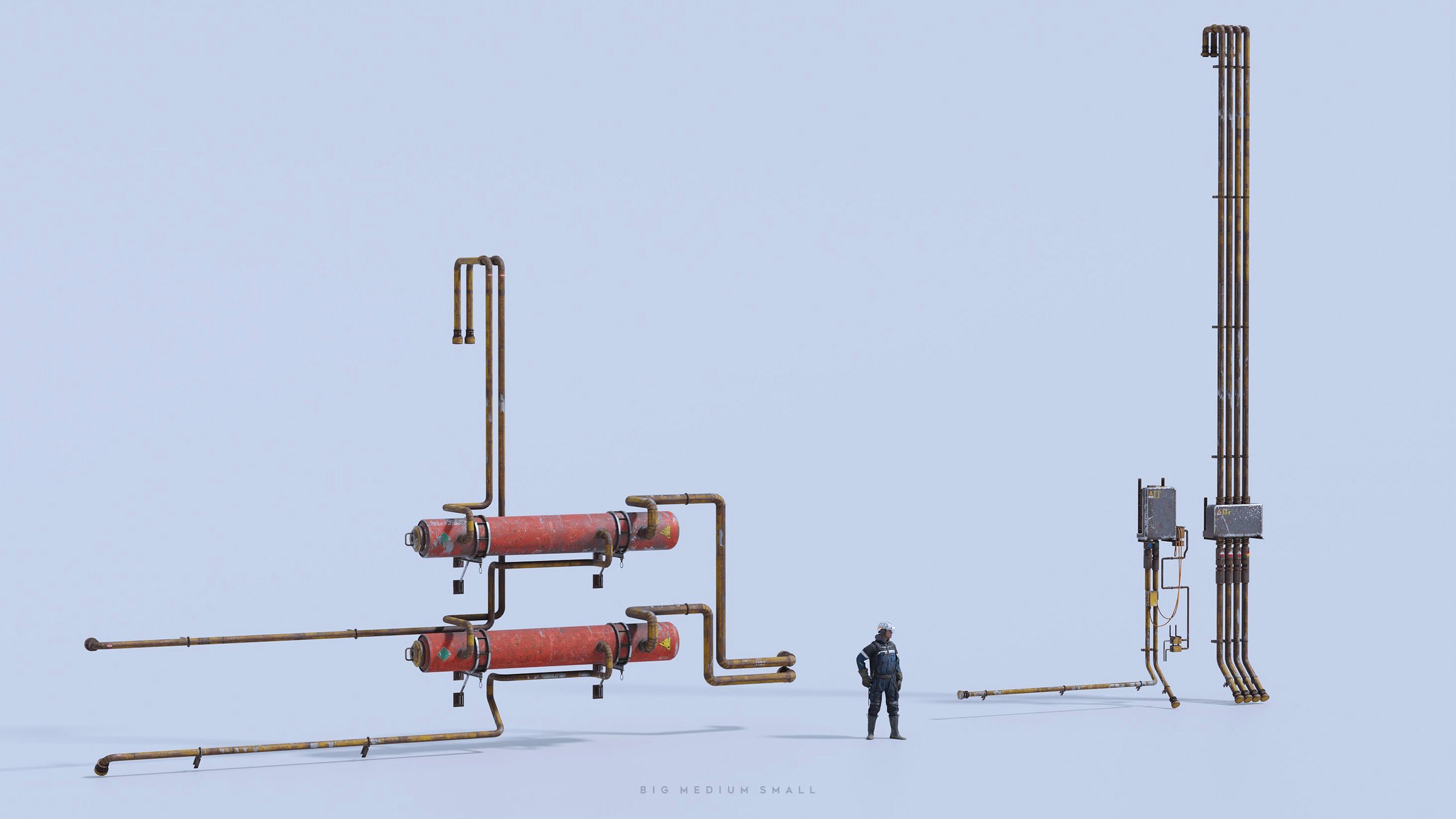
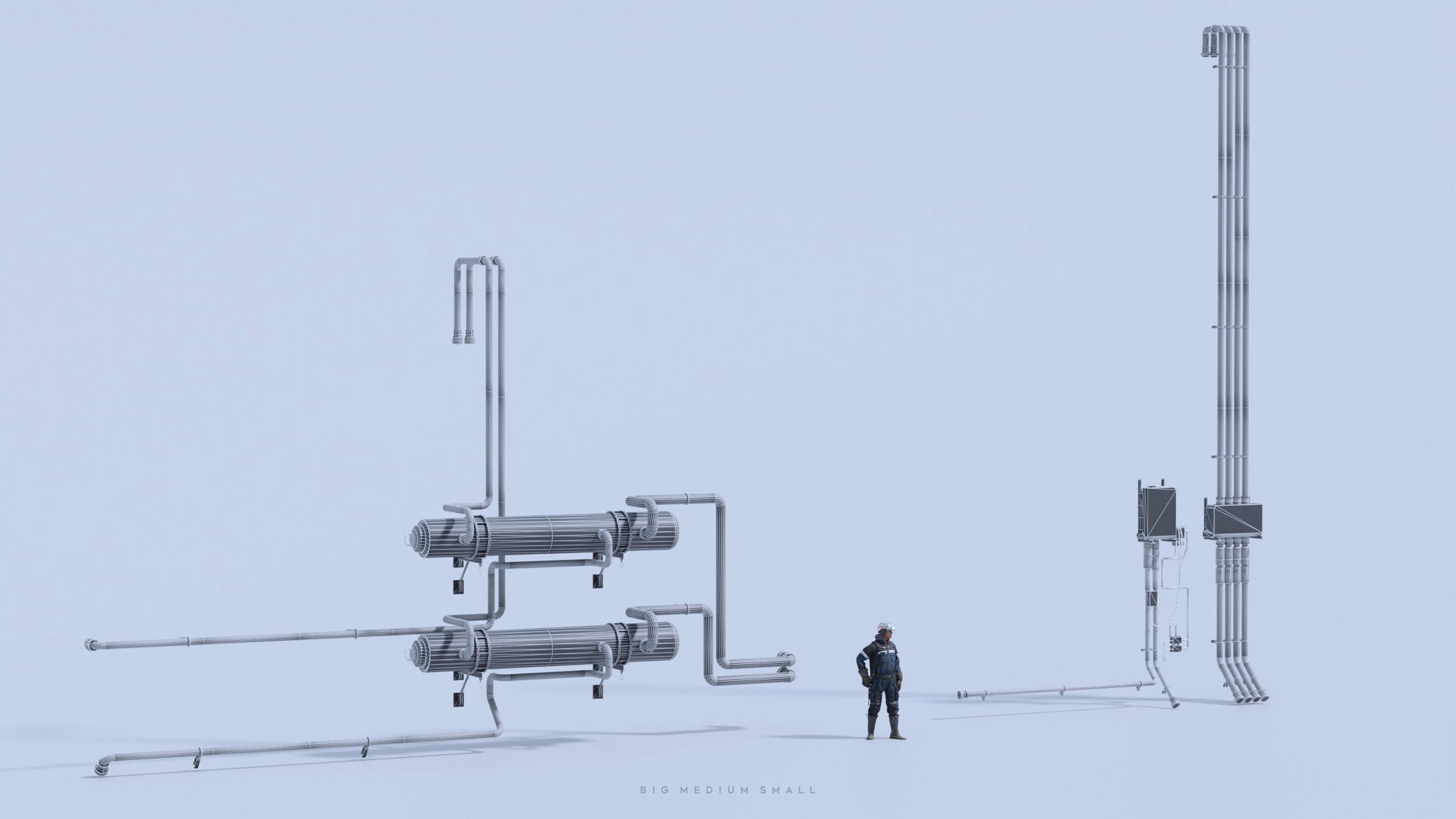
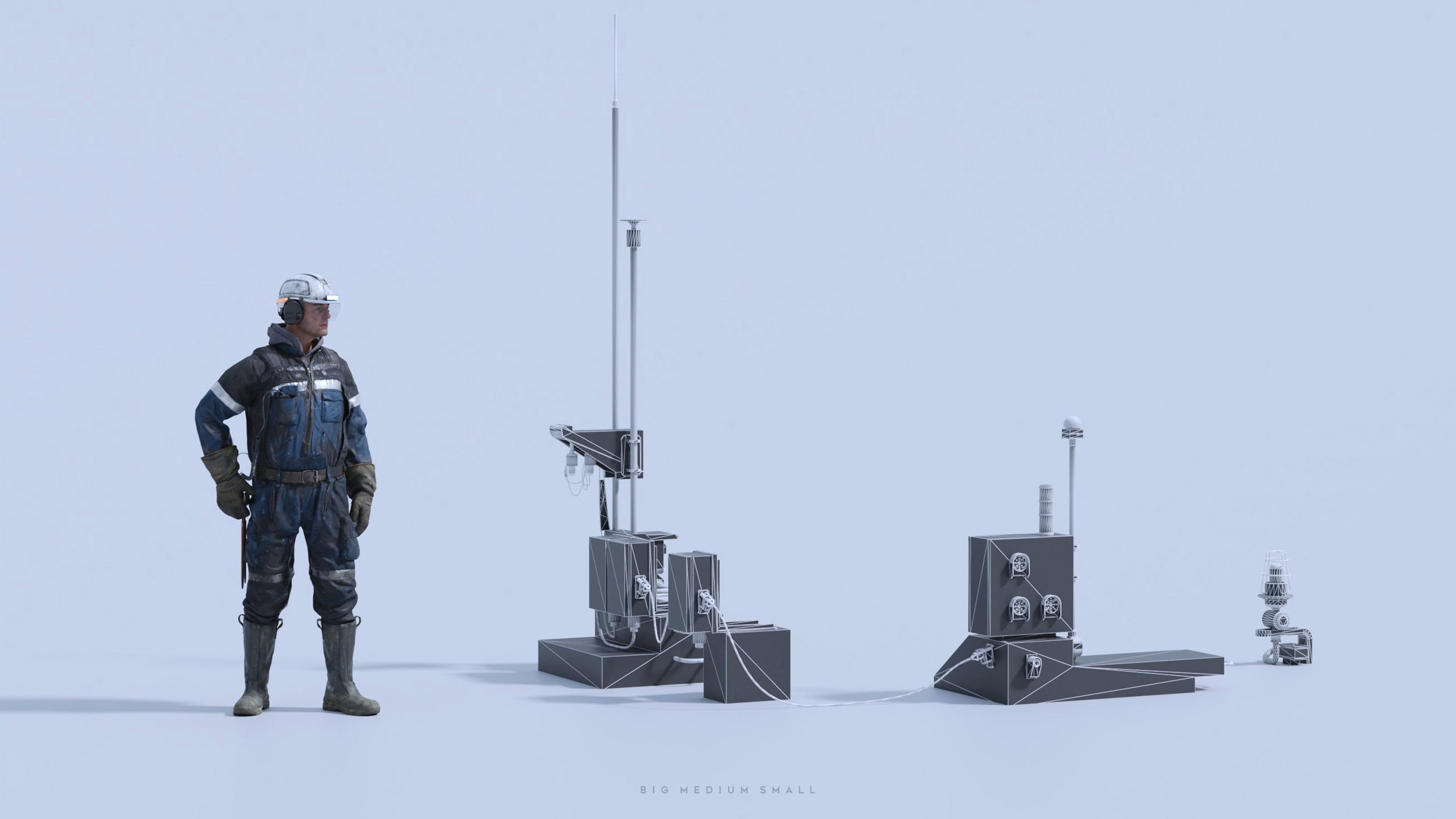
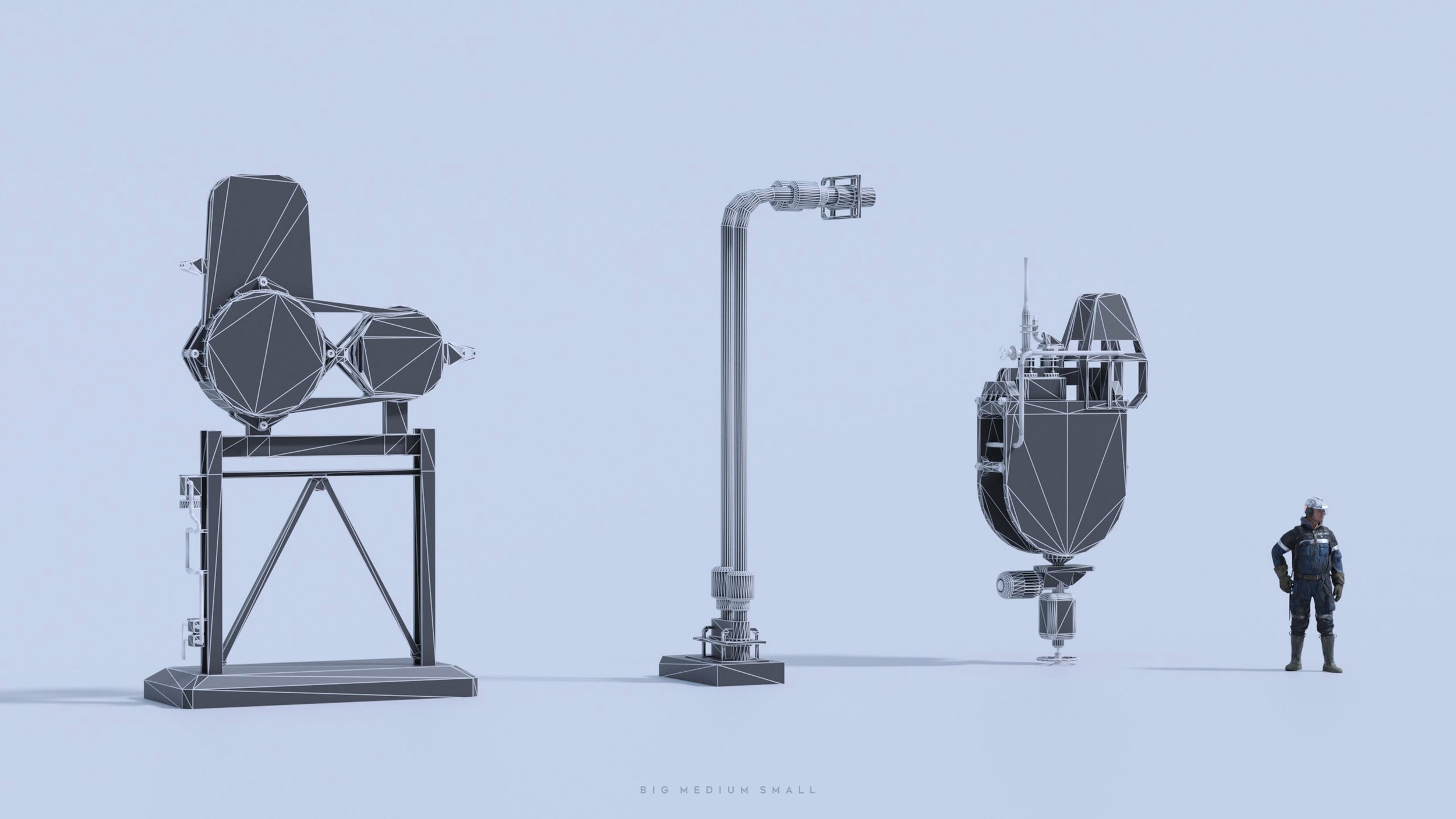
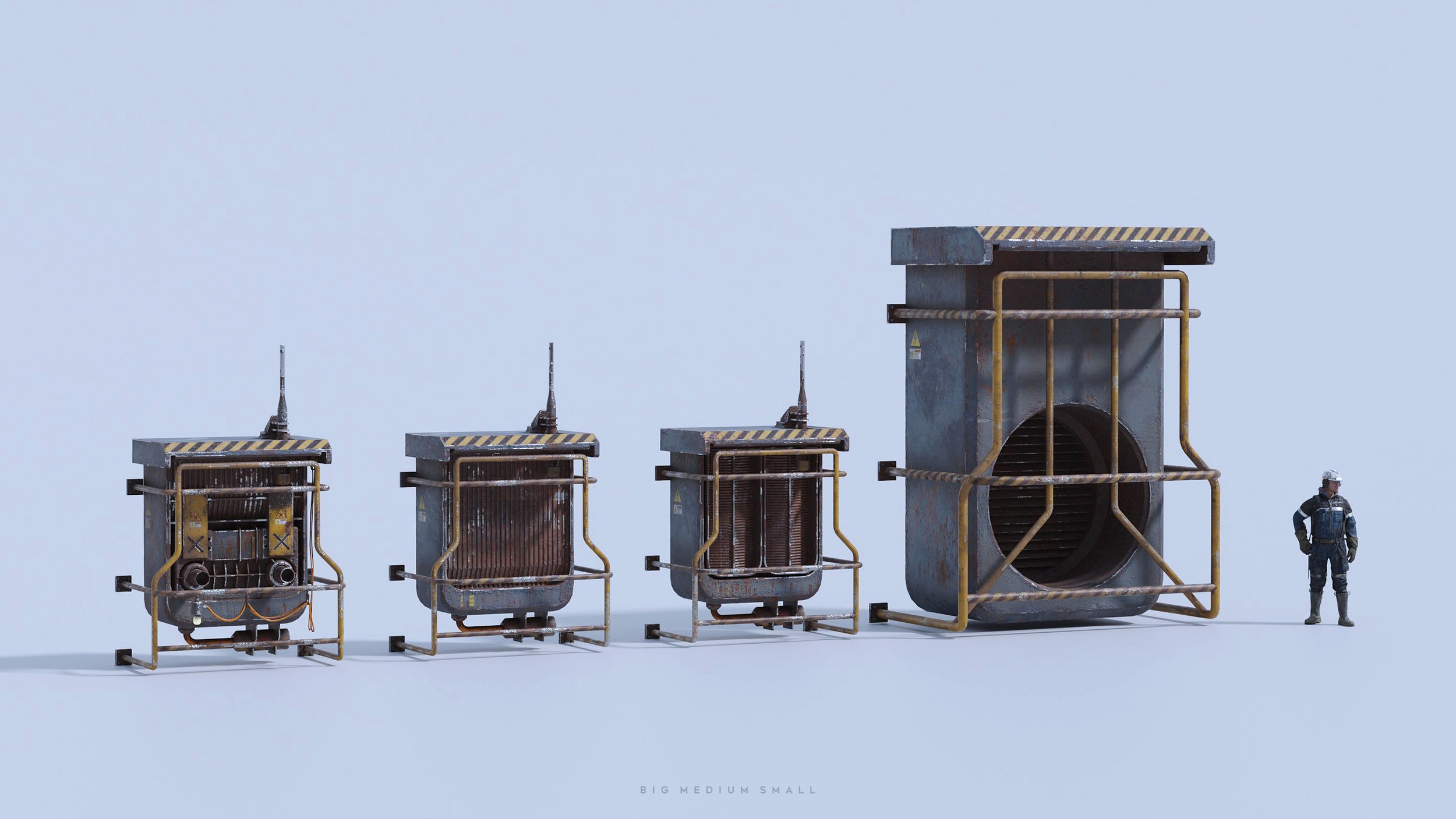
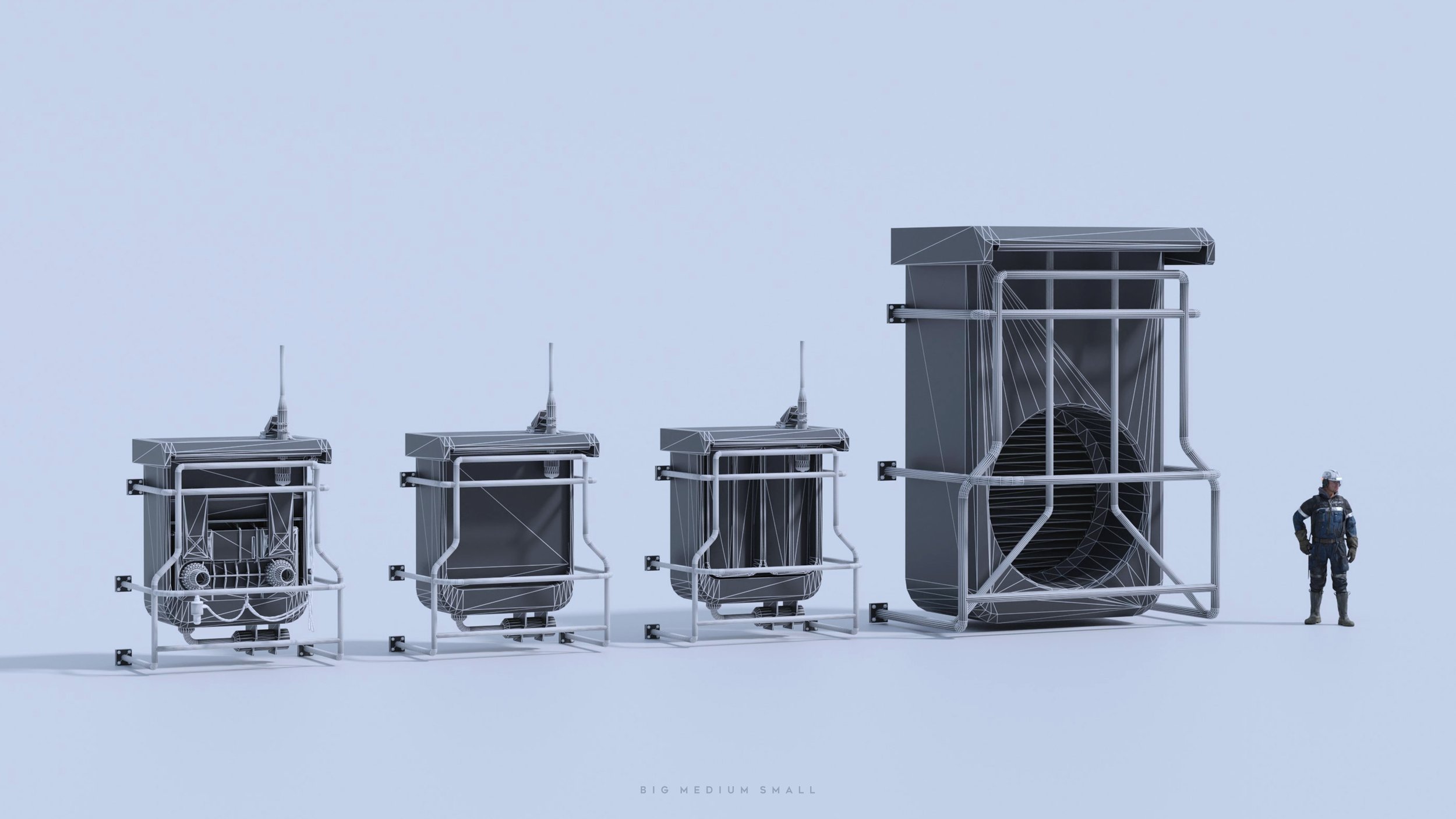
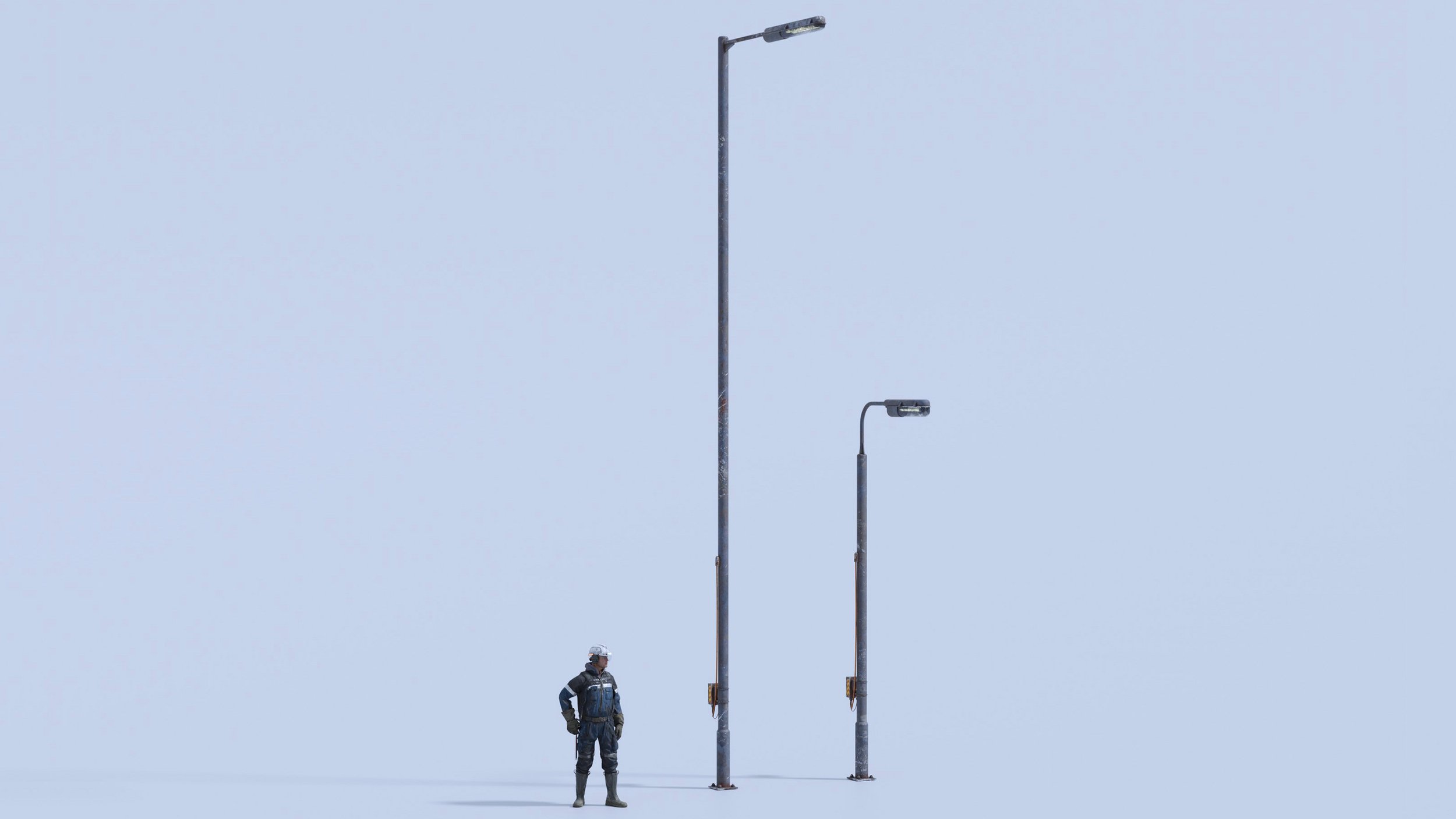
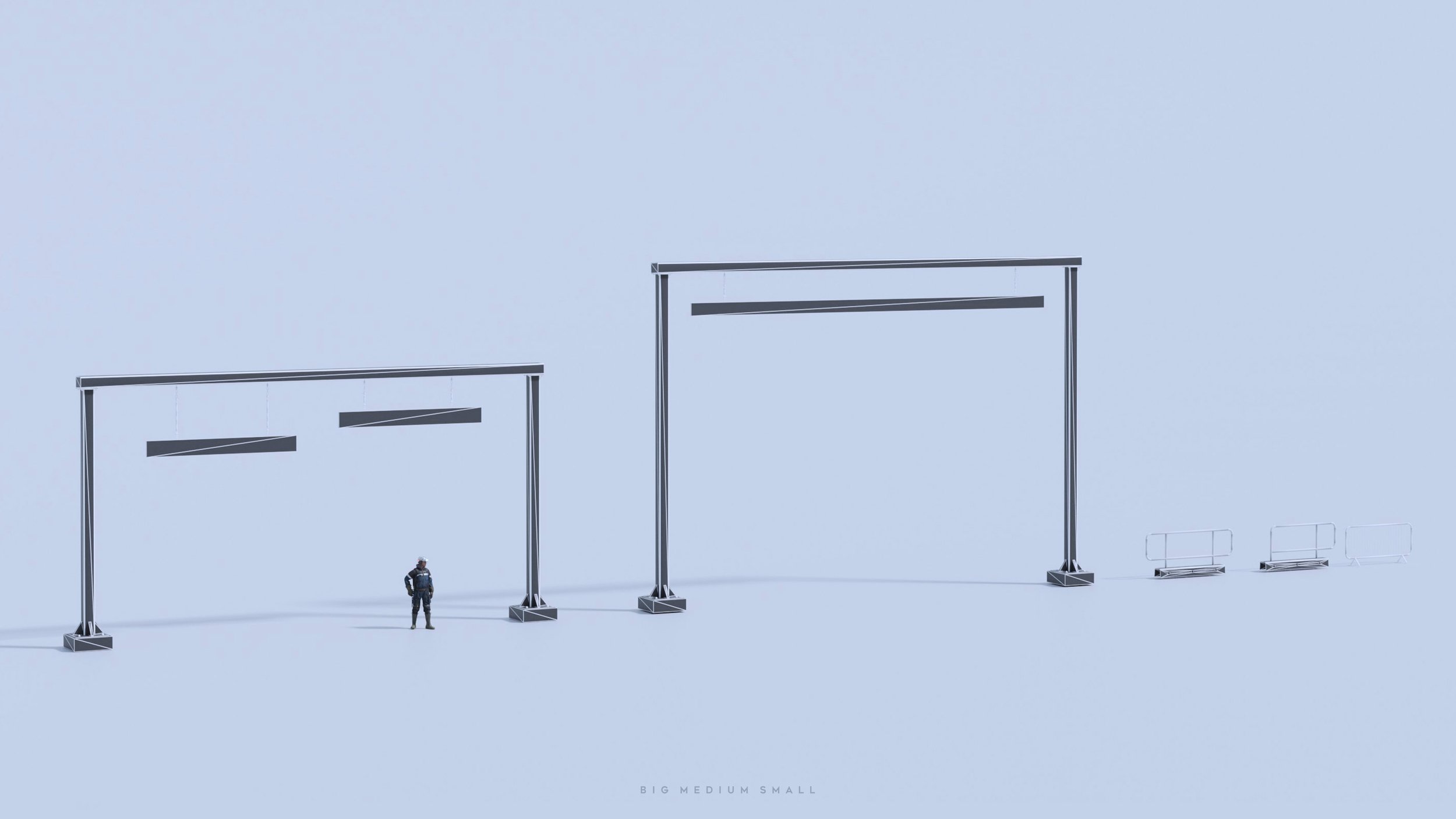
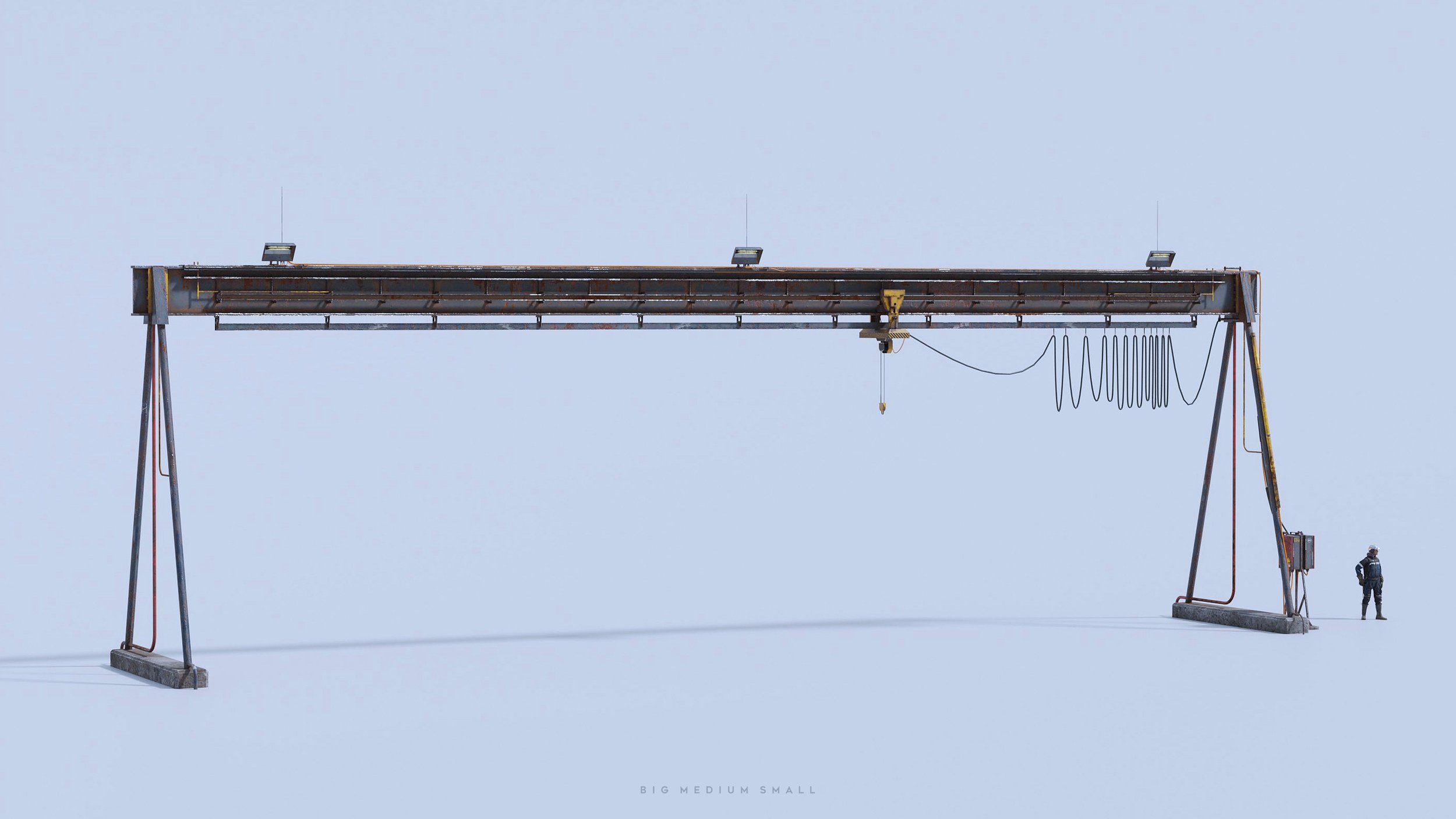
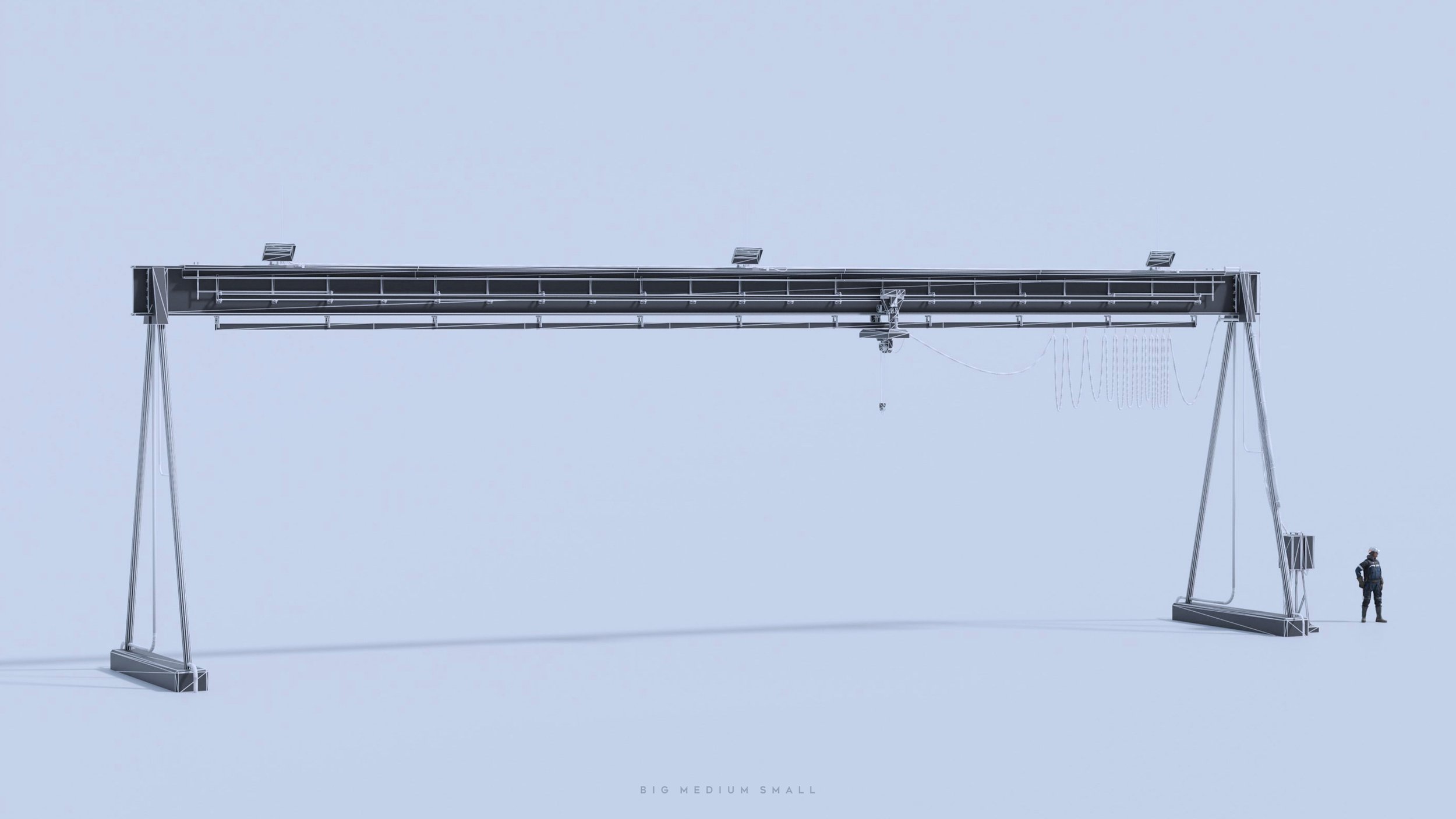
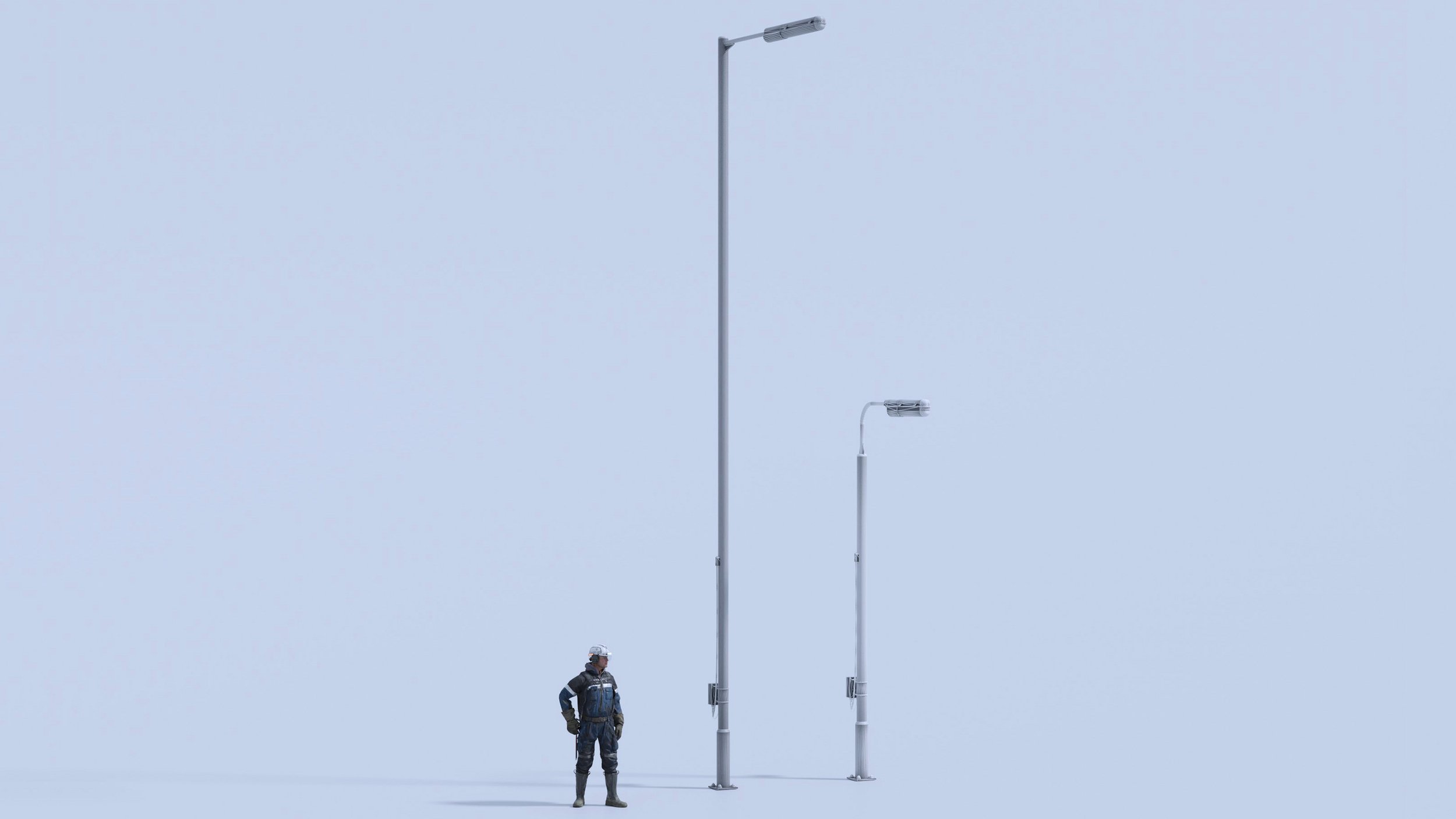
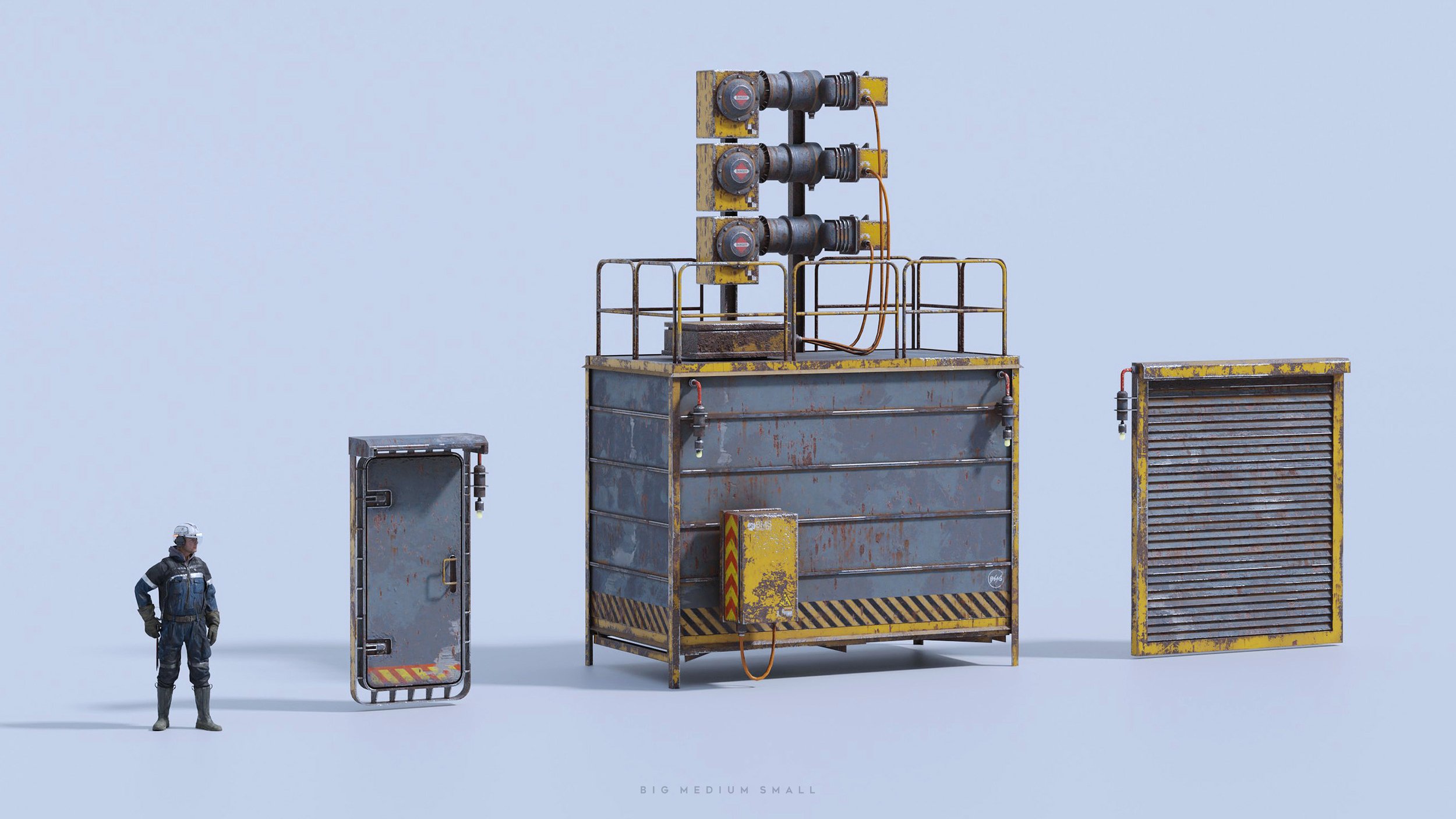
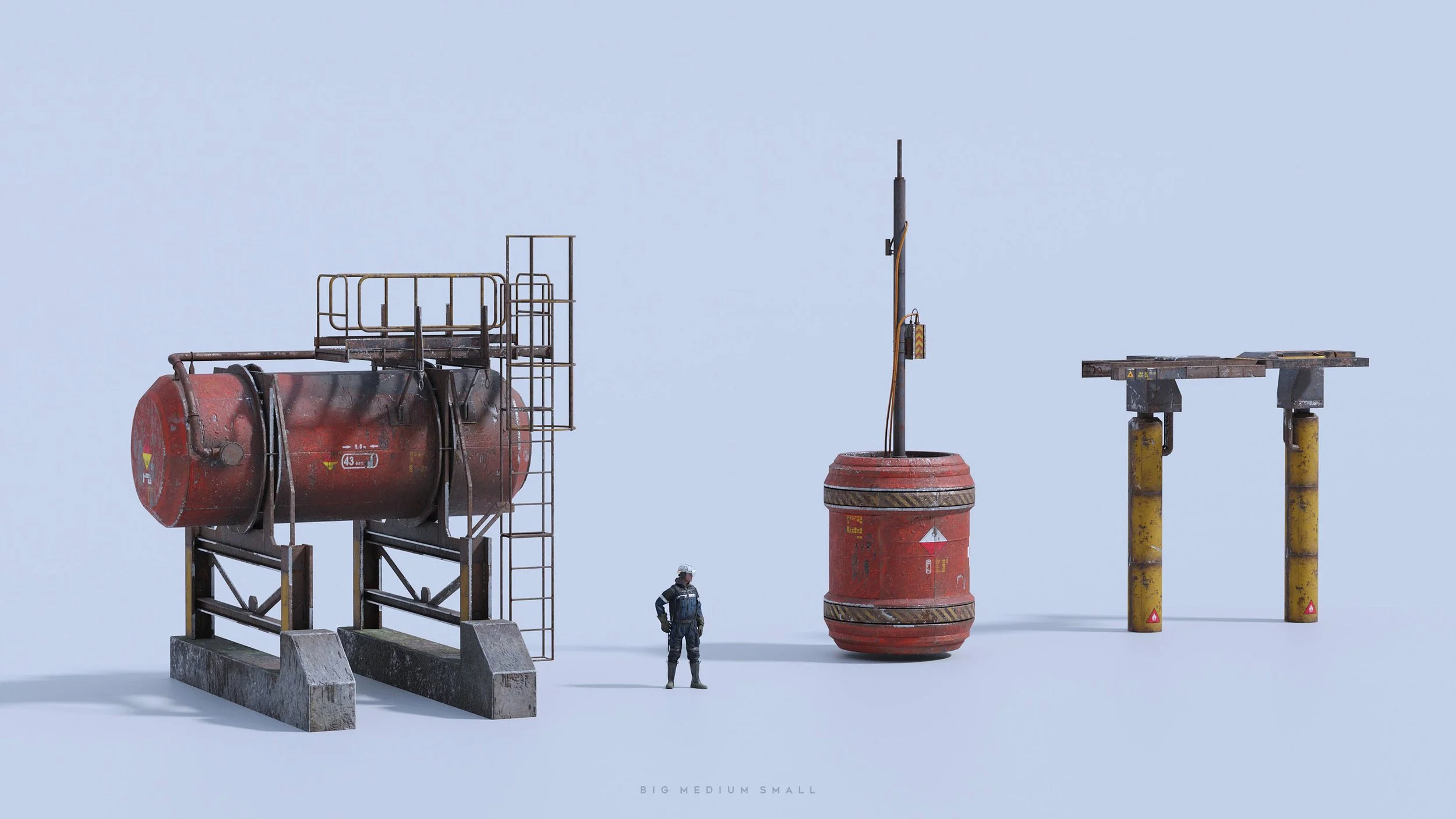
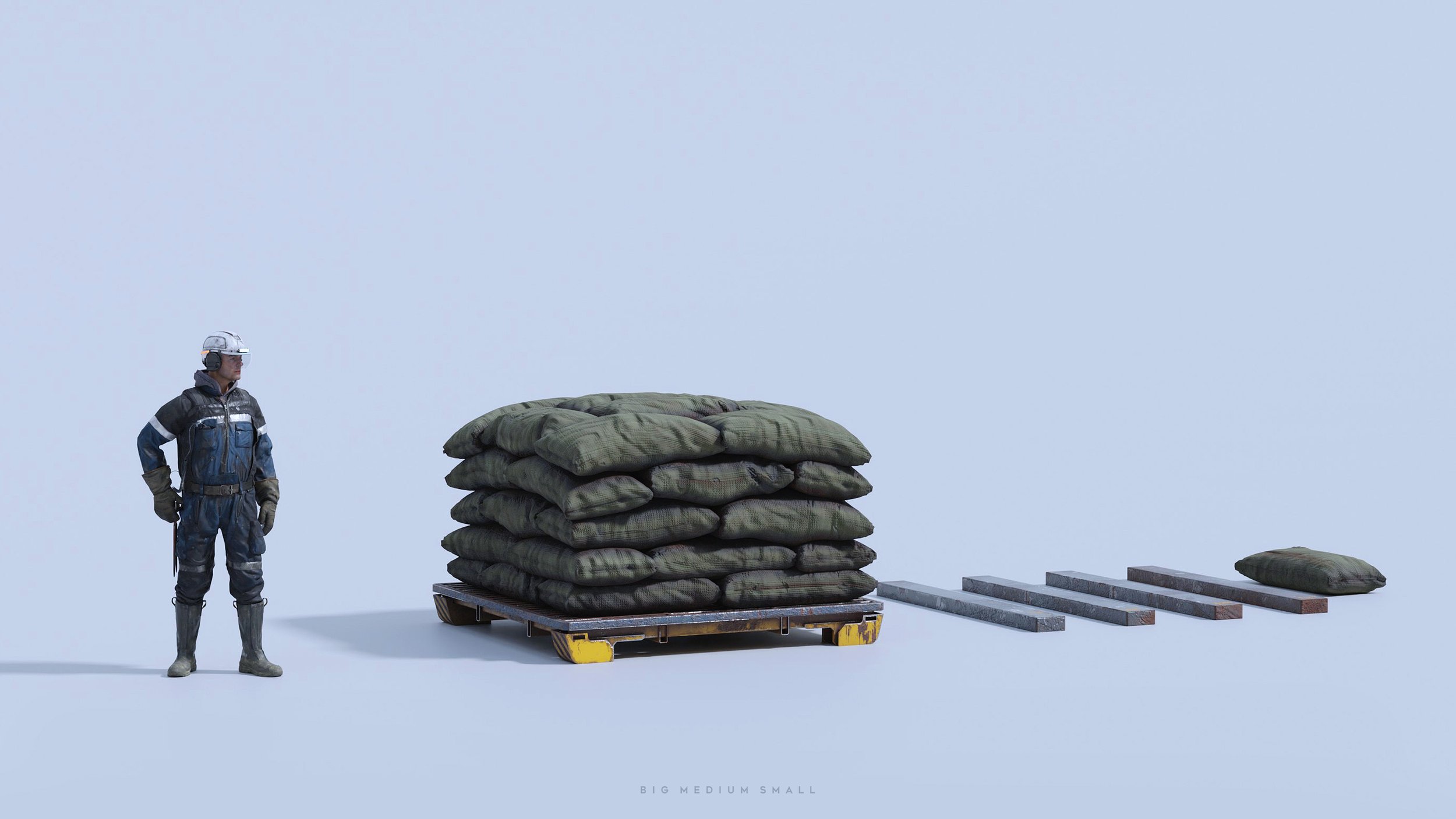
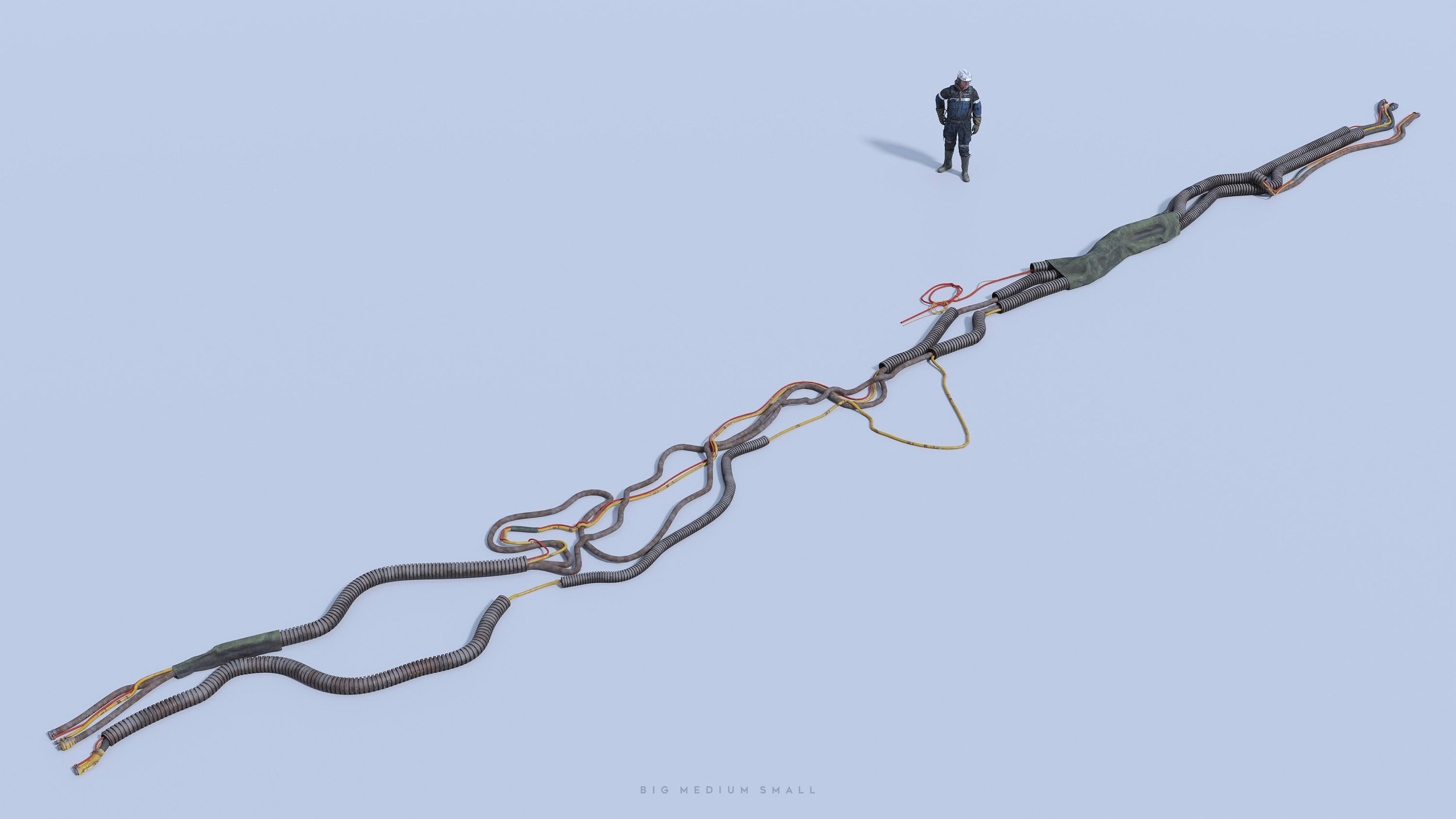
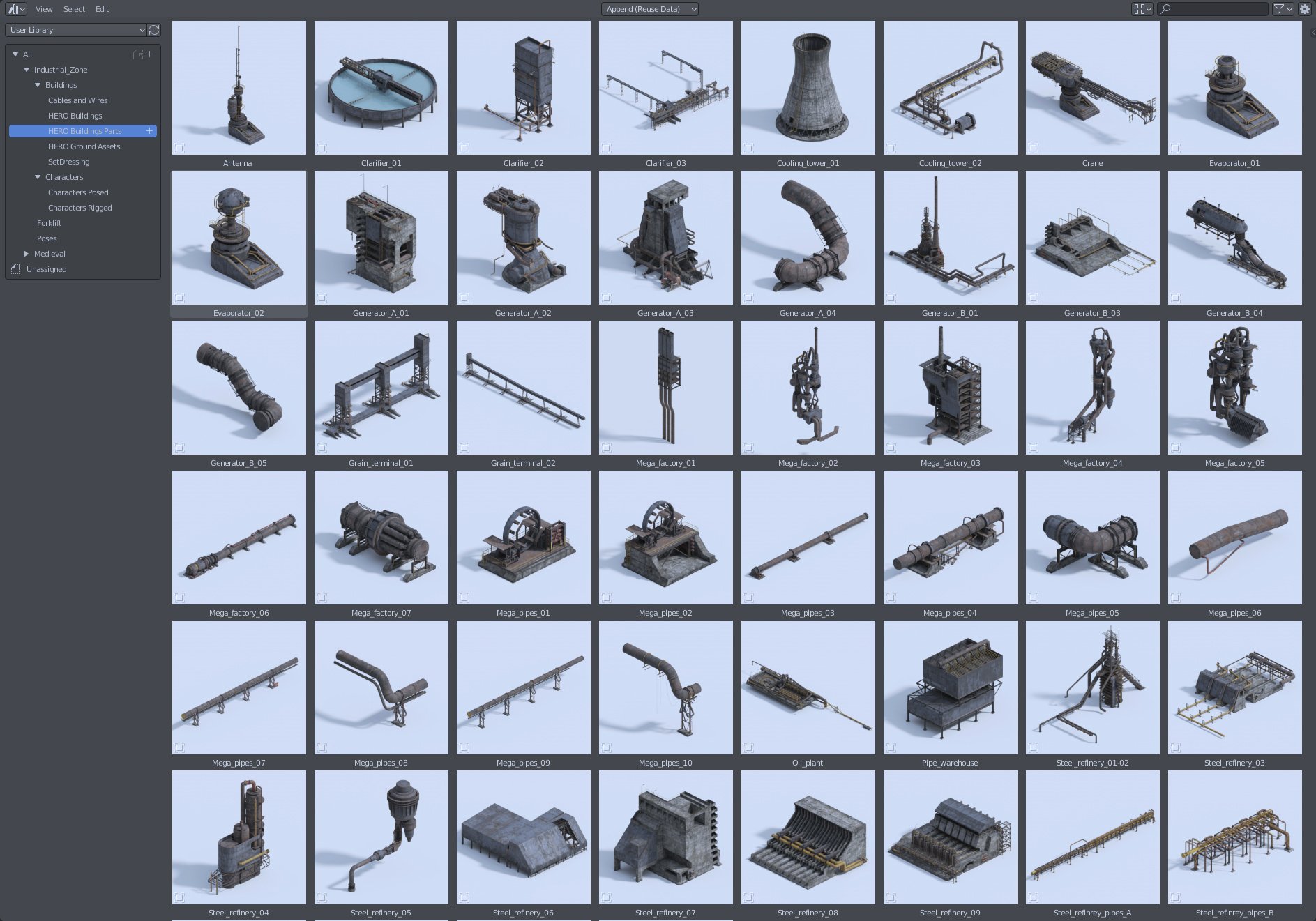
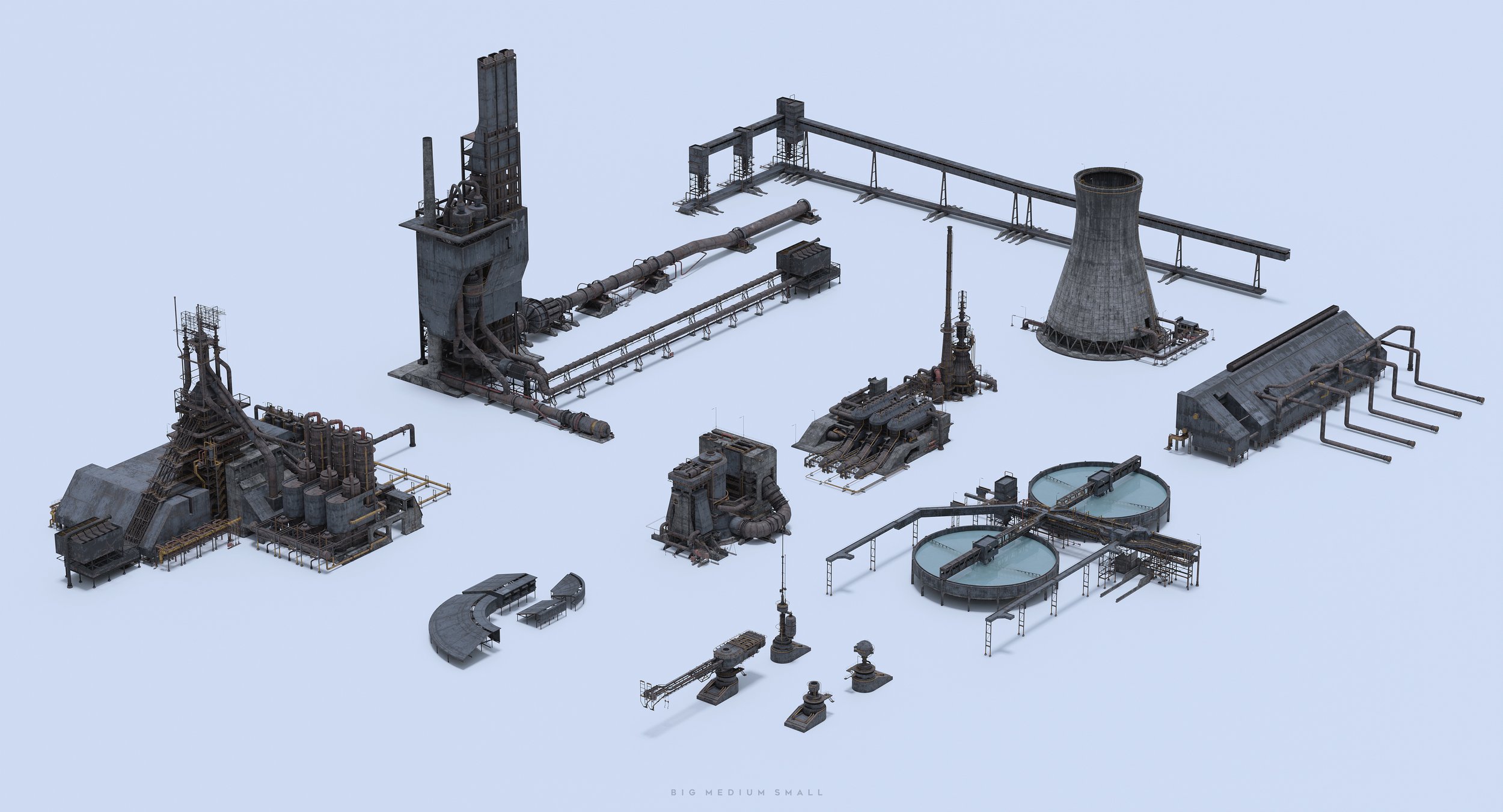
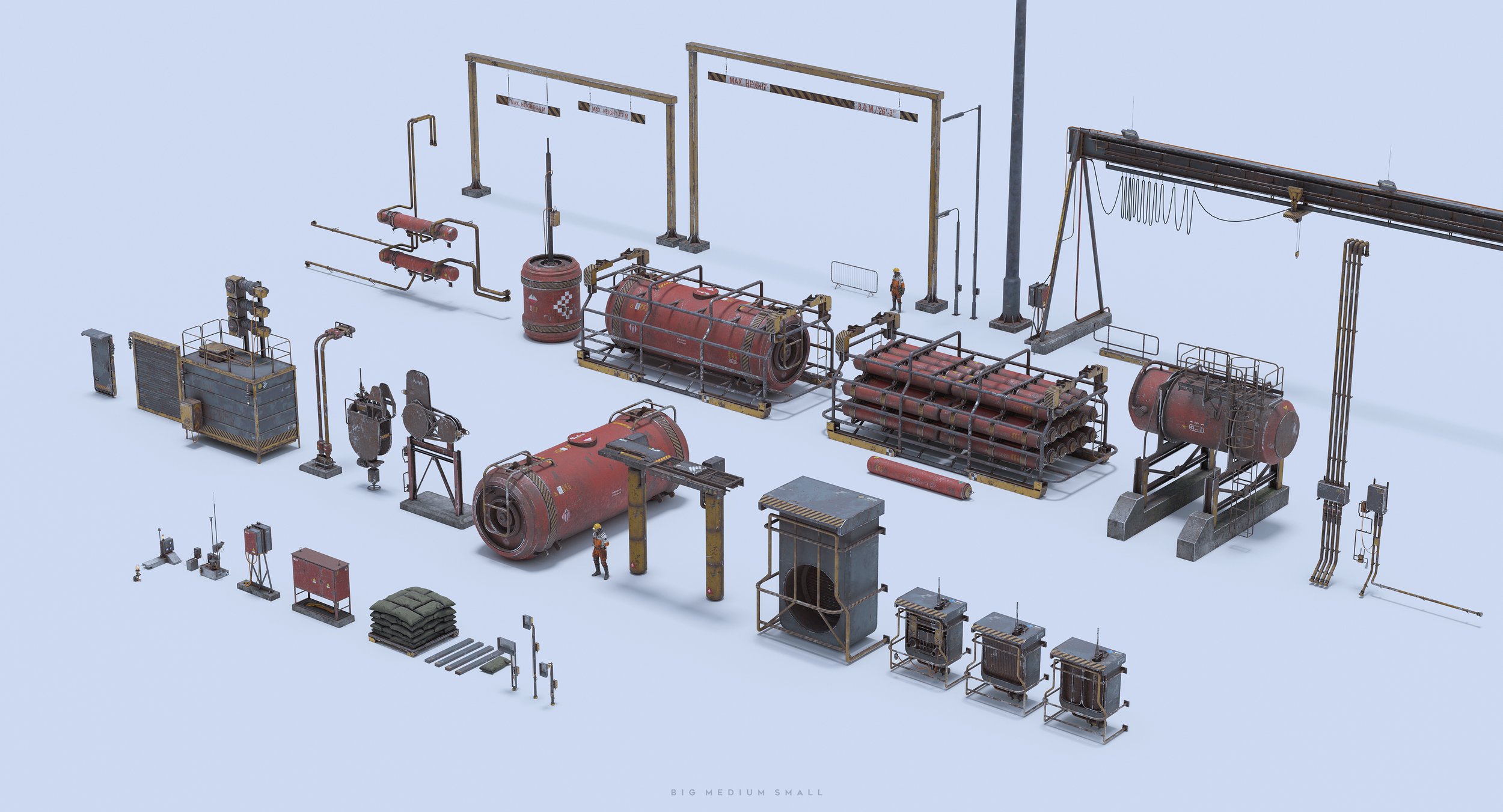
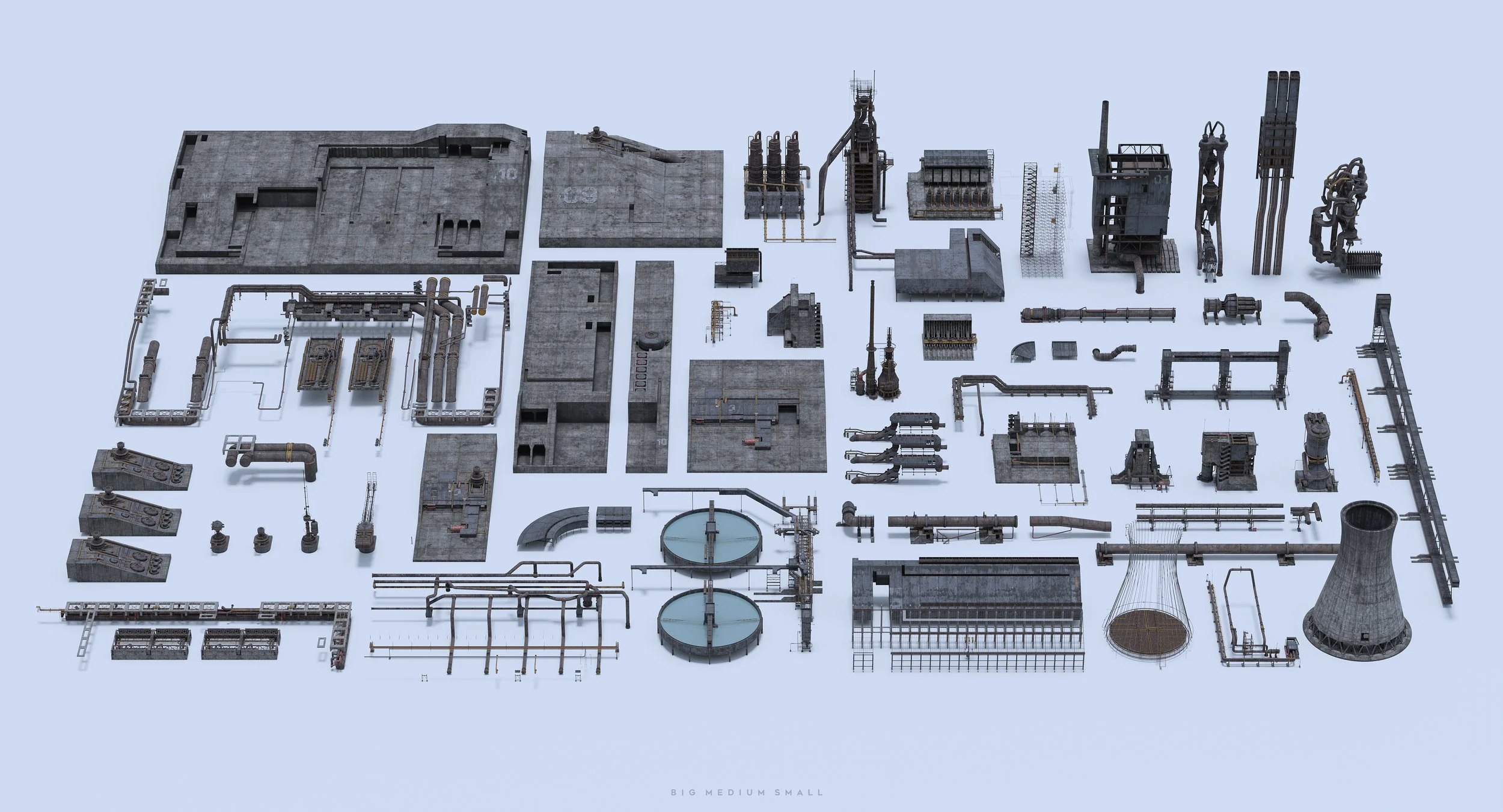
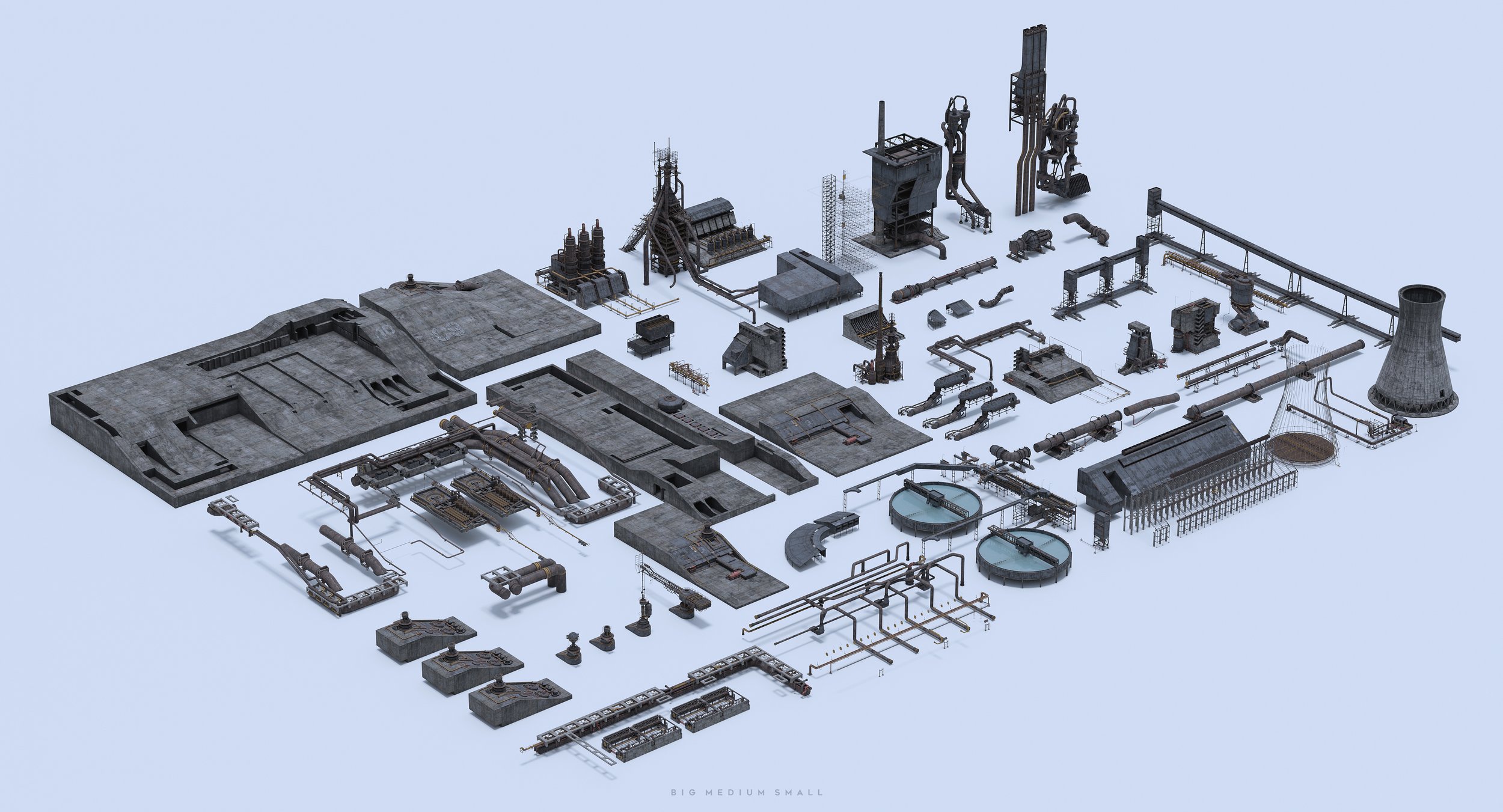
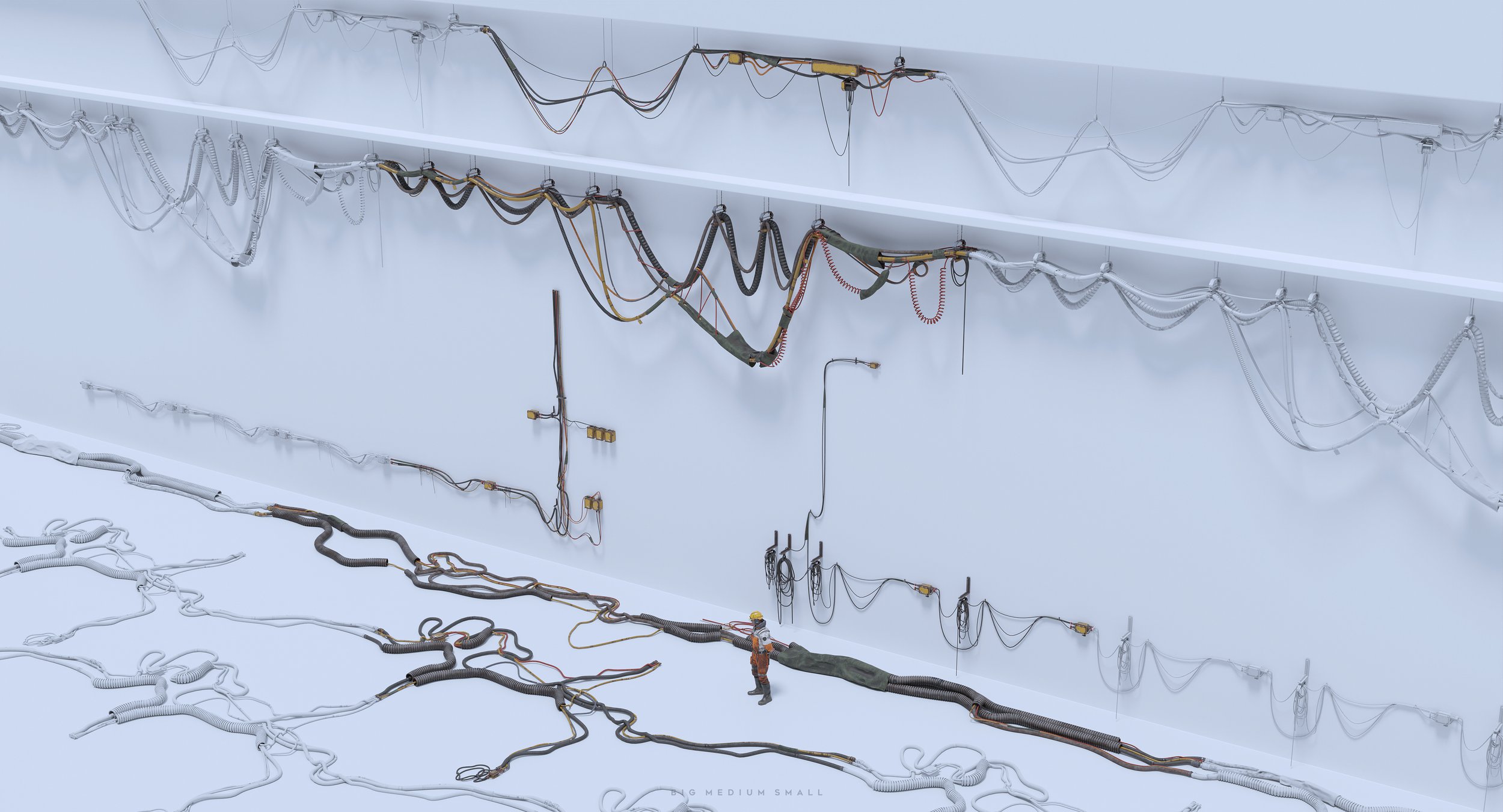
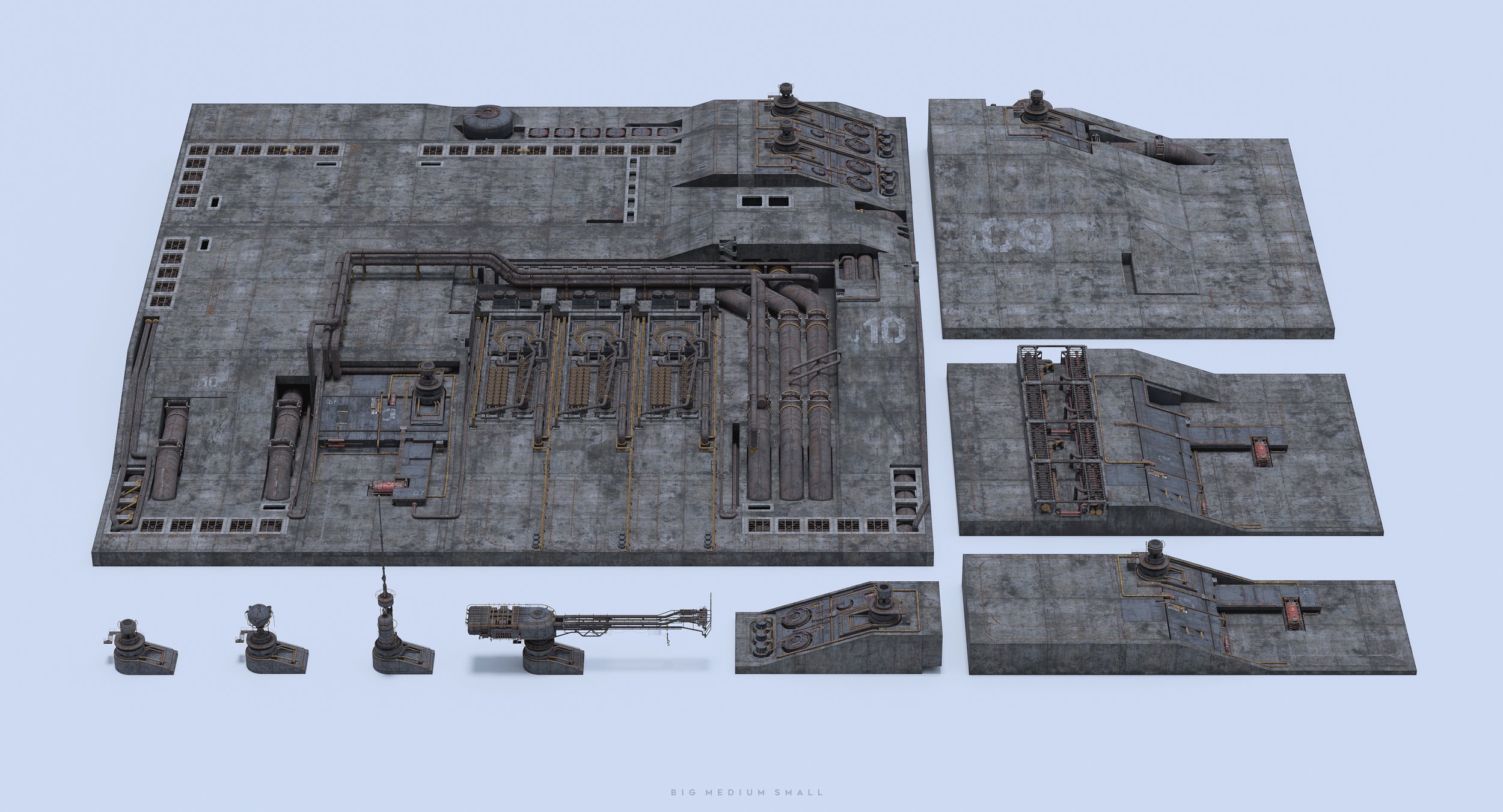
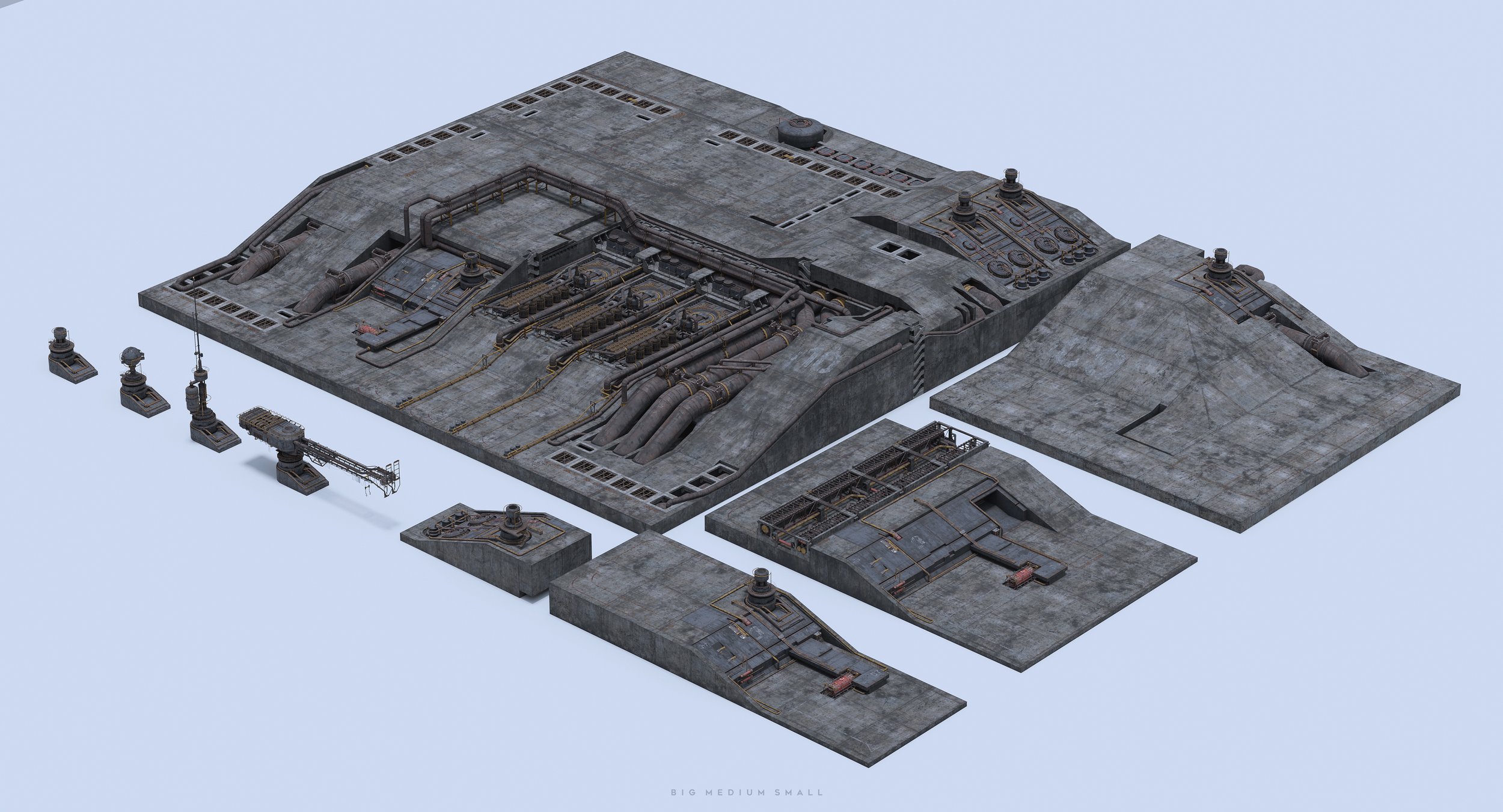
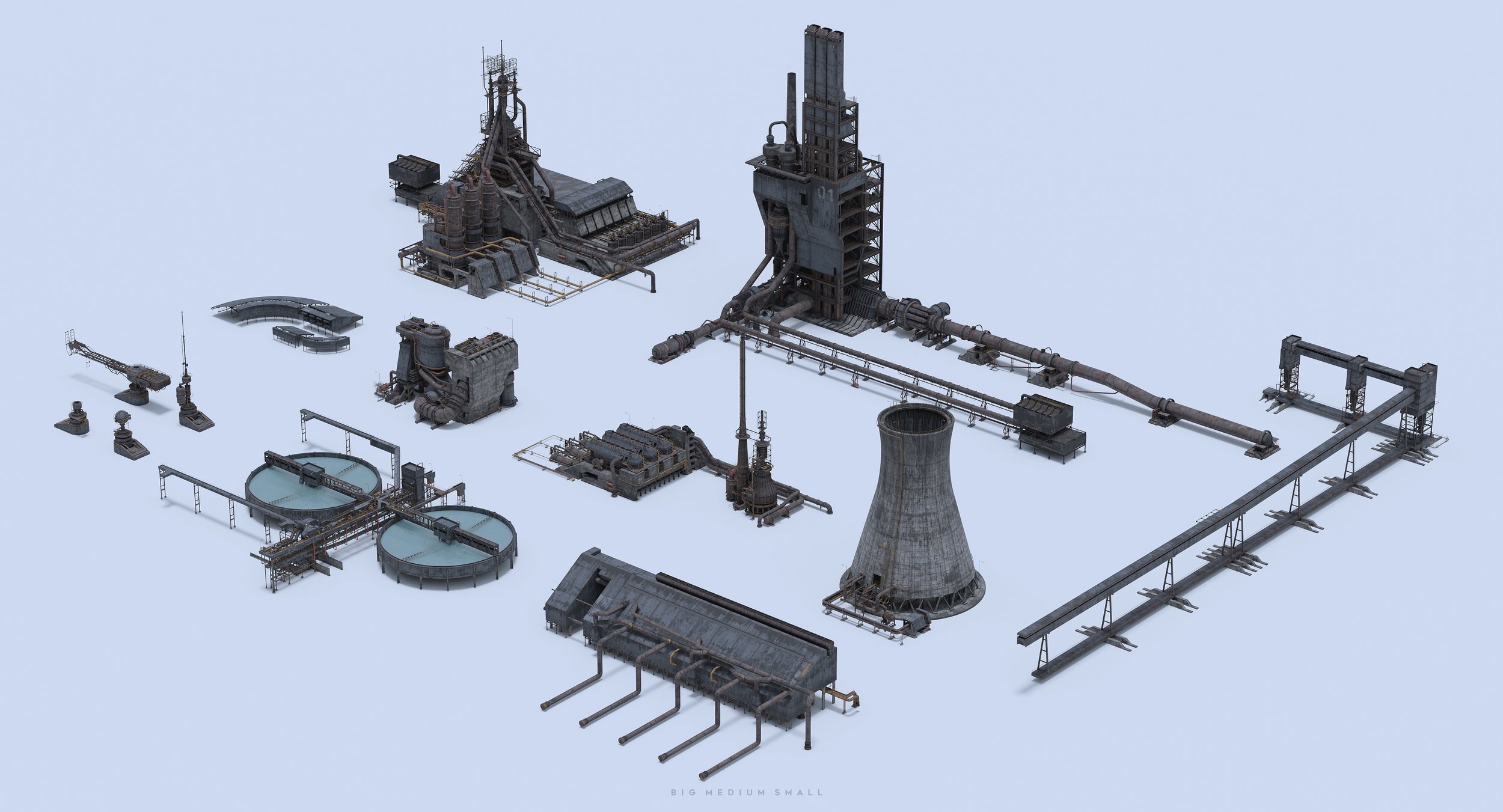
We love taking our time to handcraft these assets for you. This pack is no exception. Build your own vast Industrial environment with this collection of highly detailed assets. It can be used to create any type of industrial scene, from oil to steel refineries, cement to electrical power plants, or any other type of mega factory. The Industrial Zone pack includes a huge variety of pipes, steel and concrete structures, scaffolds, girder structures, warehouses, and set dressing elements.

BUNDLE COLLECTION
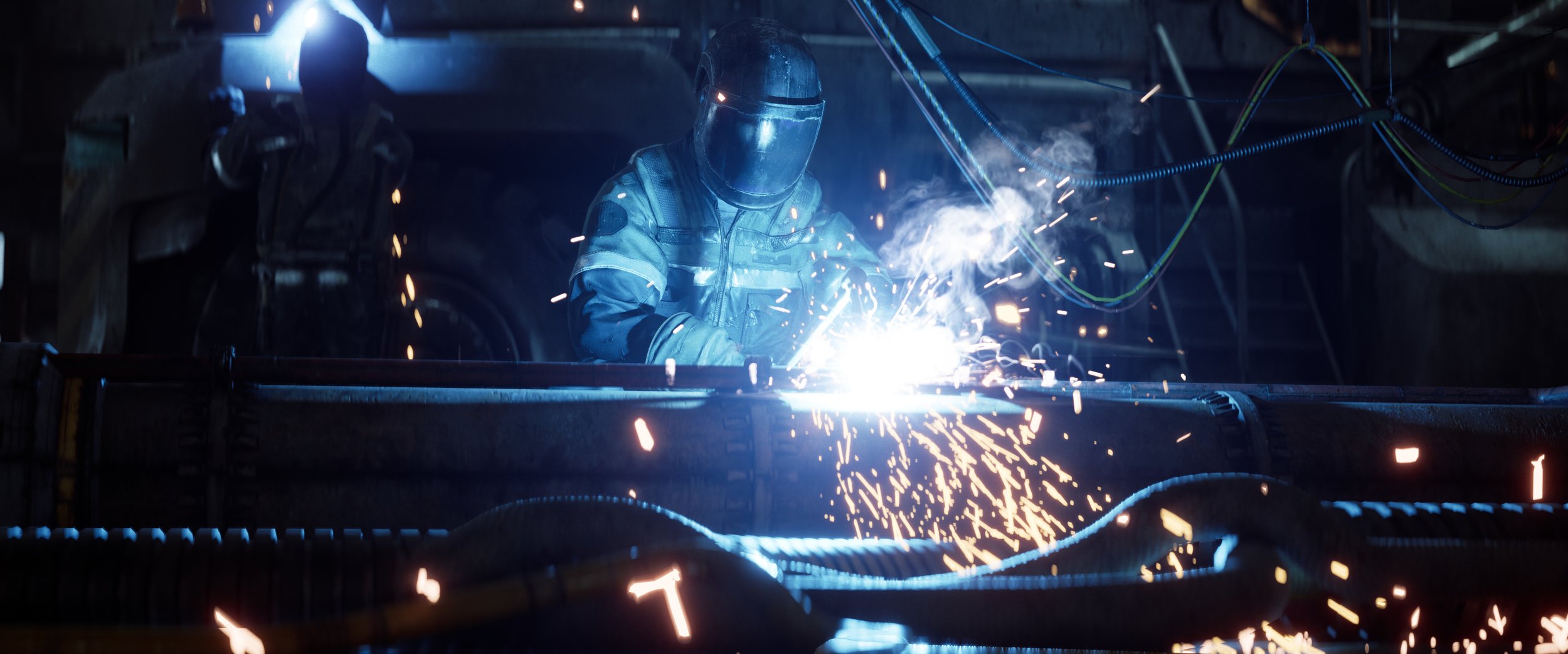
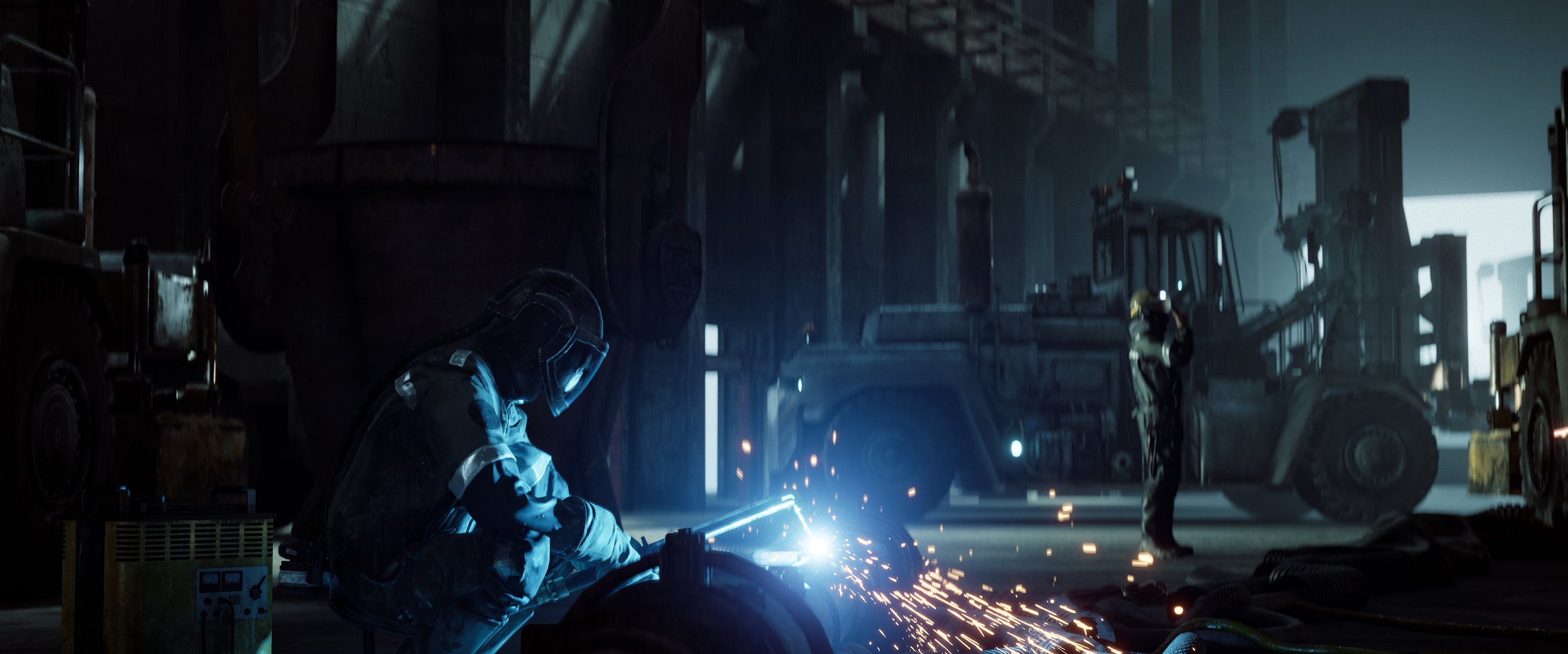
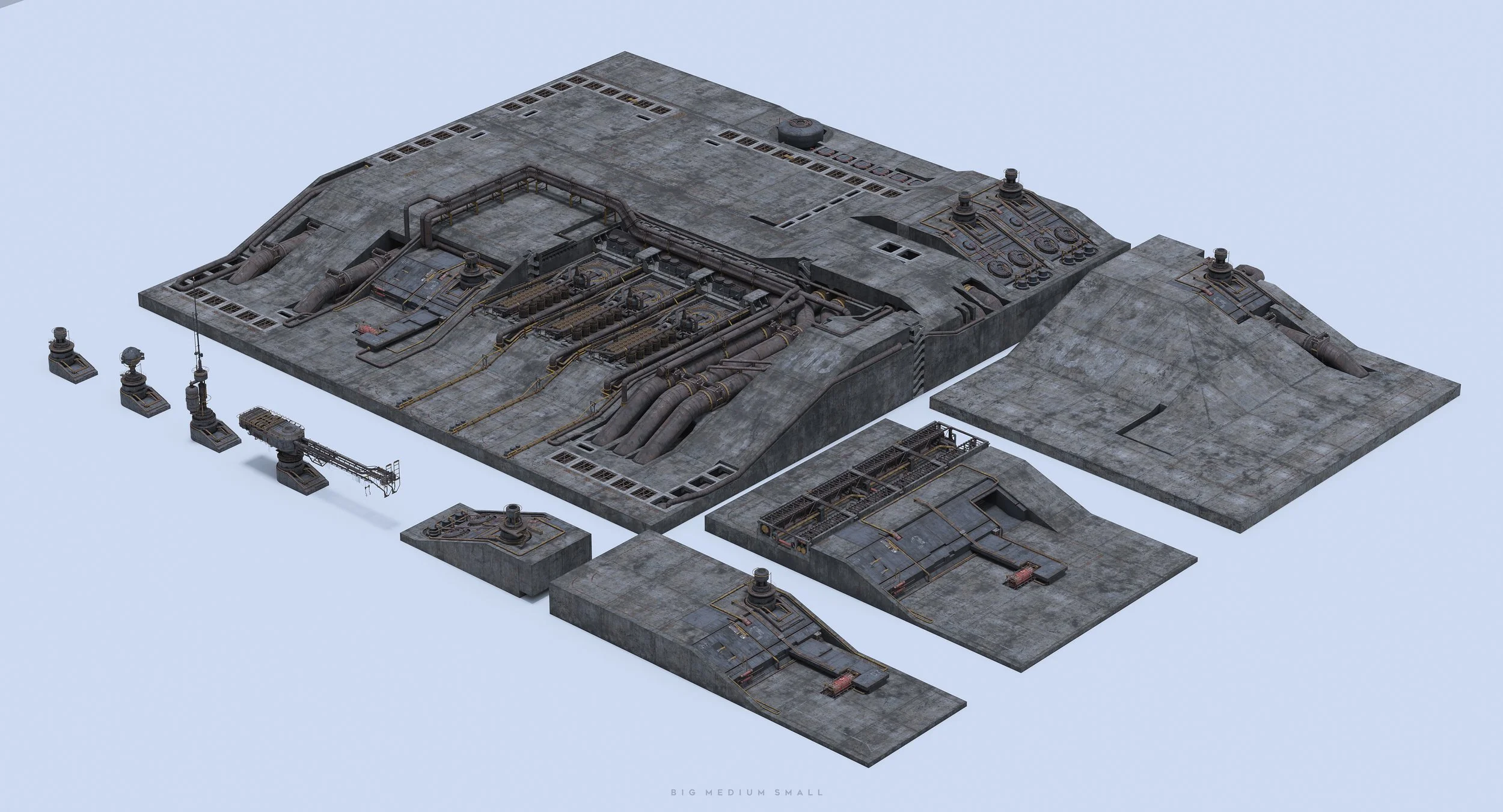
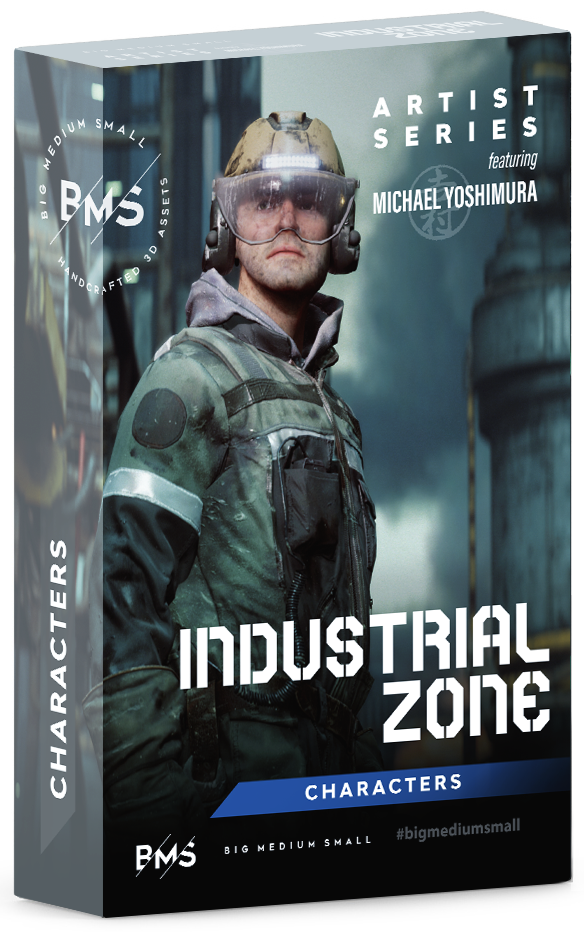
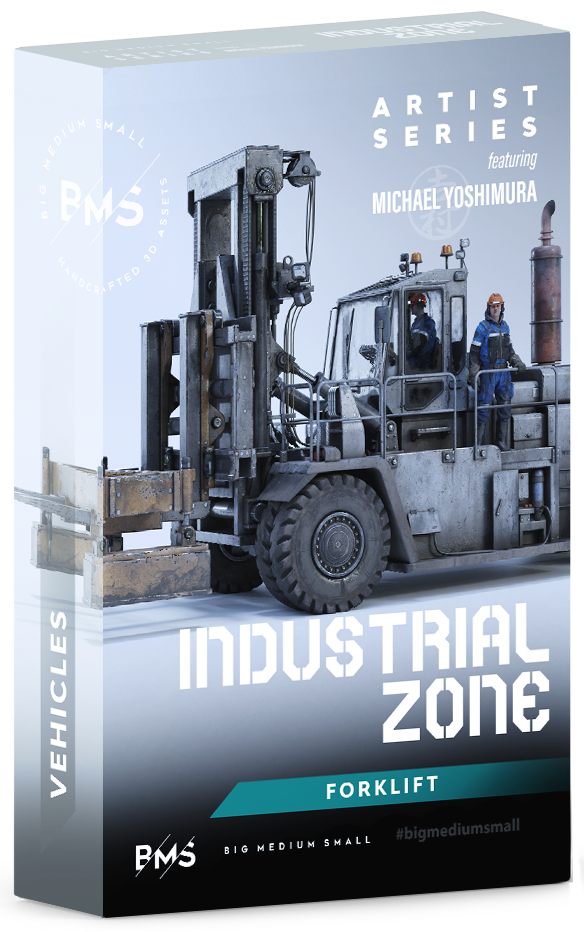
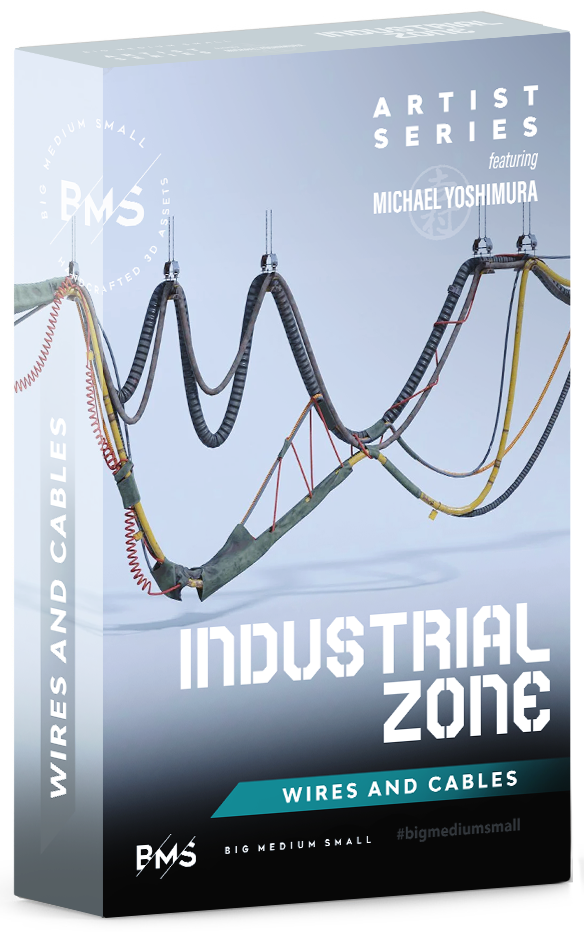
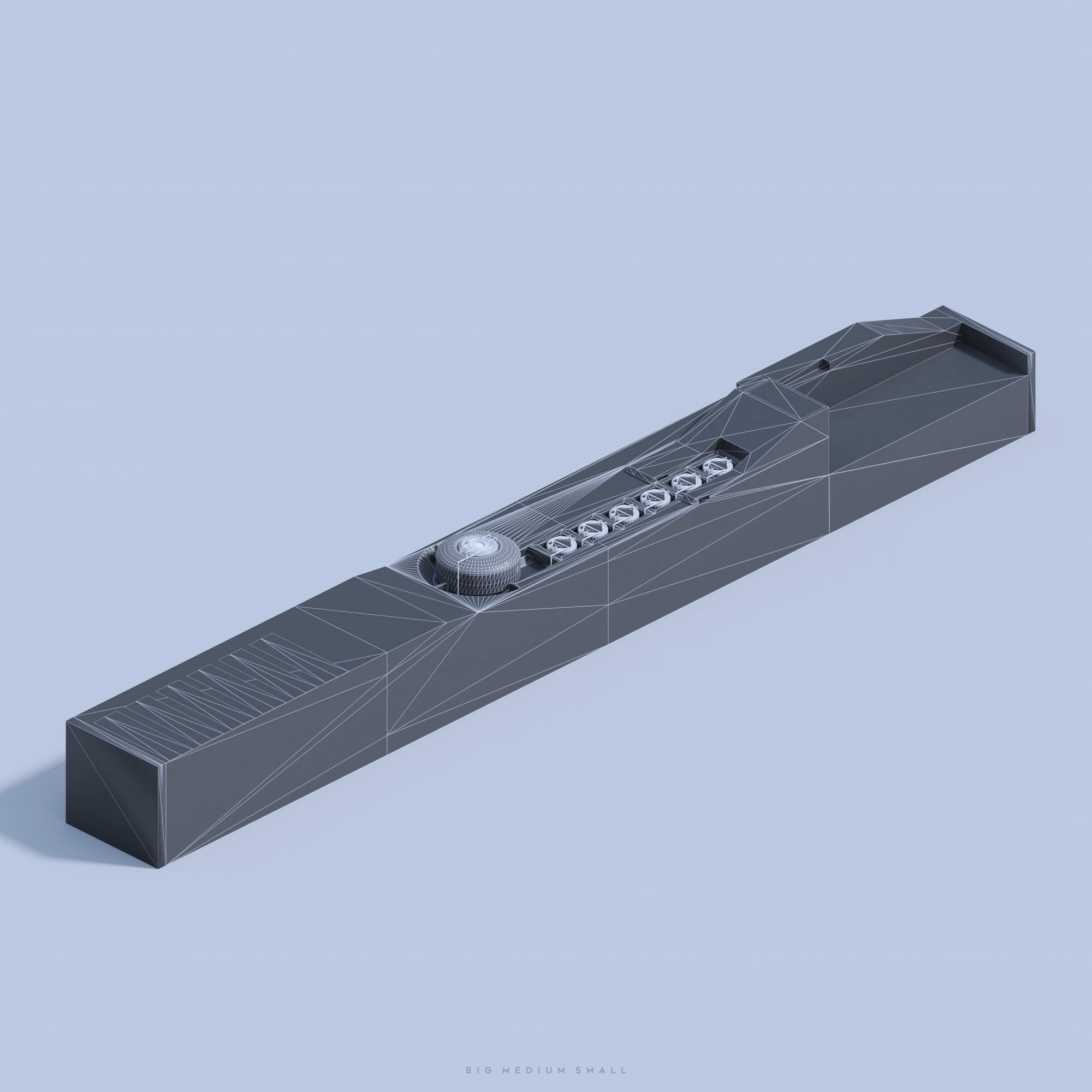
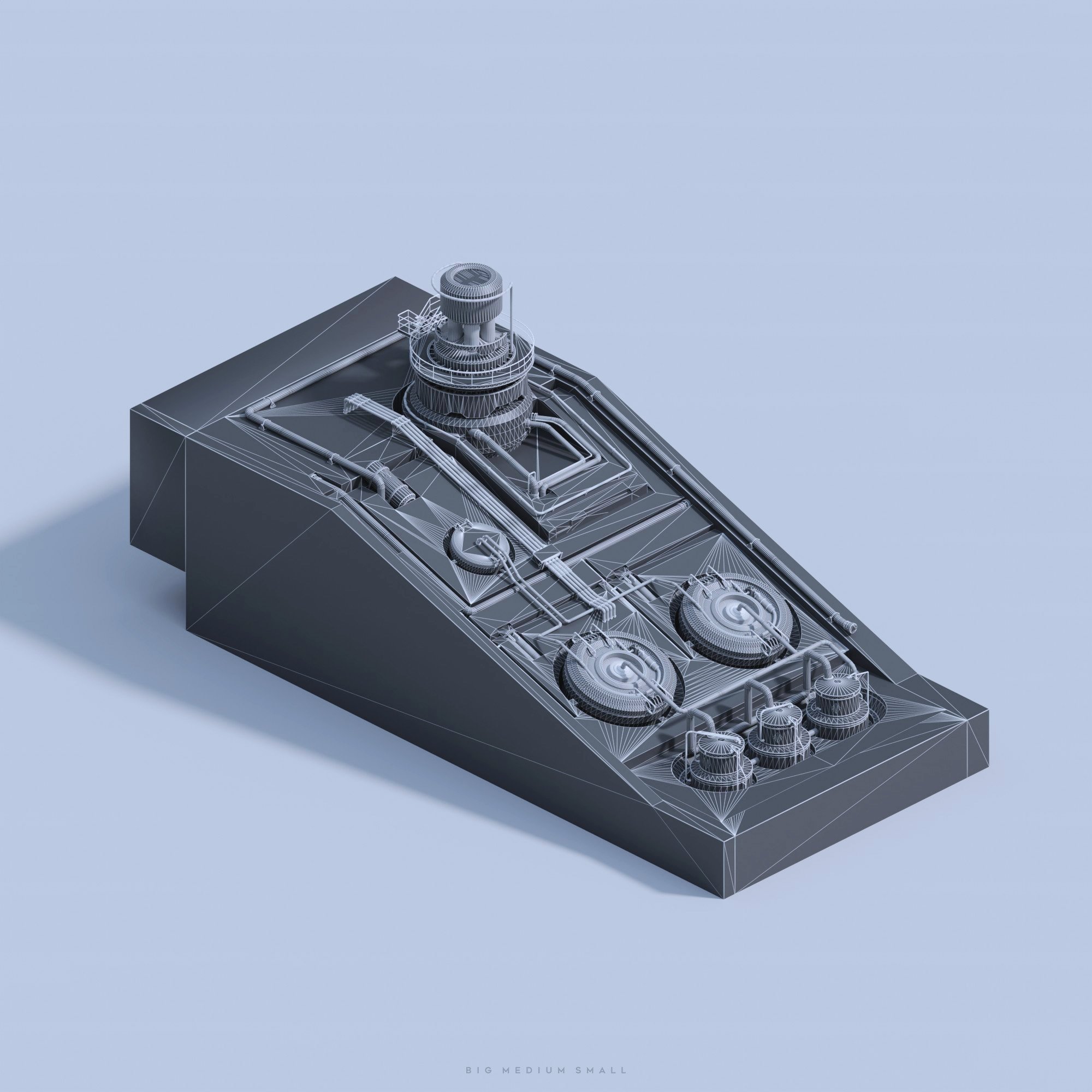
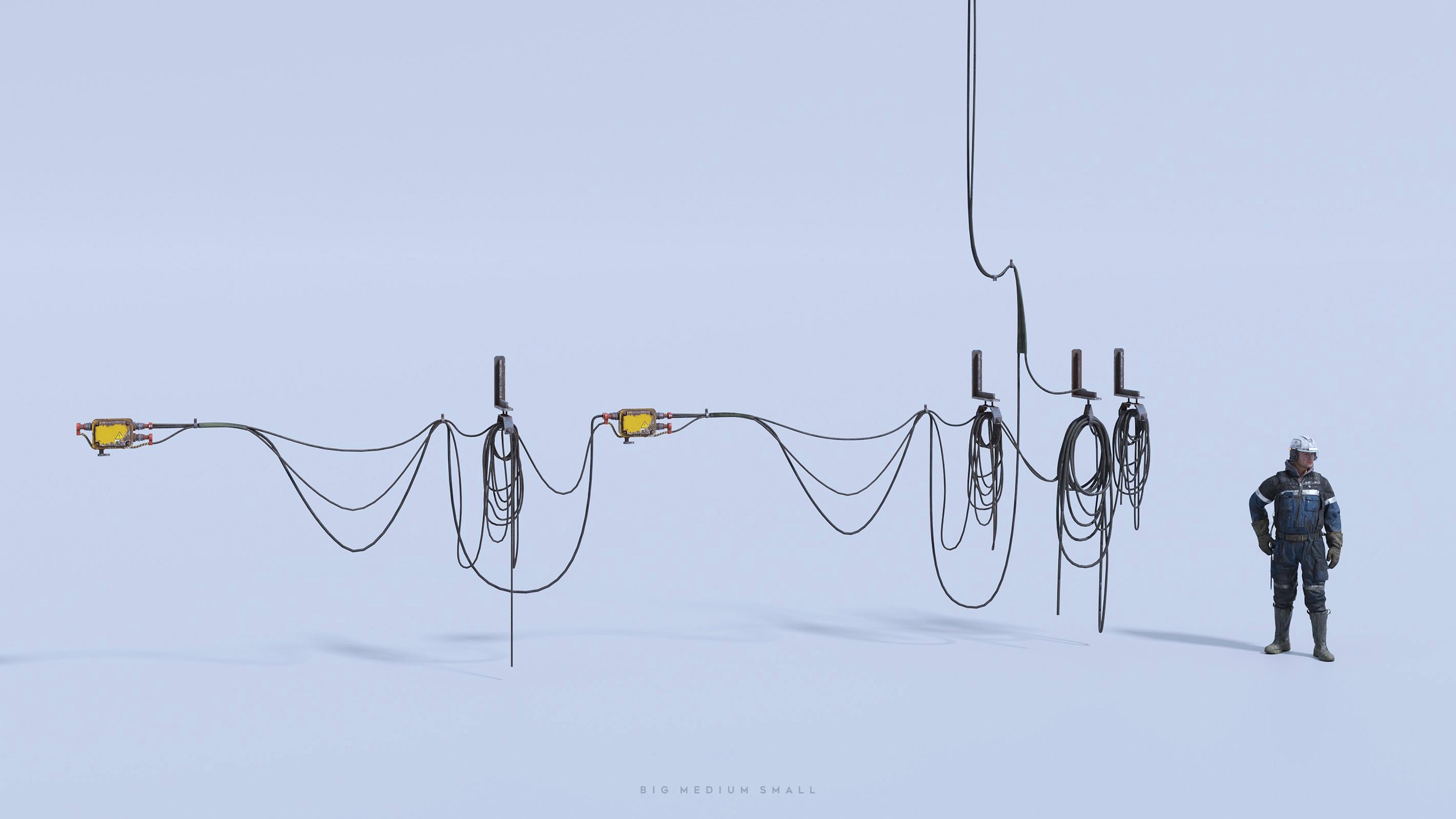
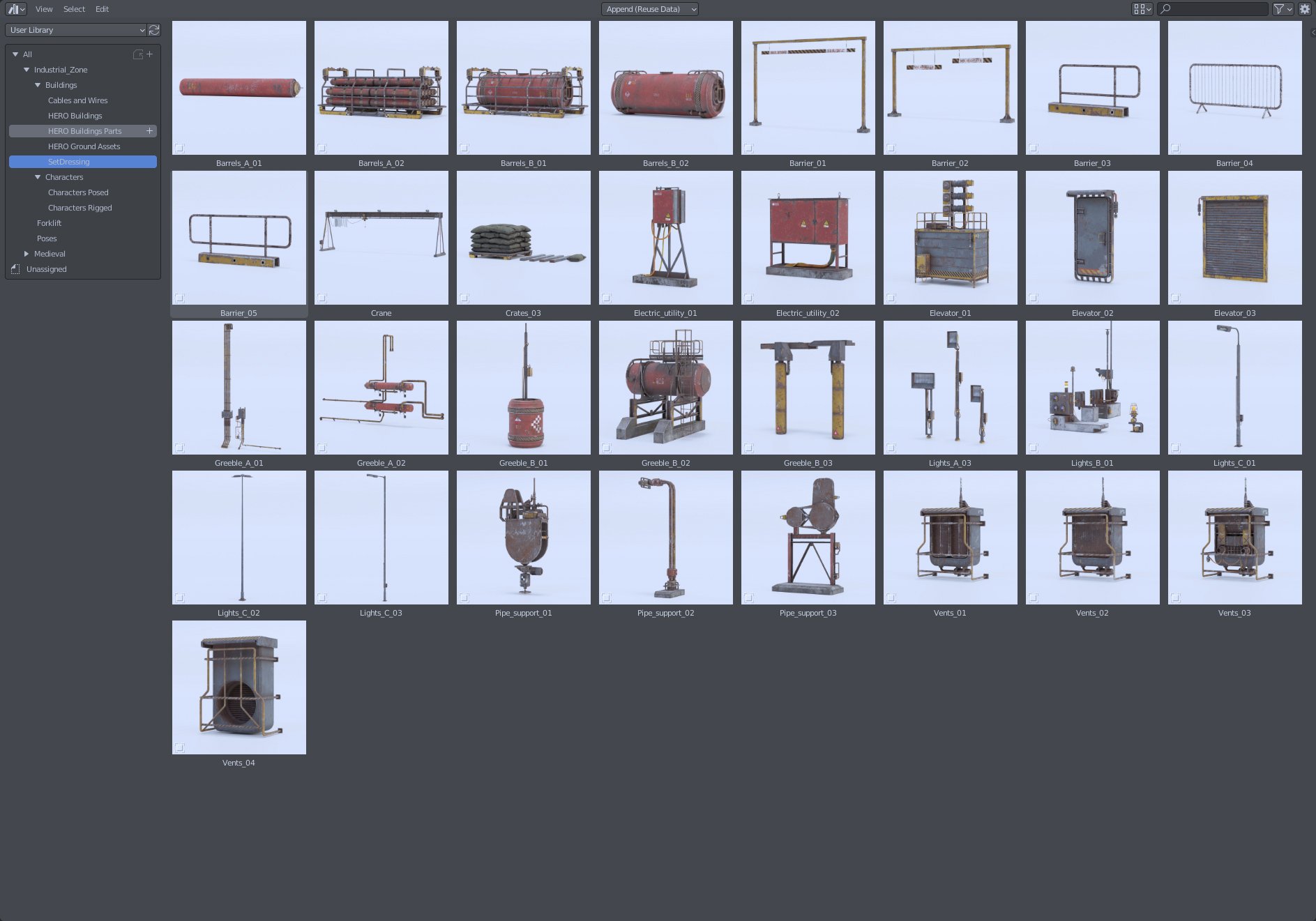
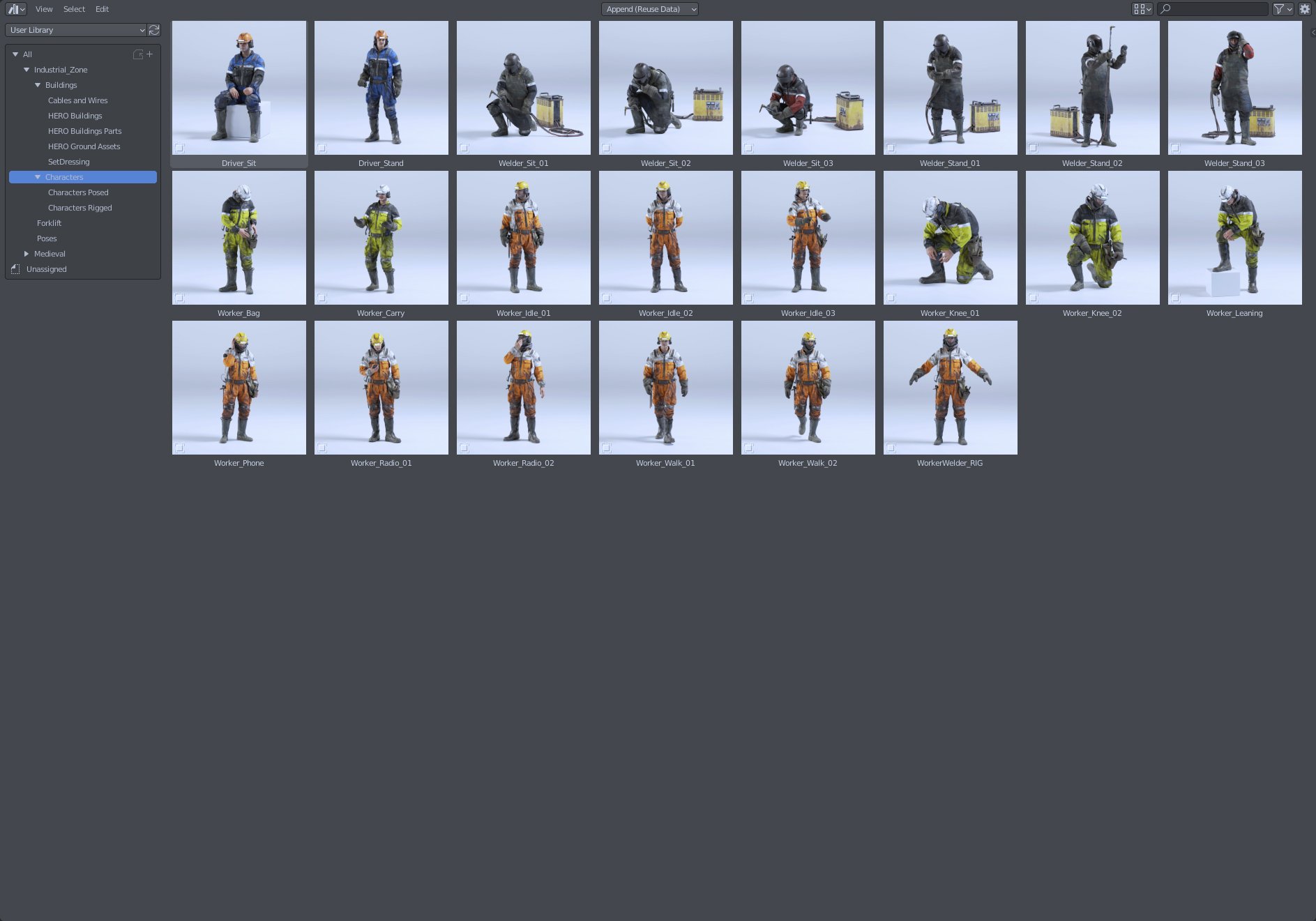
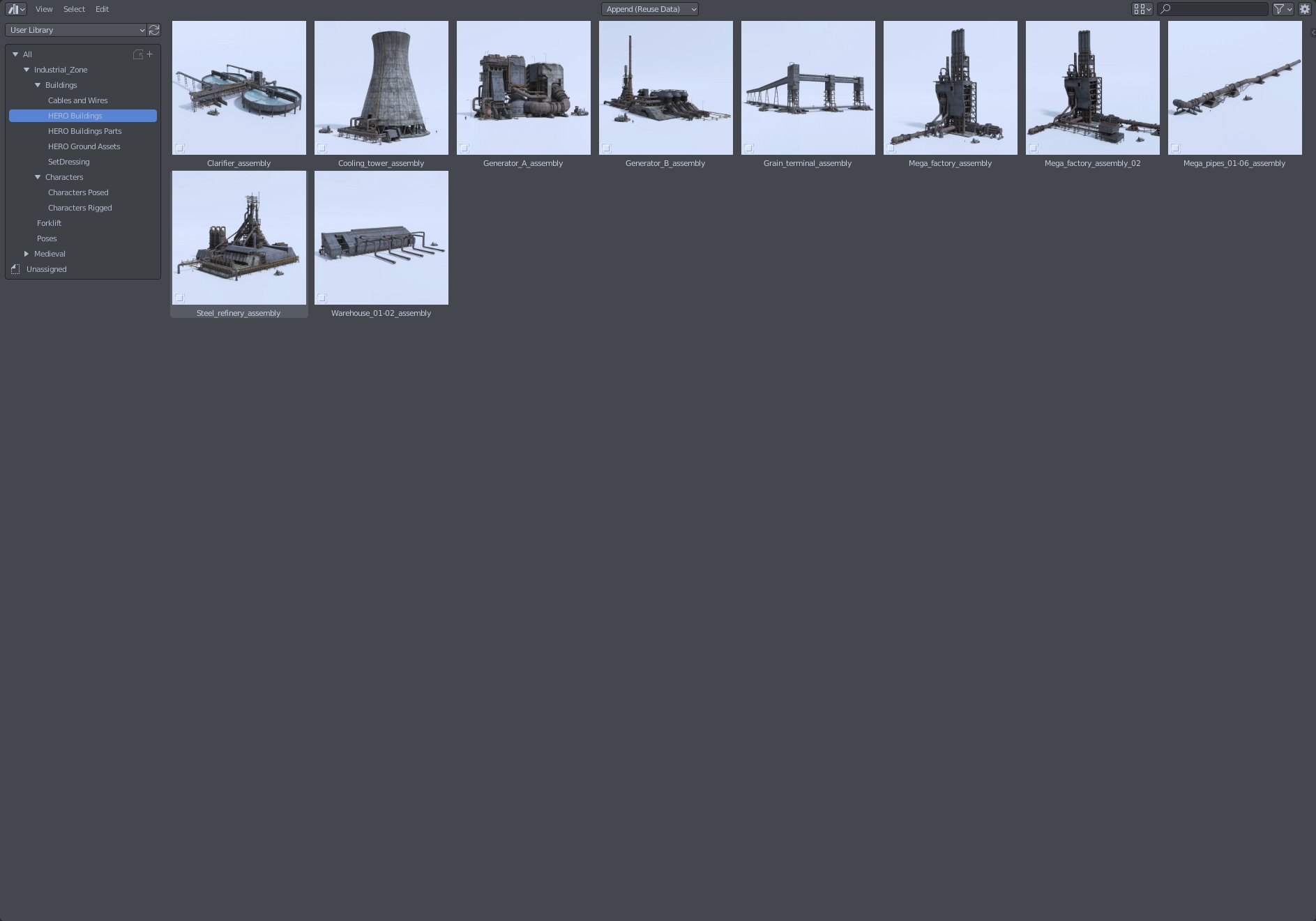
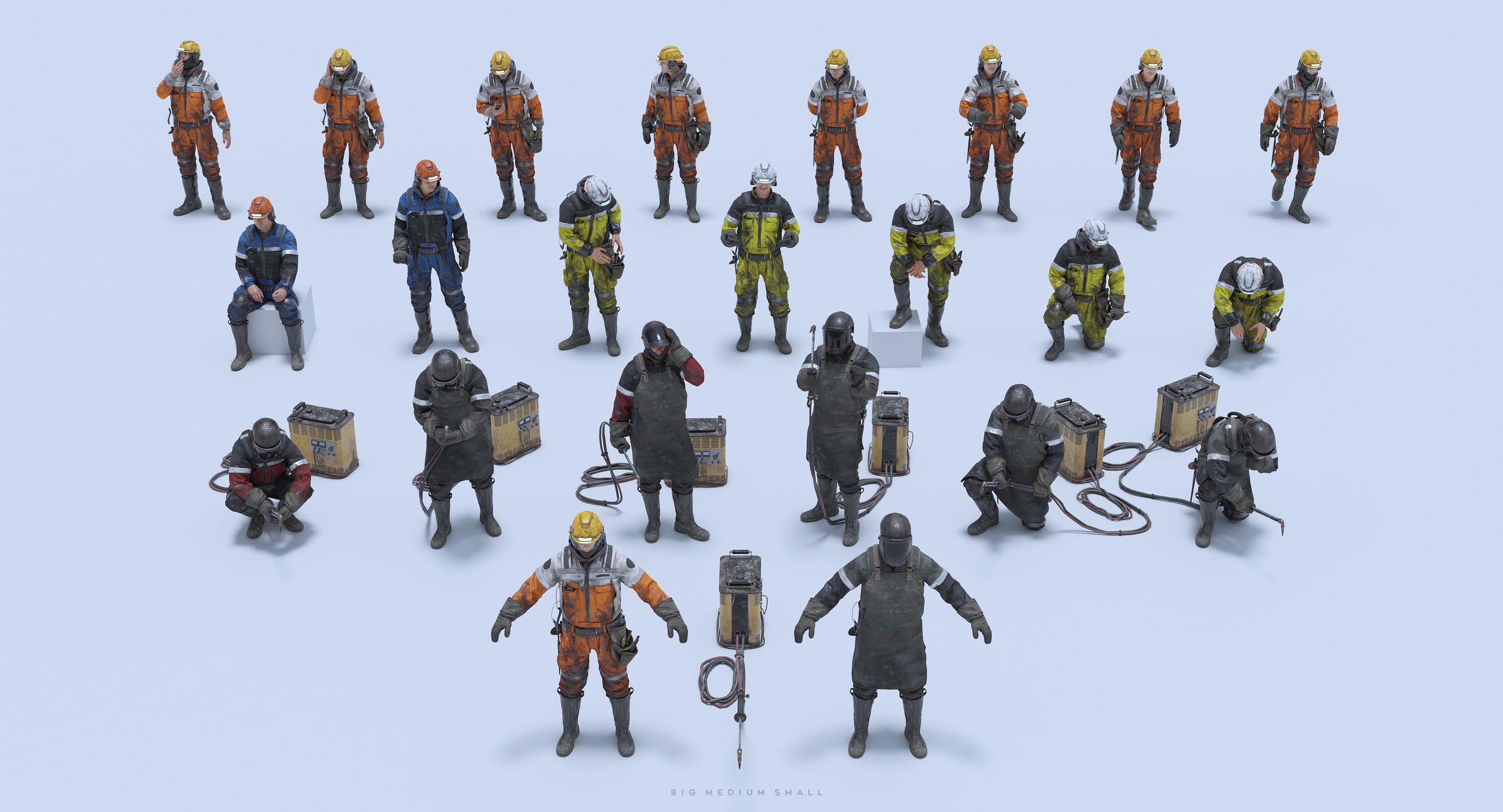
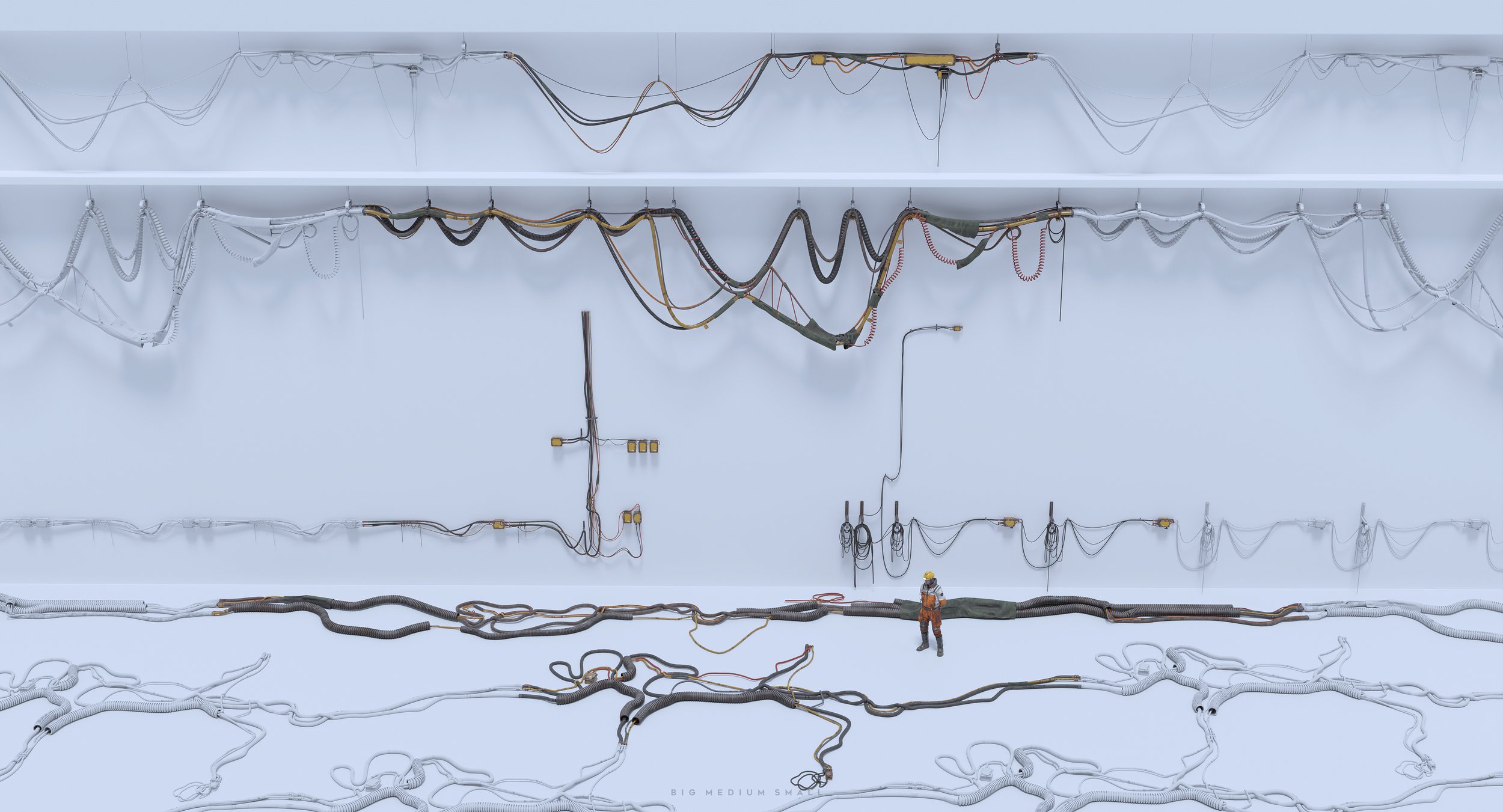
This bundle includes 150+ items: 2 Fully rigged HERO characters (Provided with 21 preset poses and colour variations), 10 highly detailed HERO Building Assemblies, 10 highly detailed HERO Ground Elements, 75+ modular Building Parts with UVs and textures, 33 Set Dressing Assets, 6 modular Cables and Wires, Forklift, Masks for Building Objects, Characters and Forklift, UE native project files. New DemoScene in UE5. All assets are optimized for game engines and all major 3D packages. Formats: Blend 3.0+ only, OBJ, FBX, Unreal Project
LIMITED TIME SALE 30% OFF. Use code: chiba




BIGMEDIUMSMALL collaborates with the most talented artists to bring you the most unique and exciting collections. We genuinely believe that to make something special, you've got to love what you do! The artists we collaborate with love their craft just as we do.
The result of this collaboration speaks for itself.
This collection was designed with the help of super talented
Michael Yoshimura
Michael is a 3D Artist based in Toronto, Canada. His passion lies in combining the mediums of cinematography, CG, and architecture - communicating spatial design through visual narratives and multi-media. Michael received his M.Arch and B.Arch from the Azrieli School of Architecture in Ottawa, Canada and has also studied in Spain at Universidad Europa de Madrid.