HERO Buildings
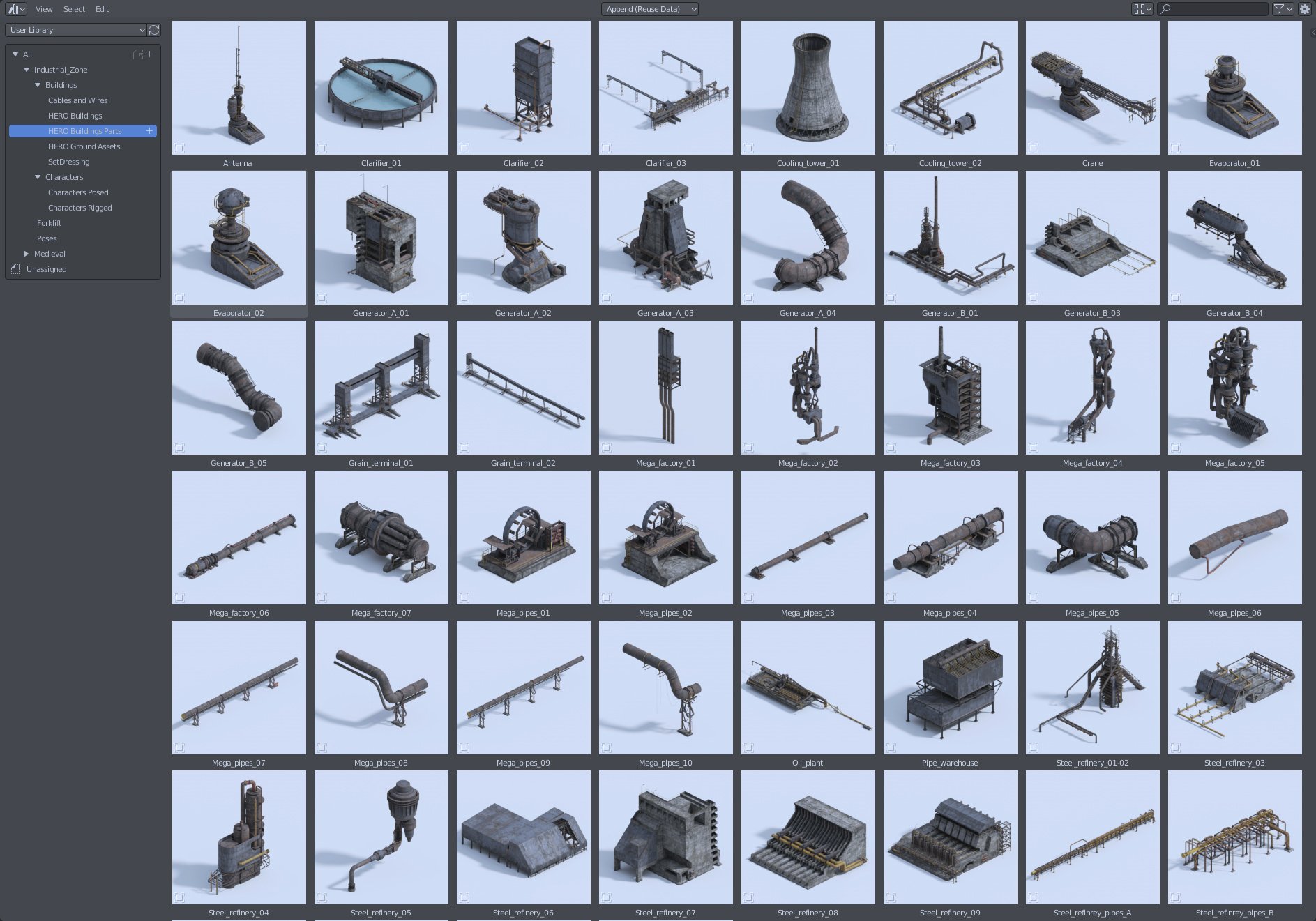
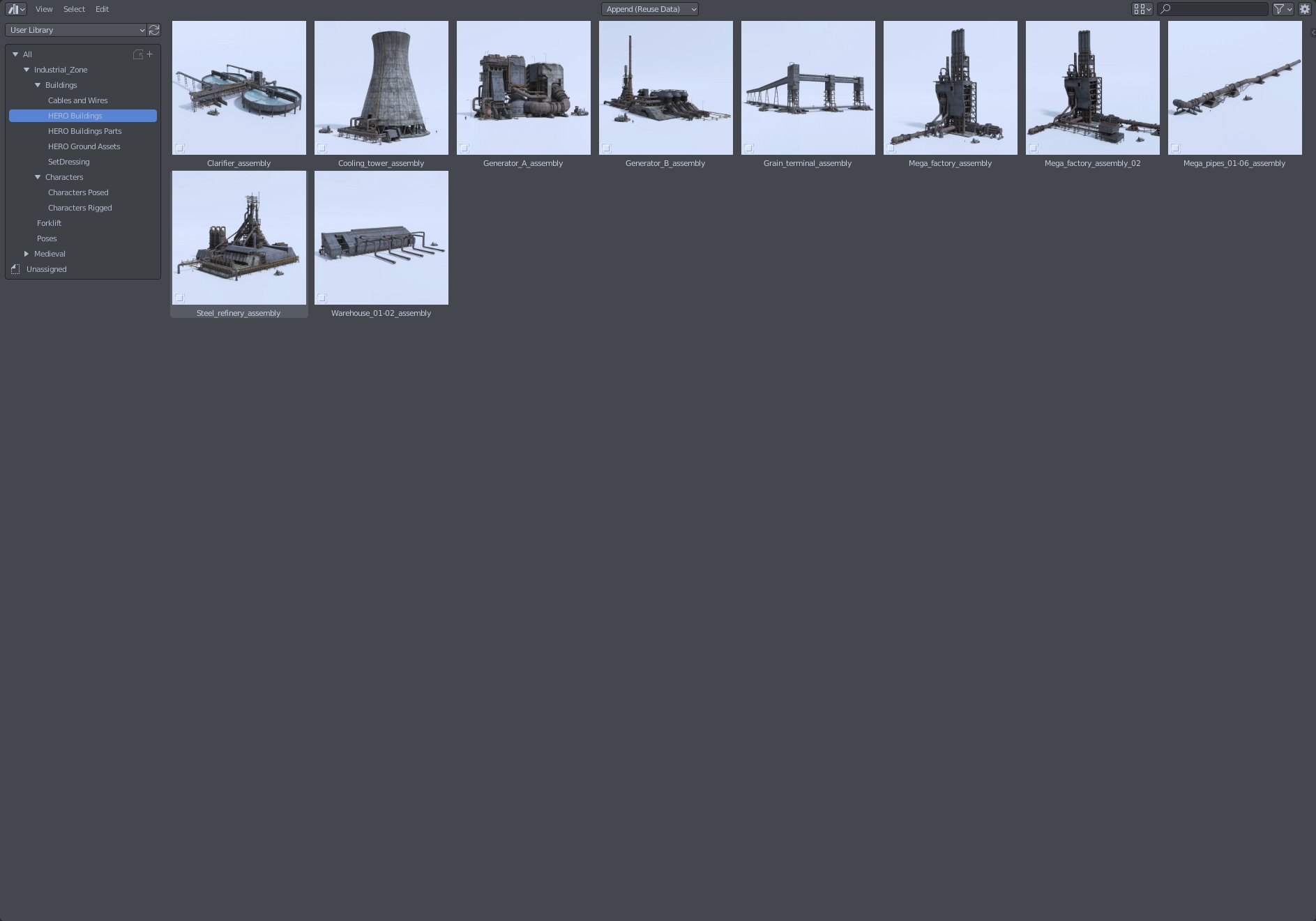
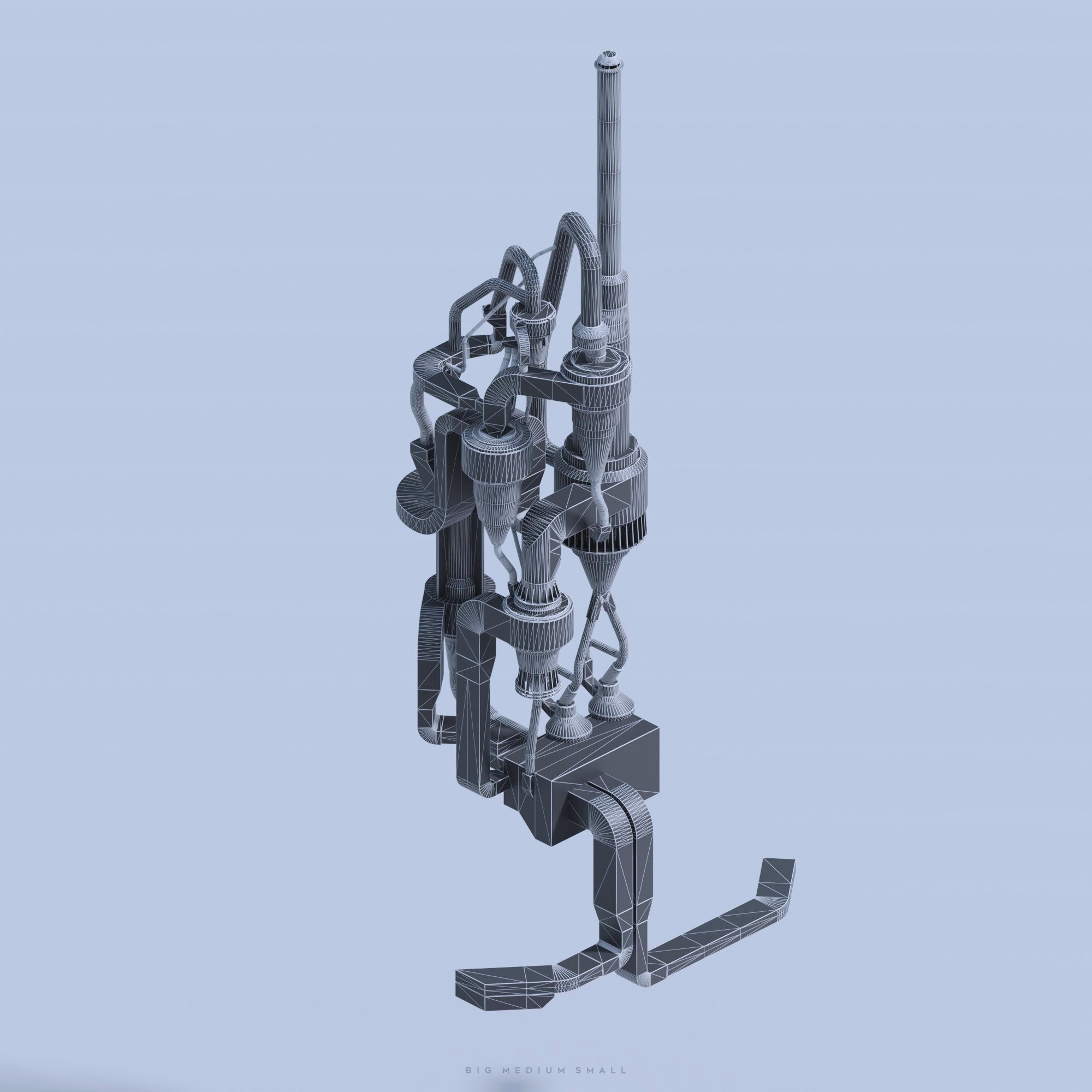
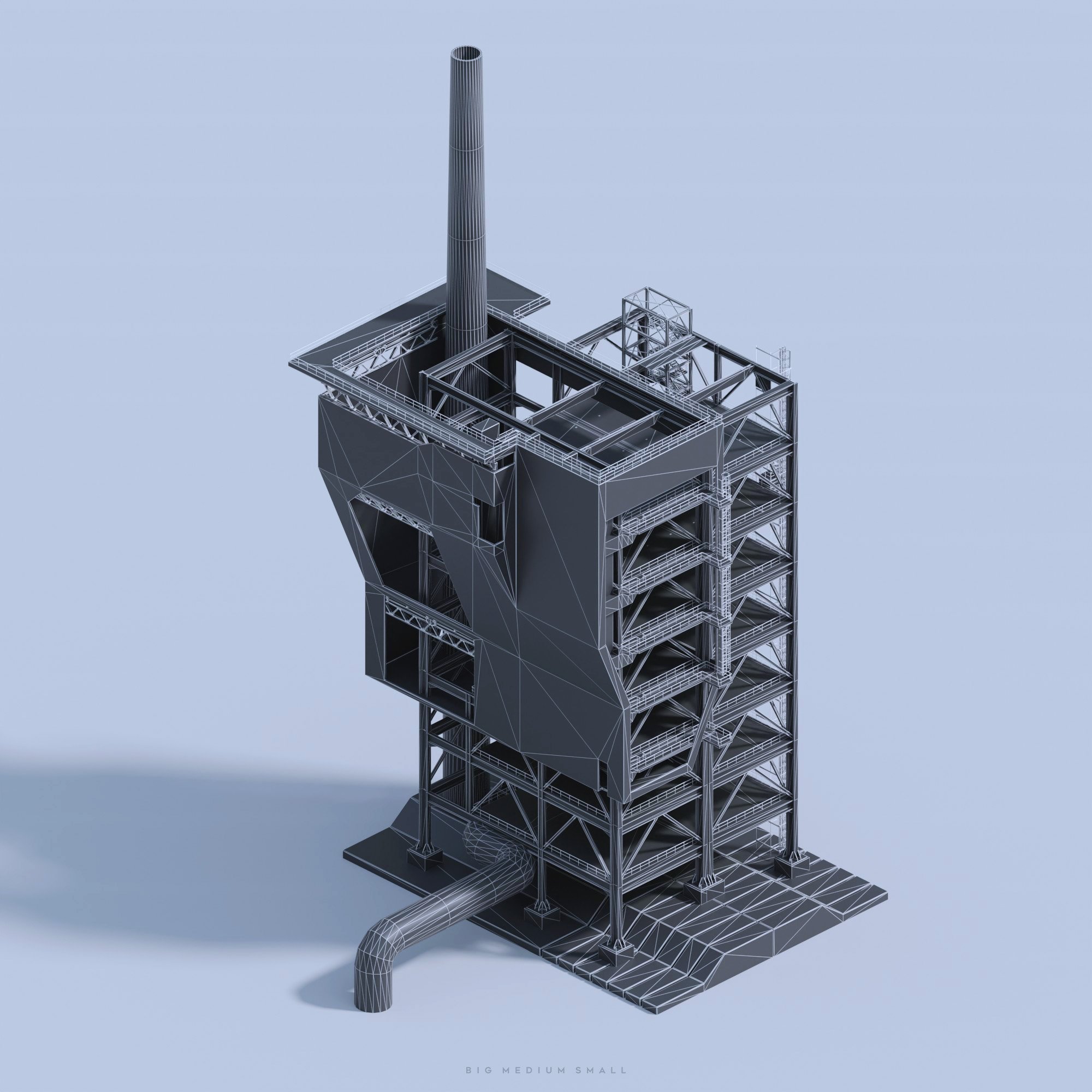
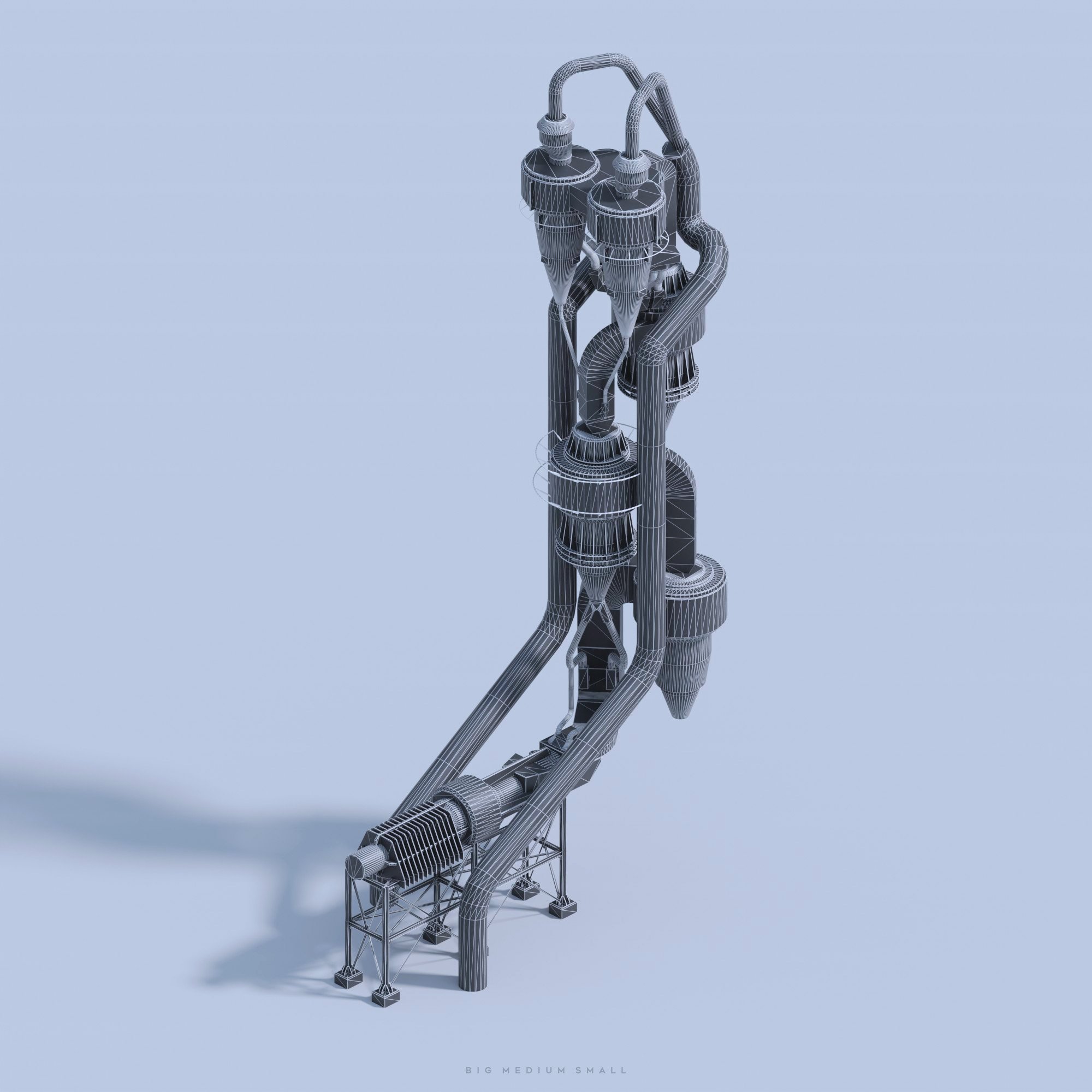
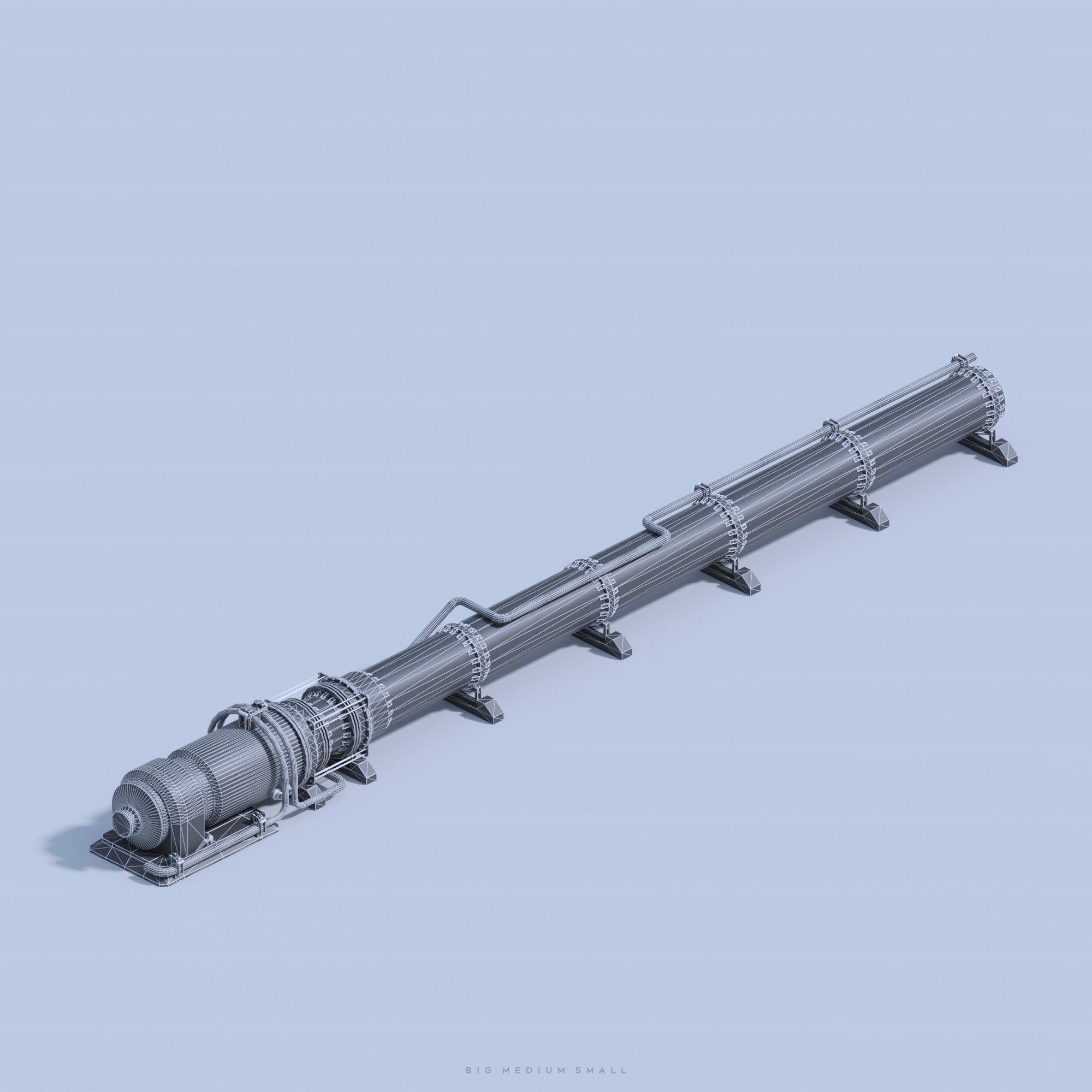
Save hundreds of hours of work with these ready to render assets! Each building can be disassembled into smaller parts, practically giving you endless possibilities. All assets are optimized for both offline and real-time engines. Formats: Blend, FBX, OBJ, Unreal Engine

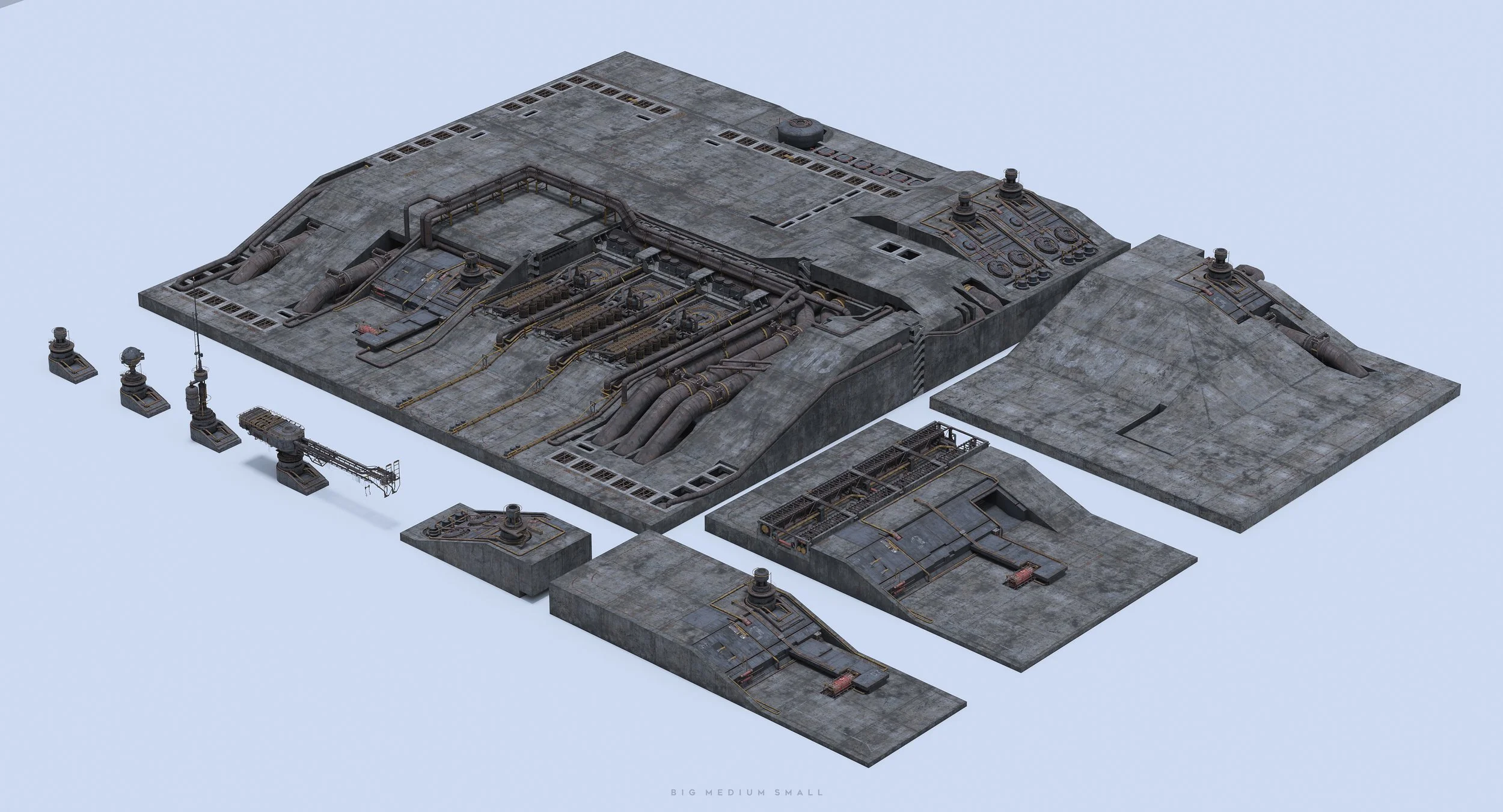
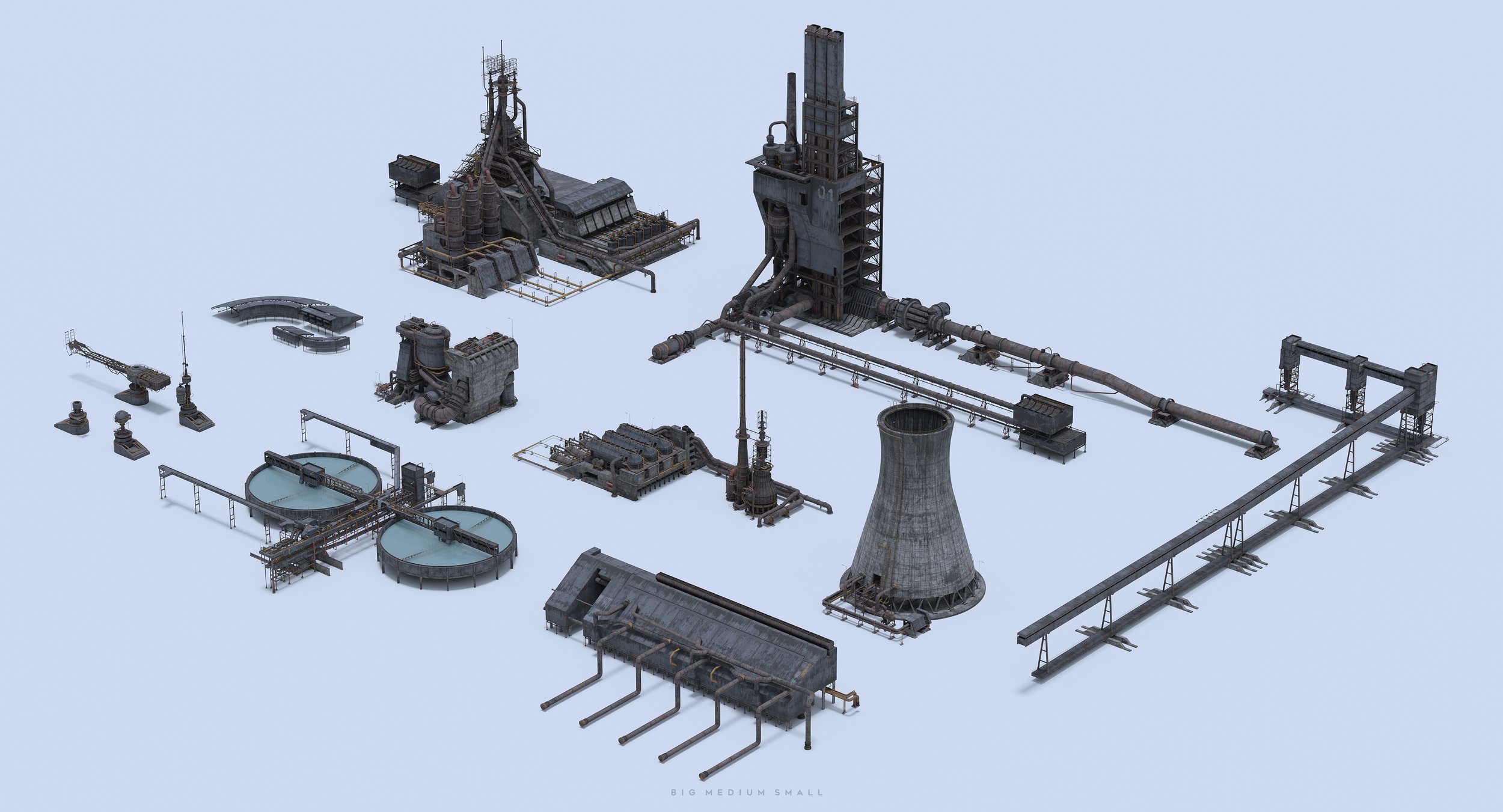
Split Building Assemblies to smaller Parts
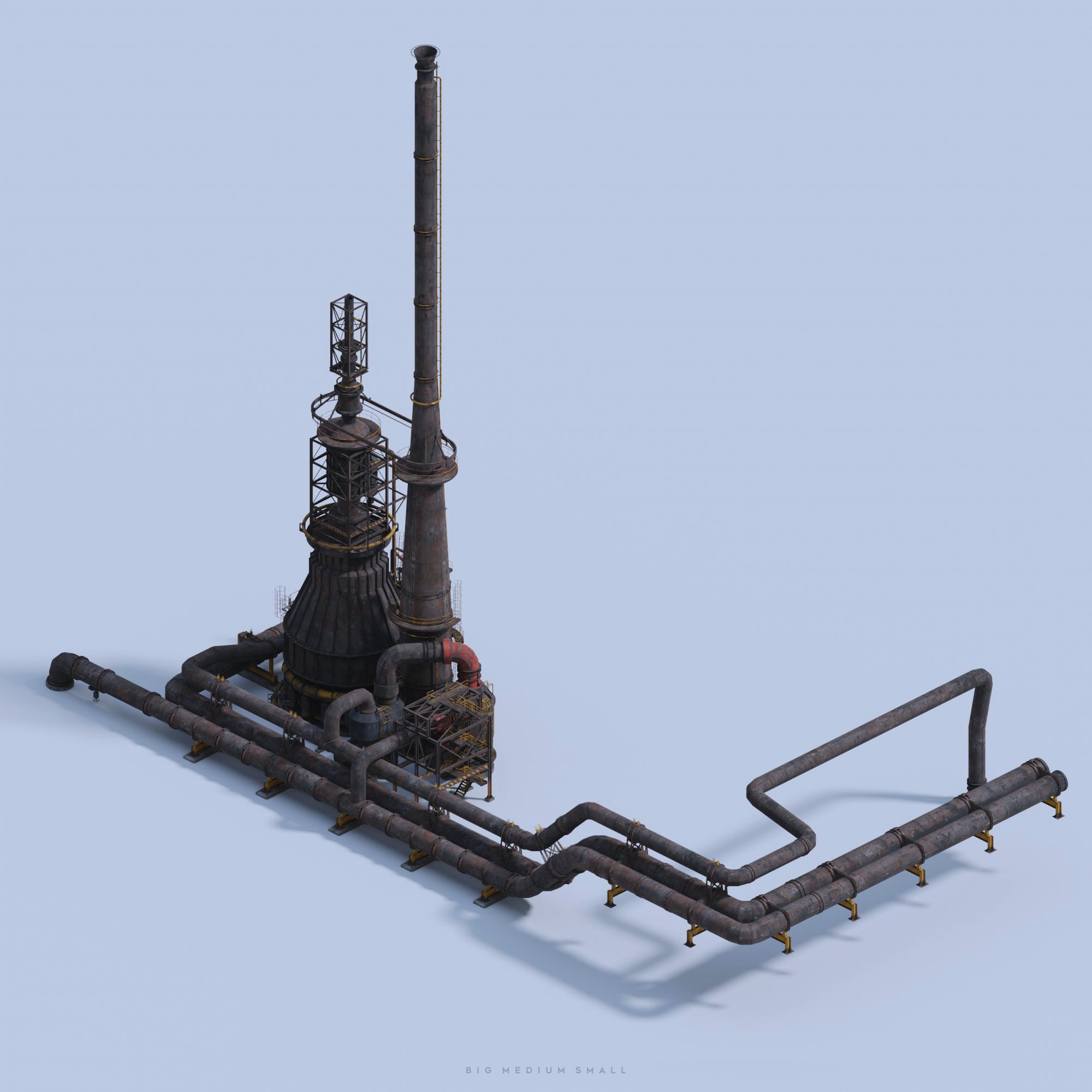
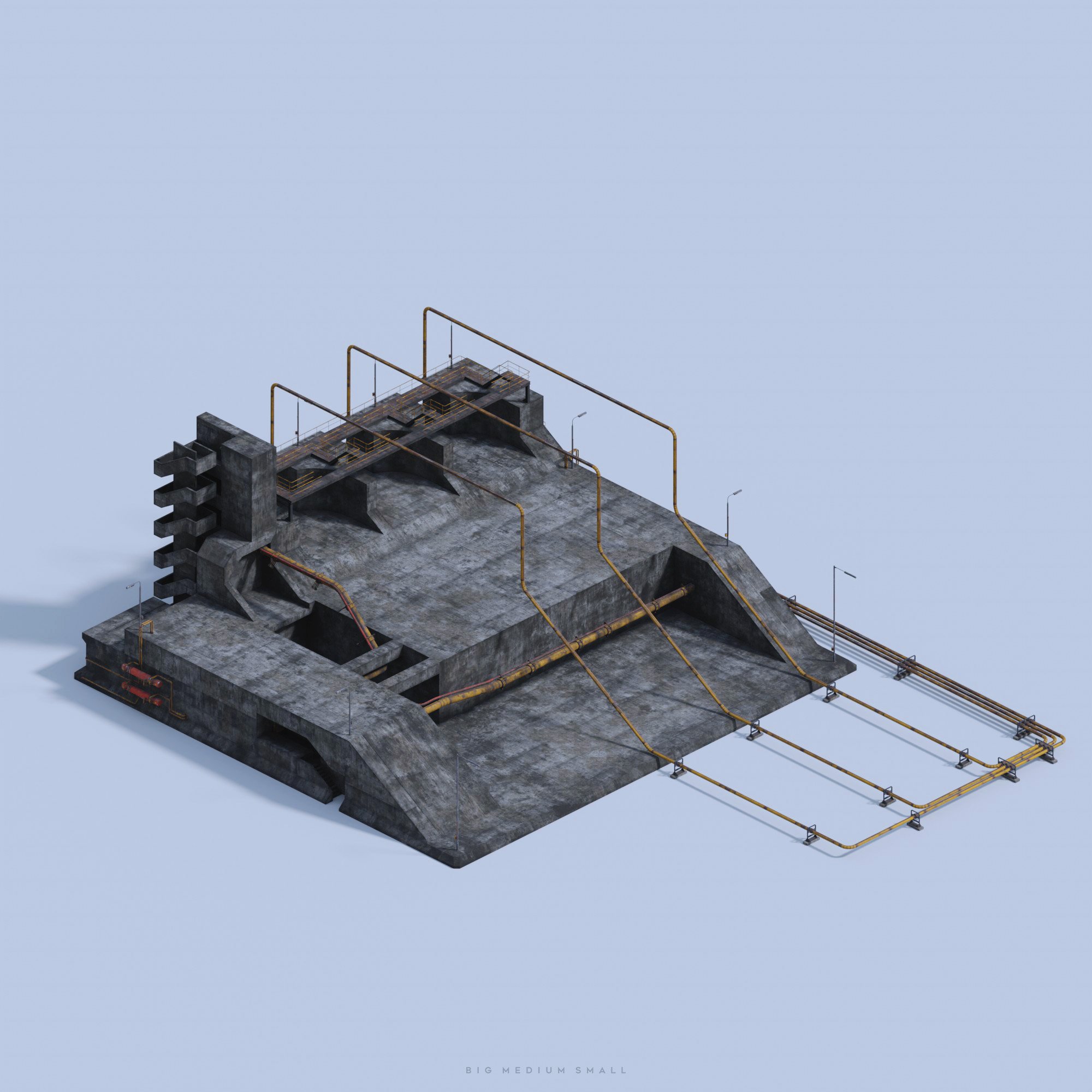
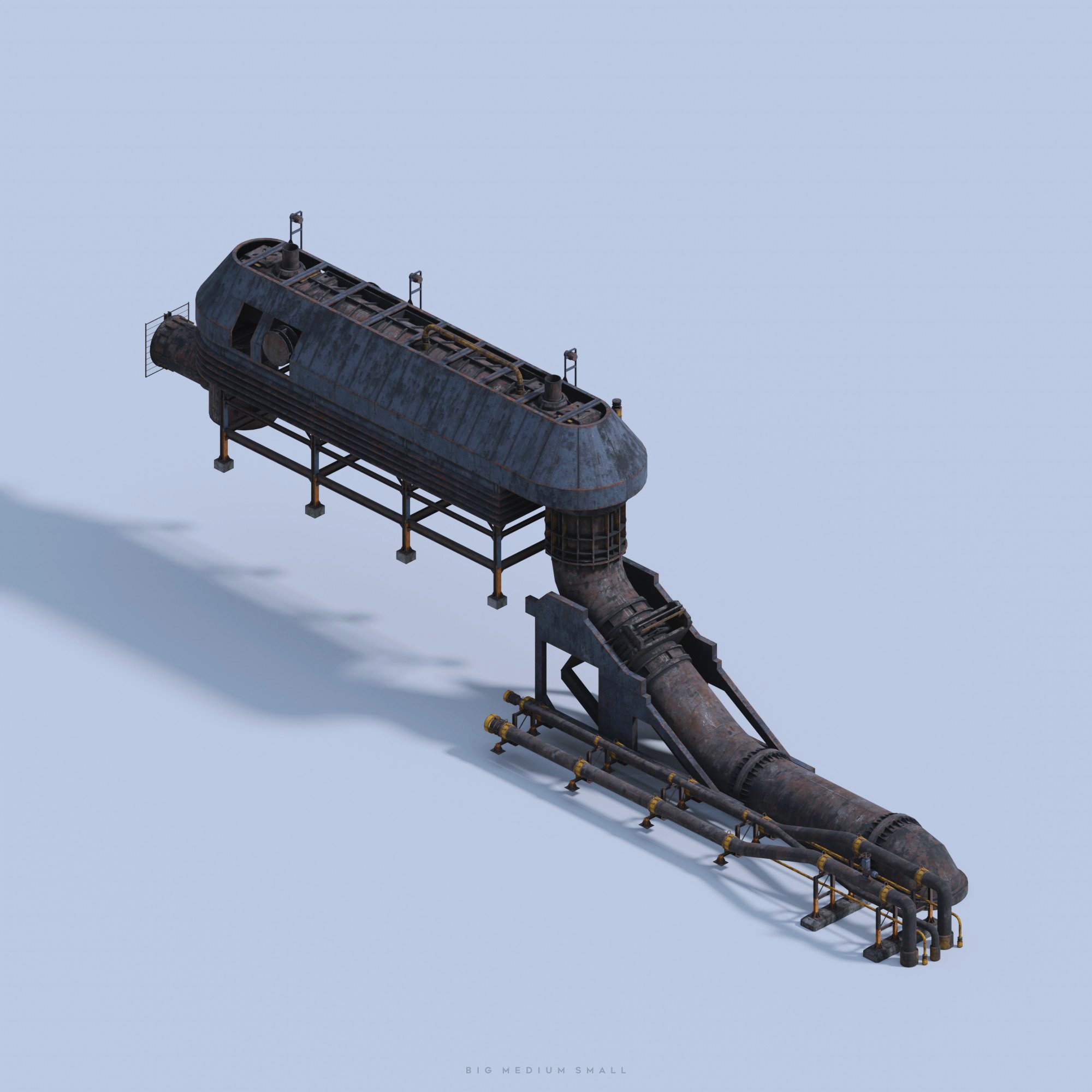
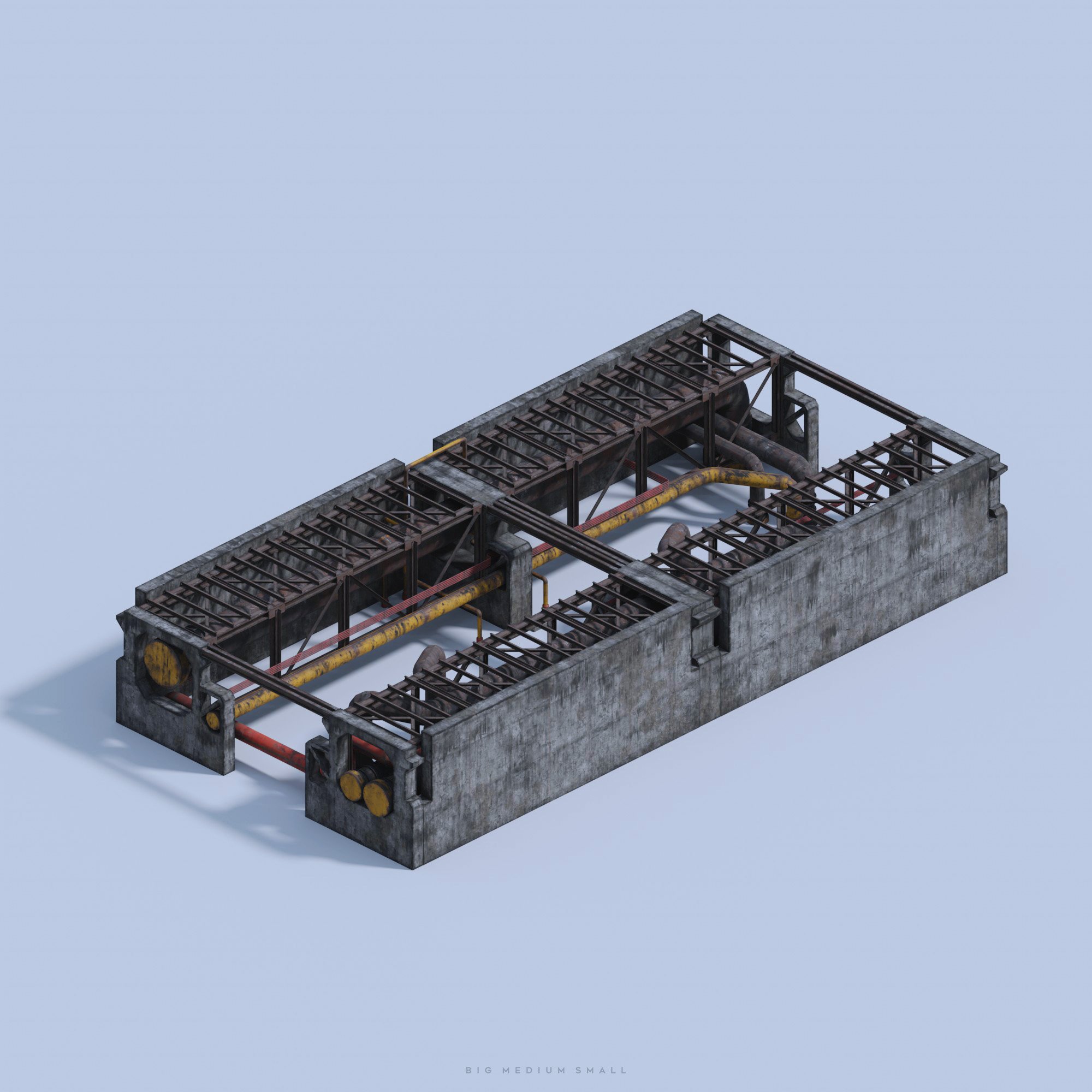
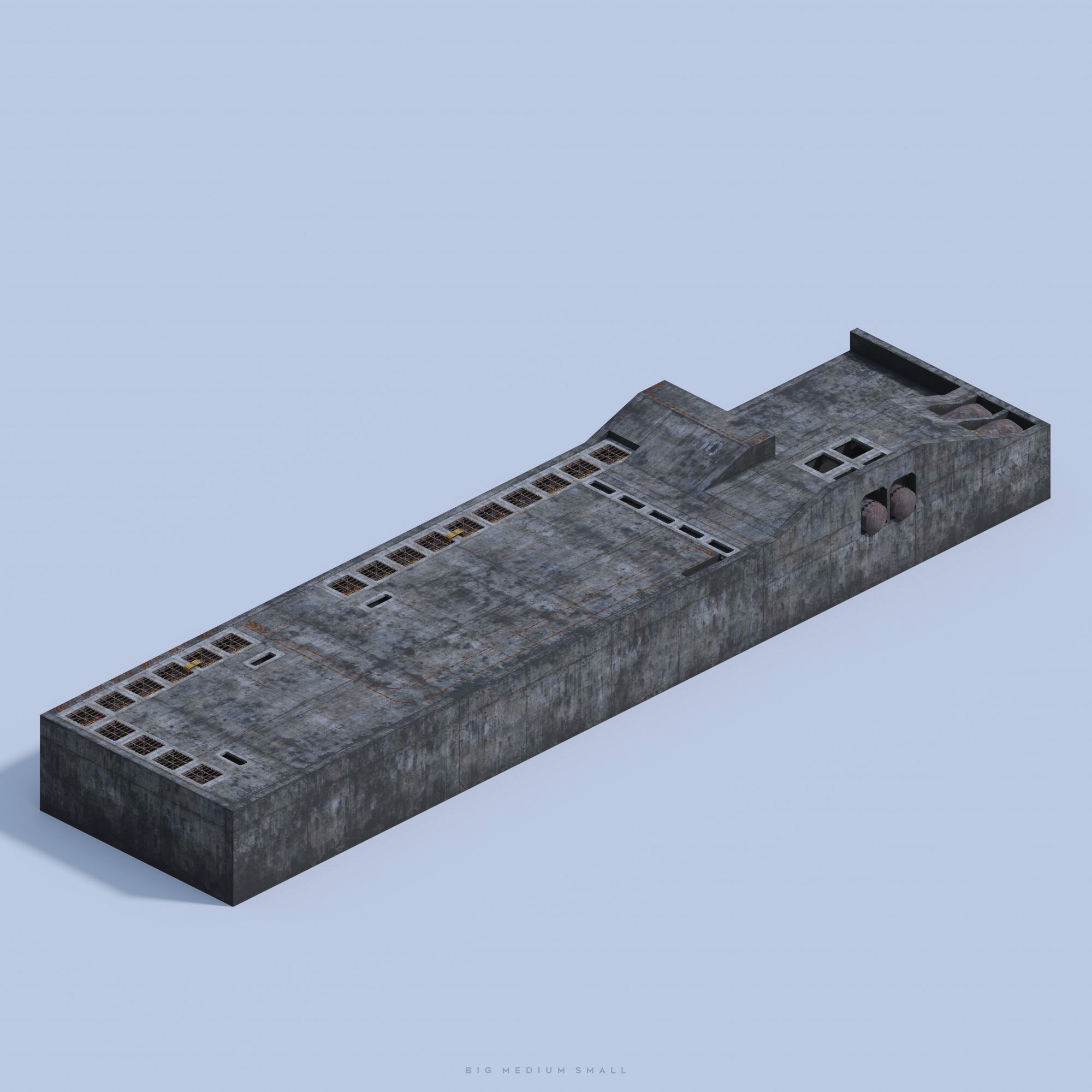
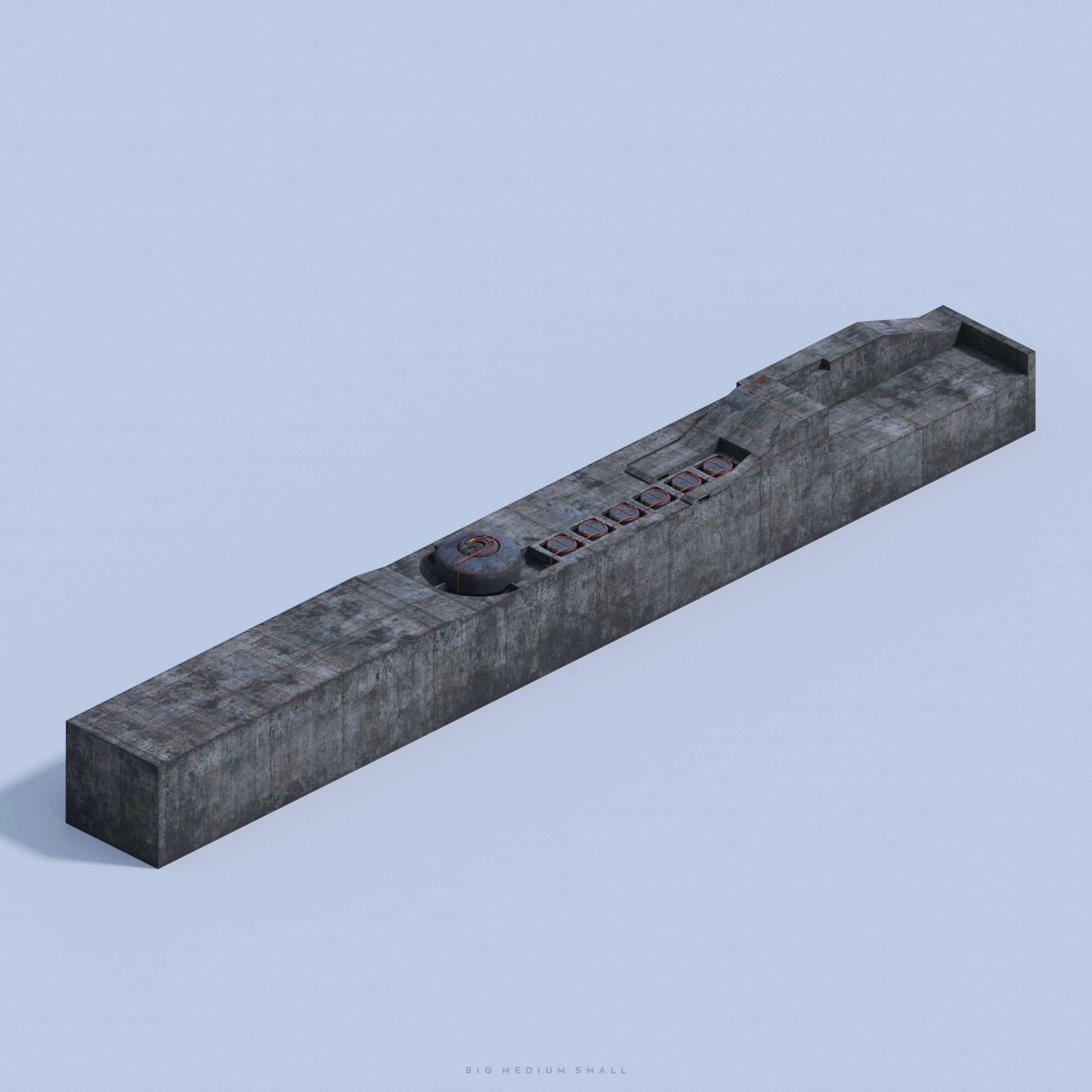
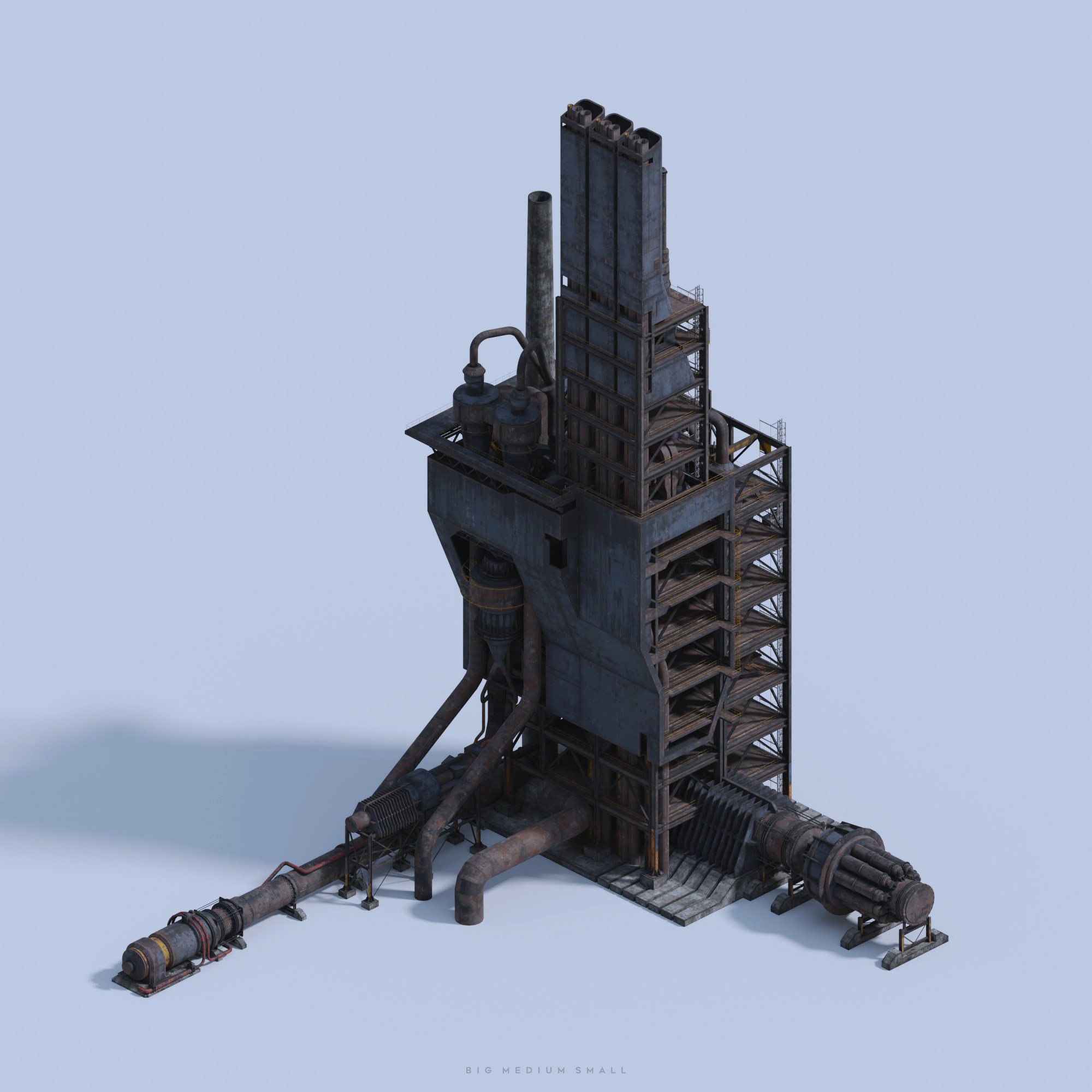
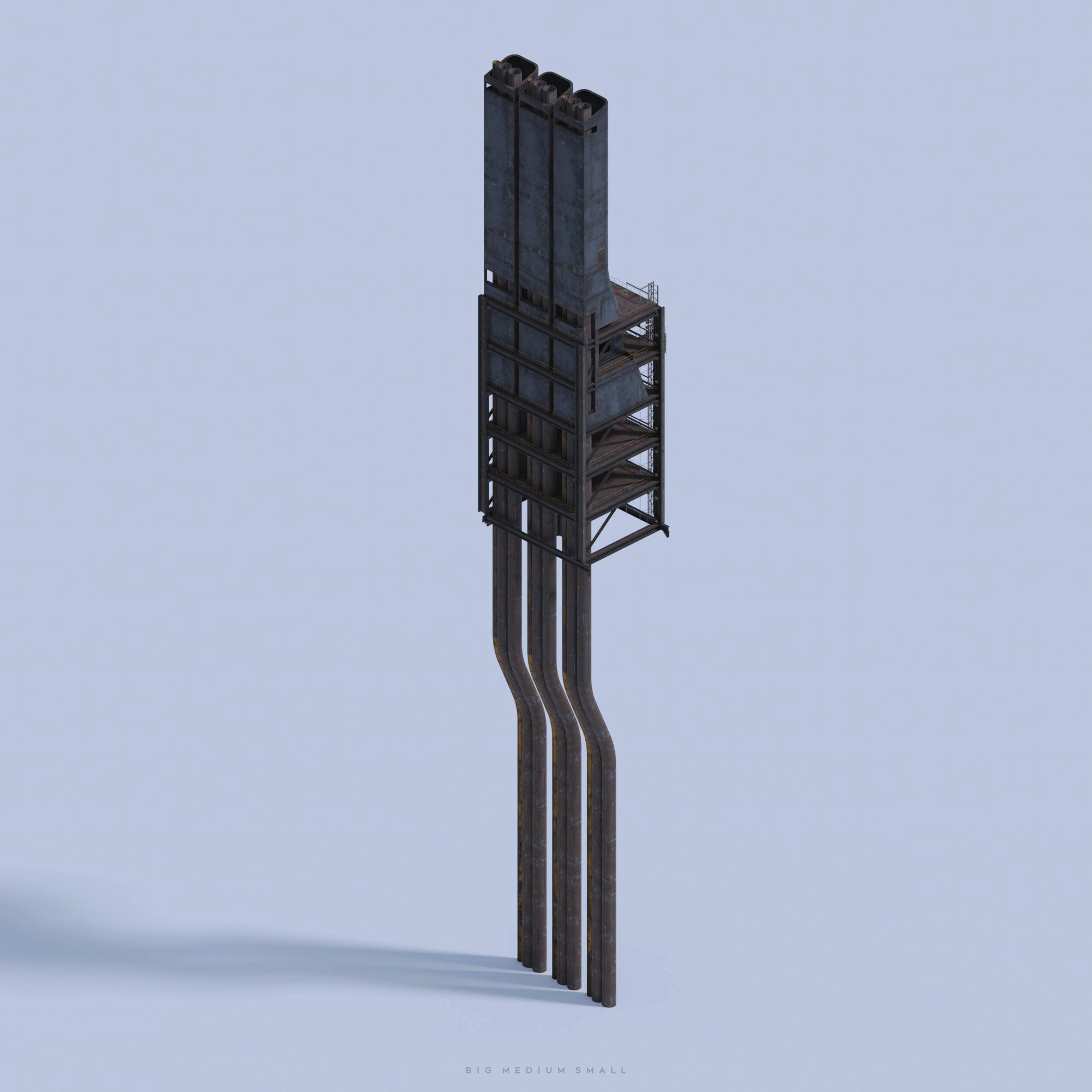
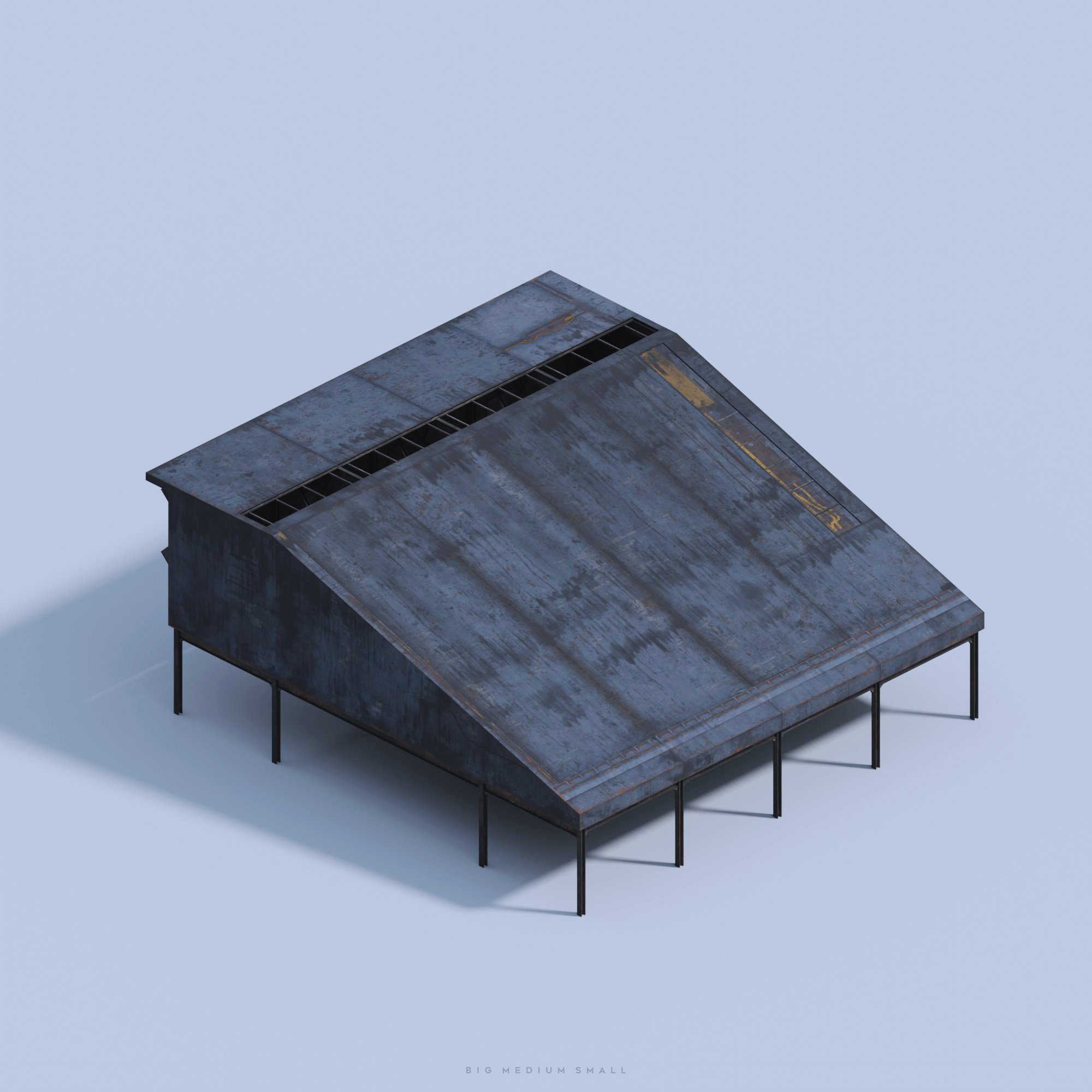
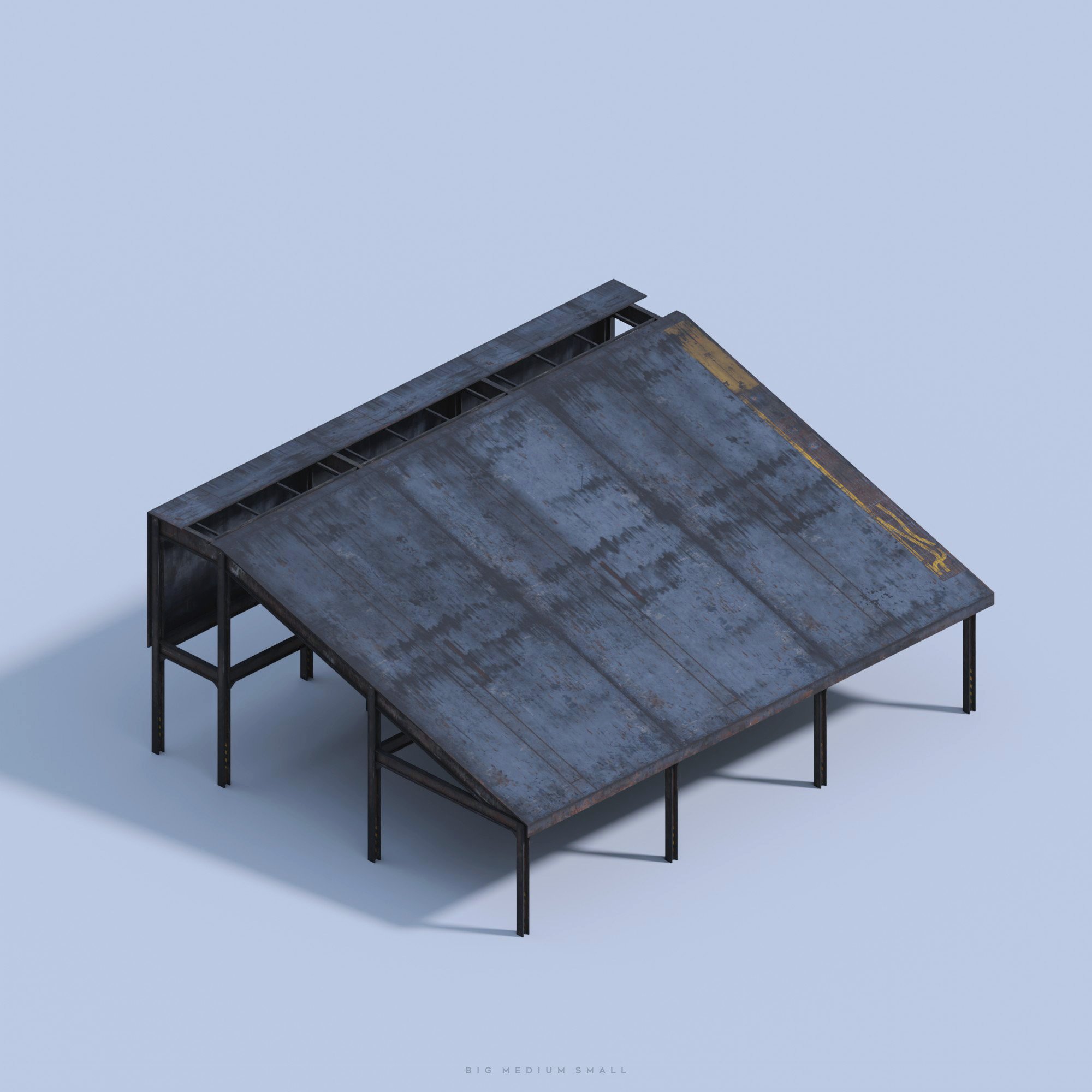
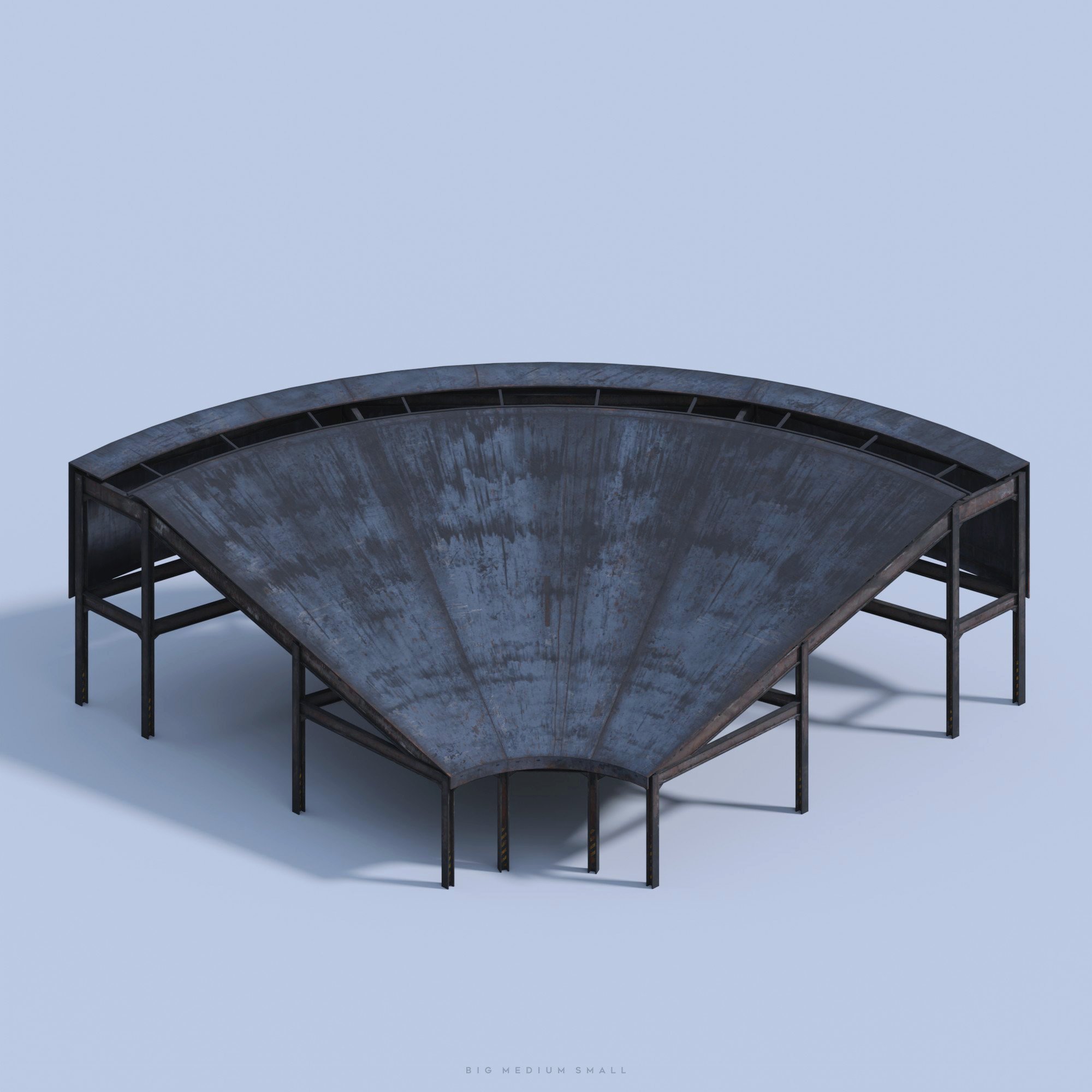
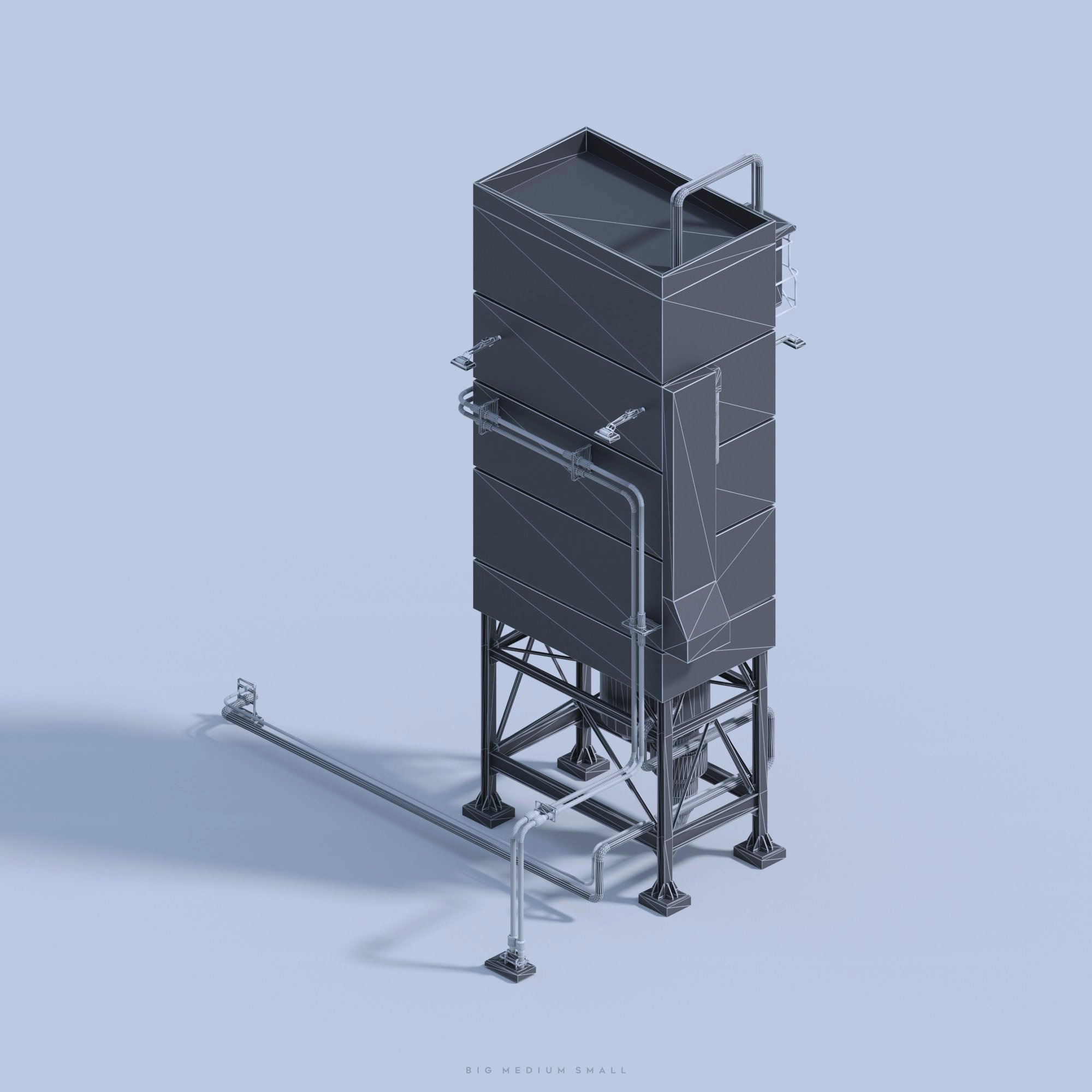
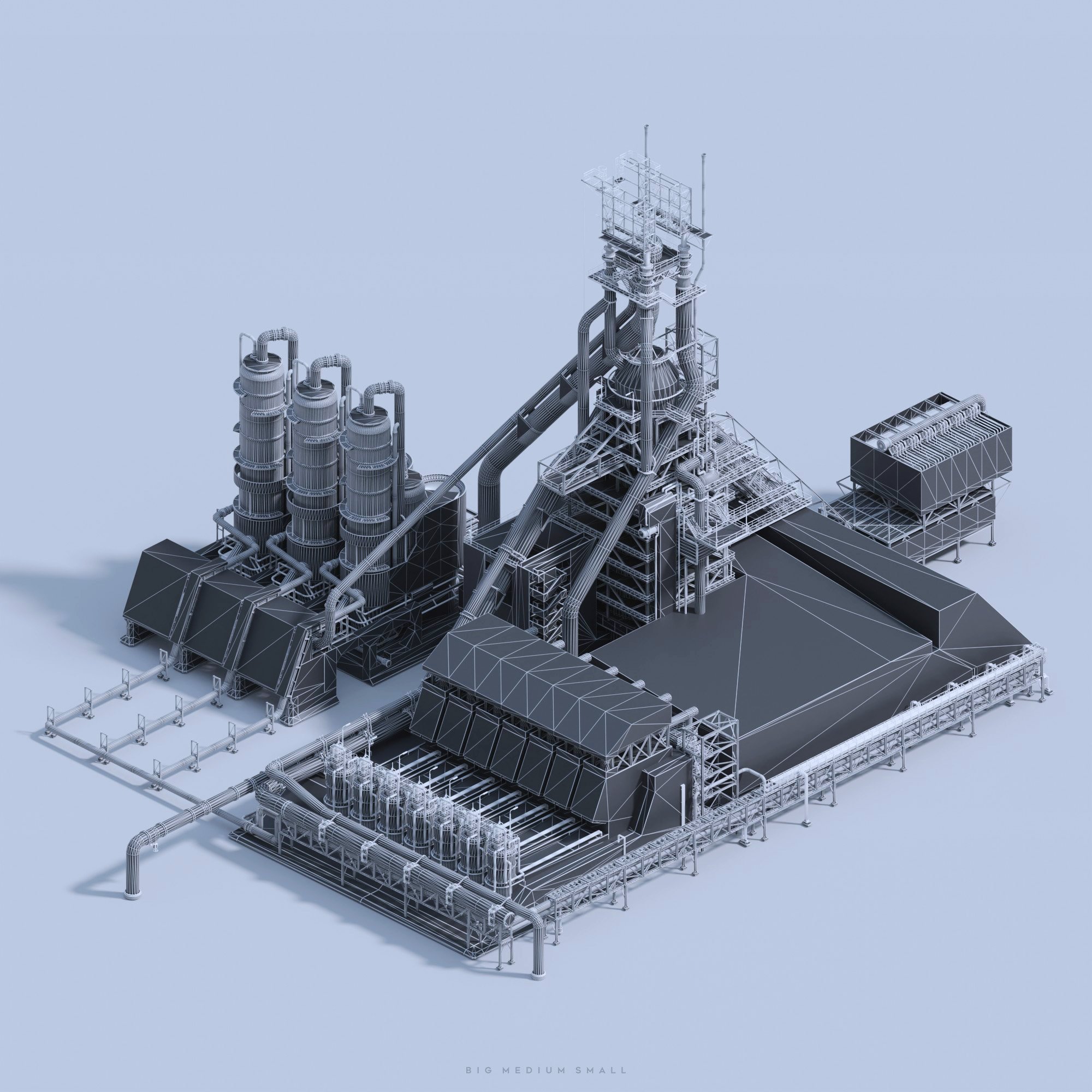
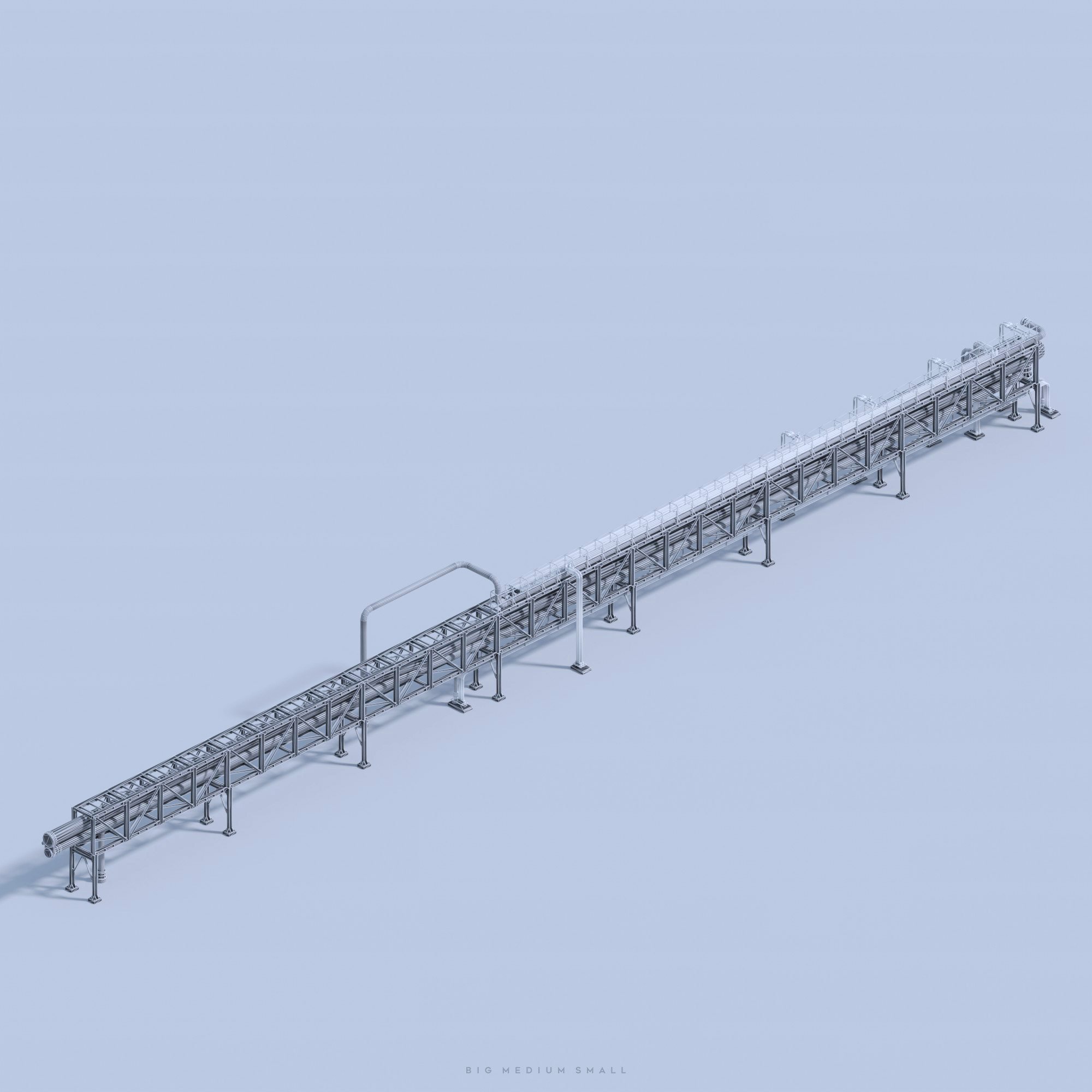
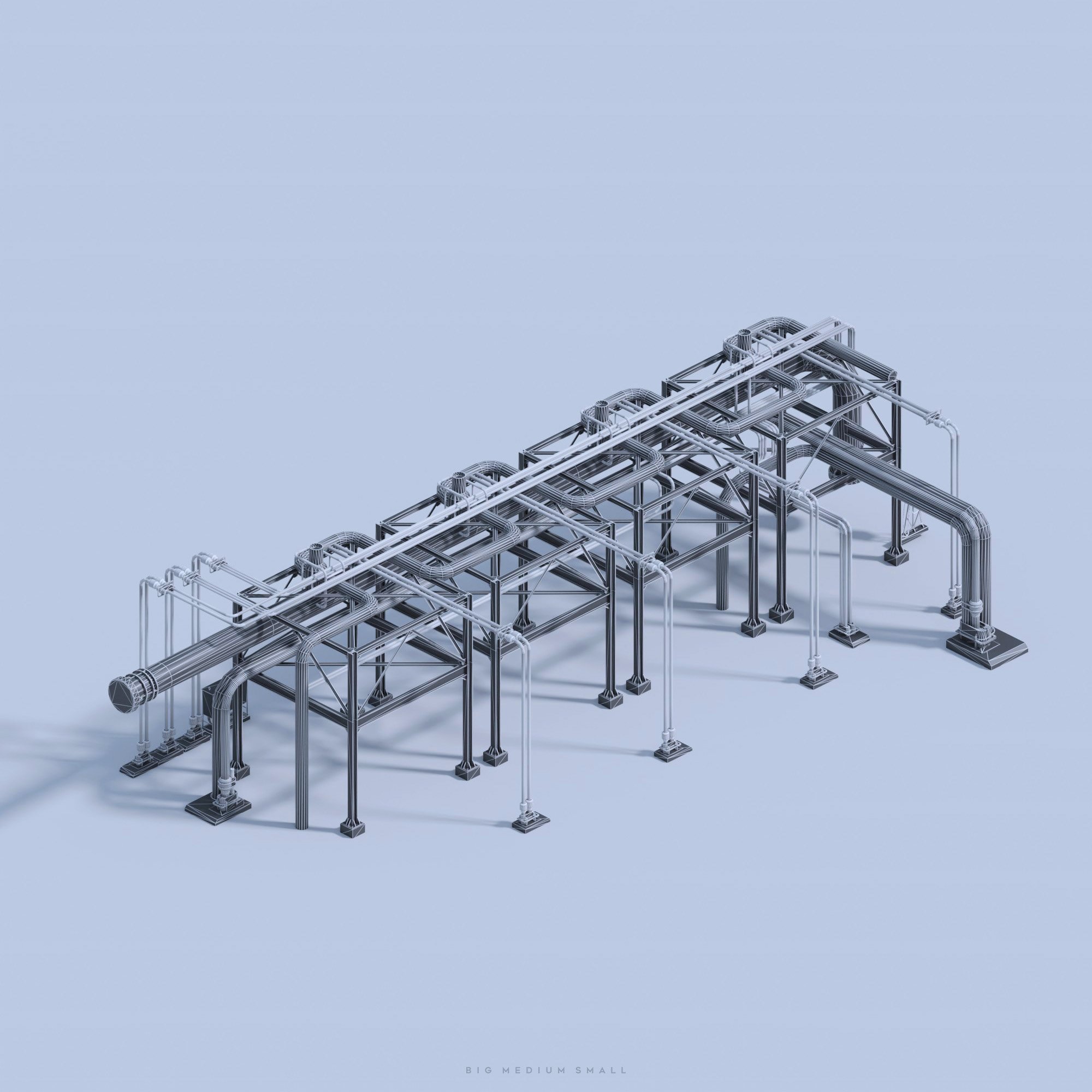
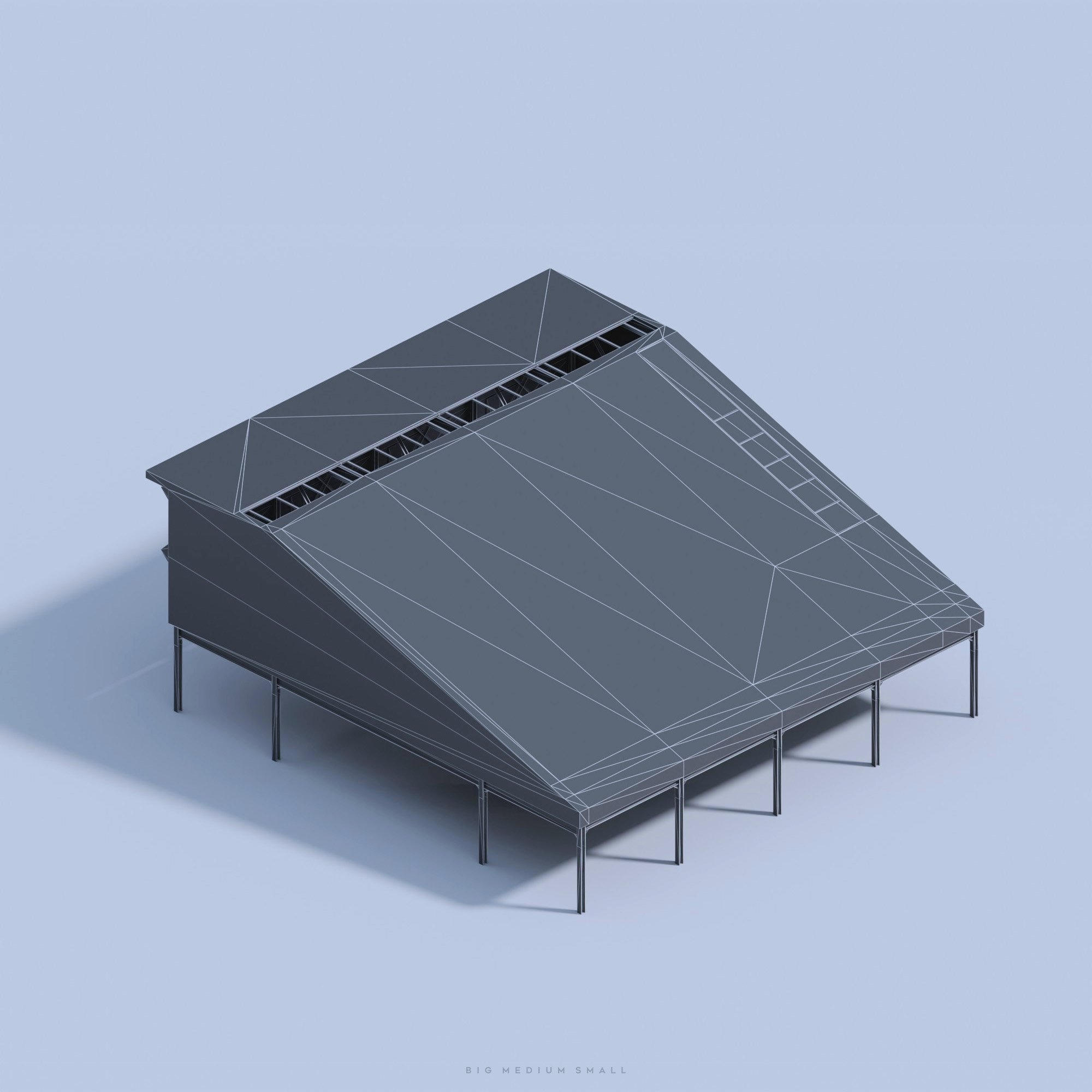
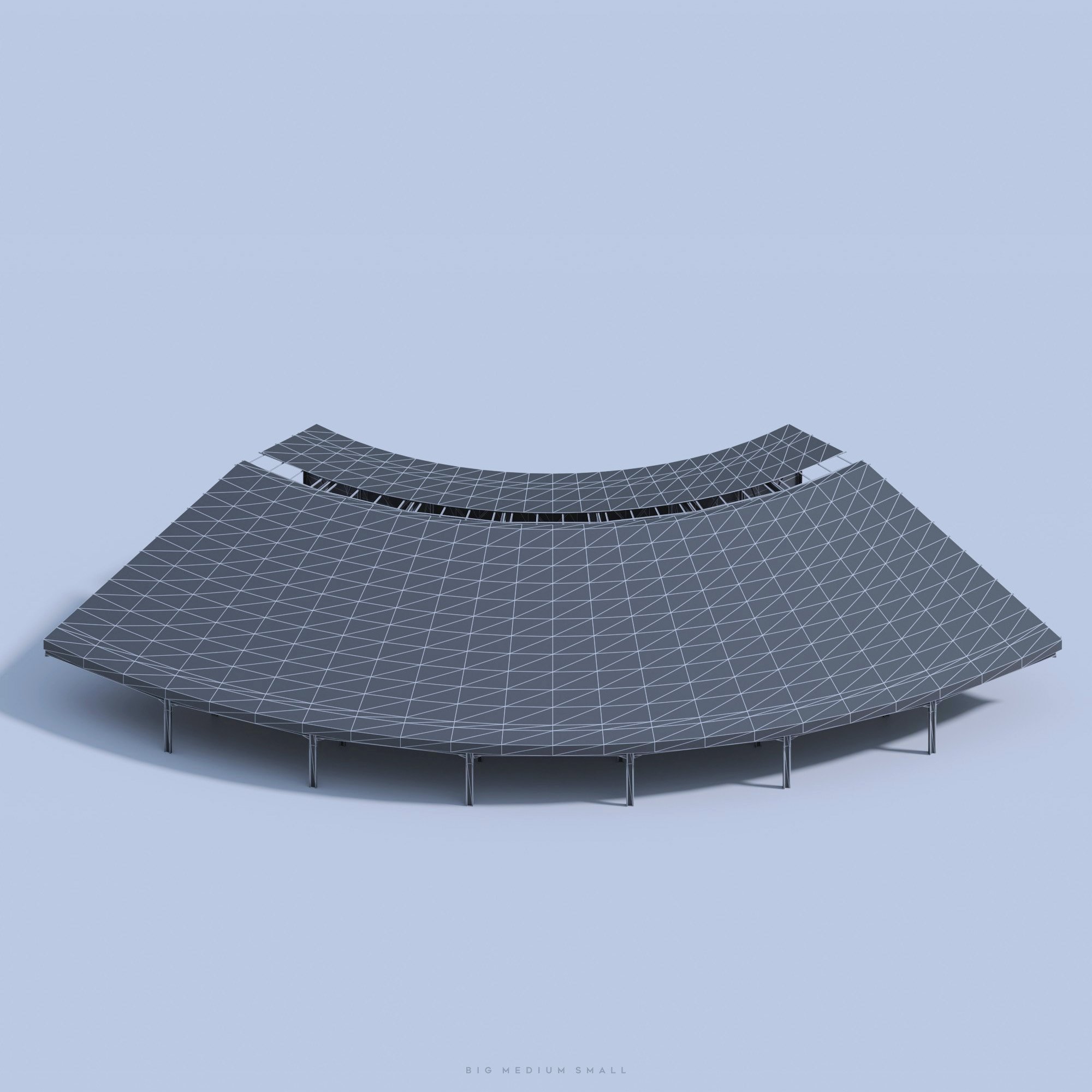
Build you own Mega Factory with this Collection of 75+ Kitbash Parts. They are designed and grouped for modular layouts. A variety of shapes will allow you to design anything you want from a small refinery to an epic gigantic Industrial City! The level of detail is suitable for closeups.


These assets were created with great precision and attention to the smallest details.
Inspired by real-world refineries these assets come as highly detailed and realistically 4k textured models. The materials and textures are very realistic and high in resolution with all the rusty and grunge metallic effects.
If you have problems loading and rendering 4k files, please use provided 2K versions or baked versions from FBX.
For a simpler shader setup in C4D, 3DsMax, and Maya we have baked textures and imbedded them to FBX files.
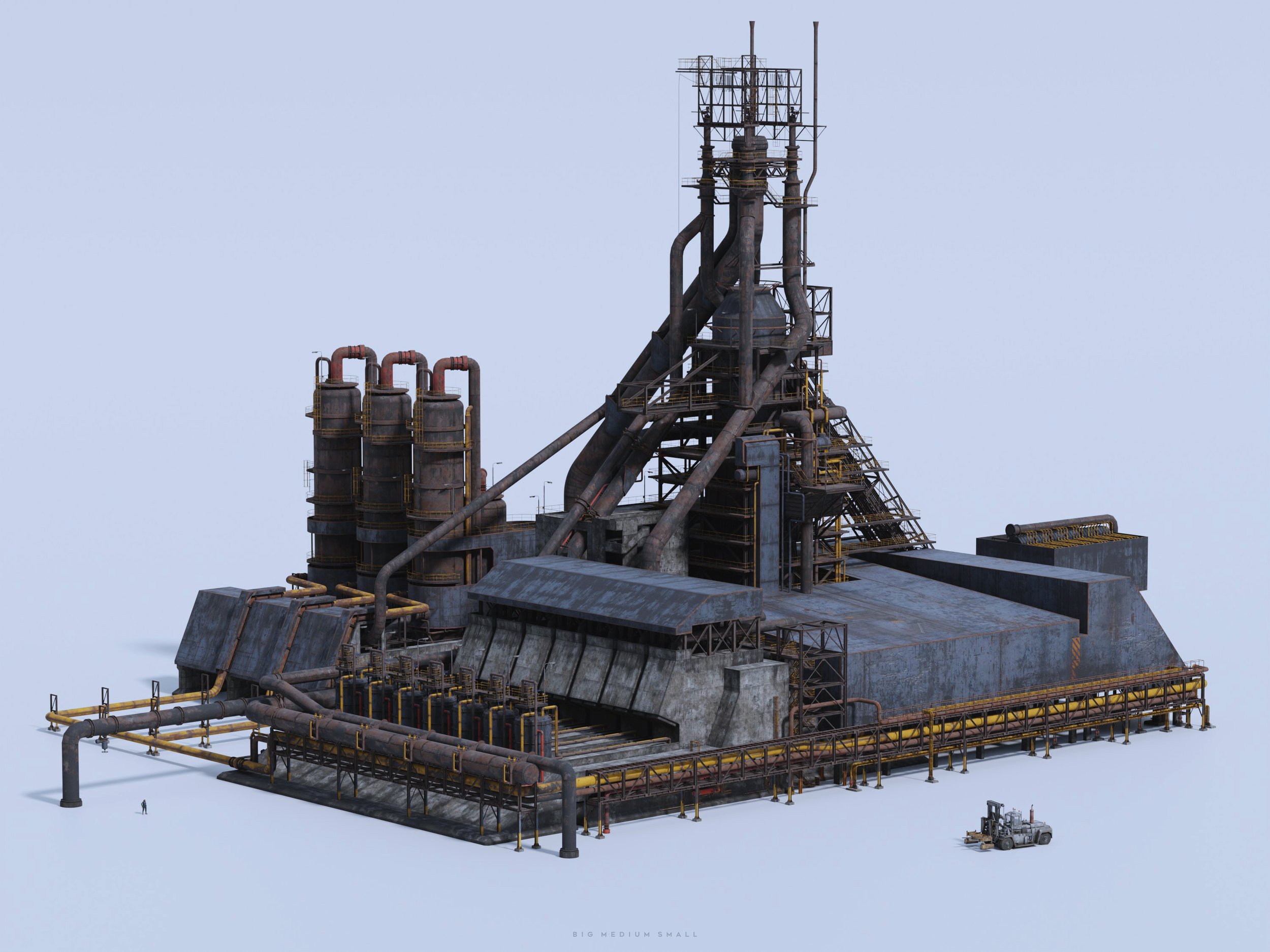
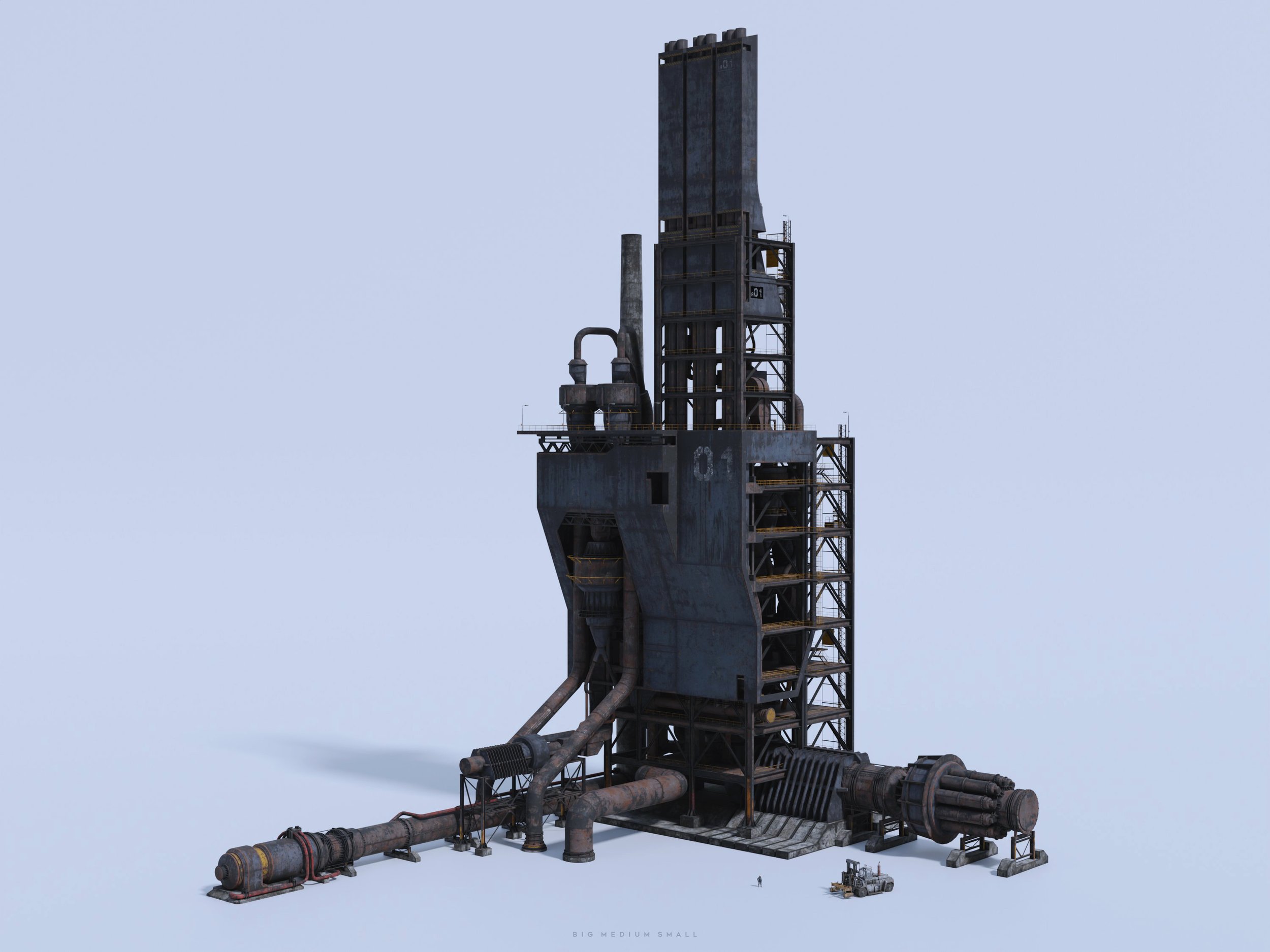
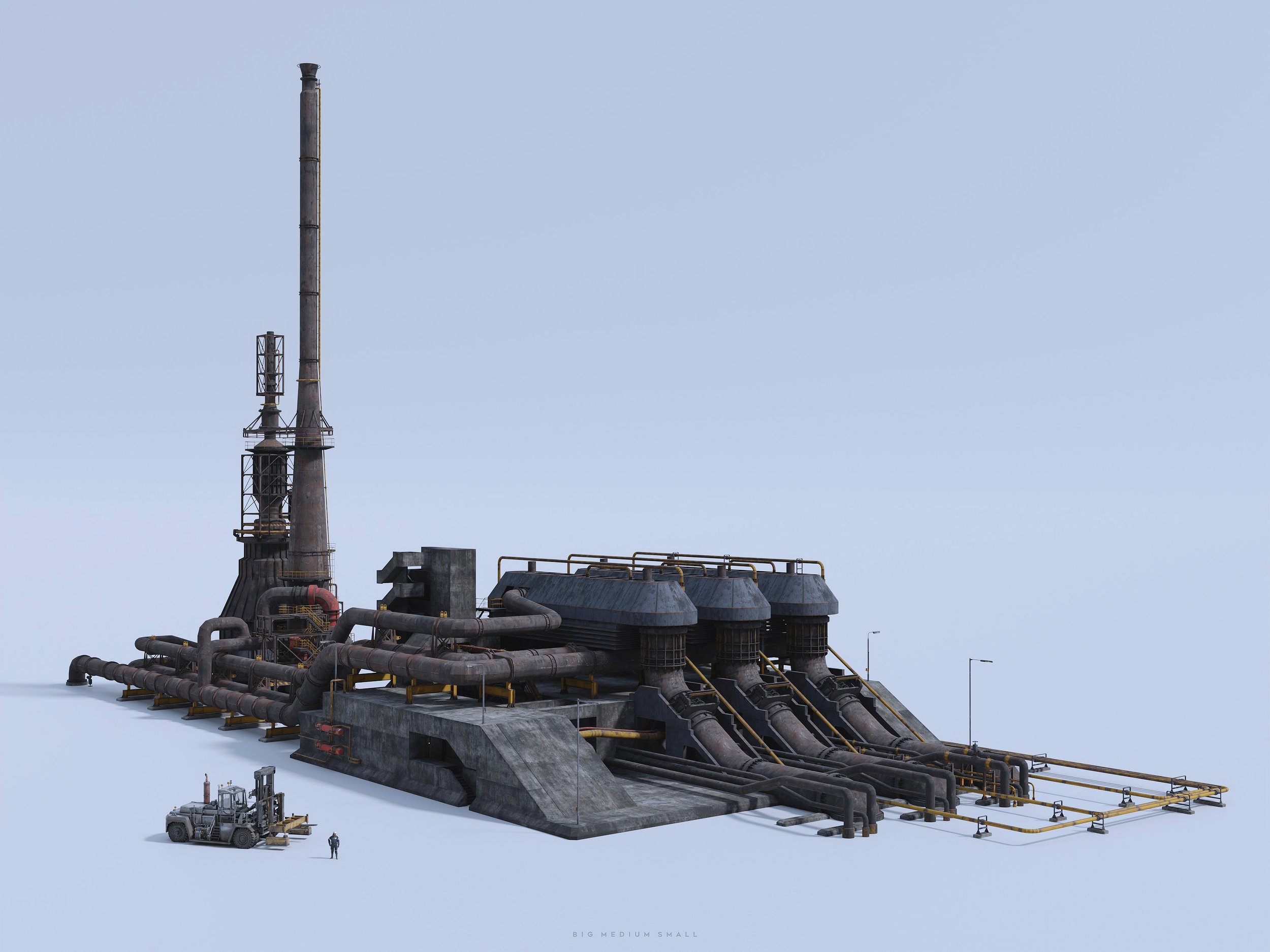
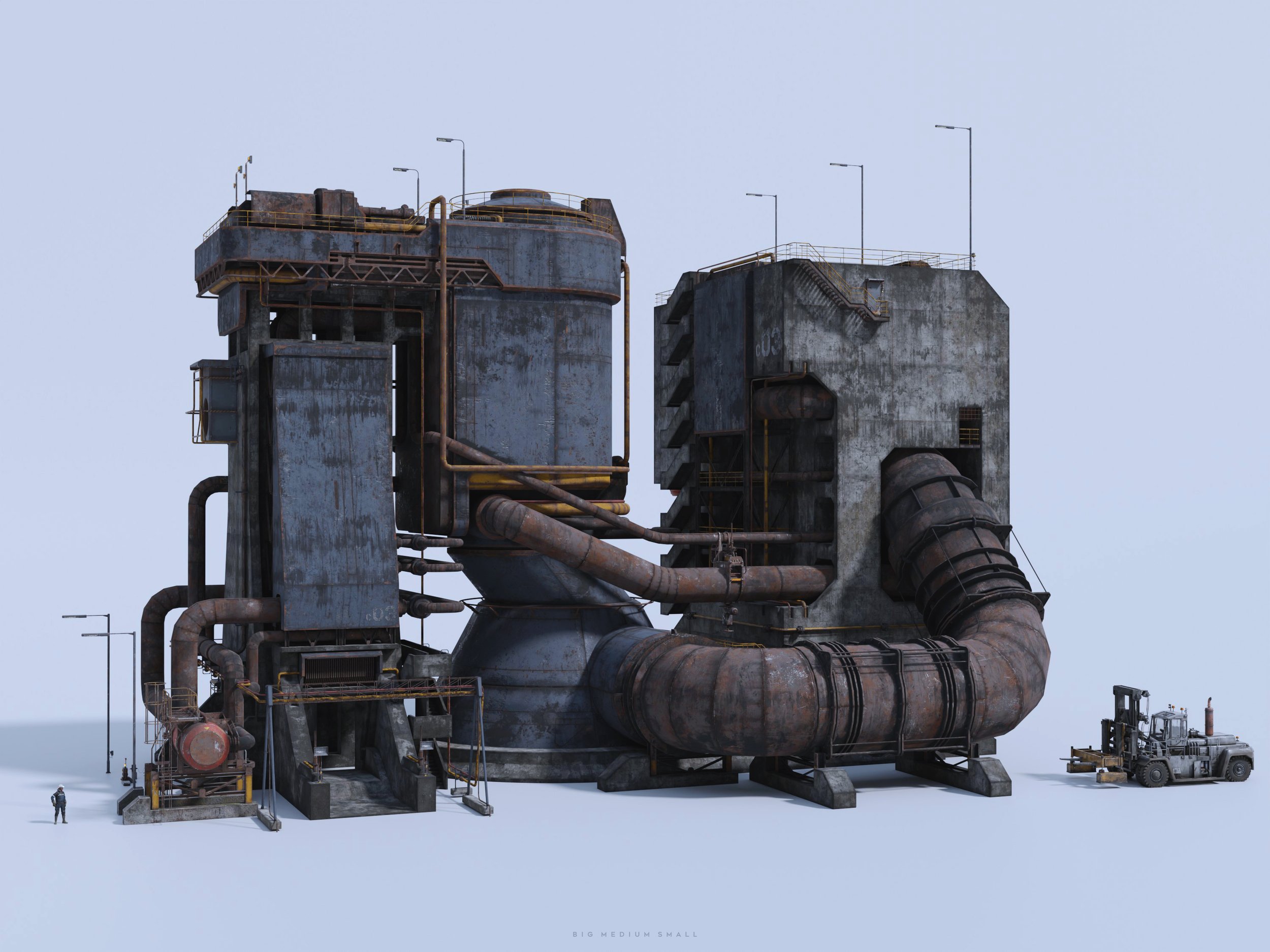
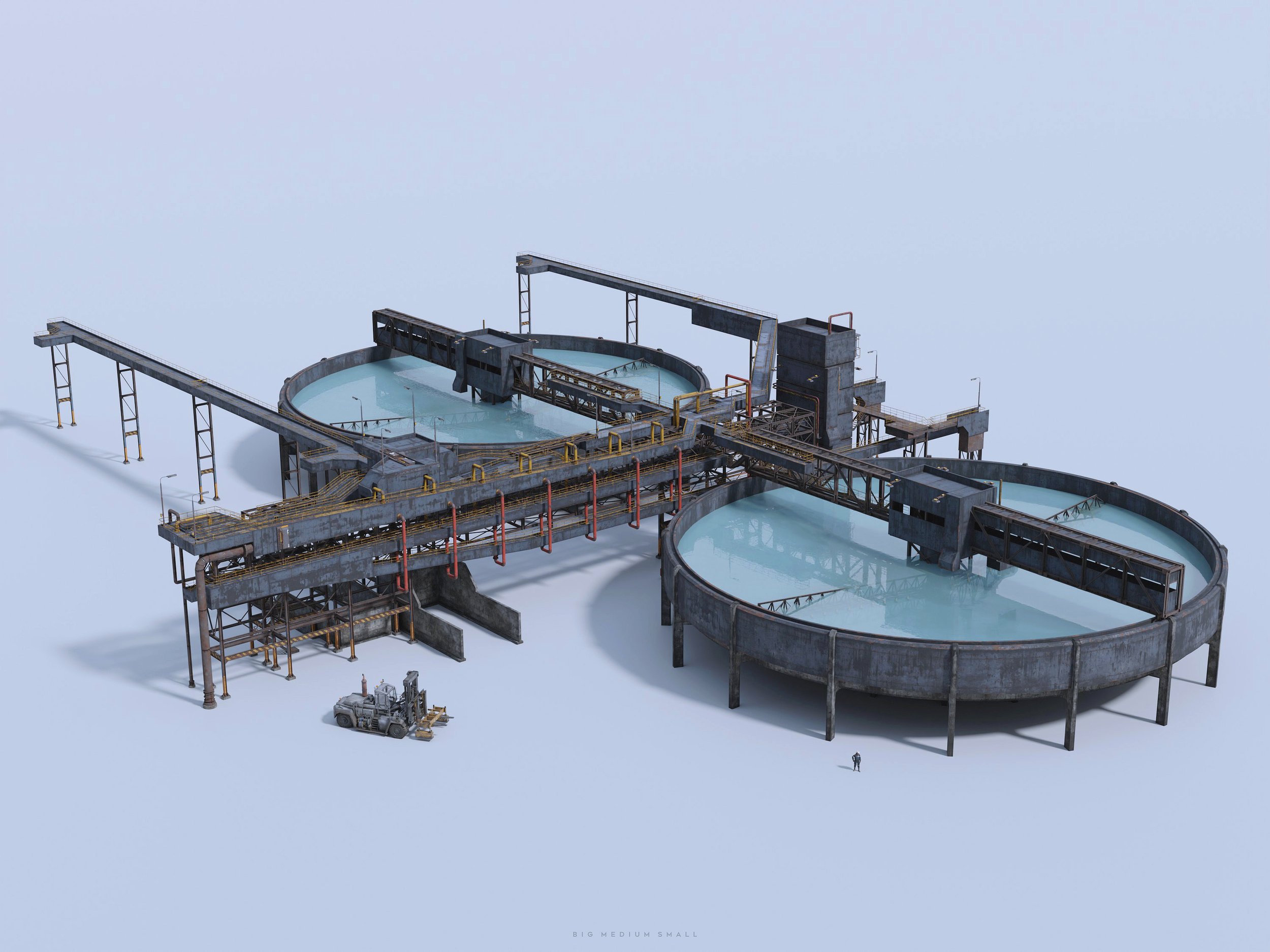

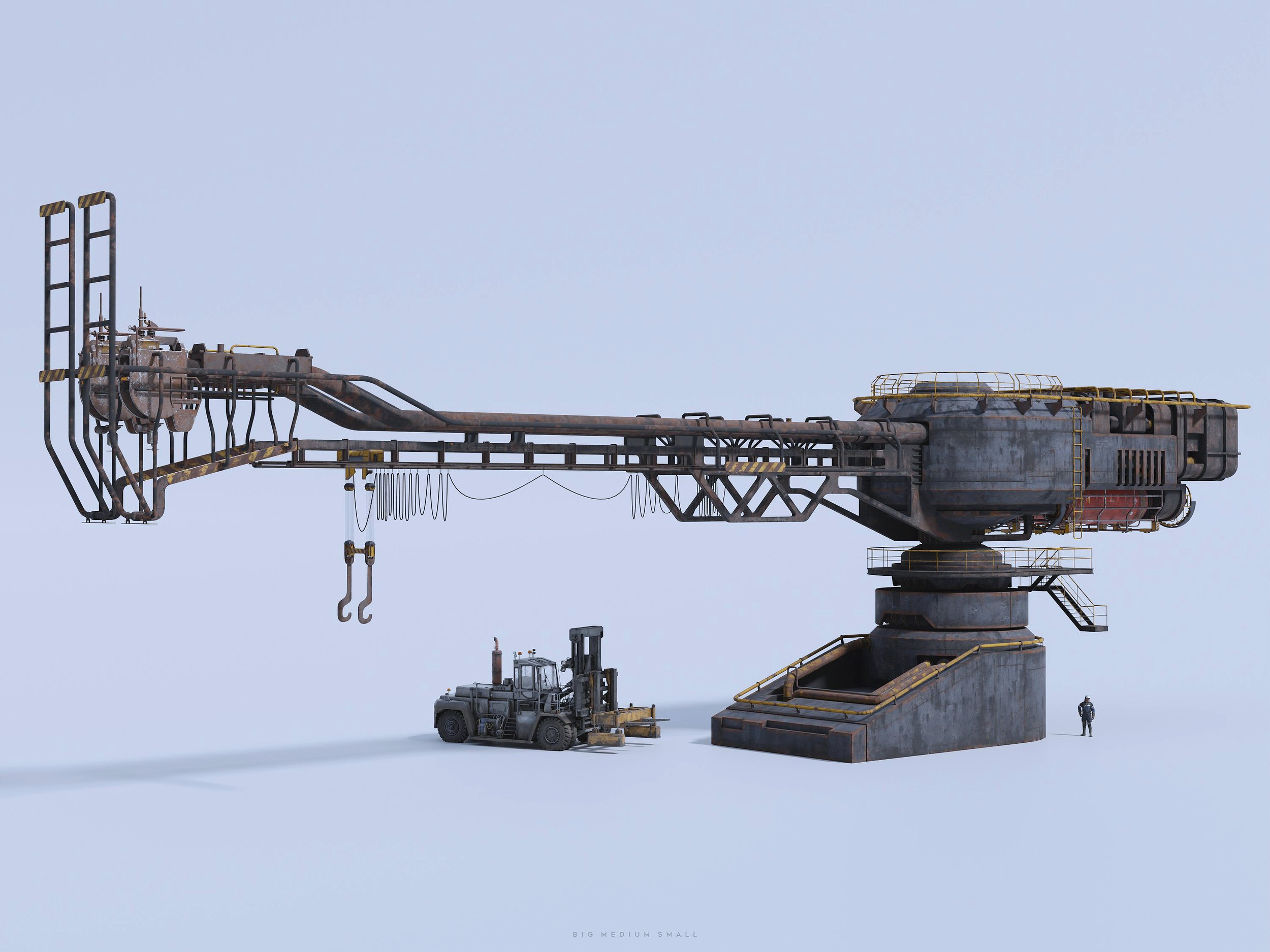
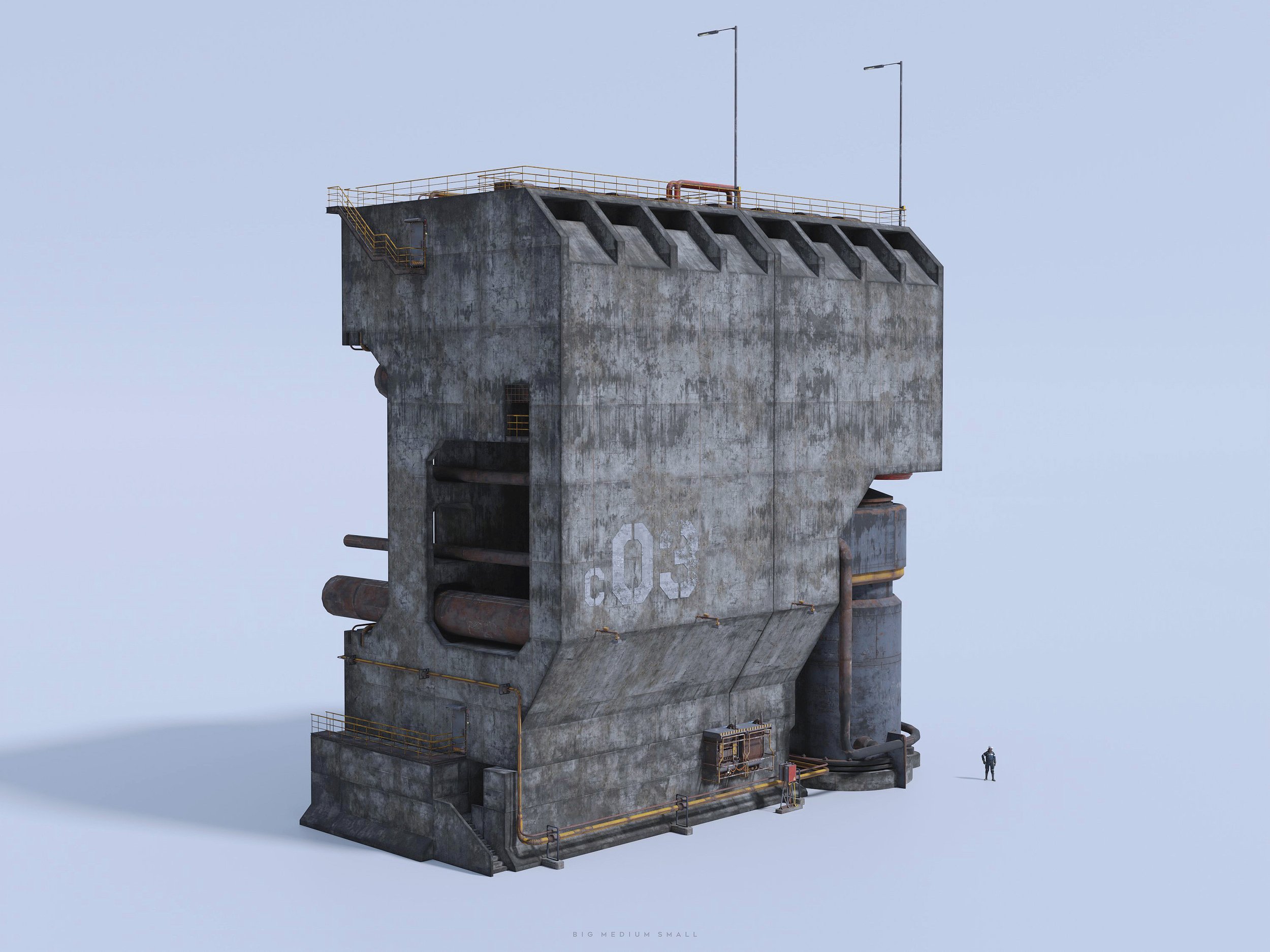
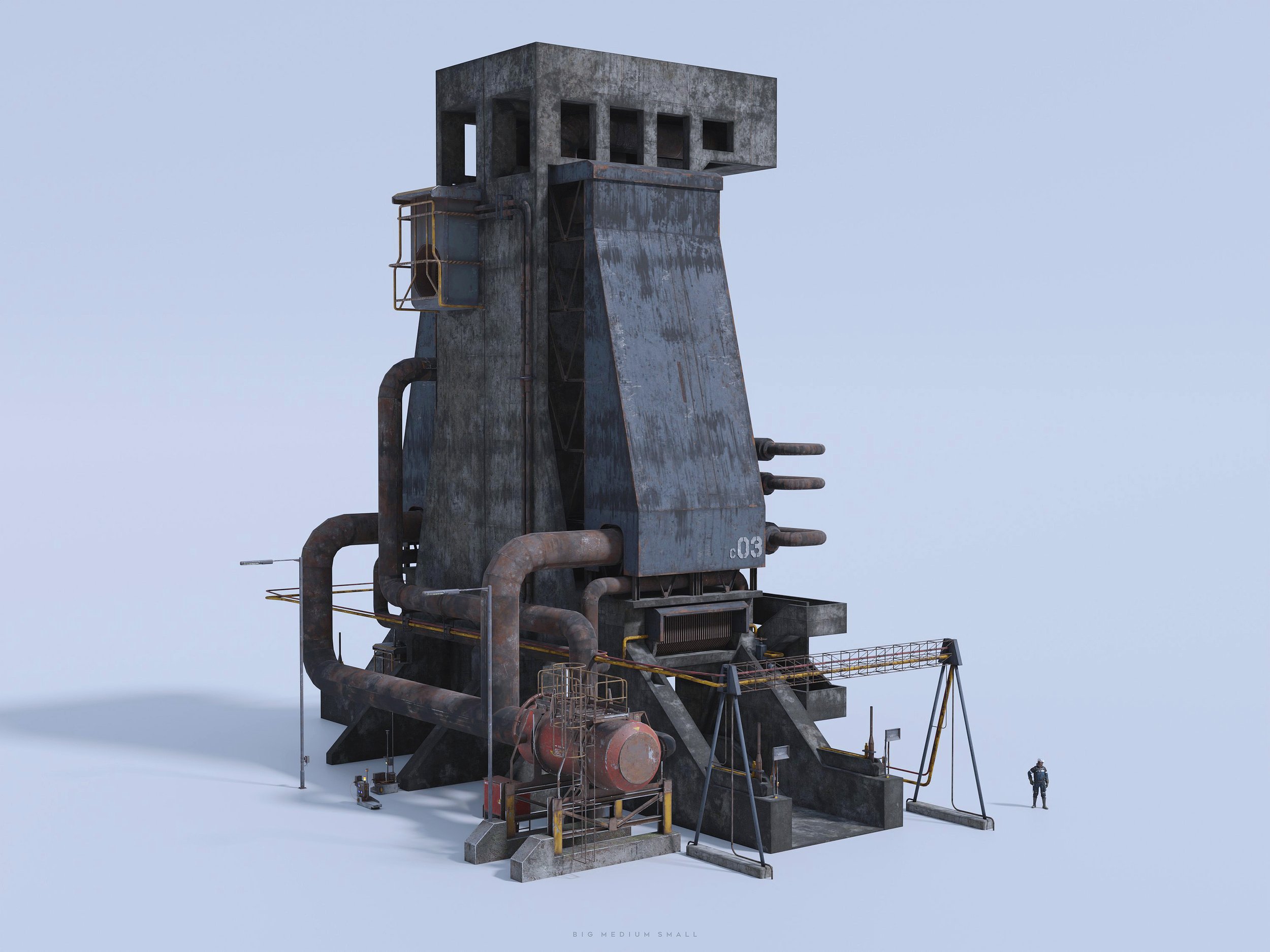
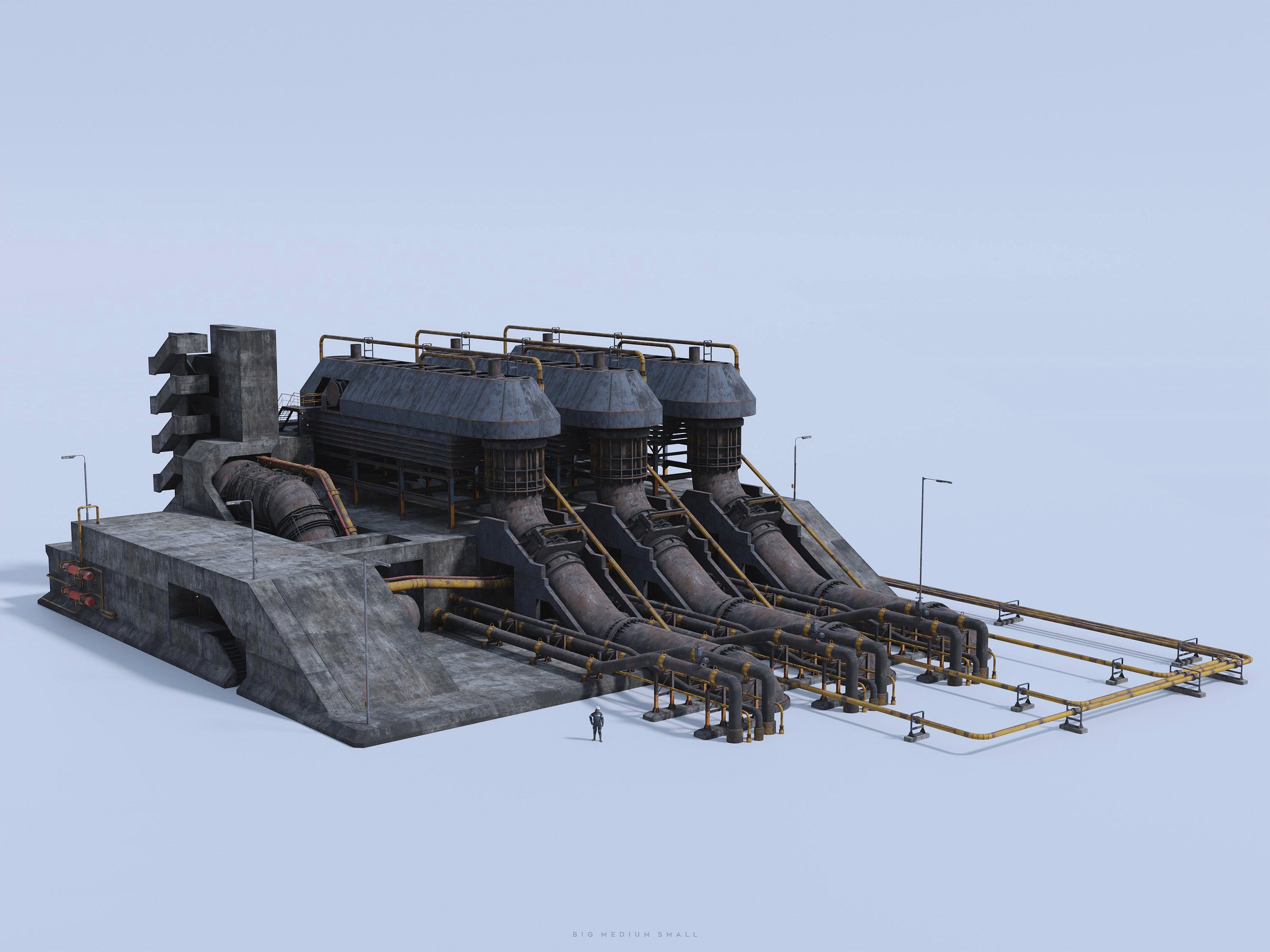
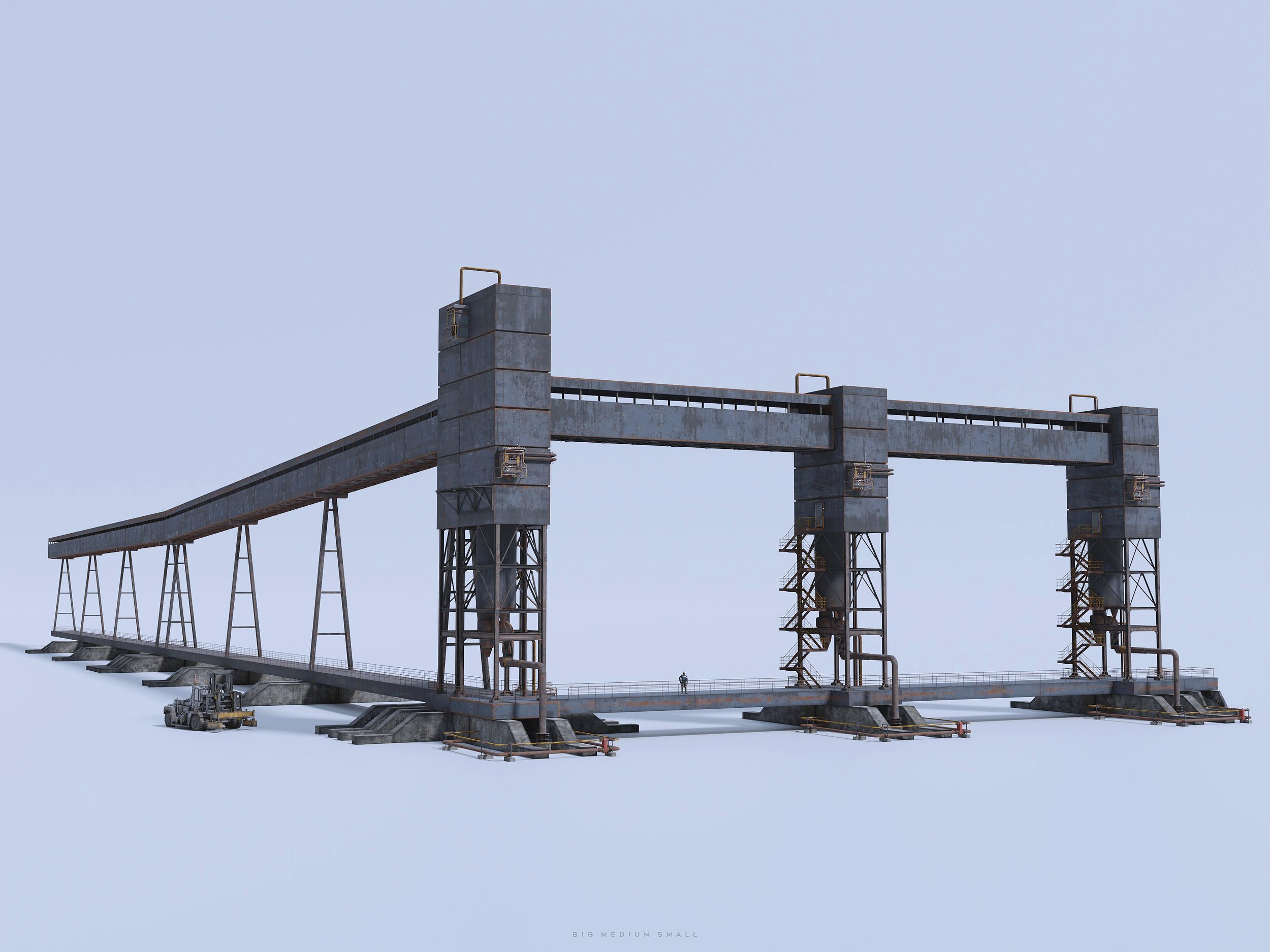
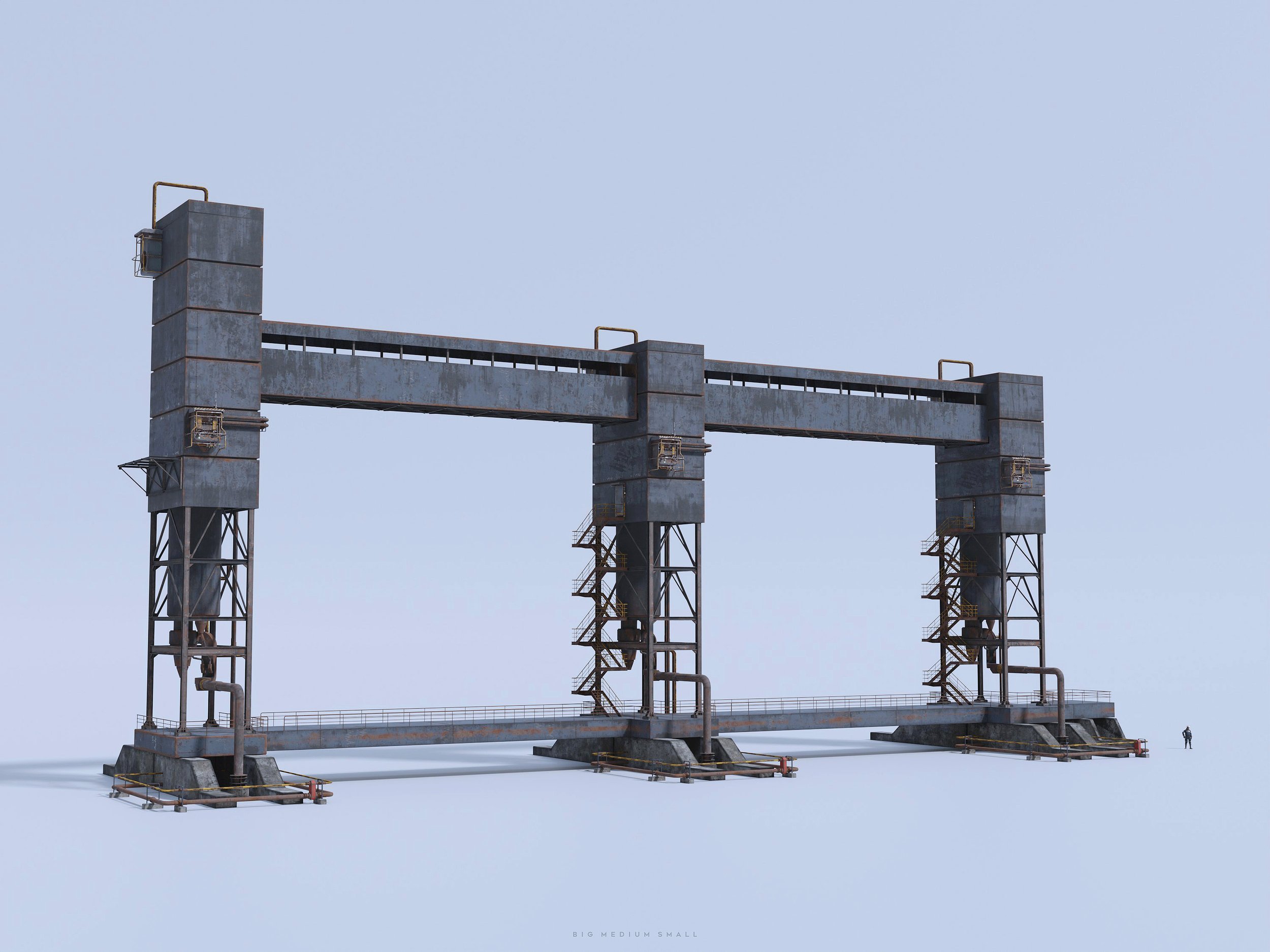
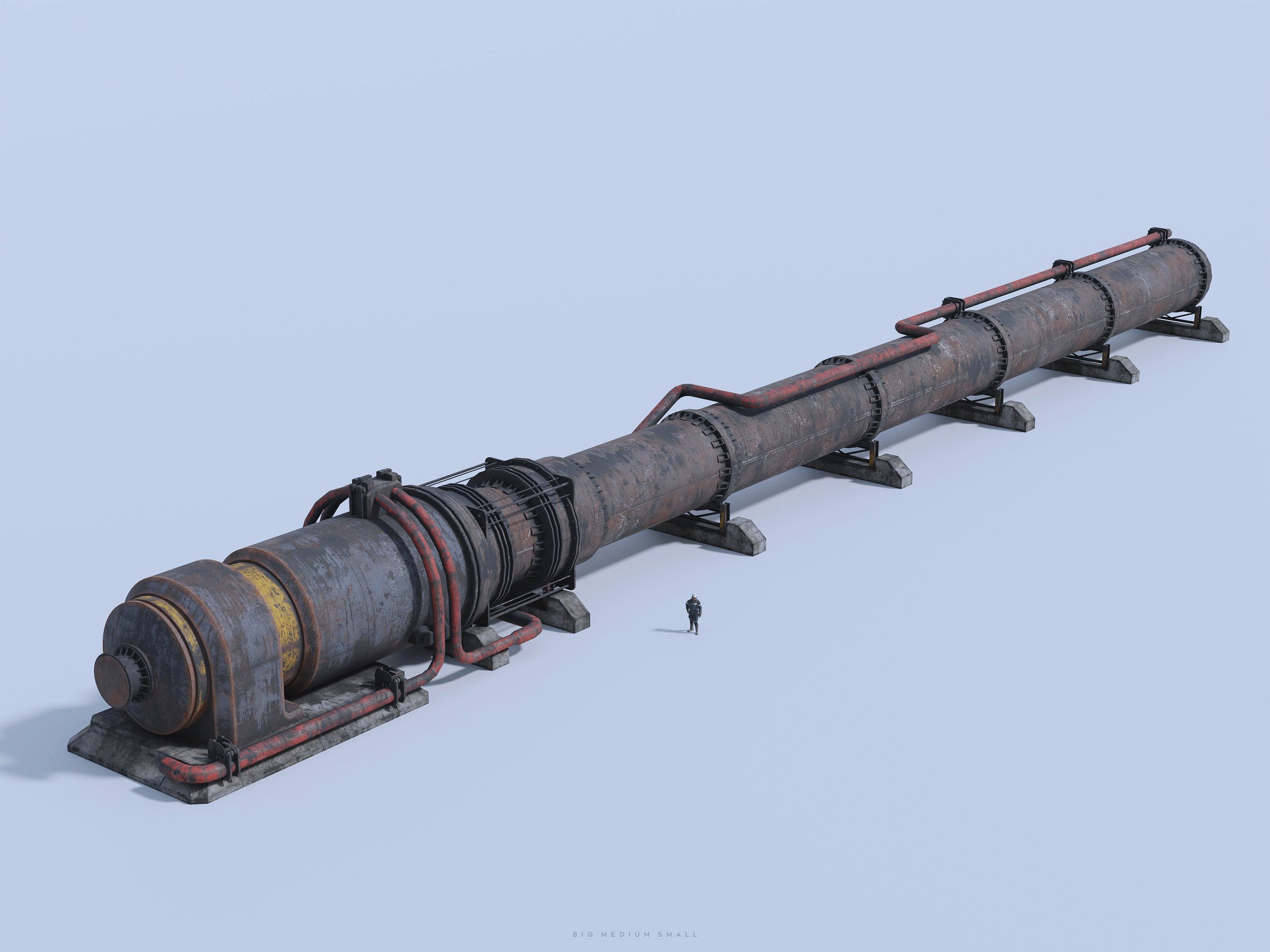
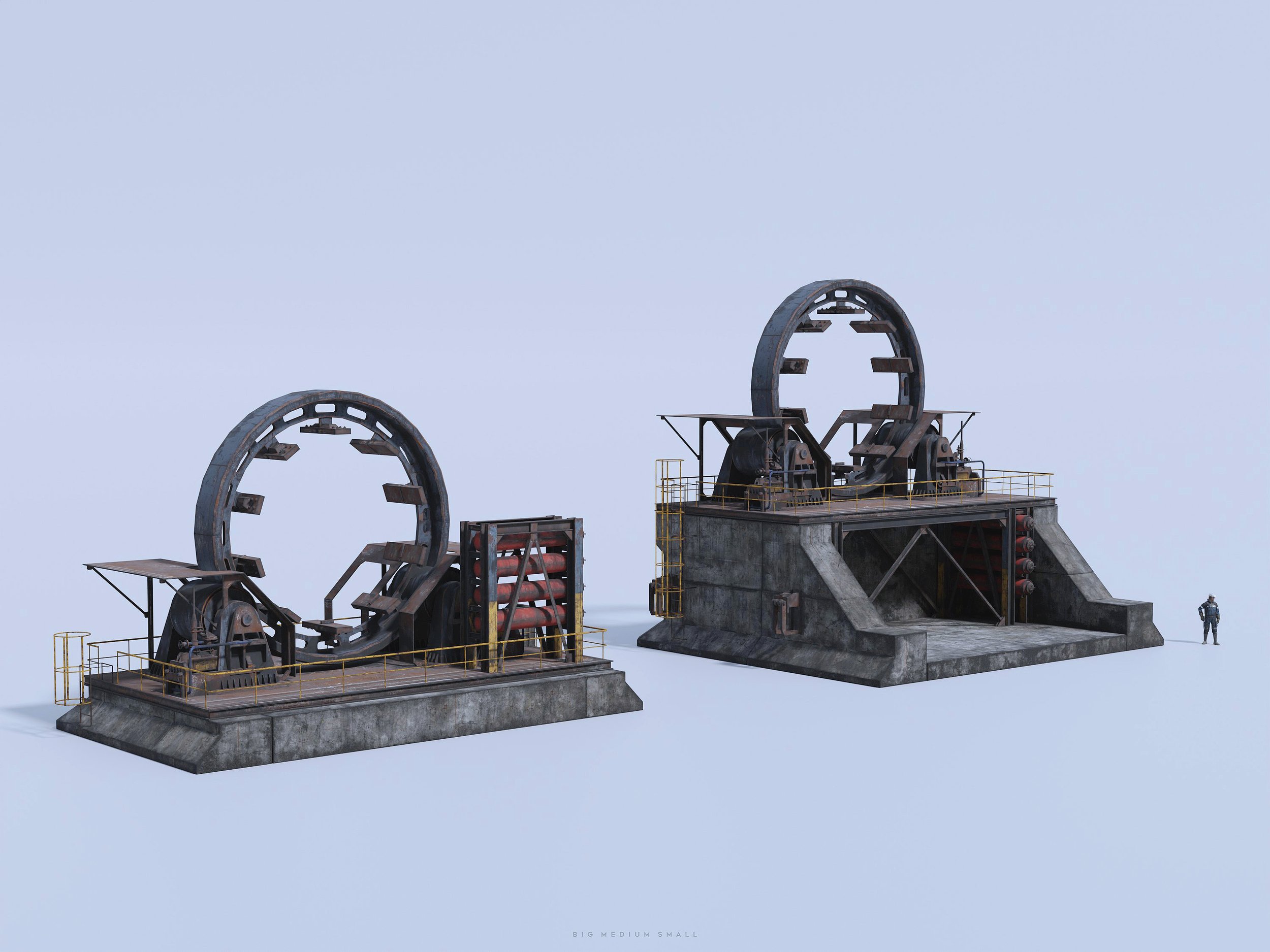
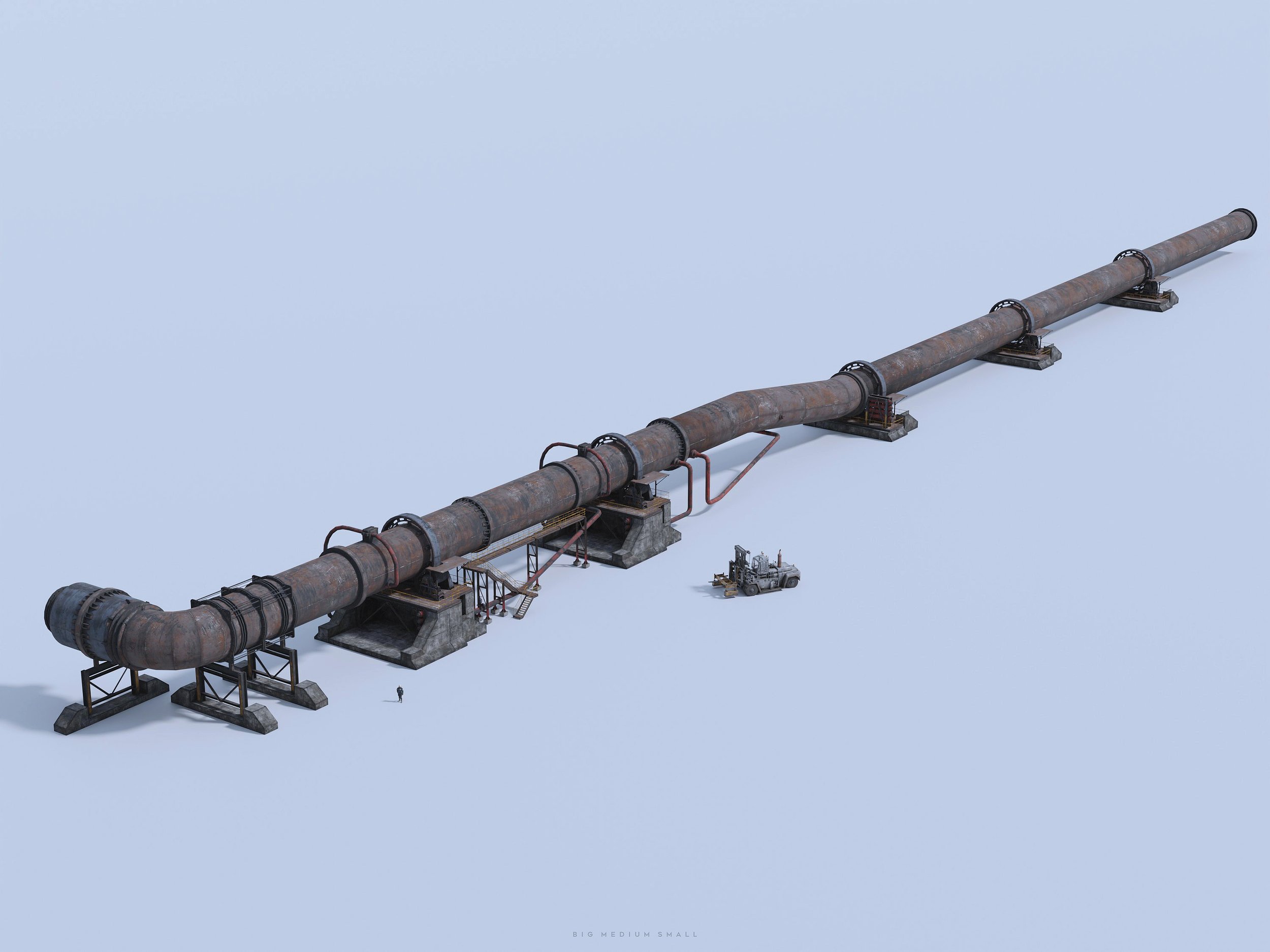


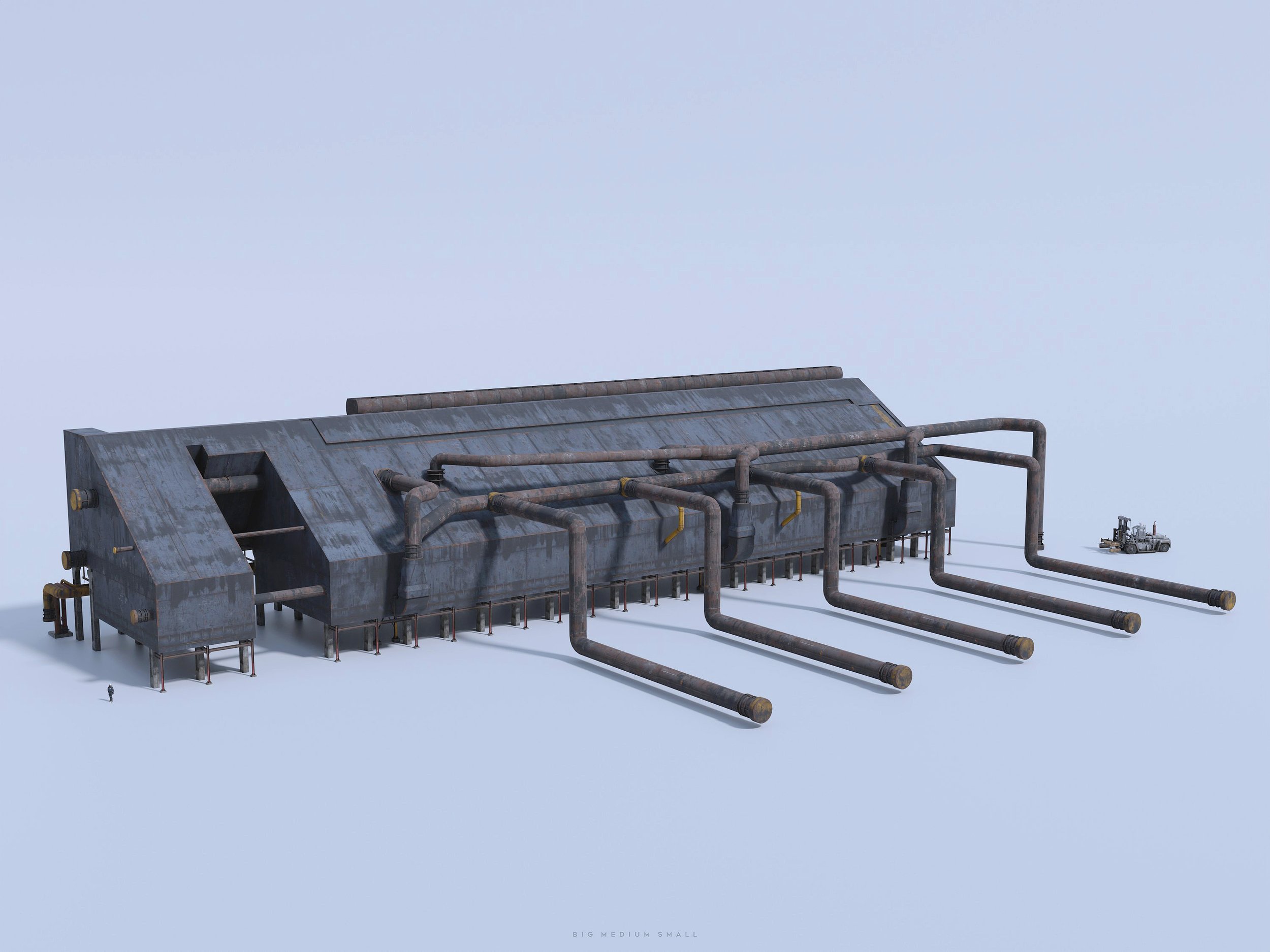
HERO BUILDING - MEGAFACTORY
HERO BUILDING - STEEL REFINERY


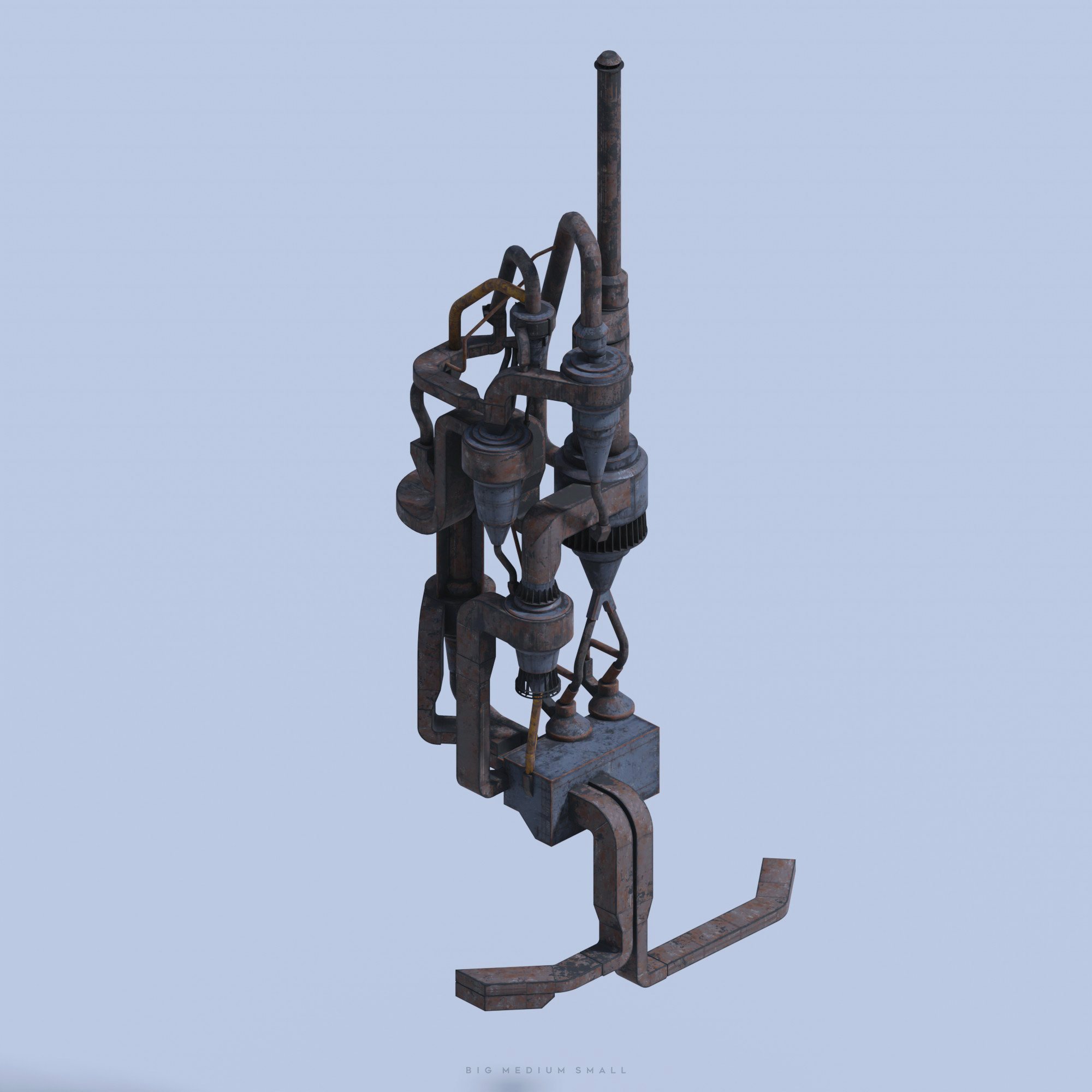


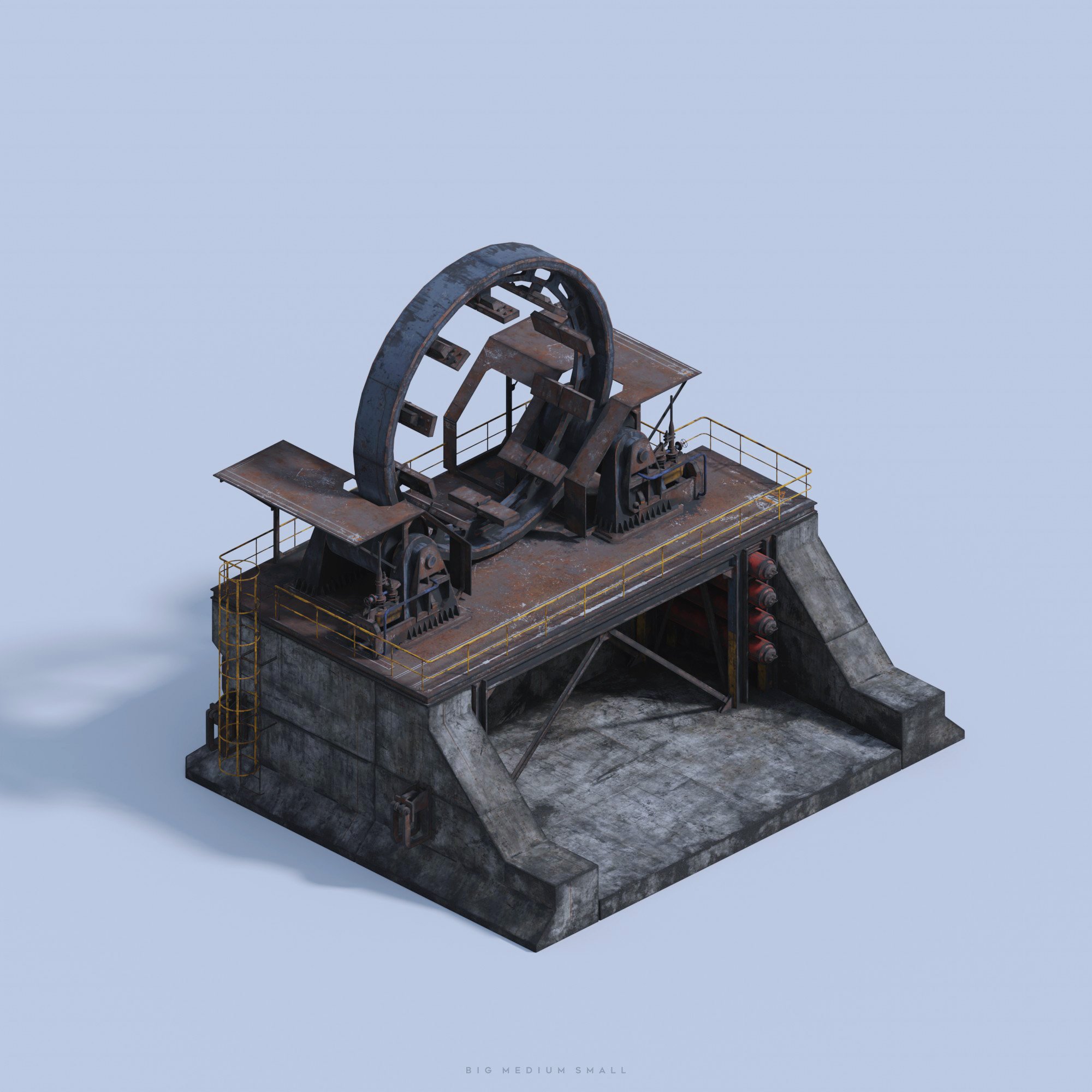


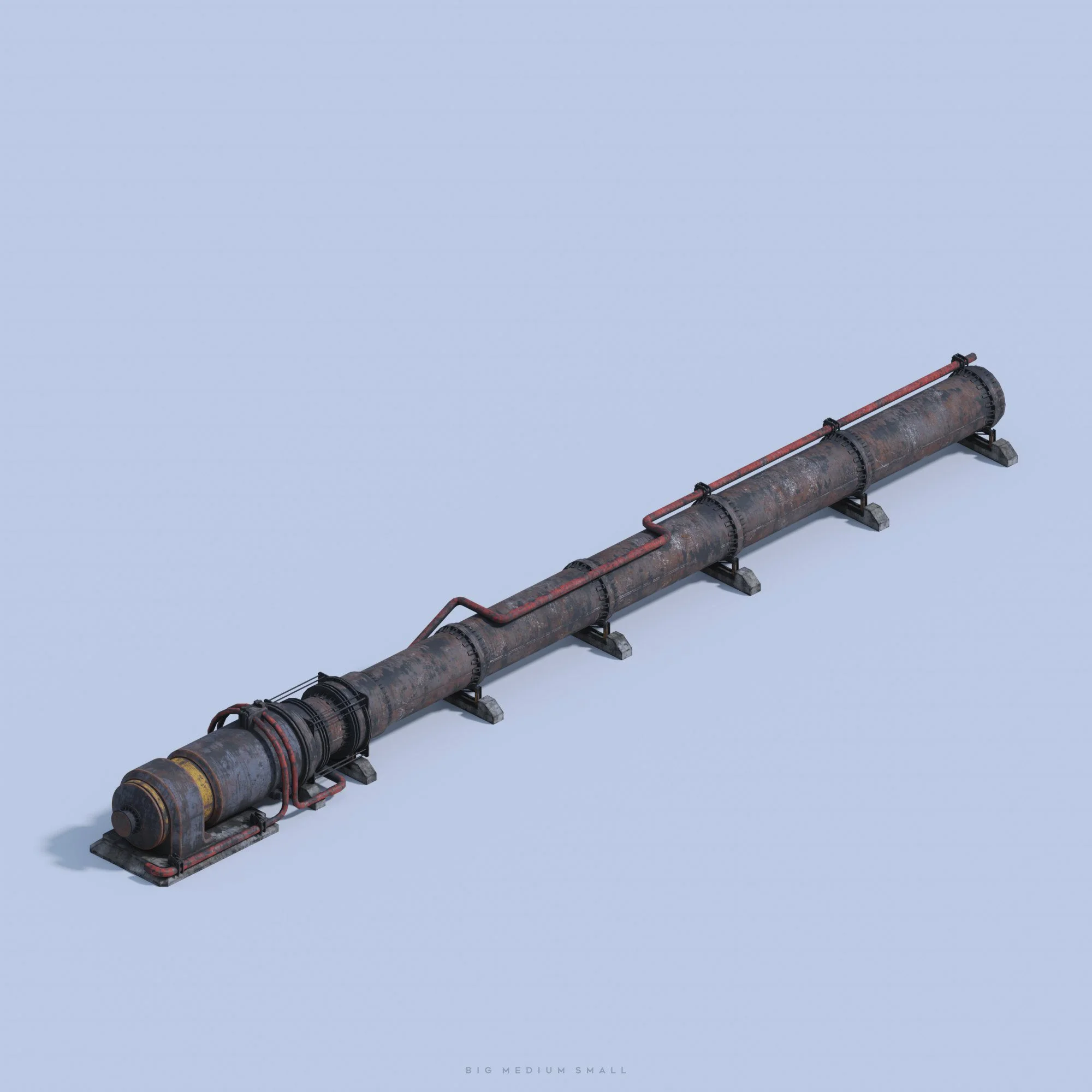
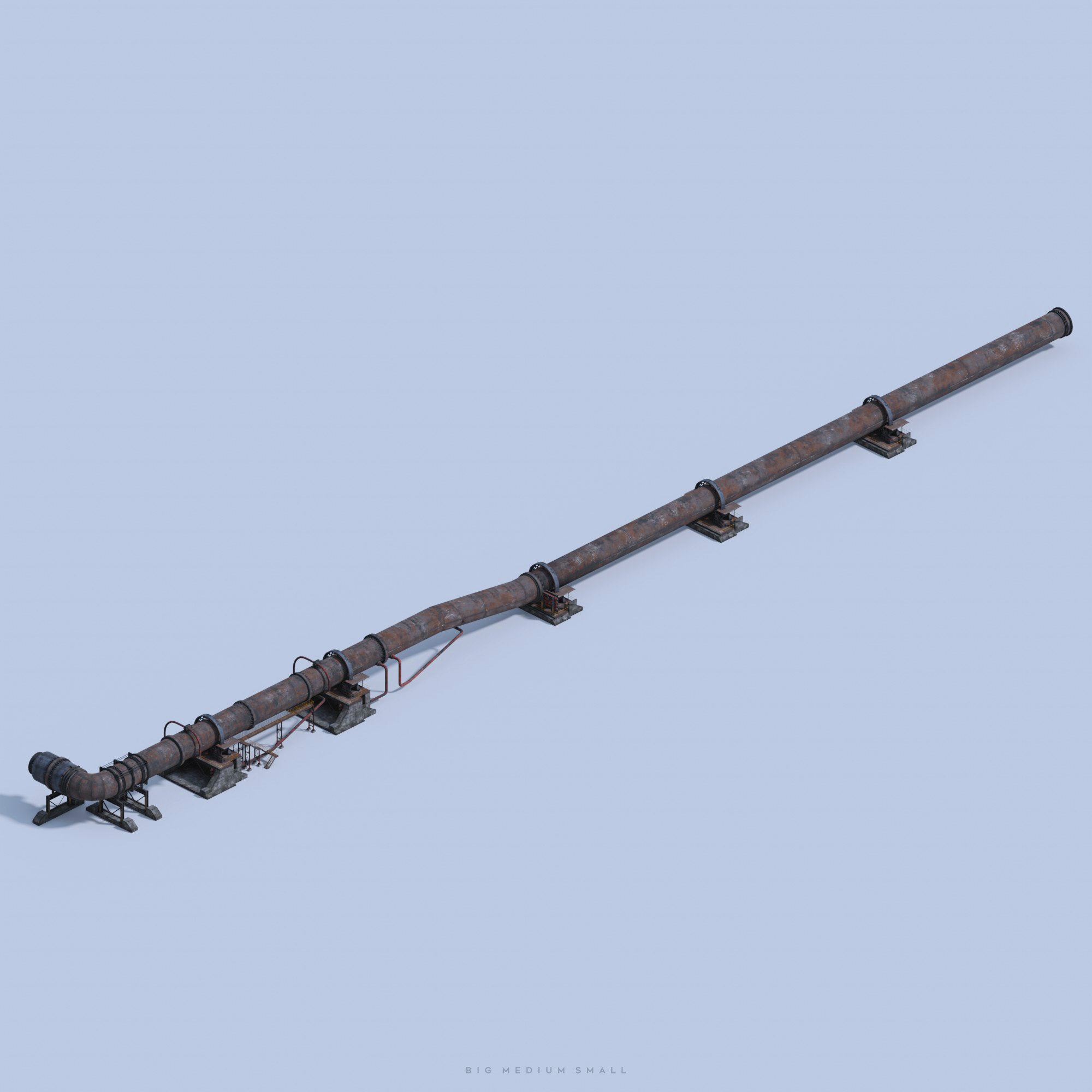
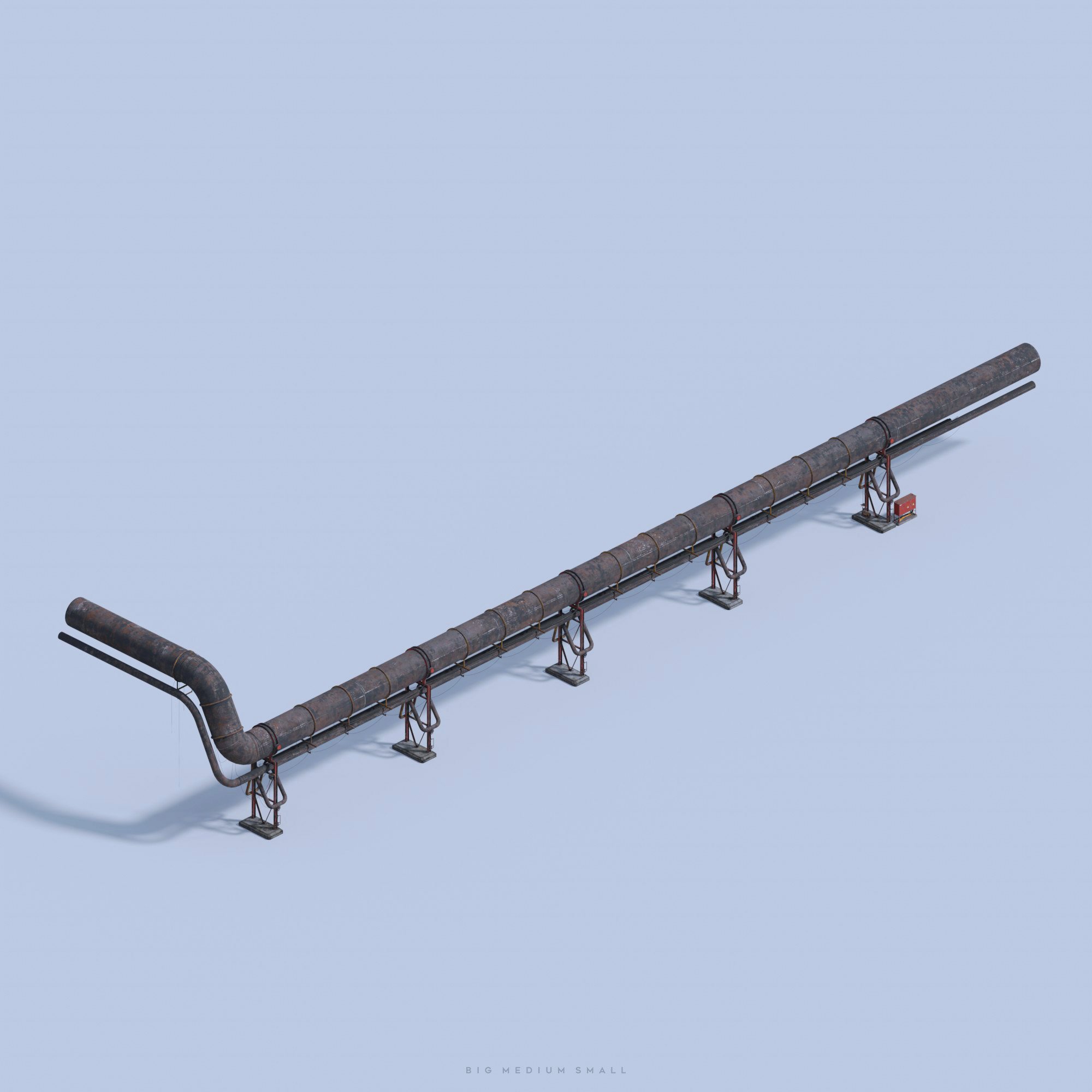


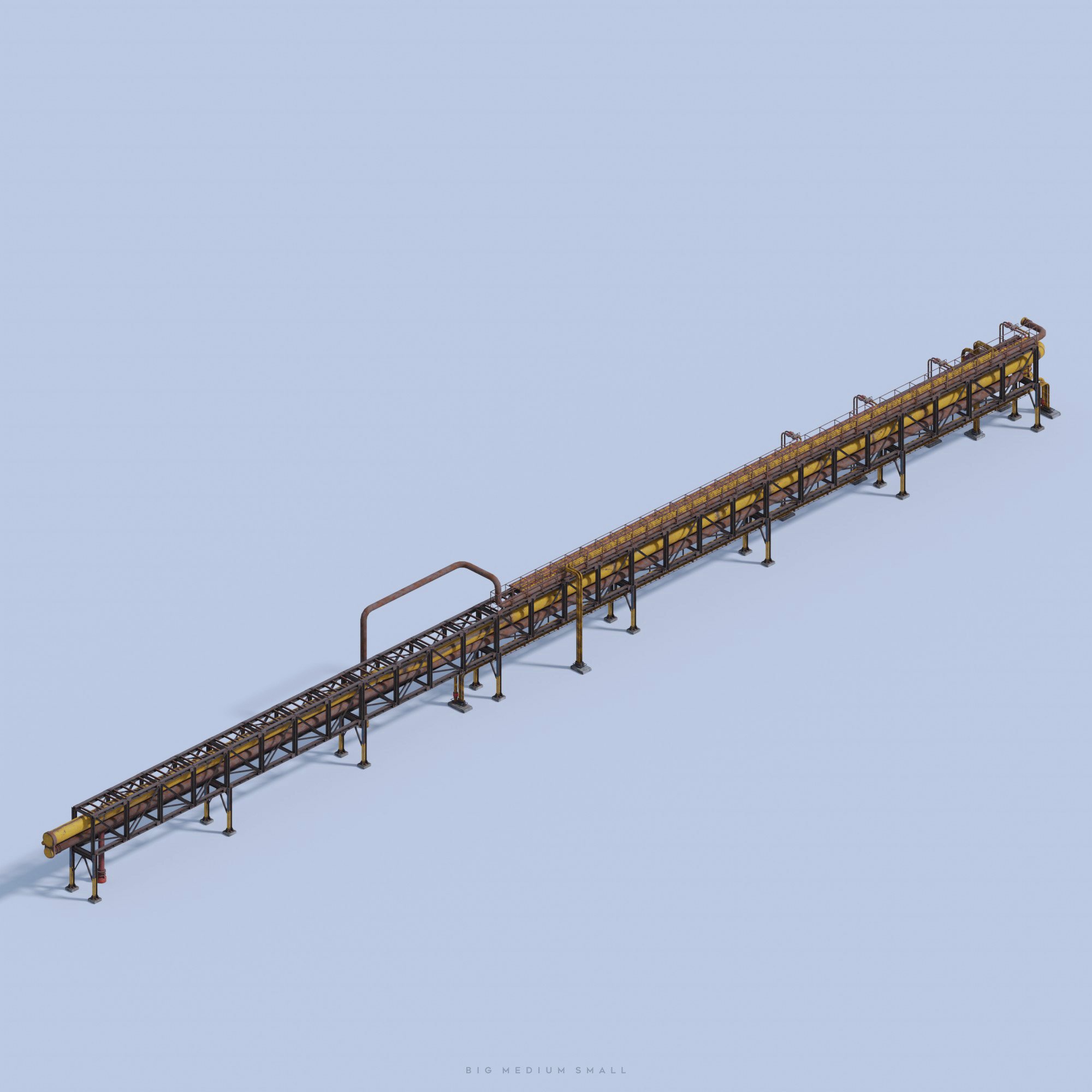


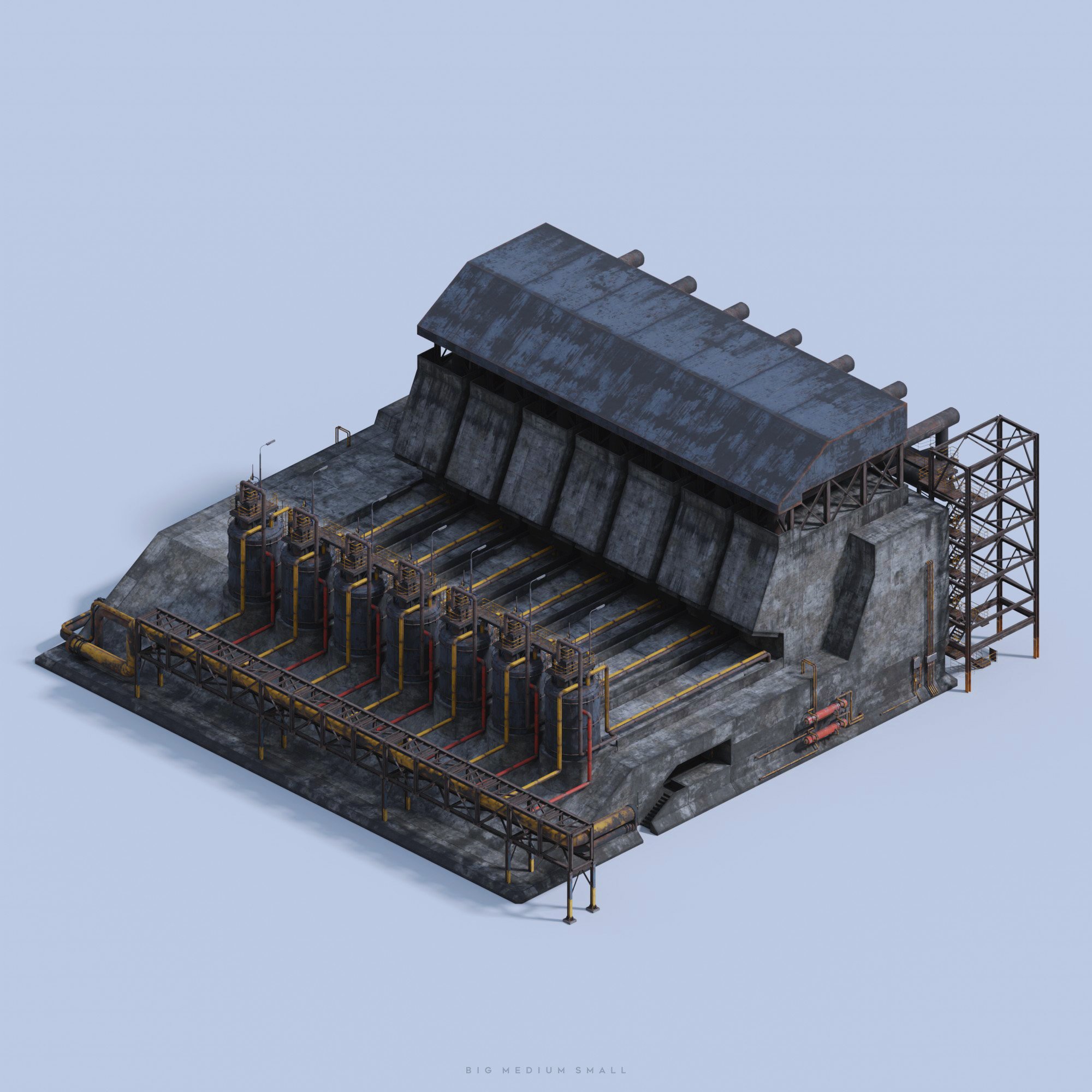


HERO BUILDING - GENERATOR B
HERO BUILDING - GENERATOR A

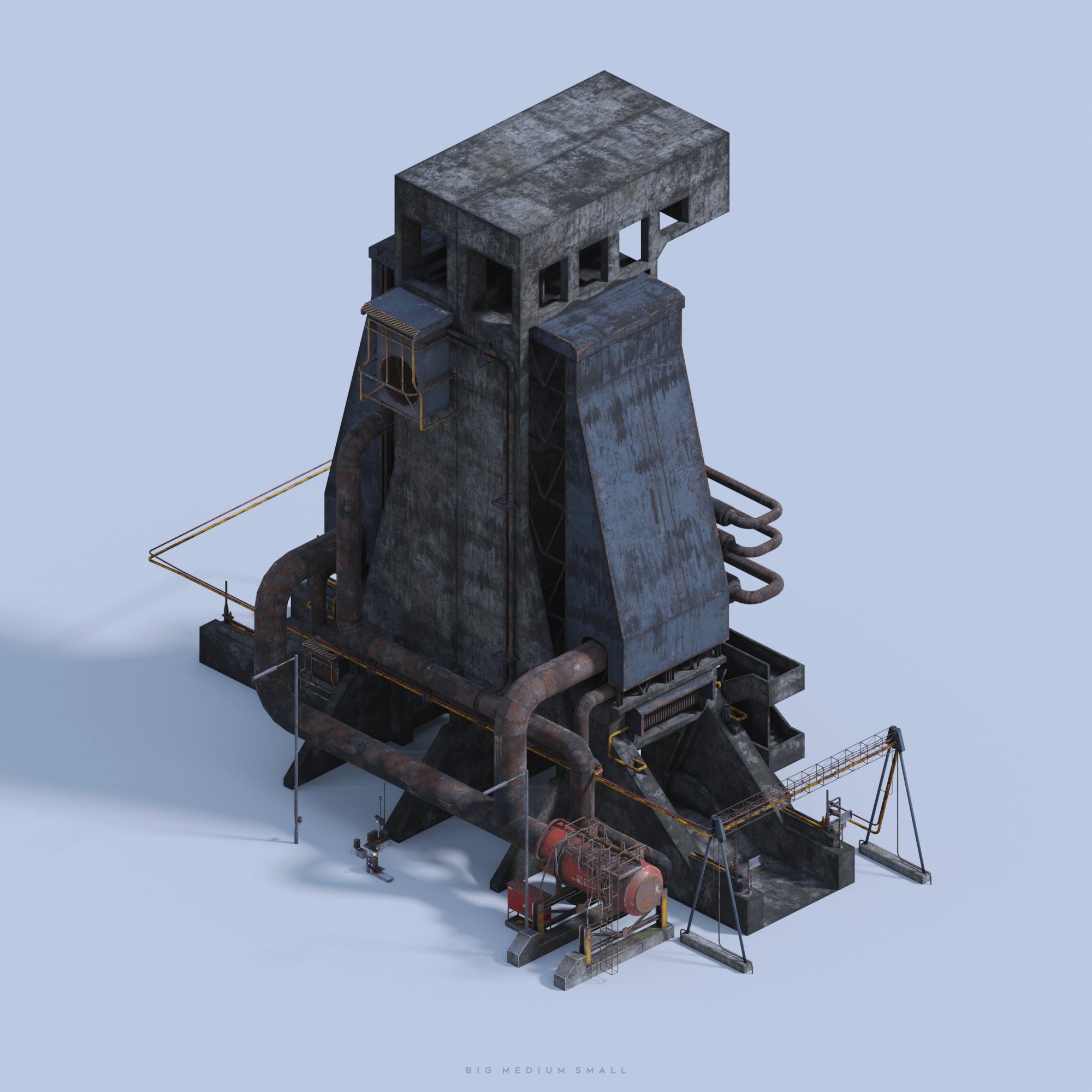


HERO BUILDING - WAREHOUSE

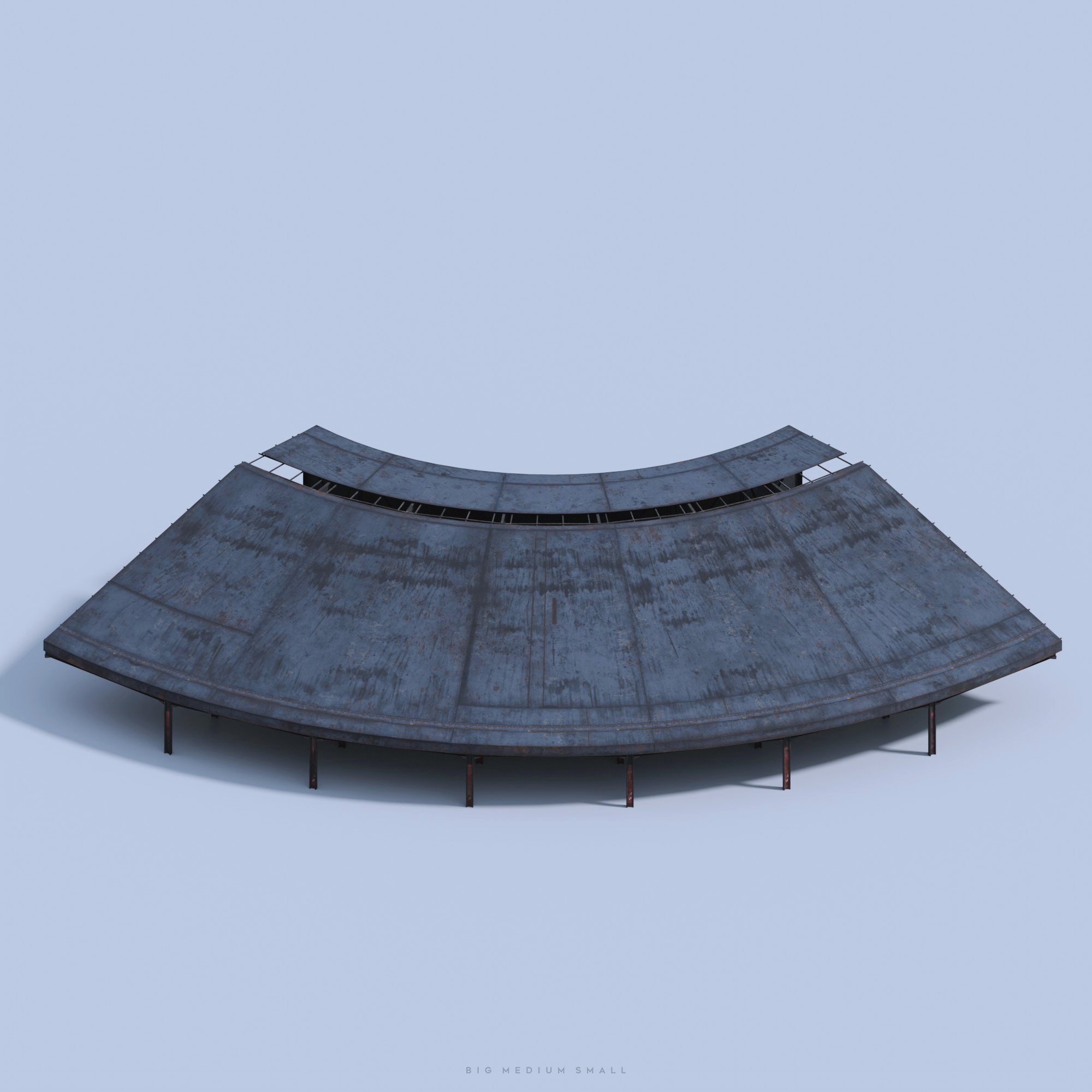


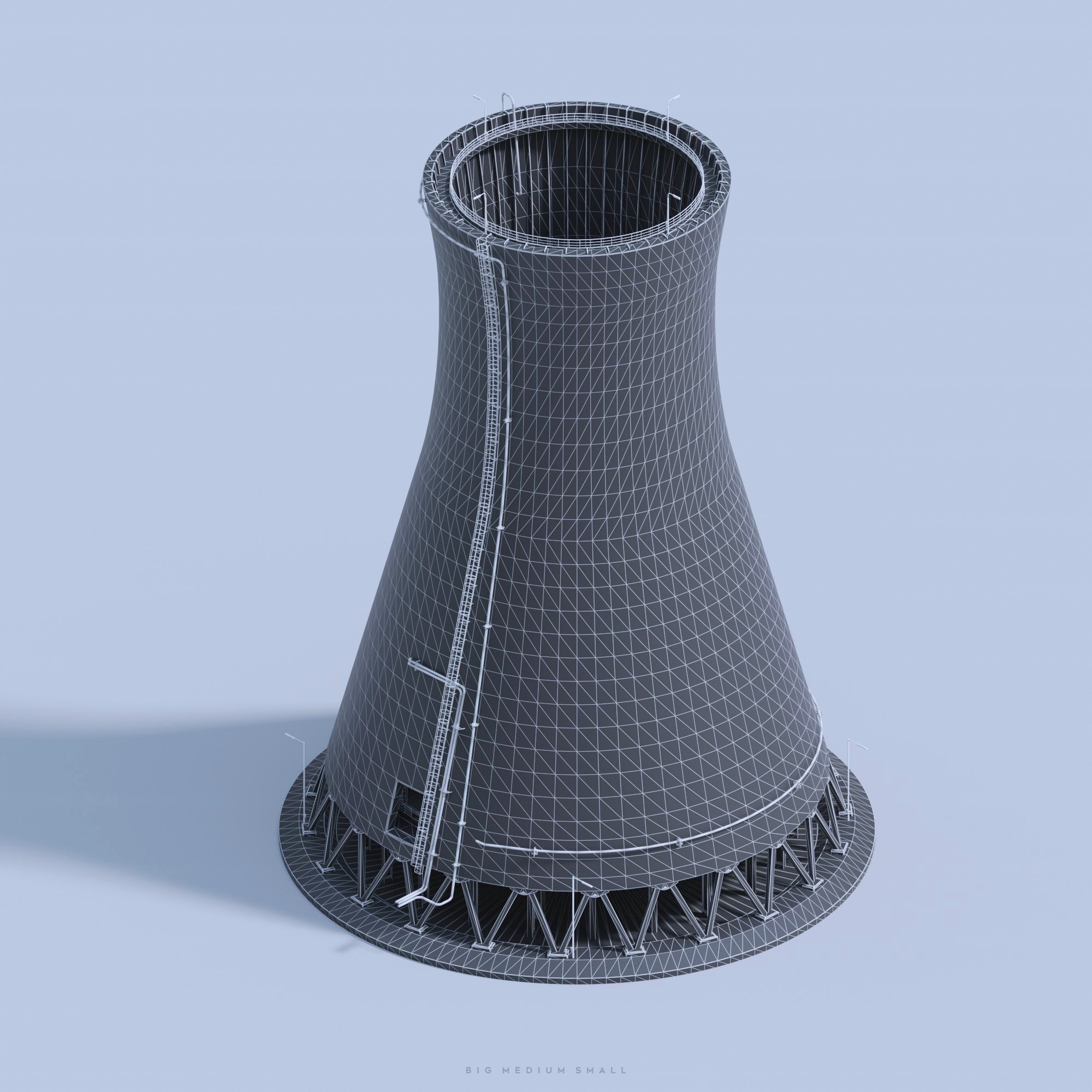
HERO BUILDING - COOLING TOWER
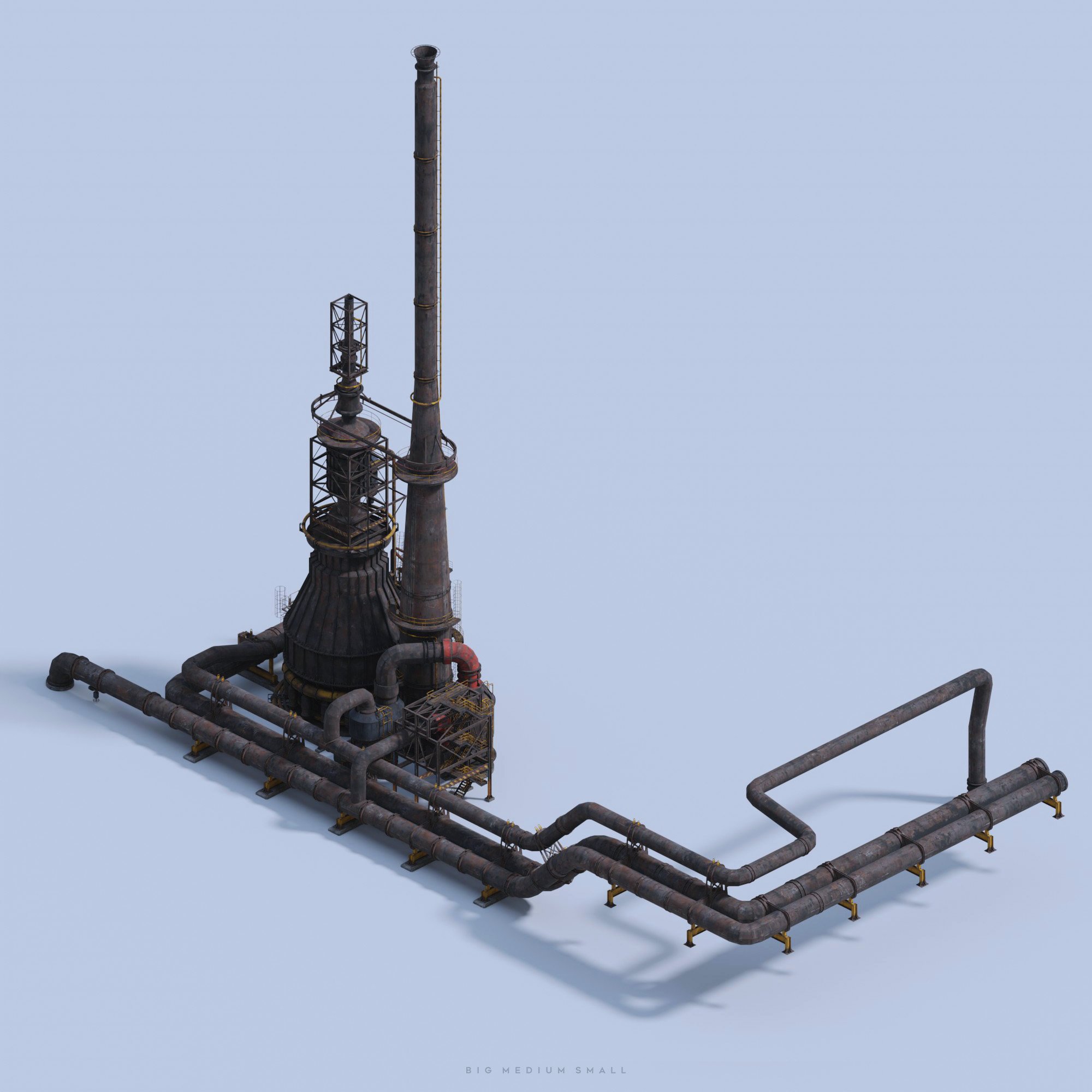
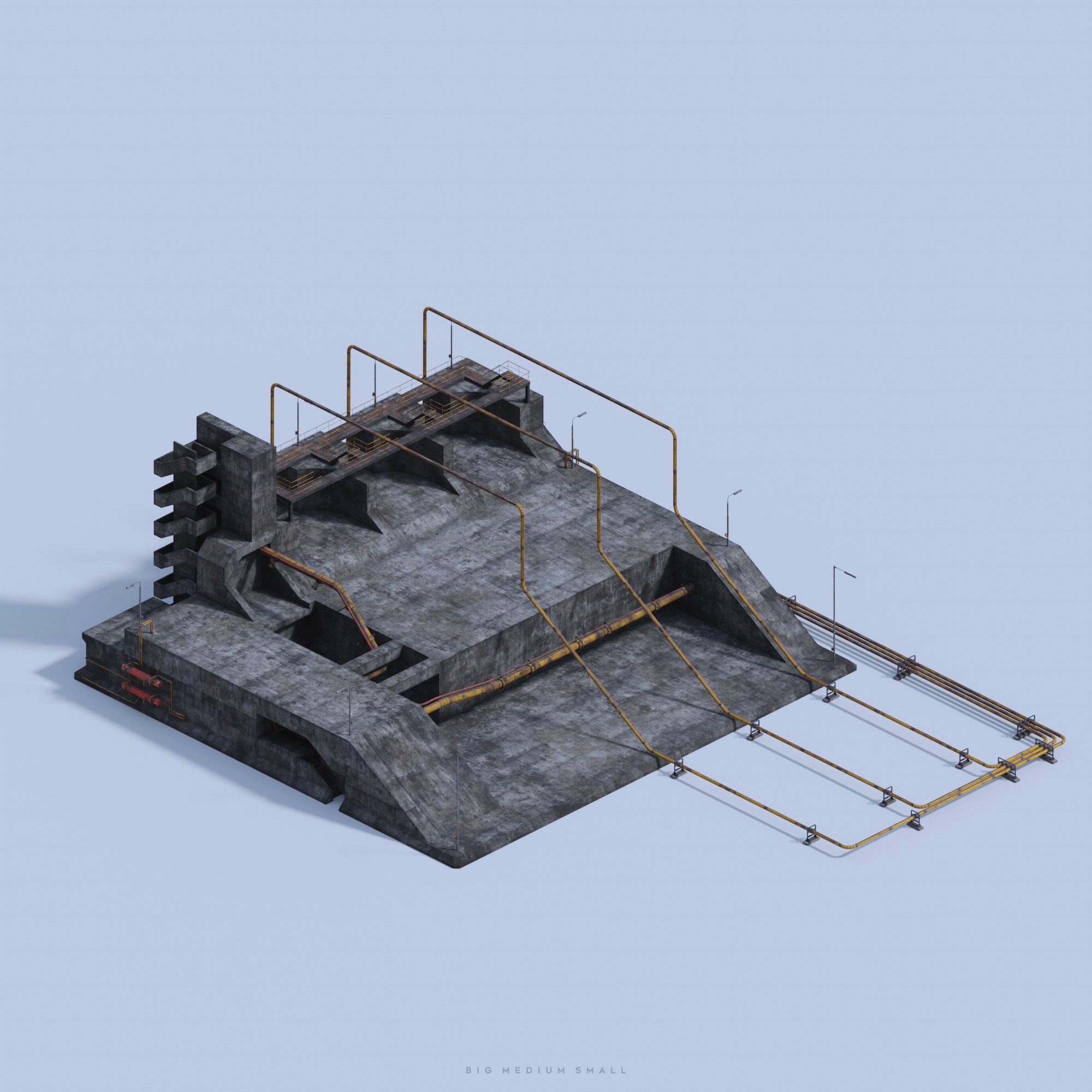
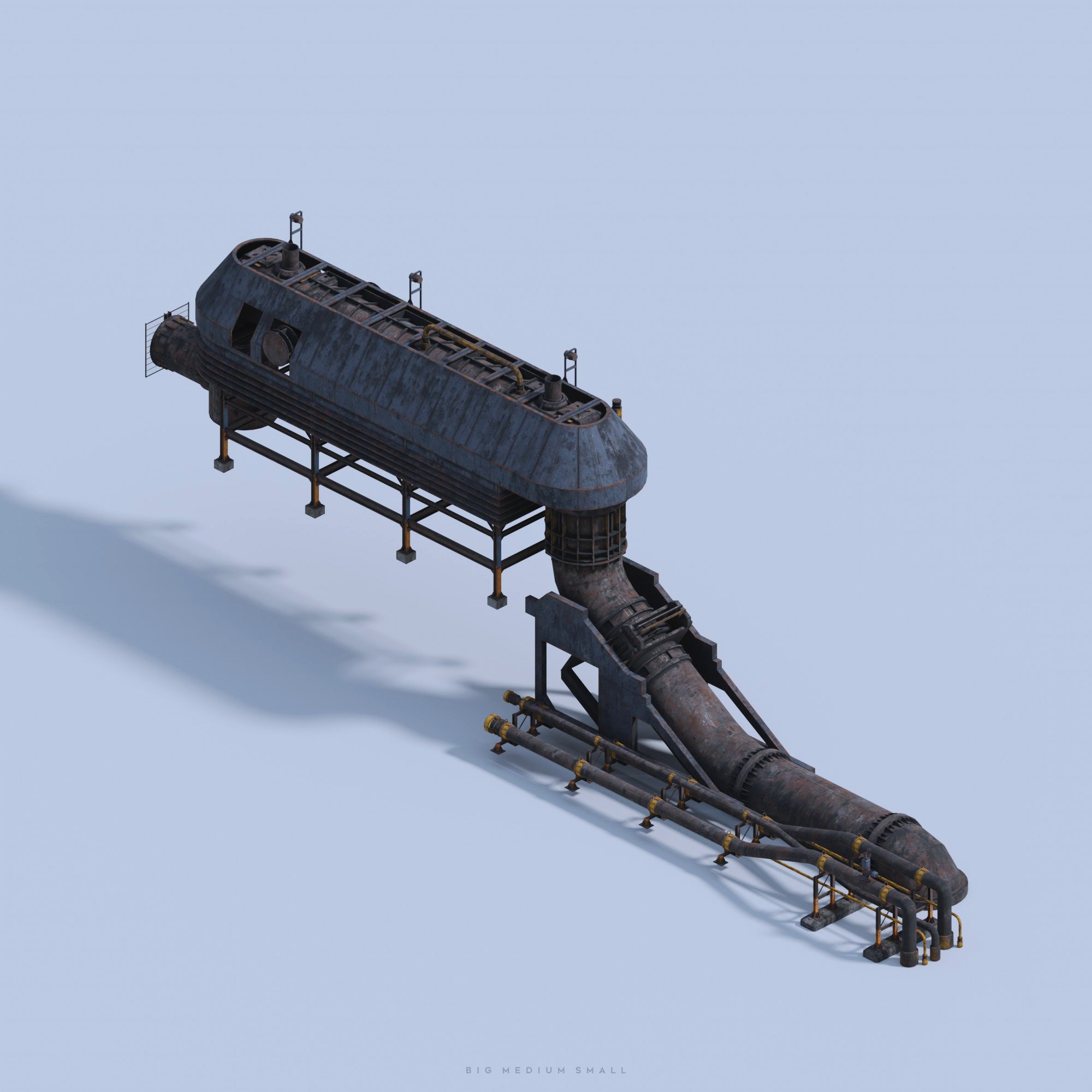

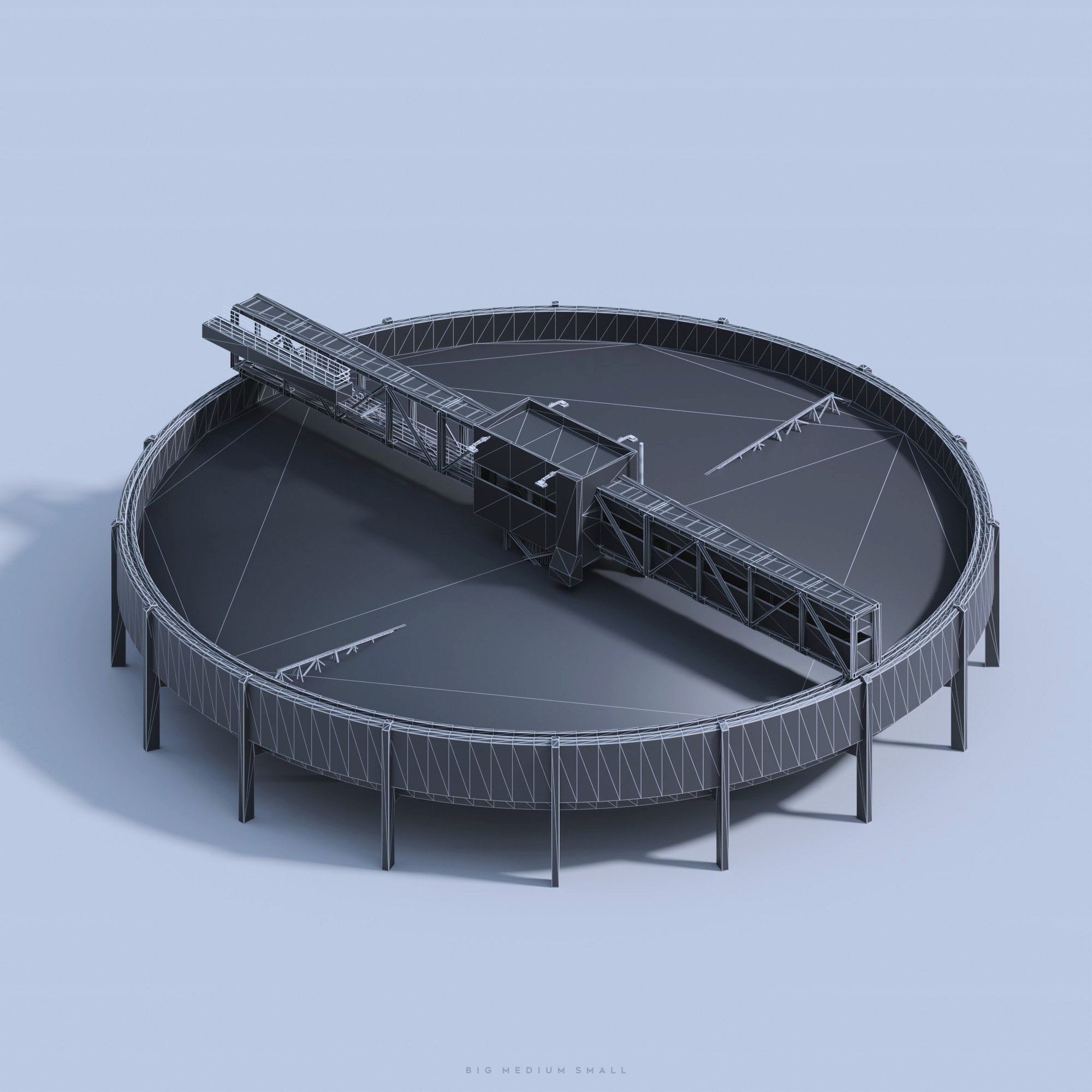
HERO BUILDINGS- Clarifier


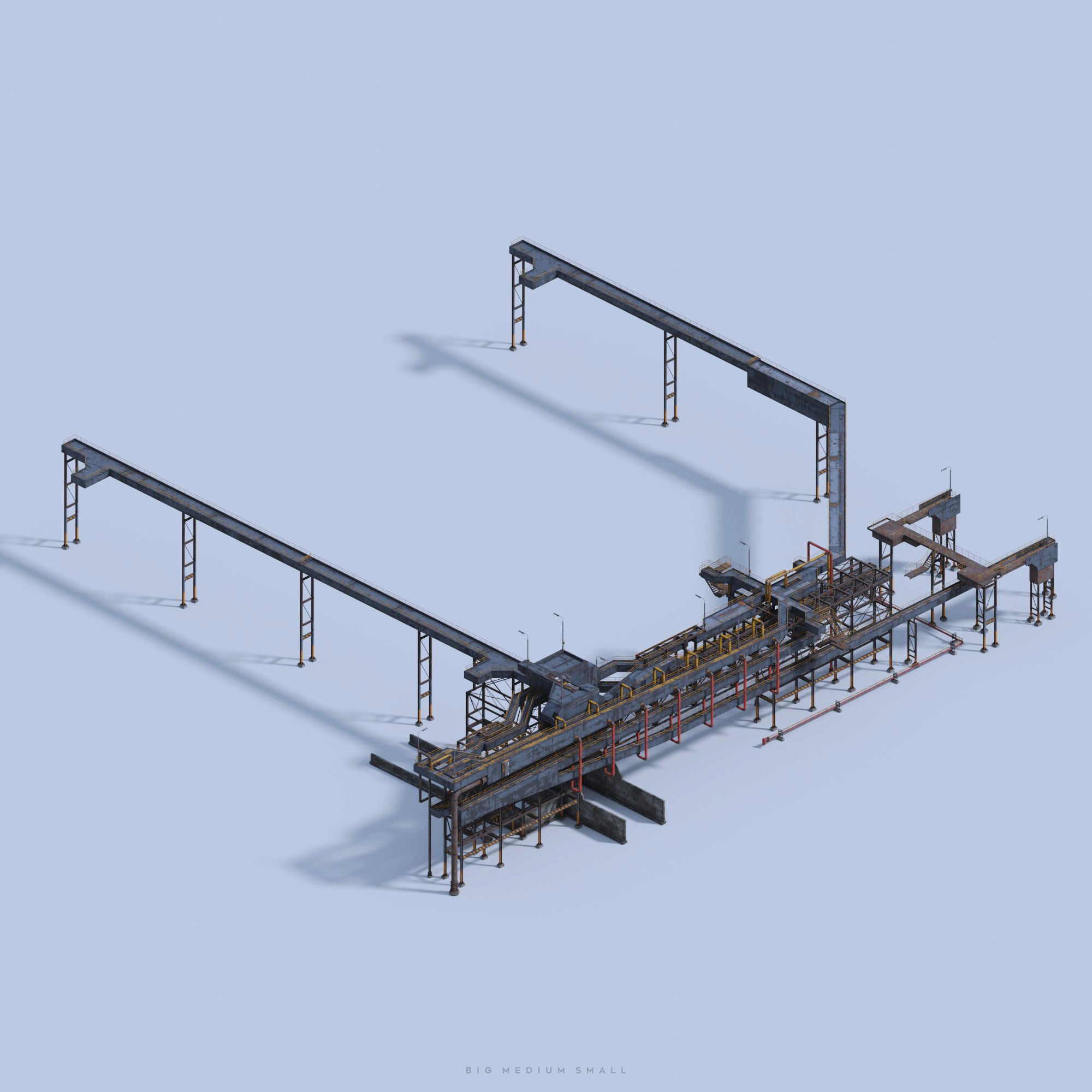
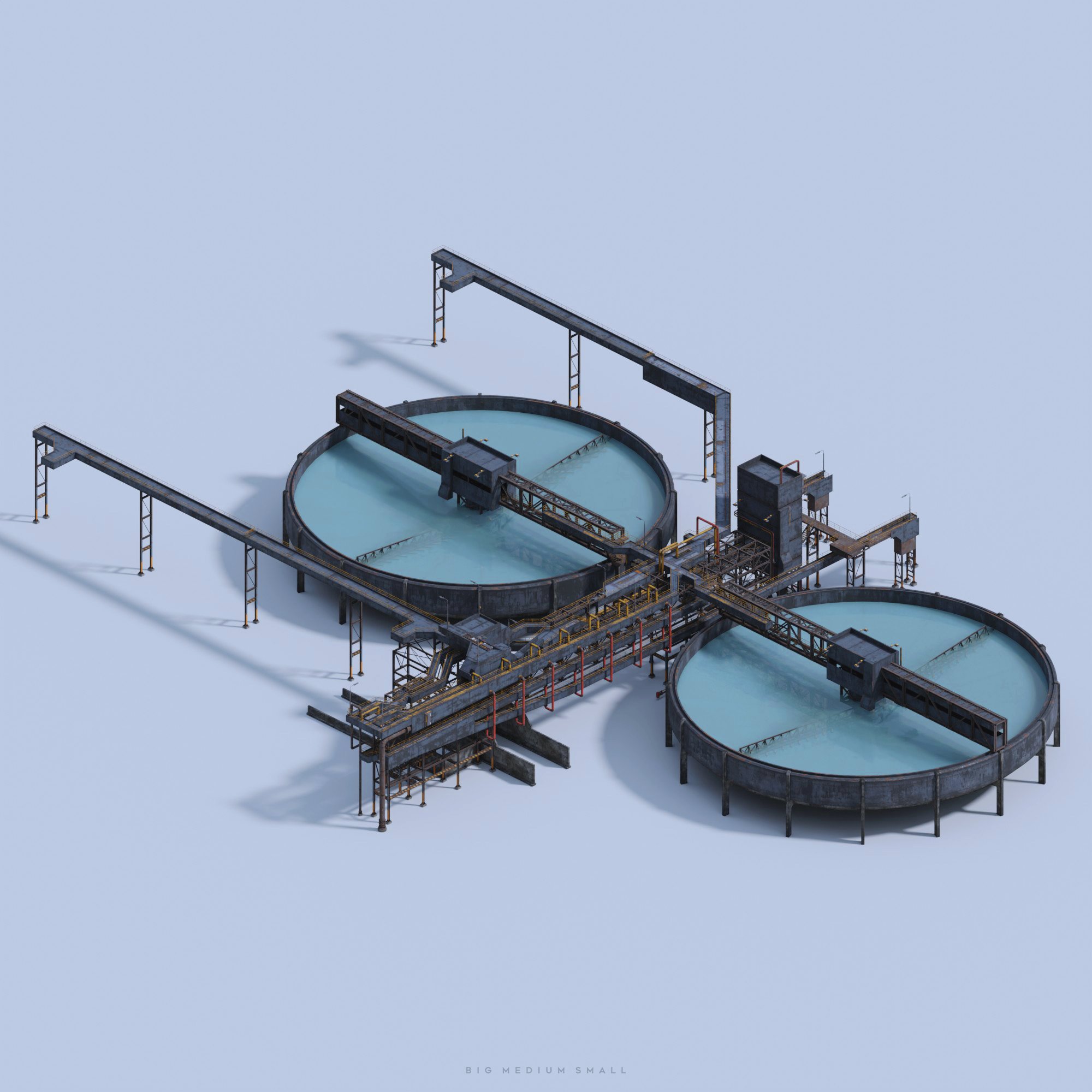
HERO BUILDING - GRAIN TERMINAL
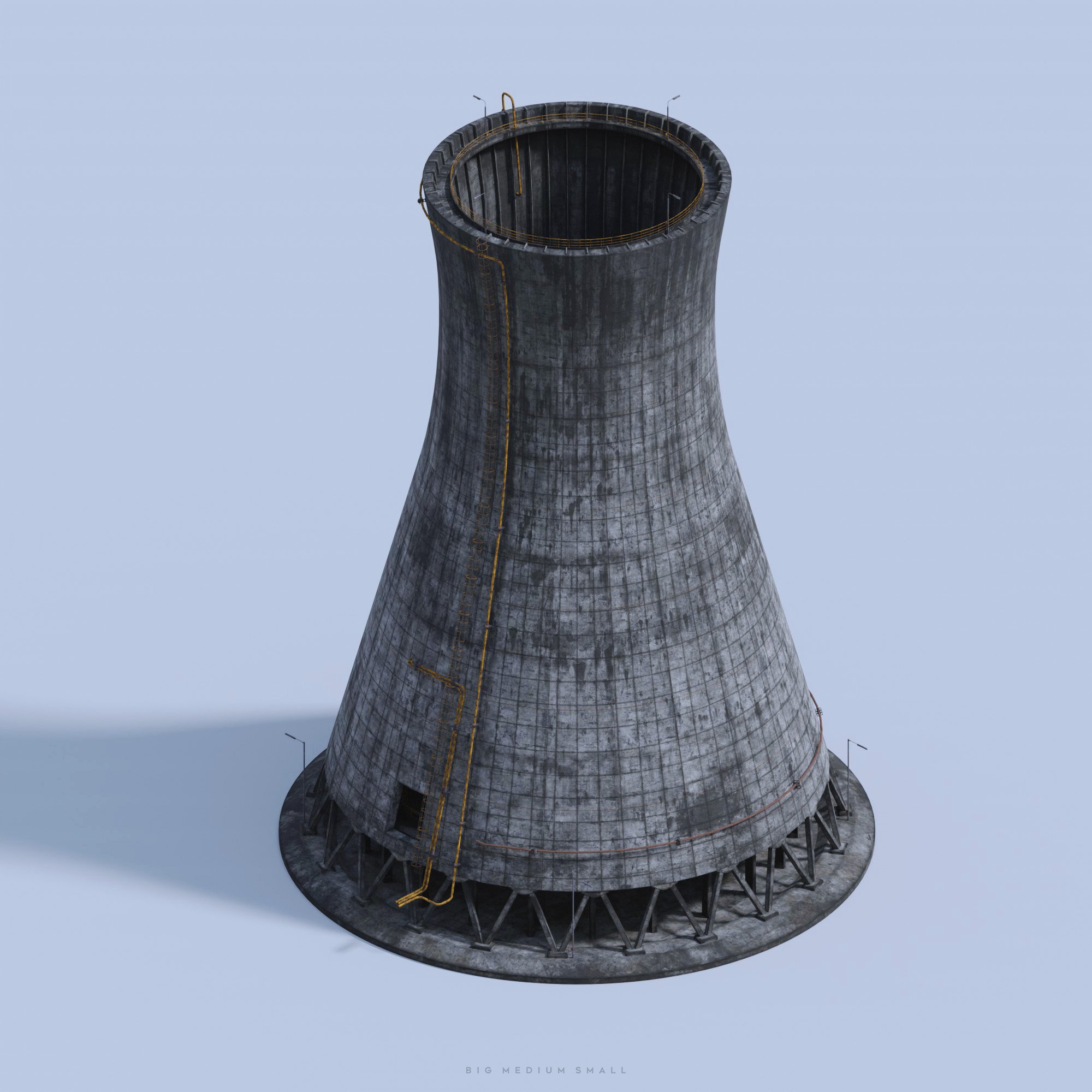

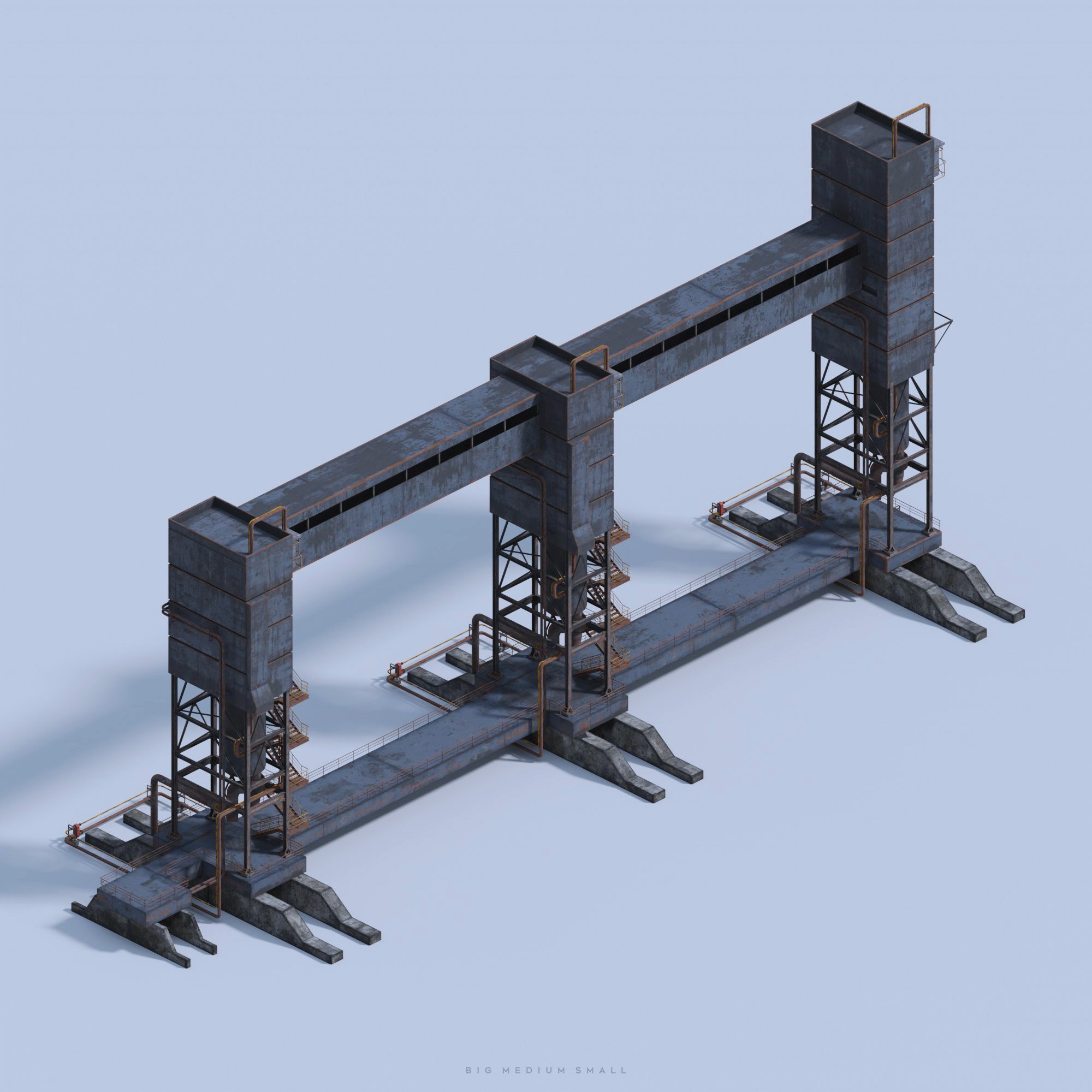

HERO BUILDING - Ground assets


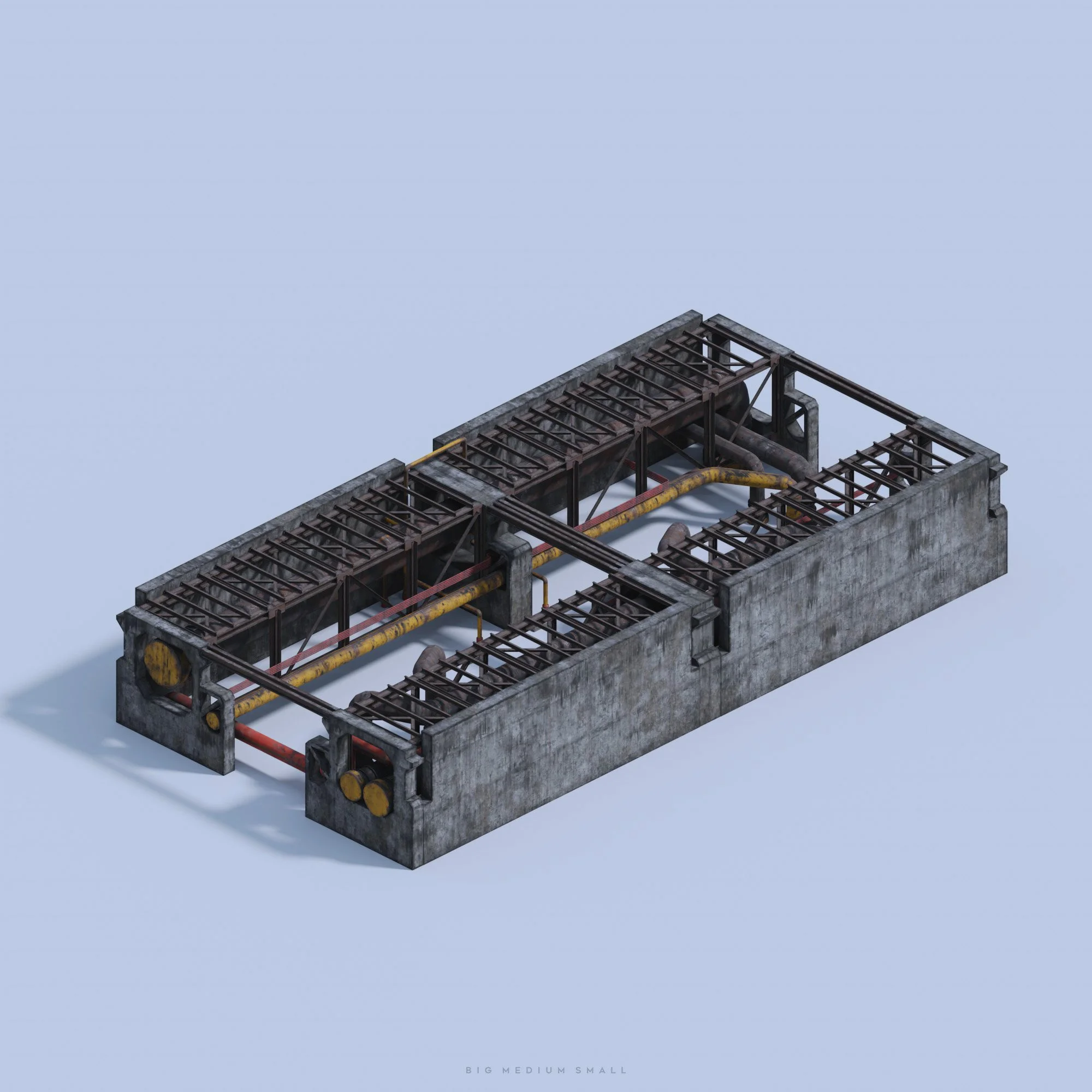


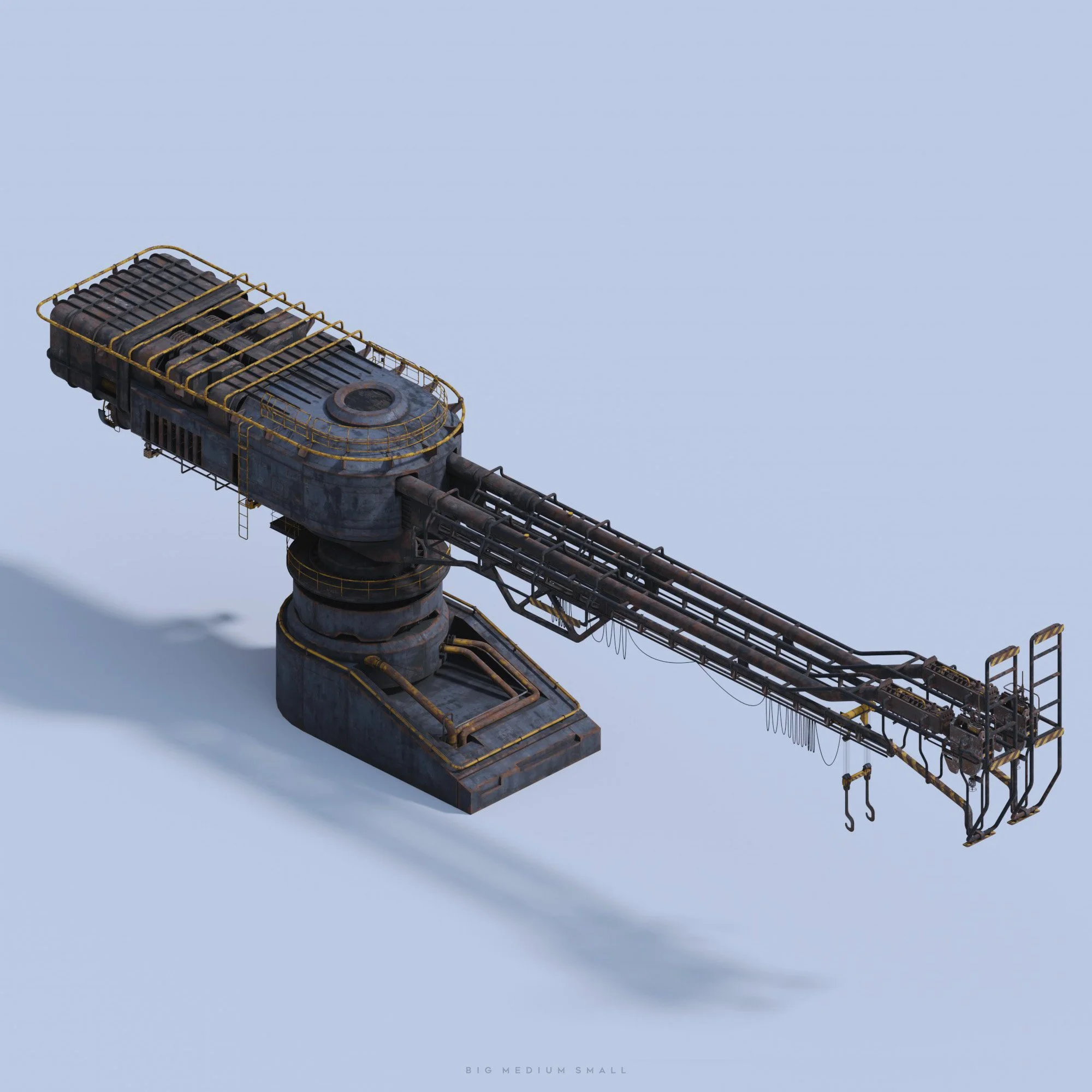


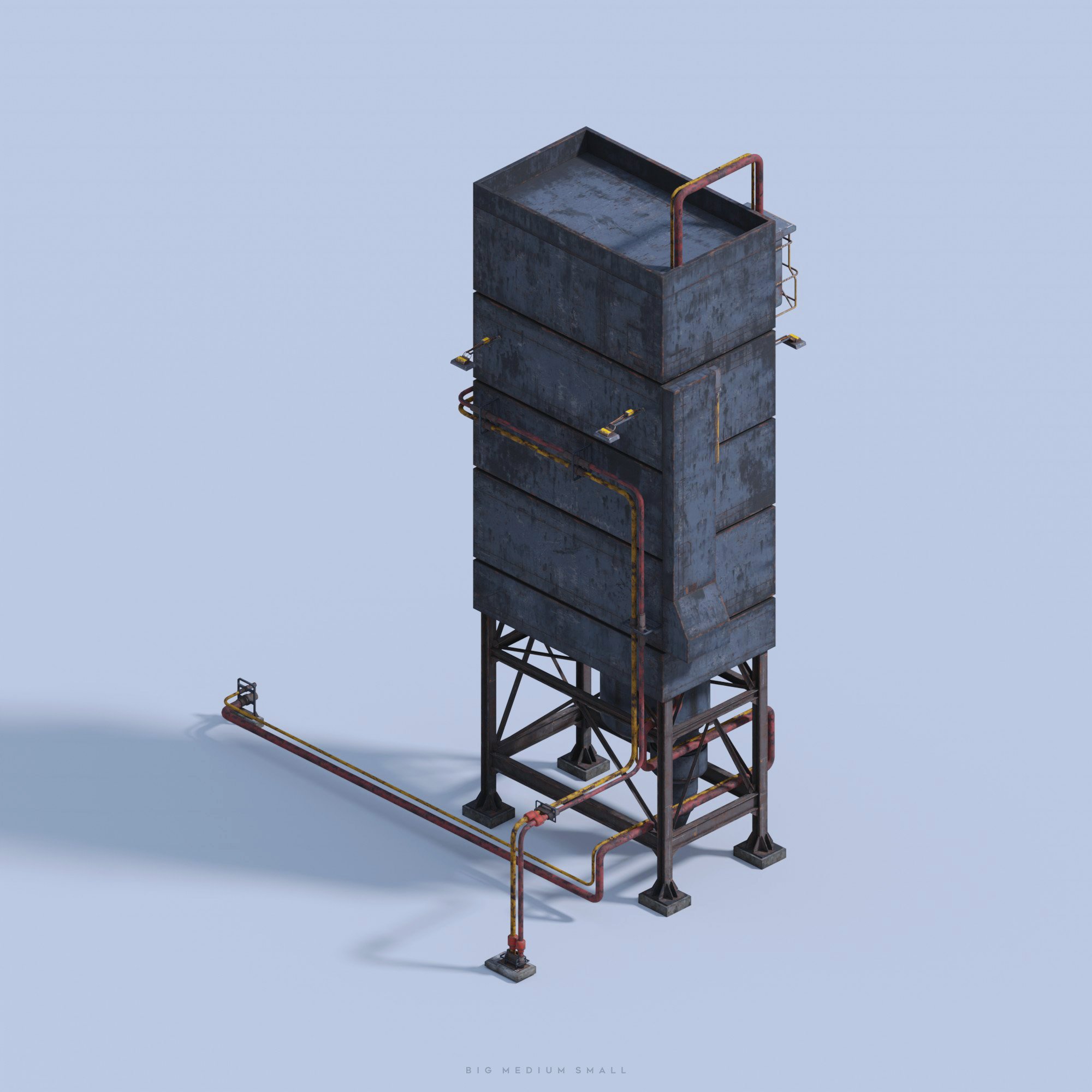
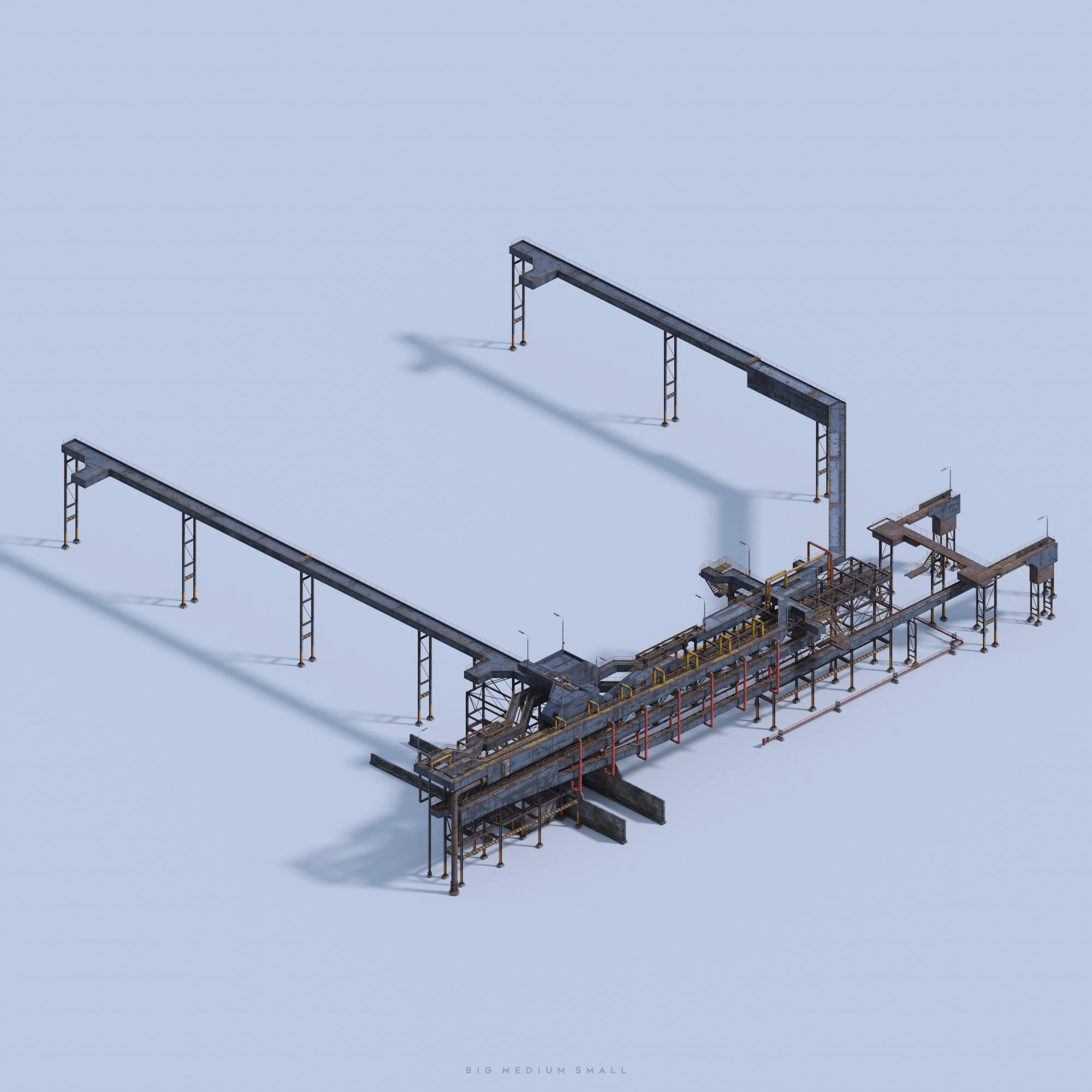
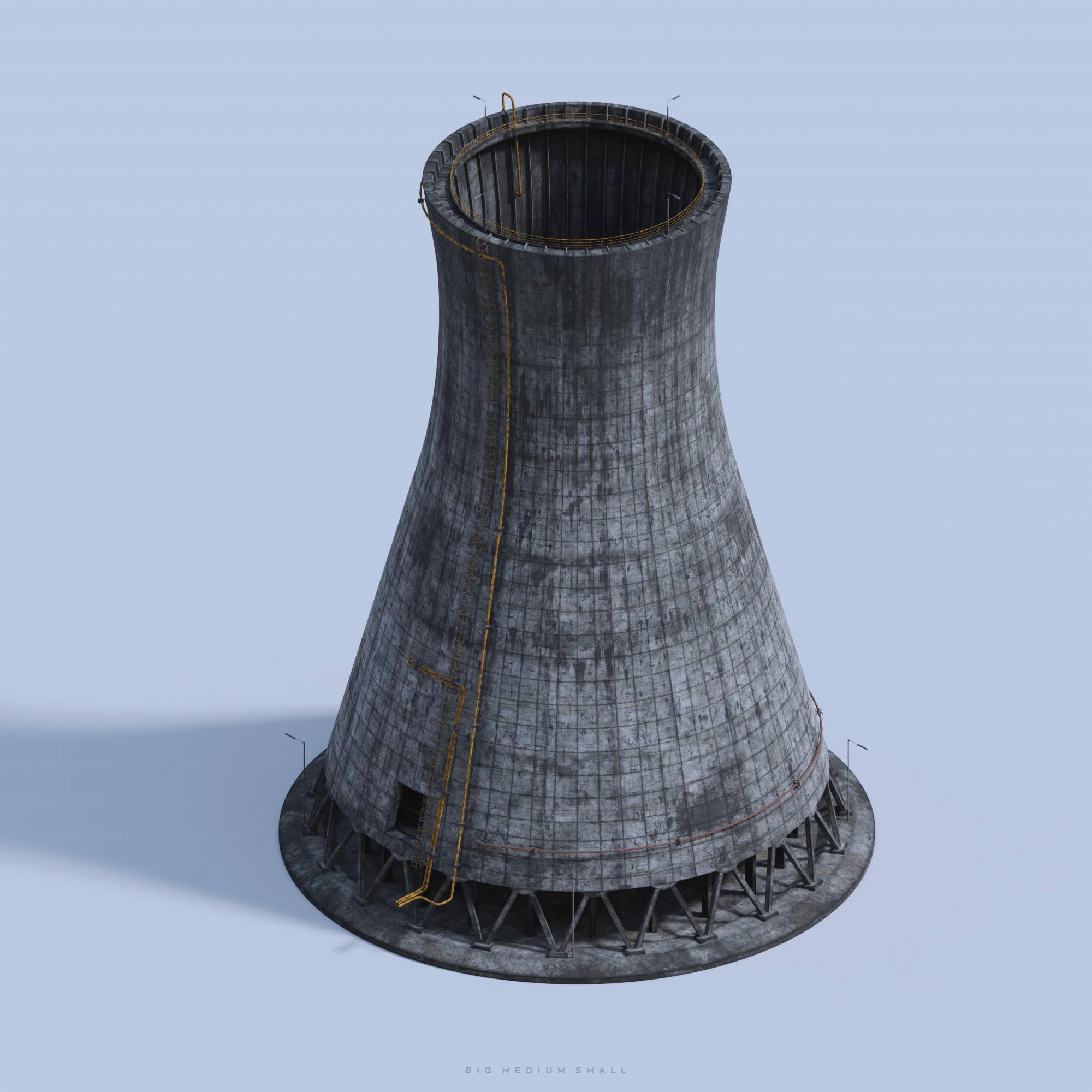
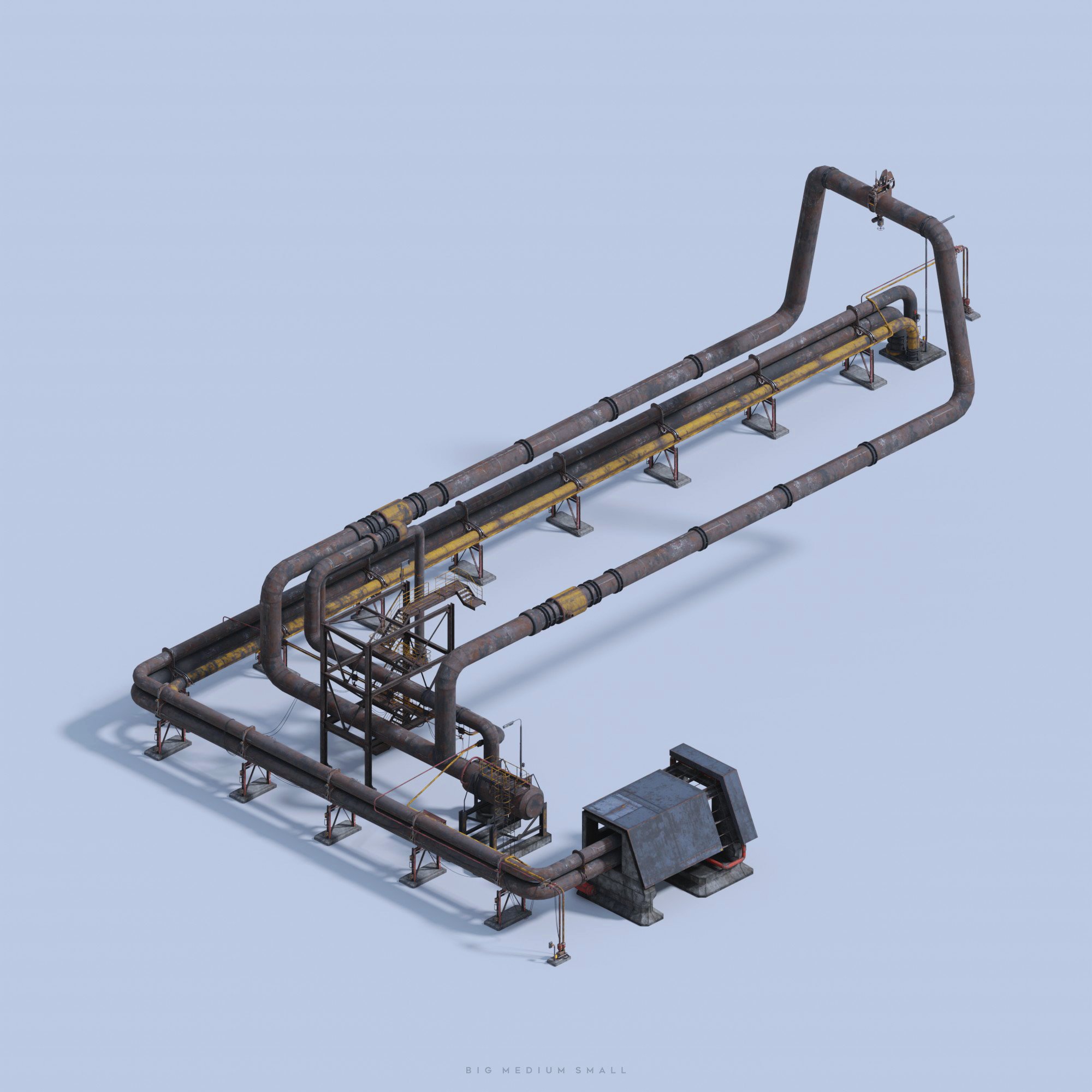
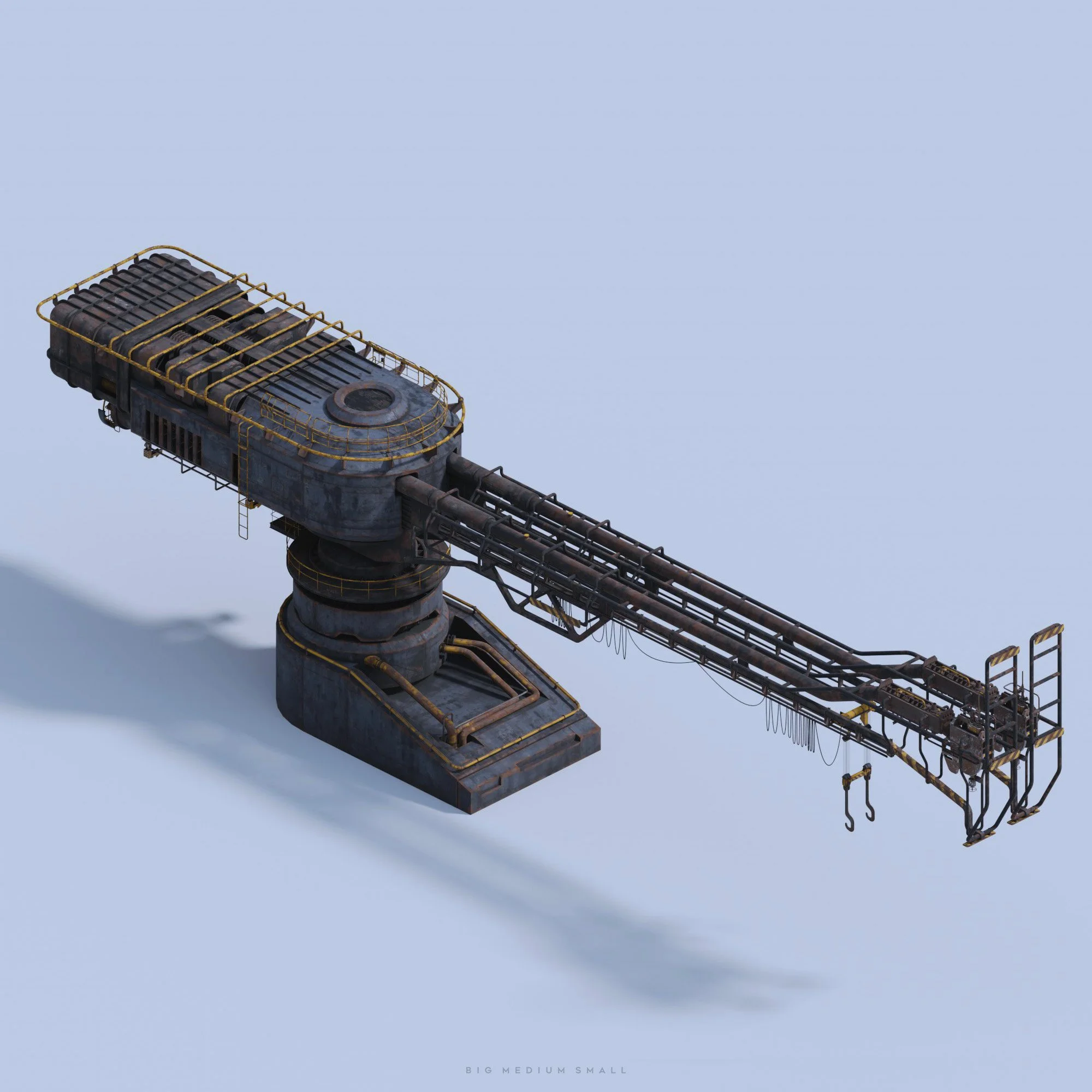

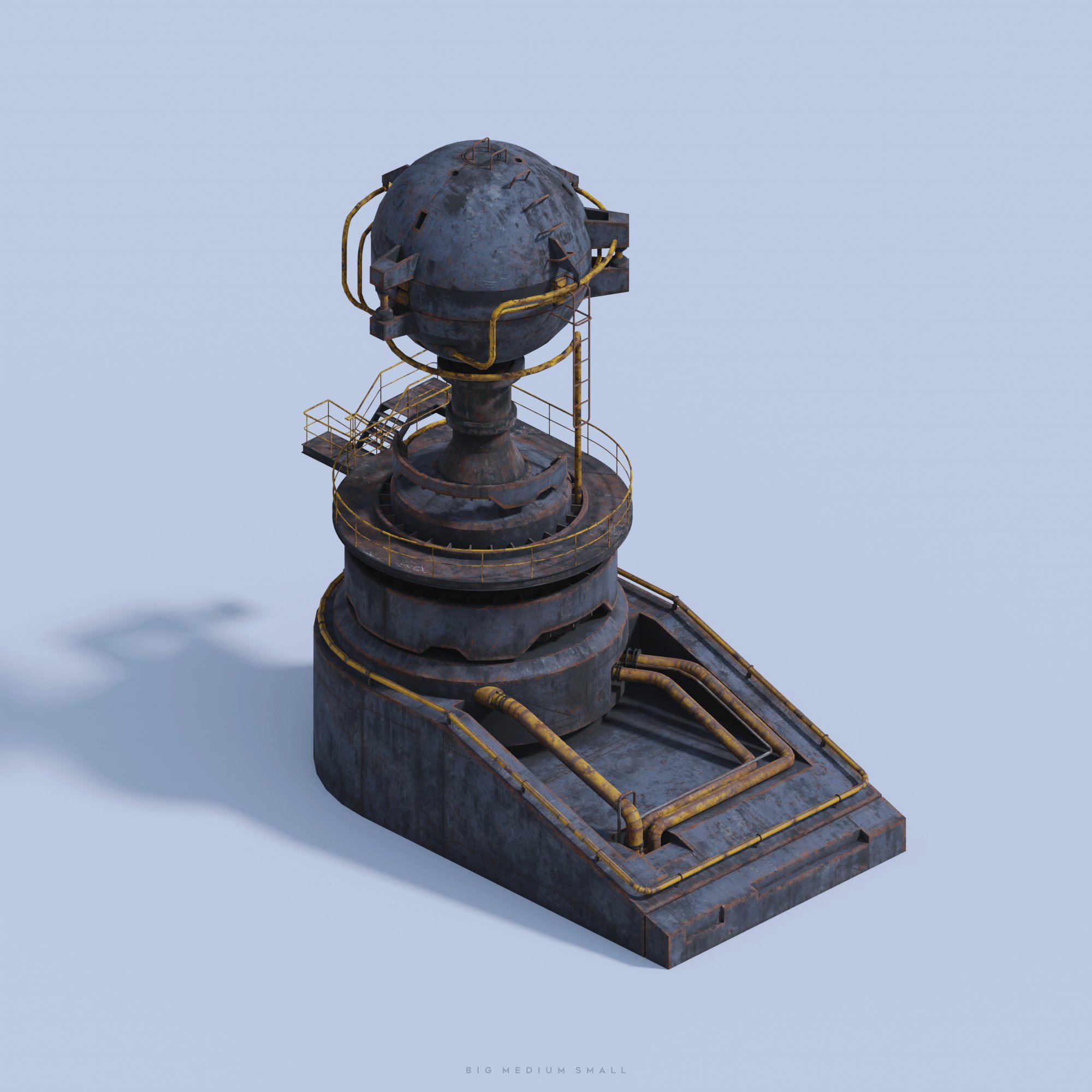
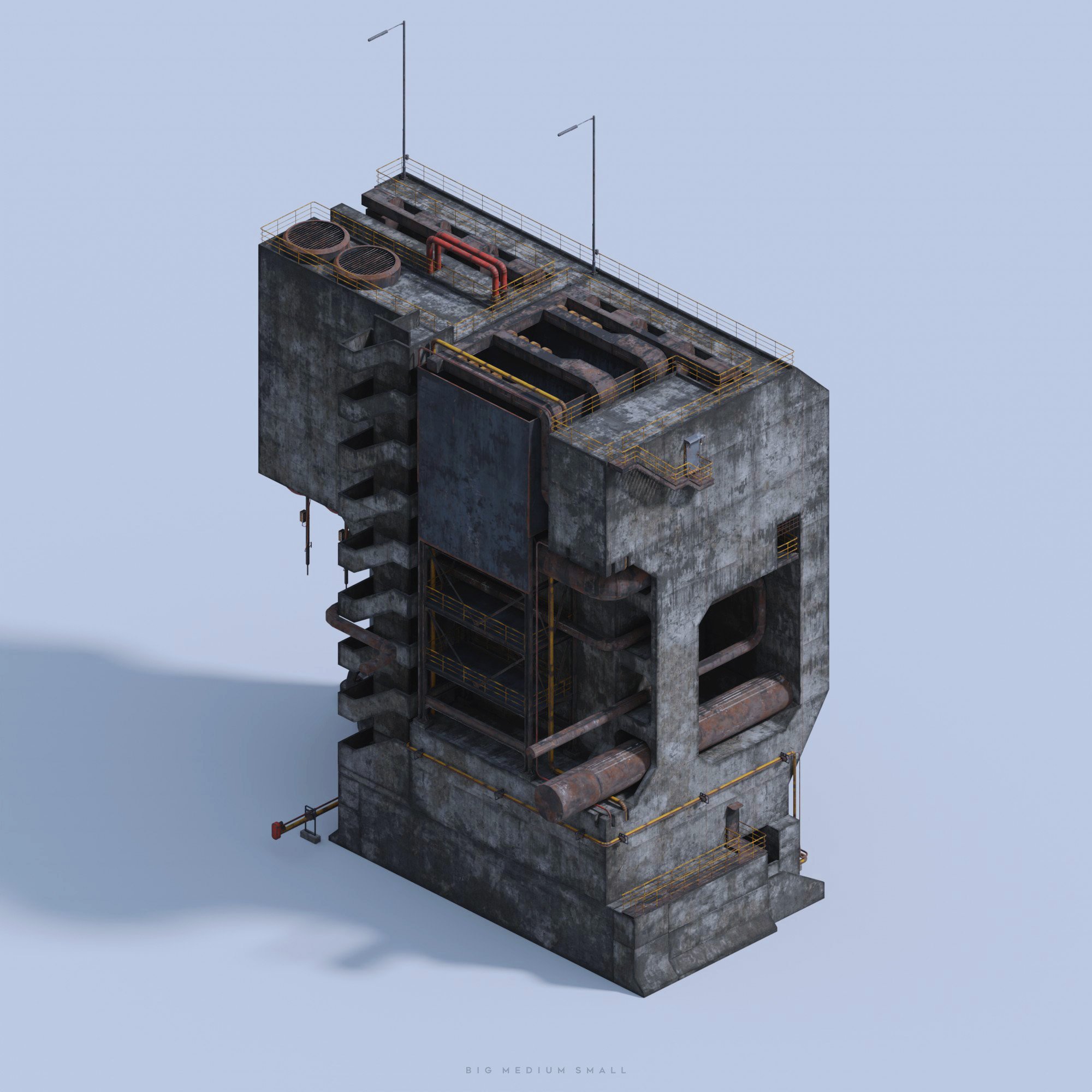
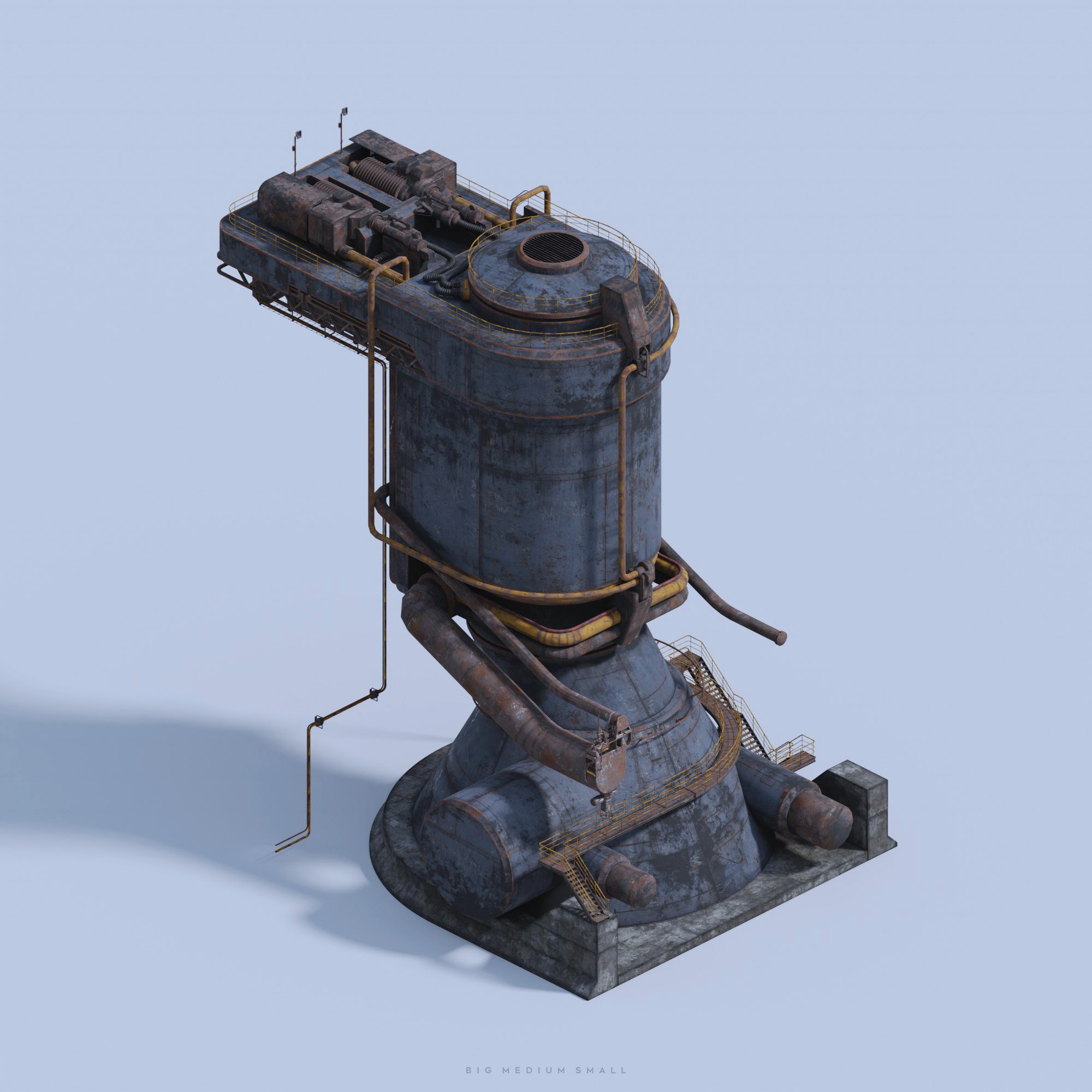
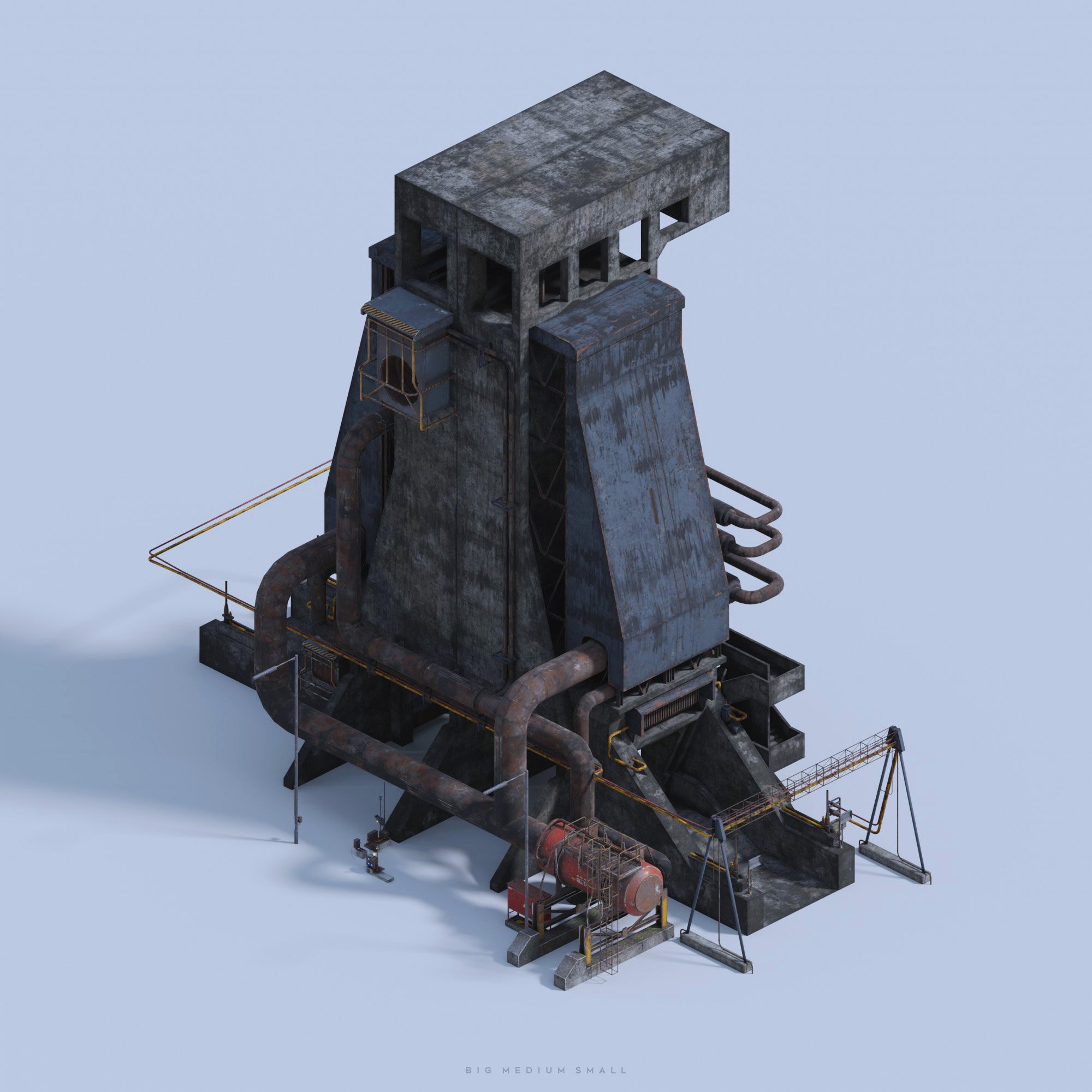




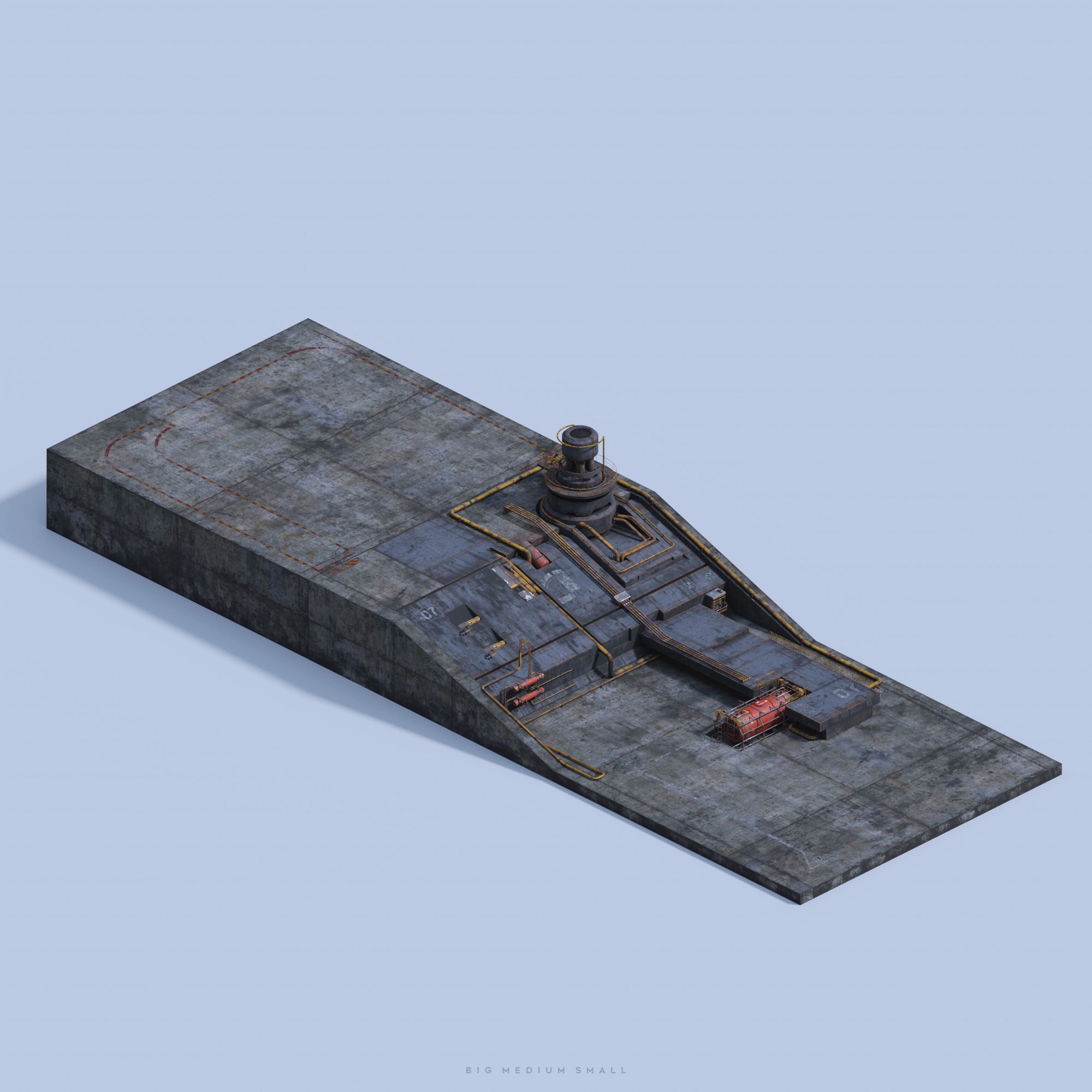
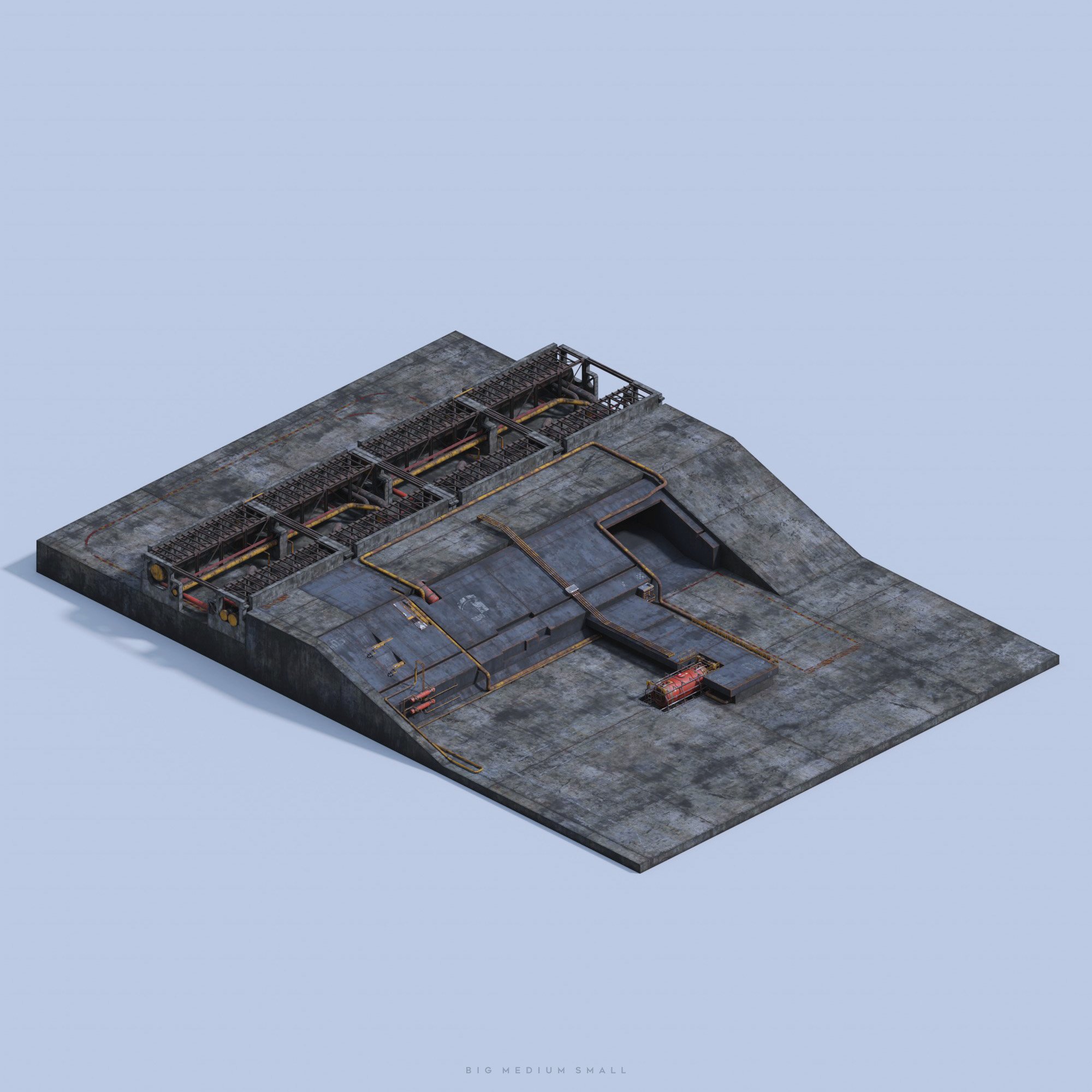
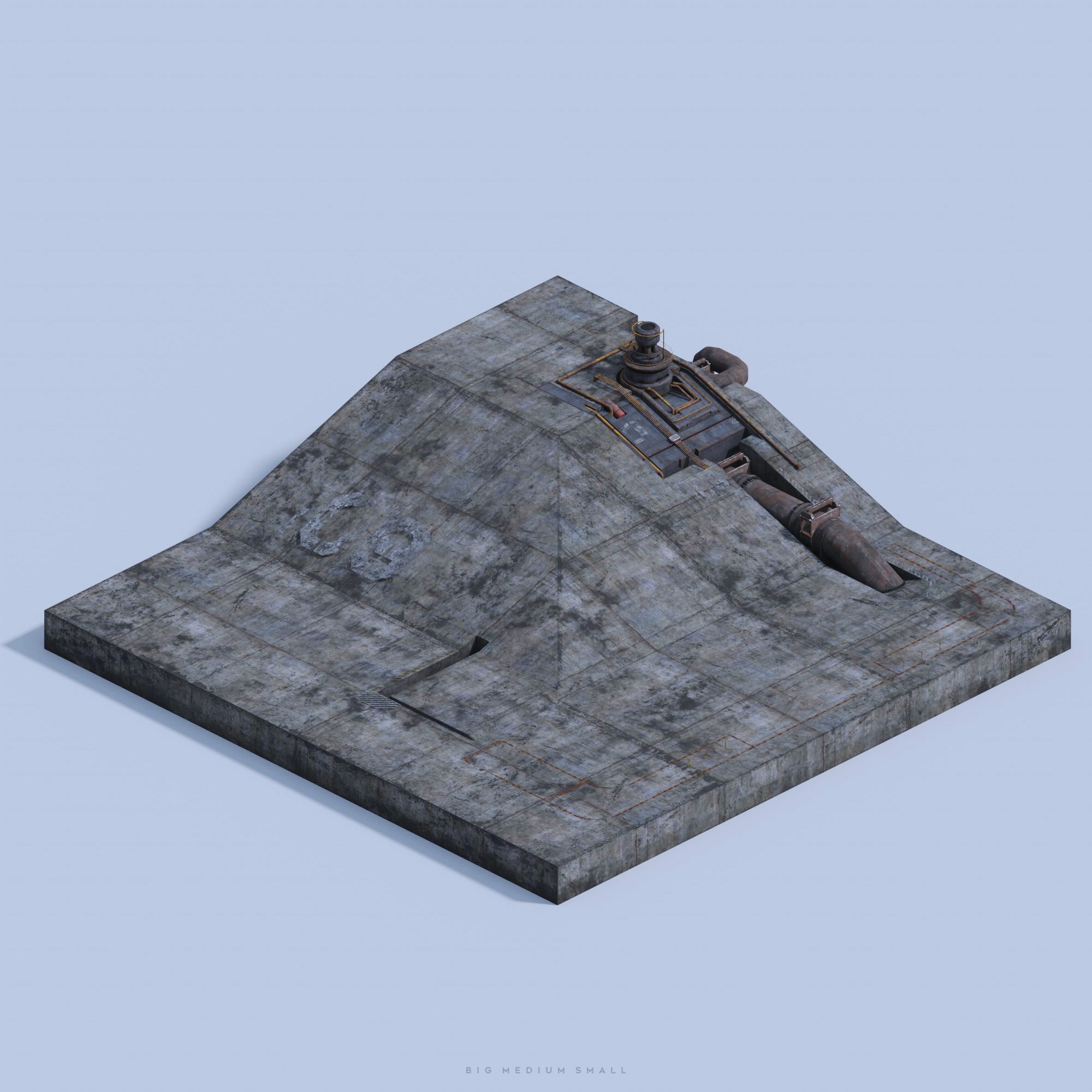
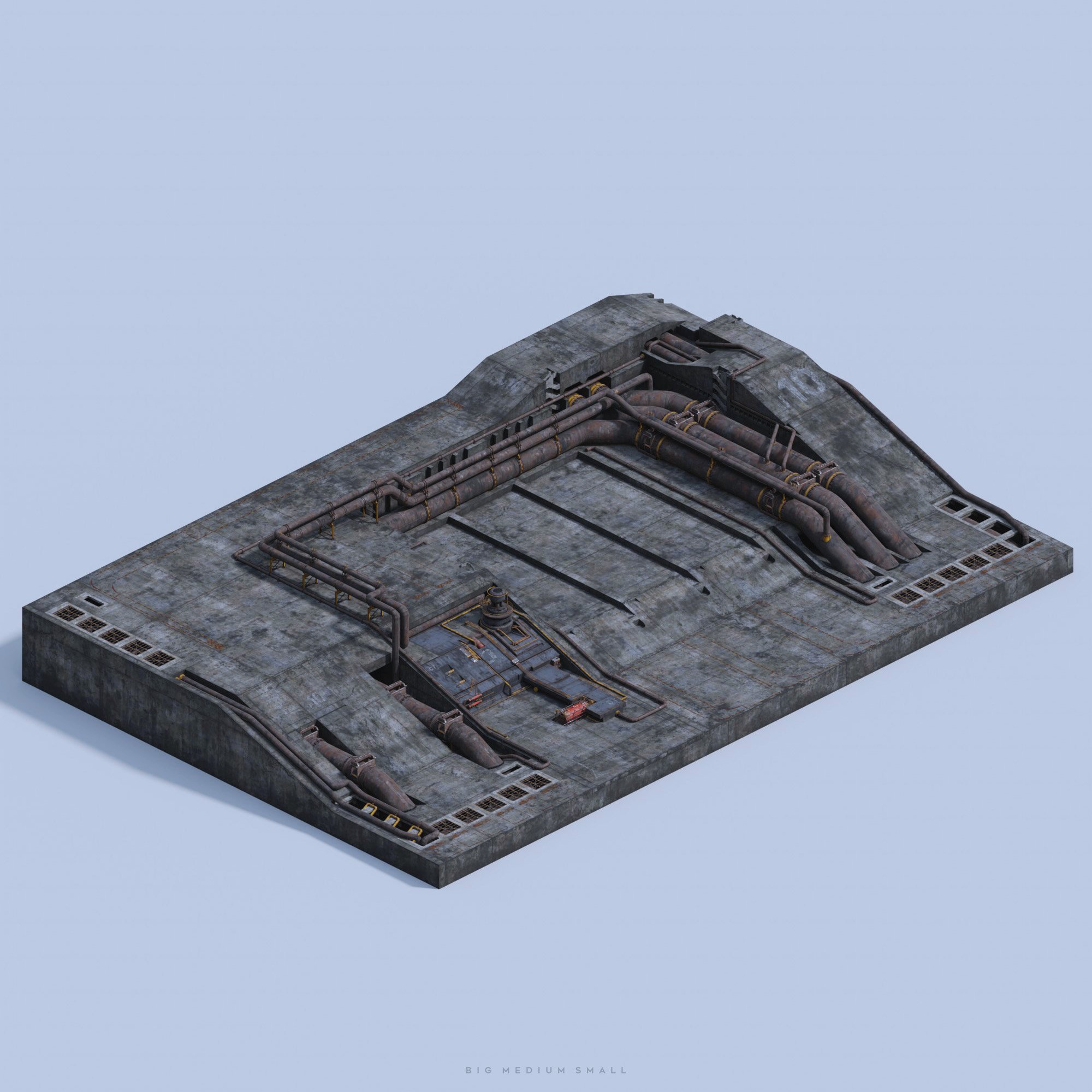



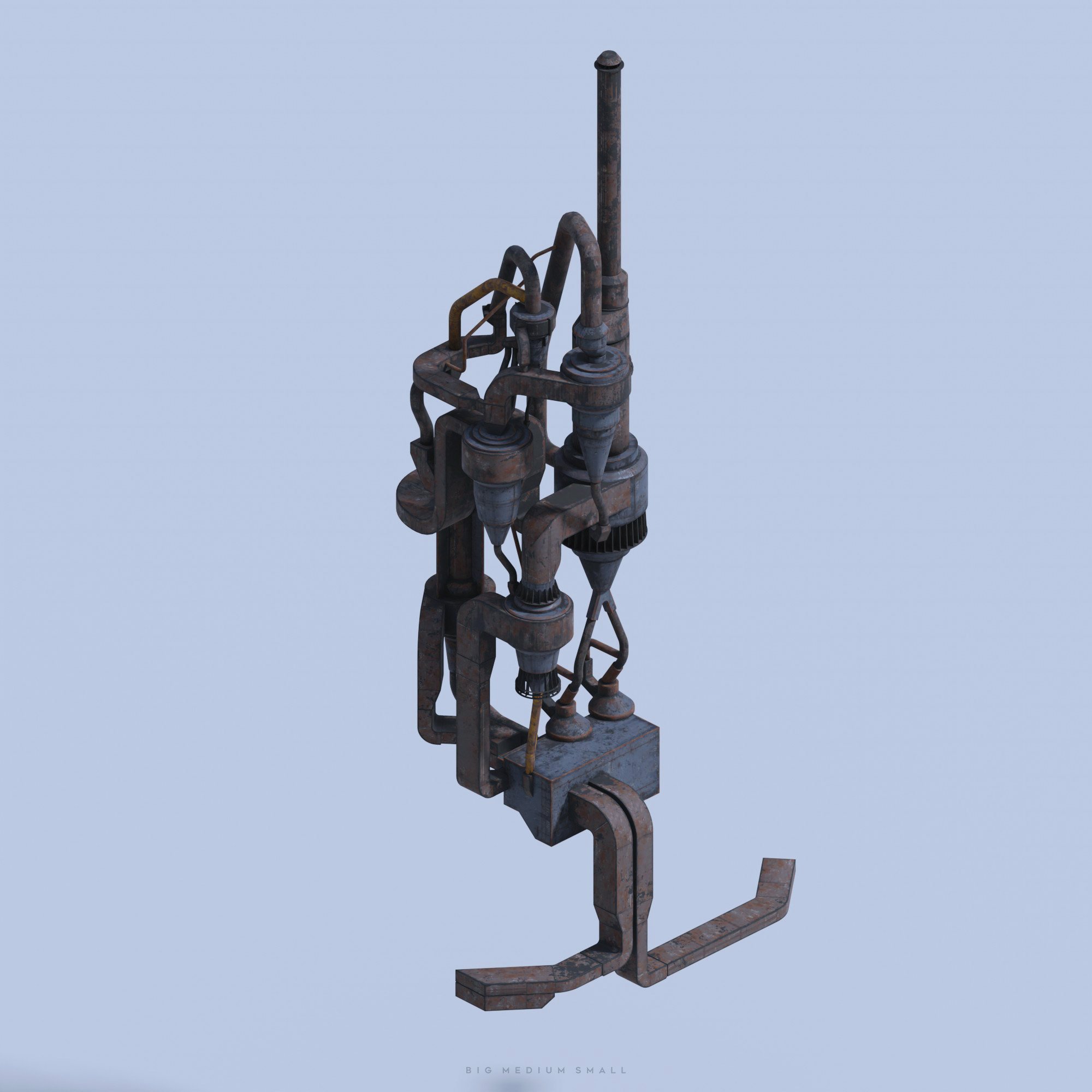
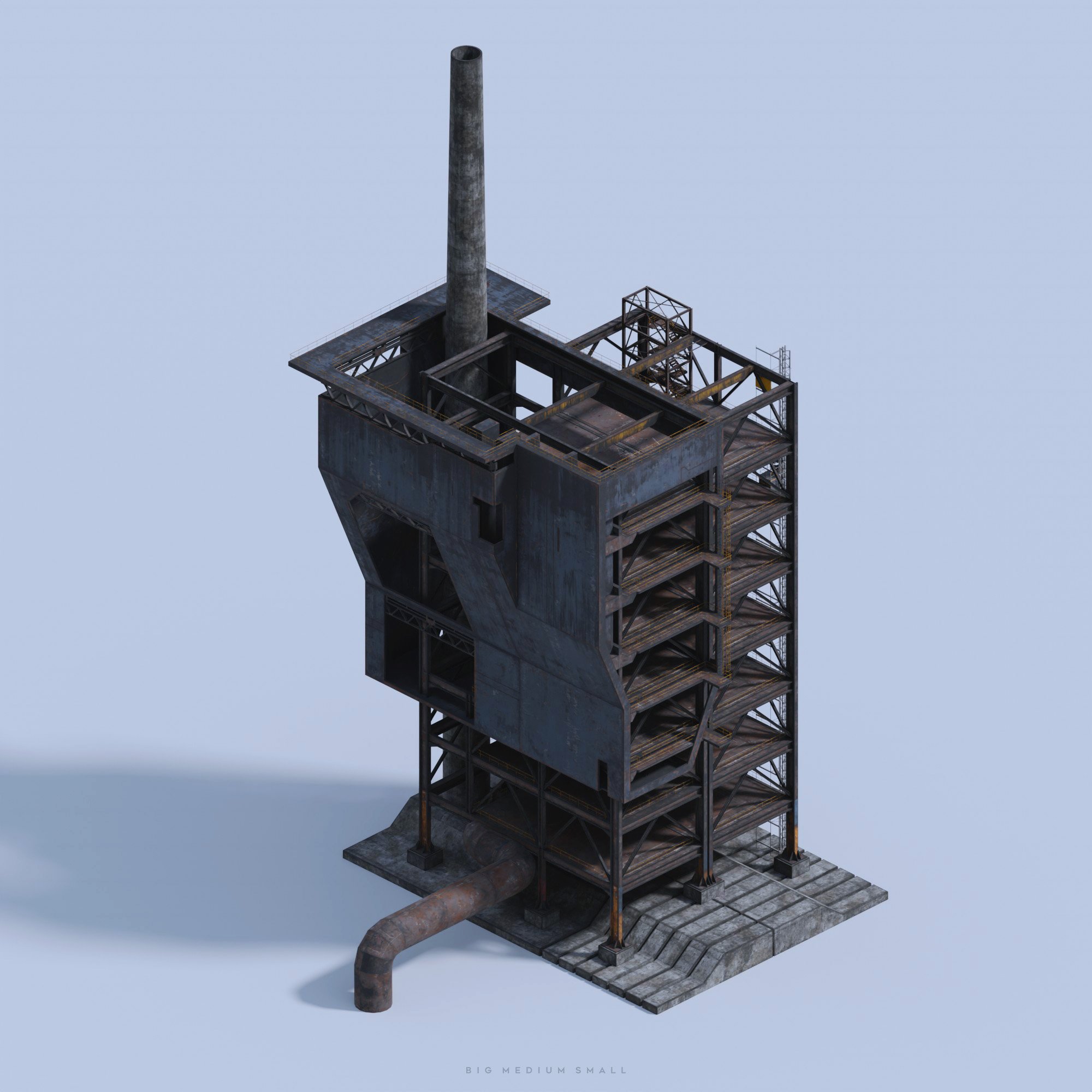
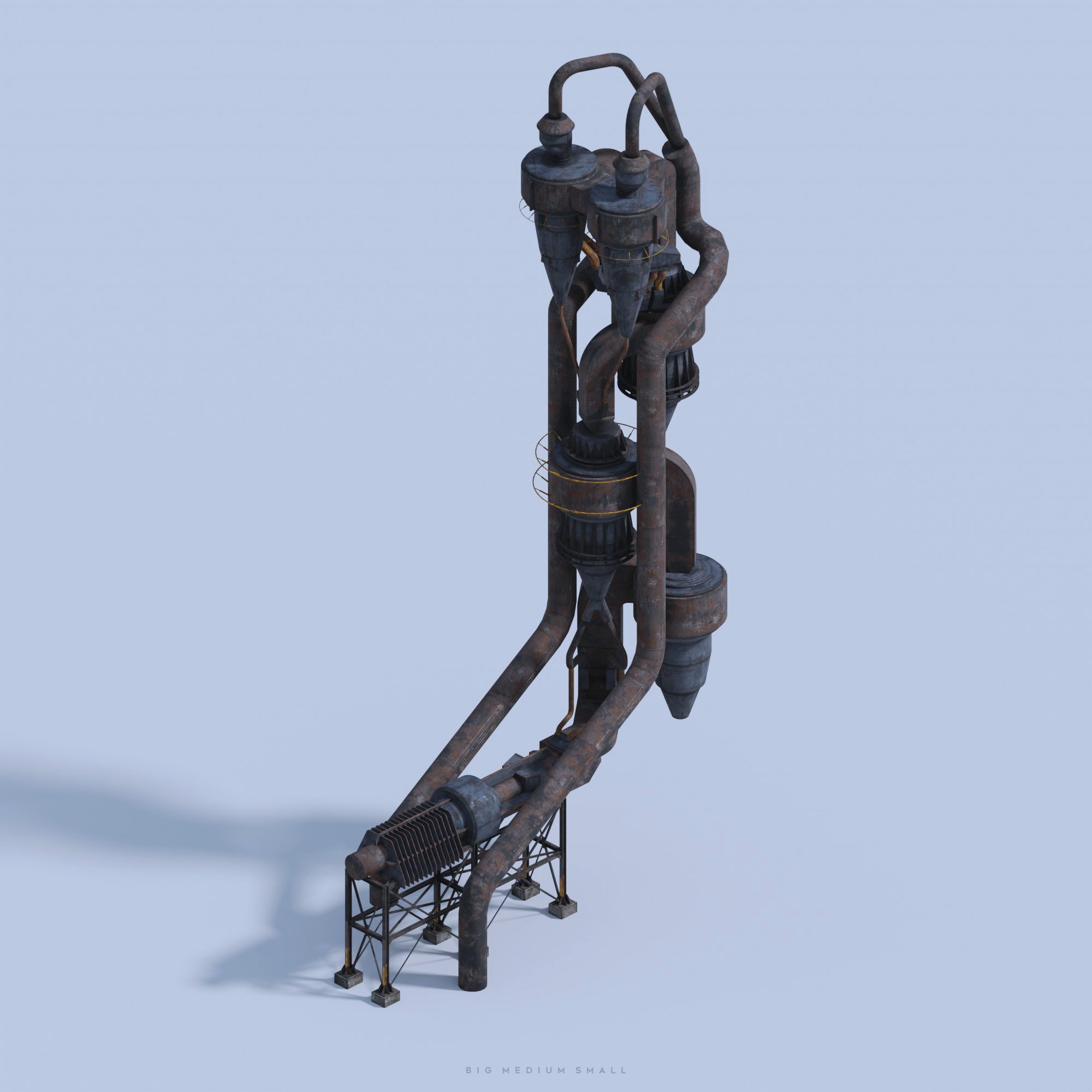


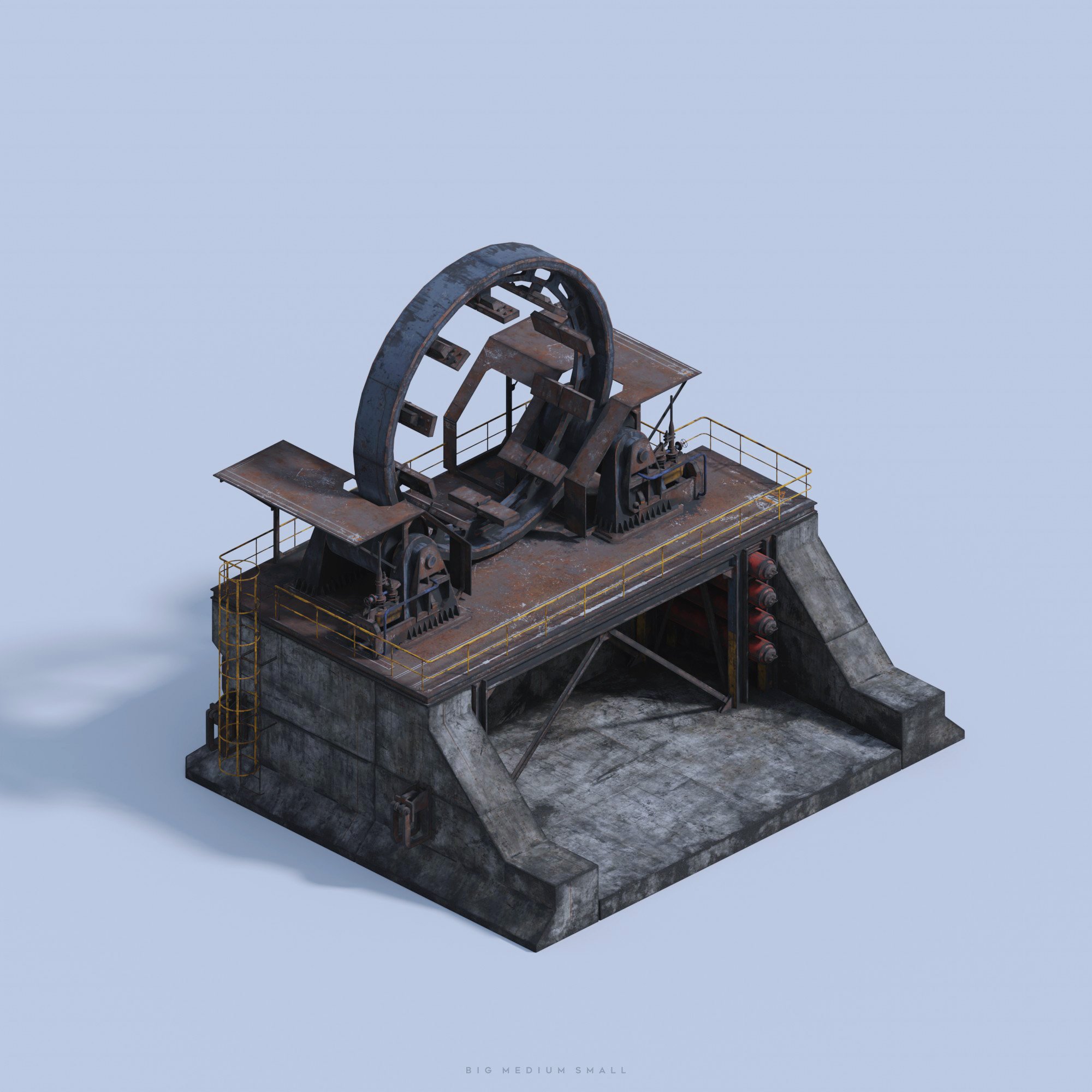
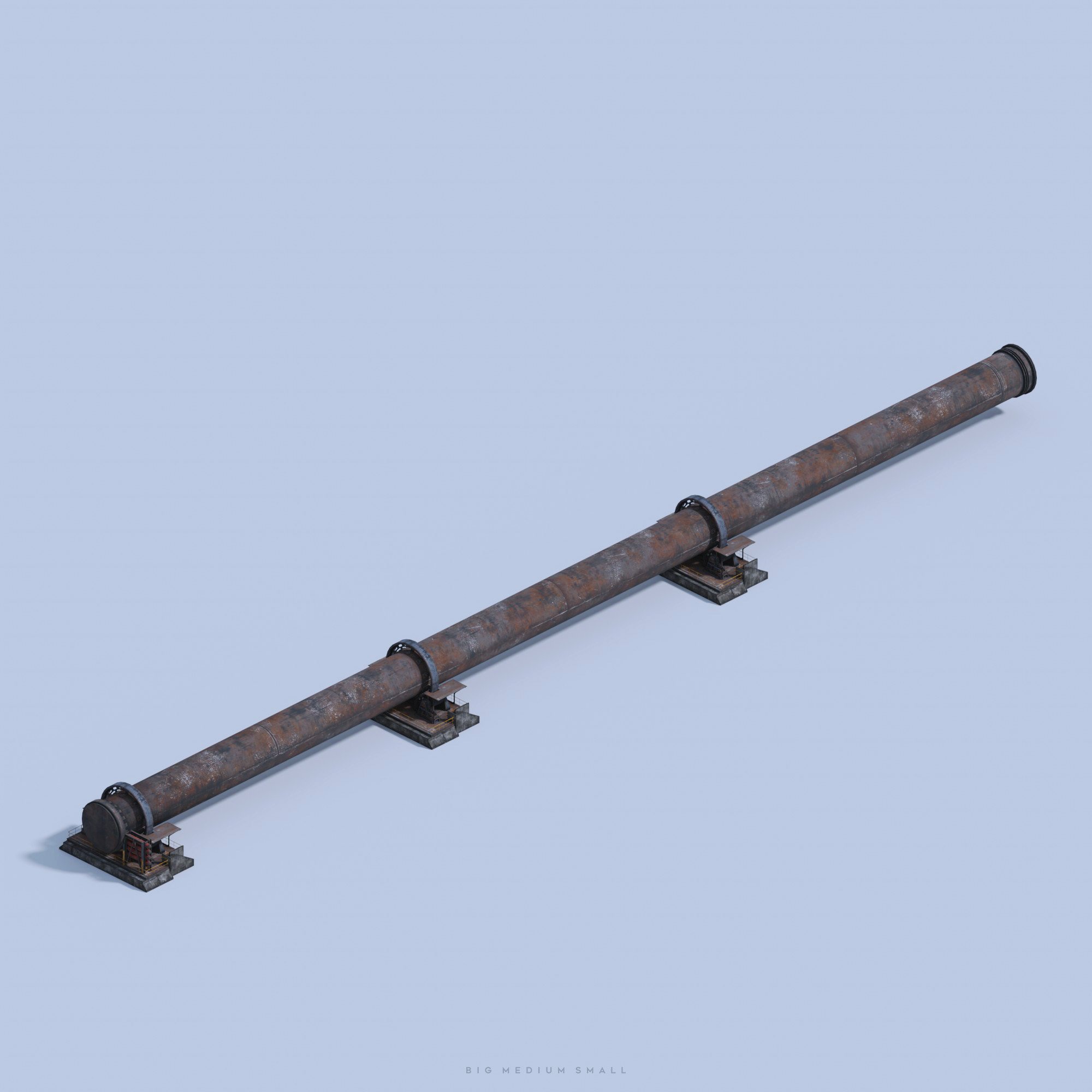
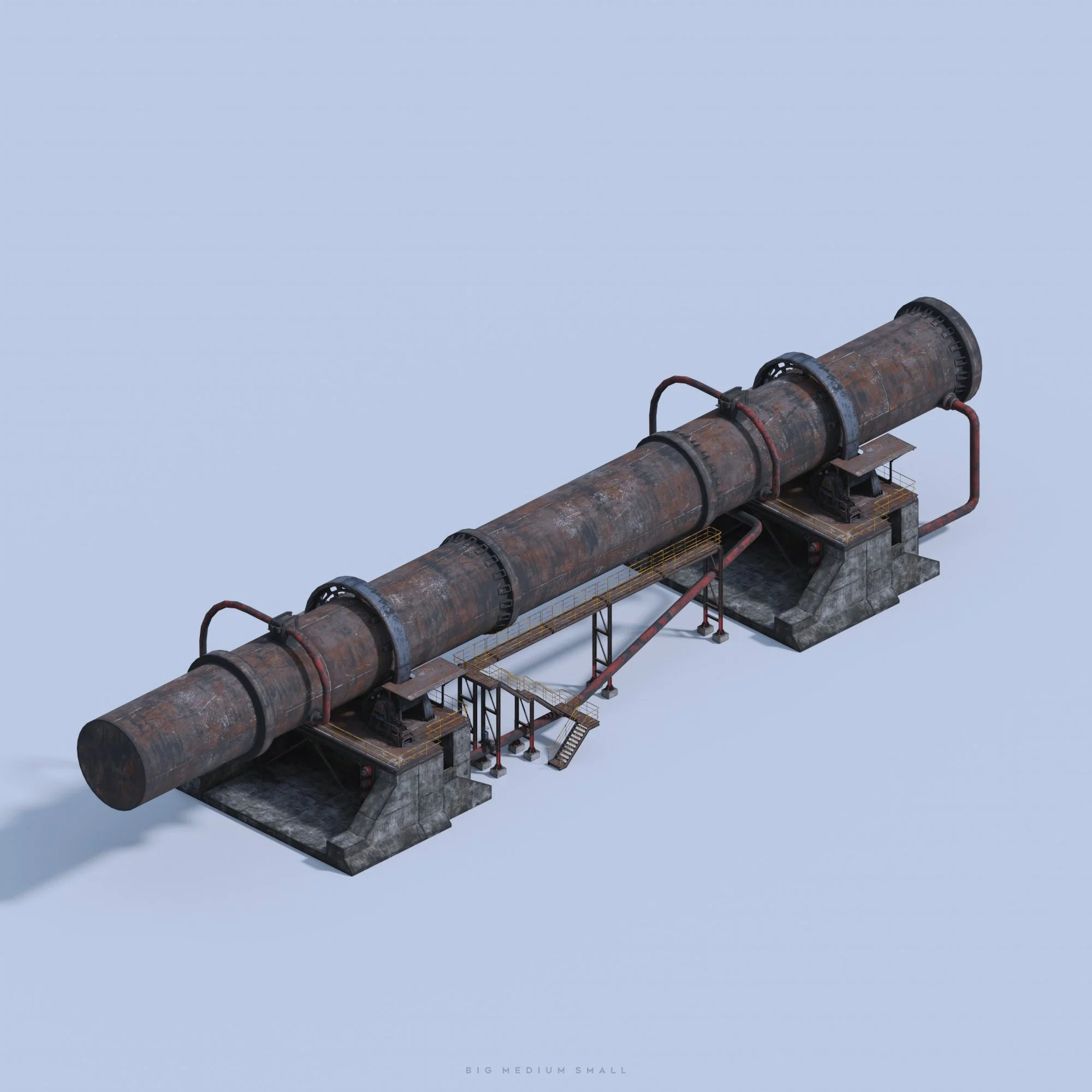
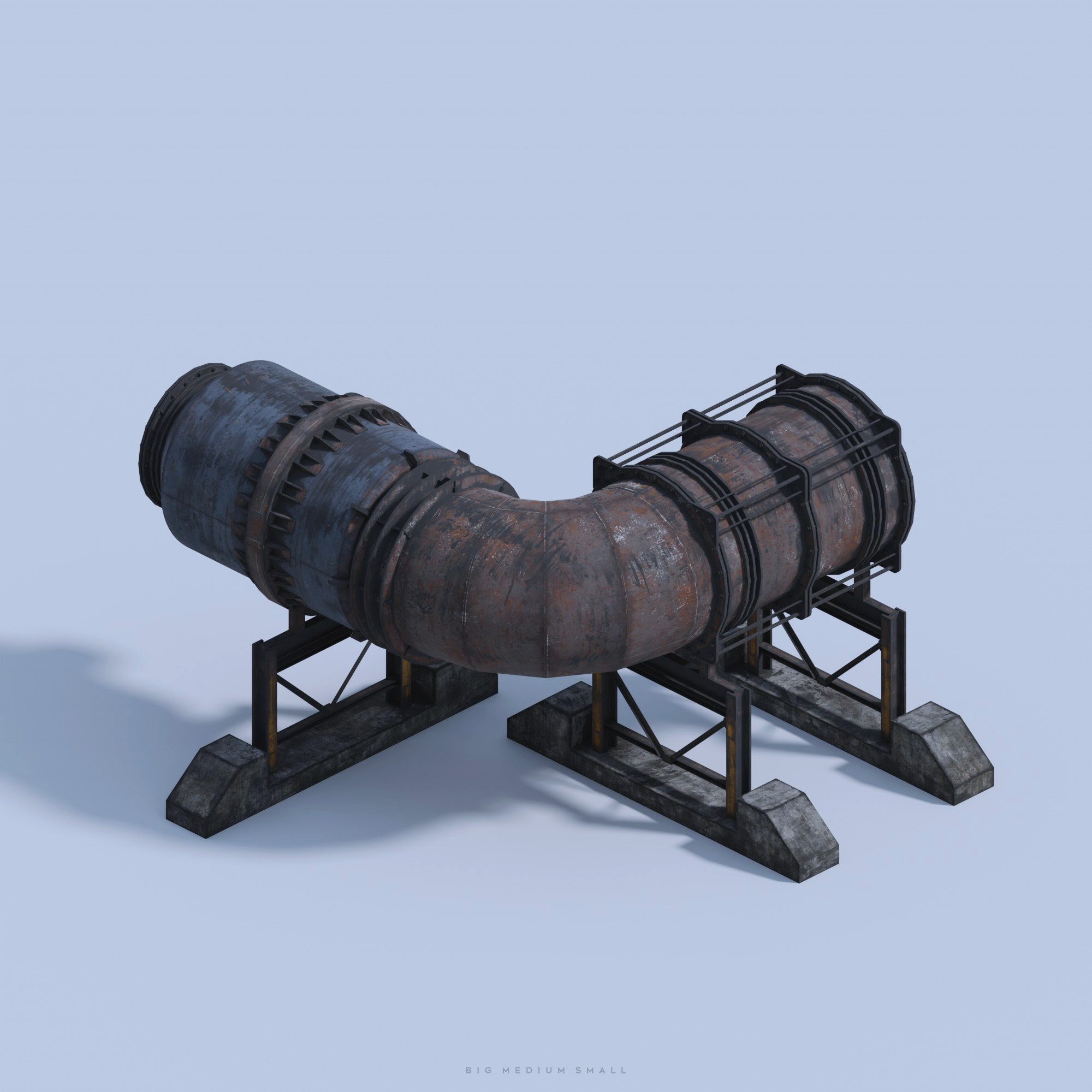

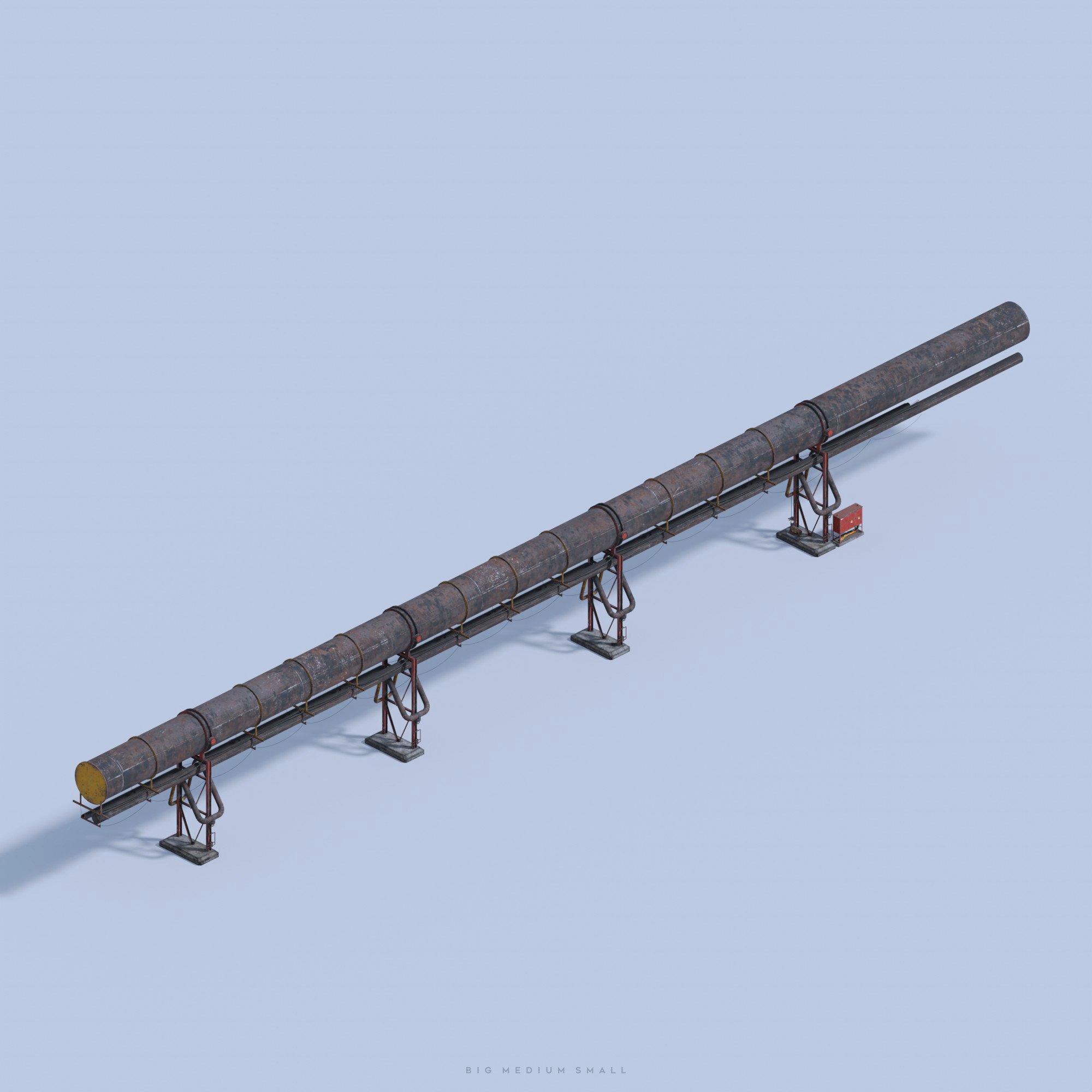
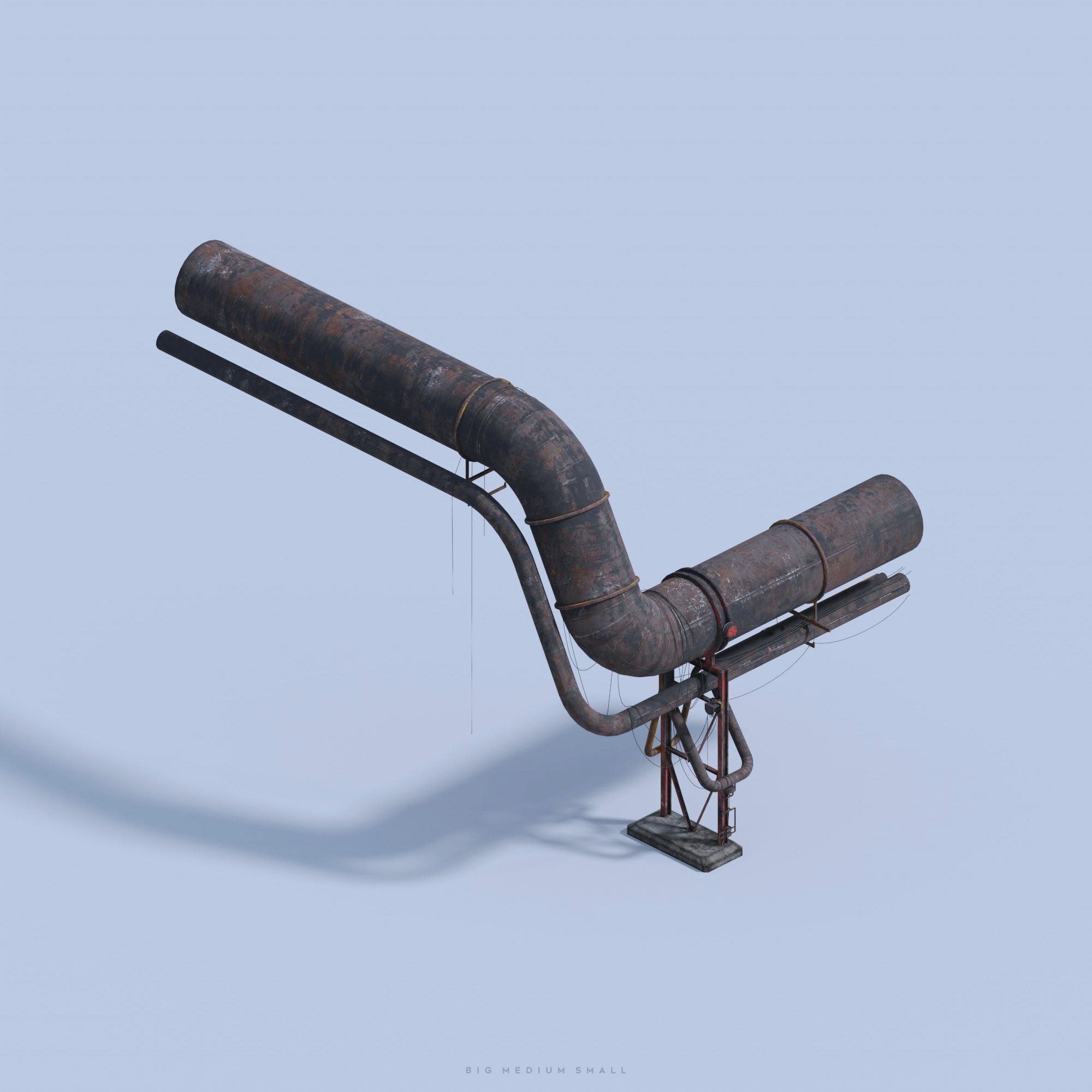
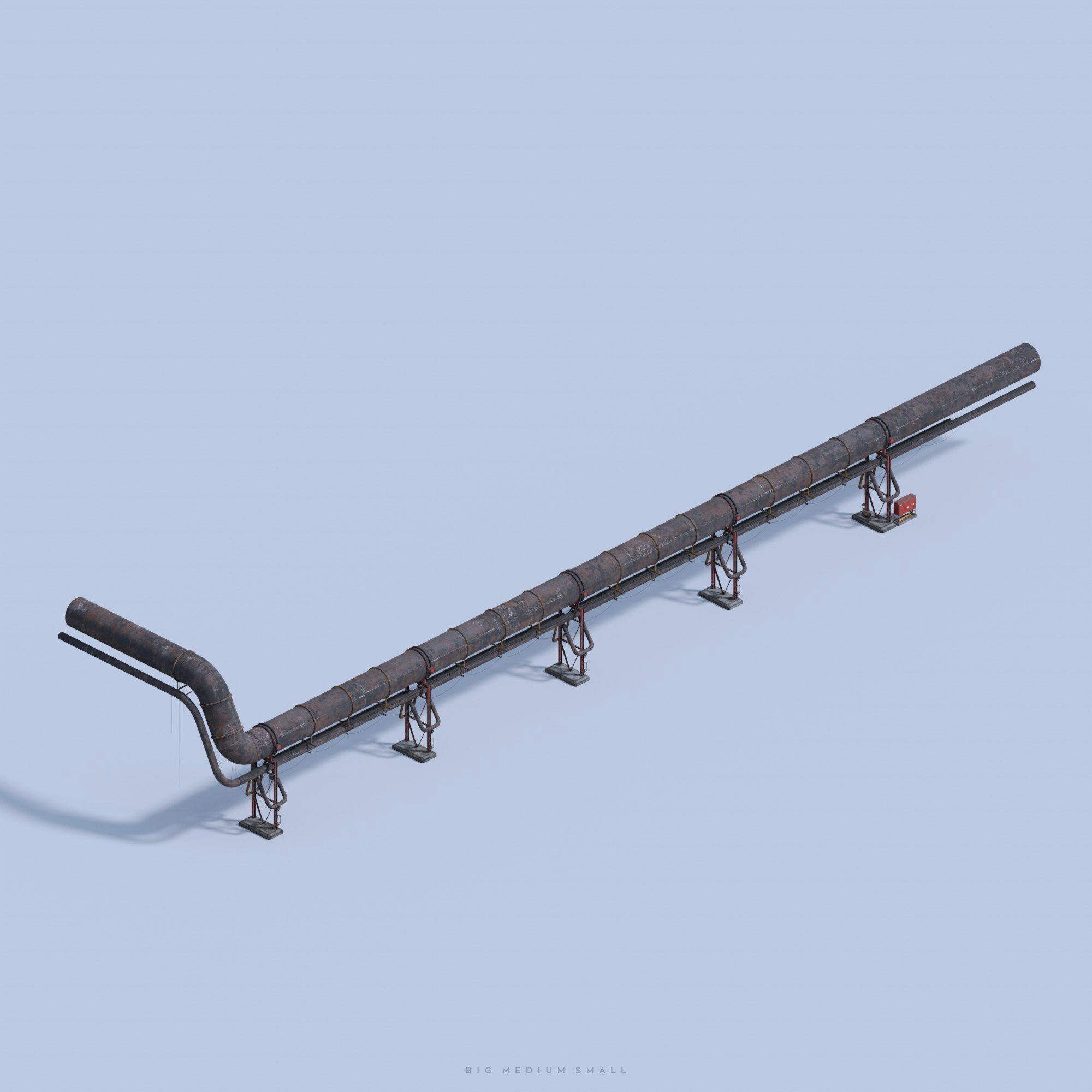

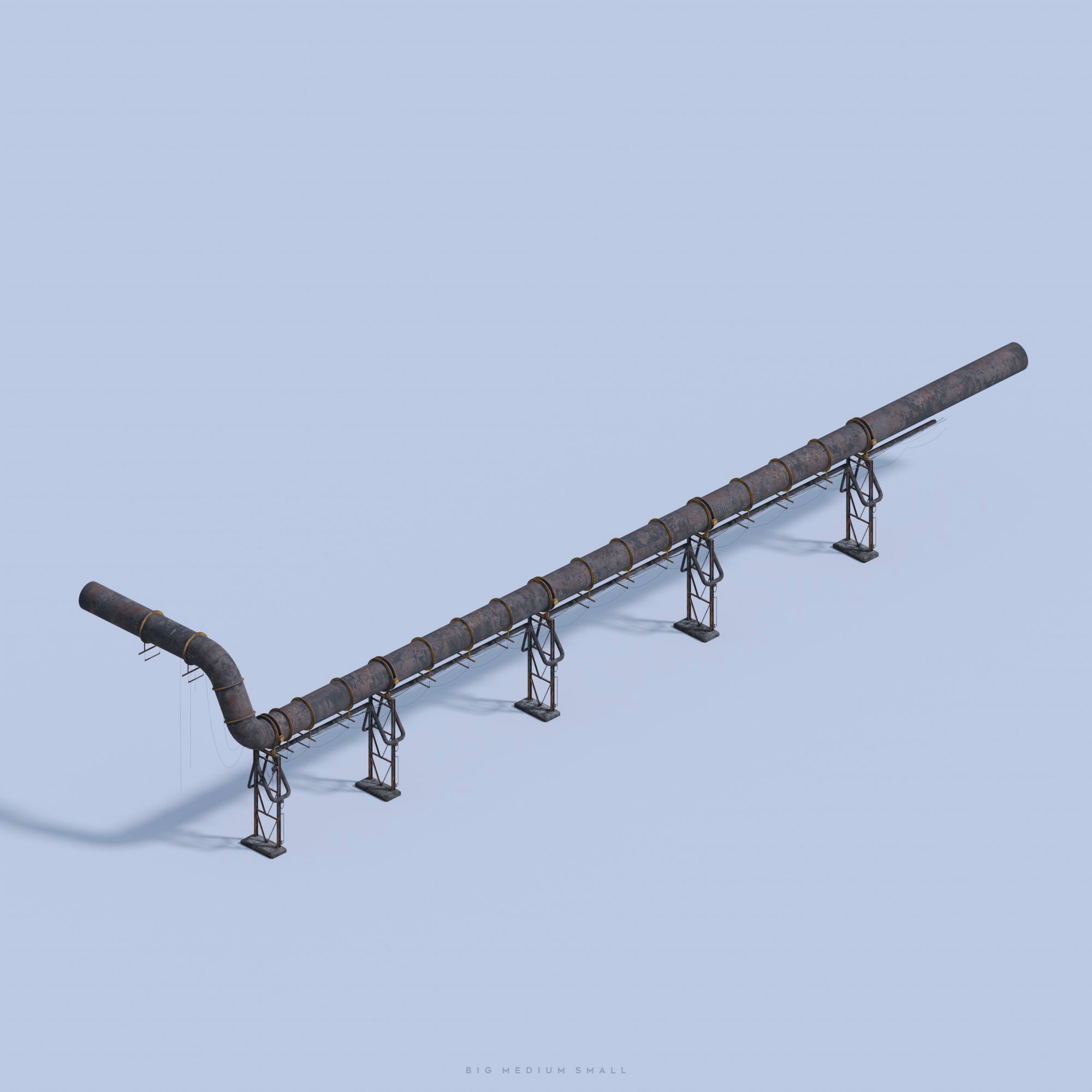
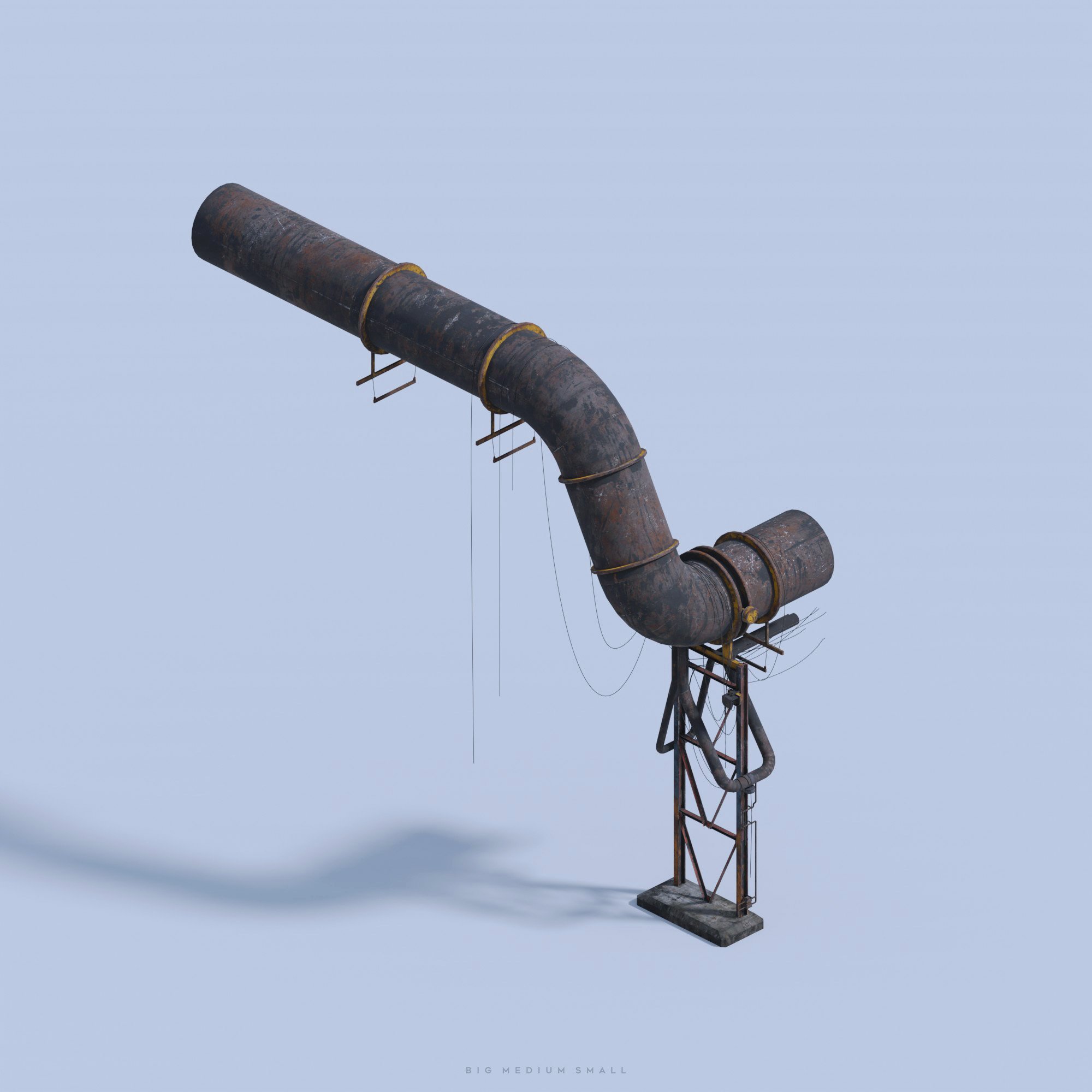
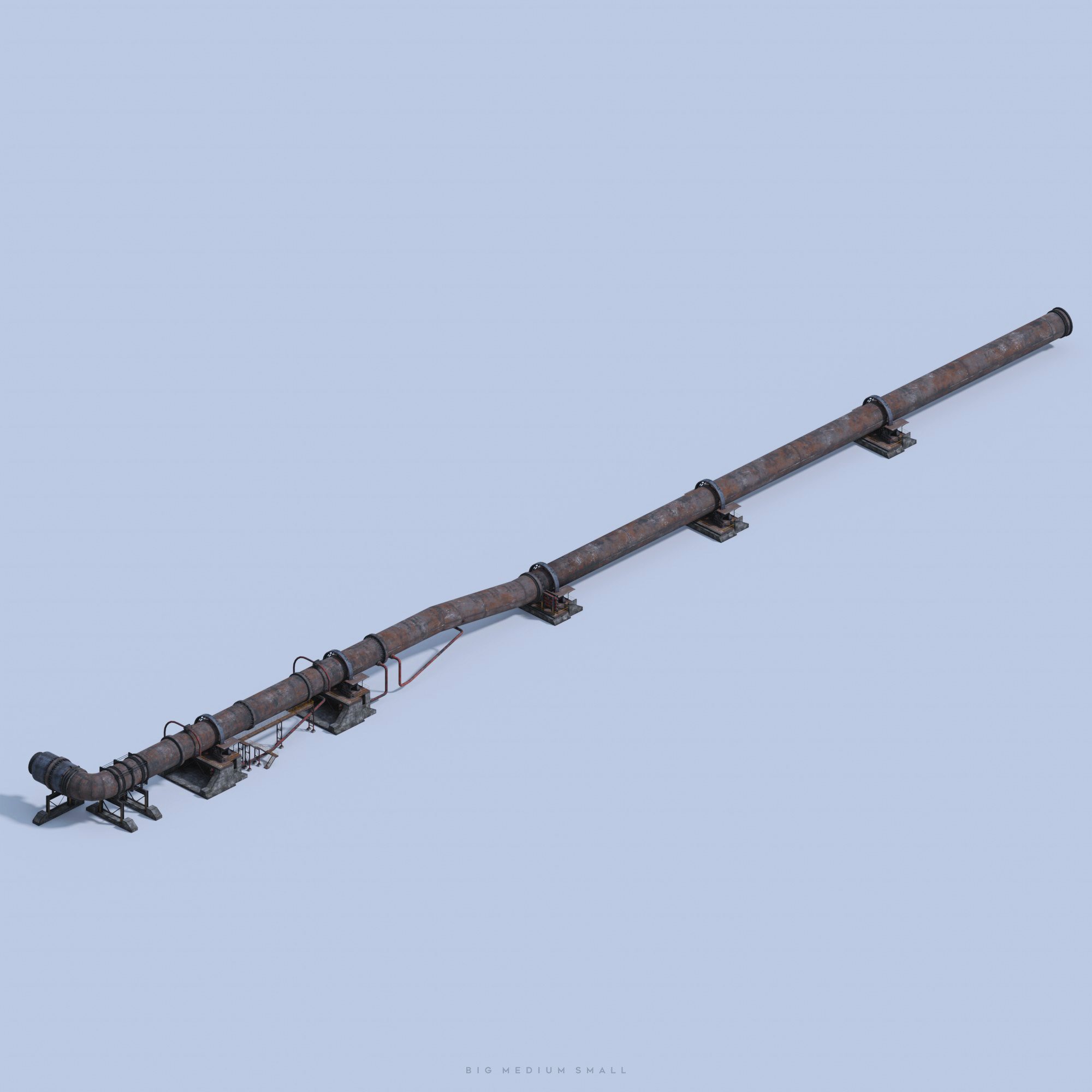


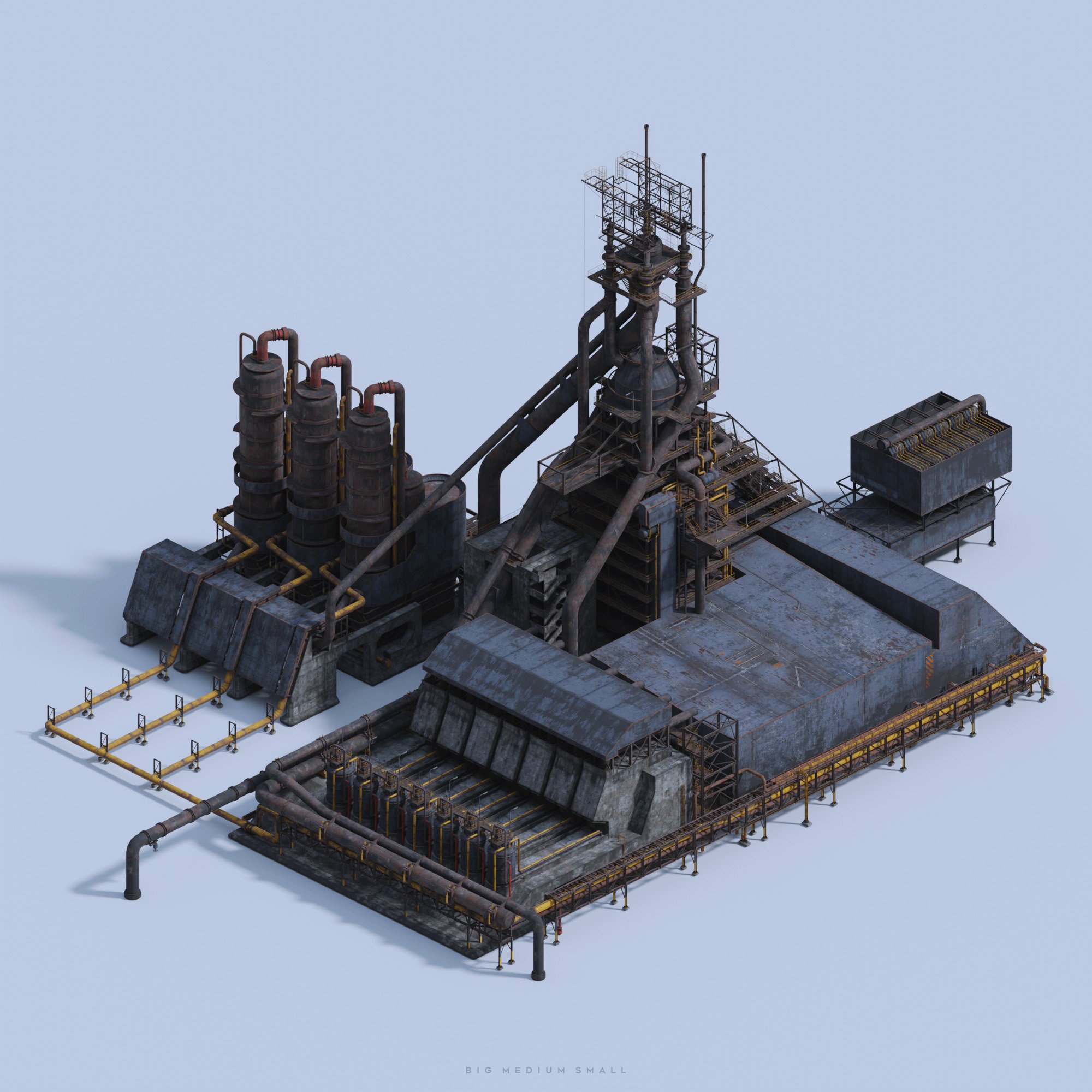
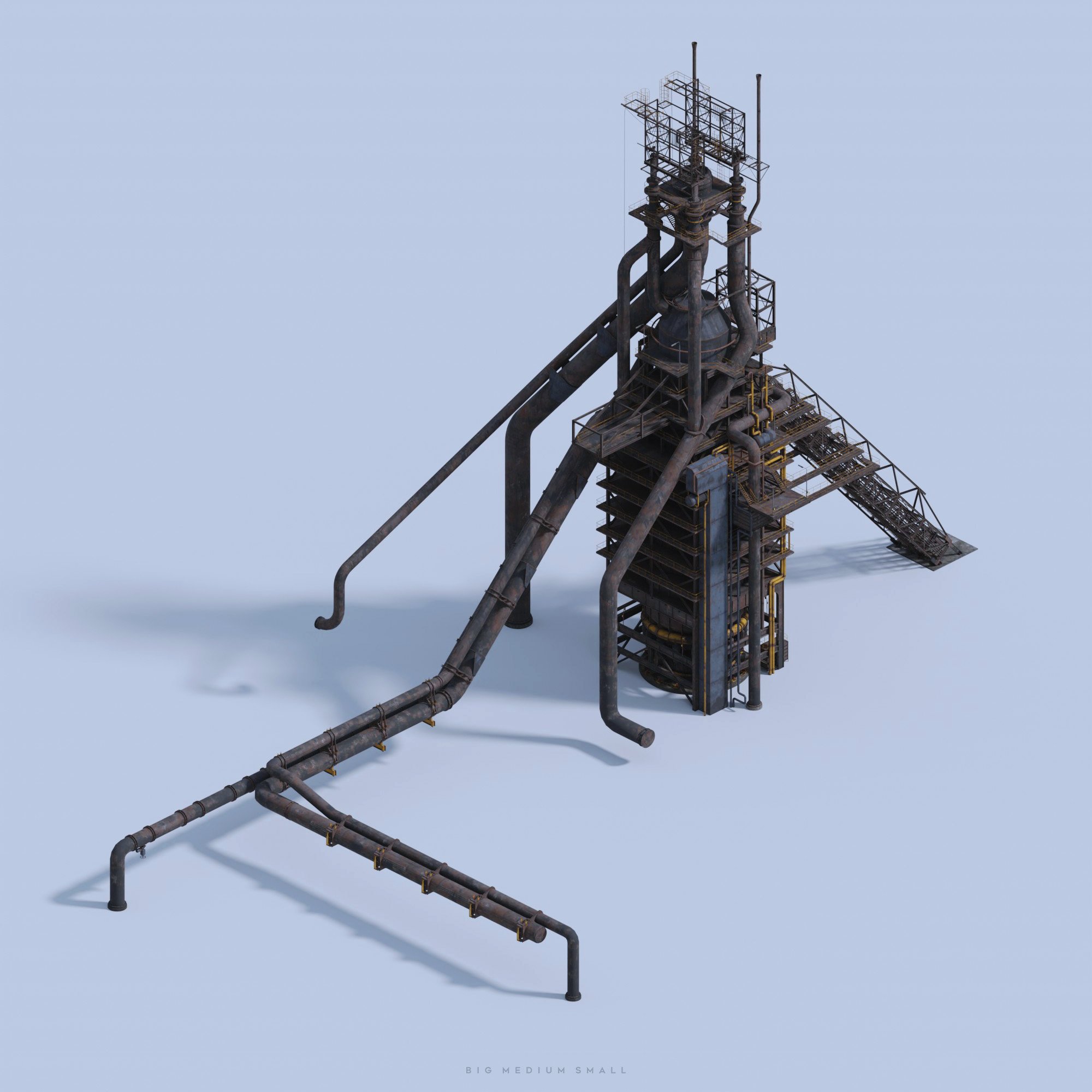


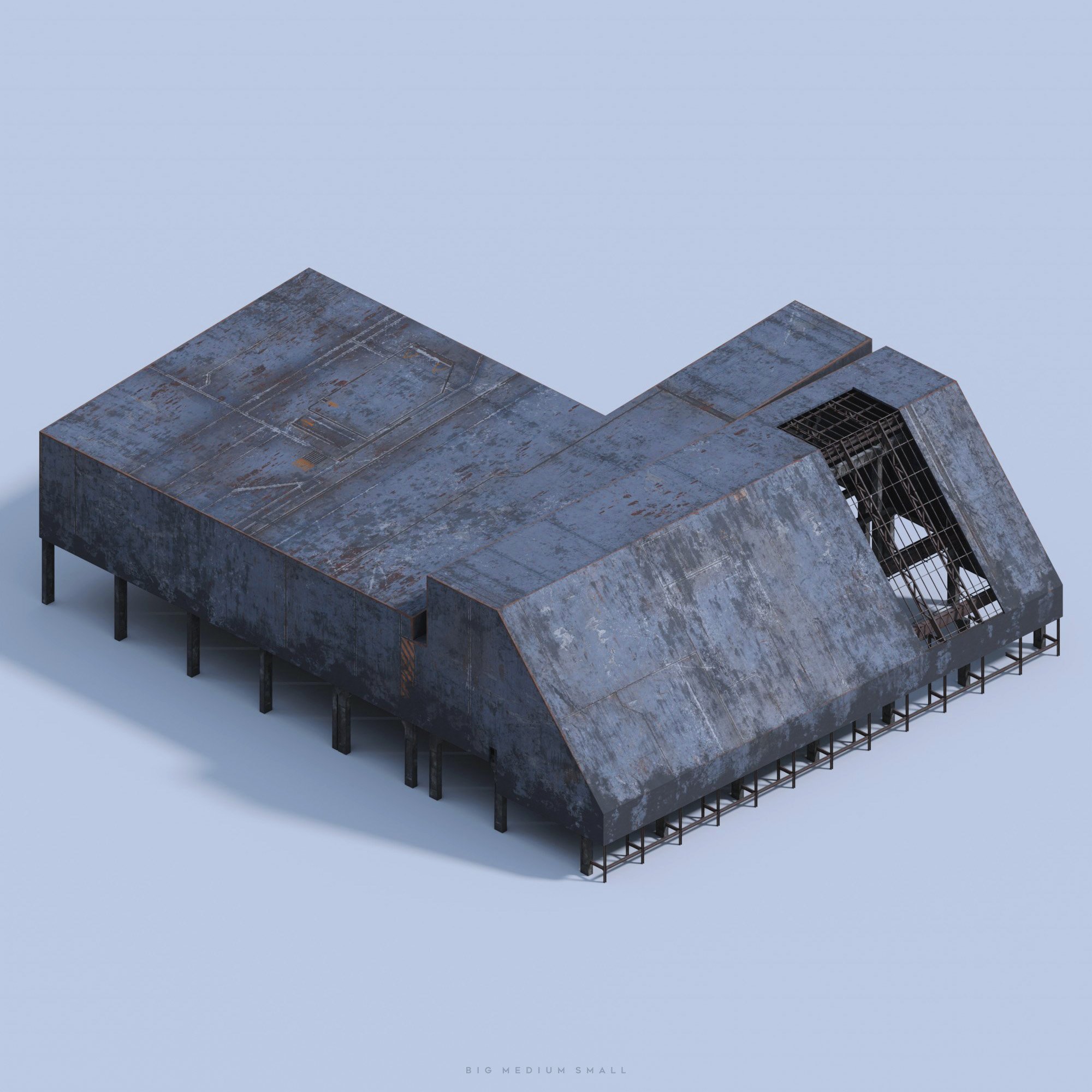
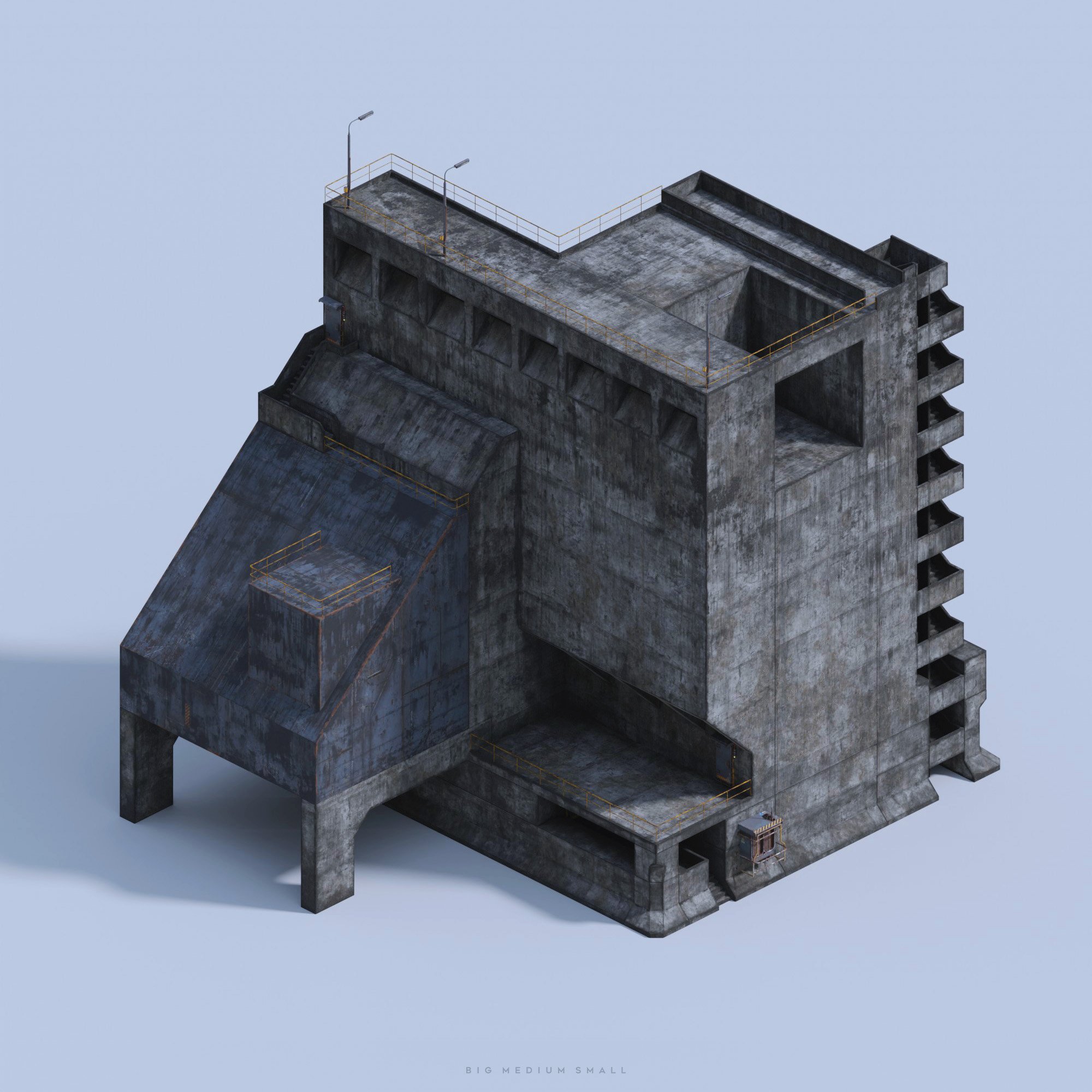
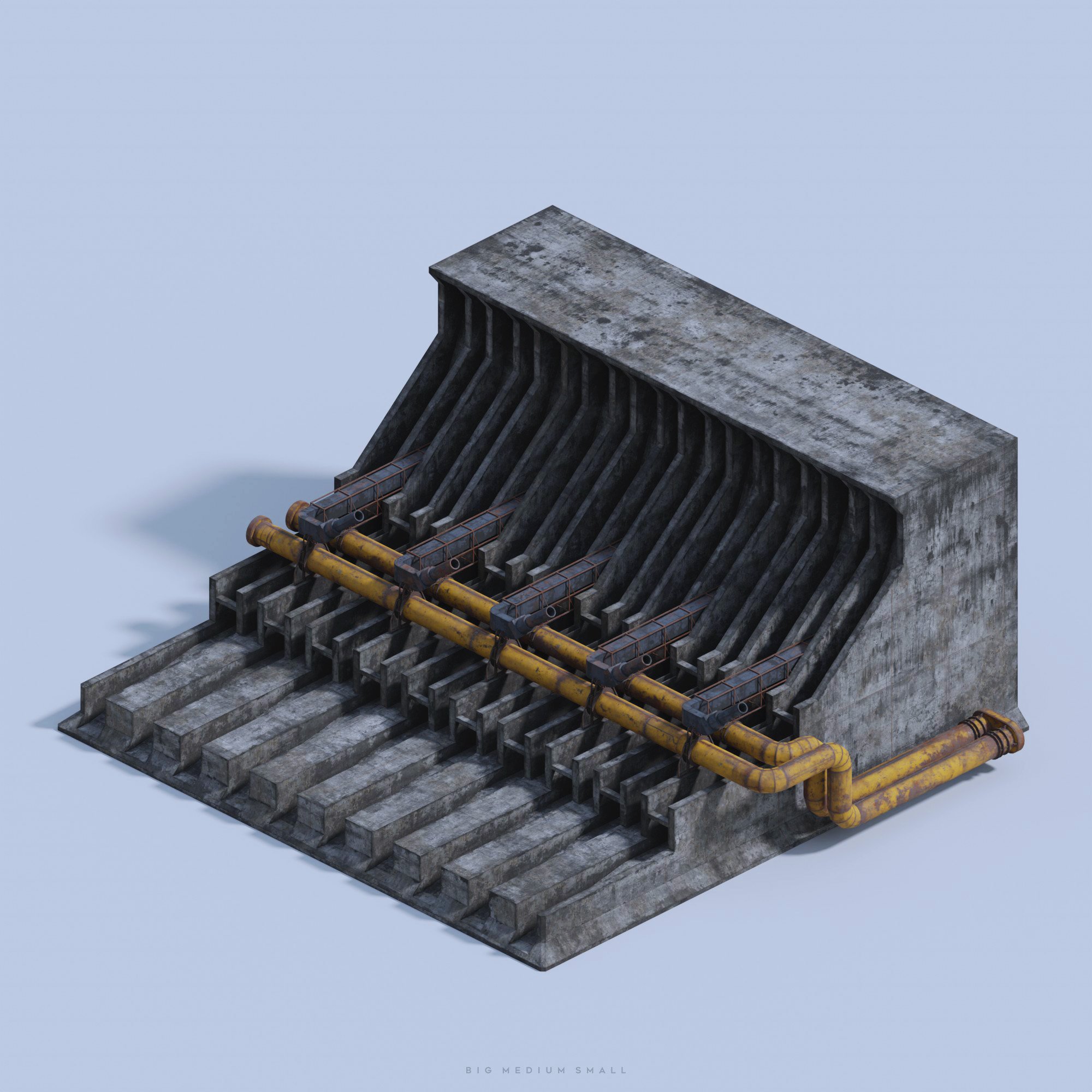


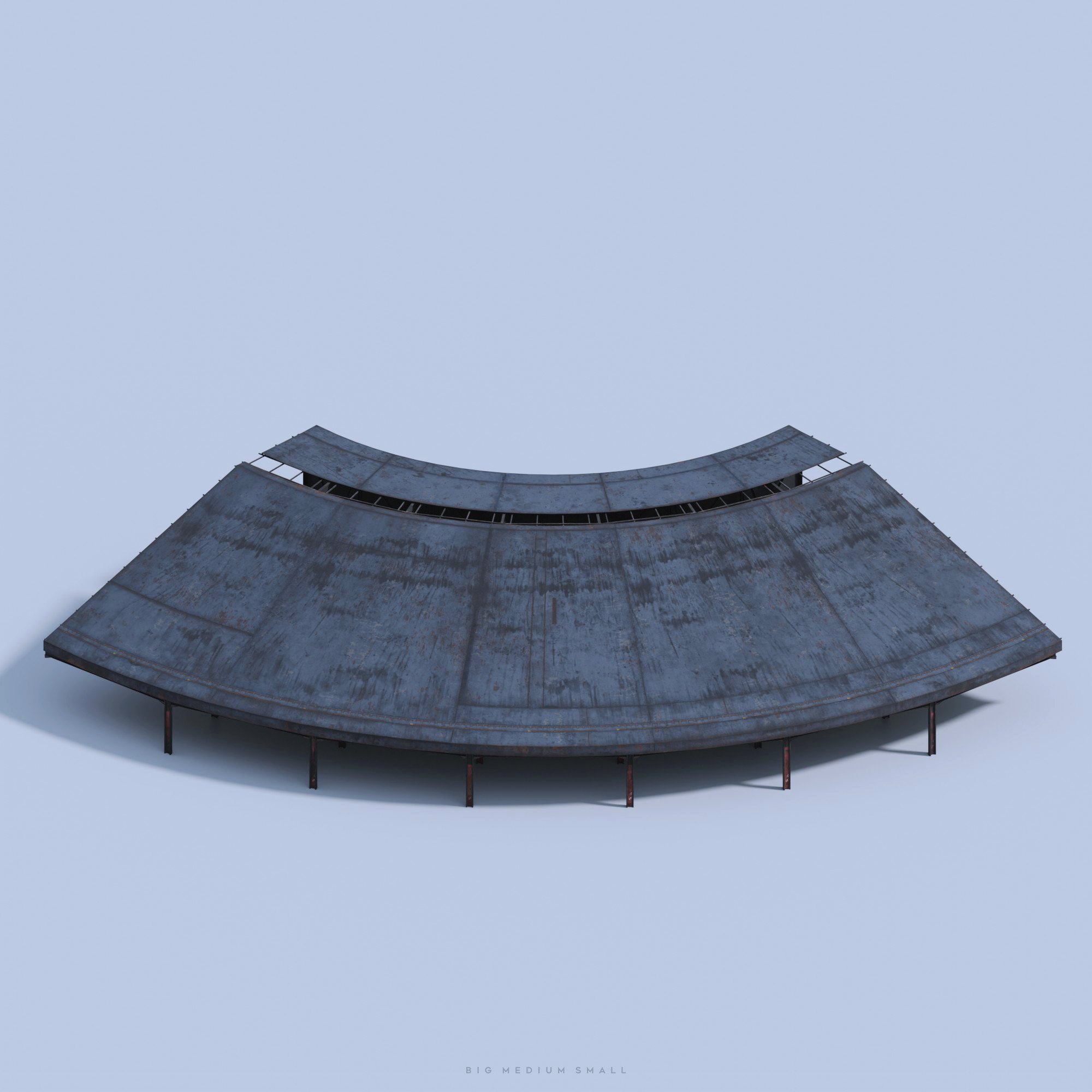
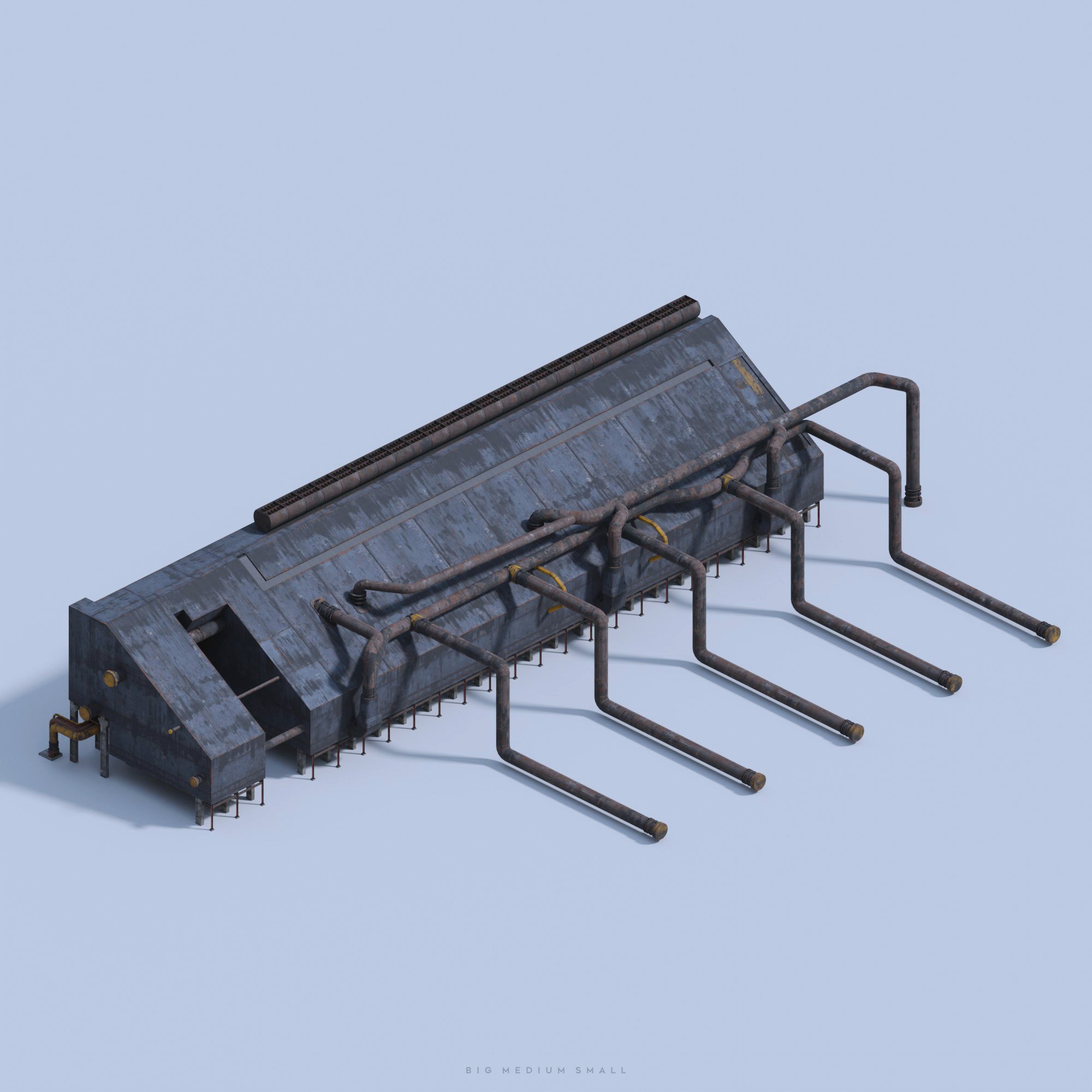


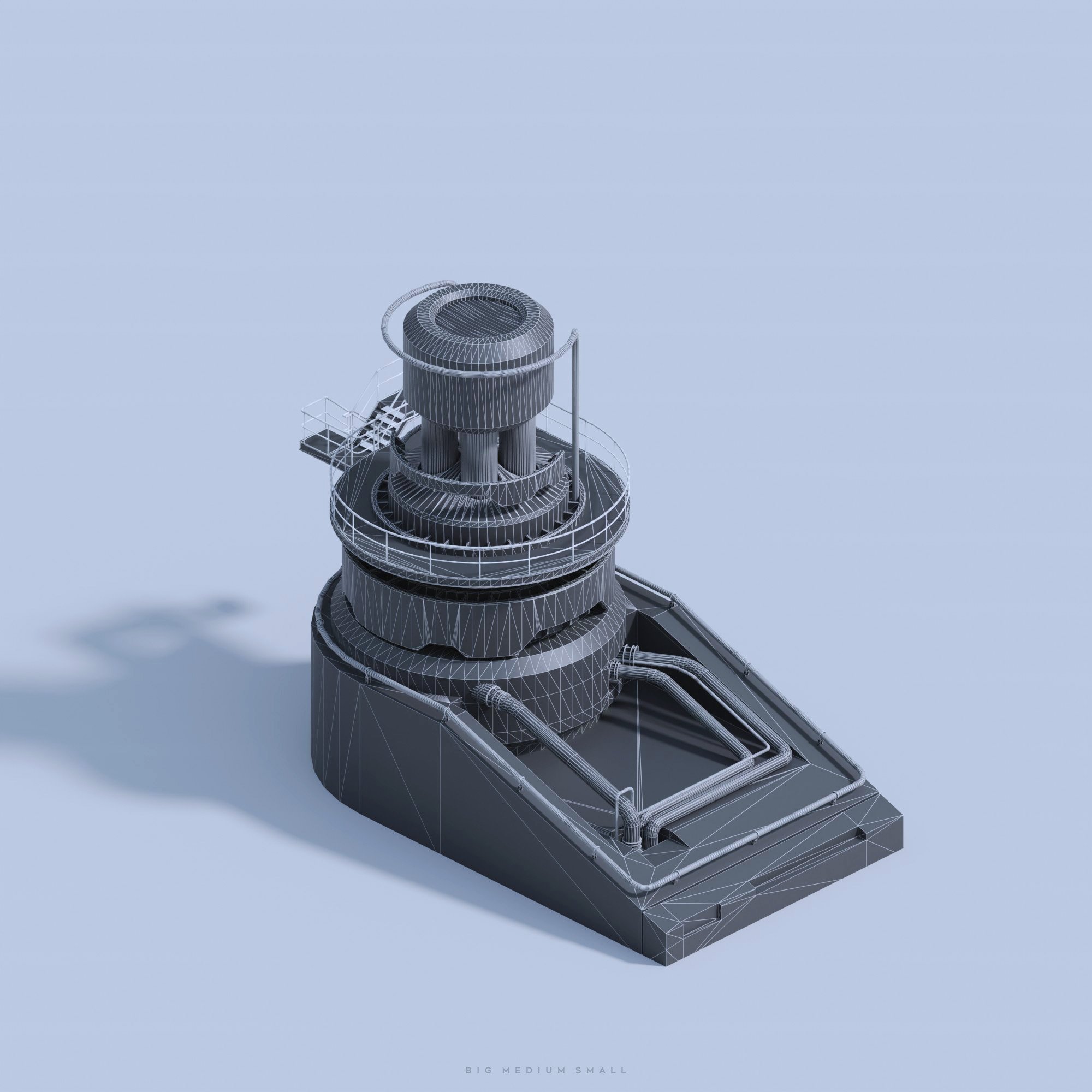

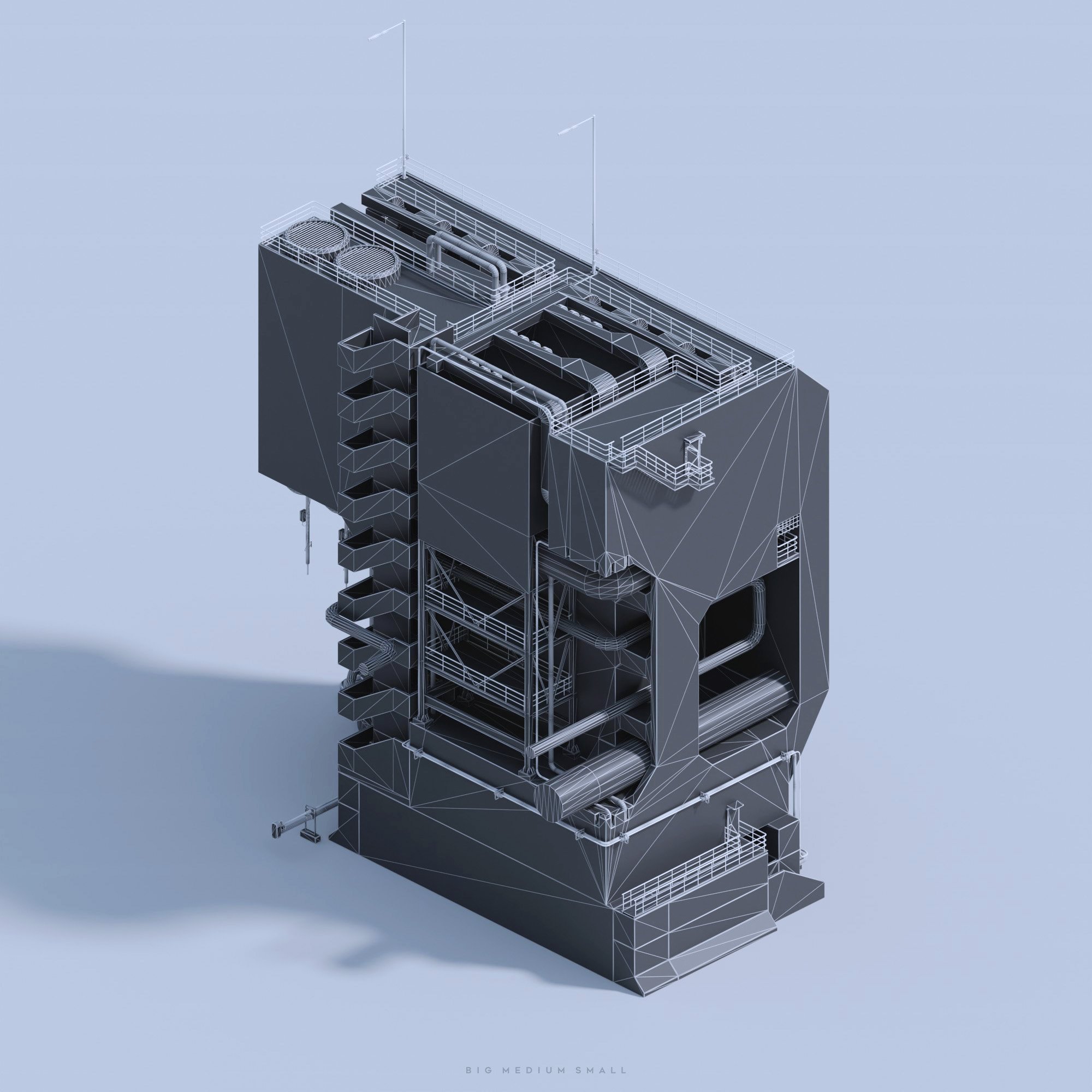
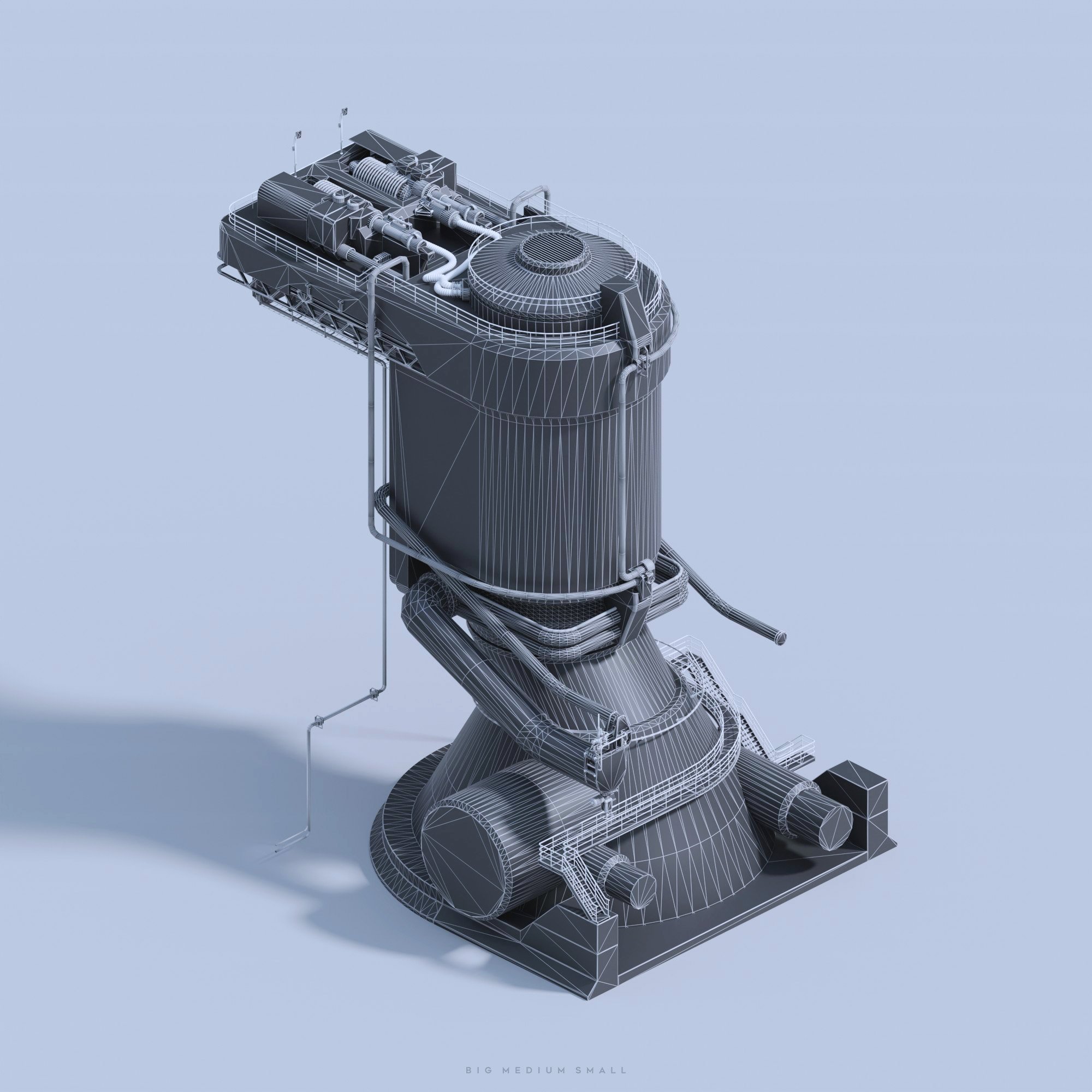
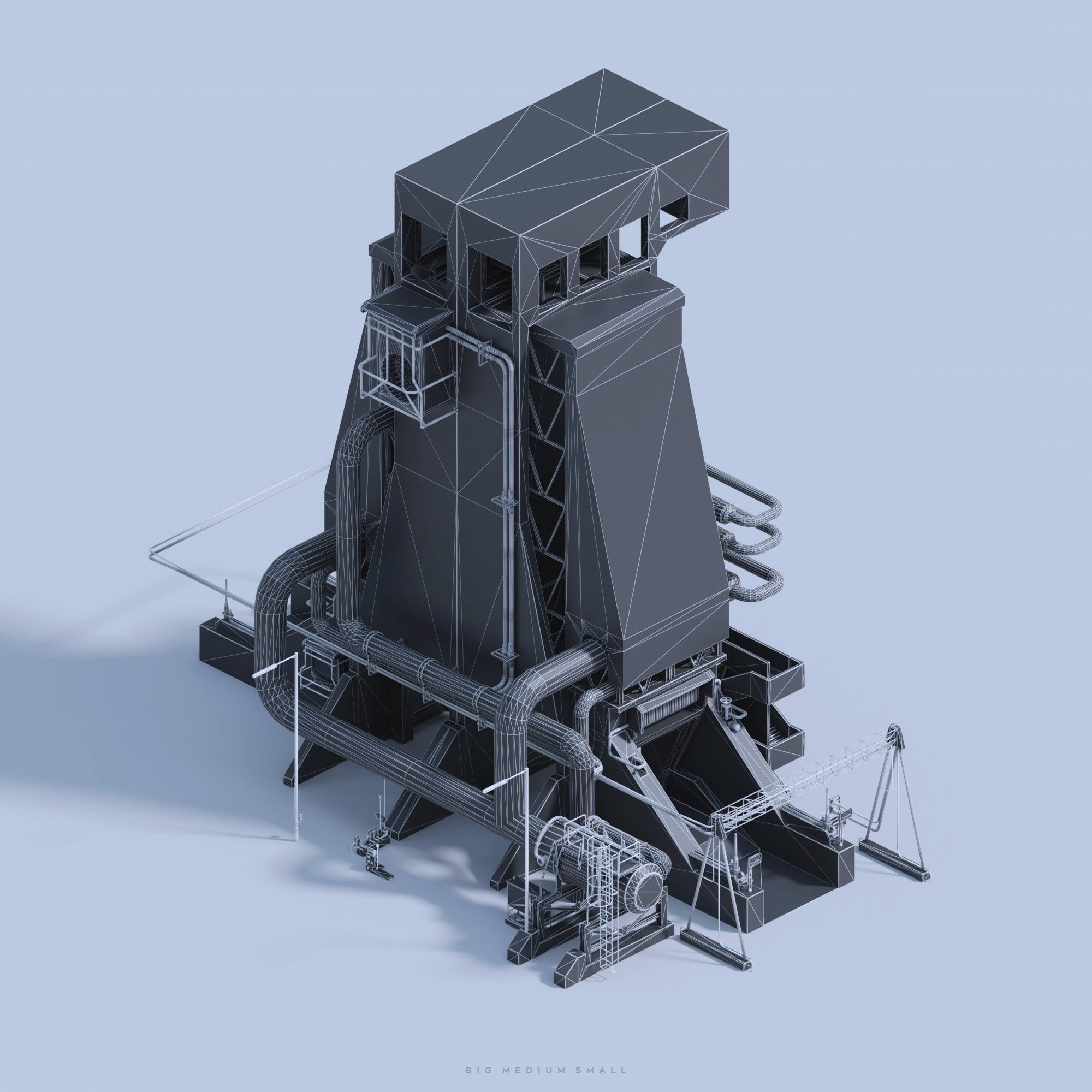
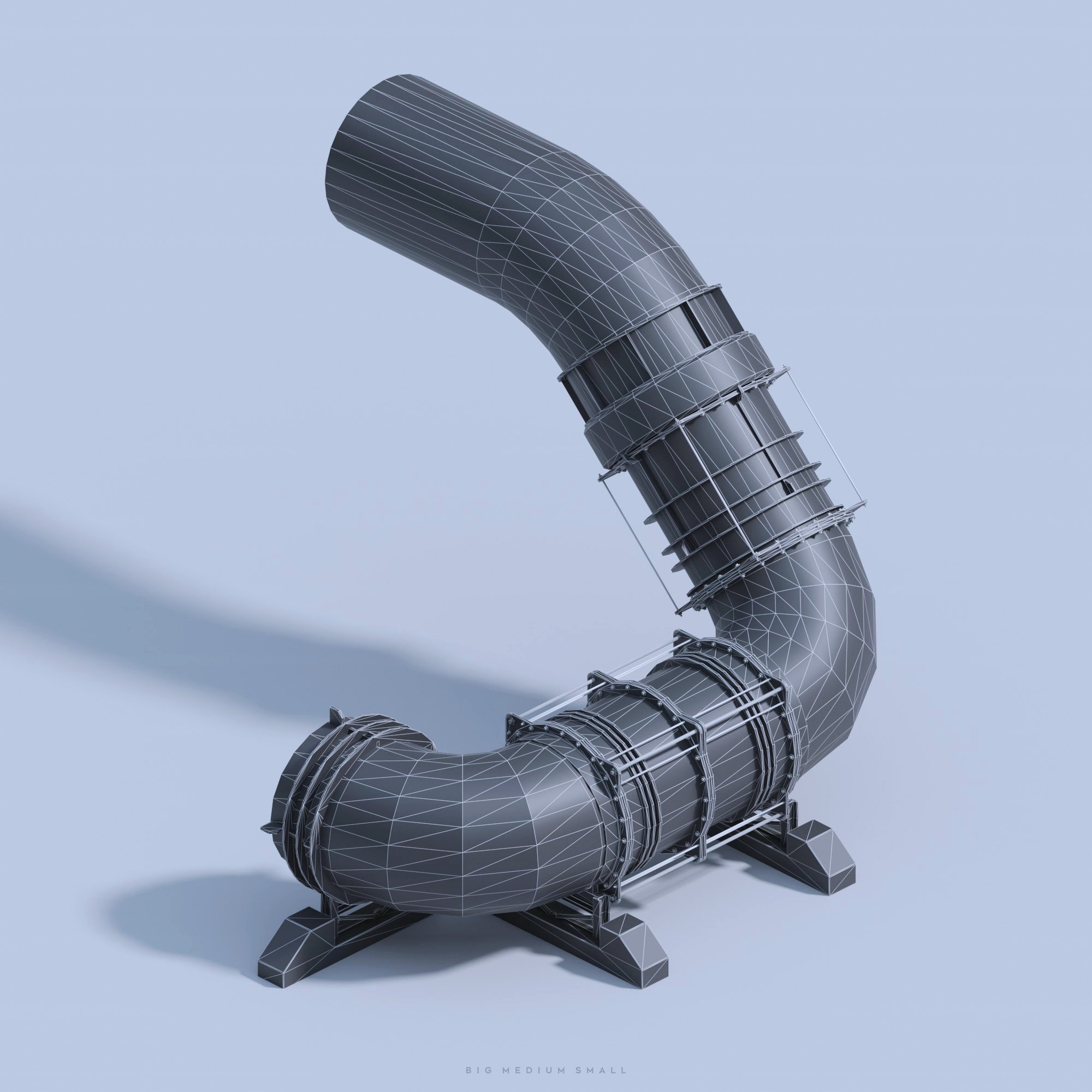
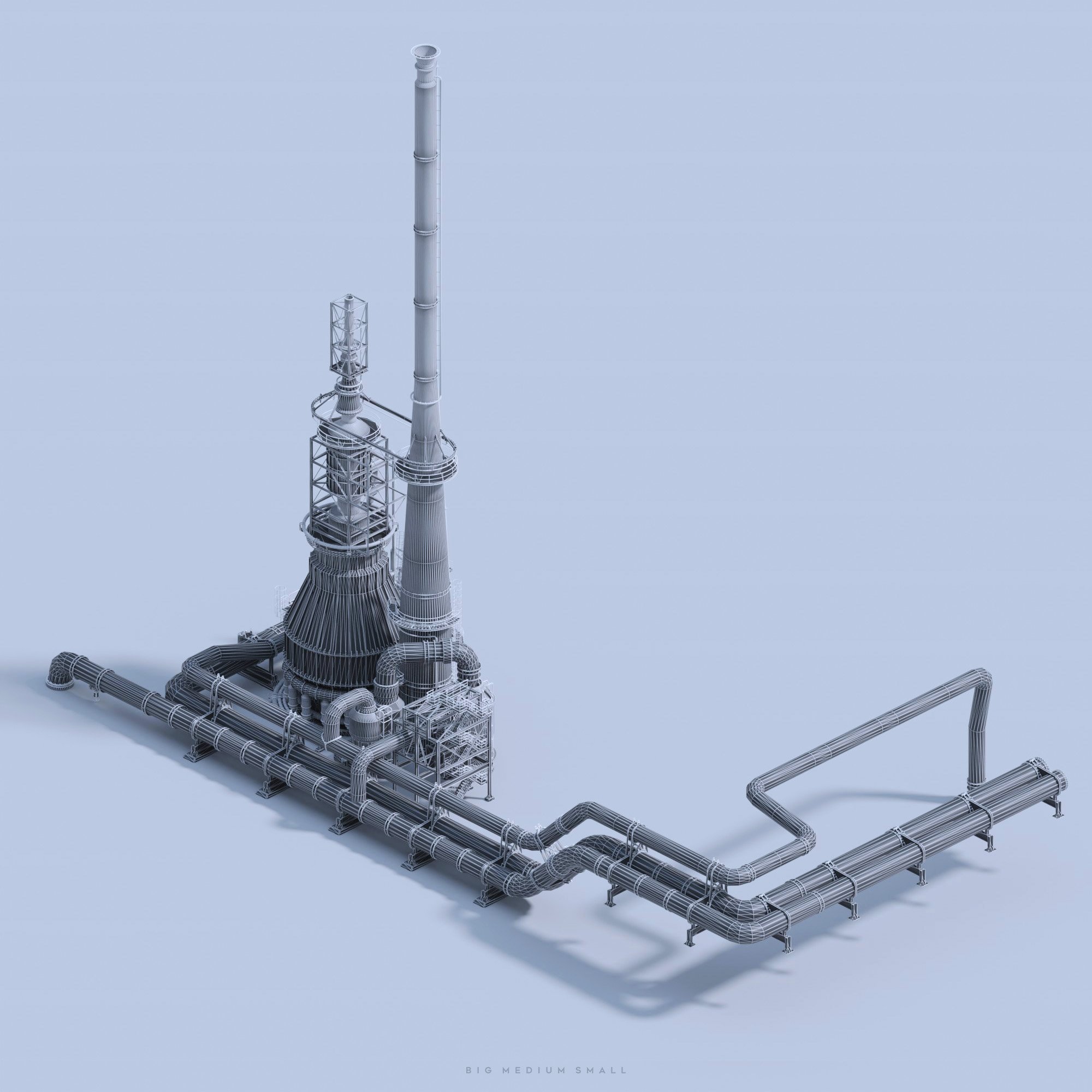
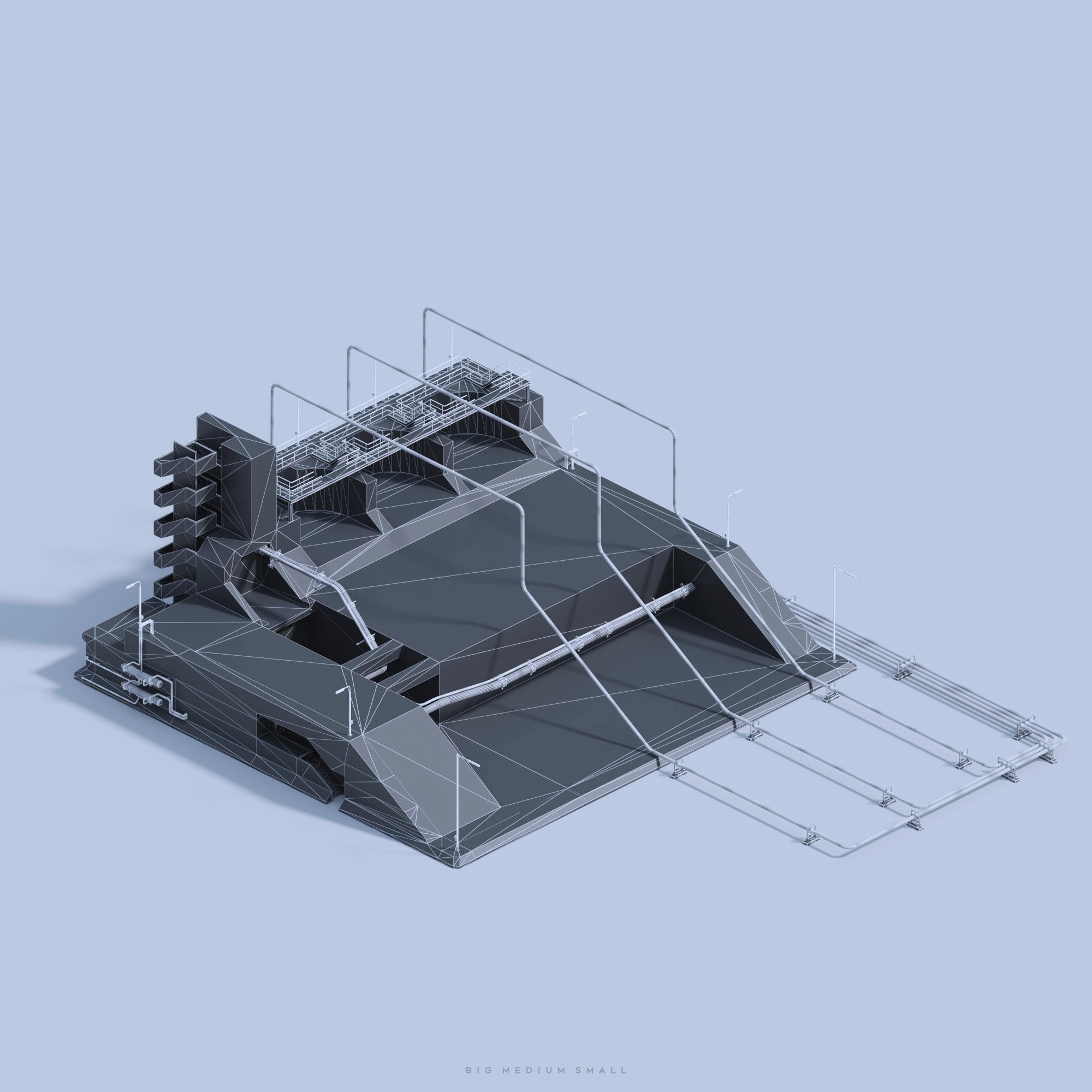
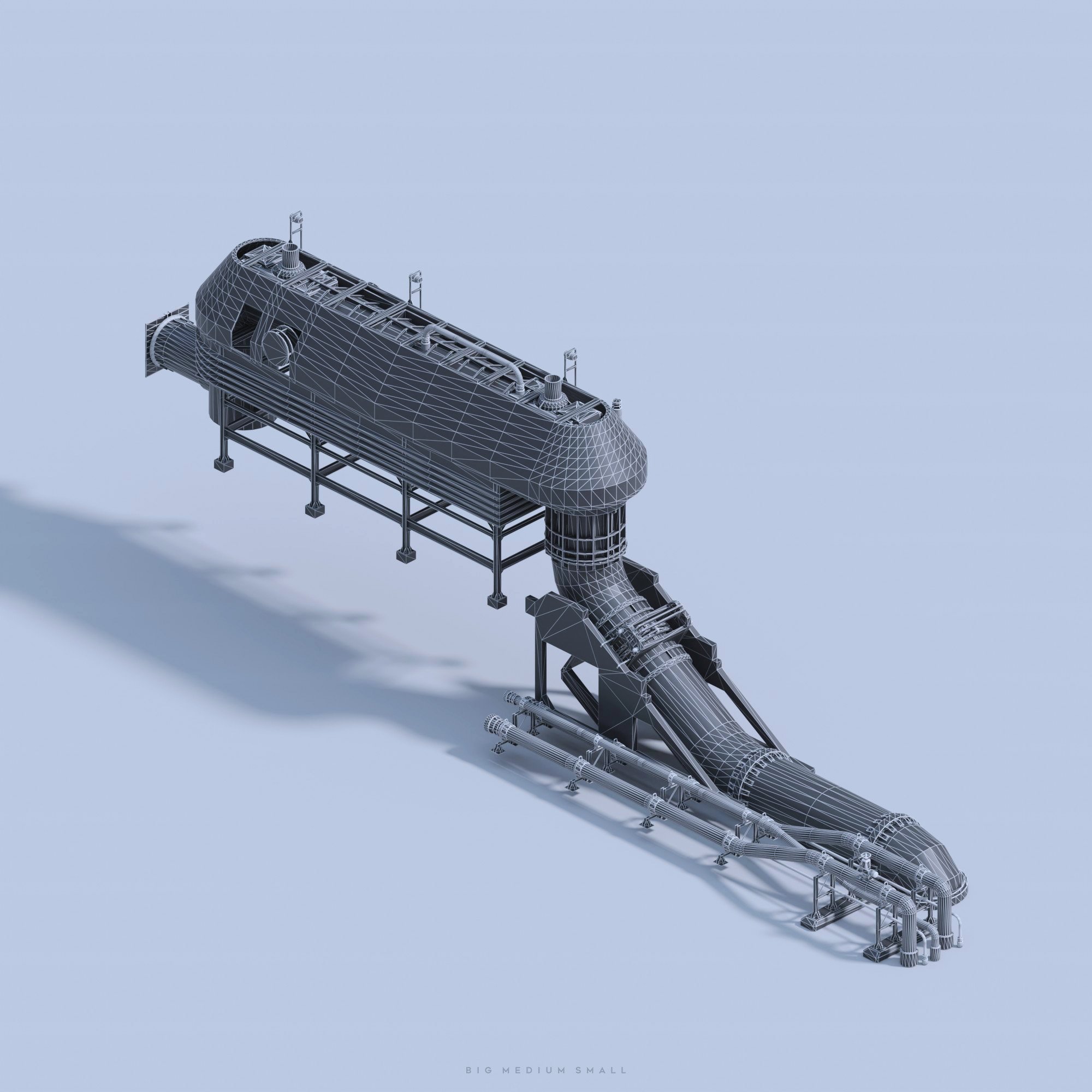
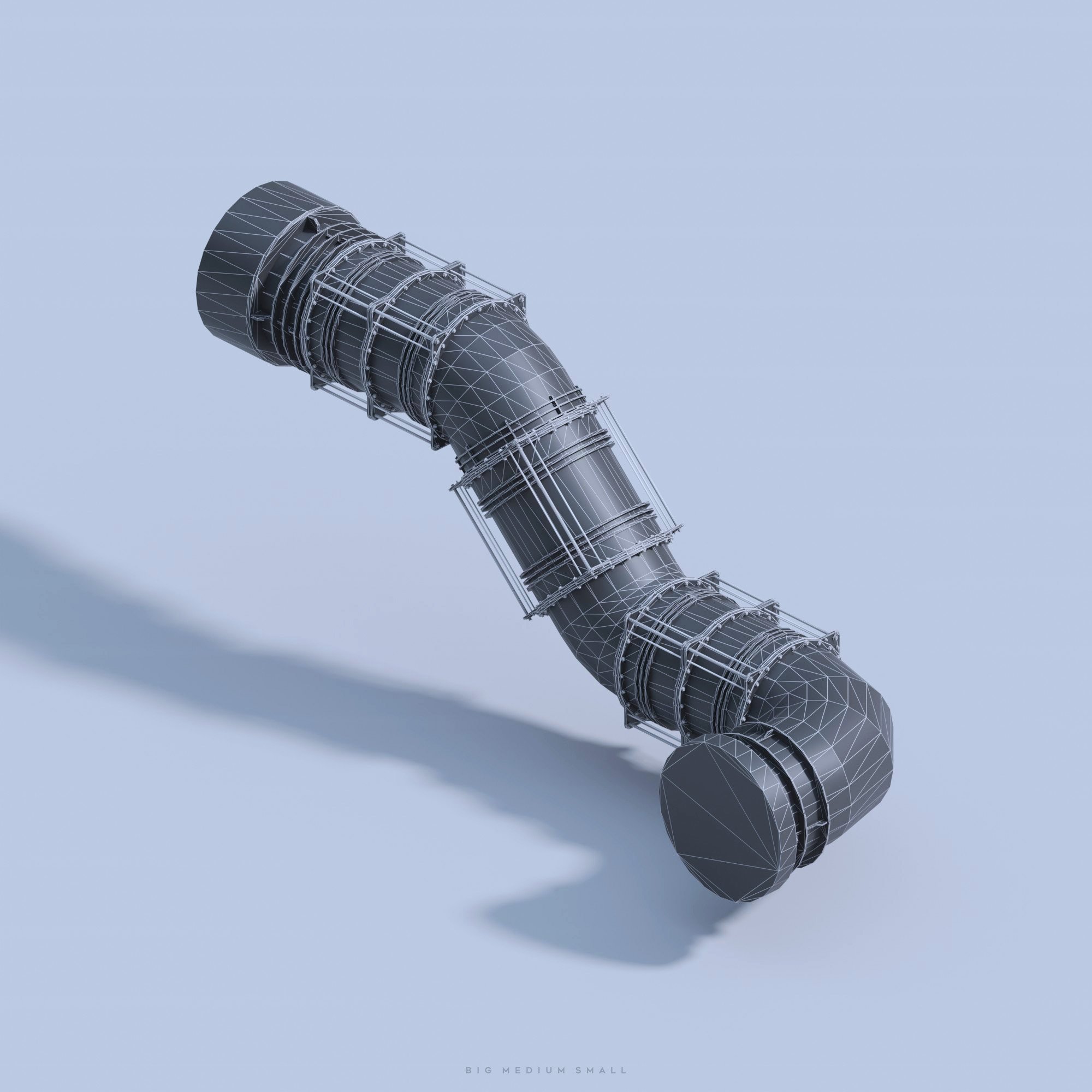
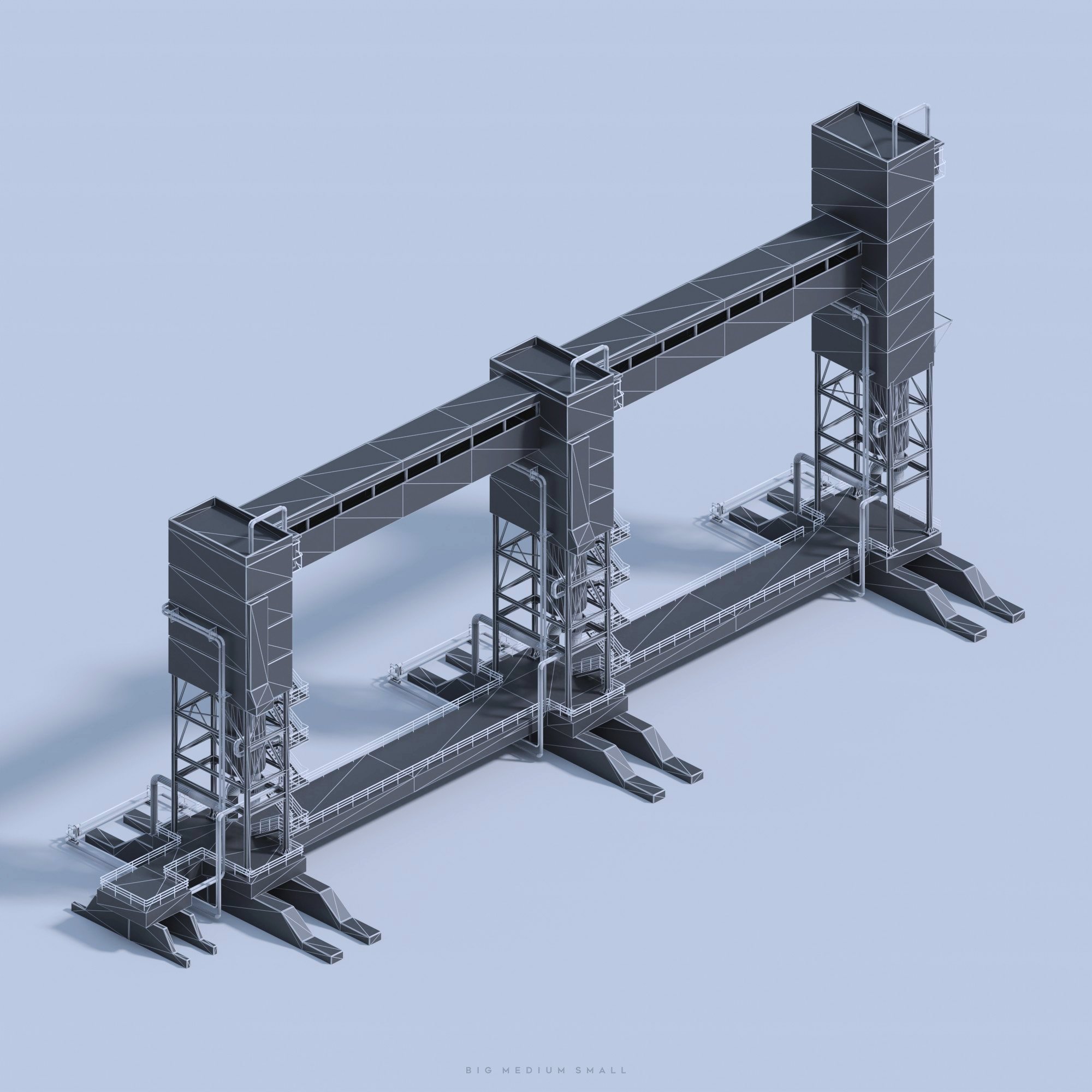
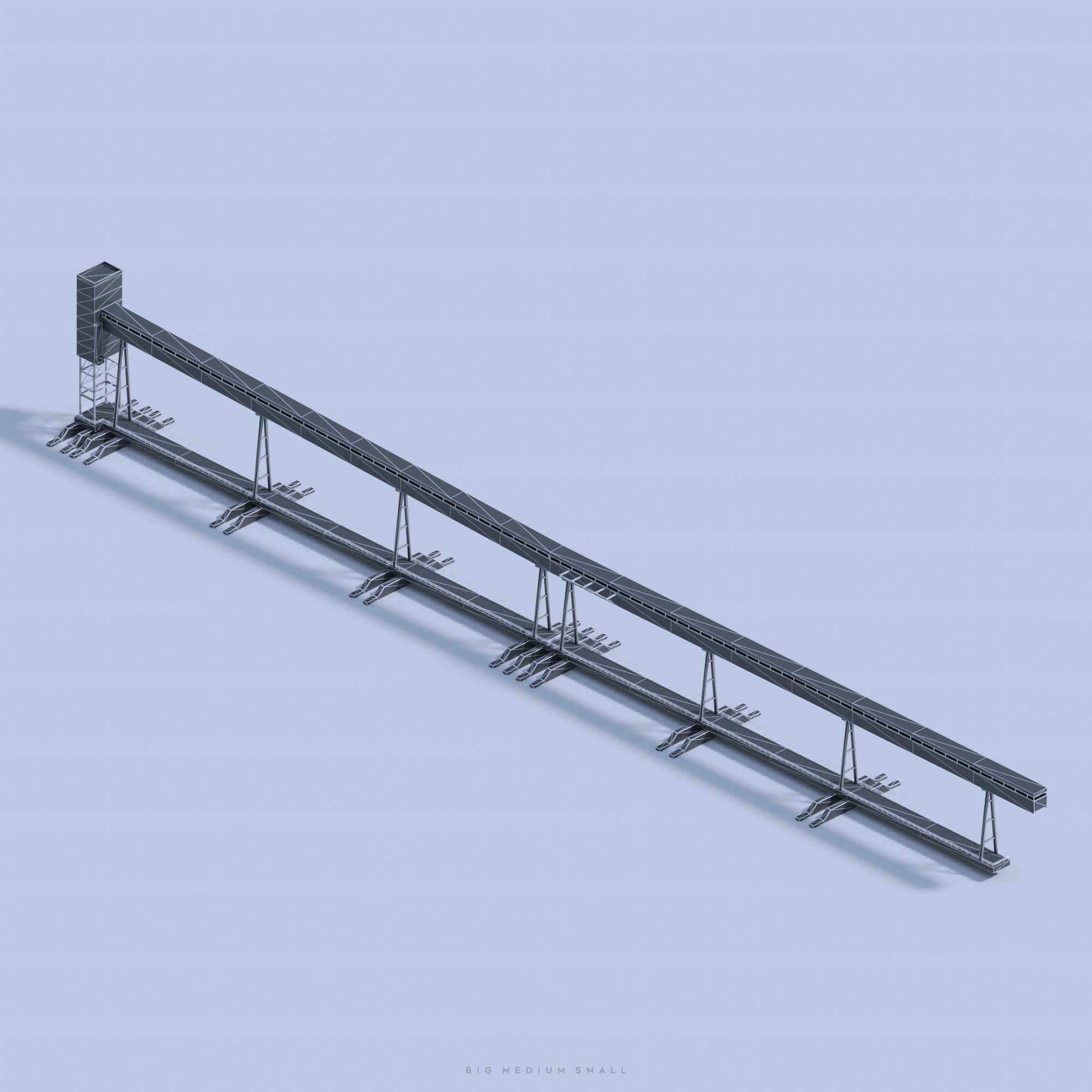
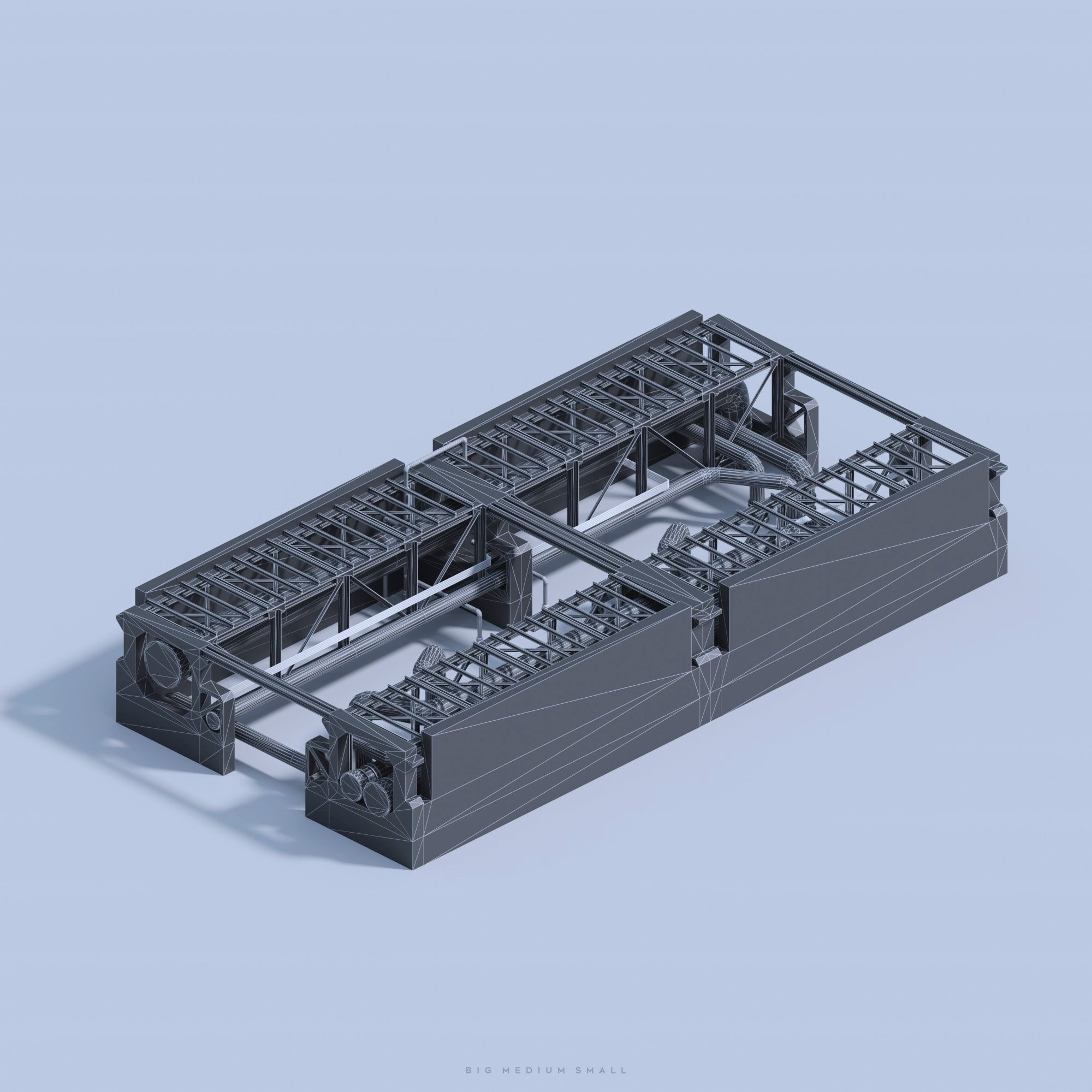
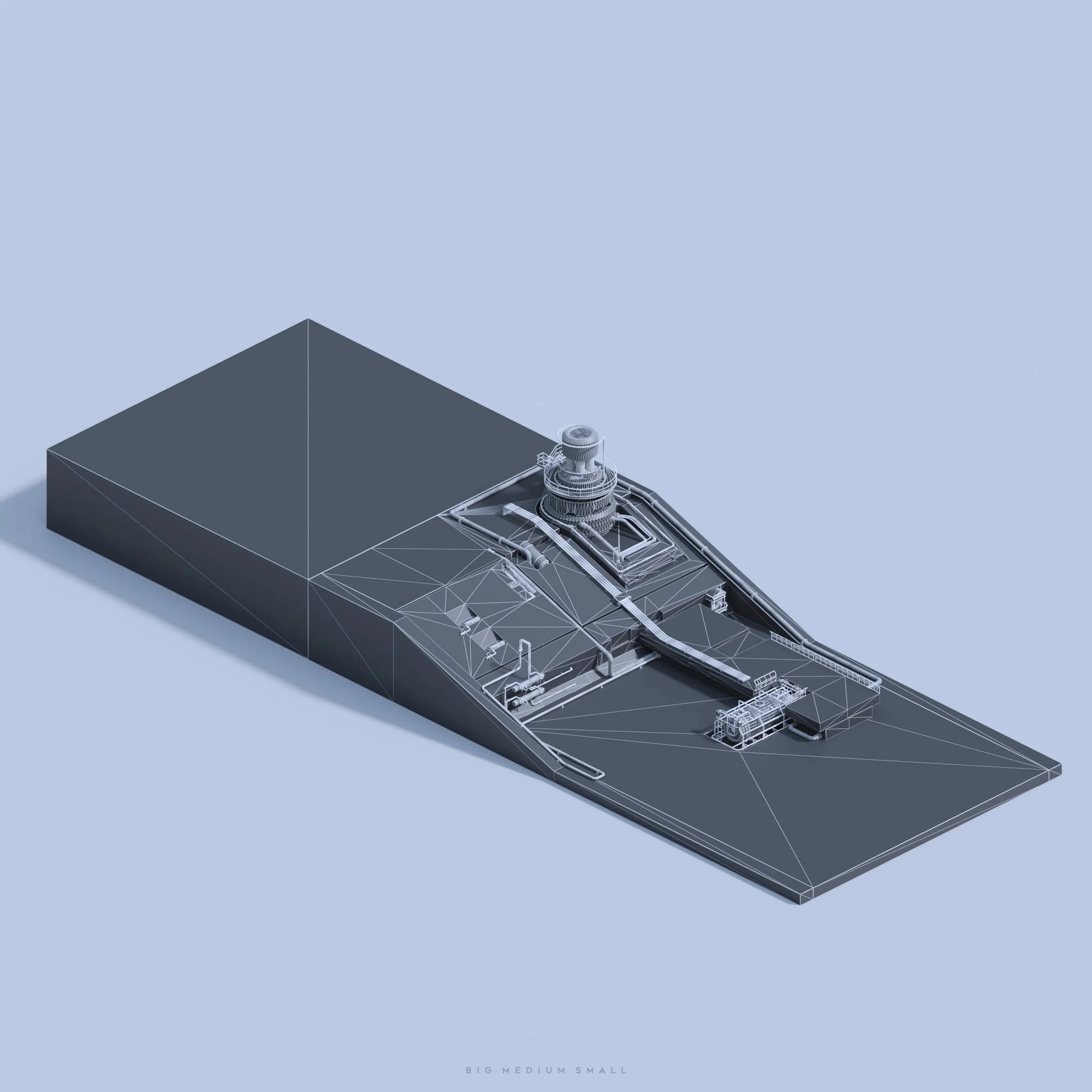
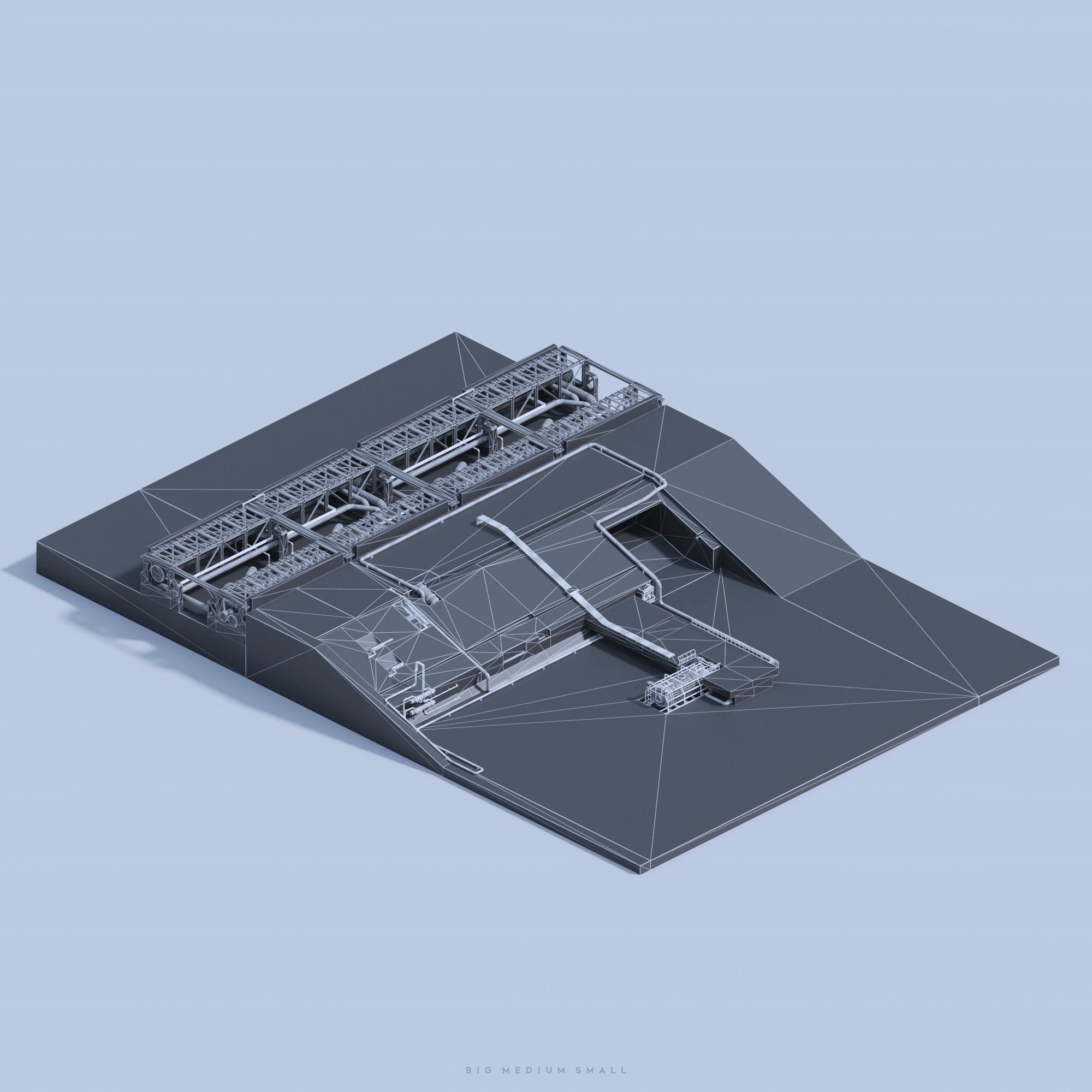
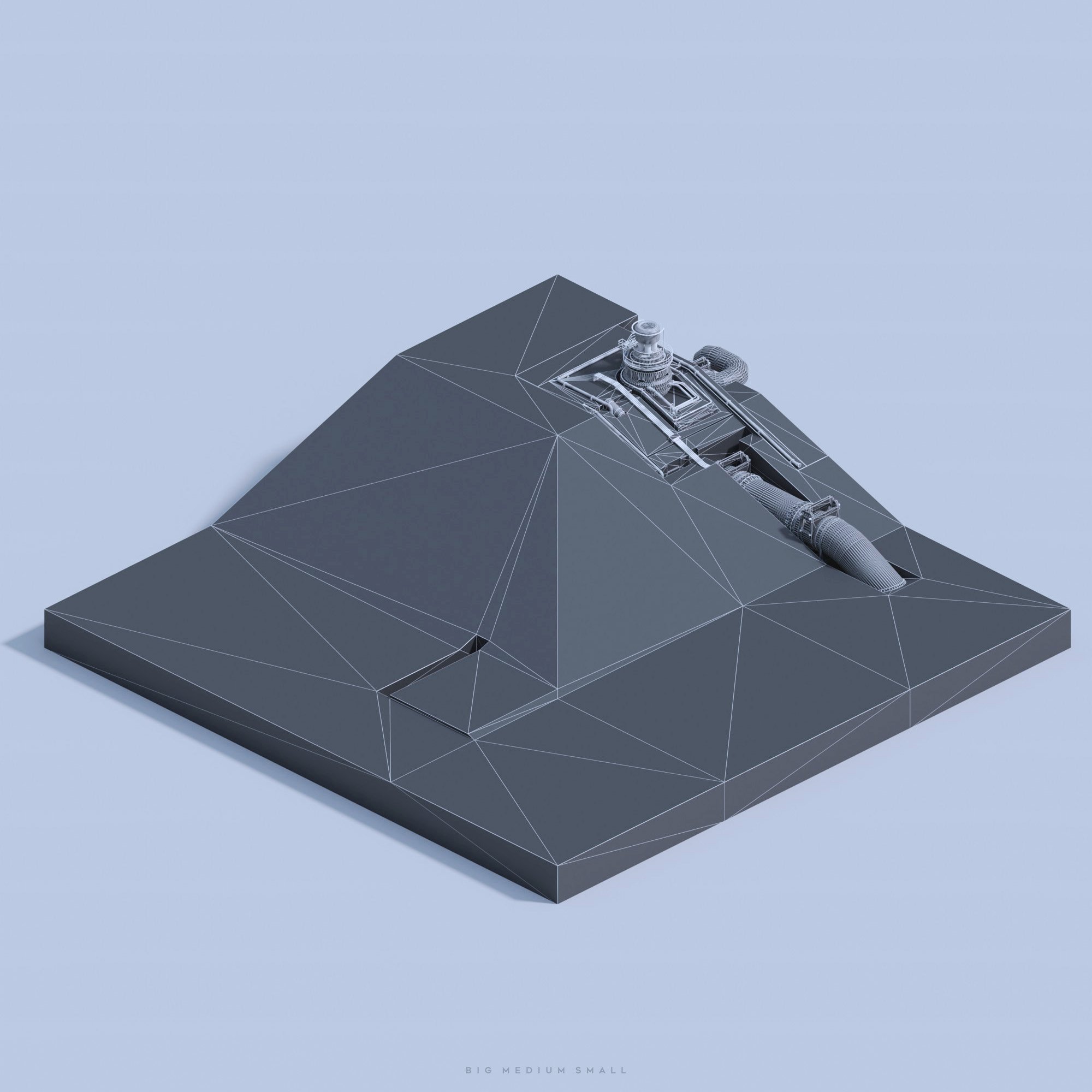
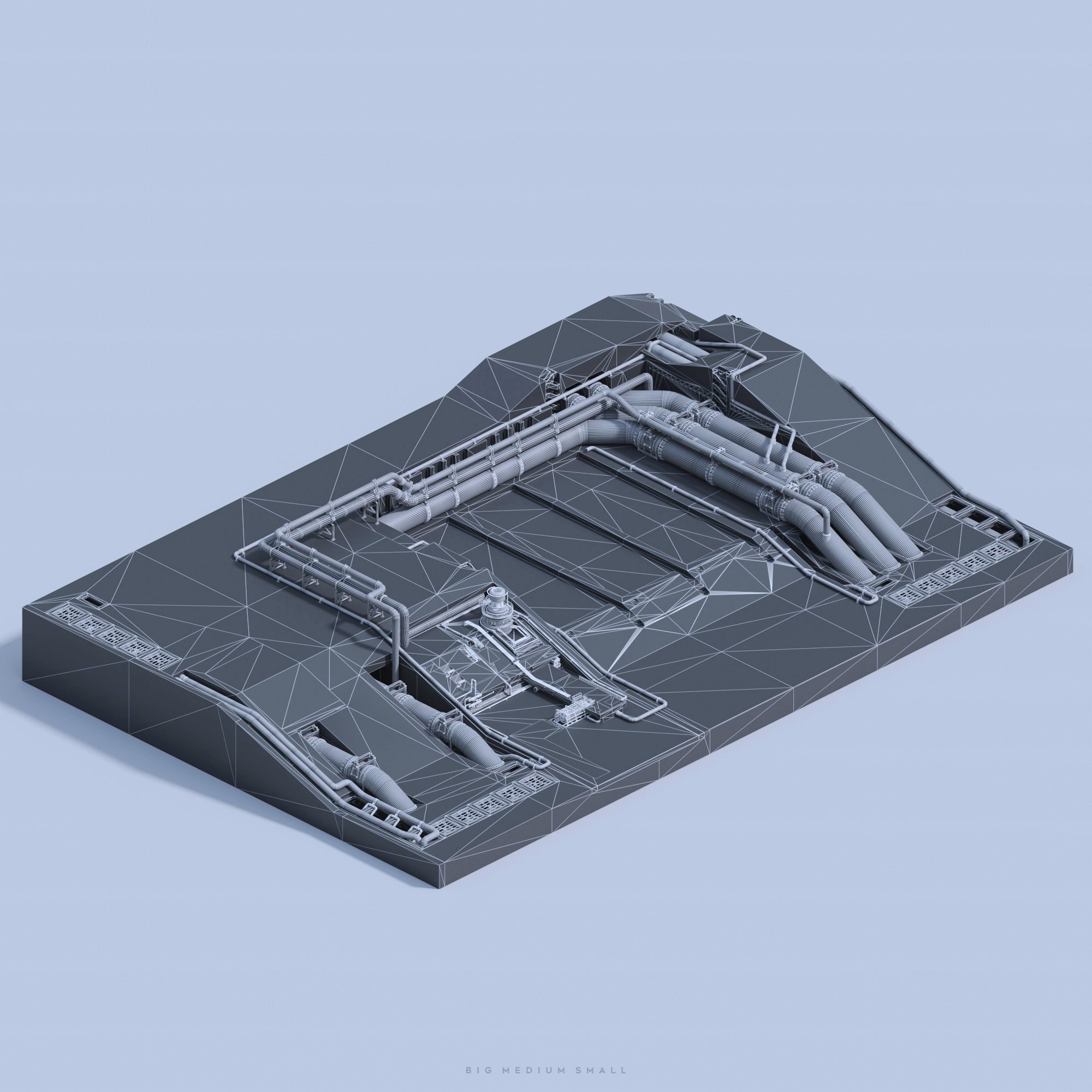
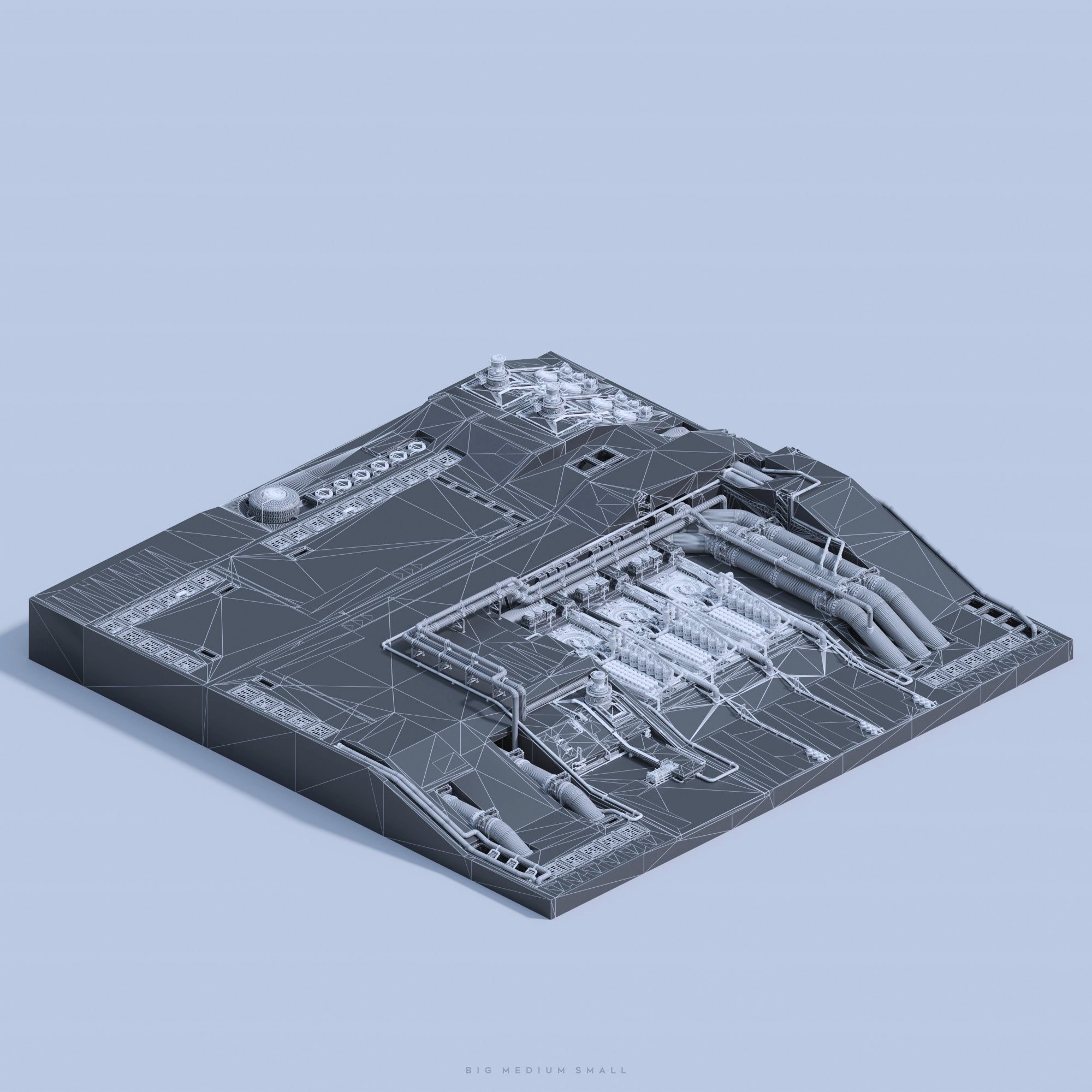

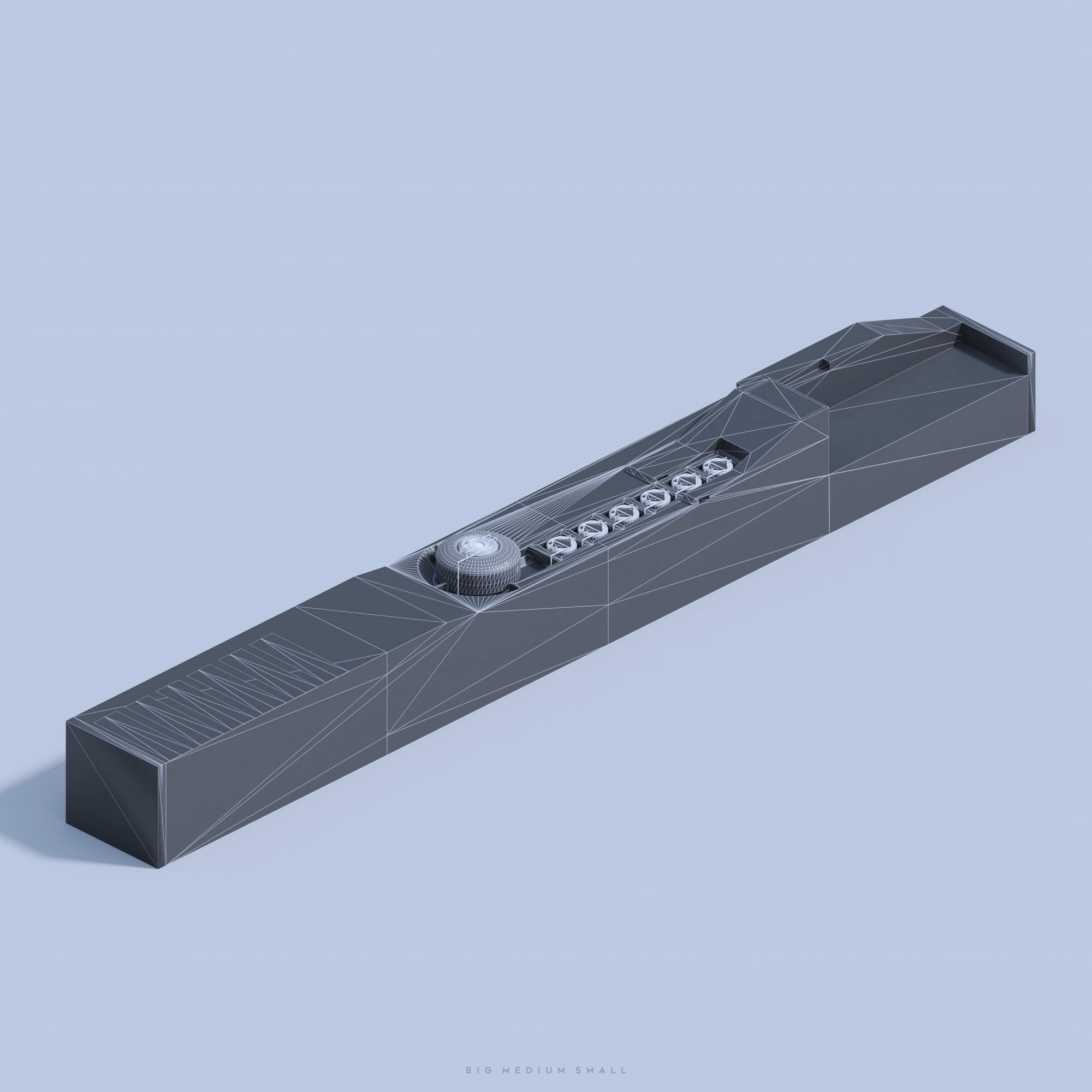
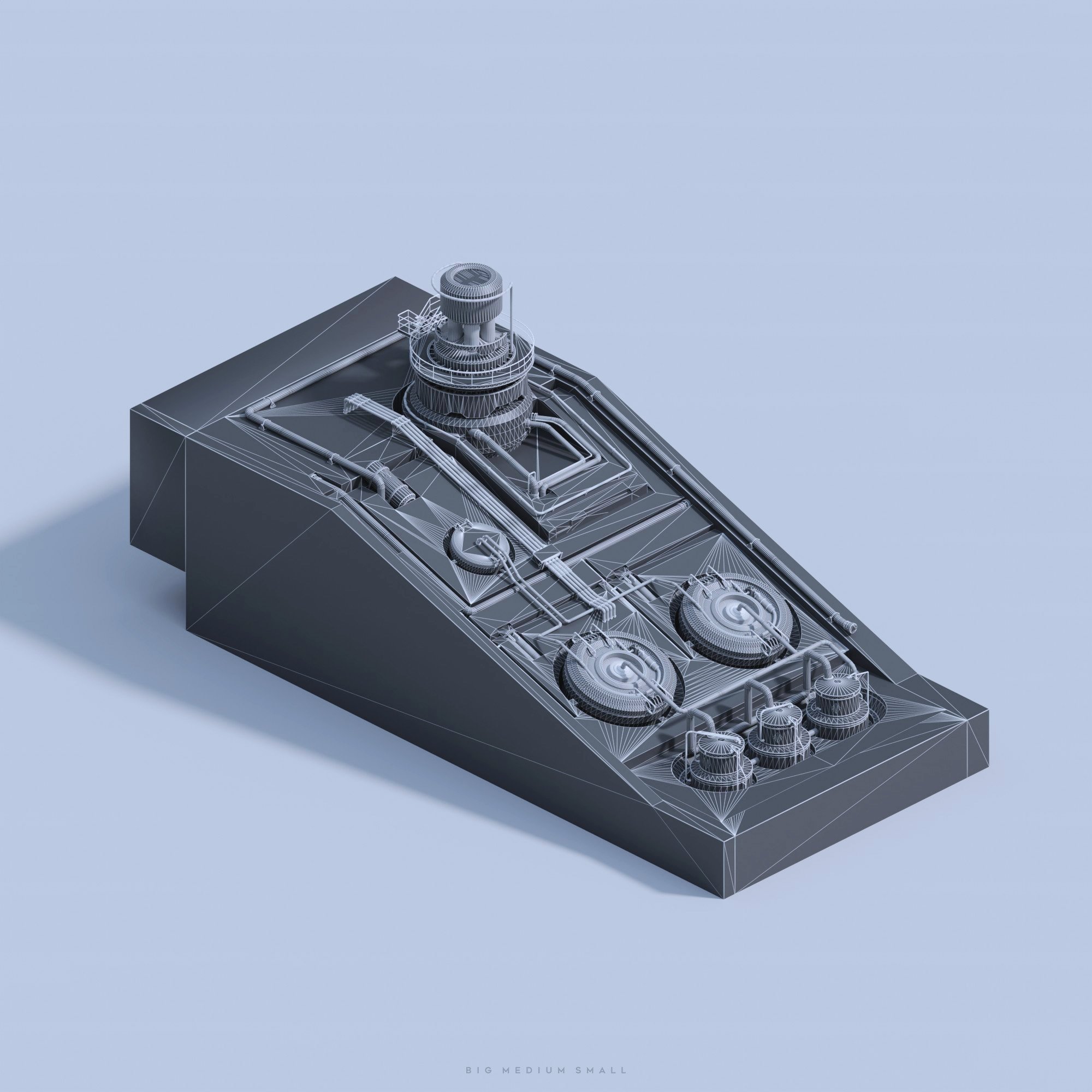

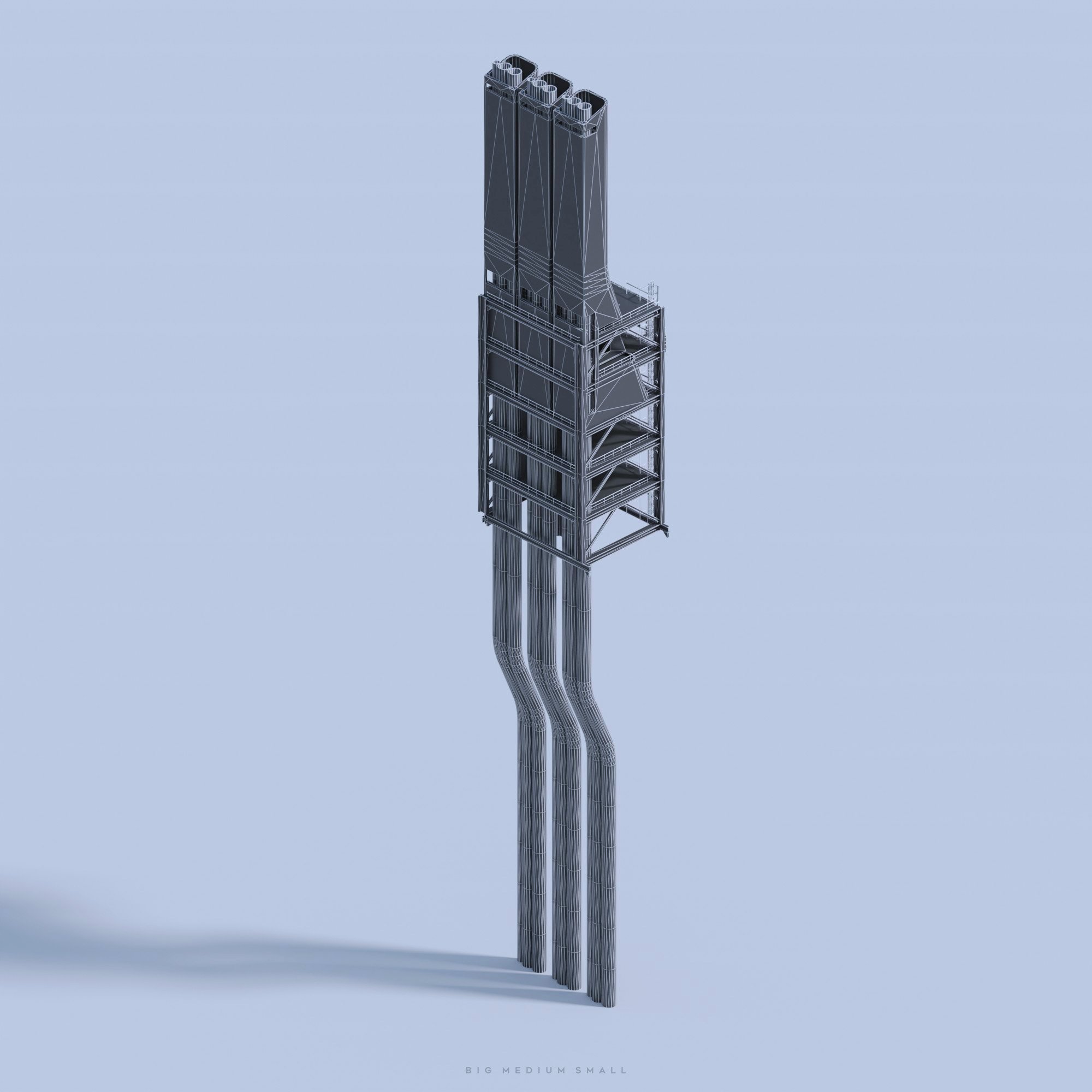

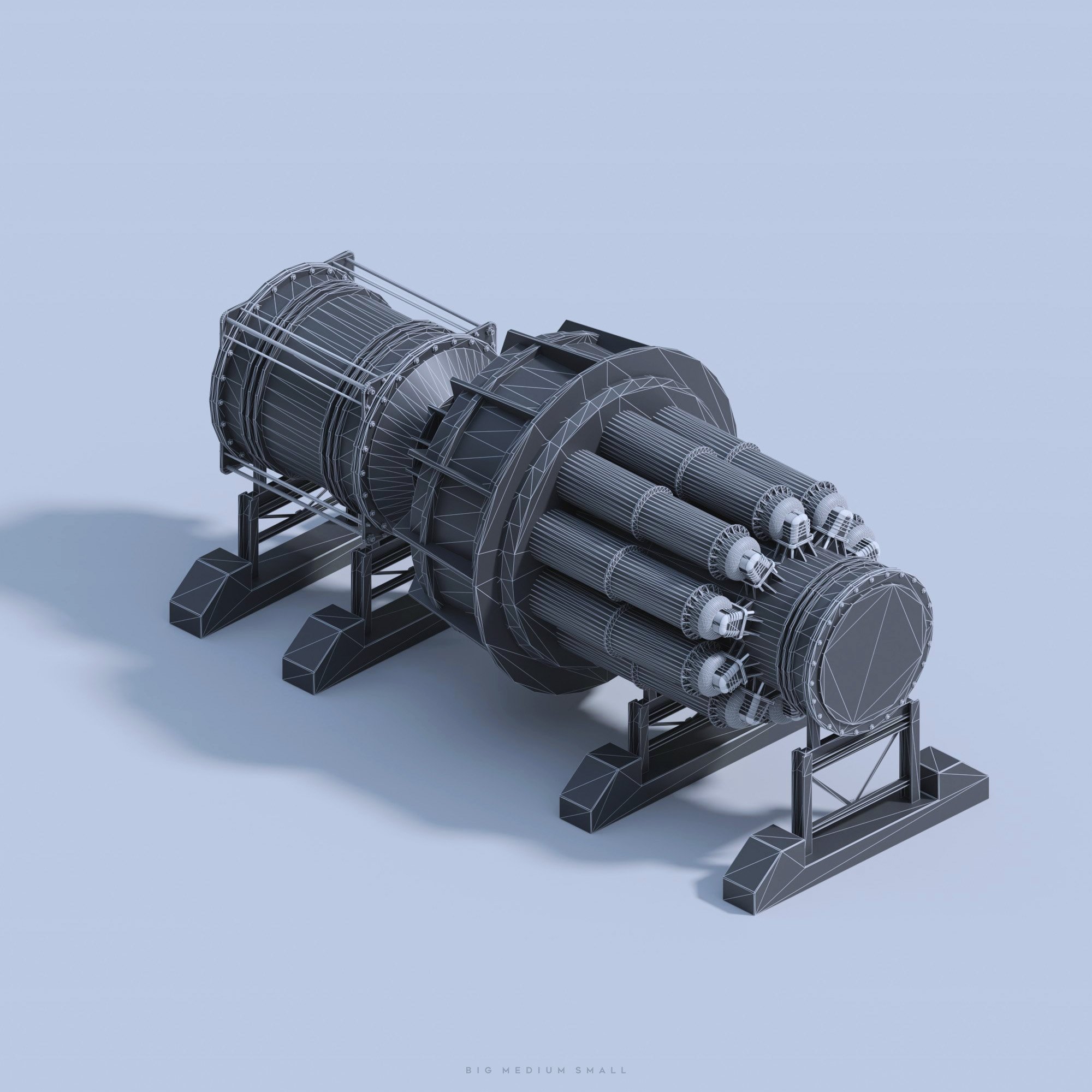
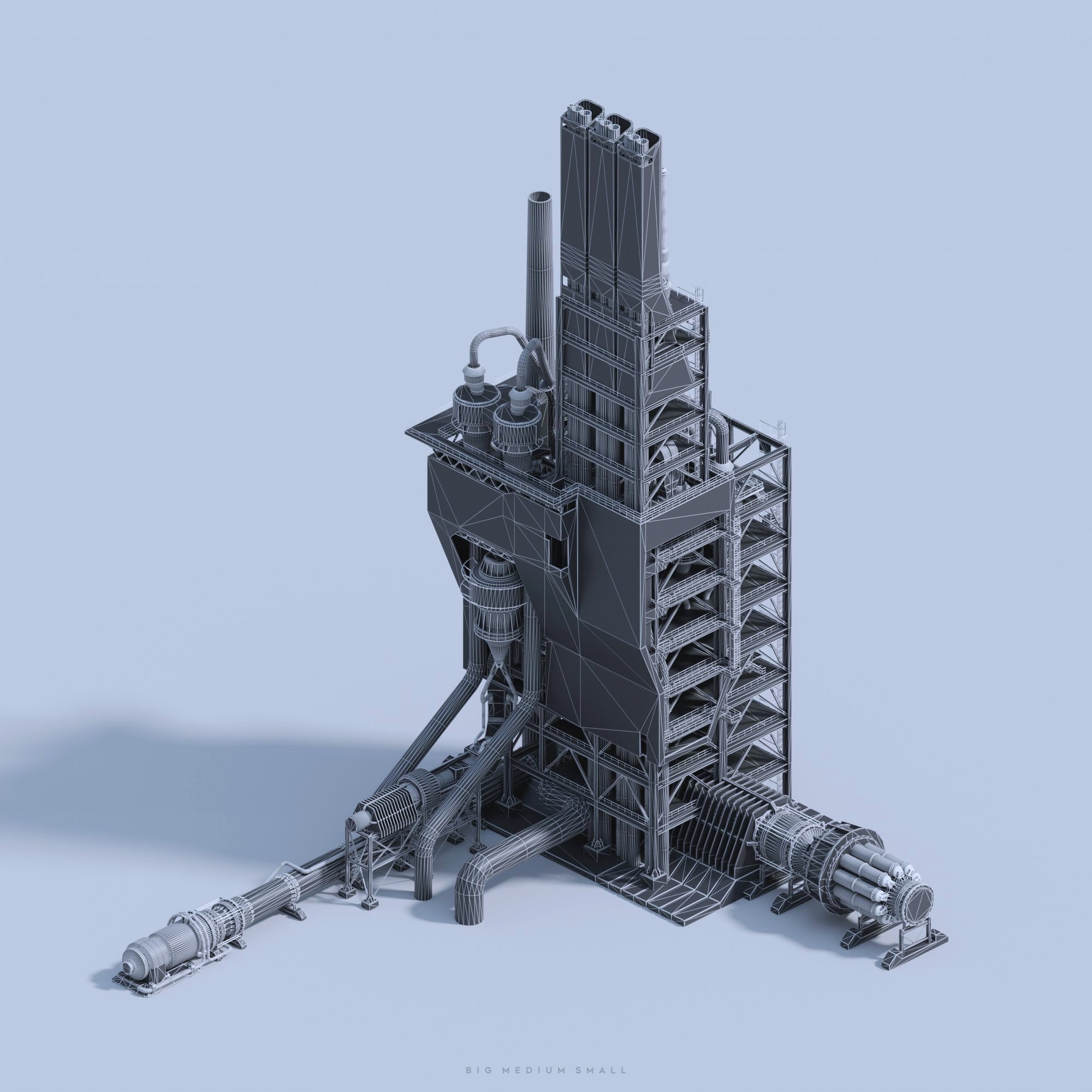

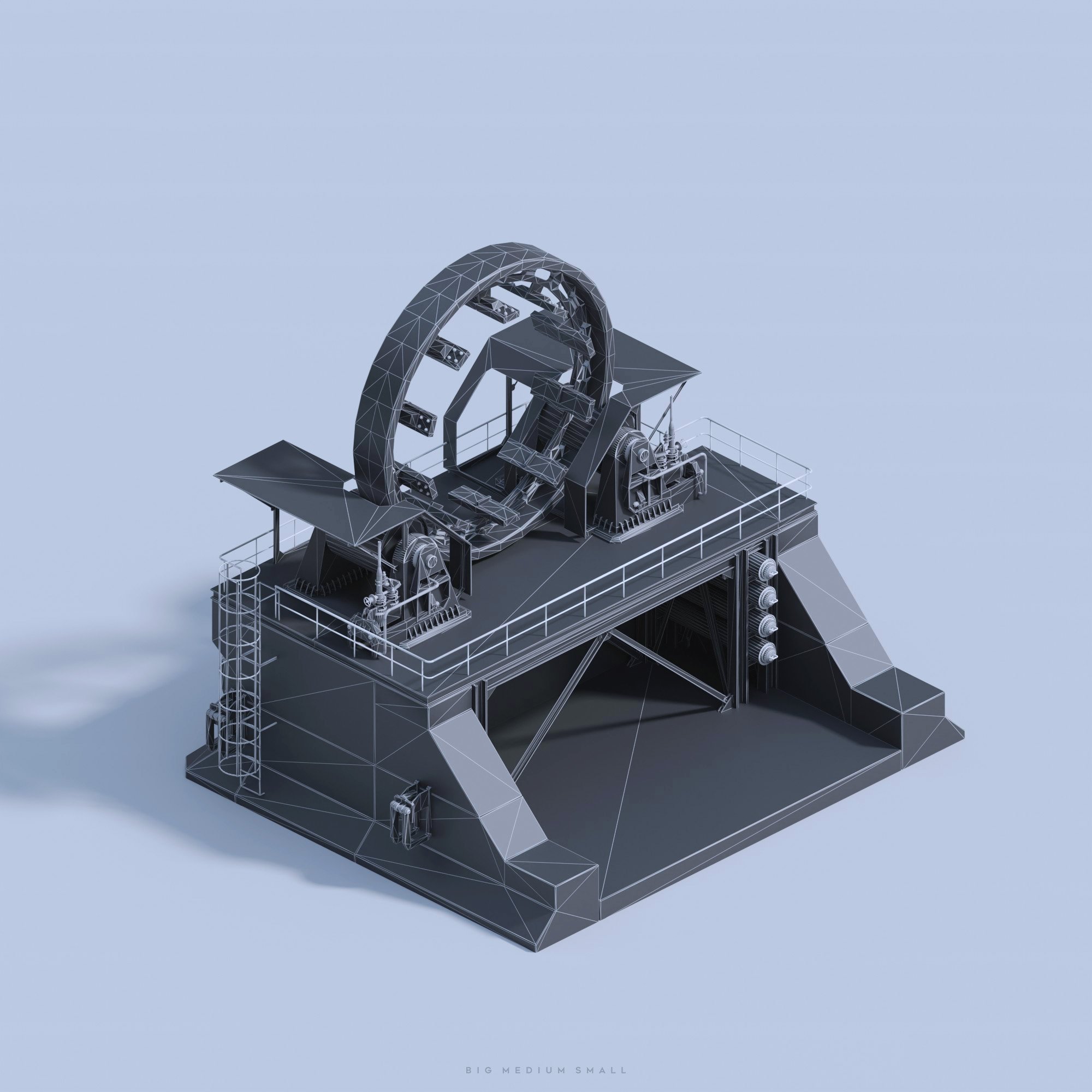
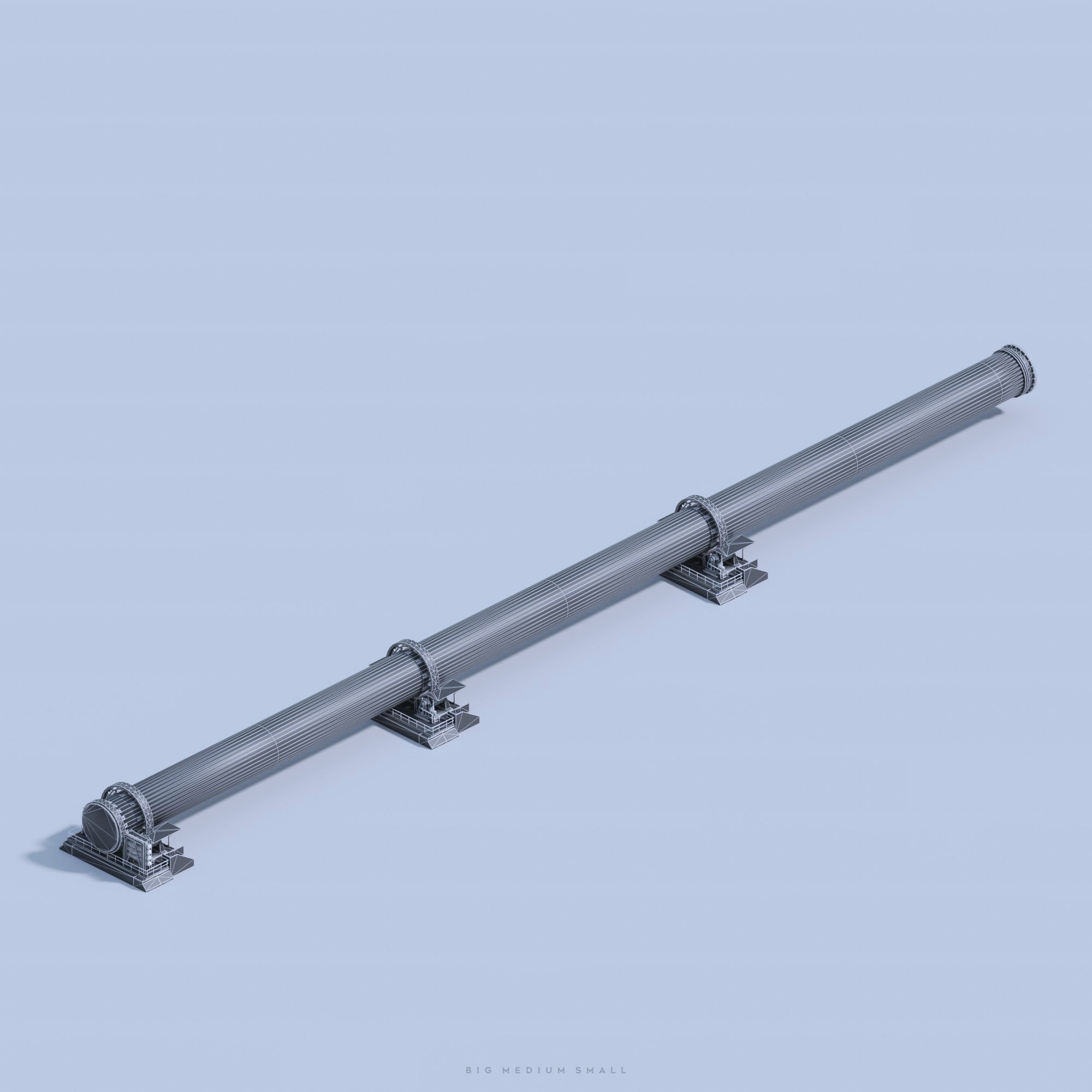
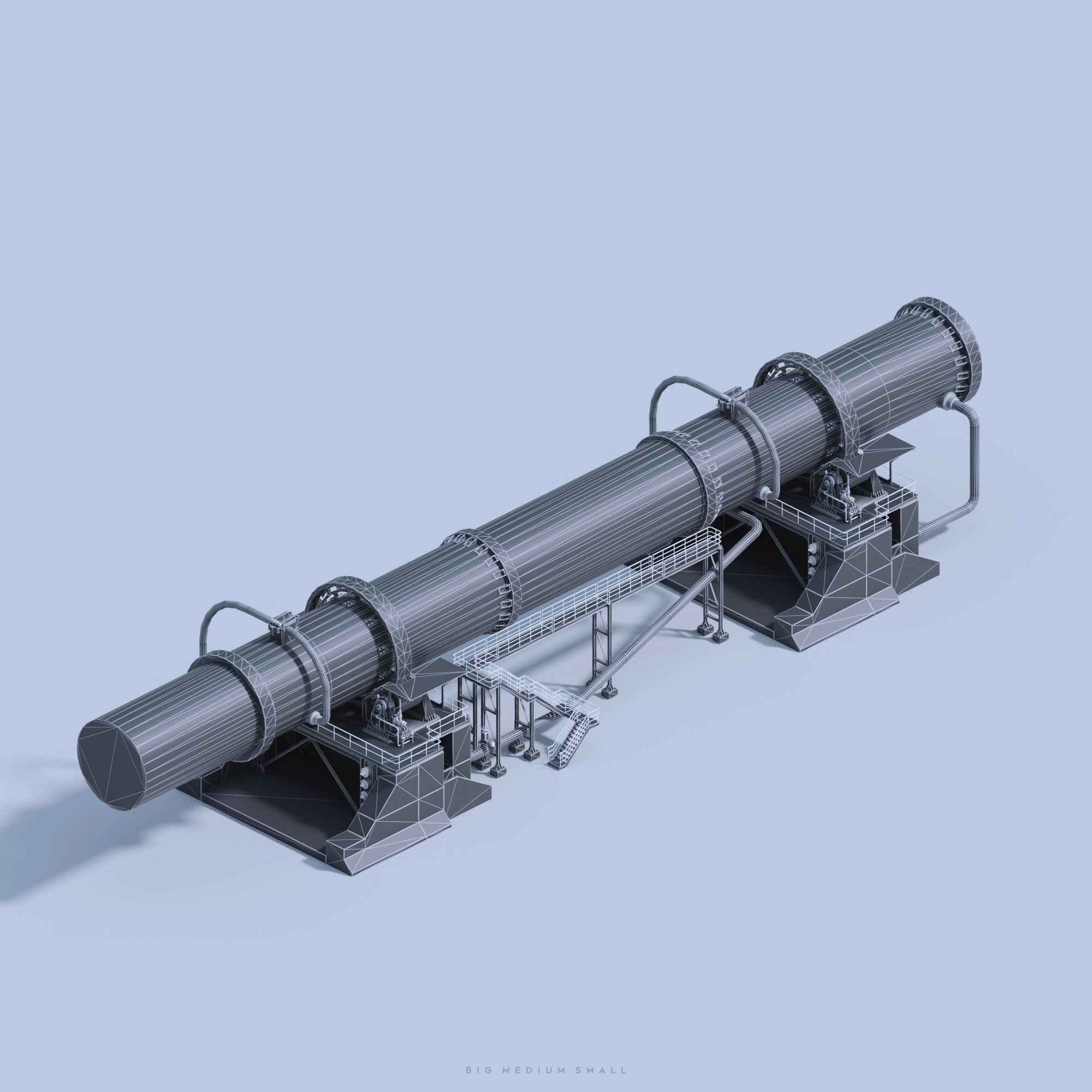
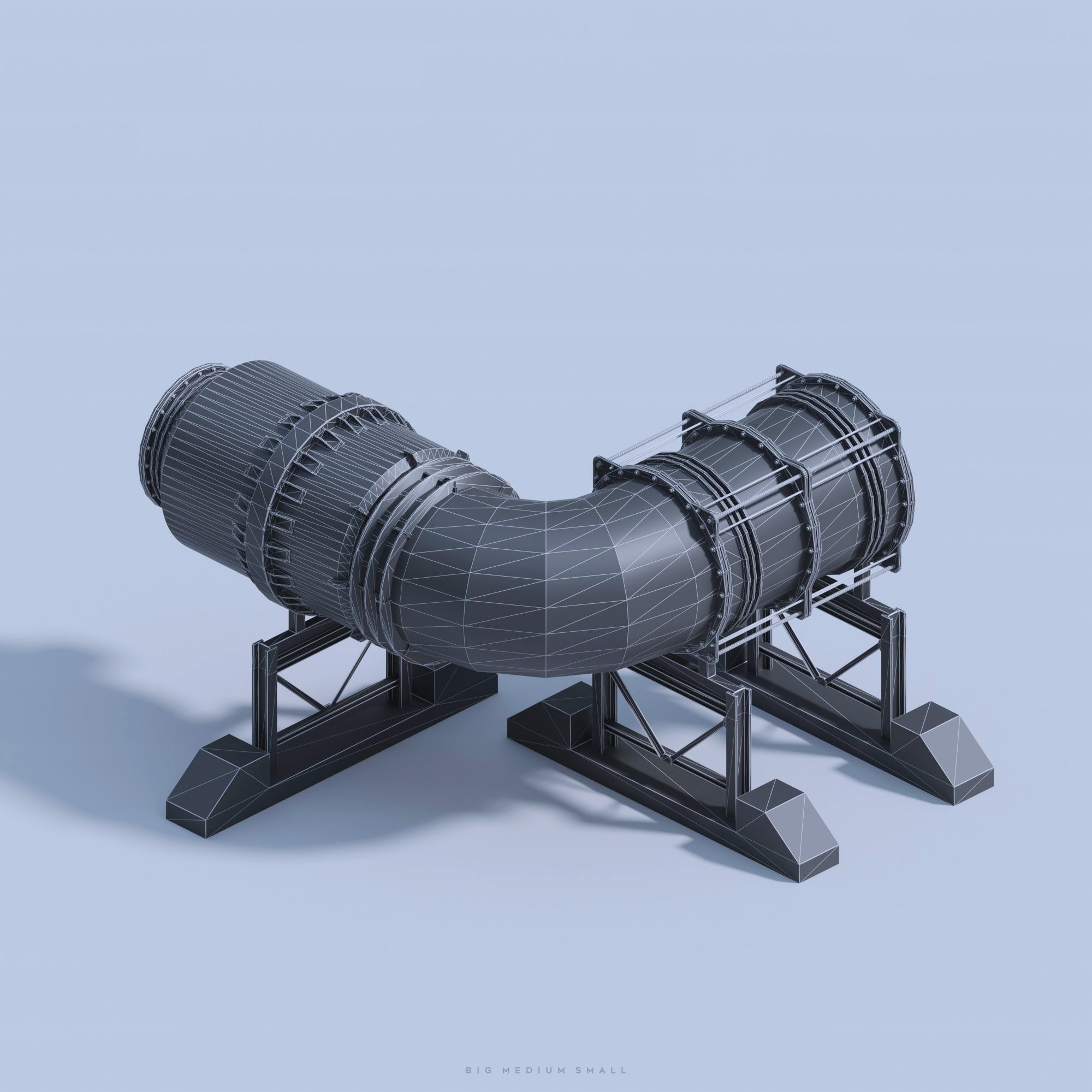
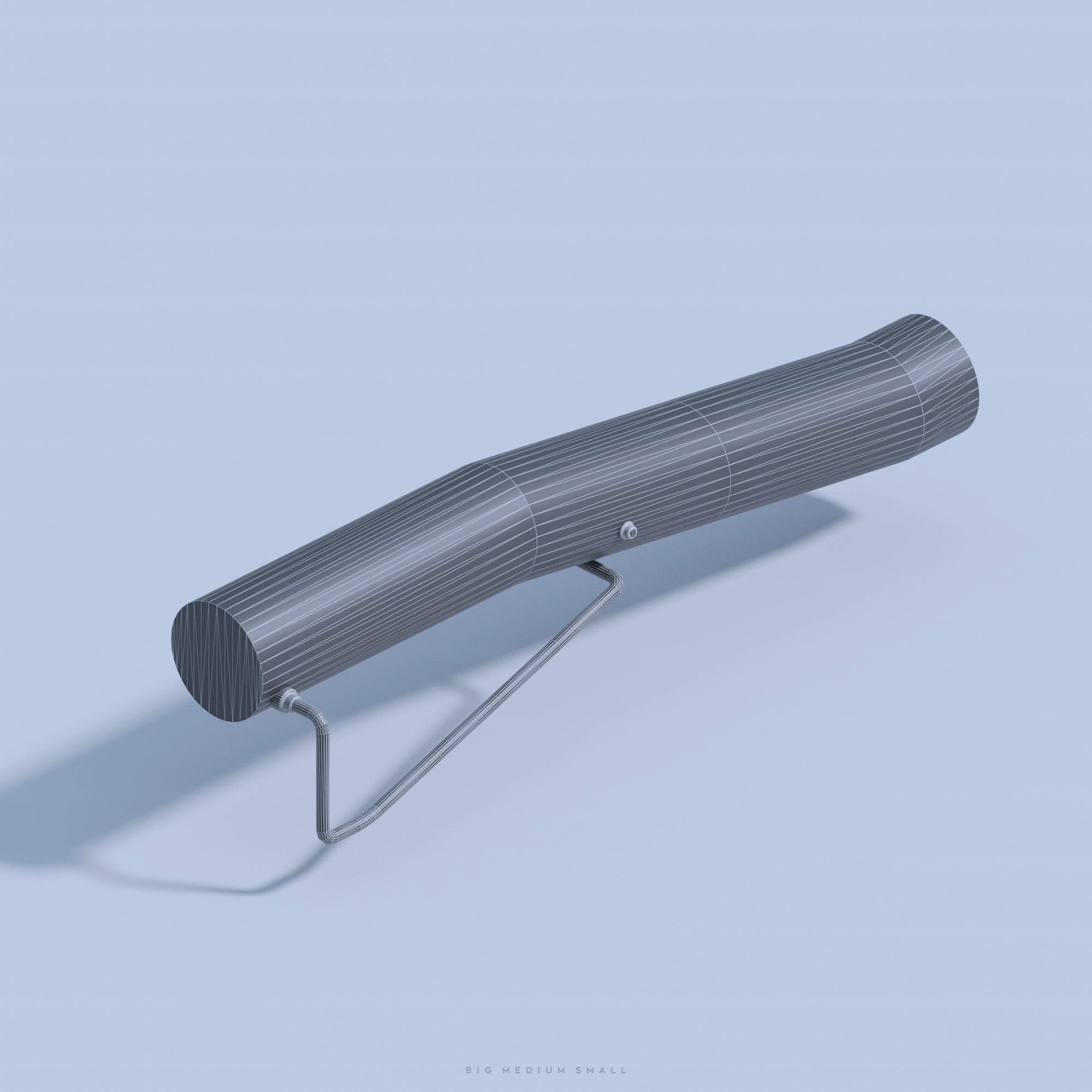
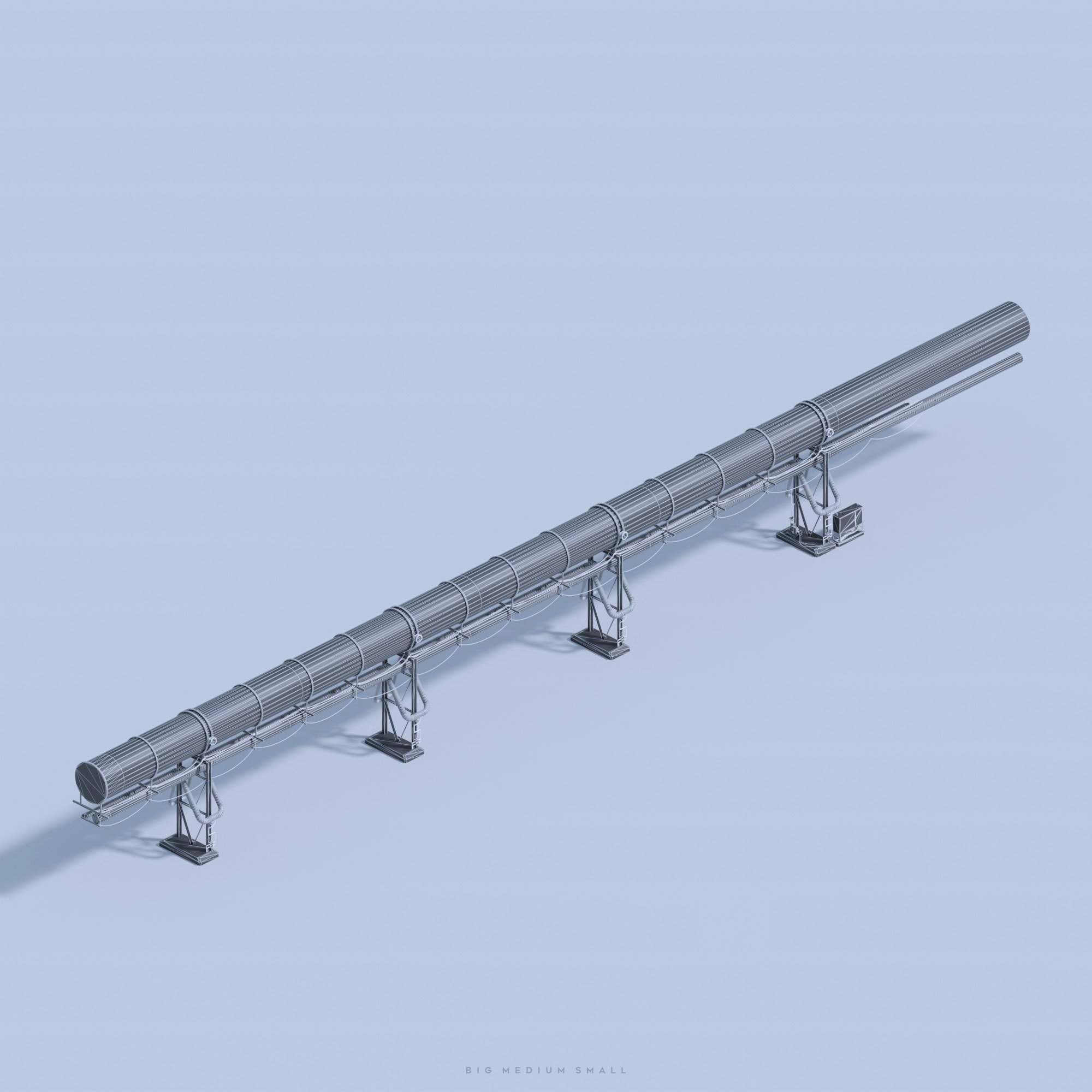
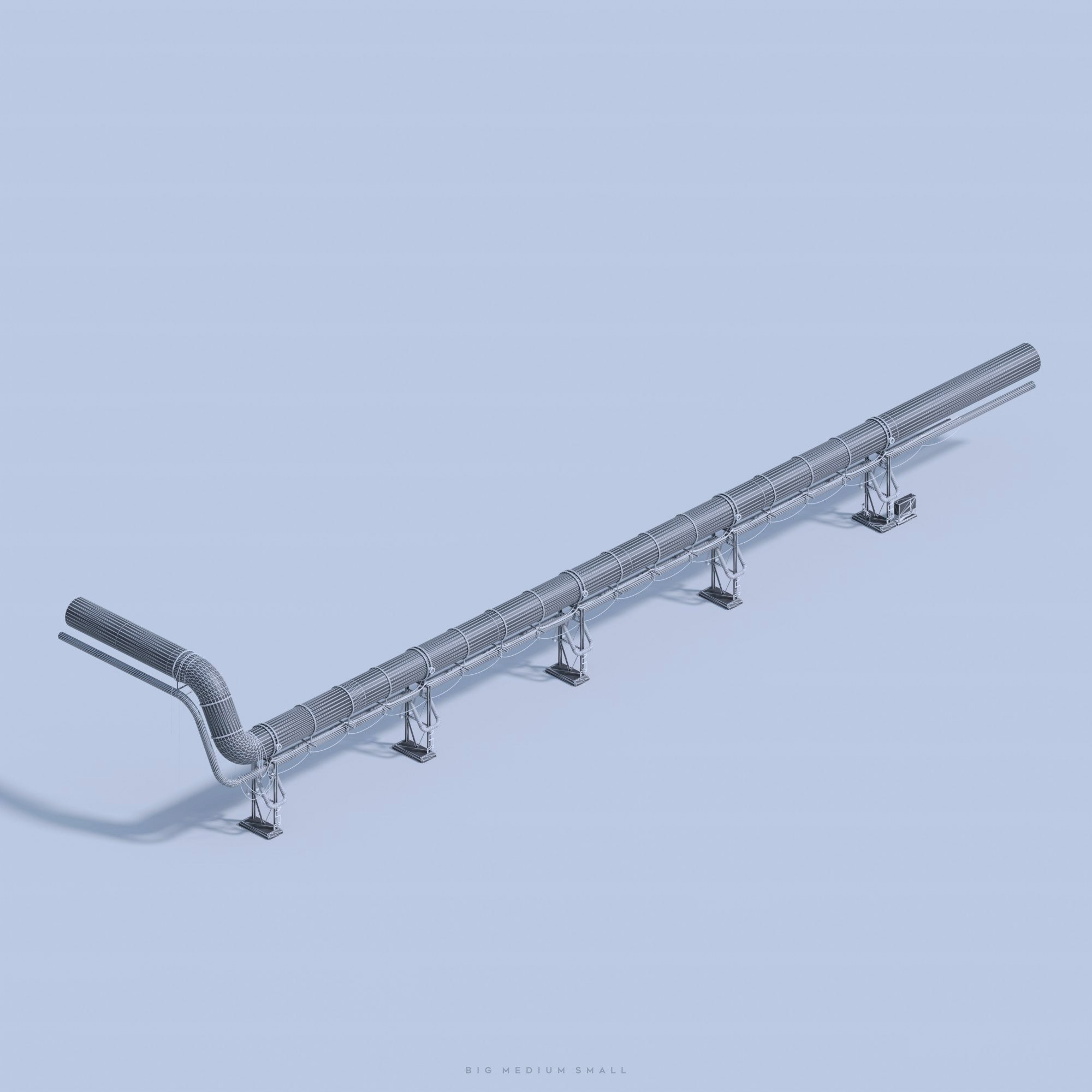
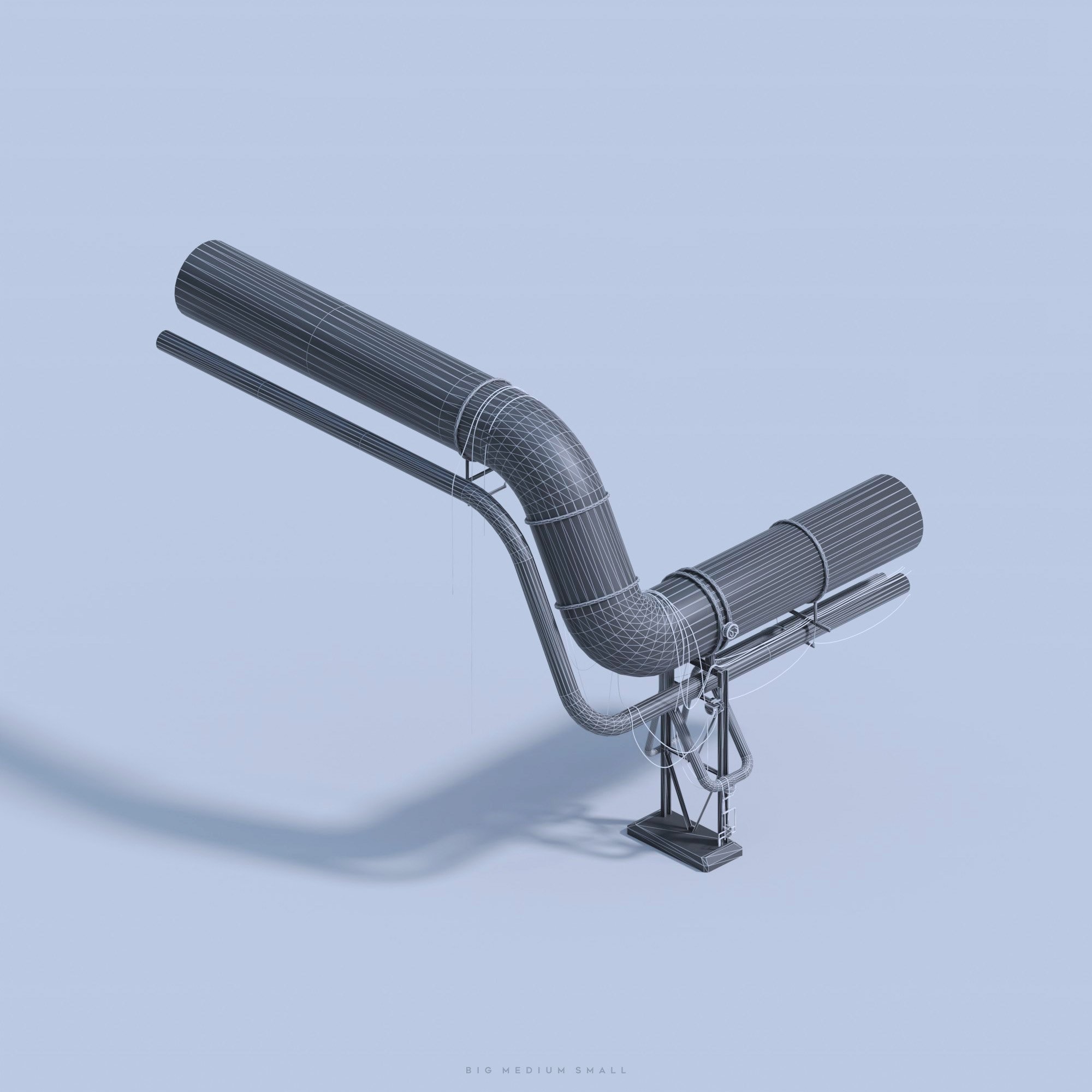

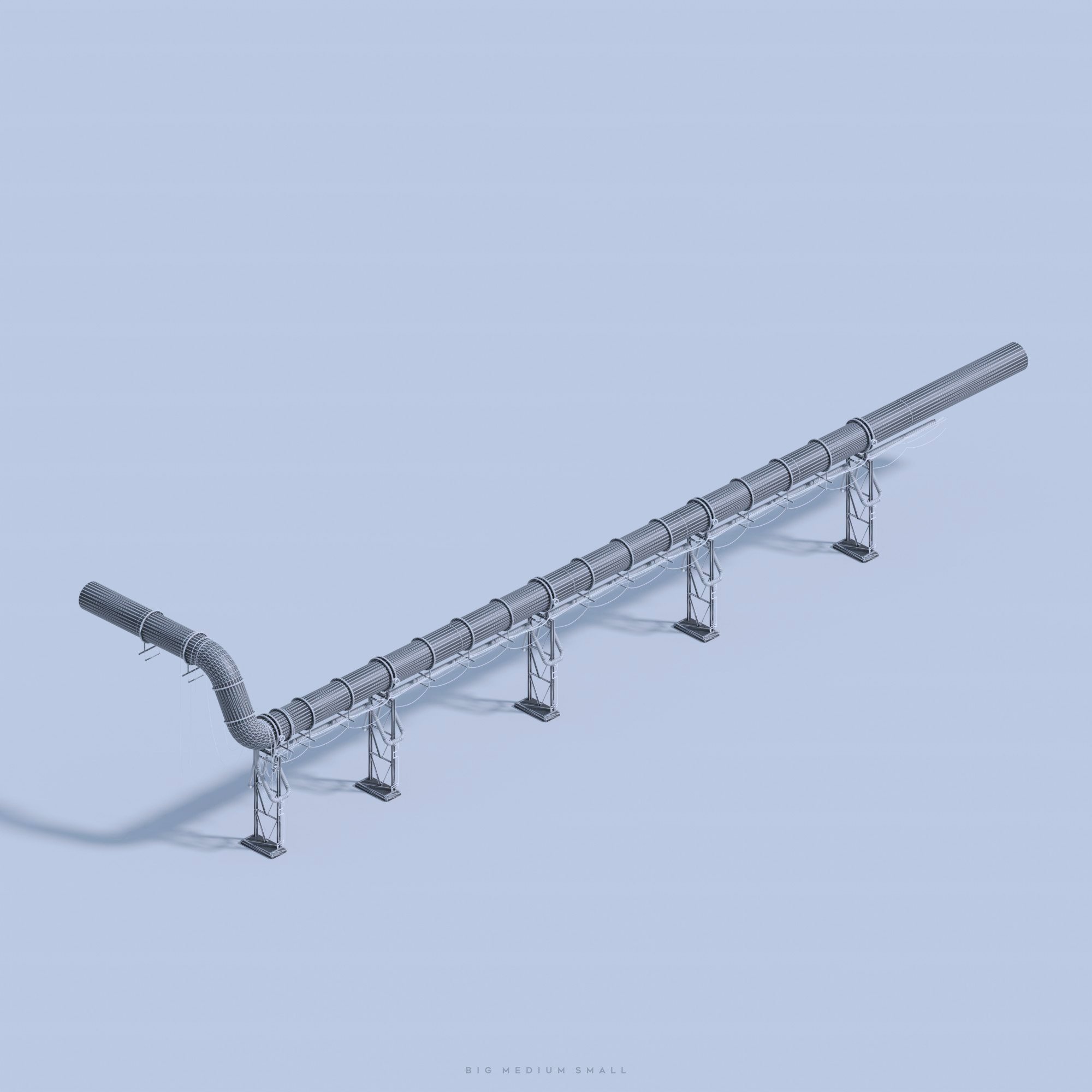
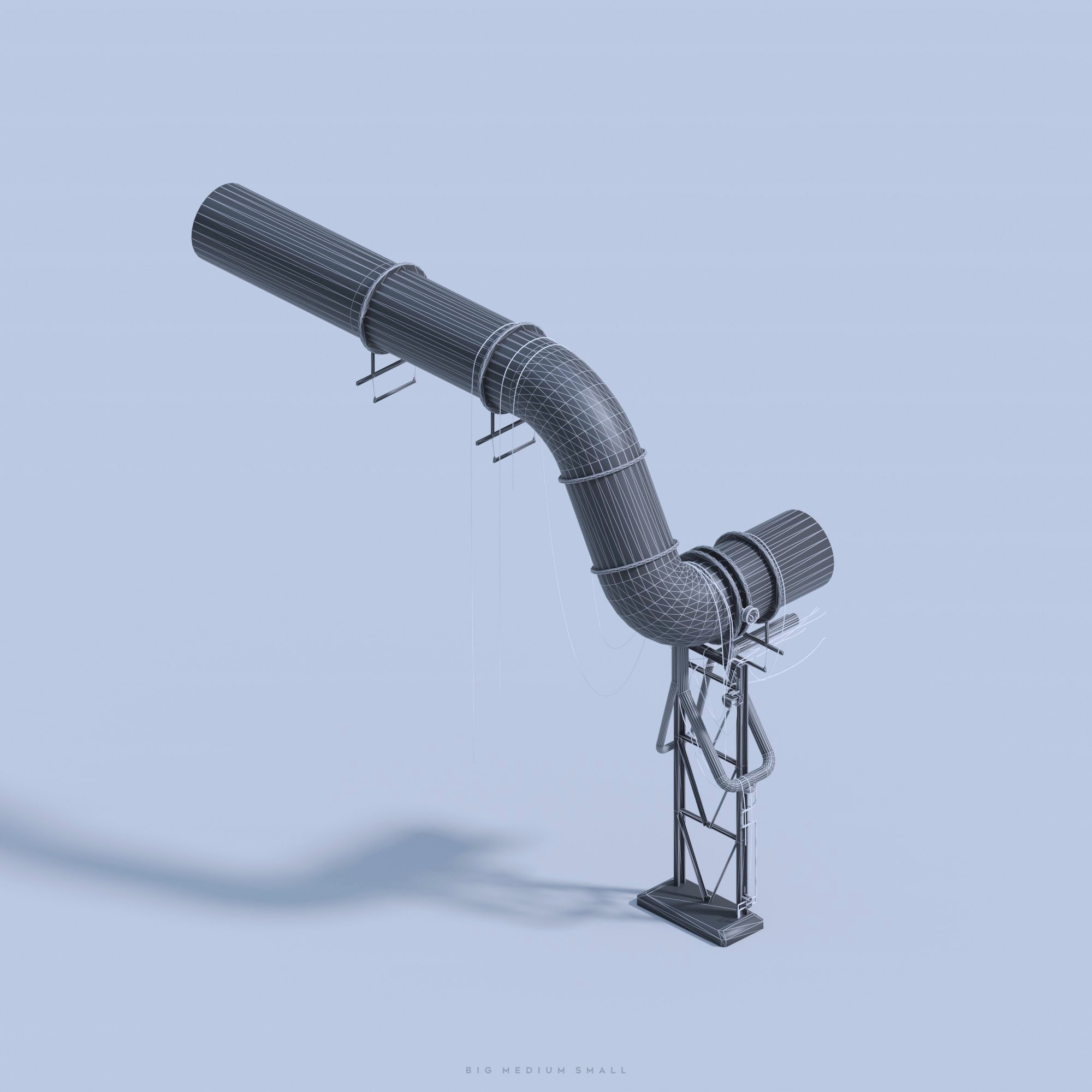
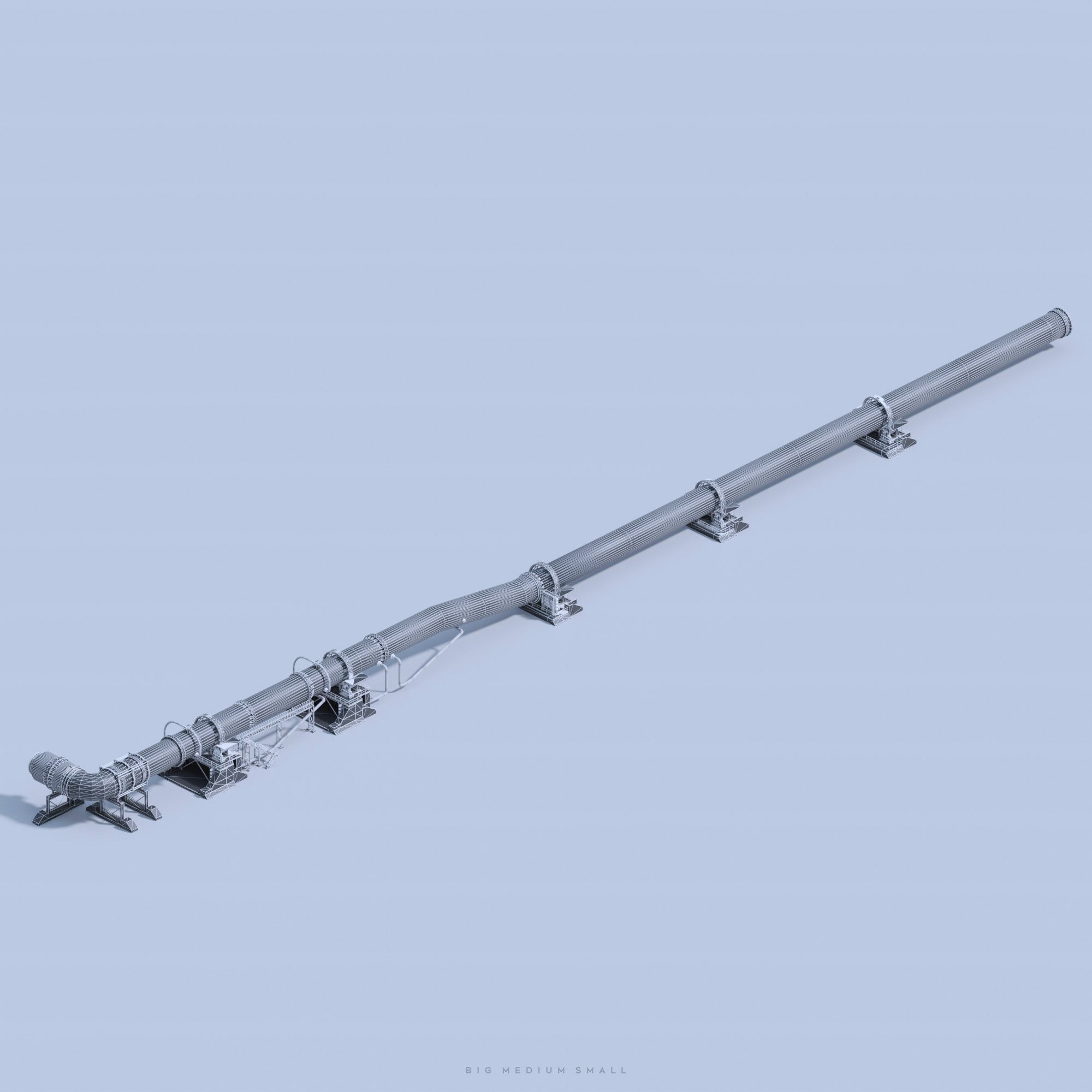
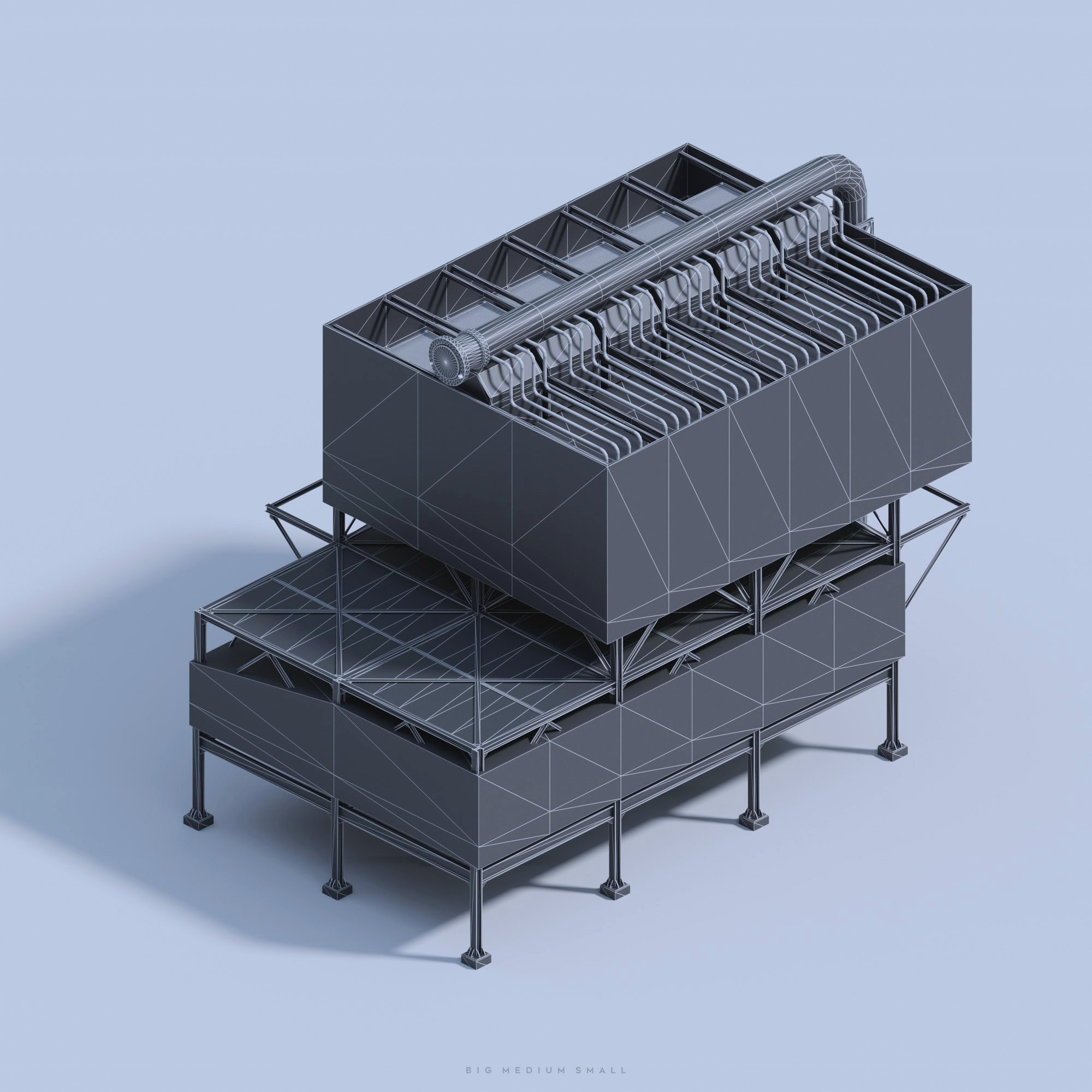
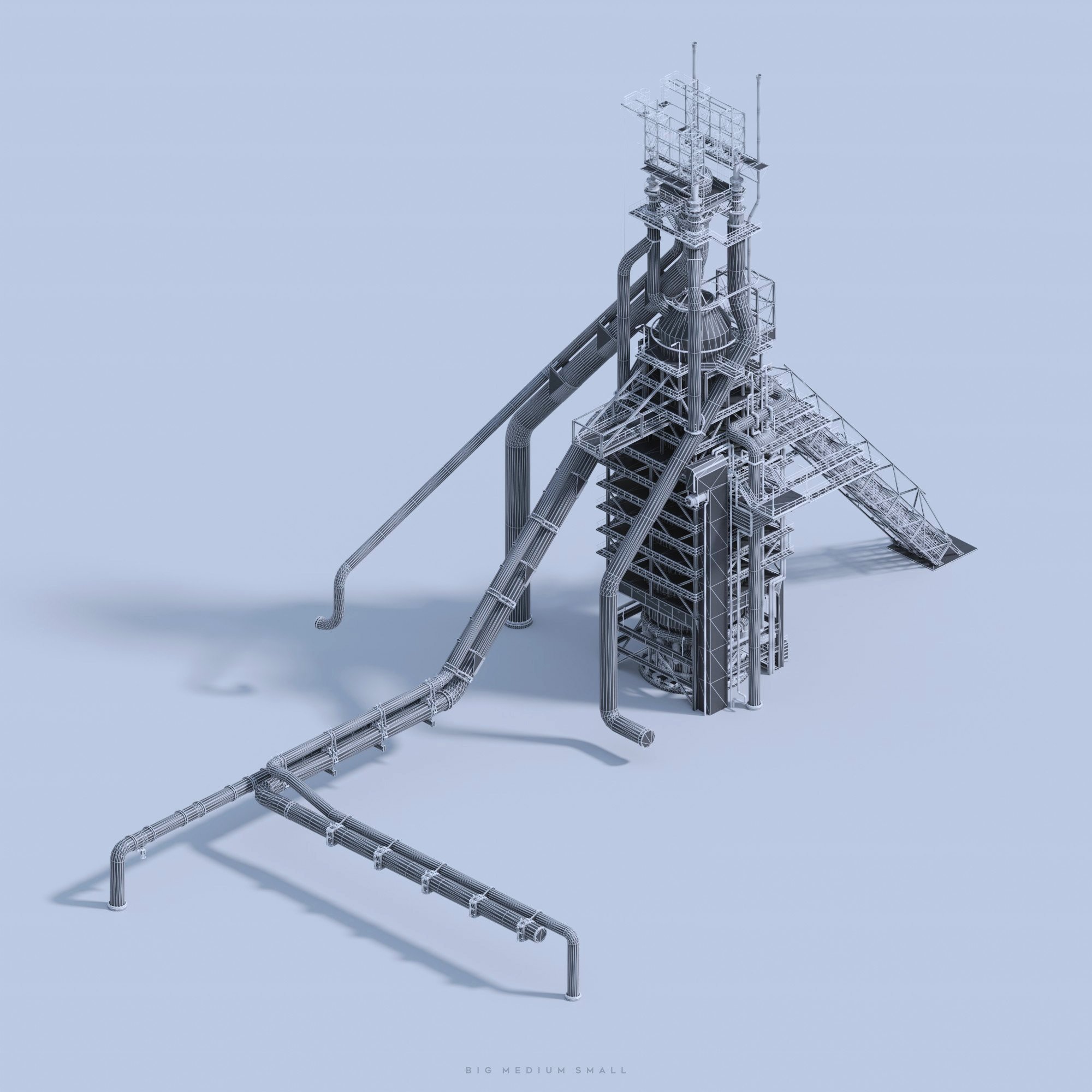

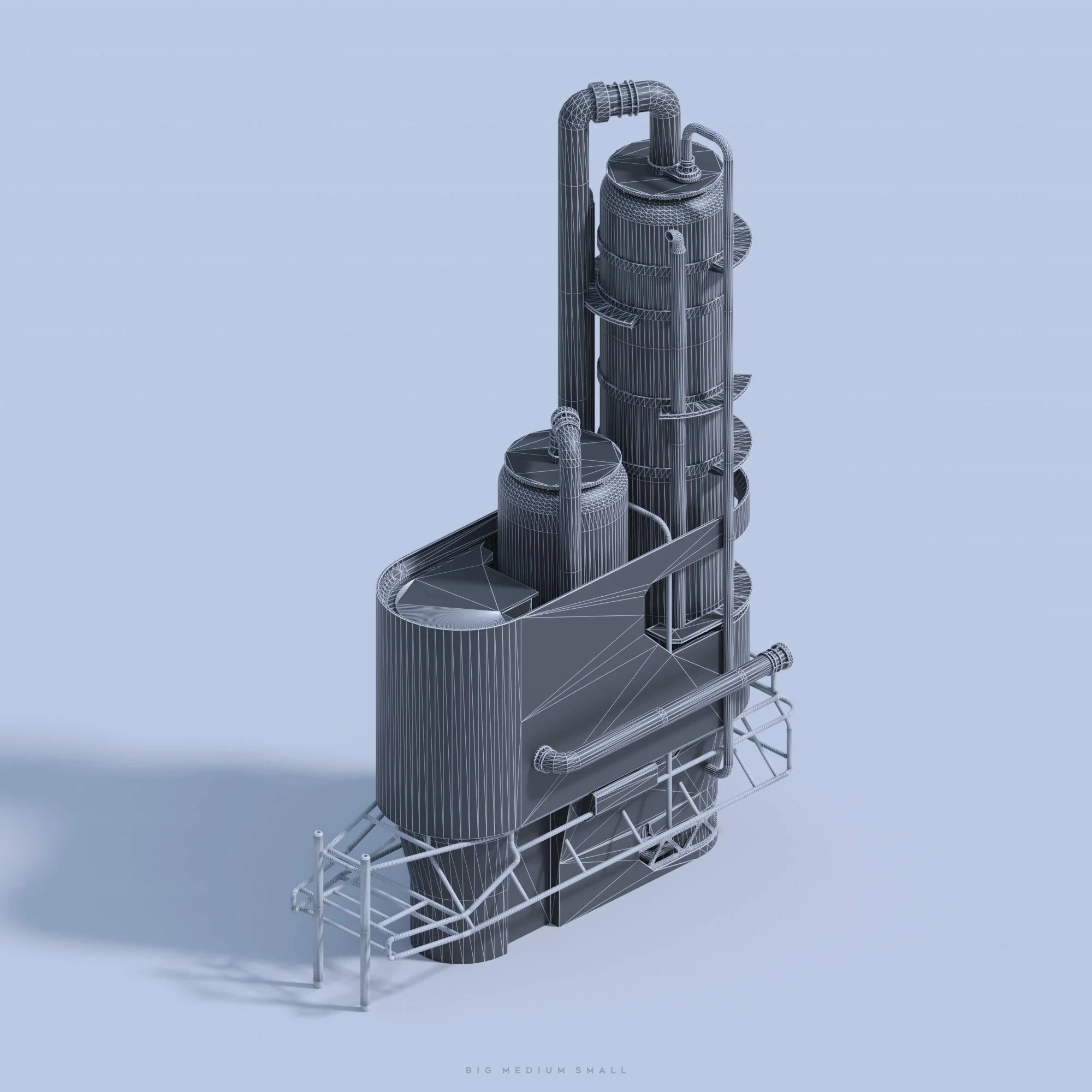
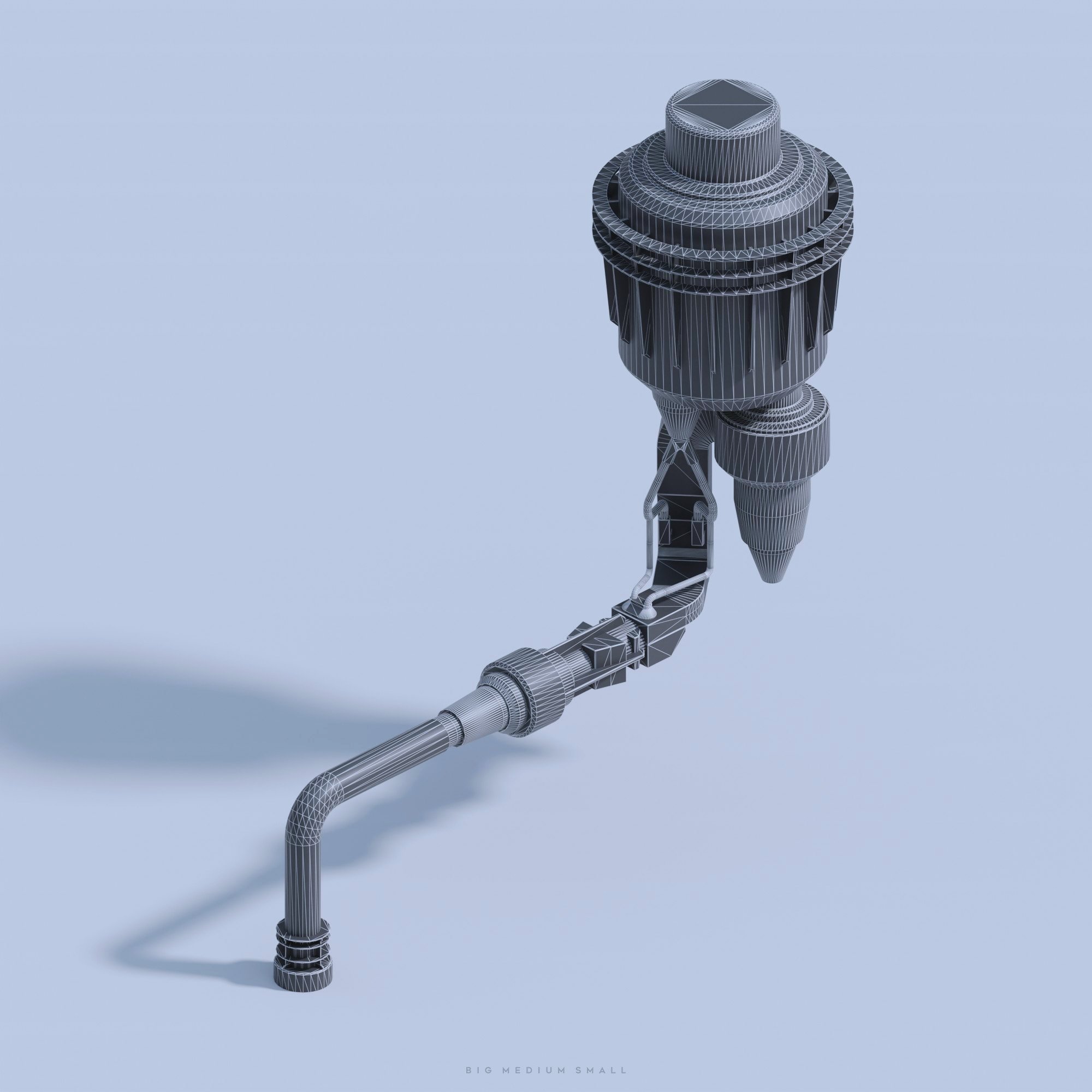
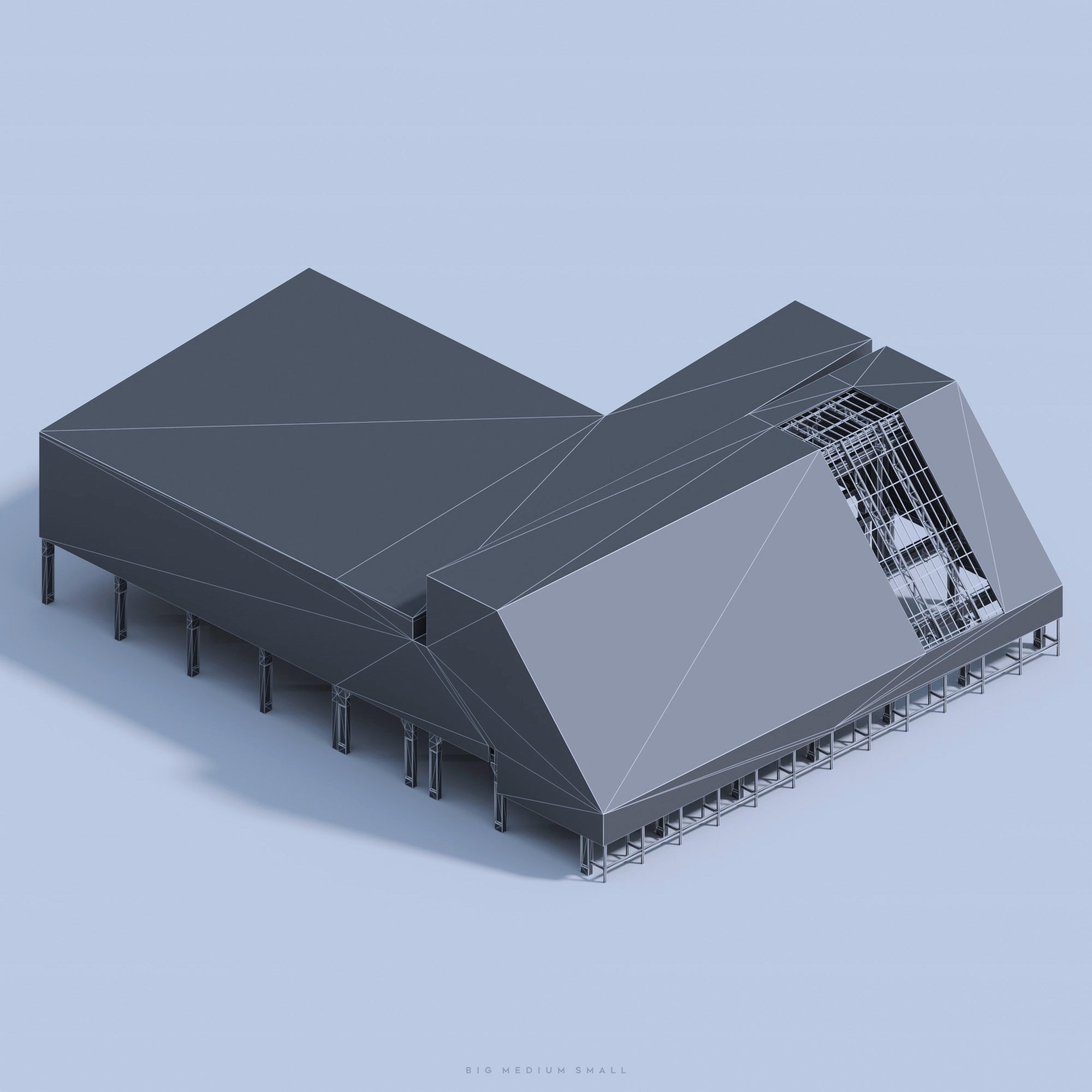

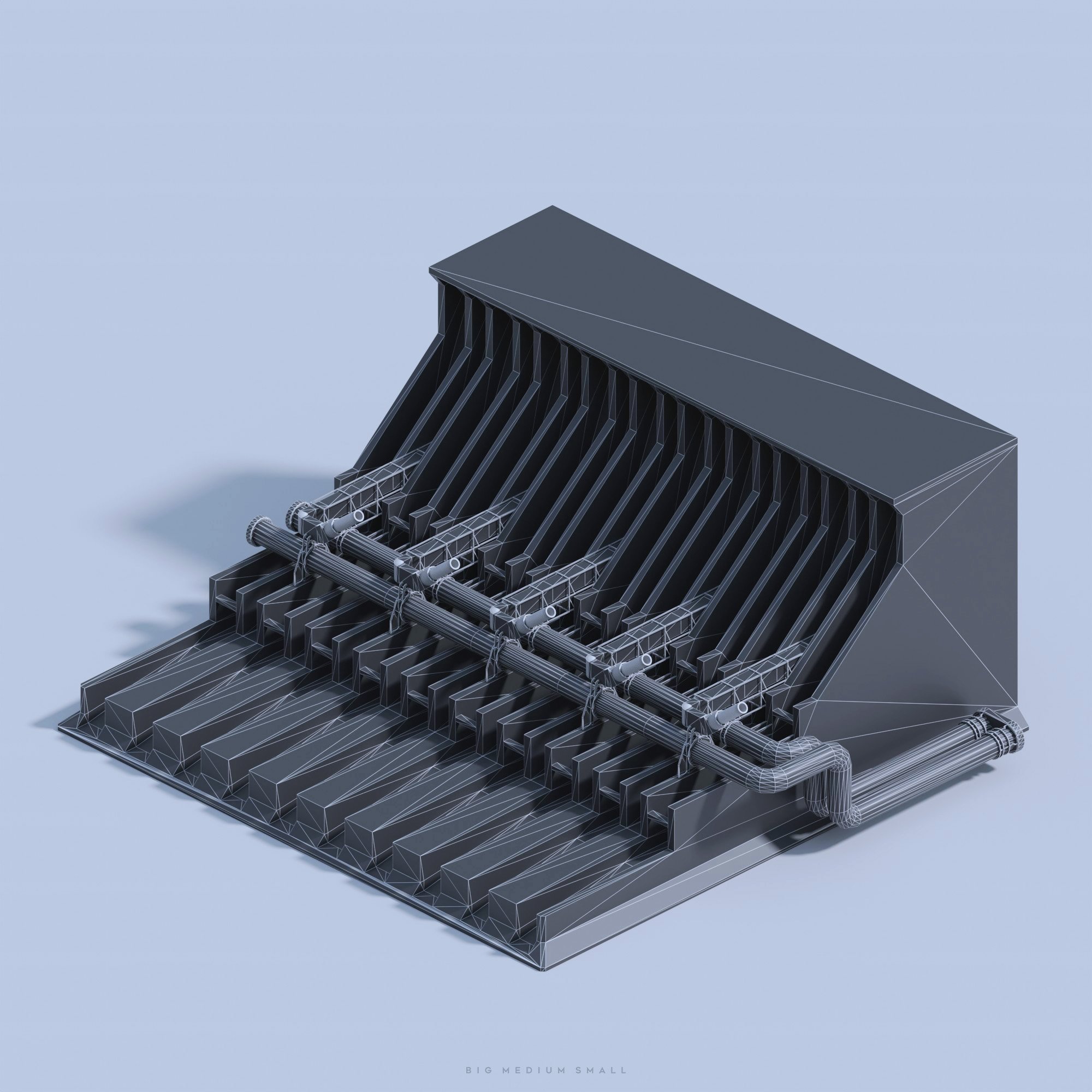
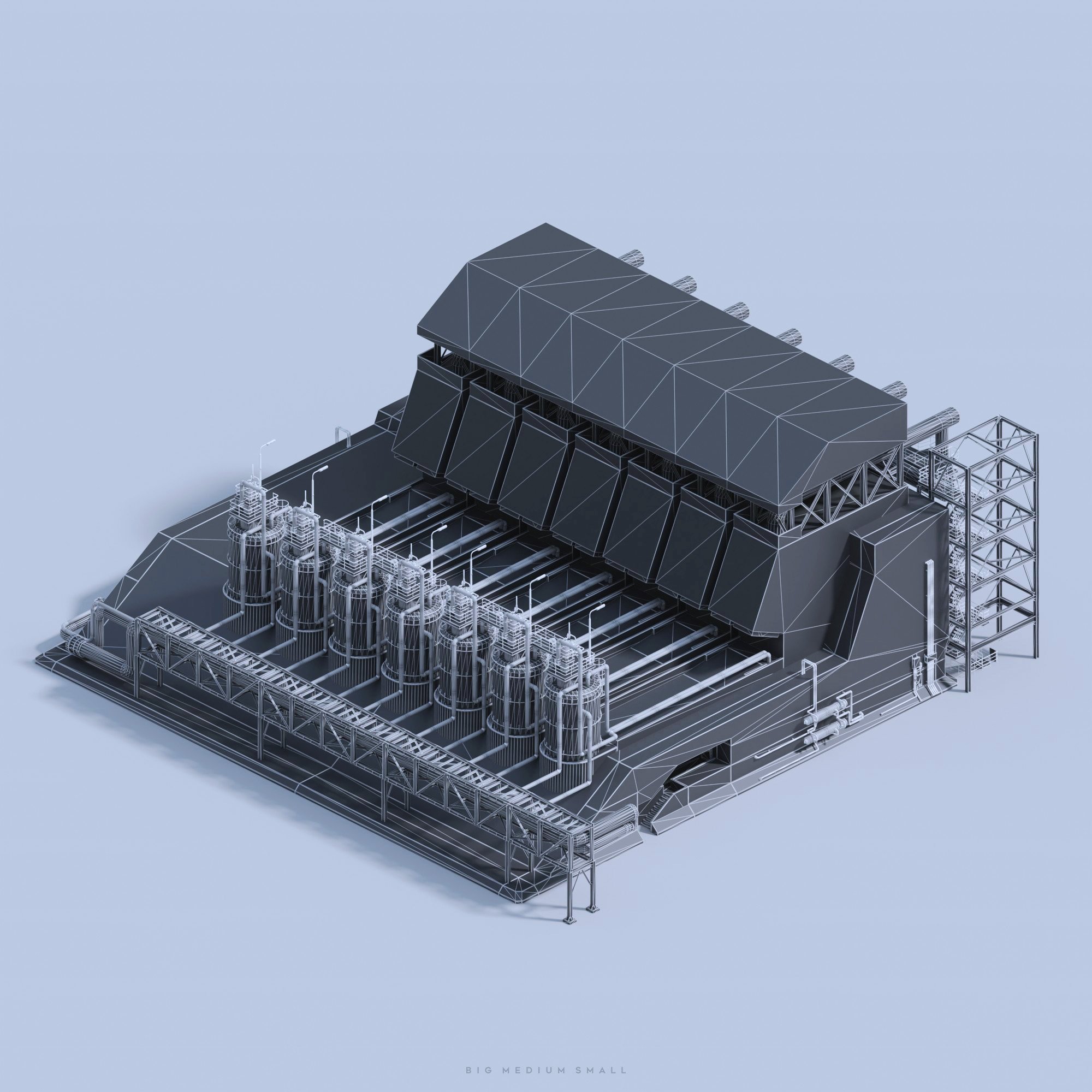



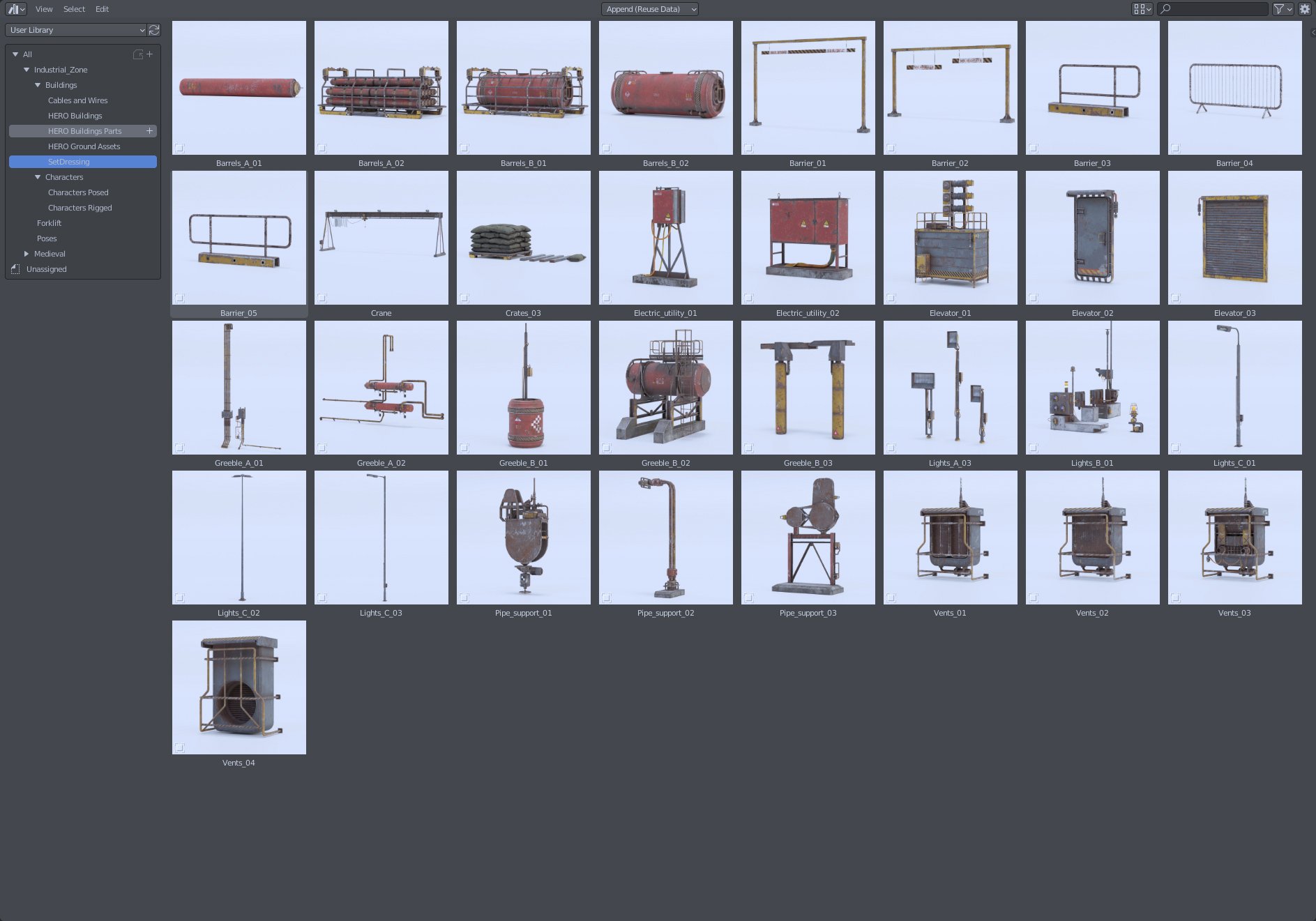
Set Dressing Elements
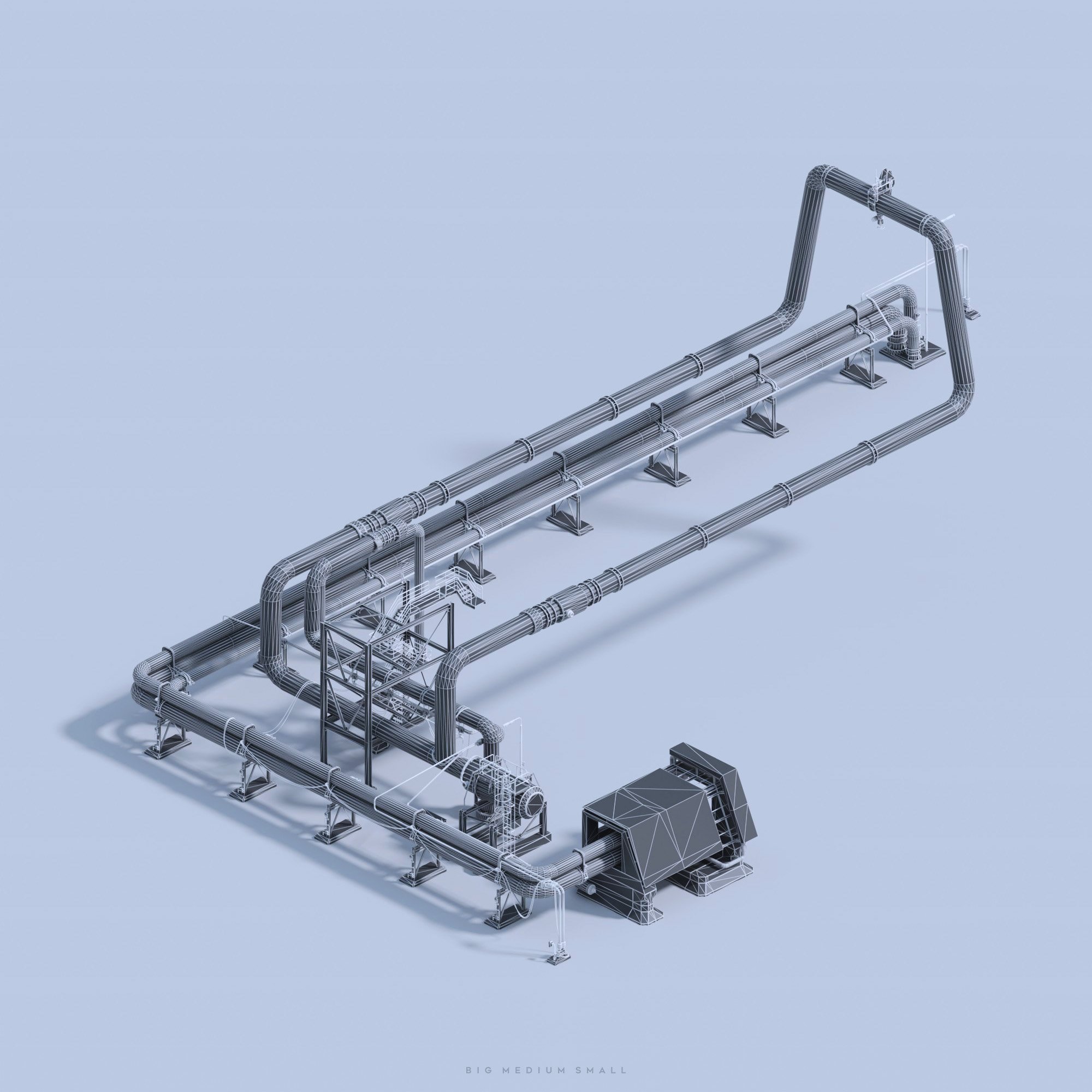
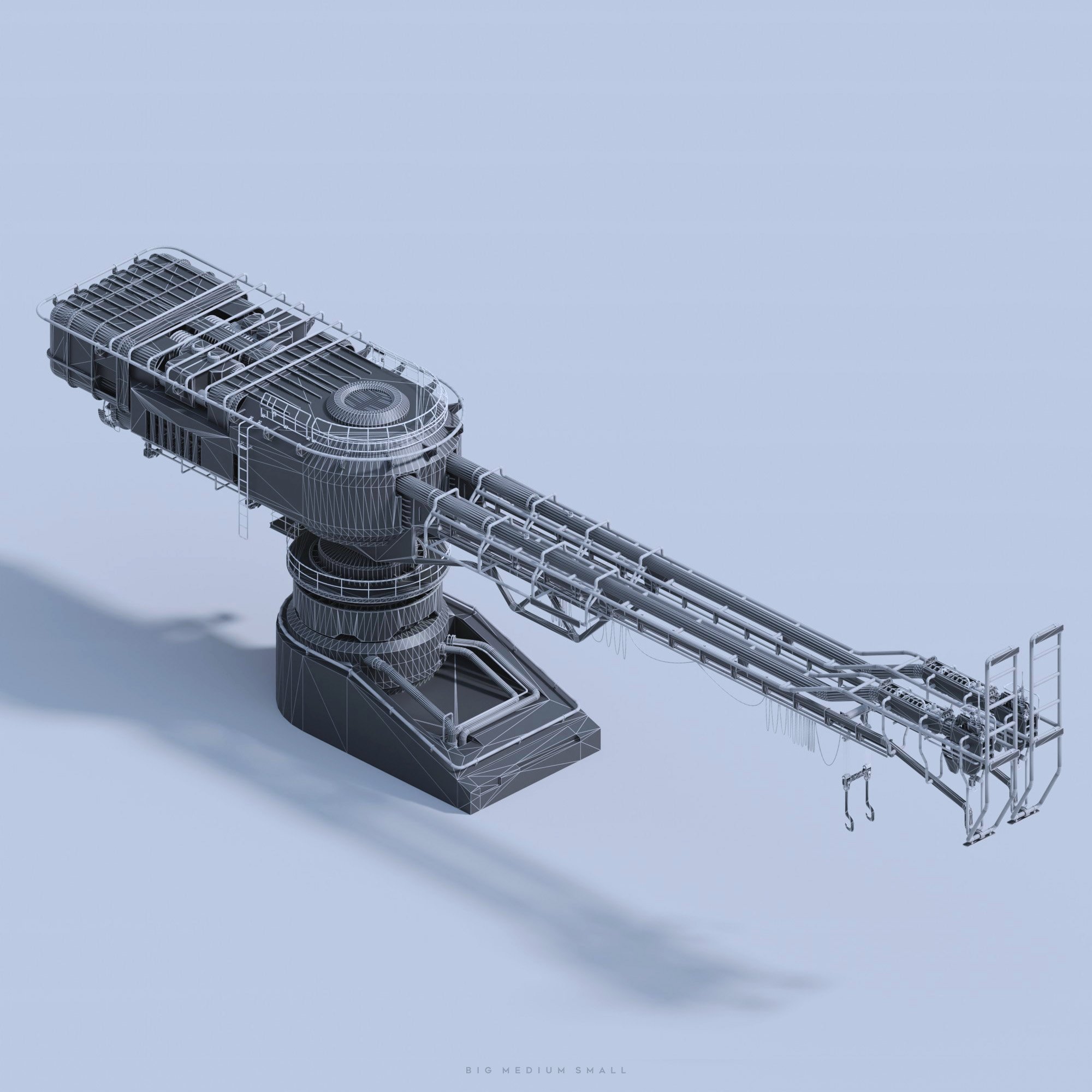
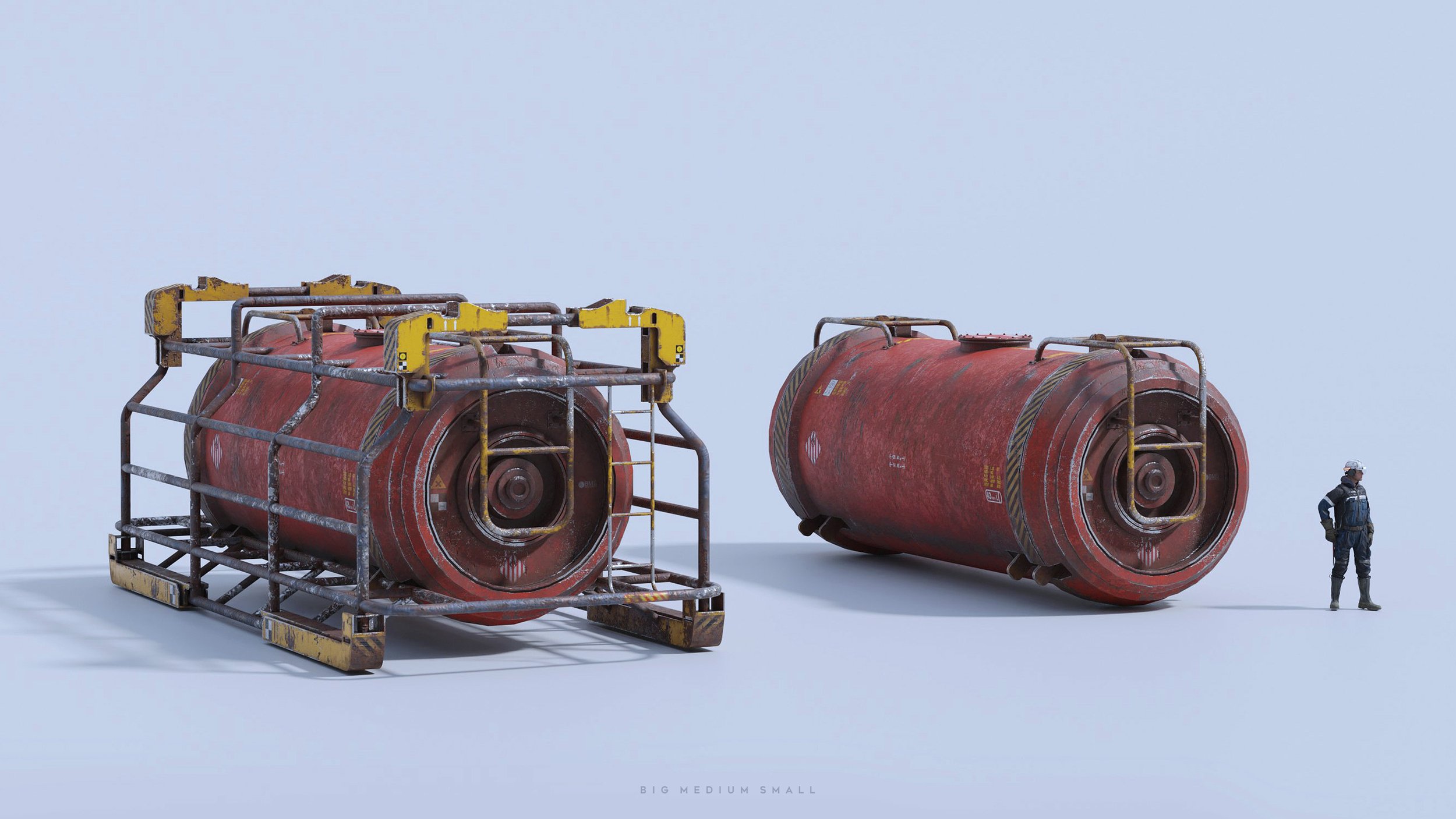
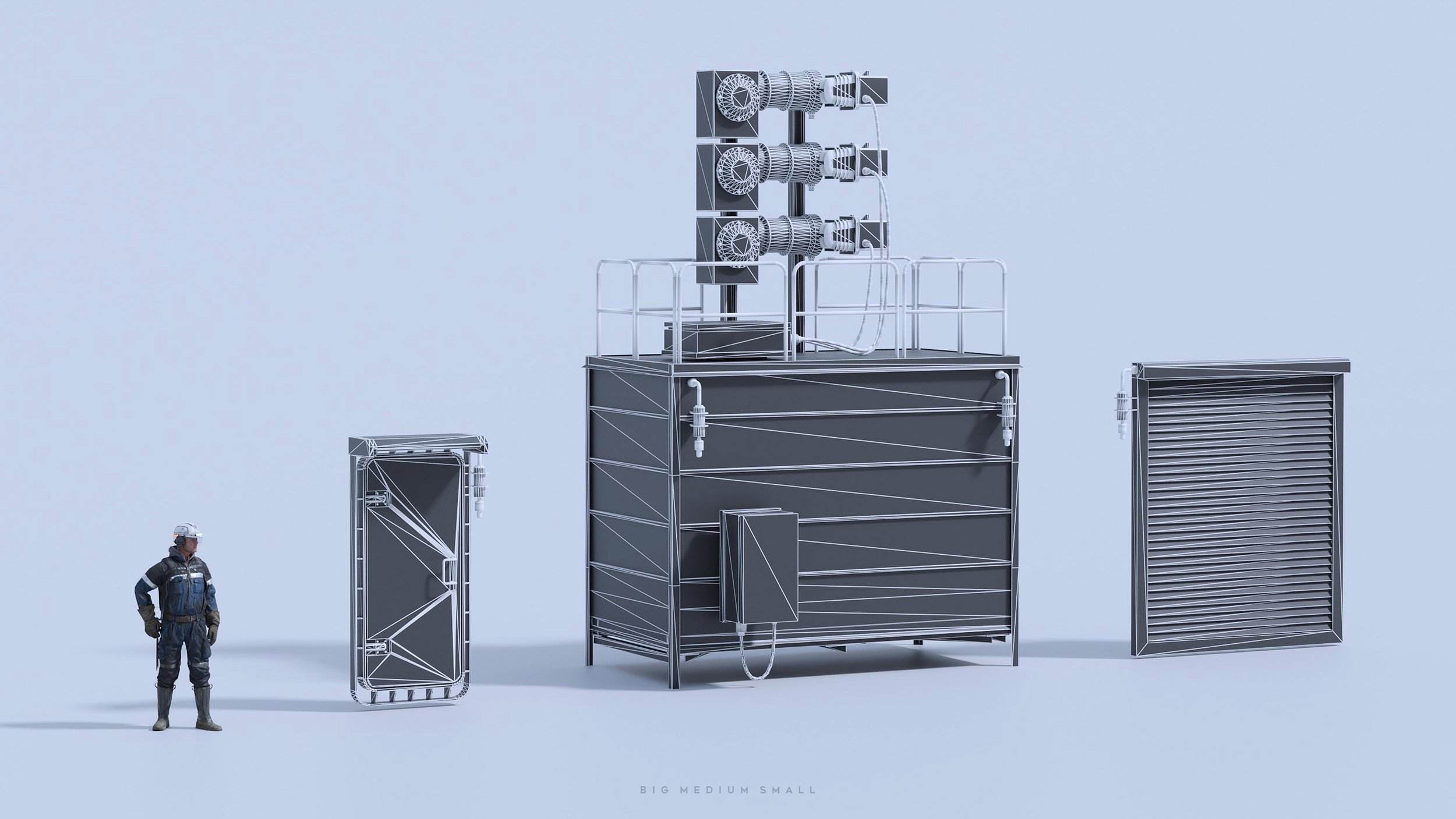
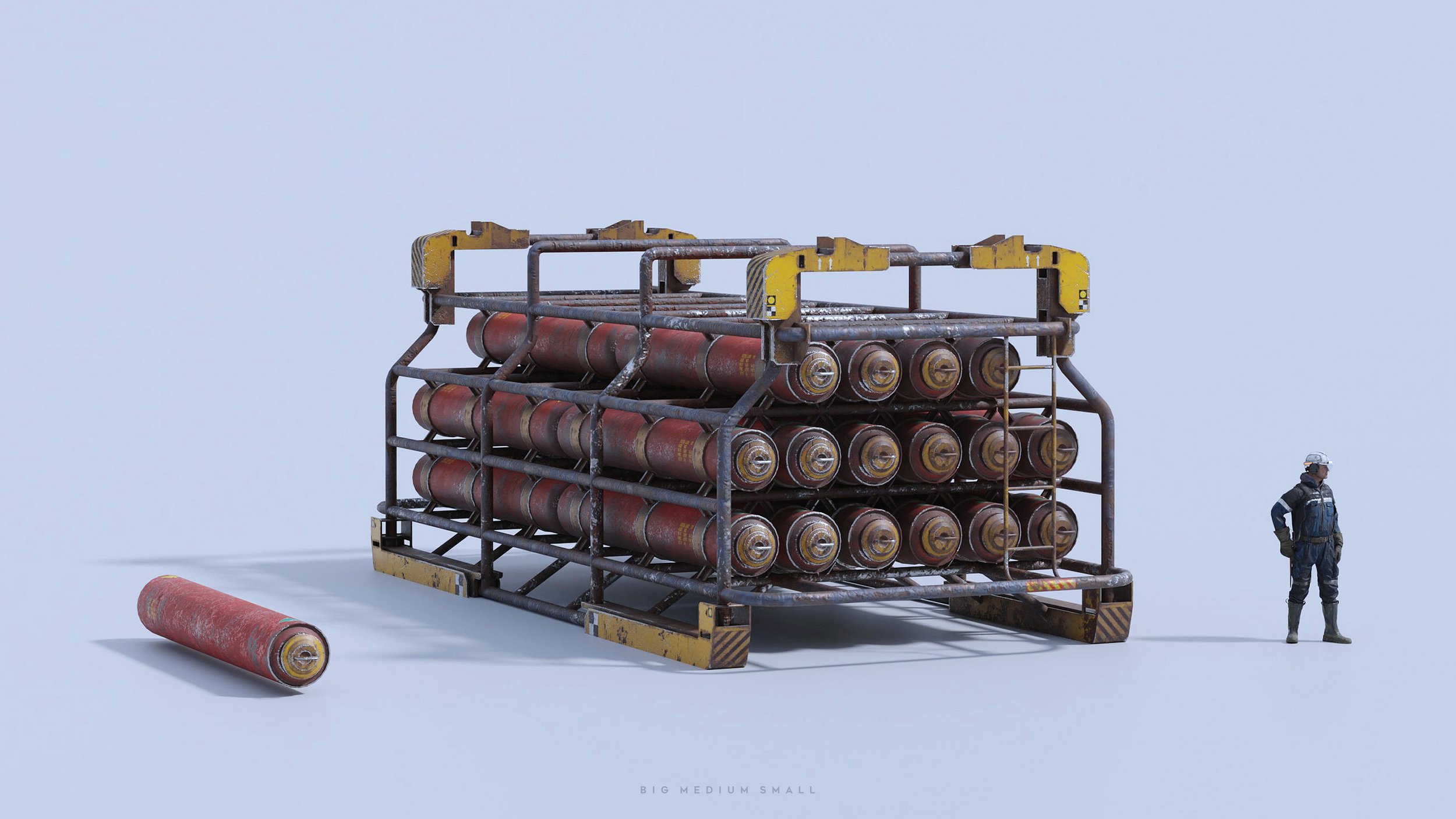
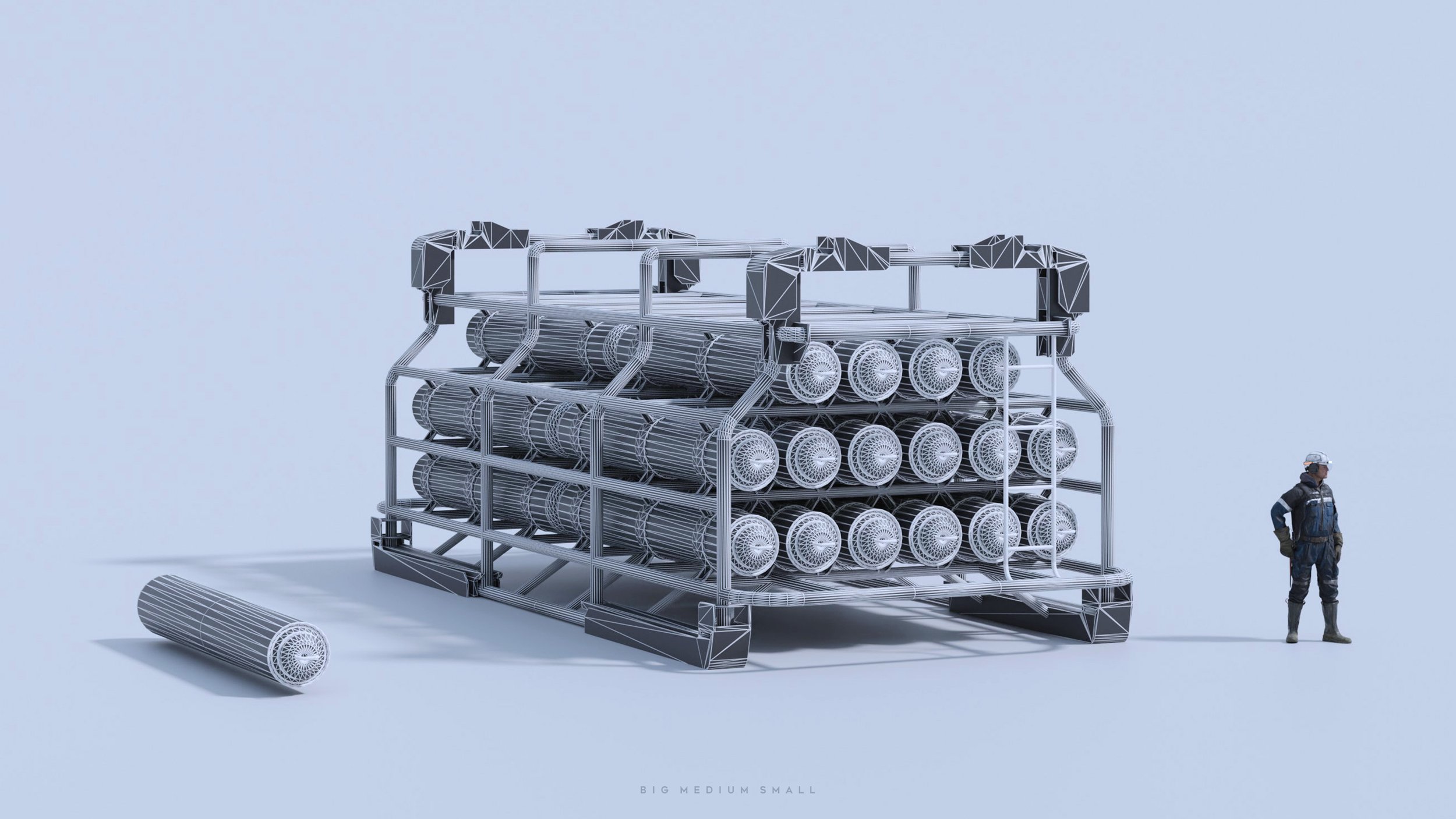
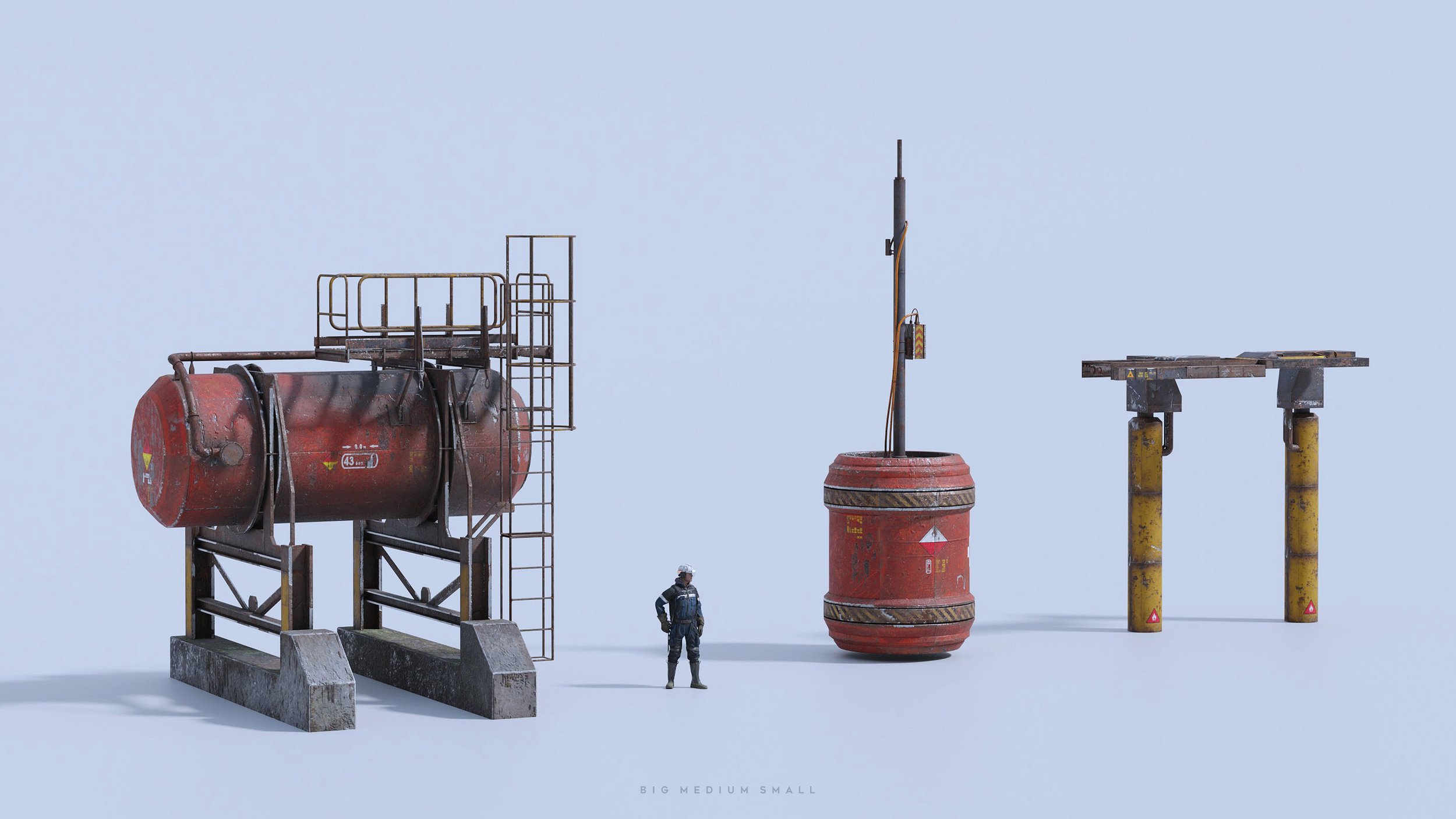
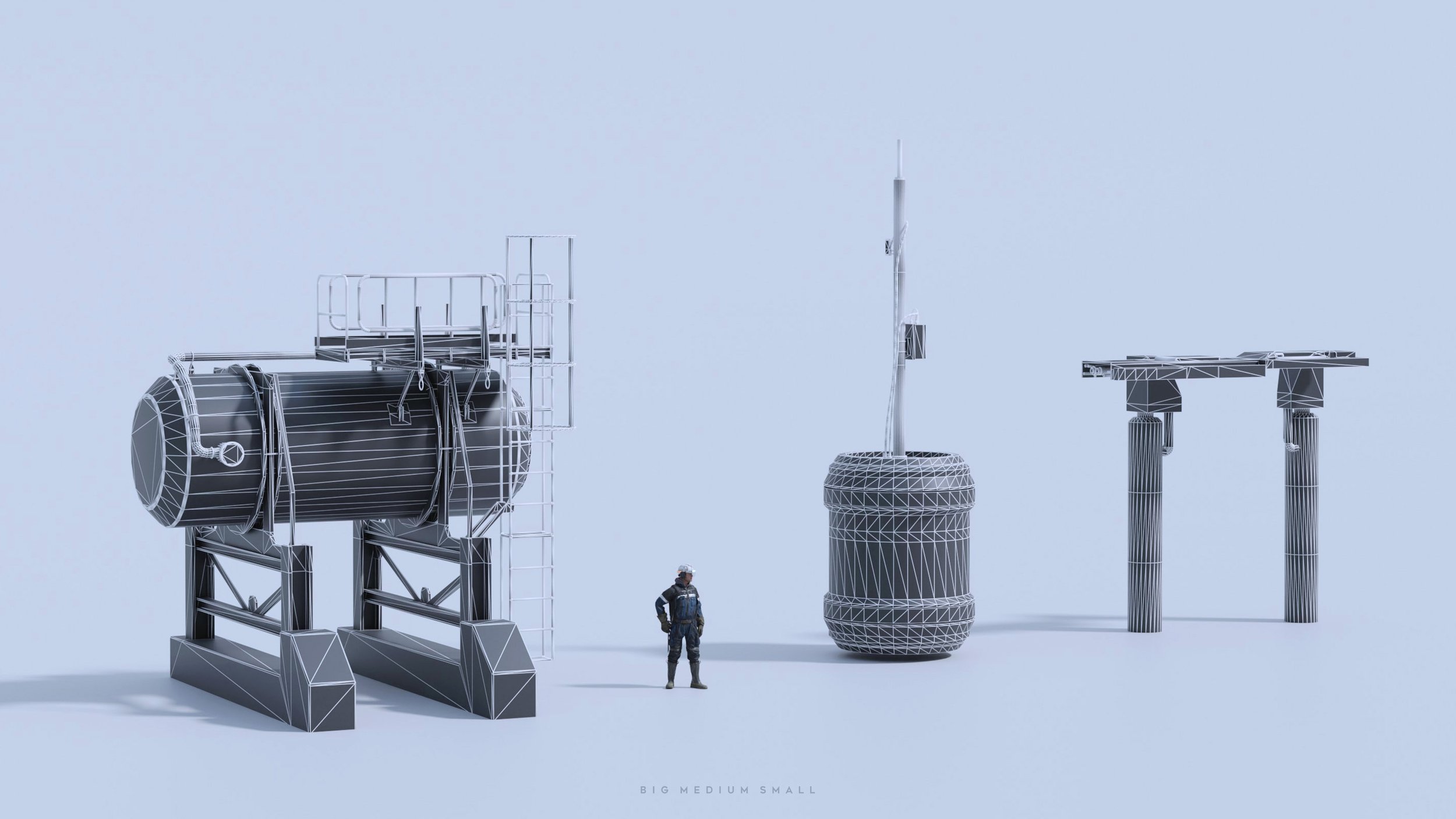
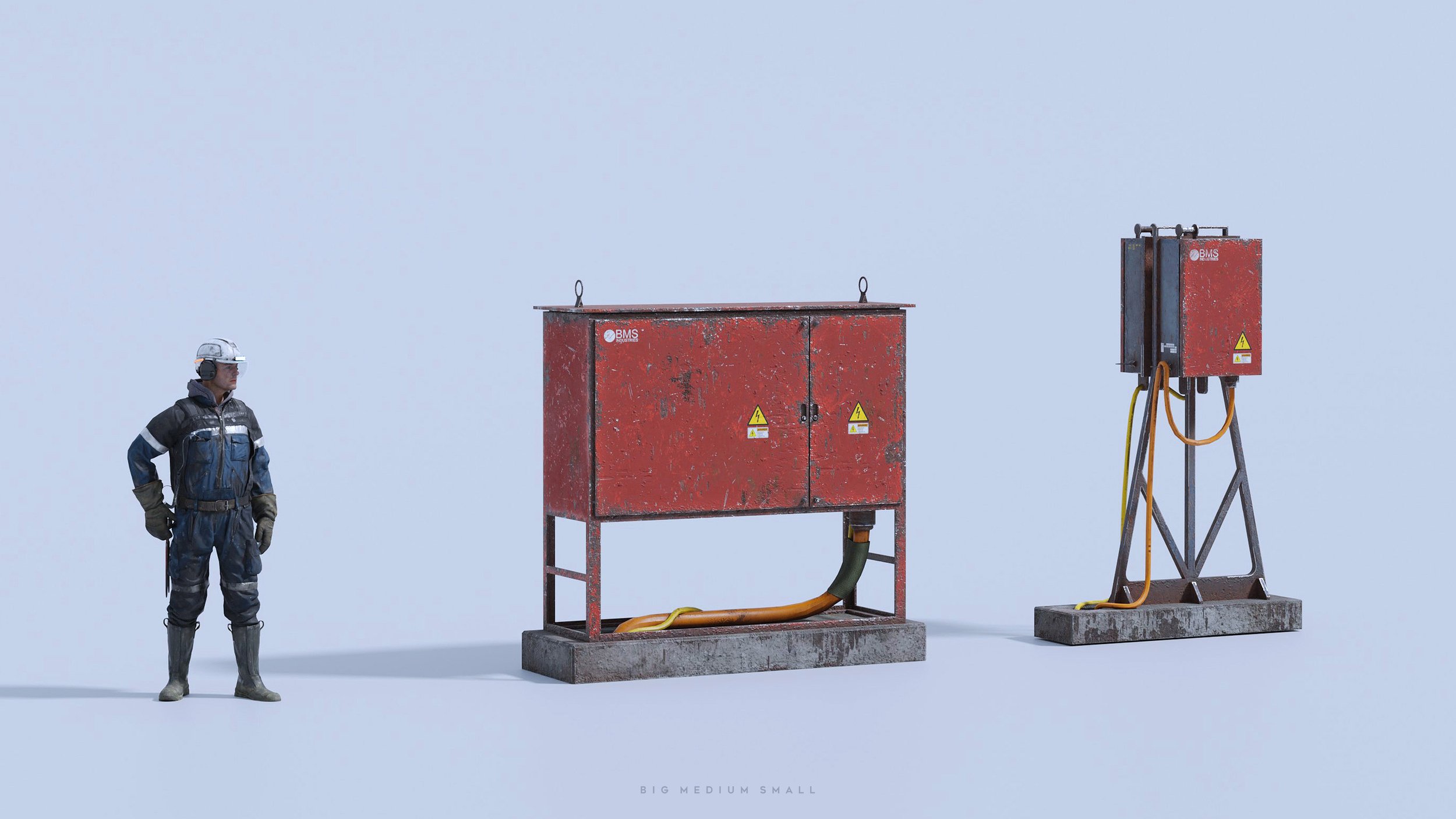
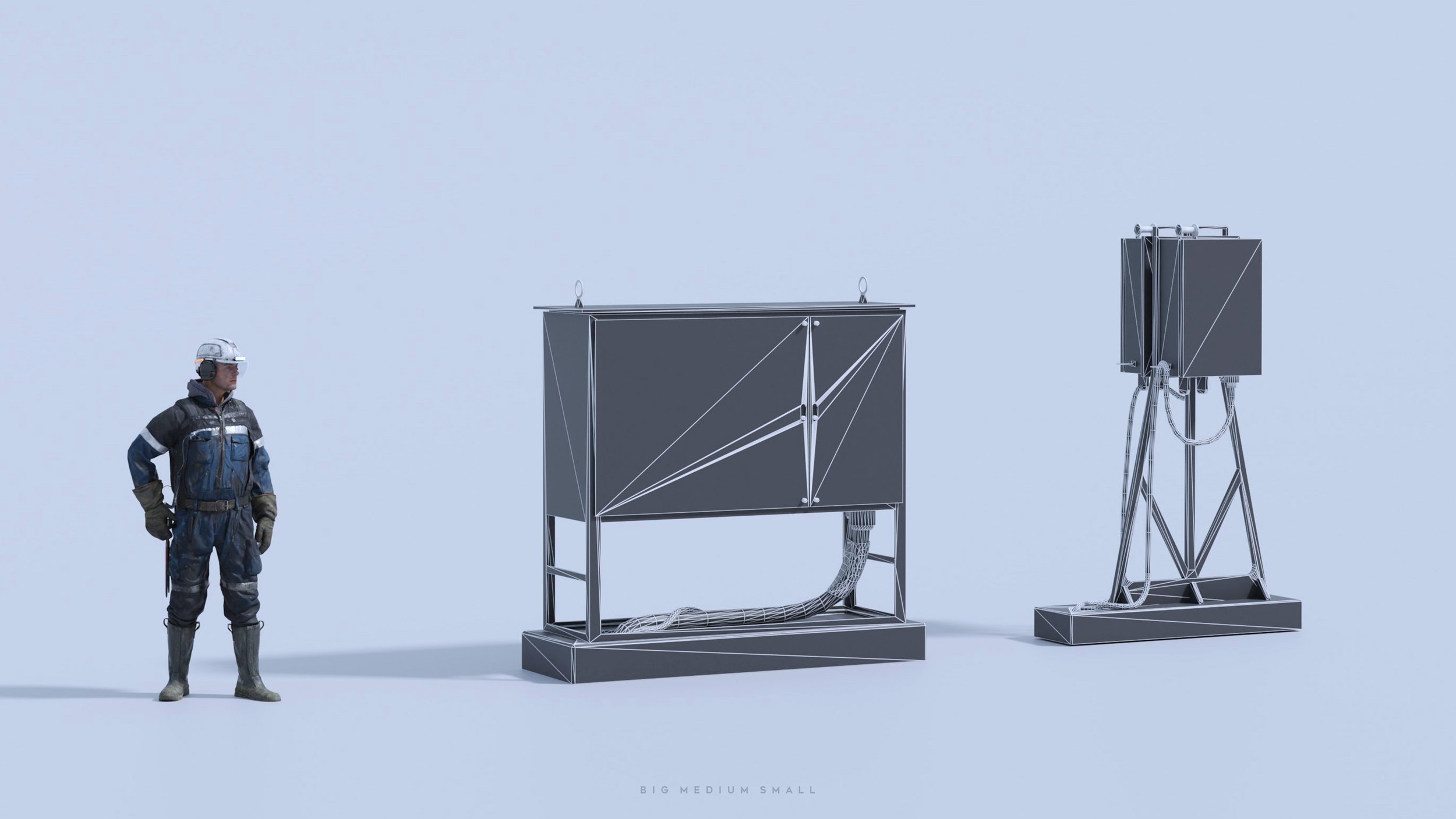
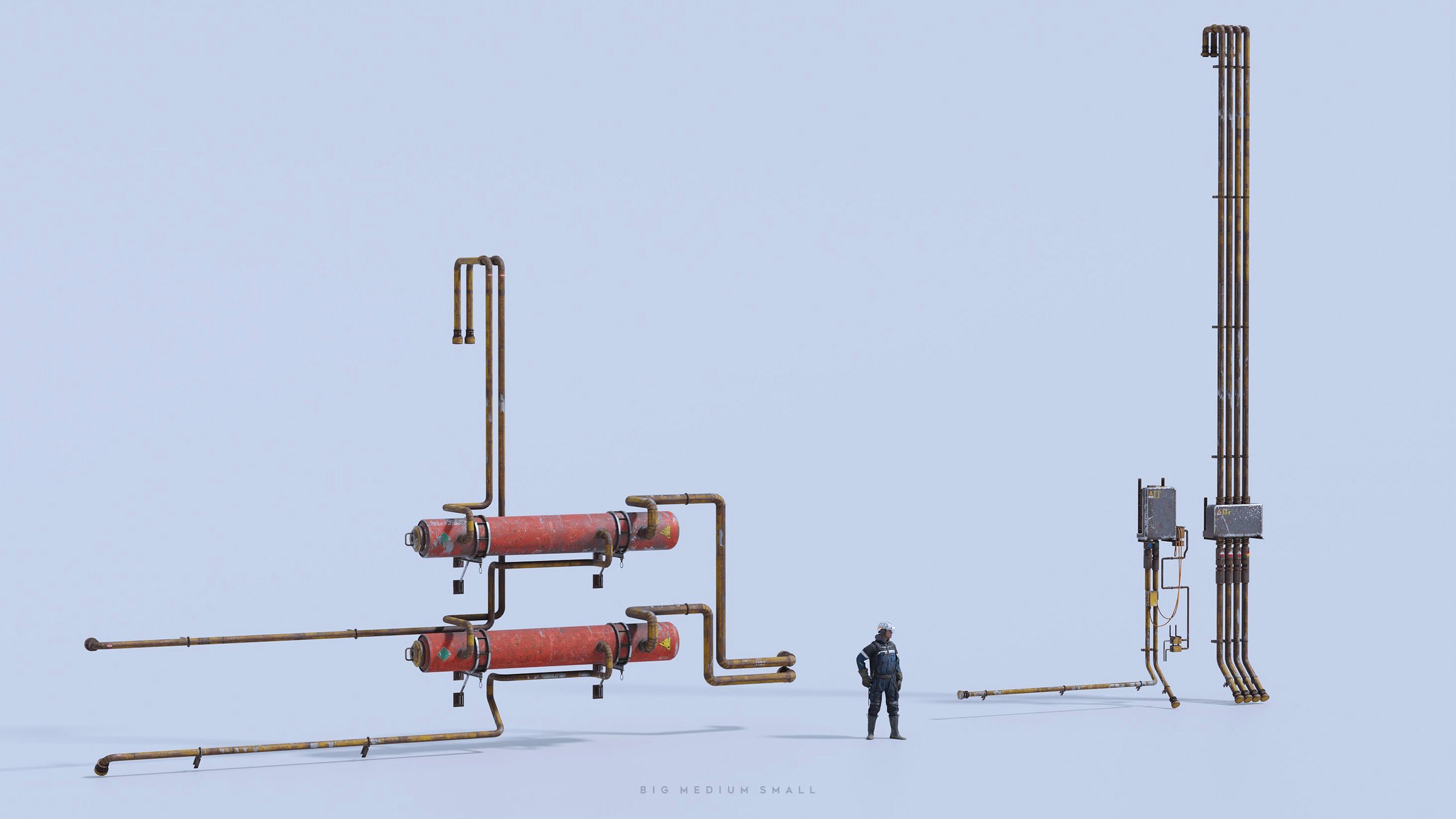
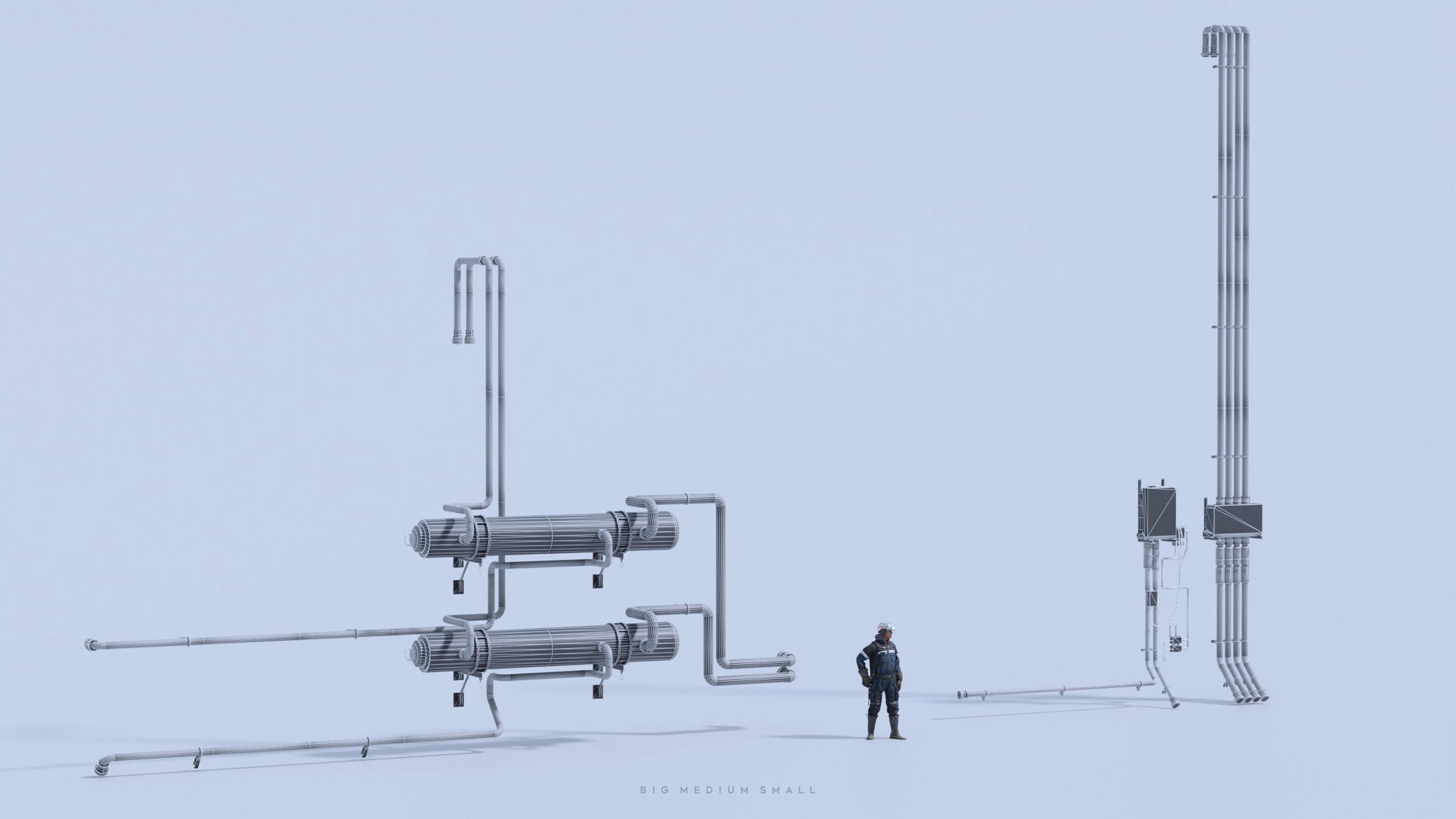
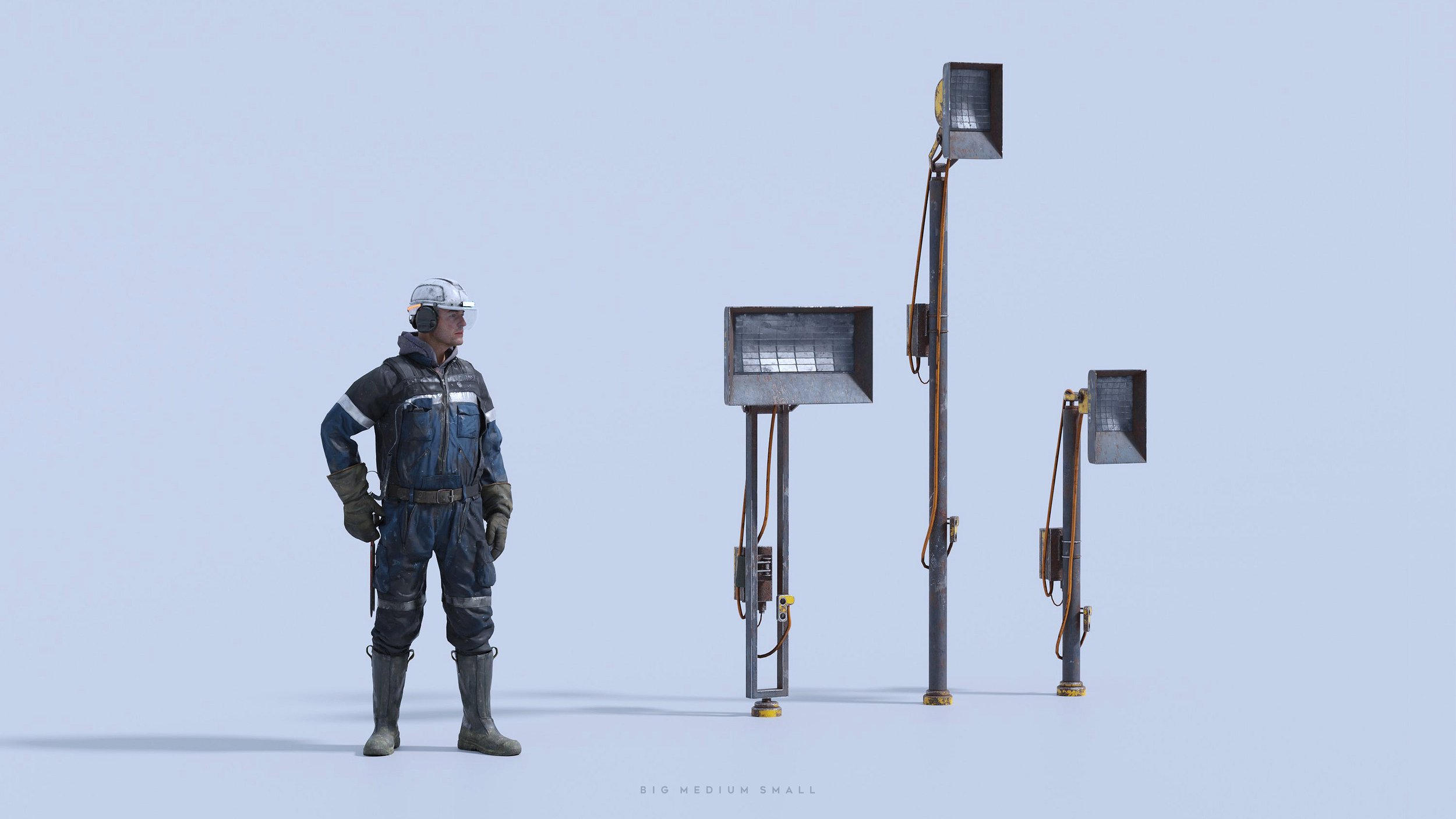
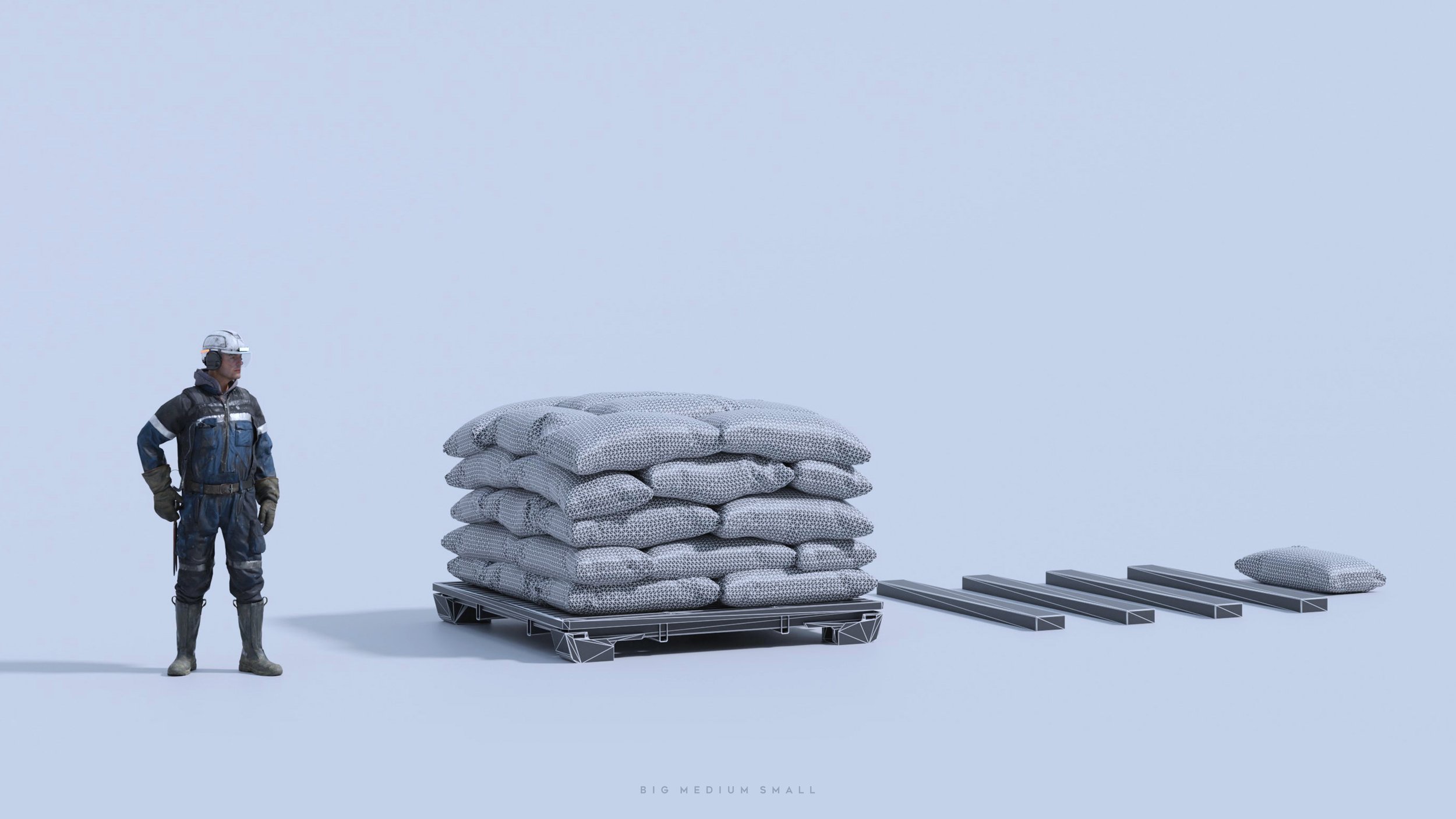
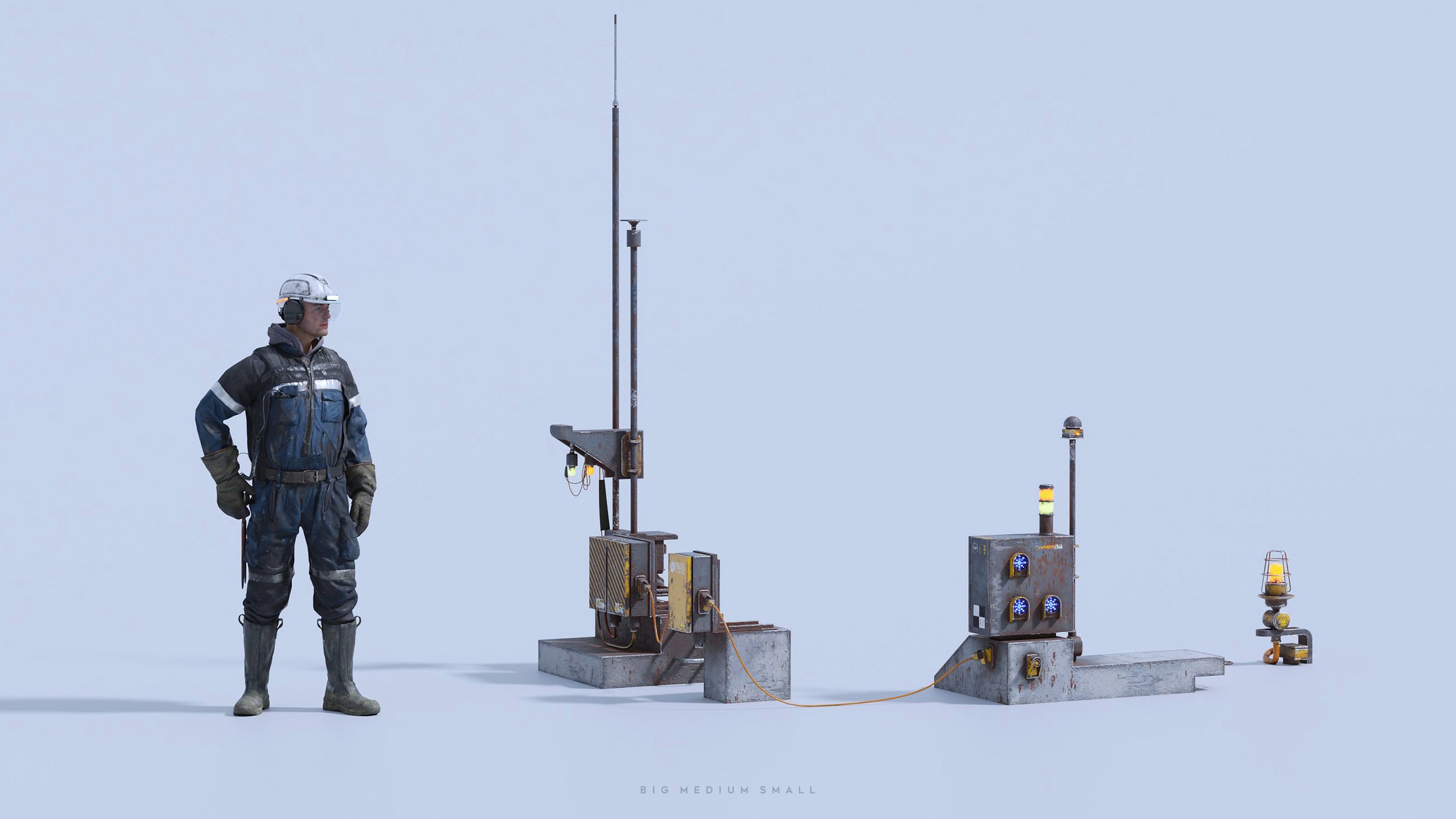
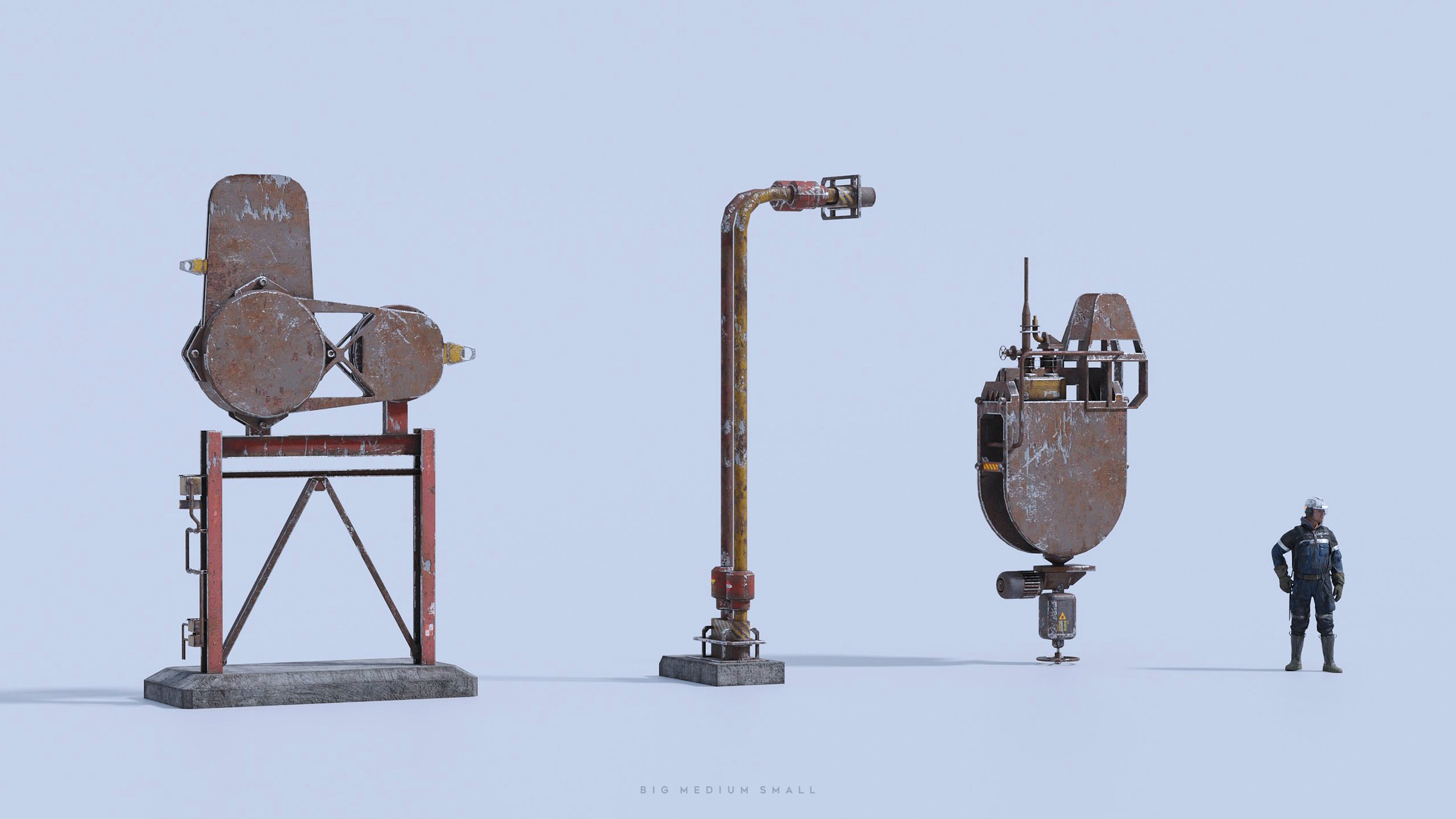
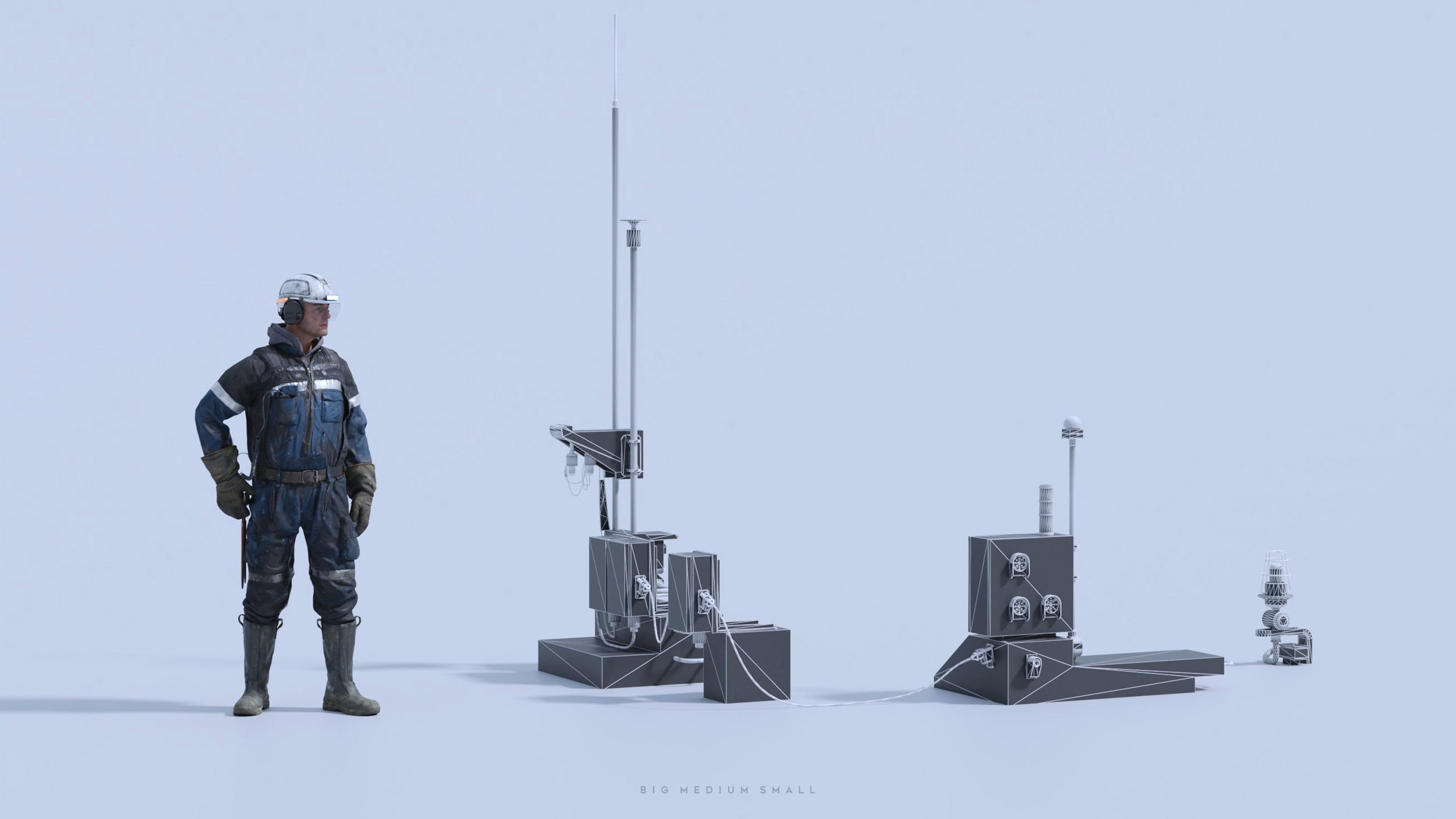
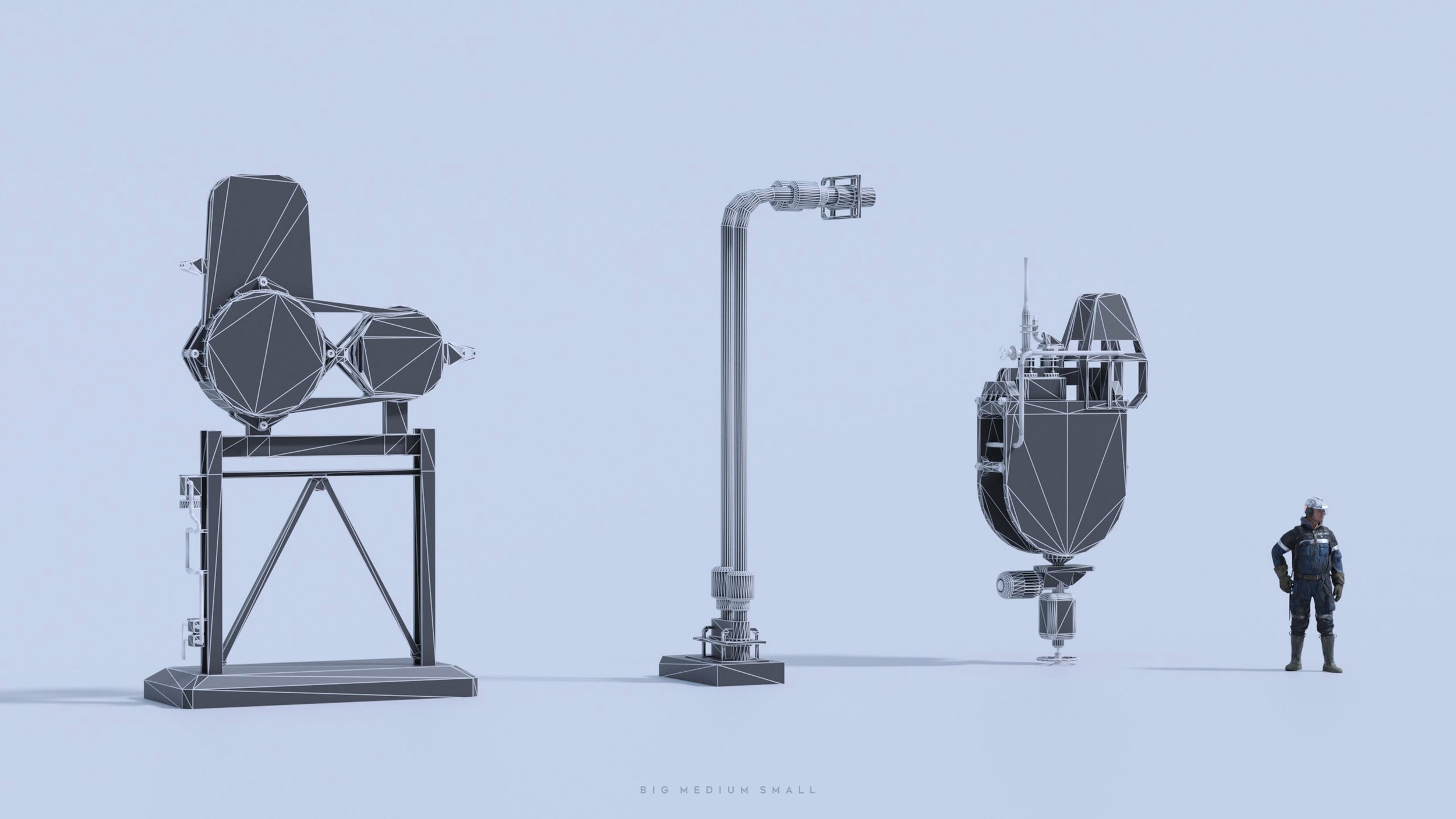
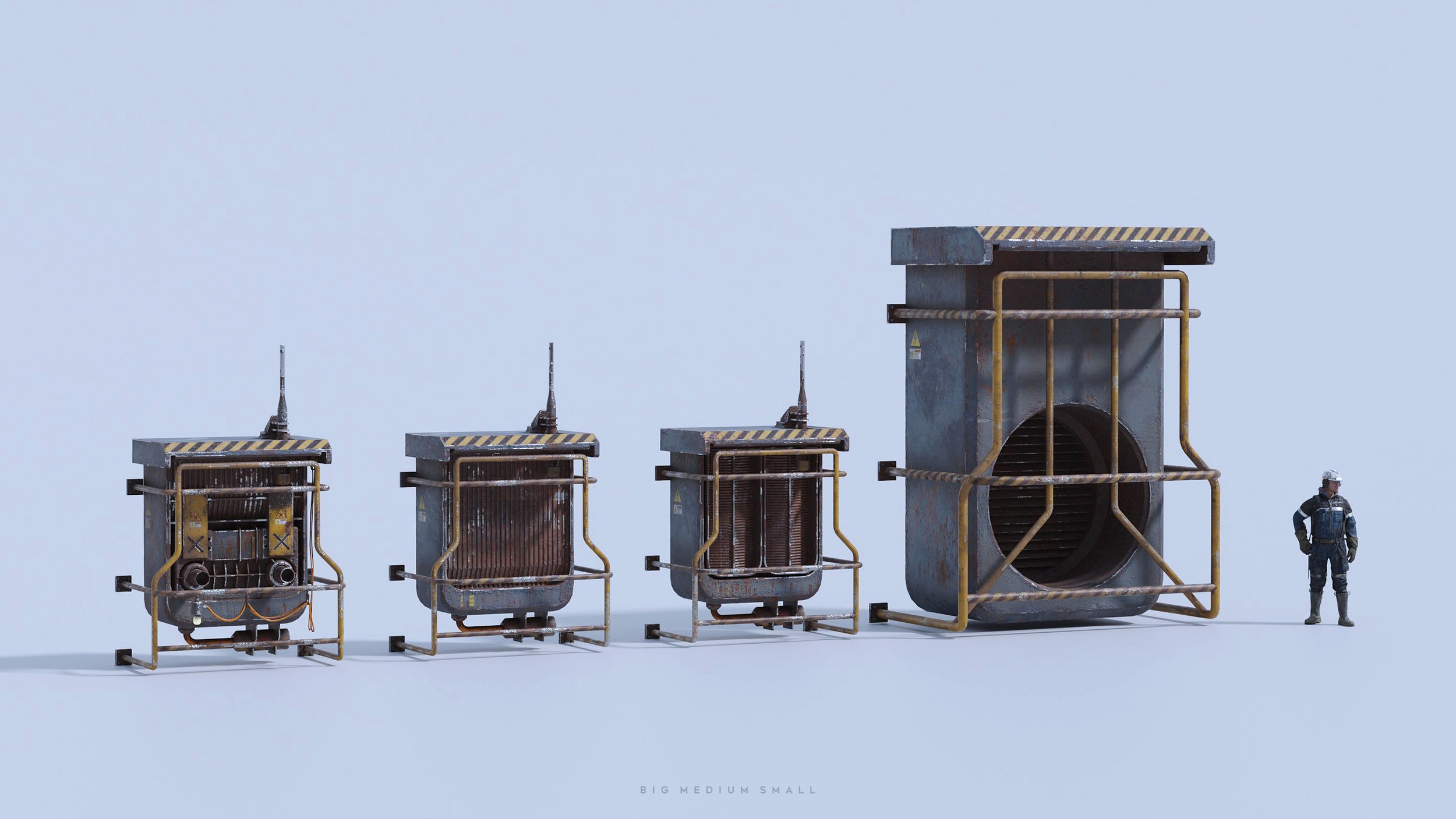
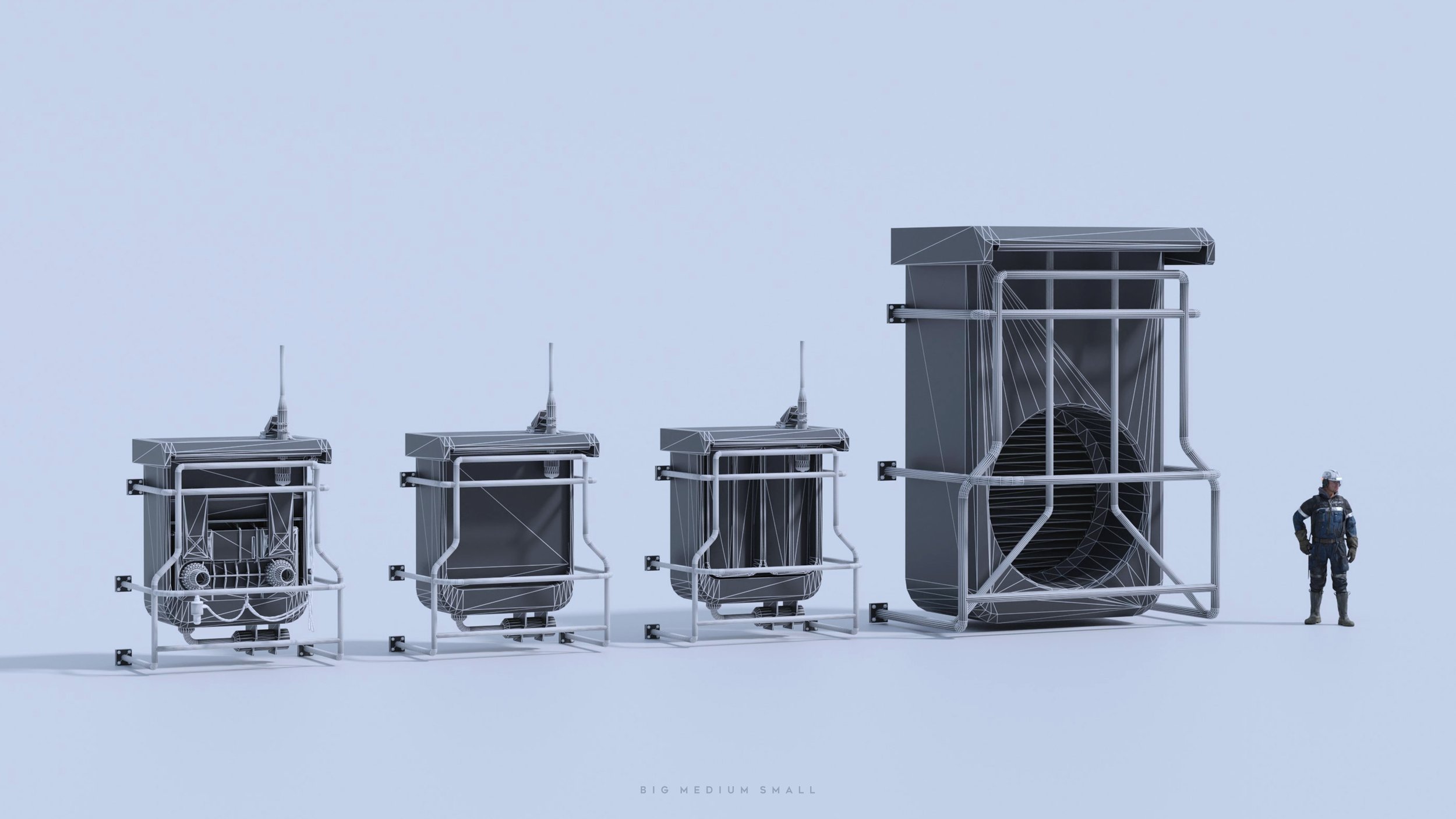
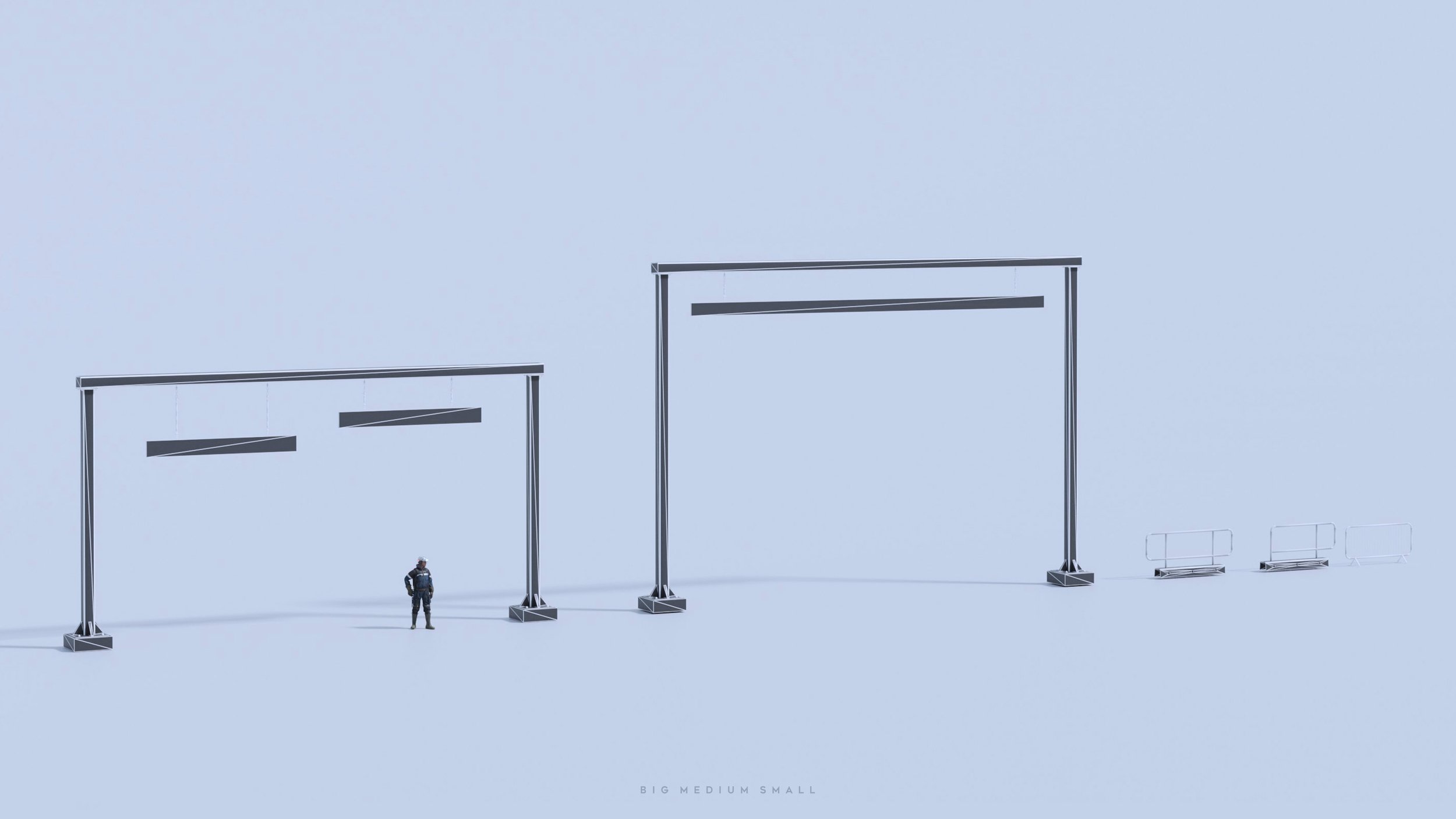
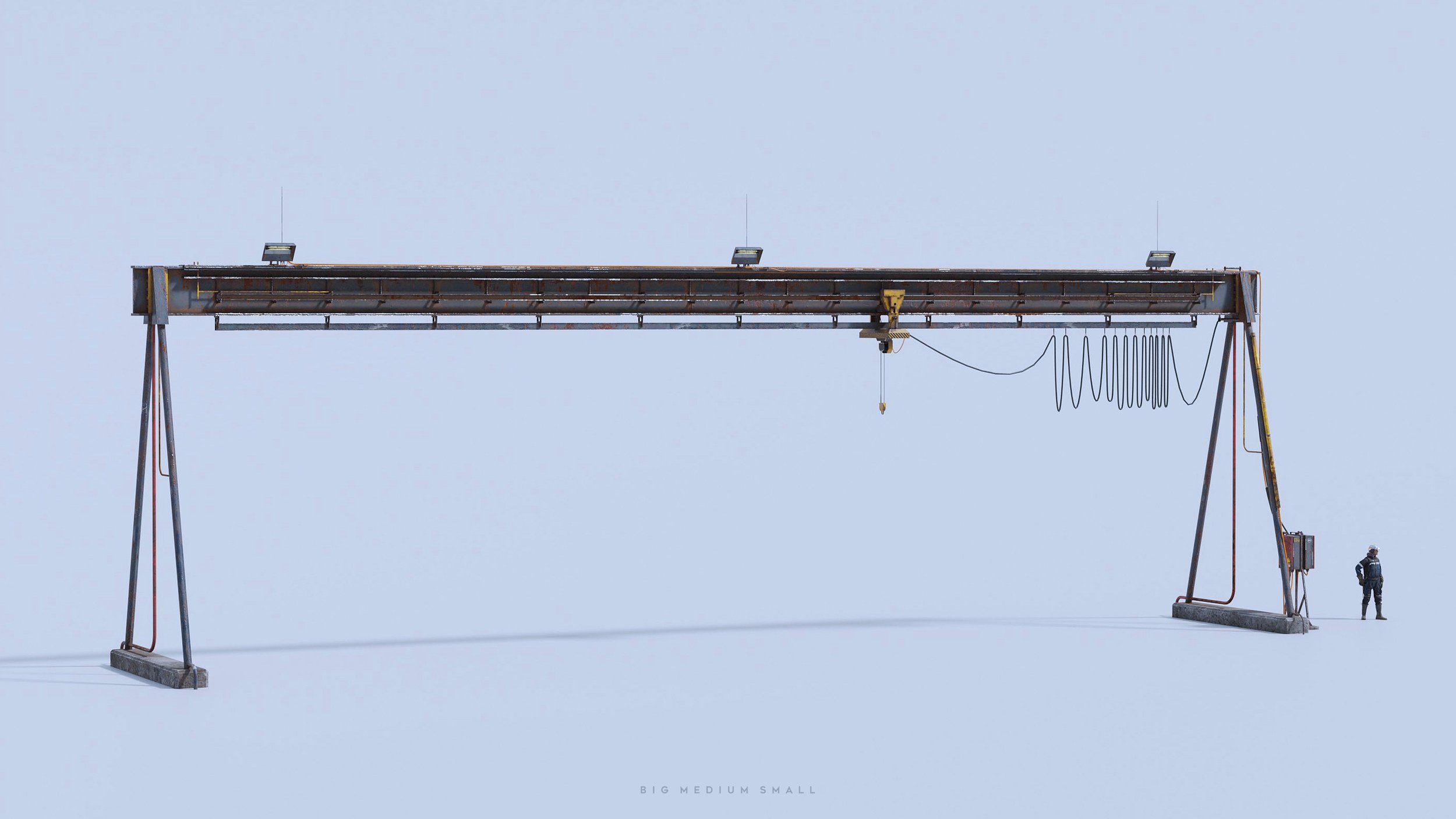
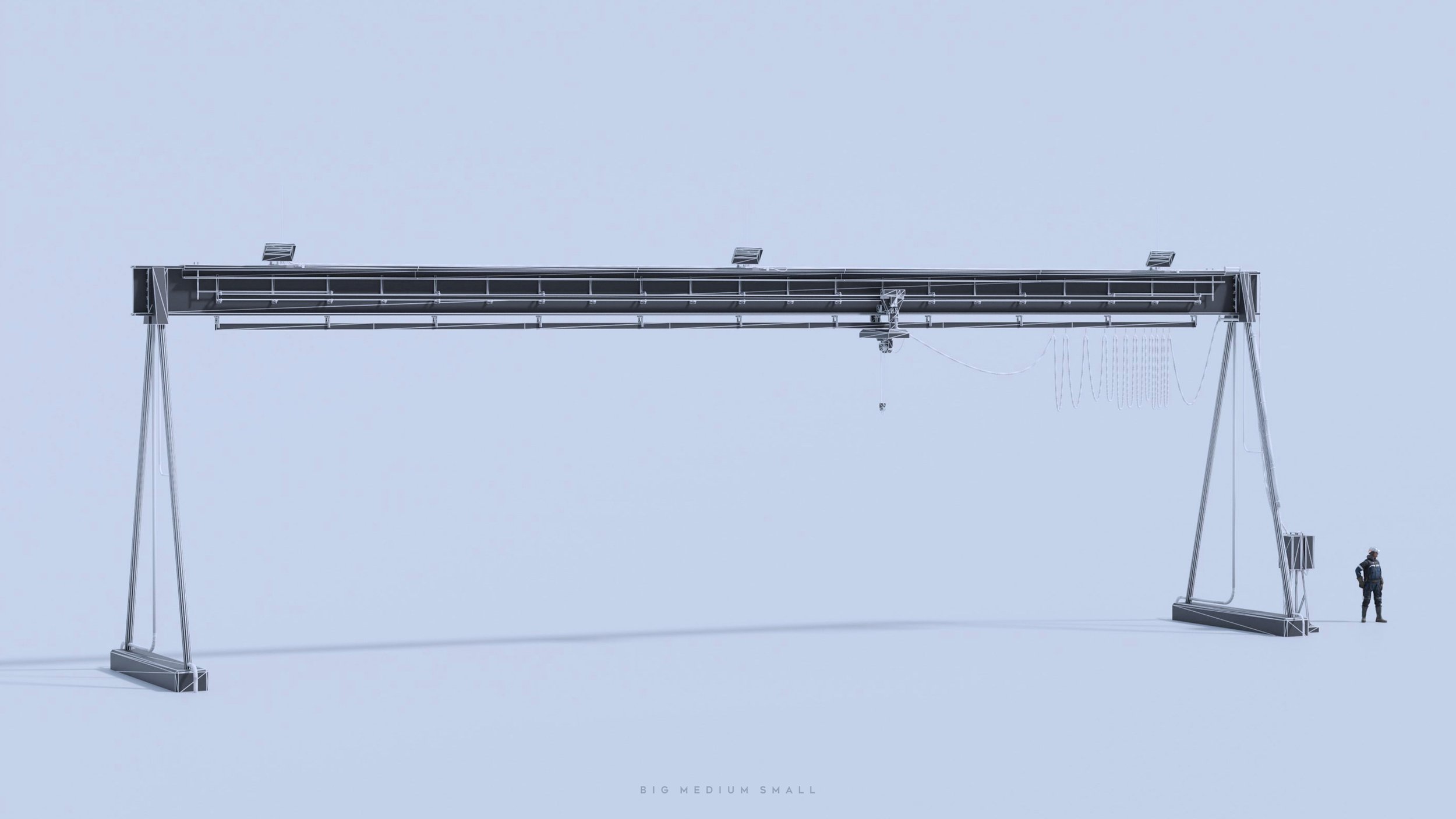
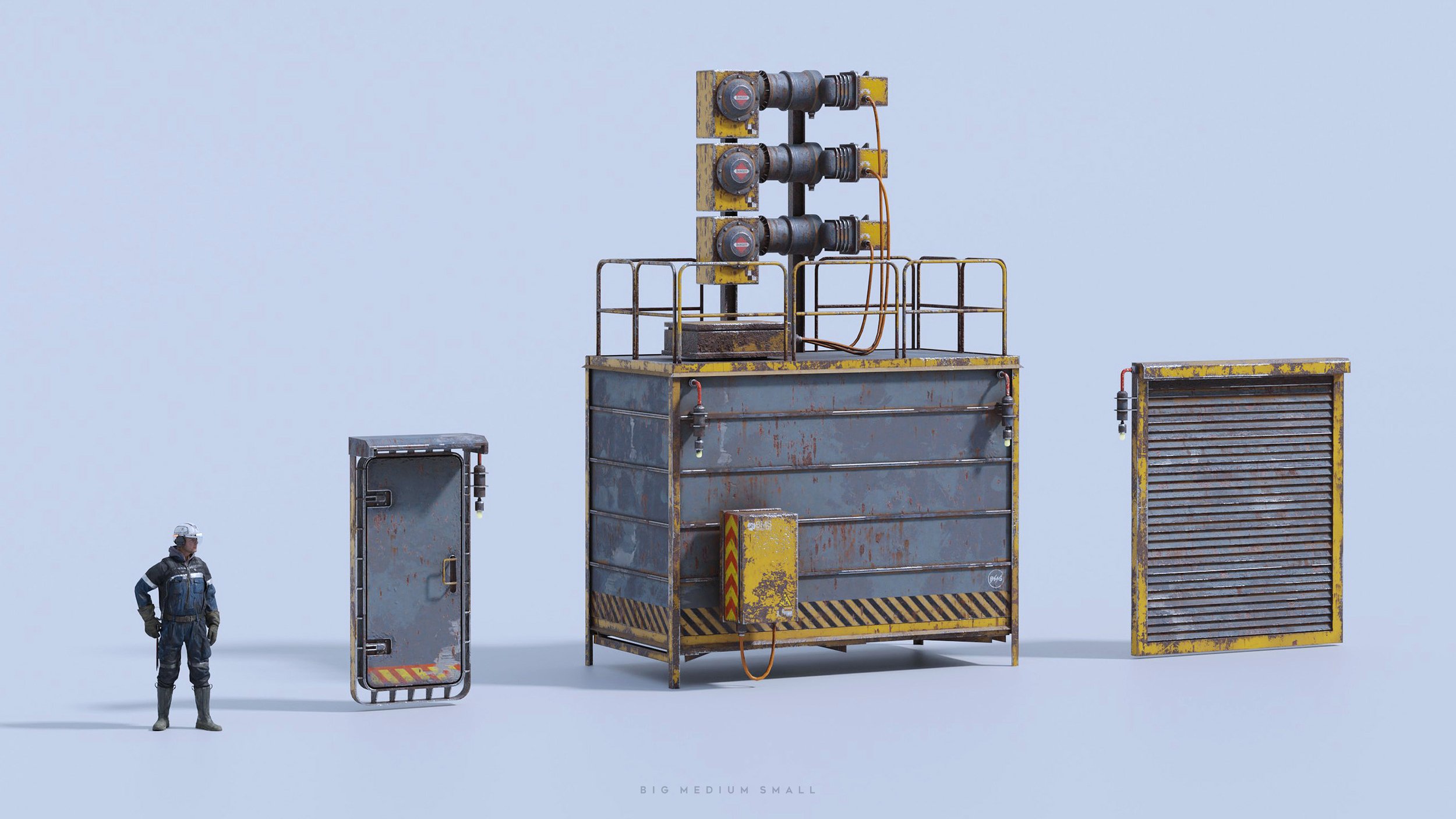
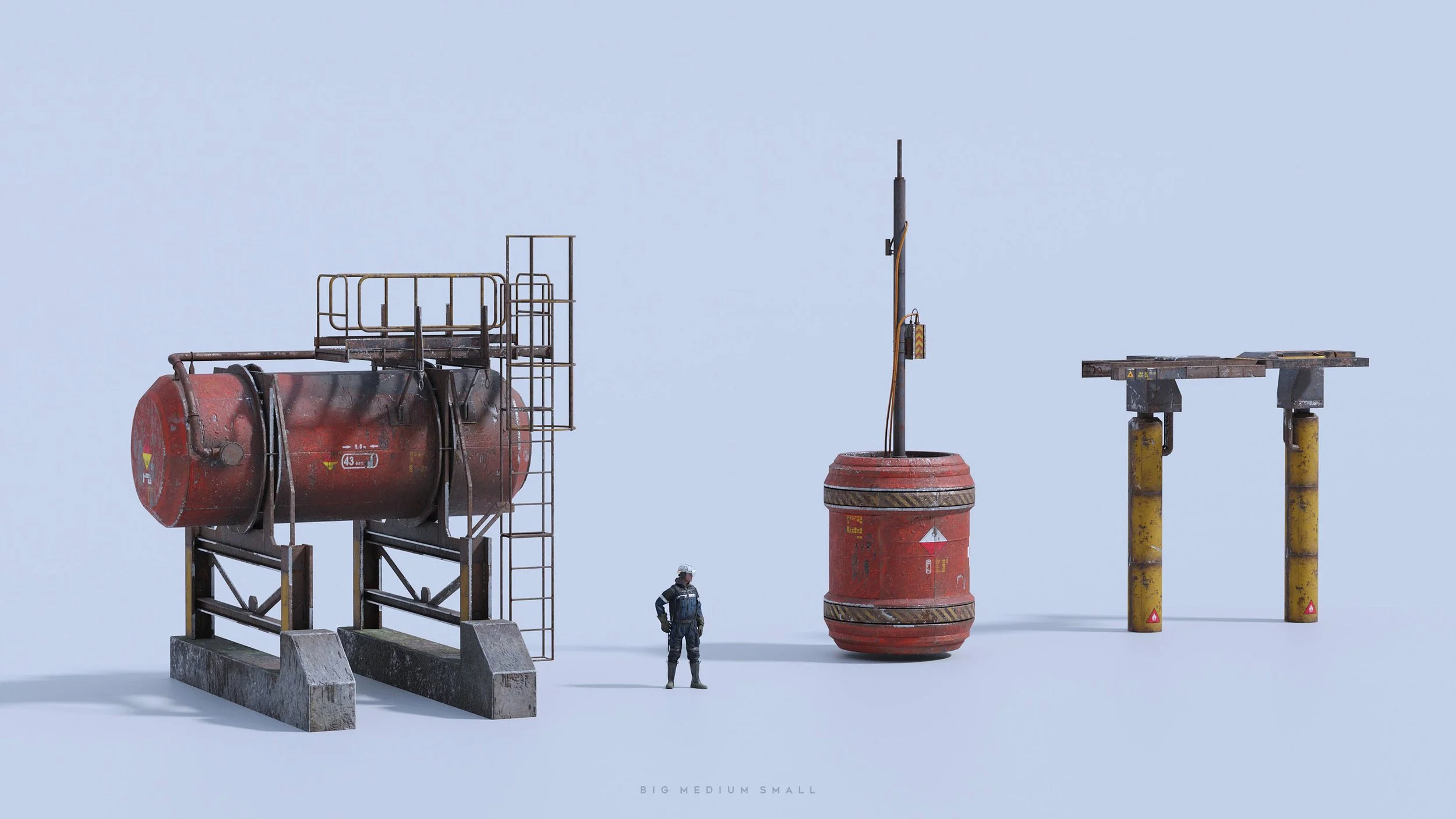
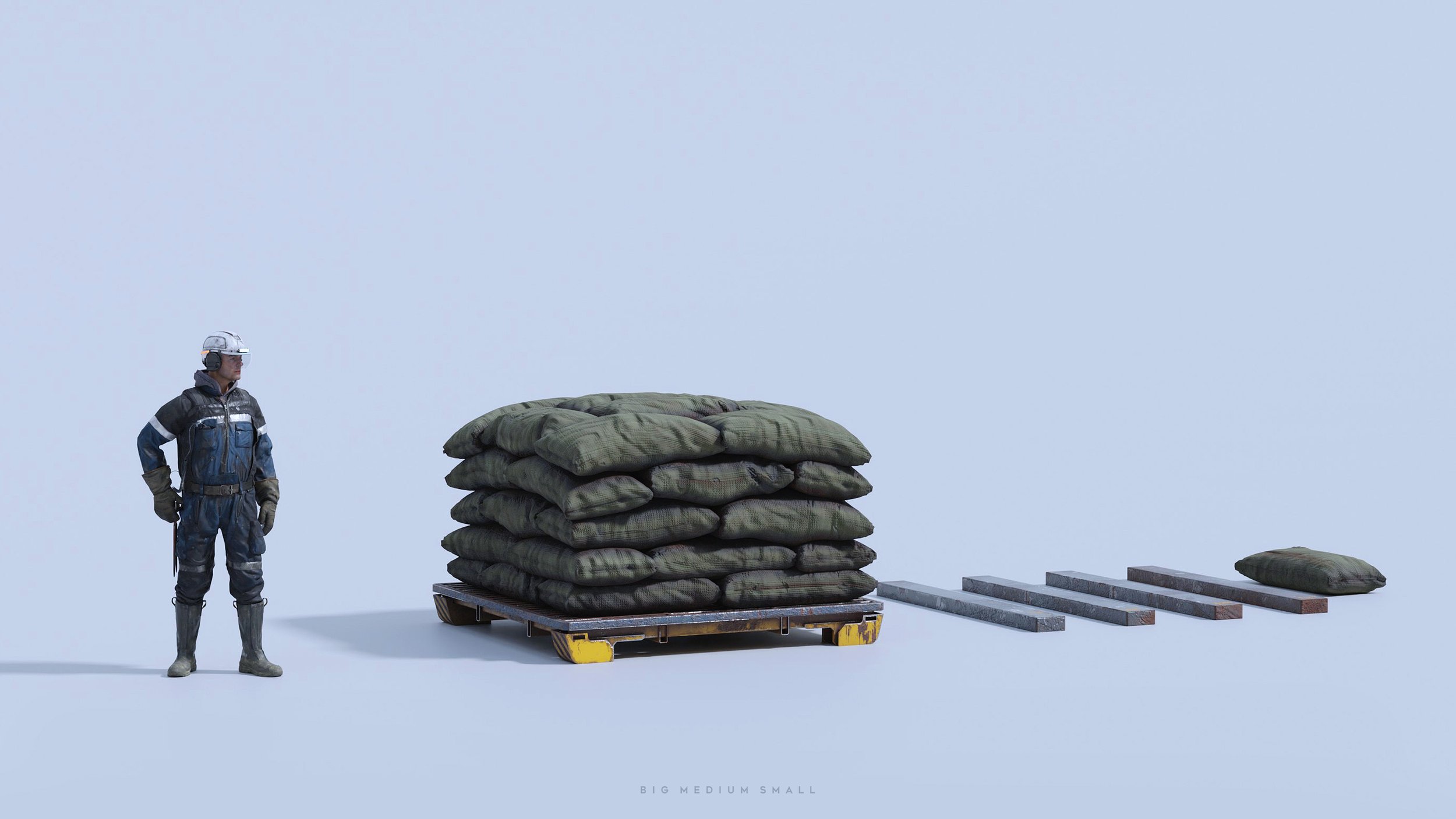
This Set Dressing Collection contains 33 large and medium-size objects to create a realistic Industrial Zone. All models are low poly so it’s great for game engines. The level of detail is suitable for closeups.















Wires and Cables
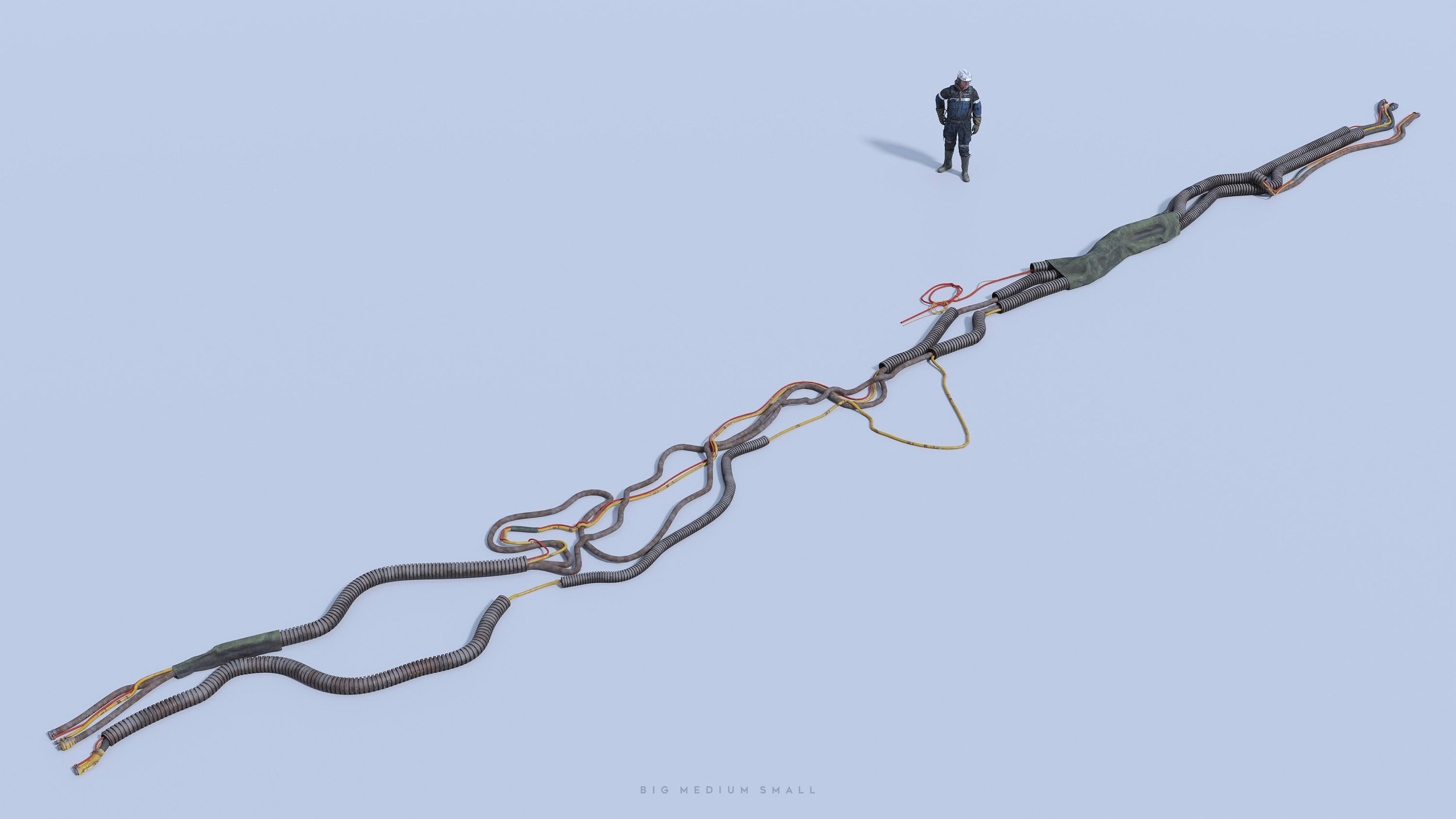
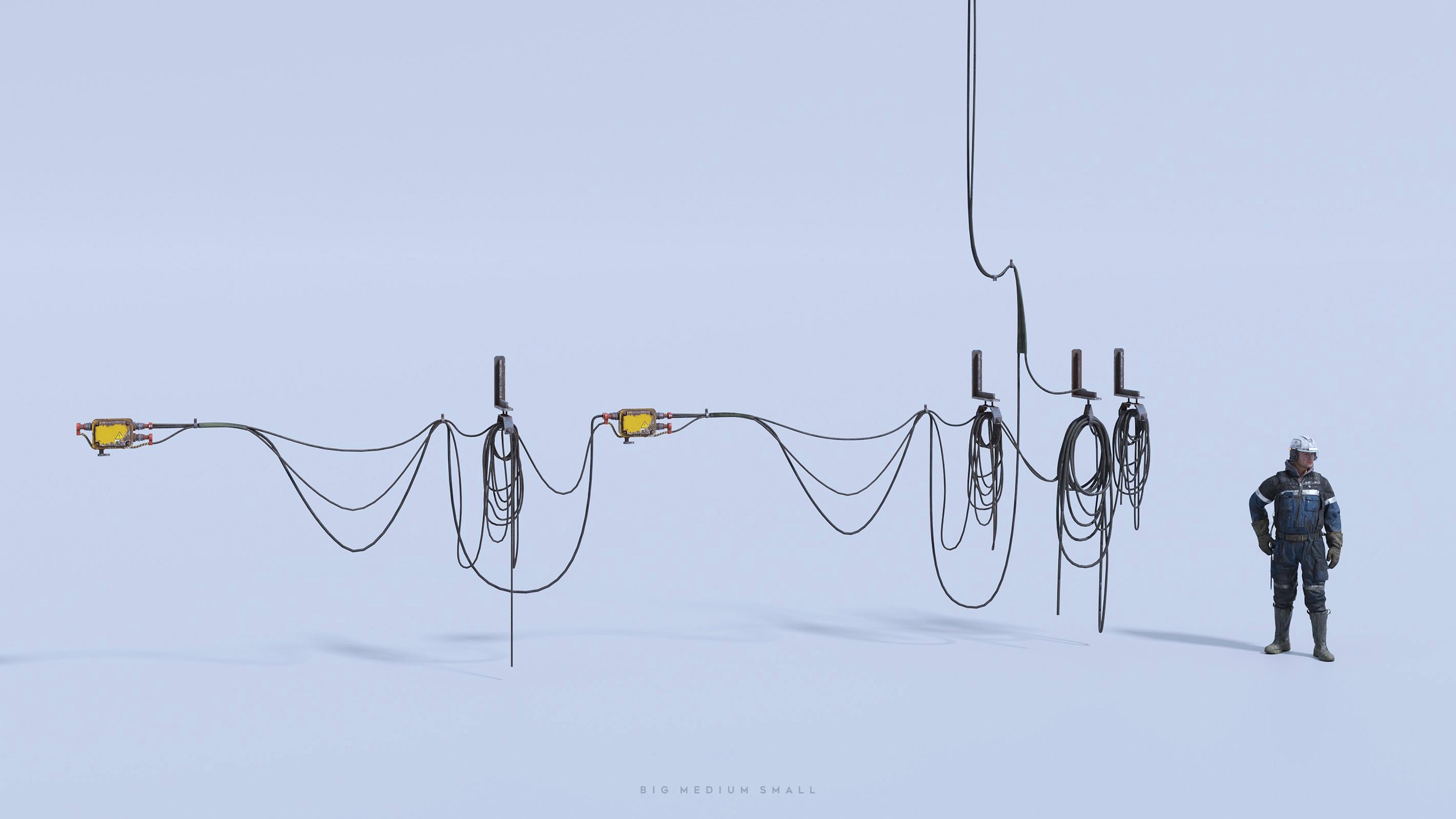
Photorealistic highly detailed 3D set of electrical Cables and Wires. Assets are perfect for creating a gaming environment or a variety of technological scenes. Have the ability to connect with each other. It is possible to build electrical communications of various configurations.





Assets Library support for Blender 3.1
Blender 3.1 includes a new editor: The Asset Browser. It makes working with reusable assets much easier and more visual. Assets can simply be dragged into the 3D View, and in some instances, into other editors. Objects will snap to the surface under the cursor or to the grid. Materials will be applied to the material slot under the cursor. Make sure you update Blender to the latest supported version.